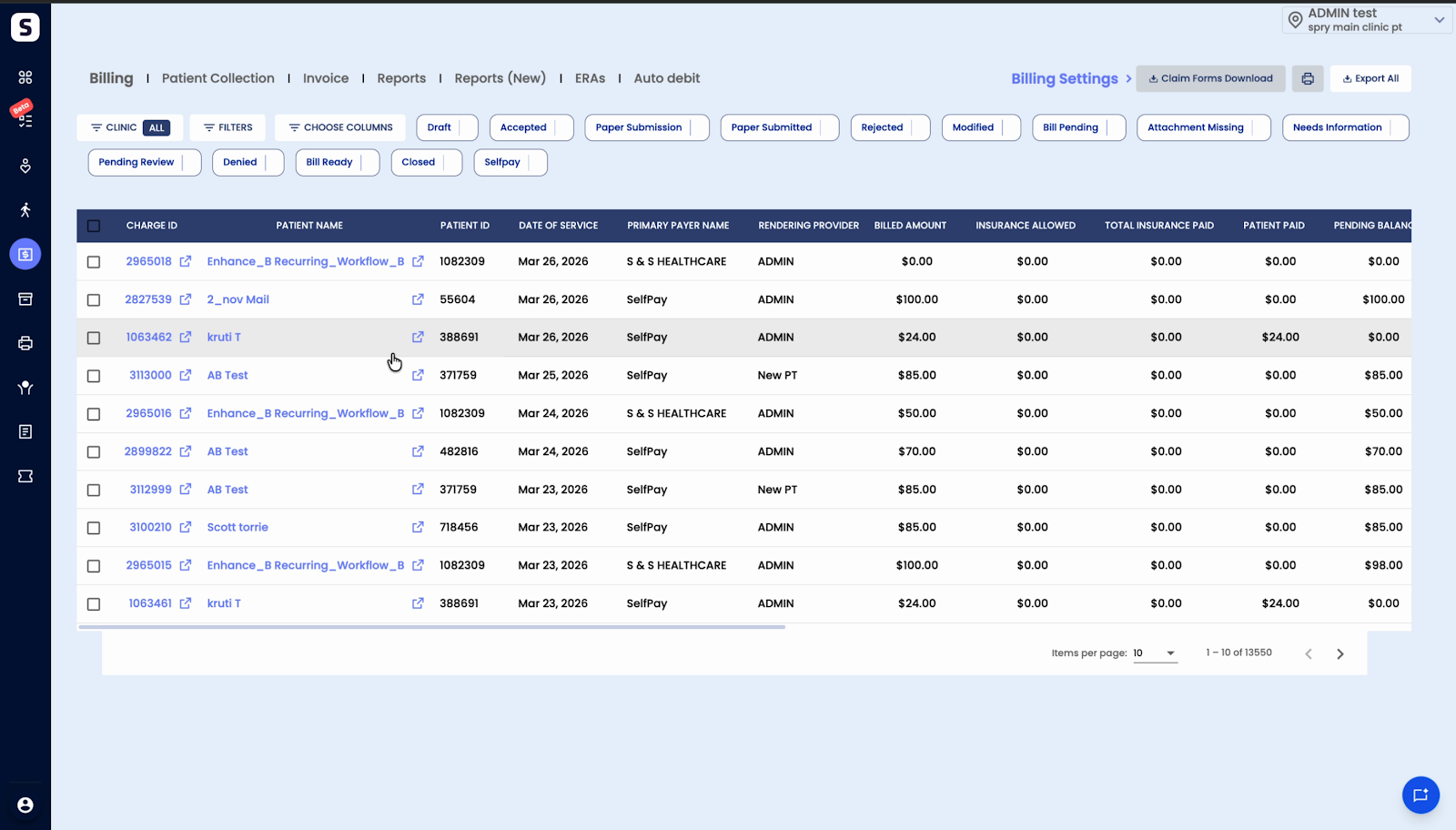
Workers comp and Personal Injury Billing Workflow
Submitting Worker Form Claims to the Insurance Company
Easily manage and submit worker form claims to insurance companies through the billing dashboard. Choose between electronic and paper claim submission based on payer requirements. Here’s how the process works:
Step 1: Go to the Billing Dashboard.
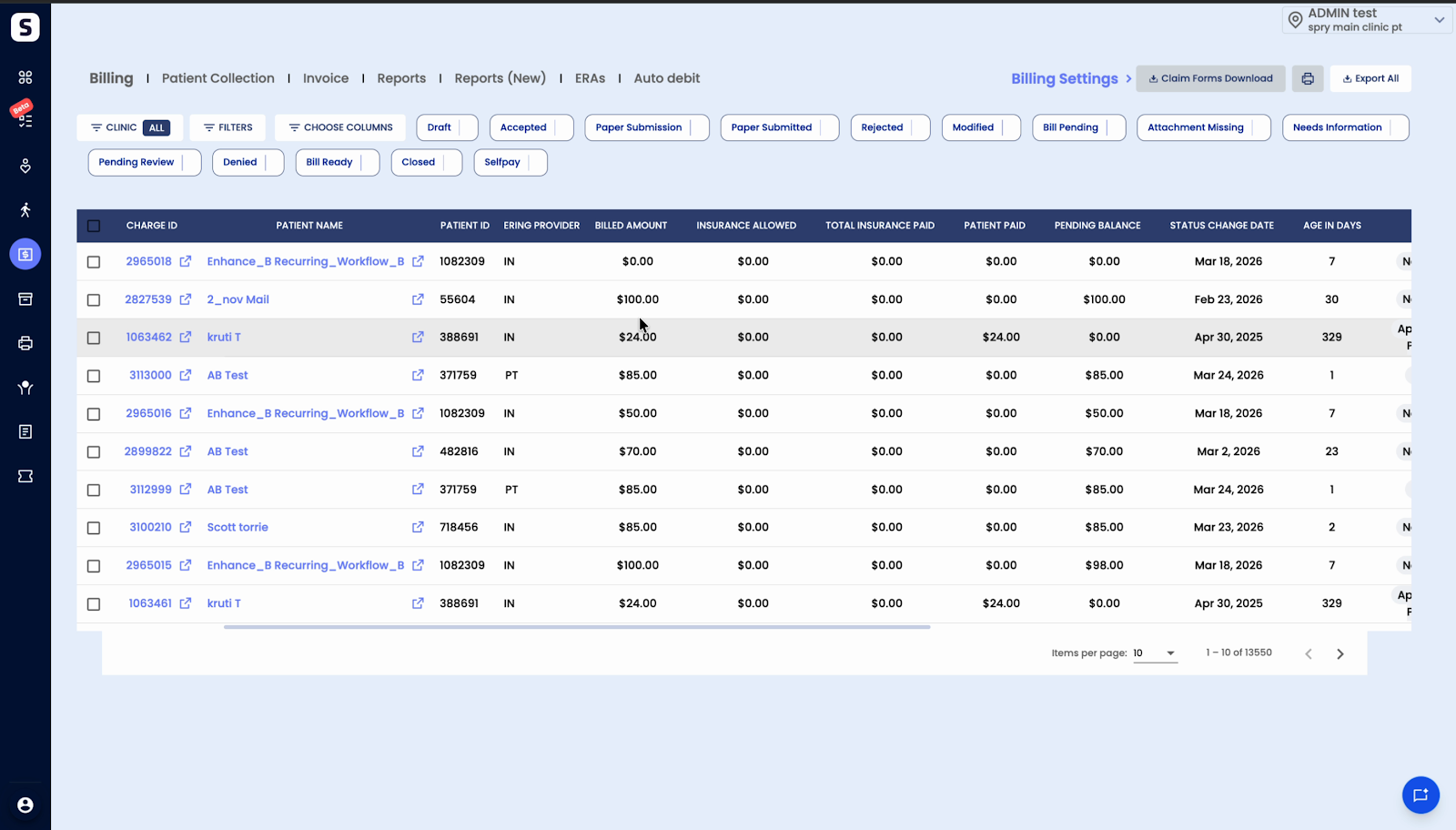
Step 2: Check the Drafts bucket. Claims ready for submission appear here if the payer accepts electronic claims.
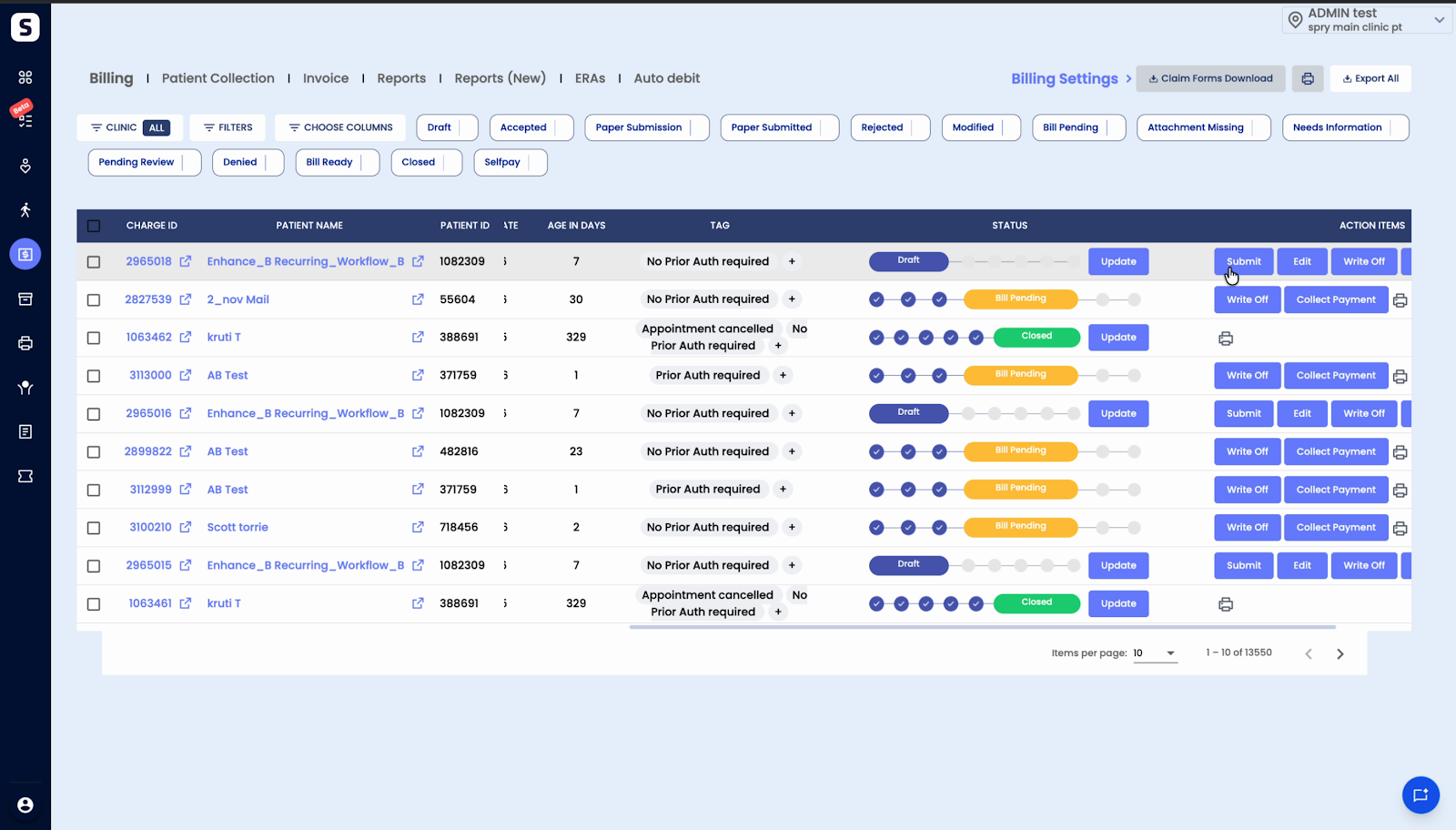
Step 3: Click the Submit button to send the claim electronically via the clearinghouse to the payer.
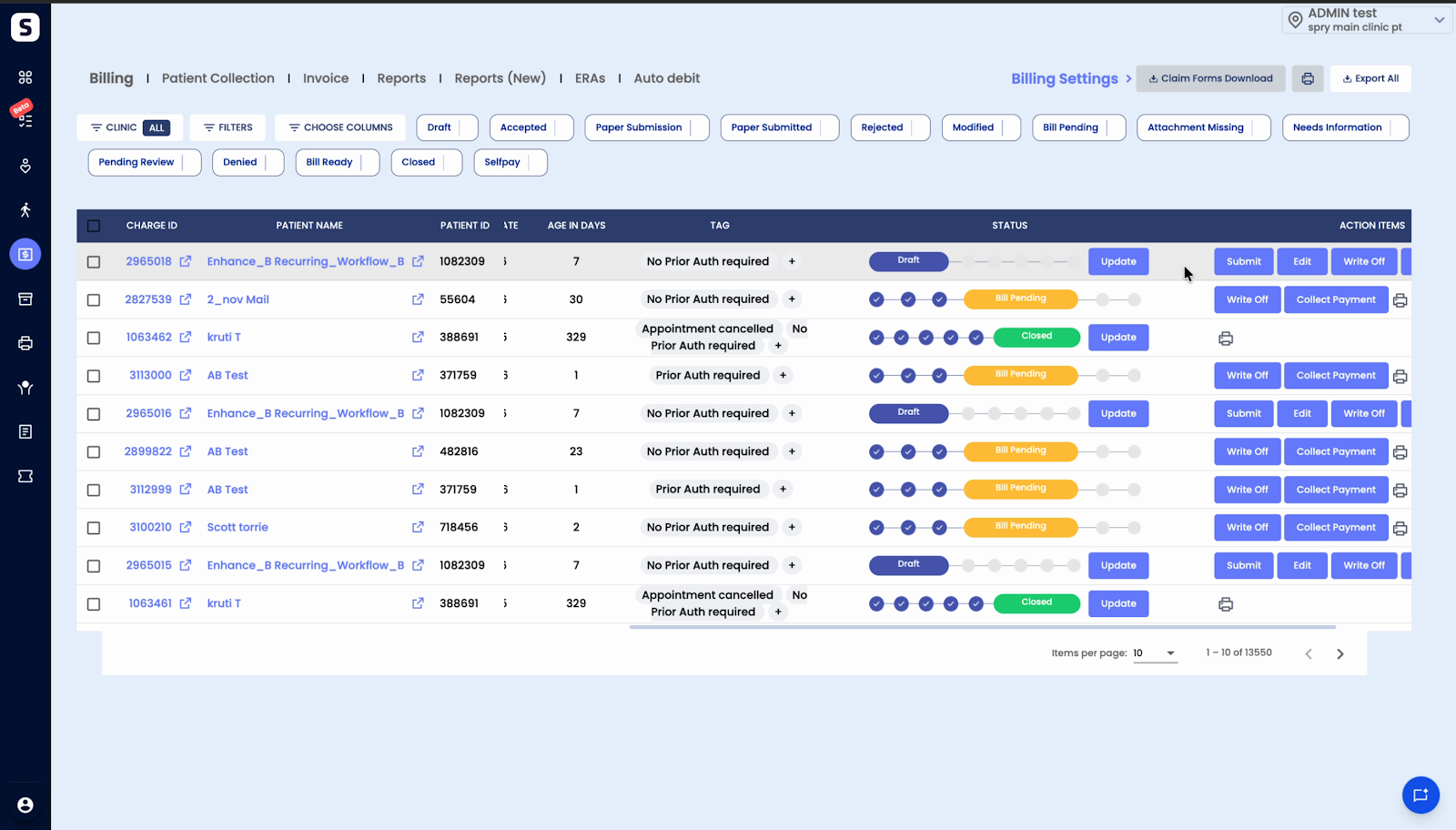
If the payer doesn’t accept electronic claims, use the paper submission route.
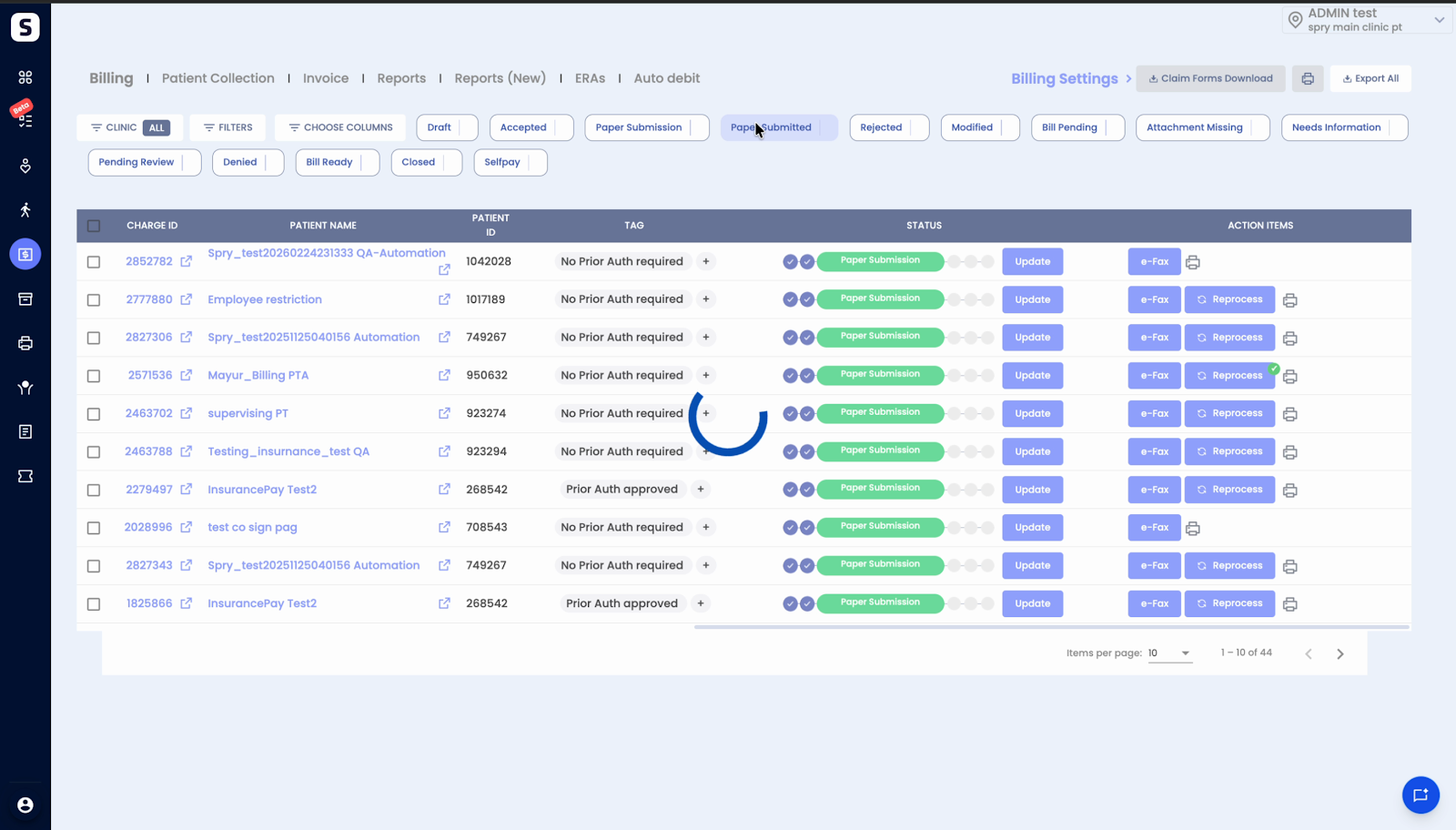
Step 1: Select the Paper Submission bucket. Claims ready for manual submission are listed here.
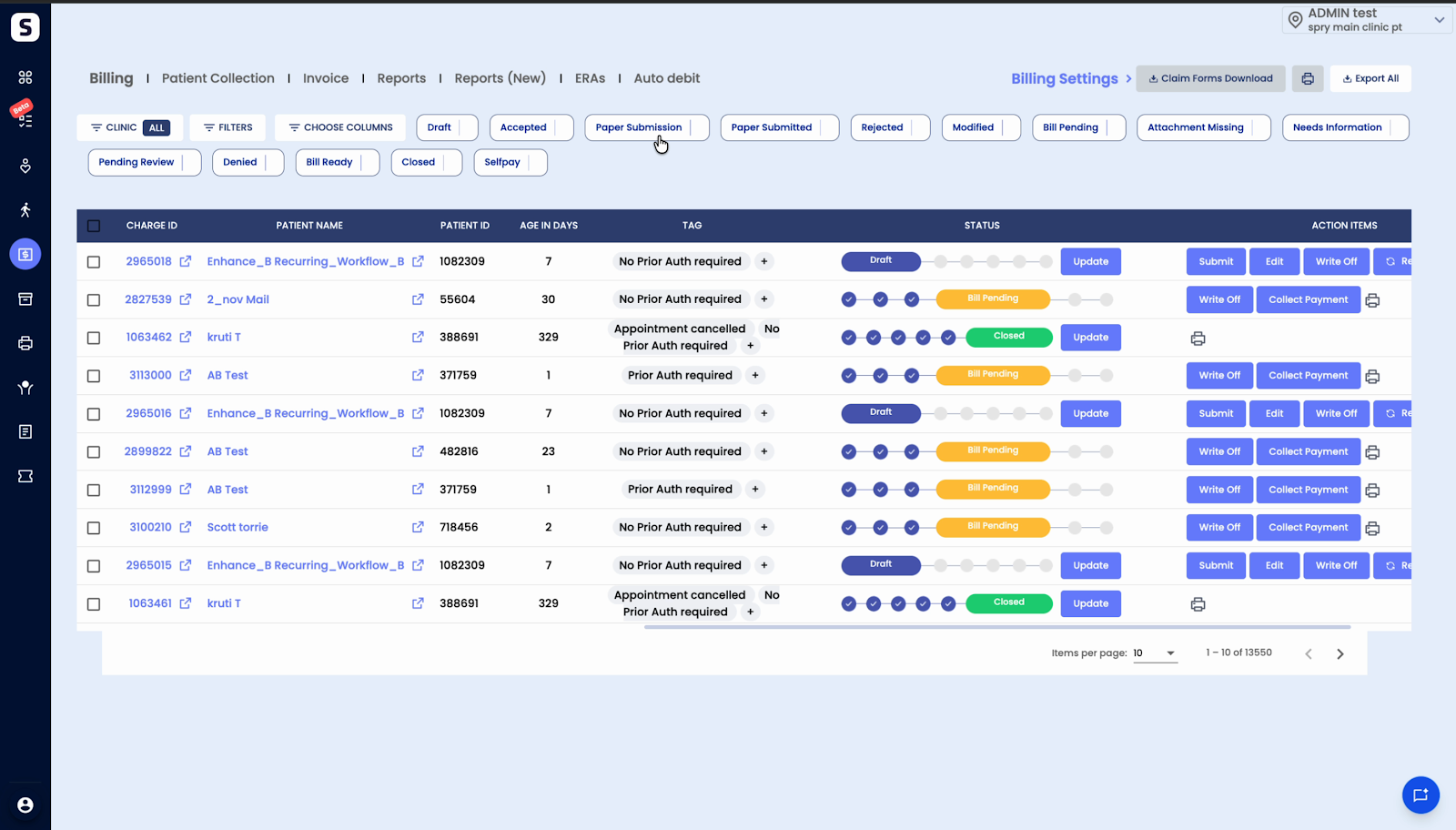
Step 2: Click eFax to electronically fax the selected claim to the insurance company.
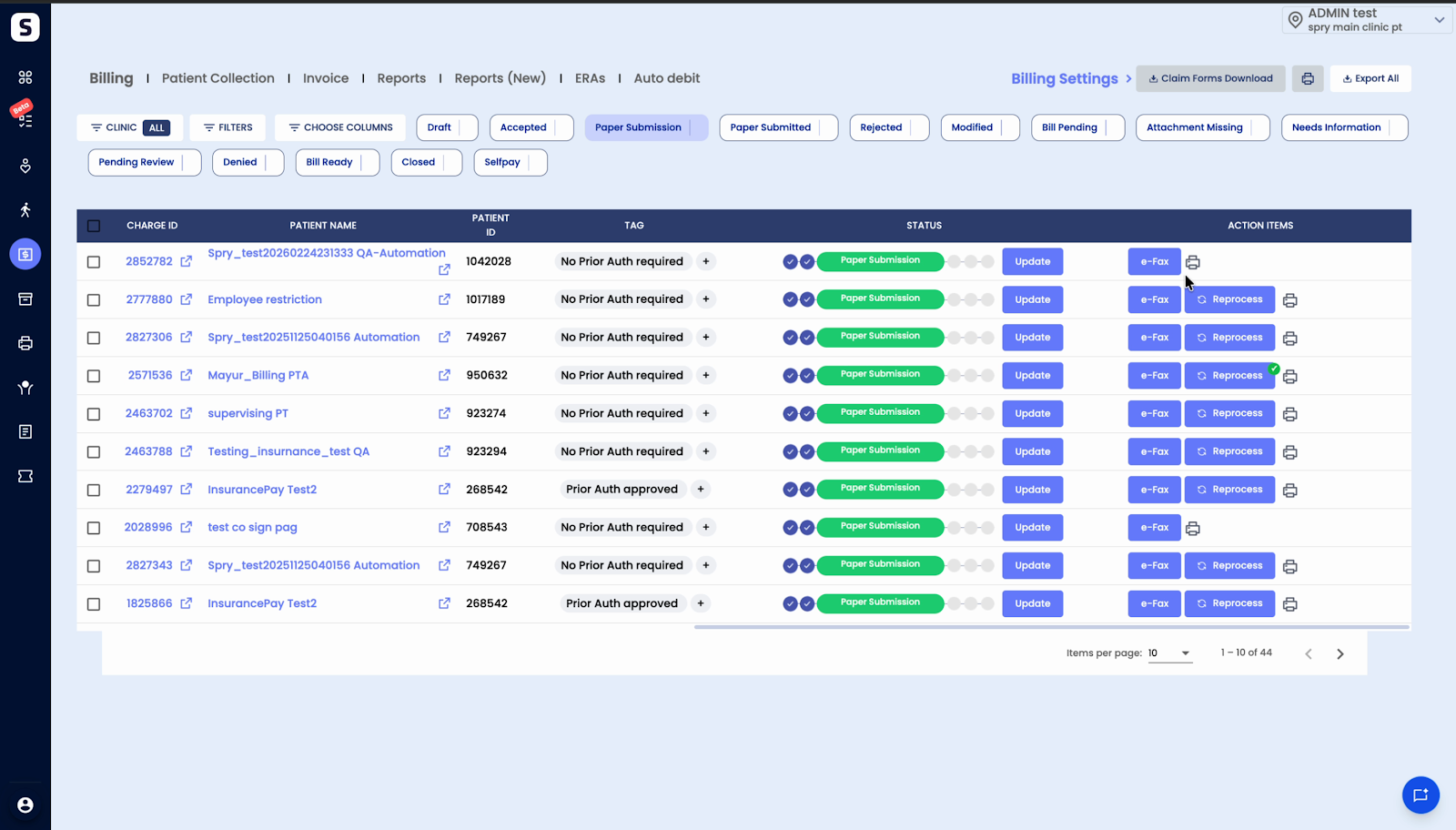
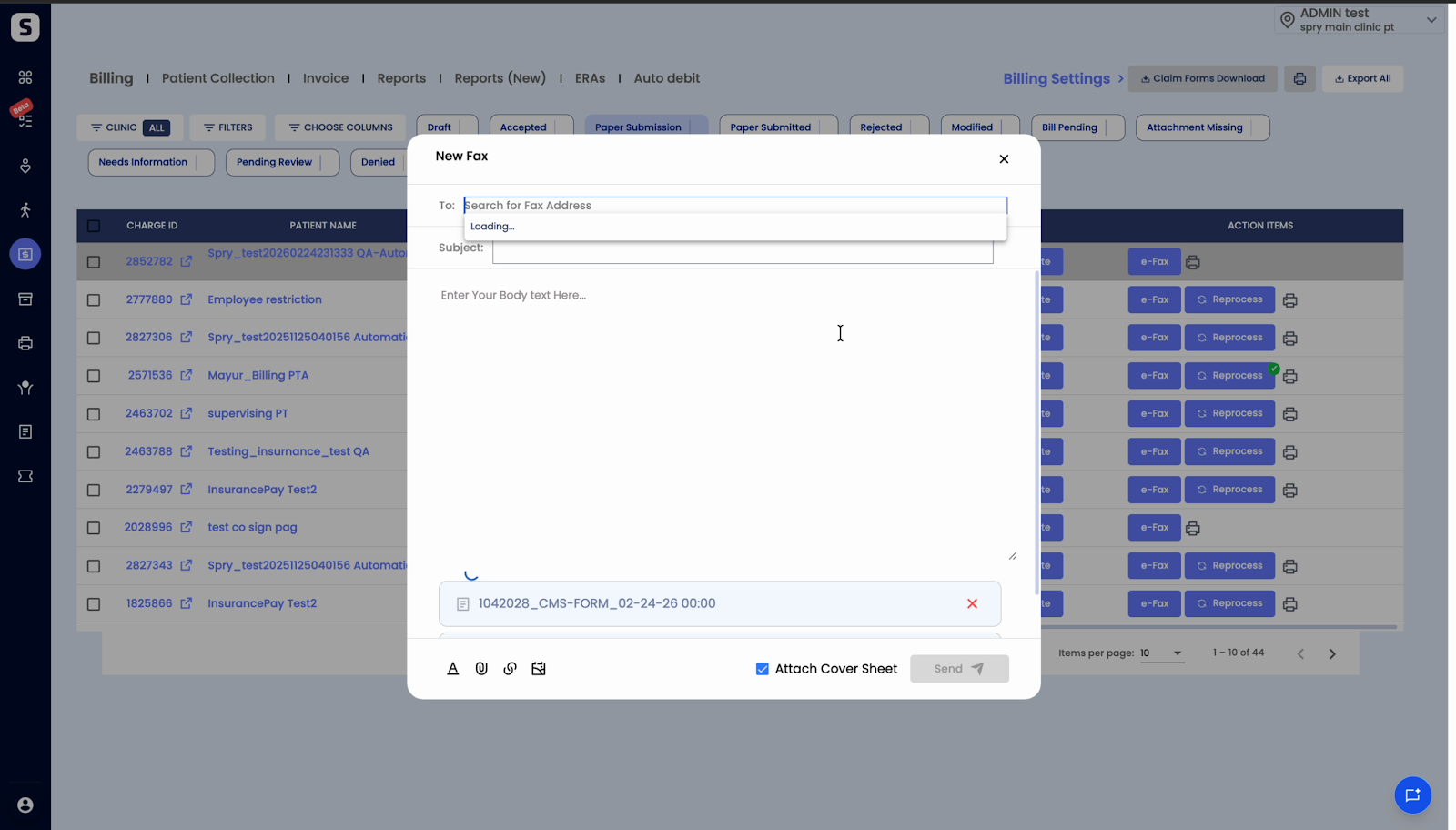
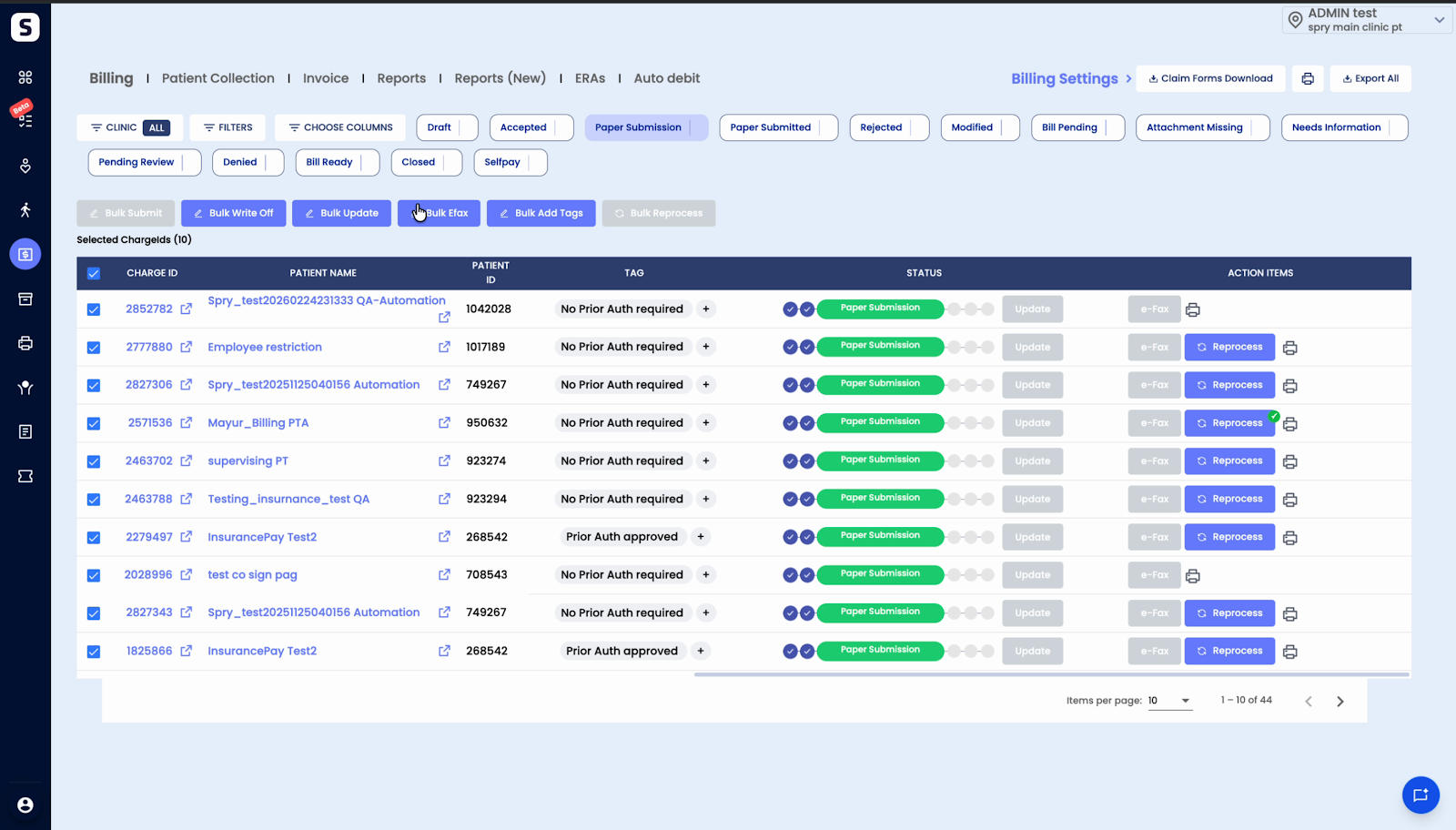
Step 3: Use Bulk Fax if you need to fax multiple claims at once.
Step 1: After submission, find all submitted claims in the Submitted bucket. Claims sent via paper submission can also be tracked here.
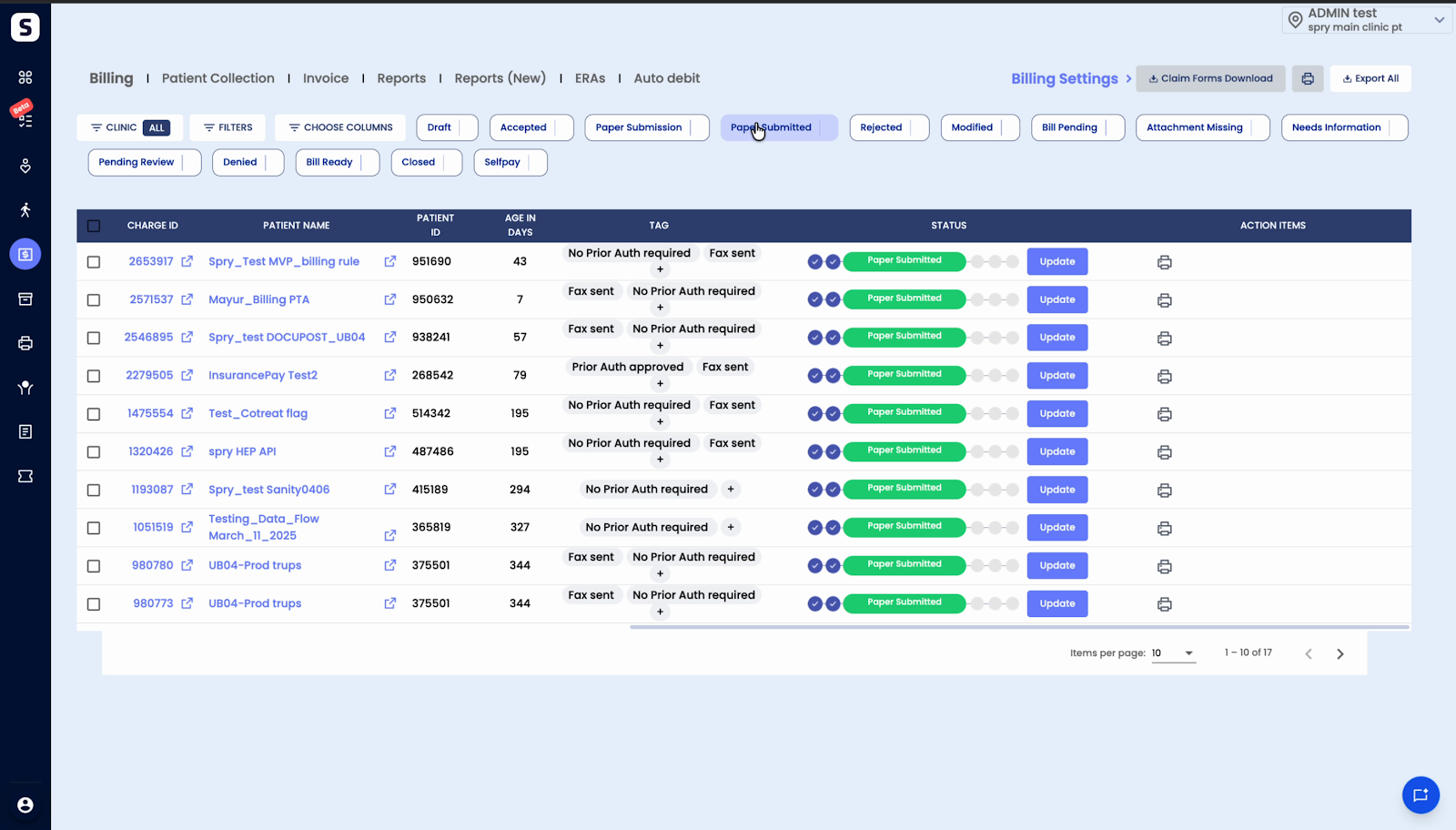
Step 2: The remaining claim lifecycle steps follow the same process as electronic claims.
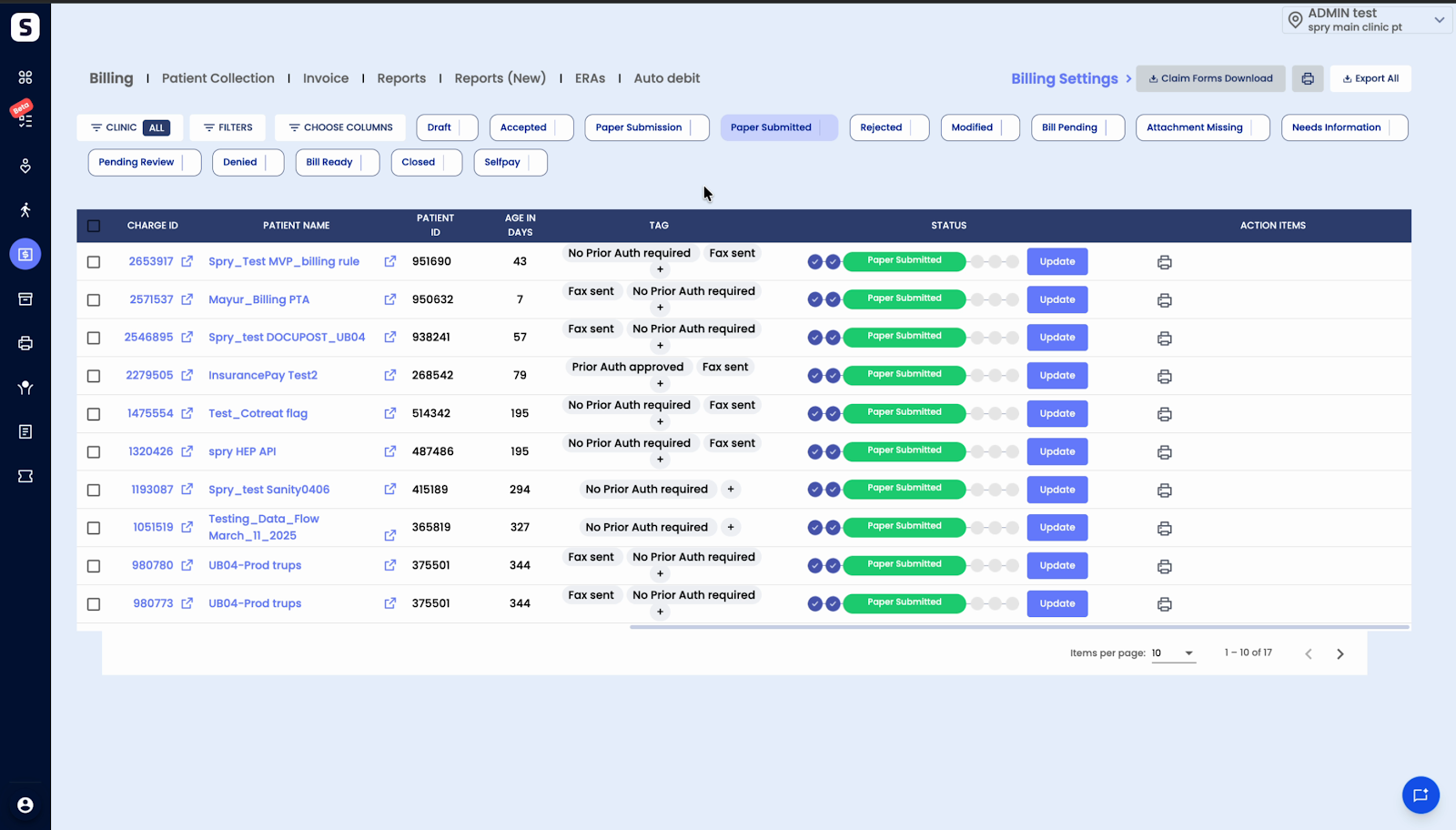
This structure keeps the claim submission workflow clear and ensures that both electronic and paper claims are efficiently managed and tracked.