
Appointment Viewing, Configurations and Dashboard Filters
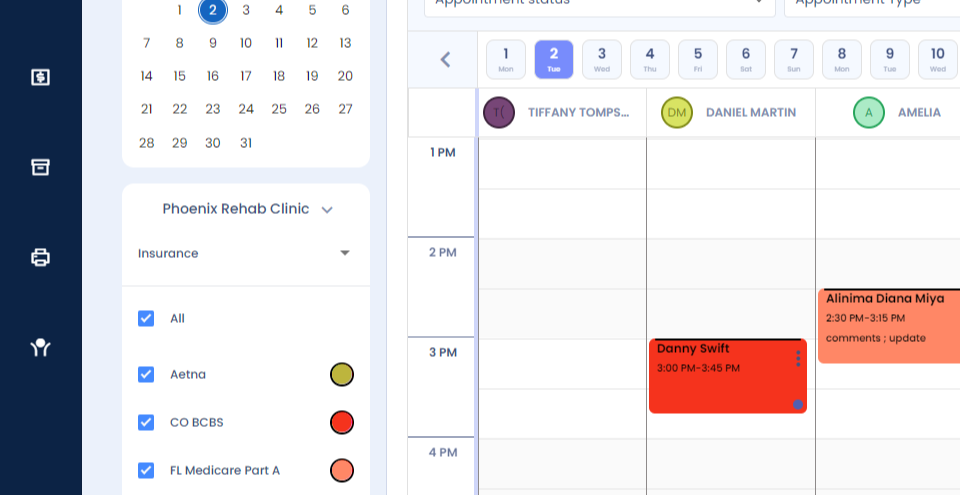
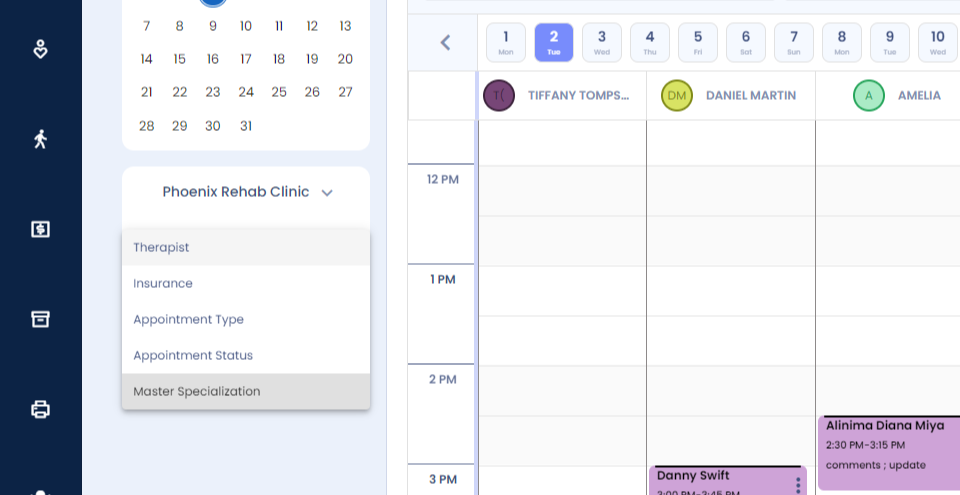
Step 1: Viewing configurations and dashboard filters. You can view your appointments as per your insurance providers using the filter under the calendar on the left.
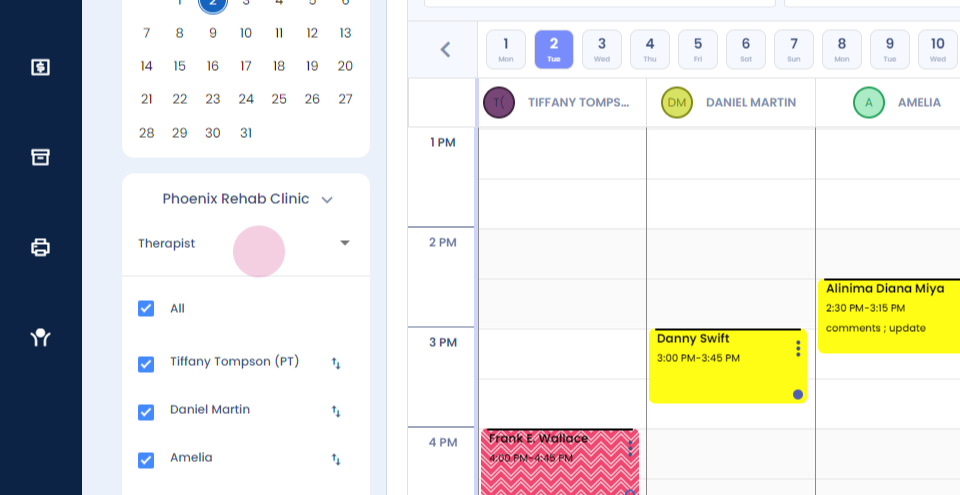
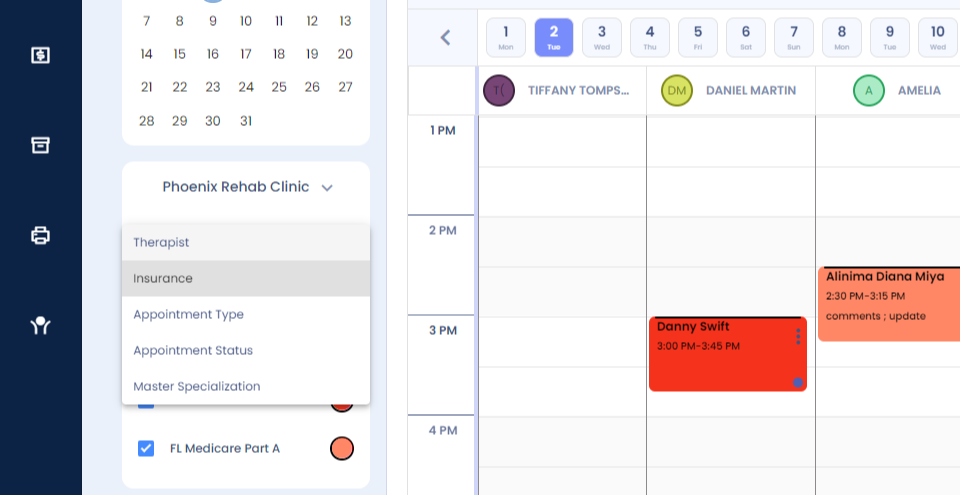
Step 2: You click on insurance here.
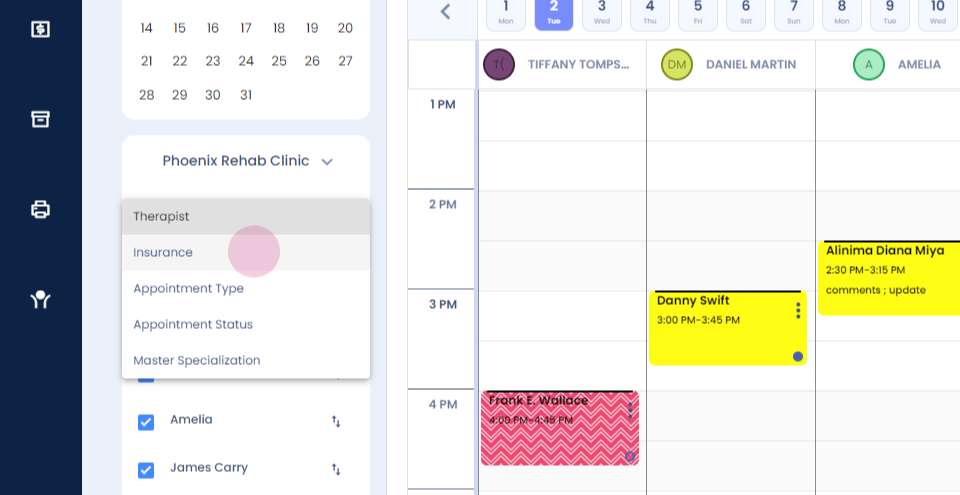
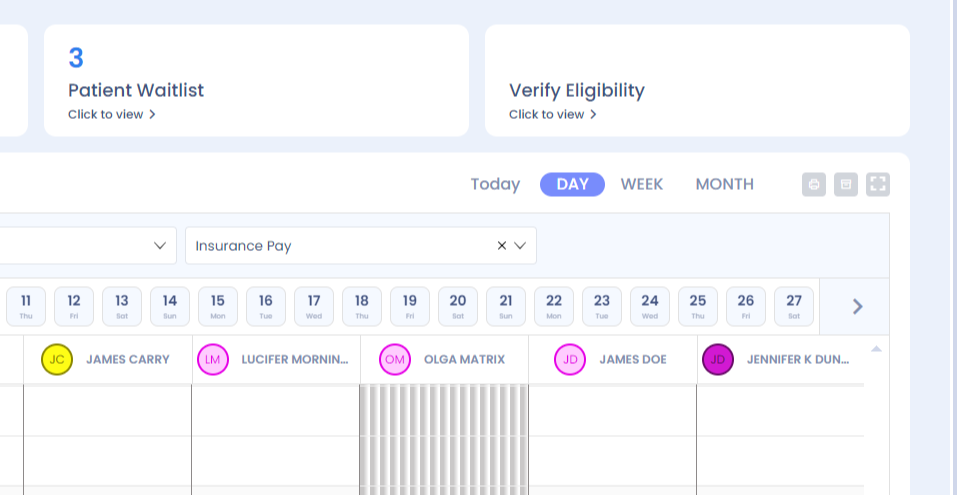
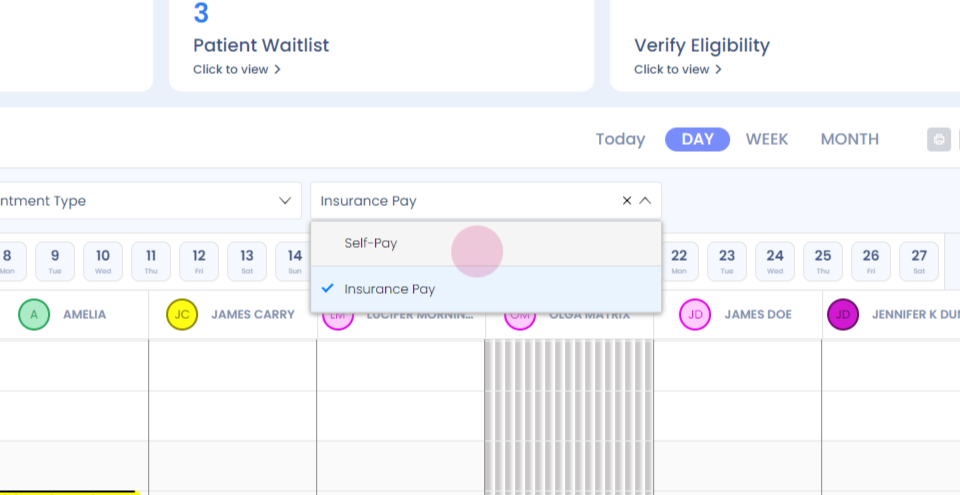
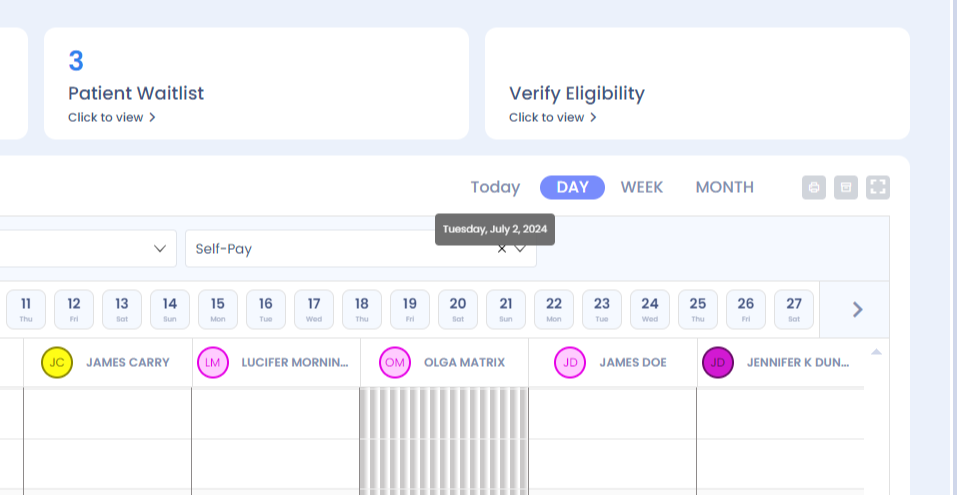
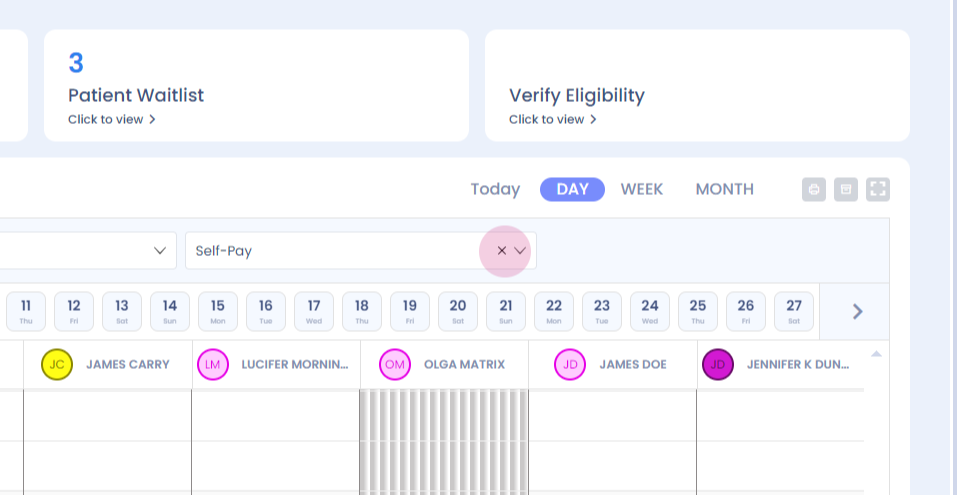
Step 3: You'll be able to view your appointments as per the color codes provided. You can view your appointments by self pay and insurance pay. When you click on payment mode, given above the therapist names and select insurance pay appointments, only the insurance pay appointments will show up.
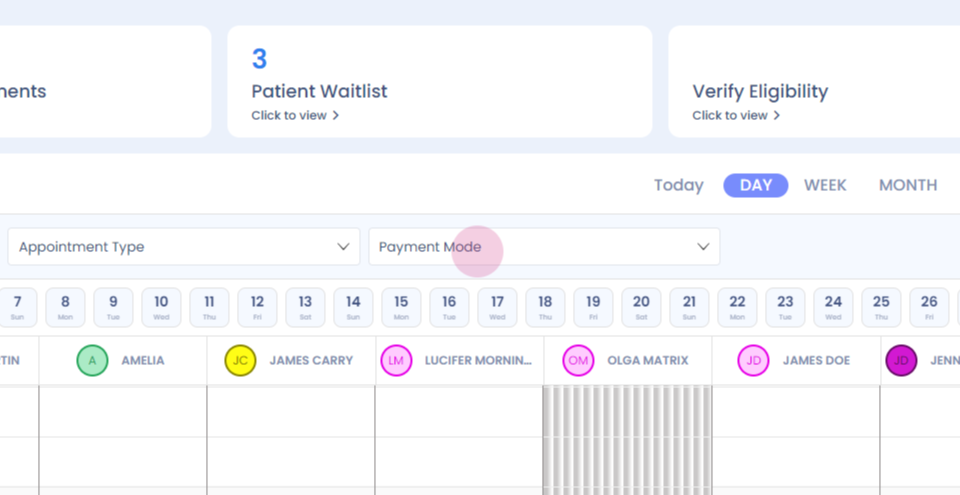
Step 4:
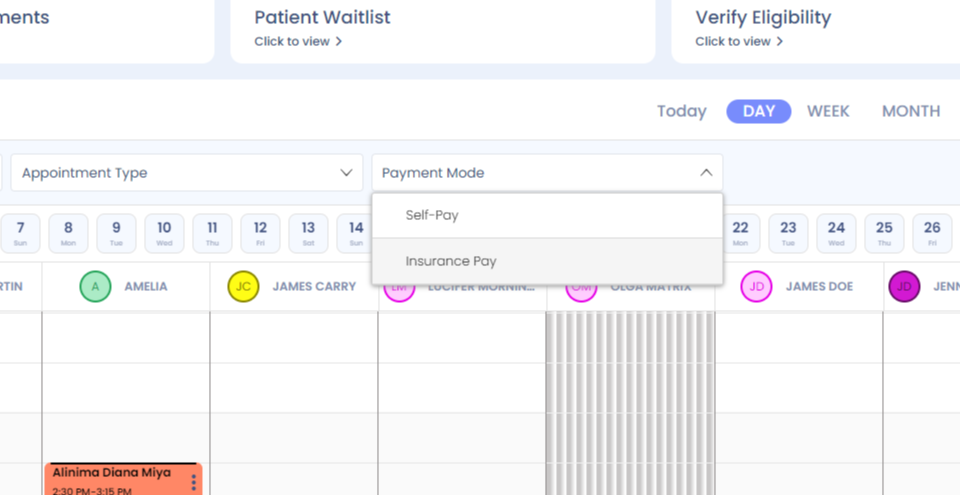
Step 5:
Step 6:
Step 7: Similarly, when you click select self pay, only the self pay appointments will show up.
Step 8:
Step 9: To view your appointments by day view, you select day view.
Step 10:
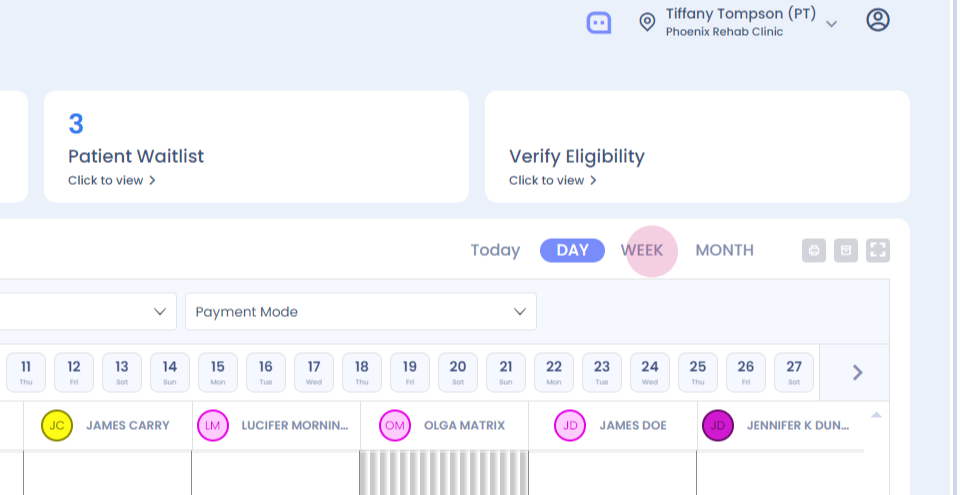
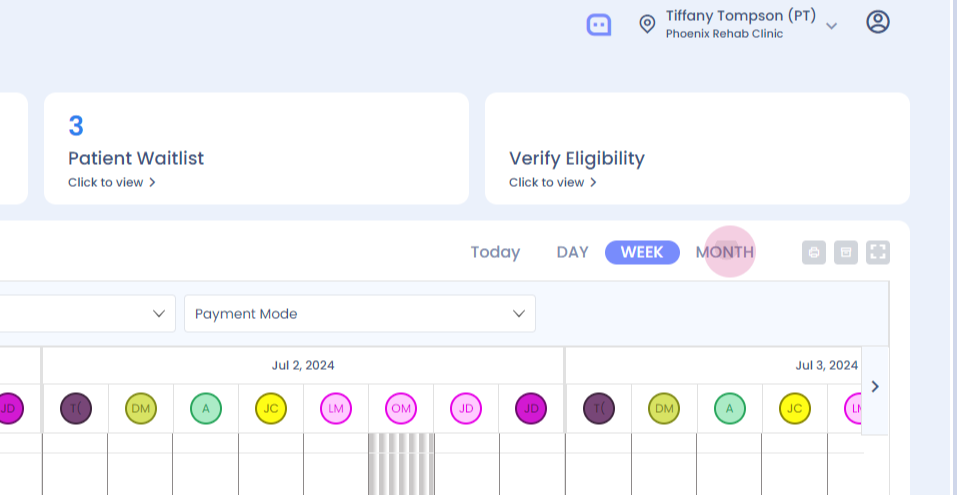
Step 11: To view your appointments by week, click on week.
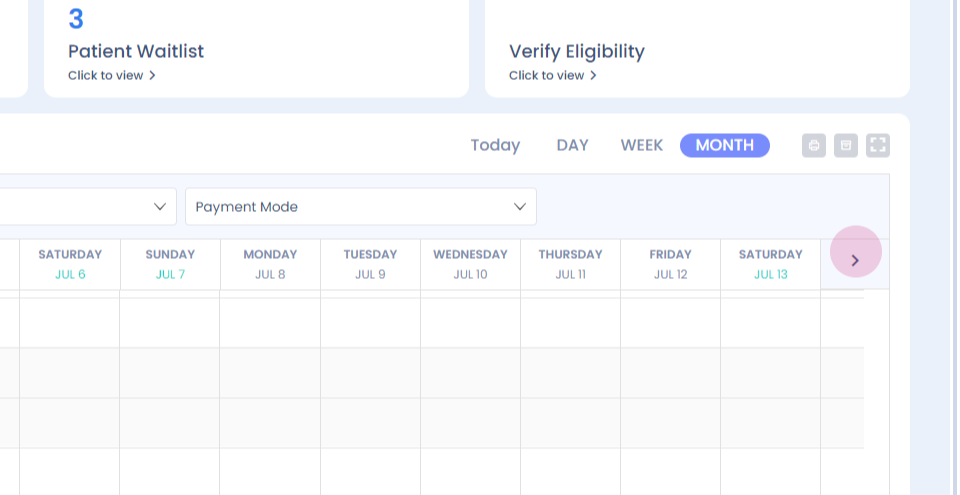
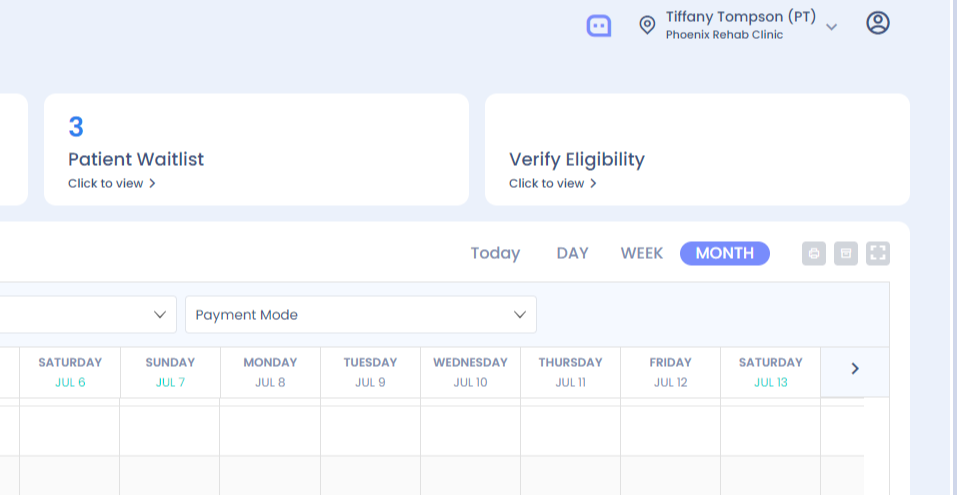
Step 12: To view your appointments as per the month, click on the month view.
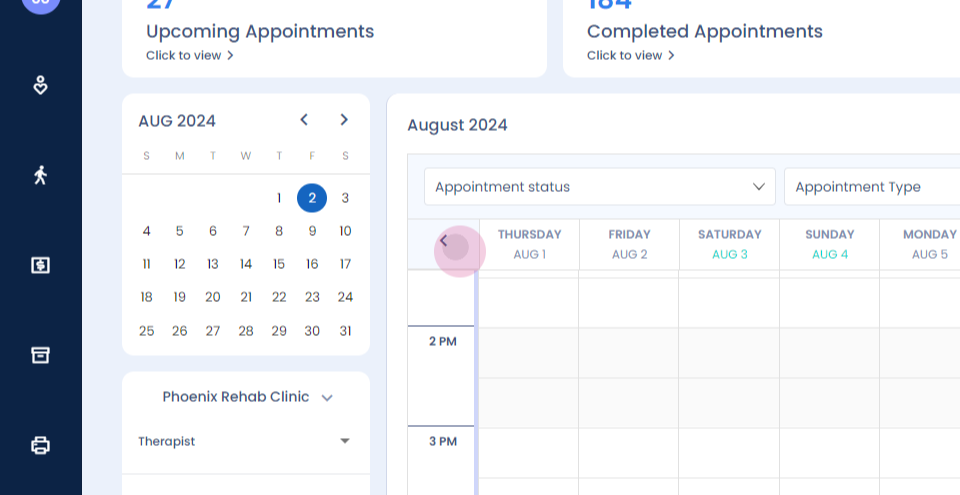
Step 13: You will be able to view the complete month's appointments.
Step 14:
Step 15:
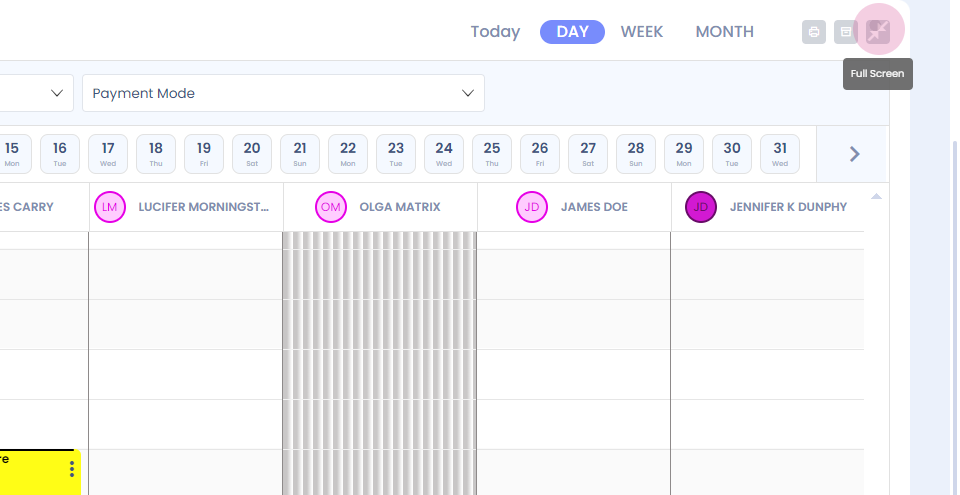
Step 16: To make the calendar dashboard full screen, click on the full screen option besides the 'Month' option on right side and your dashboard becomes full screen.
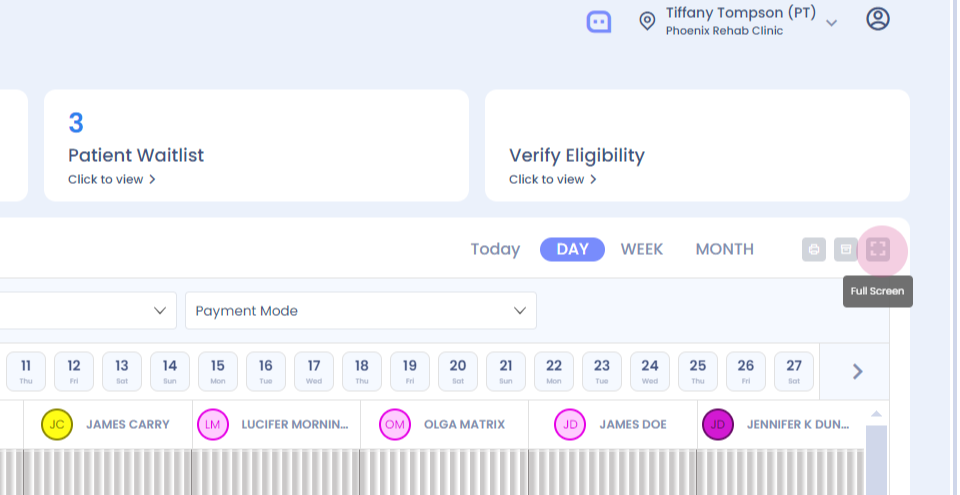
Step 17: To come back to the normal screen, click on the same option, and you will come back to the normal screen.
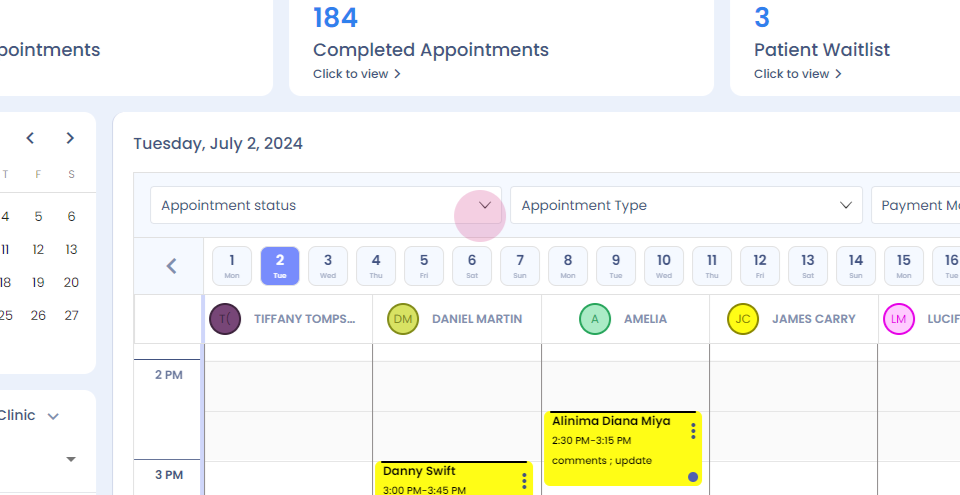
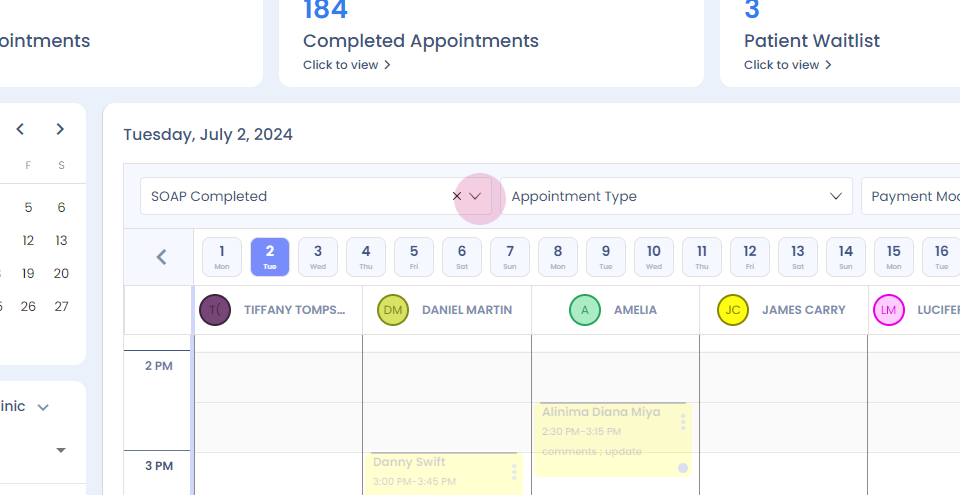
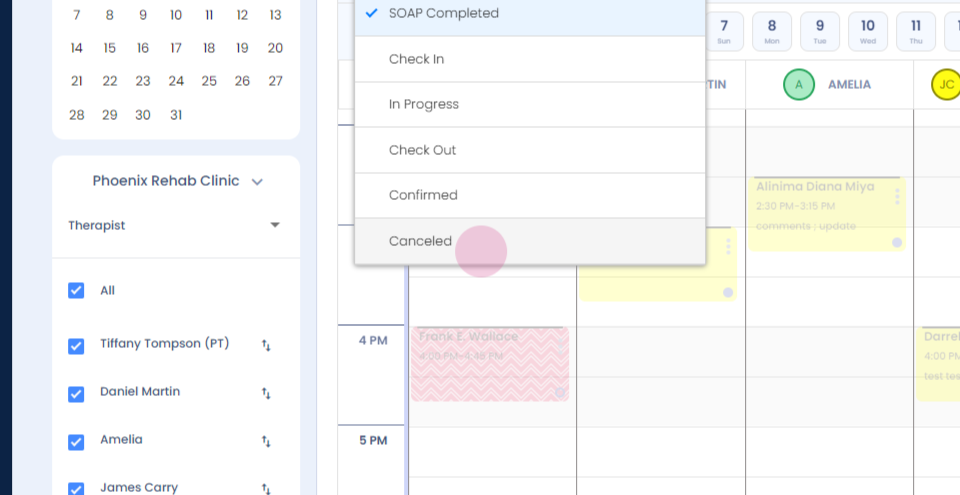
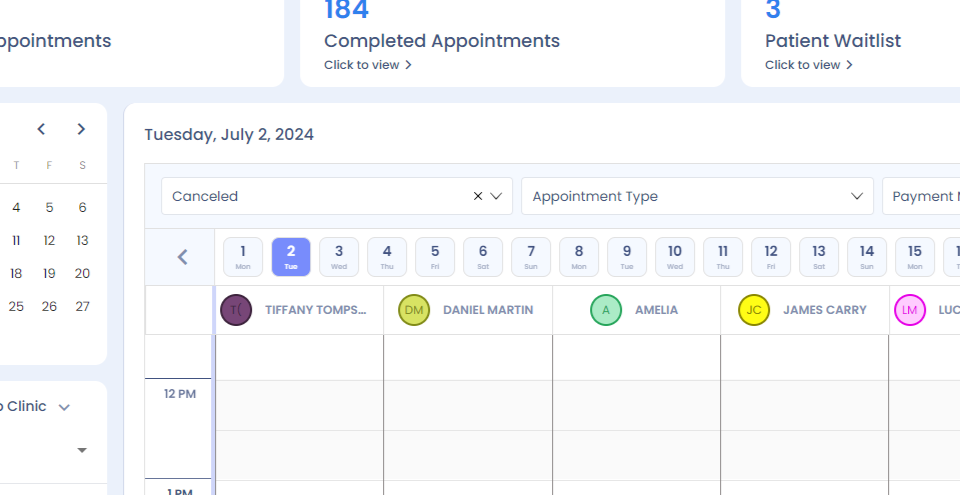
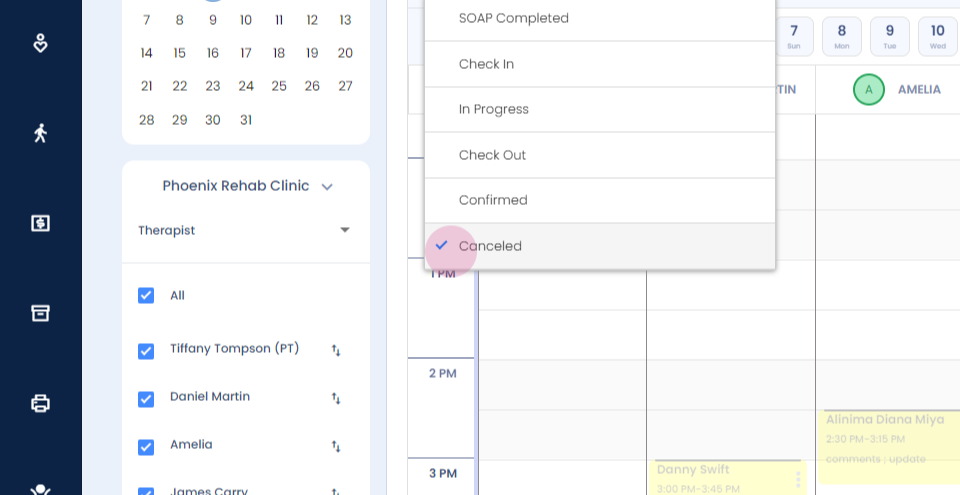
Step 18: The appointment status filter has a list of appointments filters available.
Step 19:
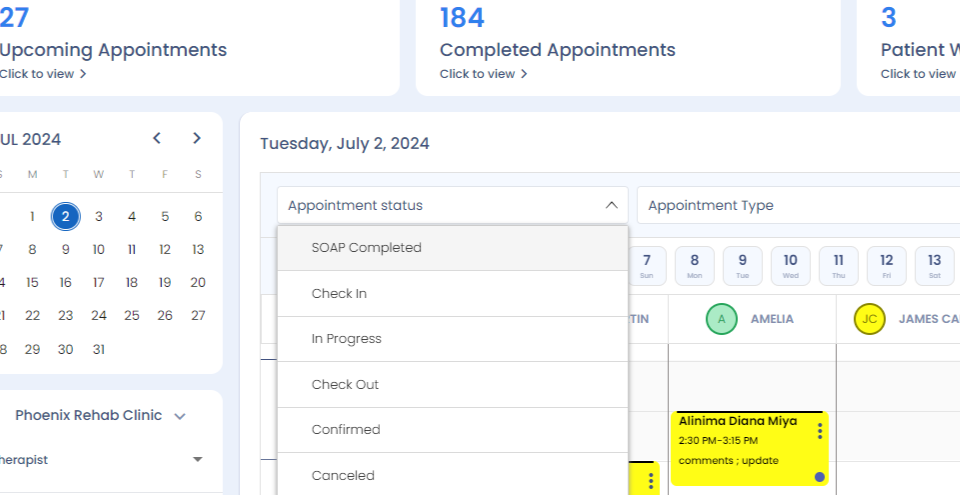
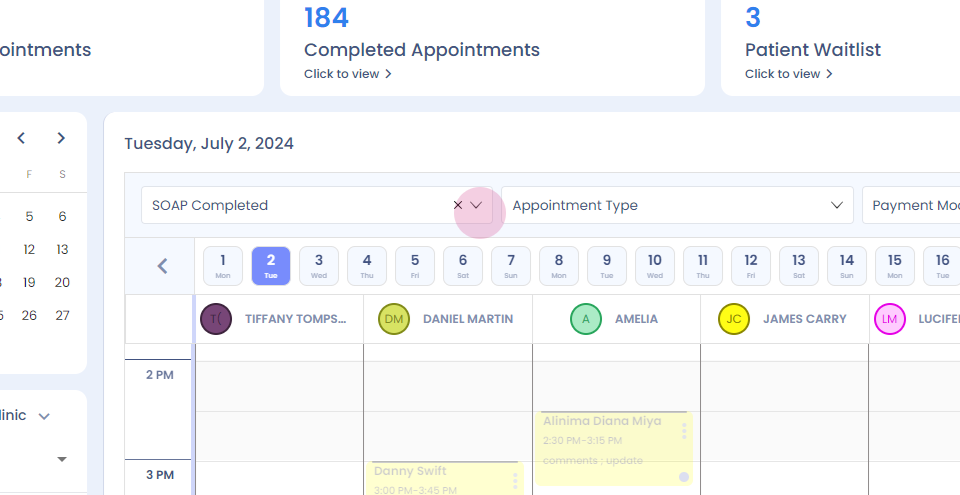
Step 20: Notes completed, patient checked in, checked out, canceled appointments- are the options given.
Step 21:
Step 22:
Step 23:
Step 24:
Step 25:
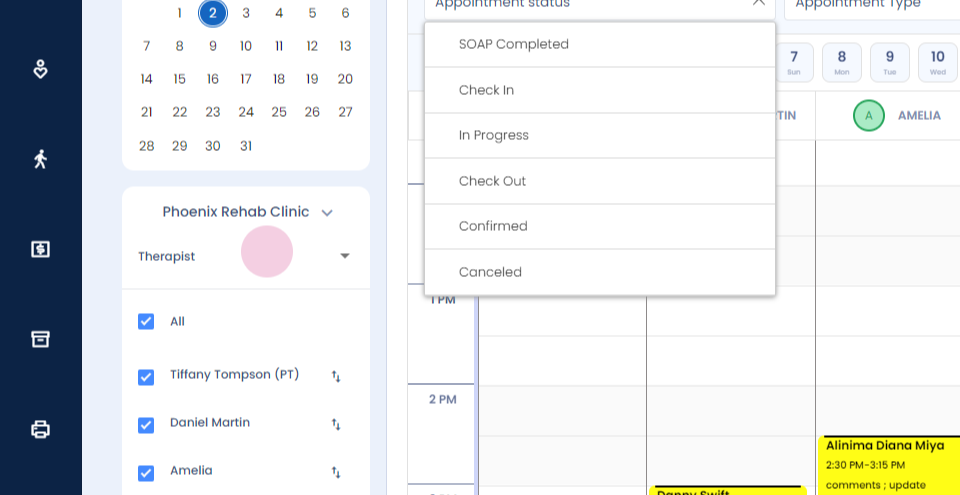
Step 26: We also have appointment type filter on the top.
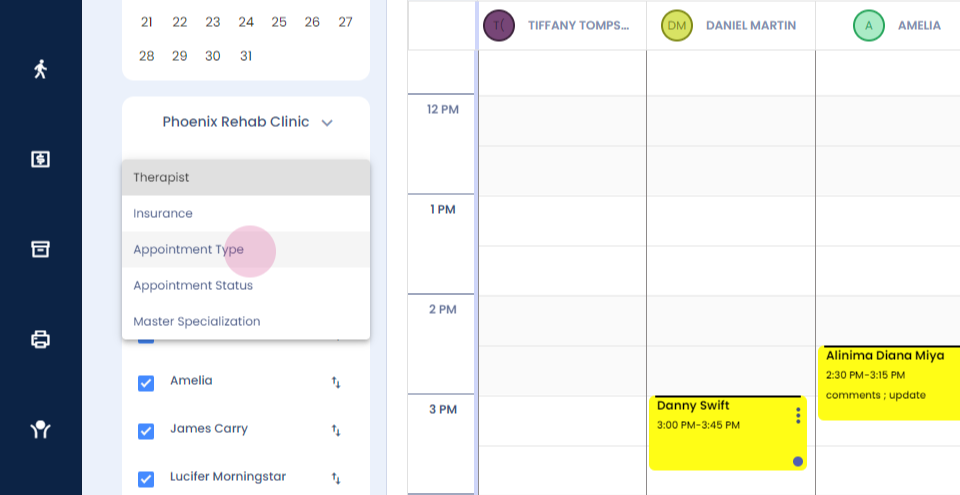
Step 27: So appointments can be segregated according to initial and follow-up and other different appointment types available.
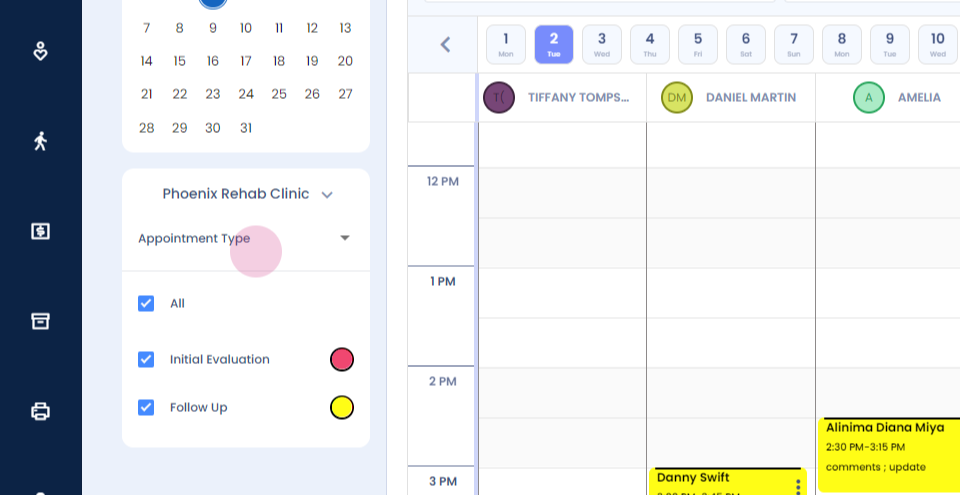
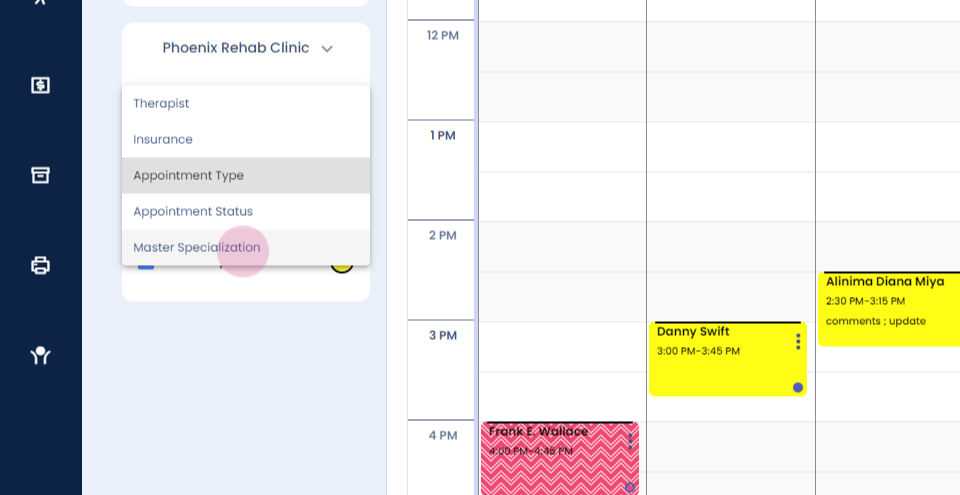
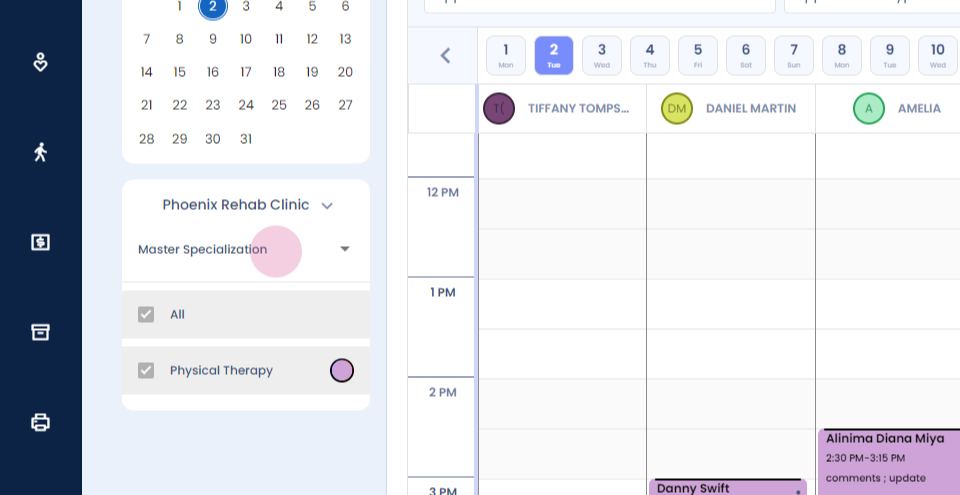
Step 28: We have the master specialization filter available on the website in case the clinic has musculoskeletal and other different specialties, you can filter out your appointments according to the master specialization.
Step 29:
Step 30: And when you click on the therapist filter, you come back to your main screen.
Thank you.