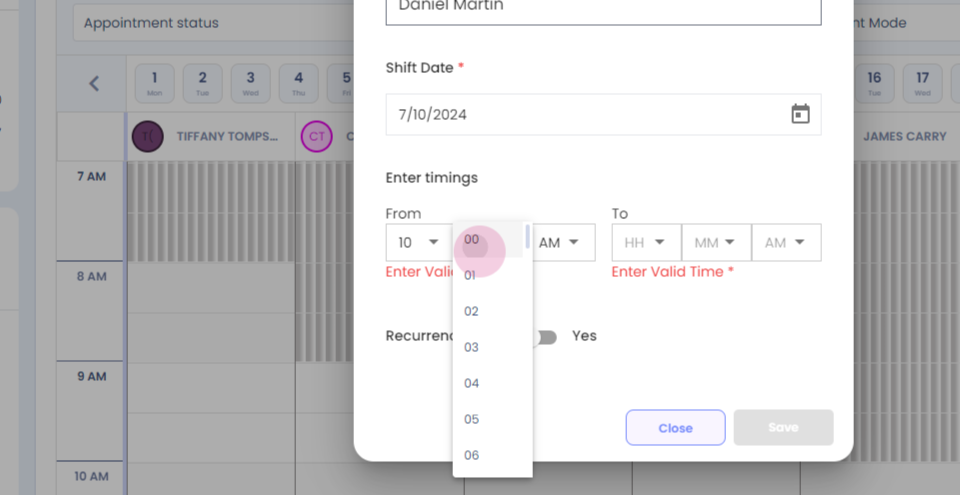
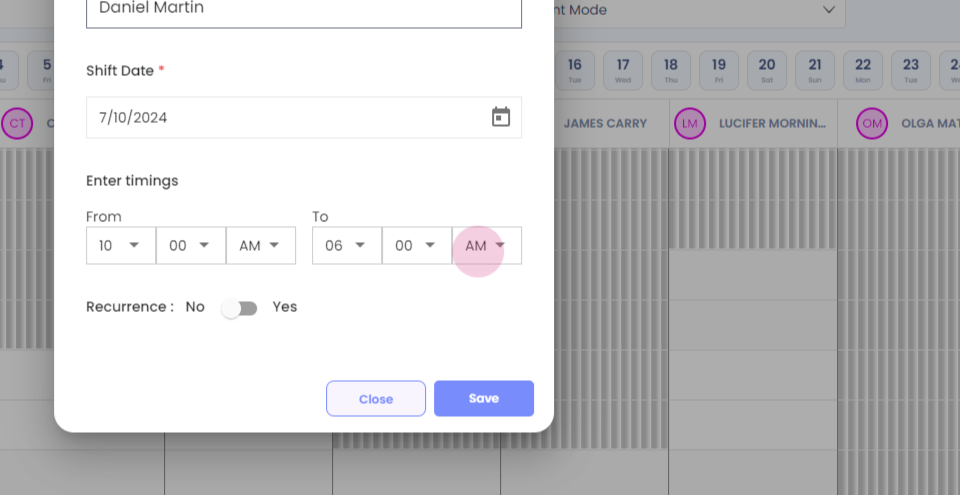
Step 1: How to update the schedule of an individual therapist for that day? Click on the therapist's name.
Step 2:
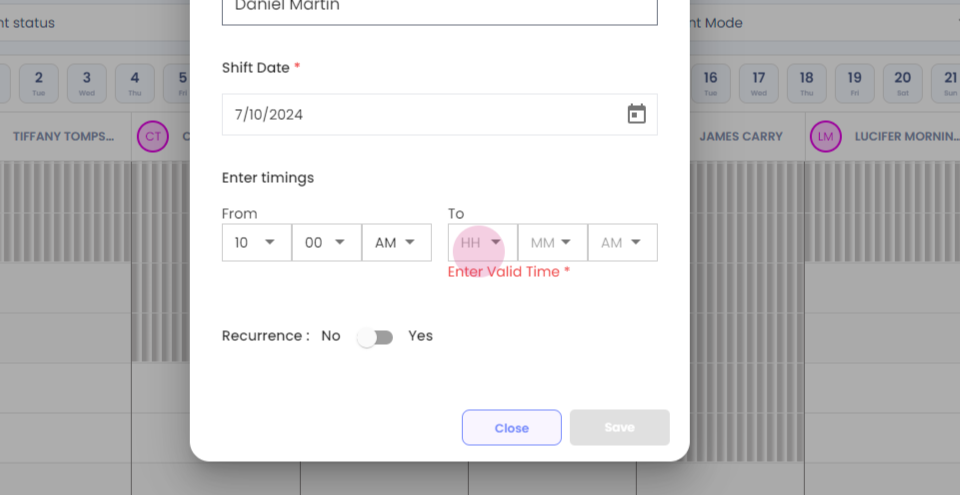
Step 3: Enter the start time of the shift.
Step 4:
Step 5:
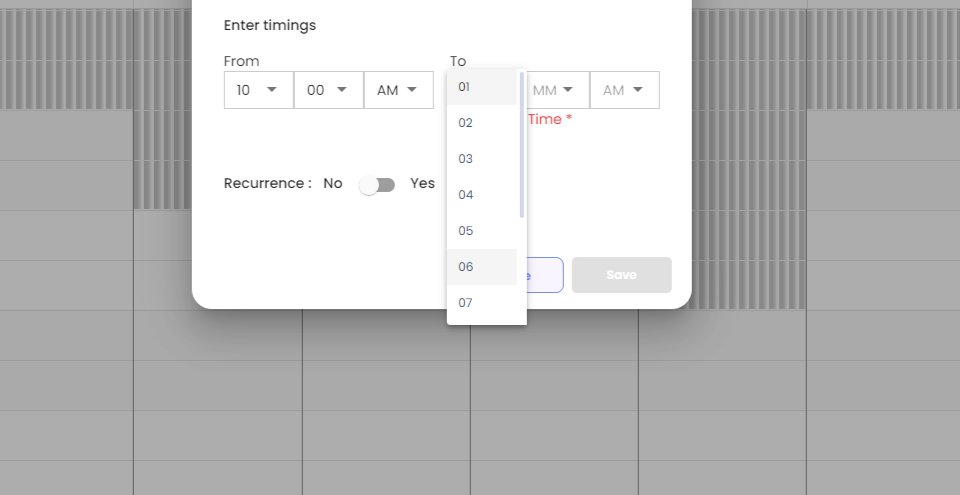
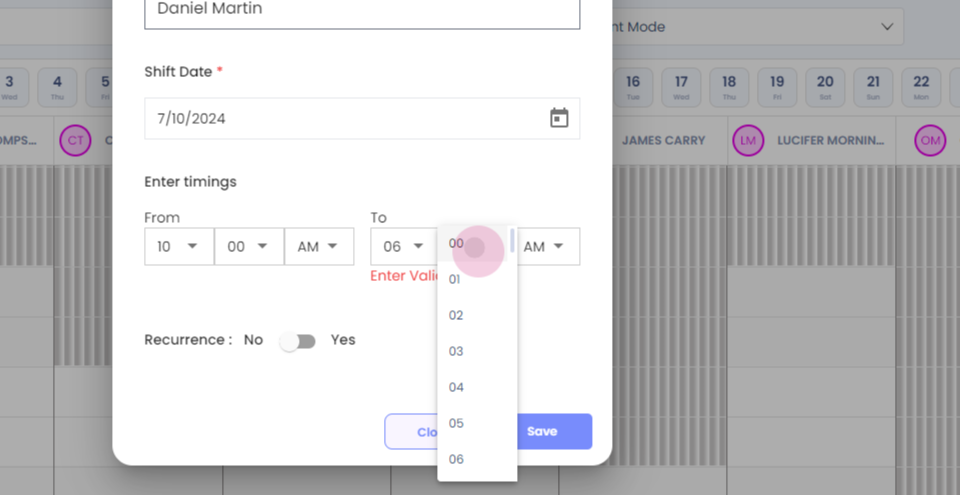
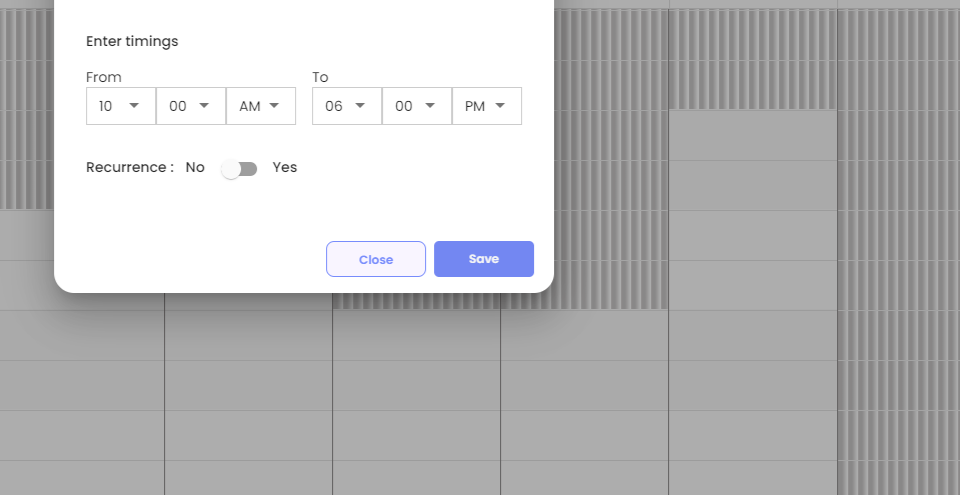
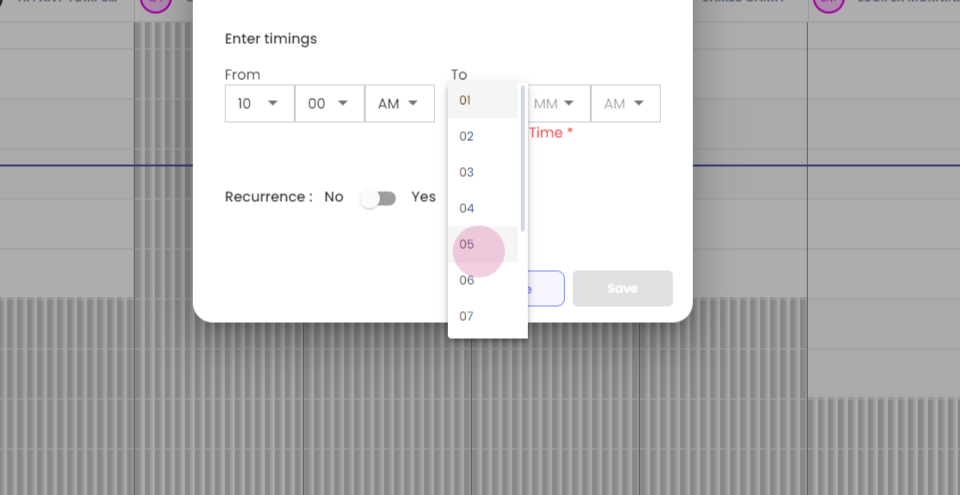
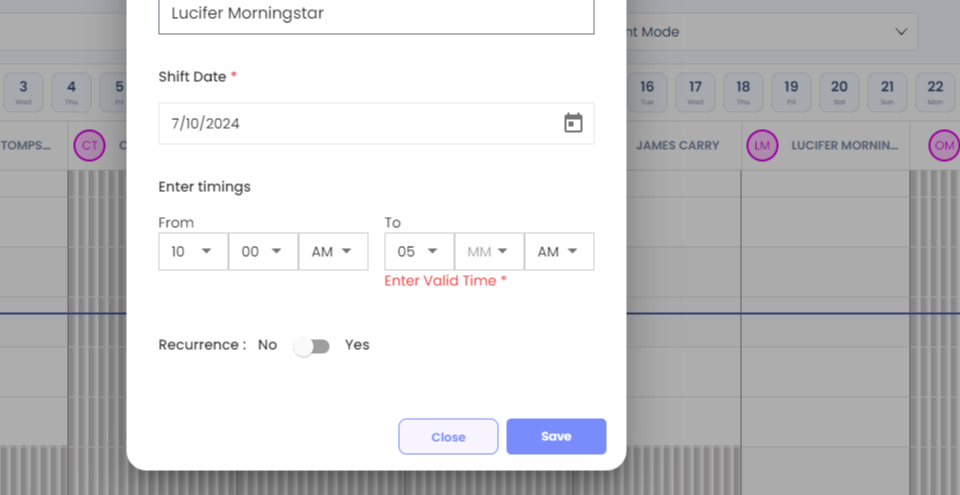
Step 6: Enter the end time of the shift, Click on save, and your shift will be updated successfully For making recurring shift time changes, select the time.
Step 7:
Step 8:
Step 9:
Step 10:
Step 11:
Step 12:
Step 13:
Step 14:
Step 15:
Step 16:
Step 17:
Step 18:
Step 19: Select the end time.
Step 20:
Step 21:
Step 22:
Step 23:
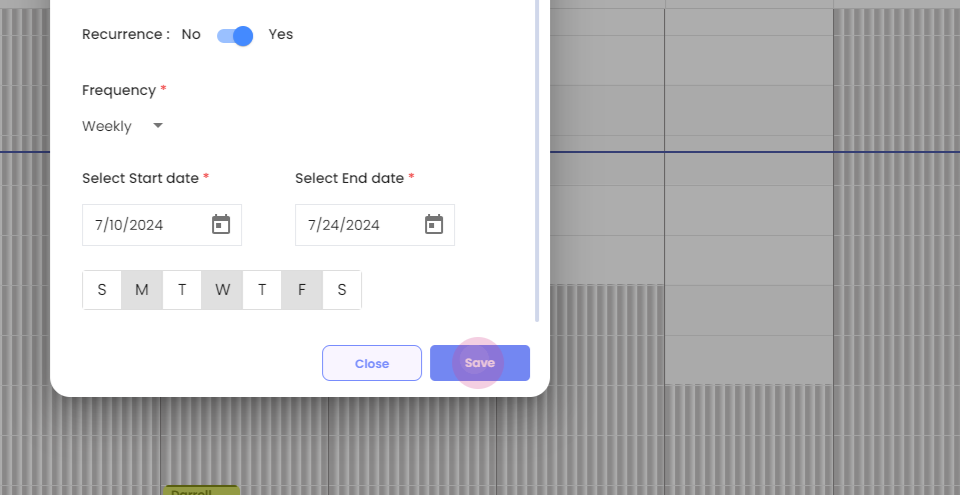
Step 24: Select yes for Recurrence.
Step 25:
Step 26: Select the frequency.
Step 27: Select the start date.
Step 28:
Step 29:
Step 30: Select the end date.
Step 31: Select the days.
Step 32:
Step 33:
Step 34: Click on save.
Step 35:
Step 36:
Step 37: To view the single therapist schedule, select there name only and uncheck others.
Step 38:
Step 39:
Step 40: You will be able to see that Monday, Wednesday till the twenty fourth, you have modified shift note timings.