
Estimated Patient Responsibility Guide
Estimated Patient Responsibility
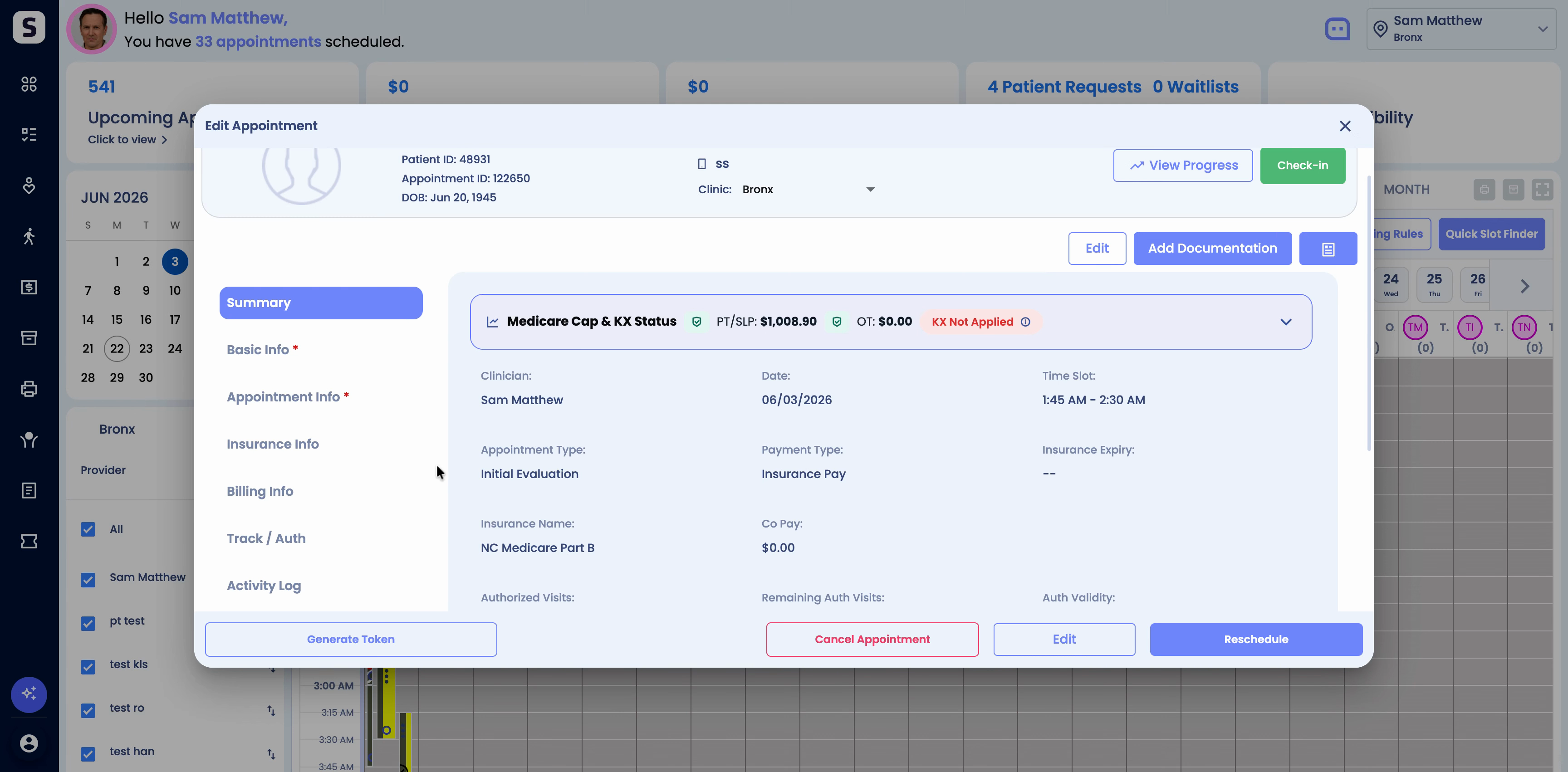
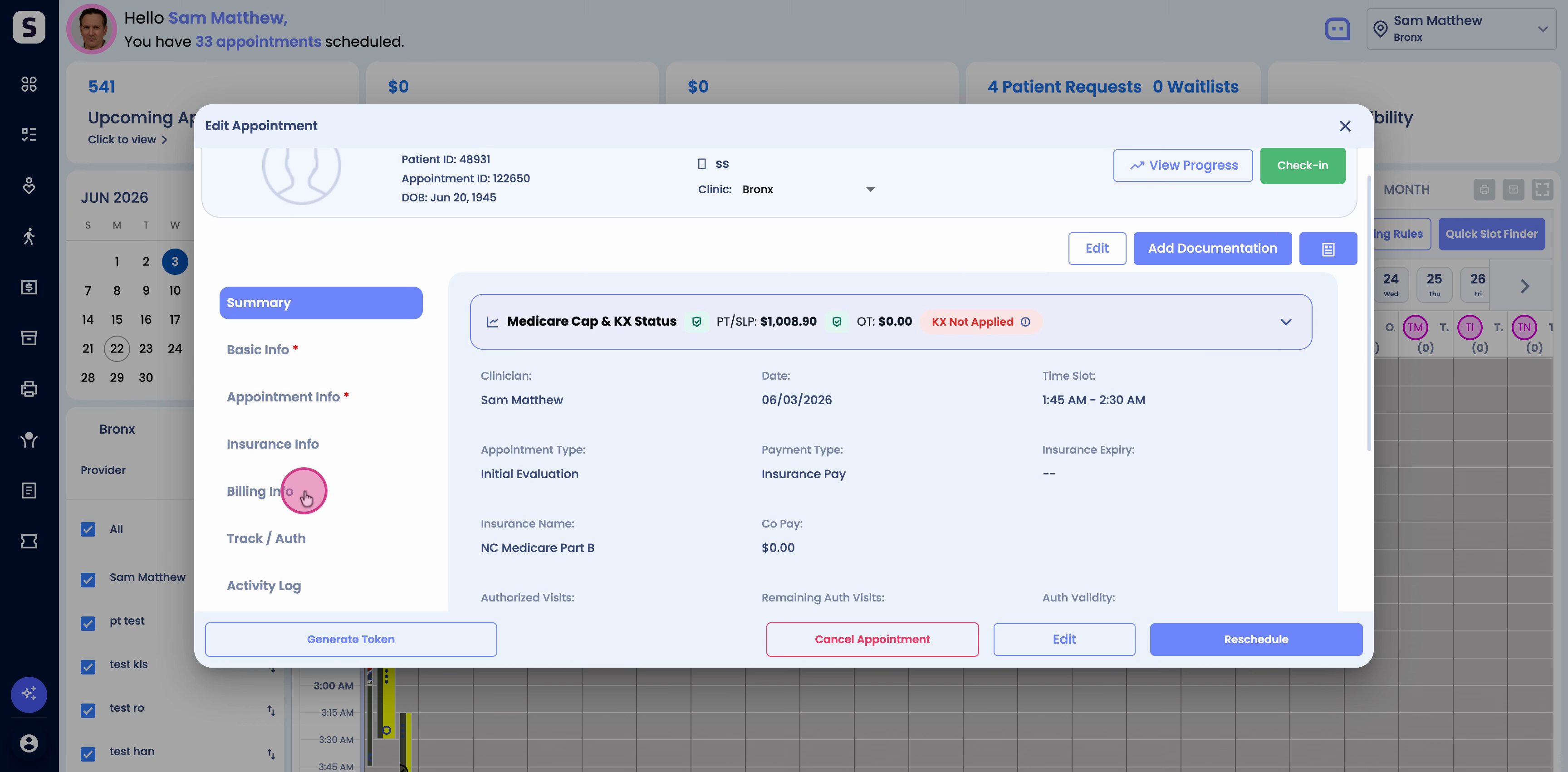
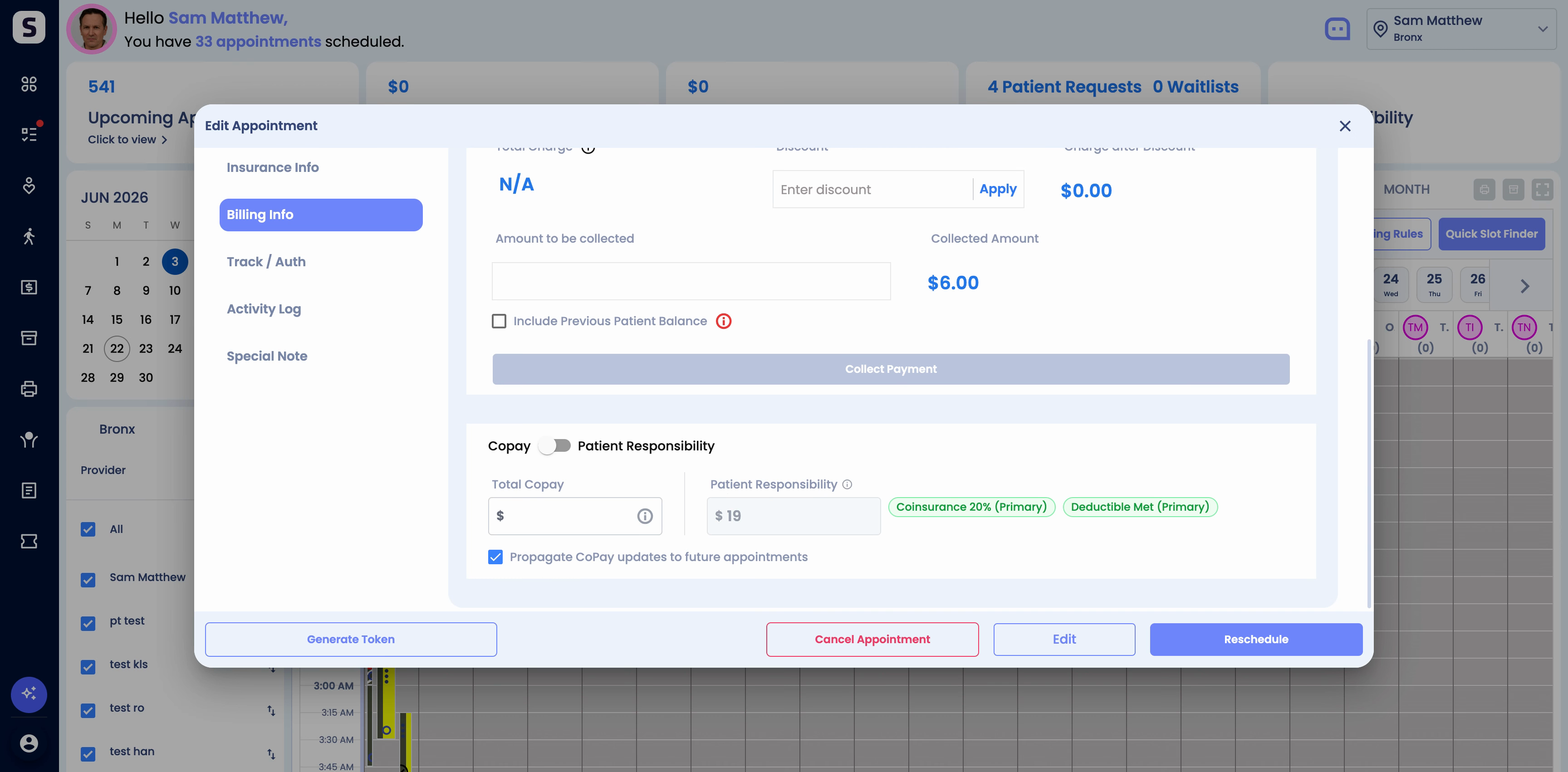
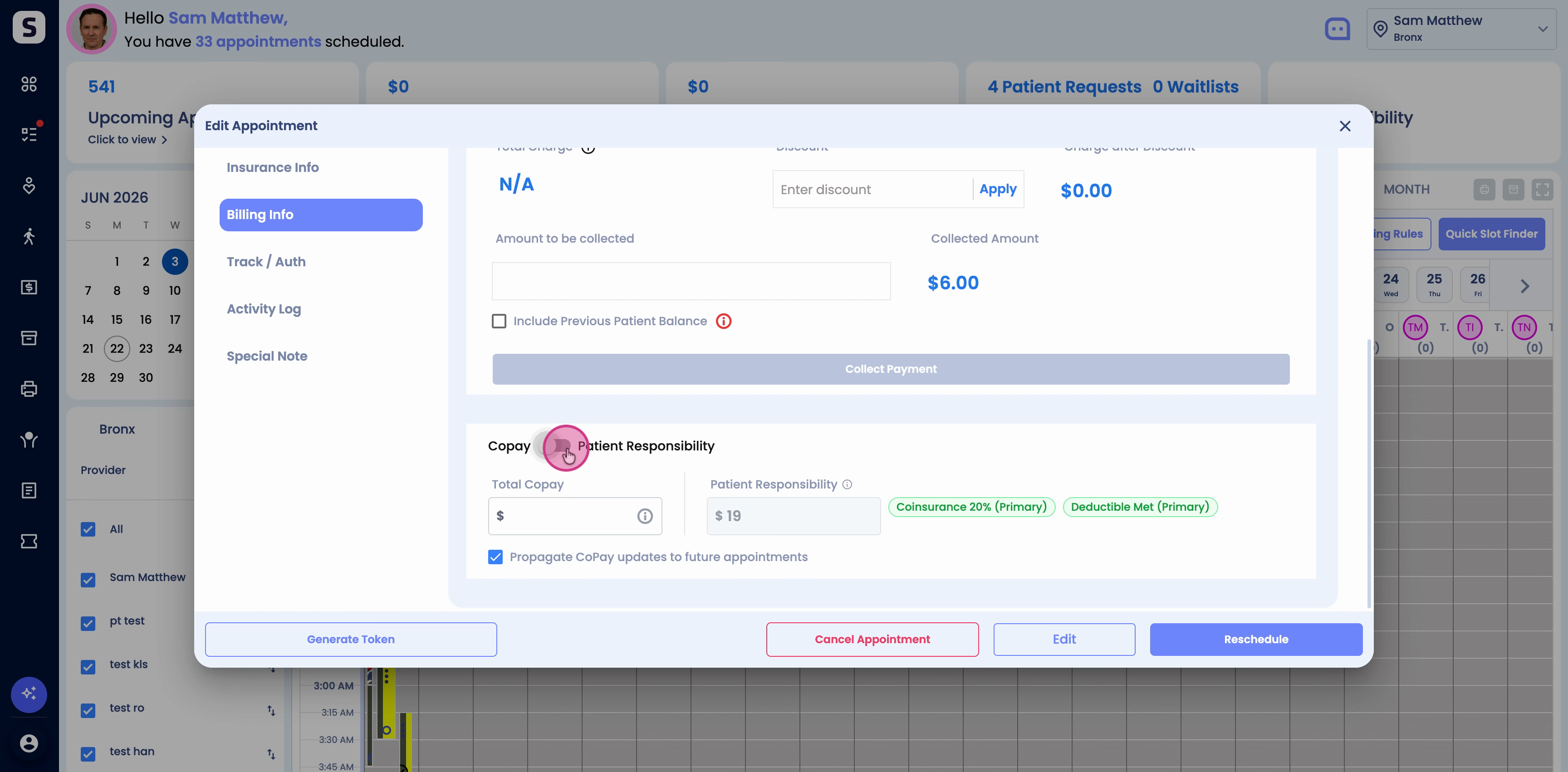
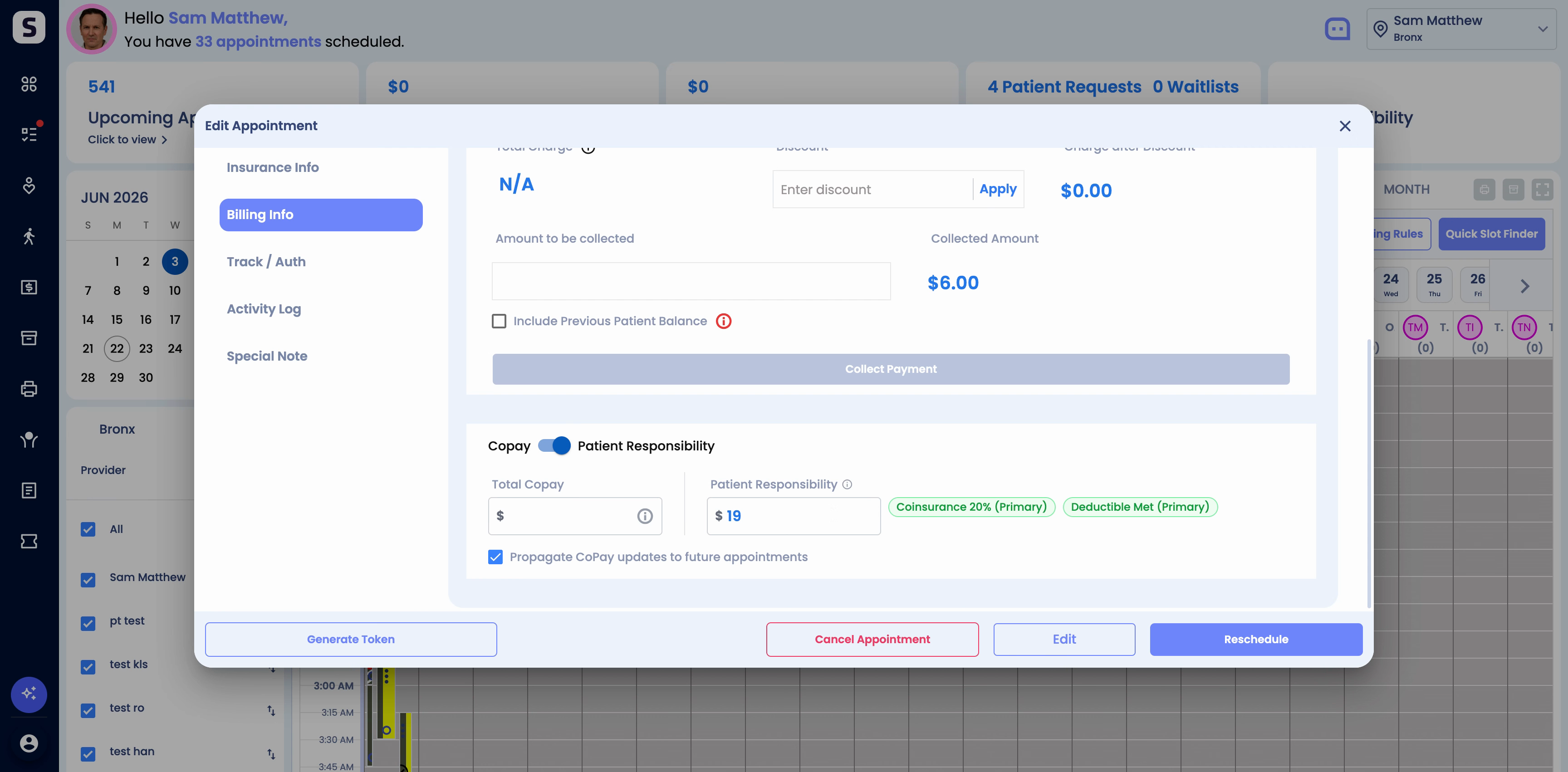
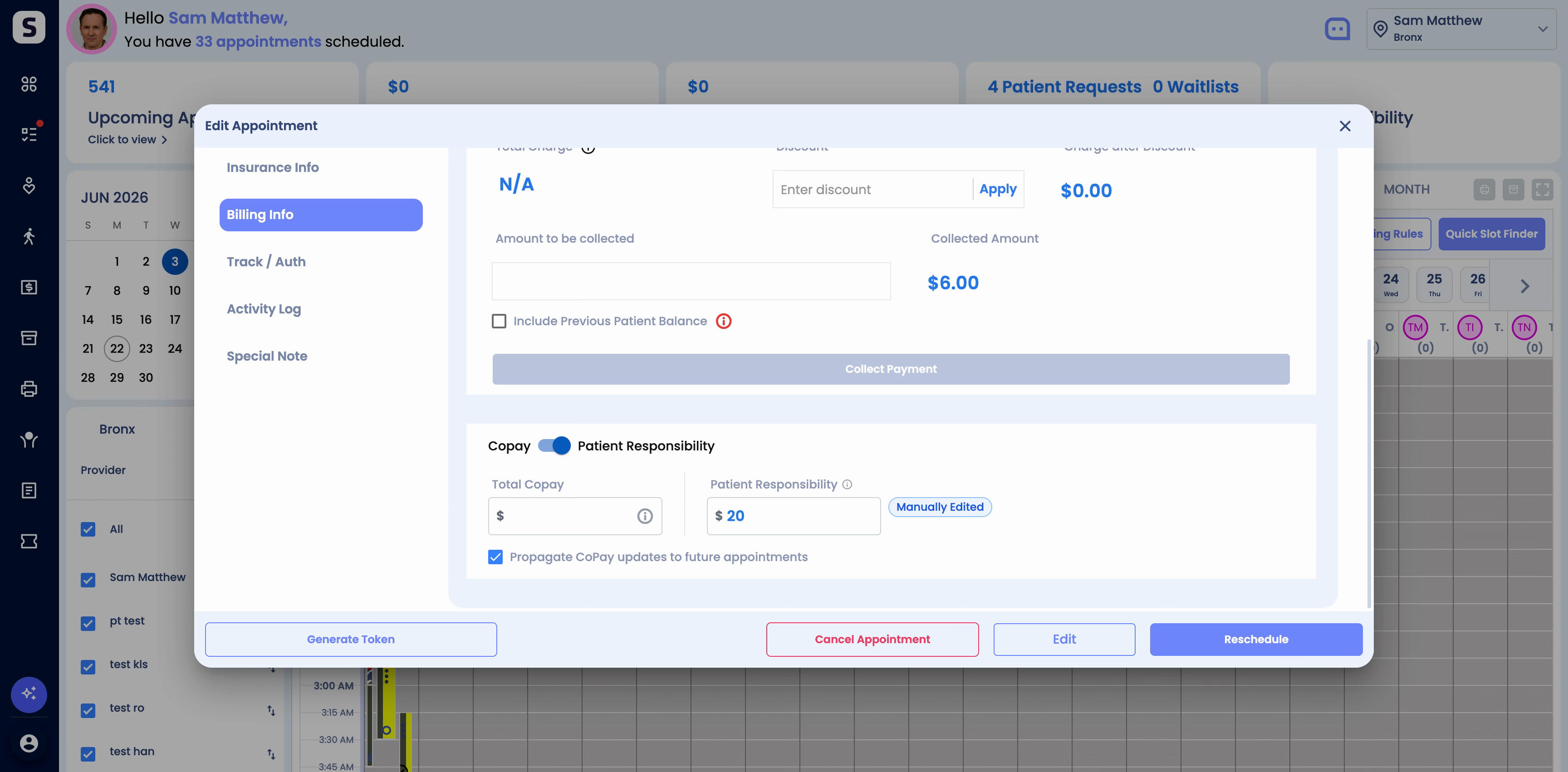
Step 1: Find the Estimated Patient Responsibility field in the Billing info section of the appointment card. It sits next to the total copay field.
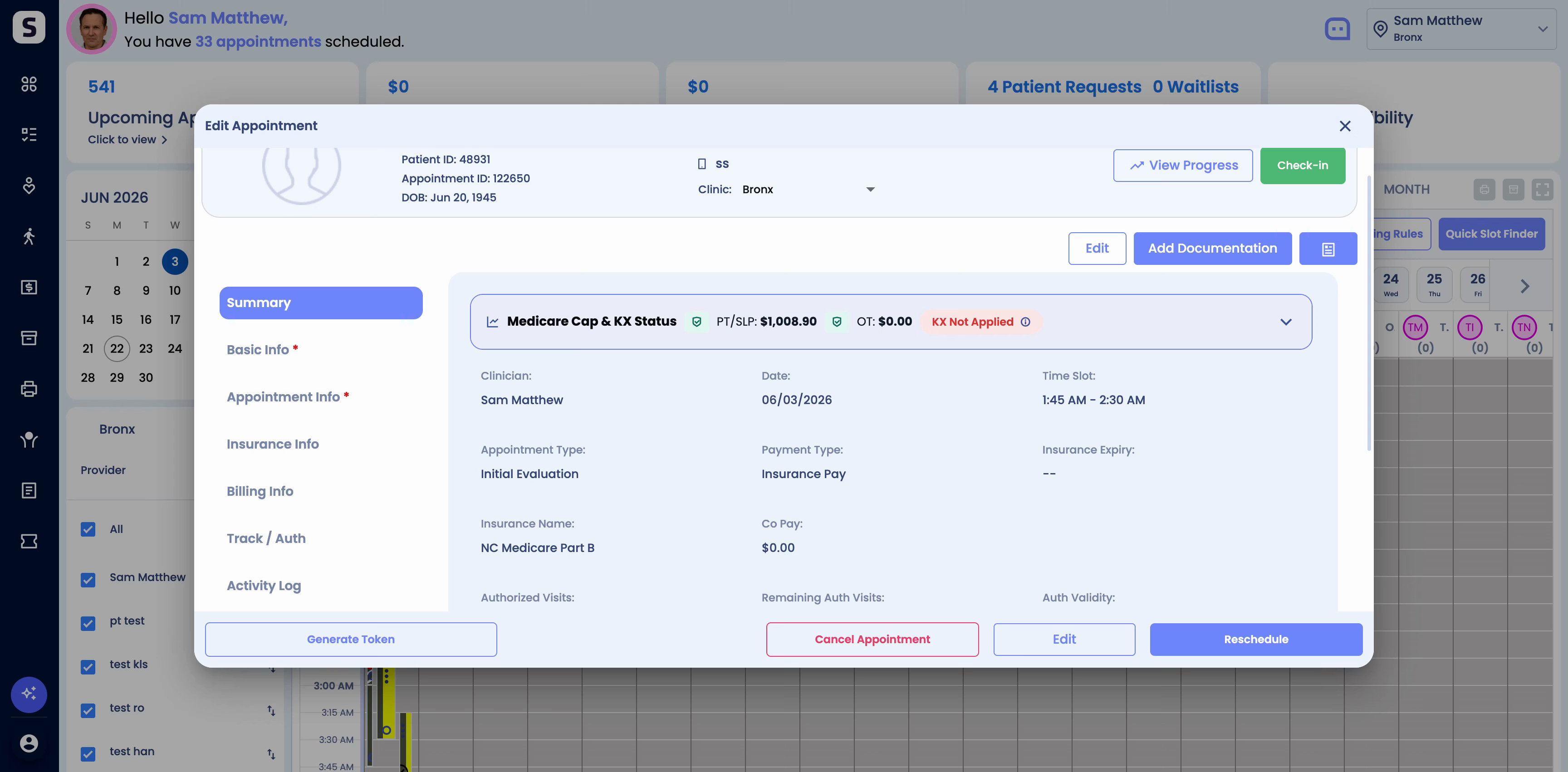
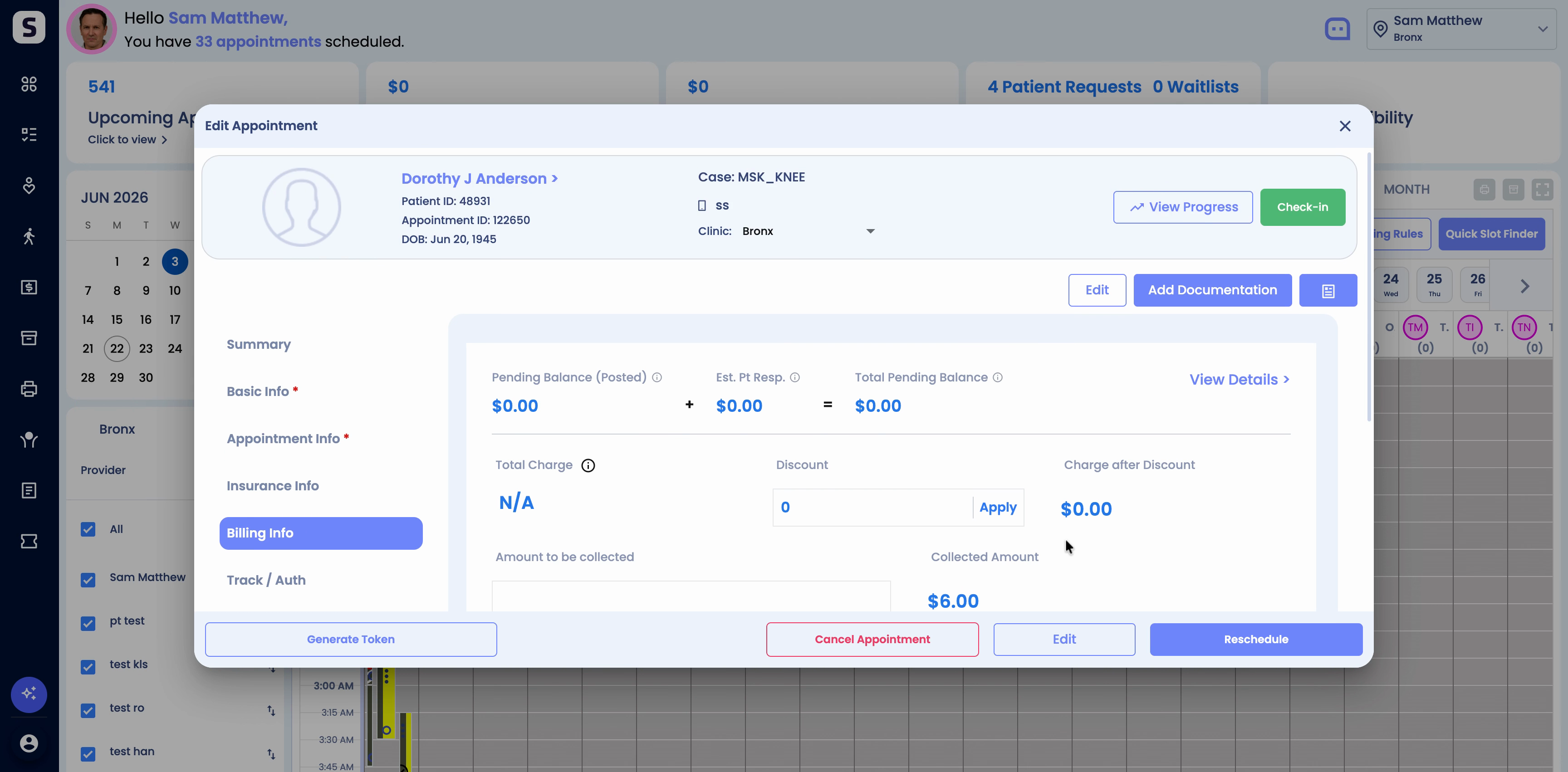
Step 2: Review the estimated amount. The system calculates it using insurance eligibility data and allowed amounts from the patient’s plan. It accounts for responsibilities such as copays, coinsurance, and deductibles at both individual and family levels.
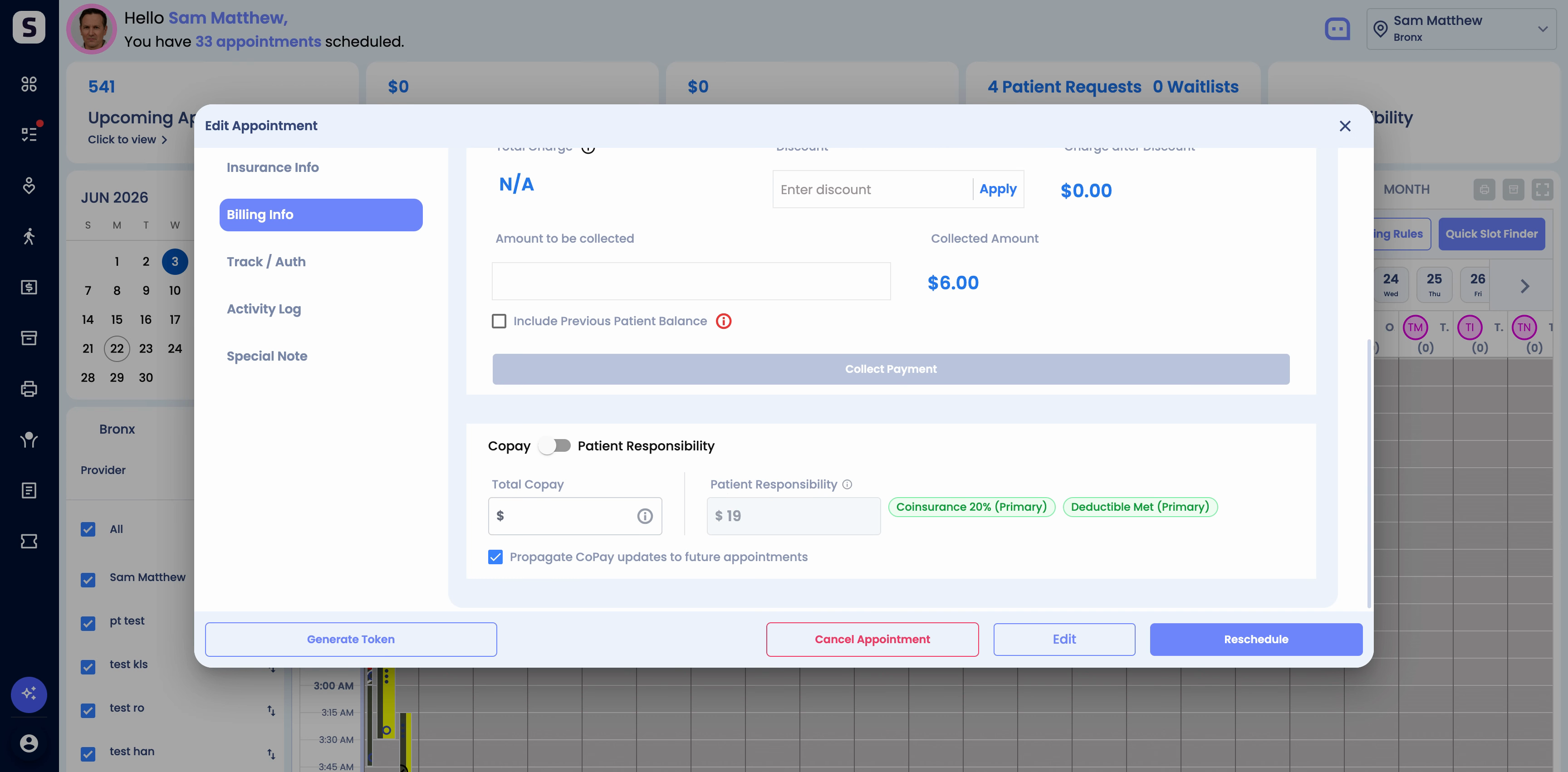
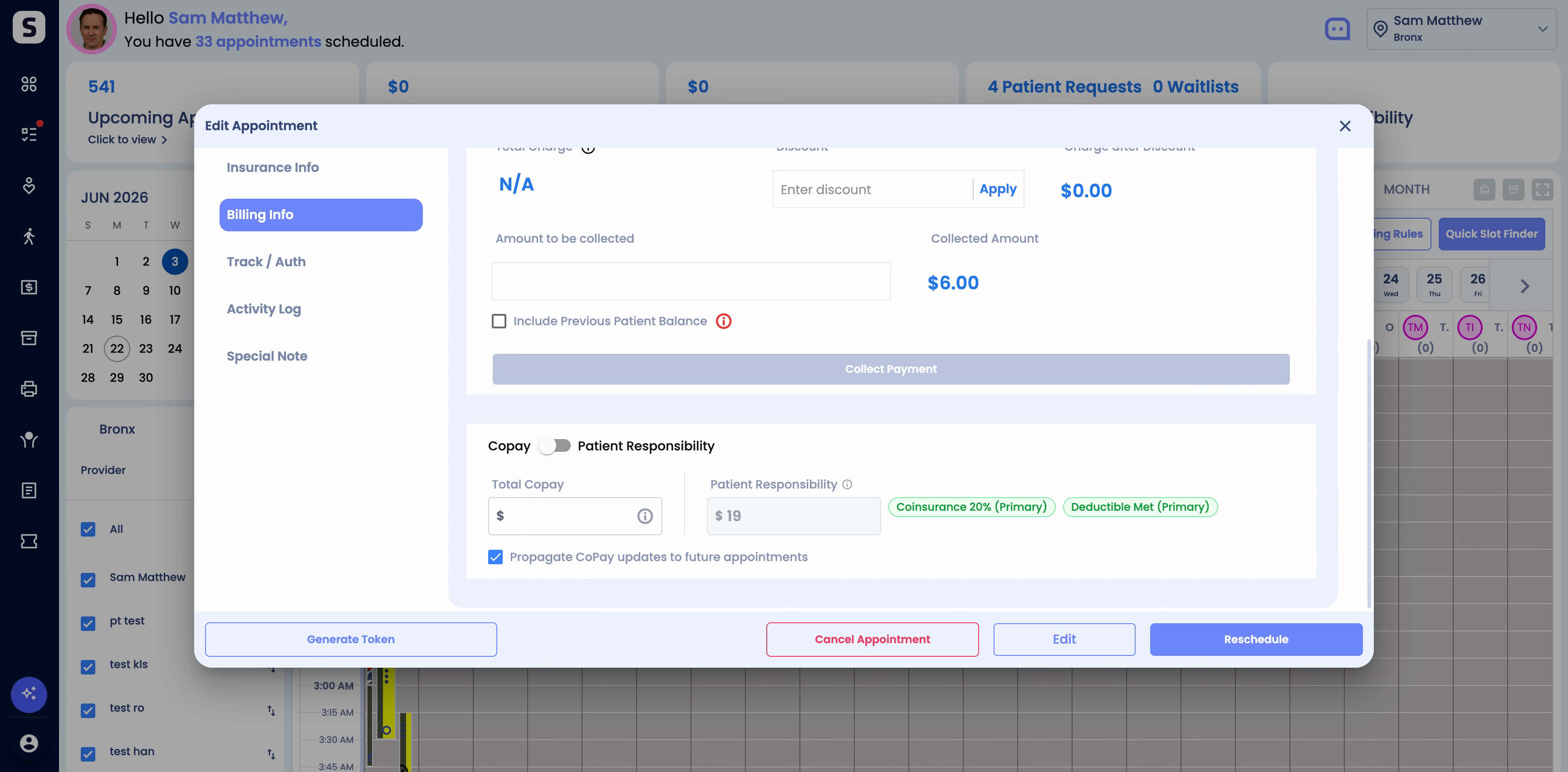
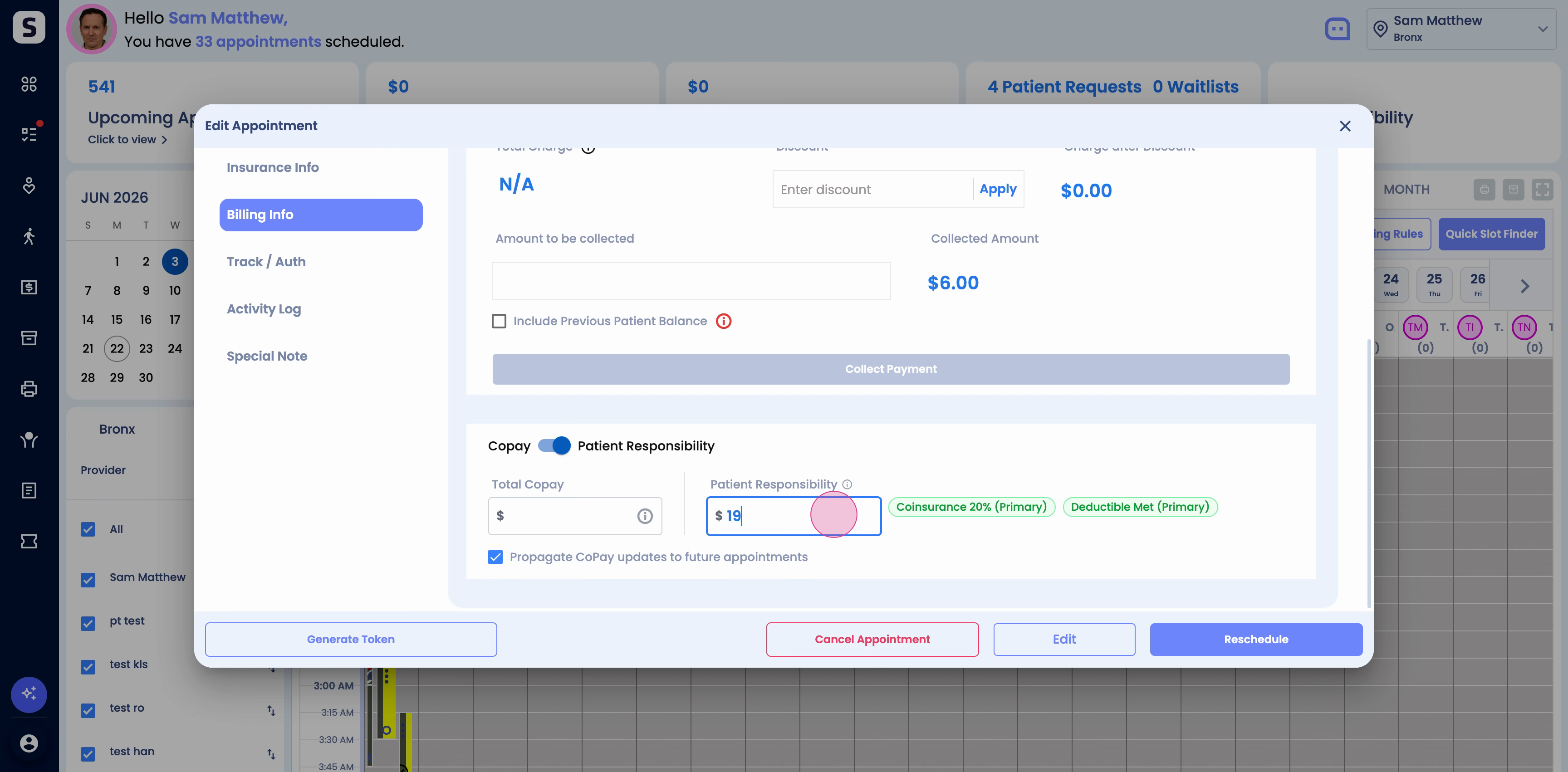
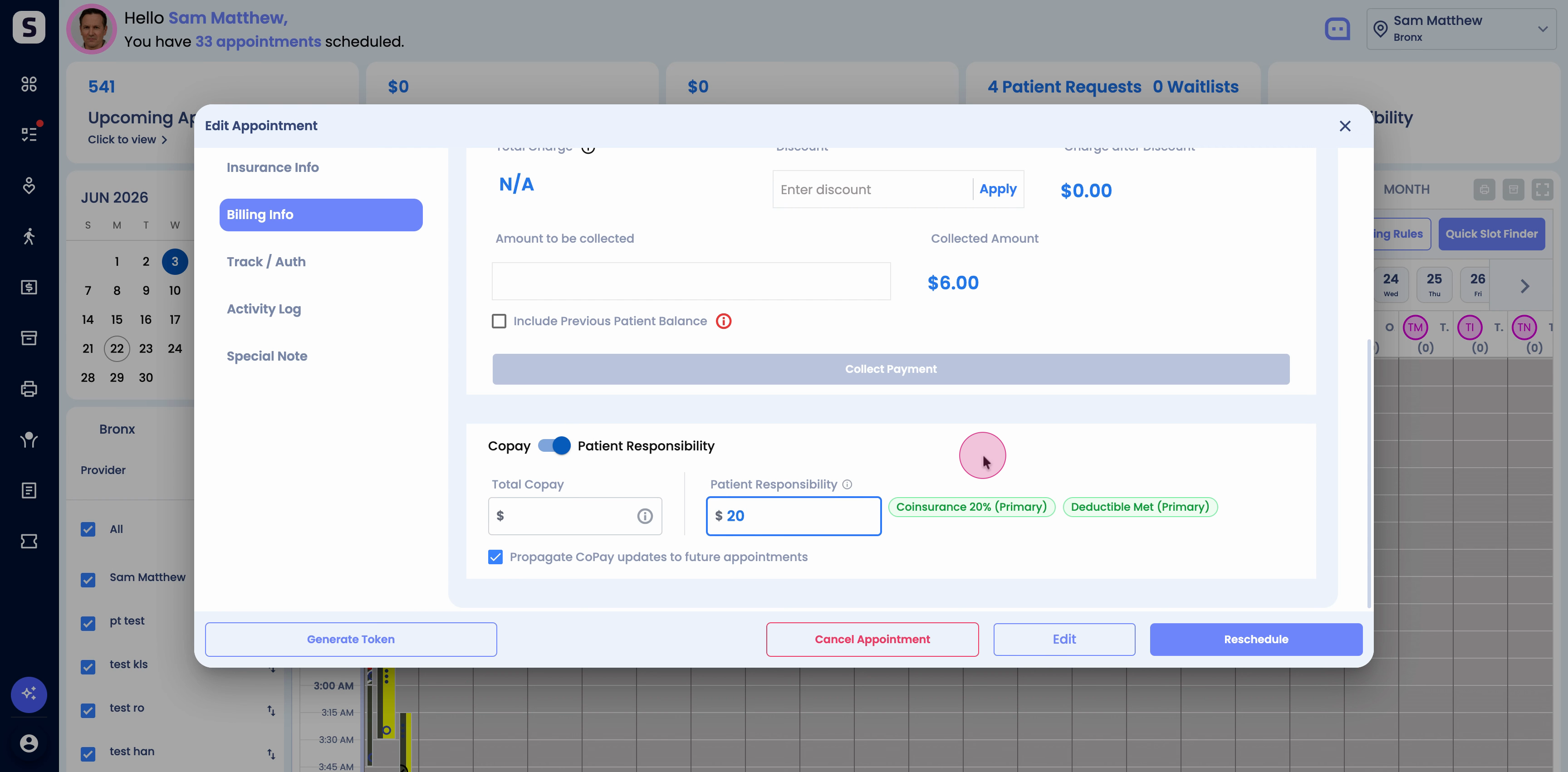
Step 3: When needed, manually update the Estimated Patient Responsibility amount. If you make a change, the system marks the record to show it was manually edited, so your team has full transparency.
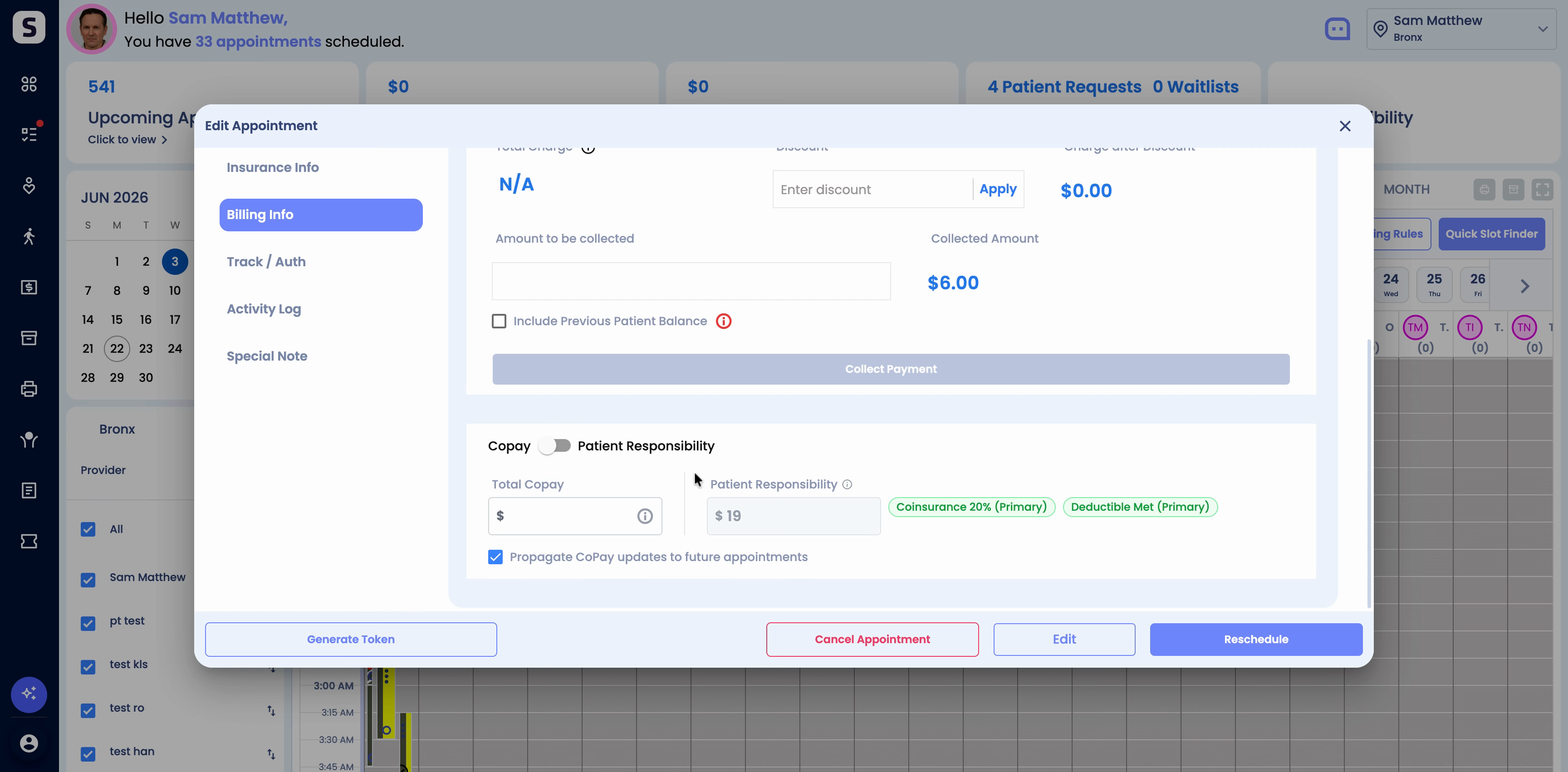
Step 4: Remember, the estimate is based on current eligibility and allowed amounts. The actual responsibility may change after final claim adjudication.

If questions come up, reach out to our support team. Use Estimated Patient Responsibility to make every appointment’s billing experience more predictable and efficient.