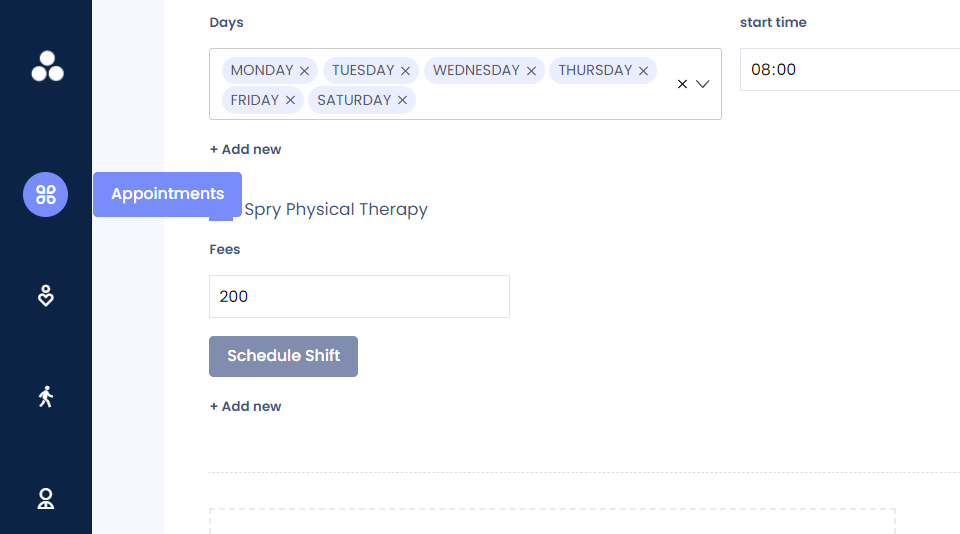
Updating Your Profile Picture and Description
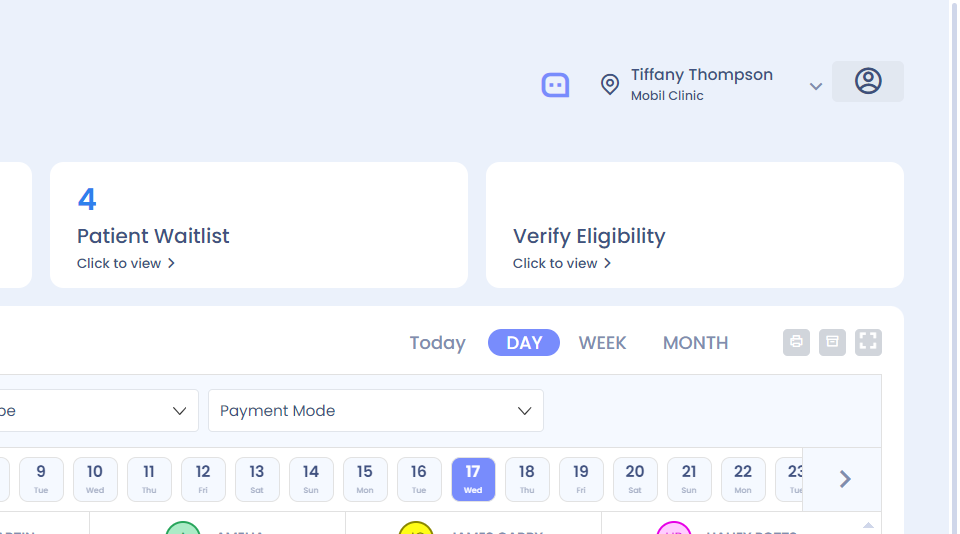
Step 1: Hi how to change your profile picture and your description. Click on the profile icon.
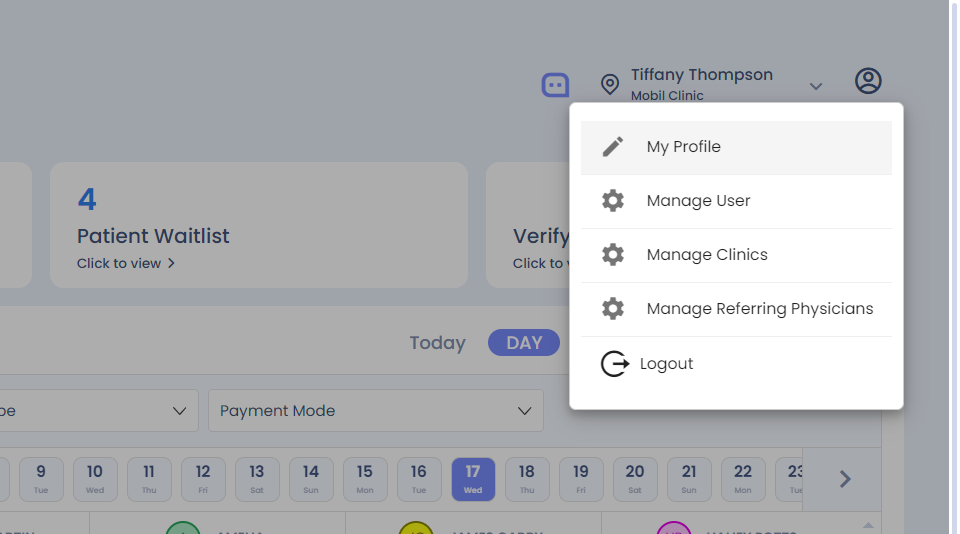
Step 2: Select my profile.
Step 3: Click on edit, select the photo.
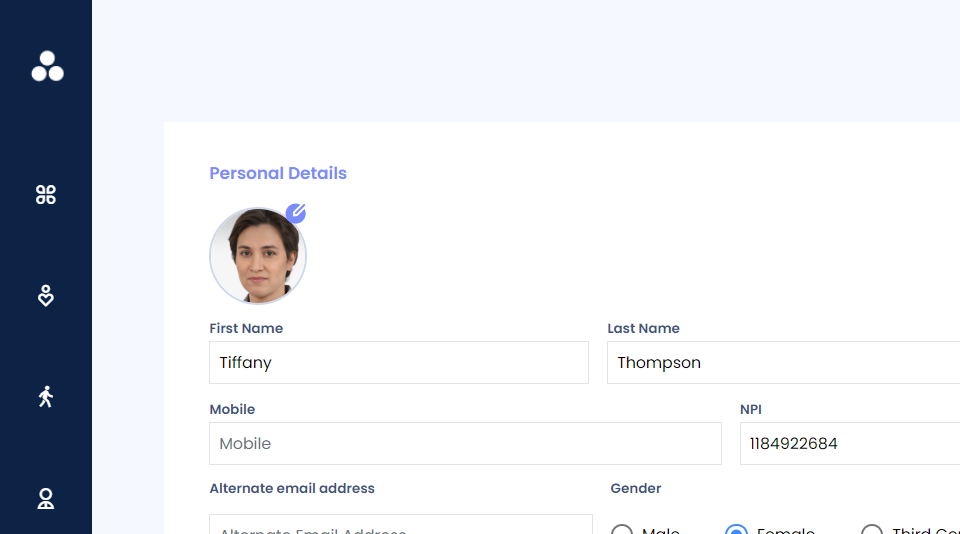
Step 4: Change the description.
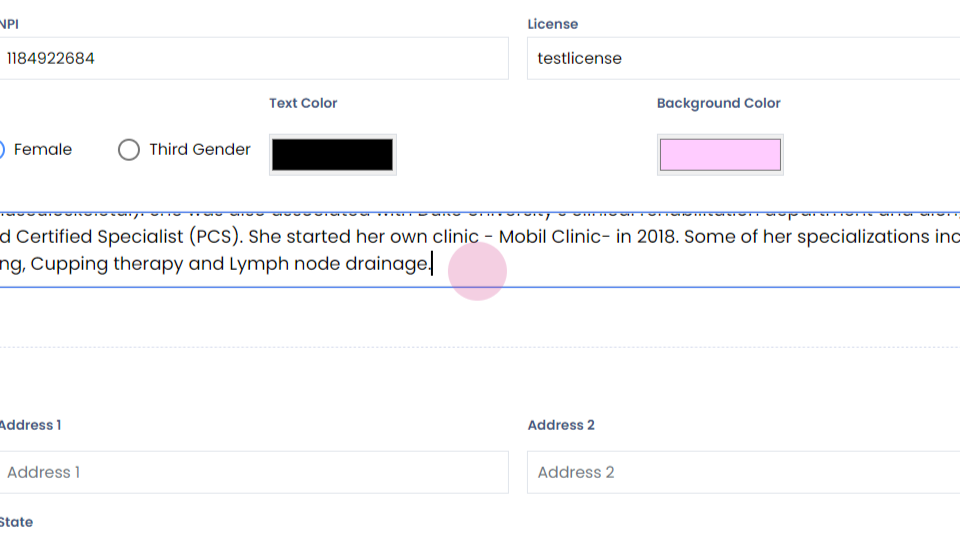
Step 5: Verify the other details. Click on submit to verify the profile picture change.

Step 6: Go back to the dashboard and you will see that the profile picture has been updated successfully.