How to Cancel Recurring Appointments
In this article, you'll learn how to cancel recurring appointments in two different ways.
Step 1: Start by clicking on the dots shown in the image below.

Step 2: Find and click on the Cancel appointment option.
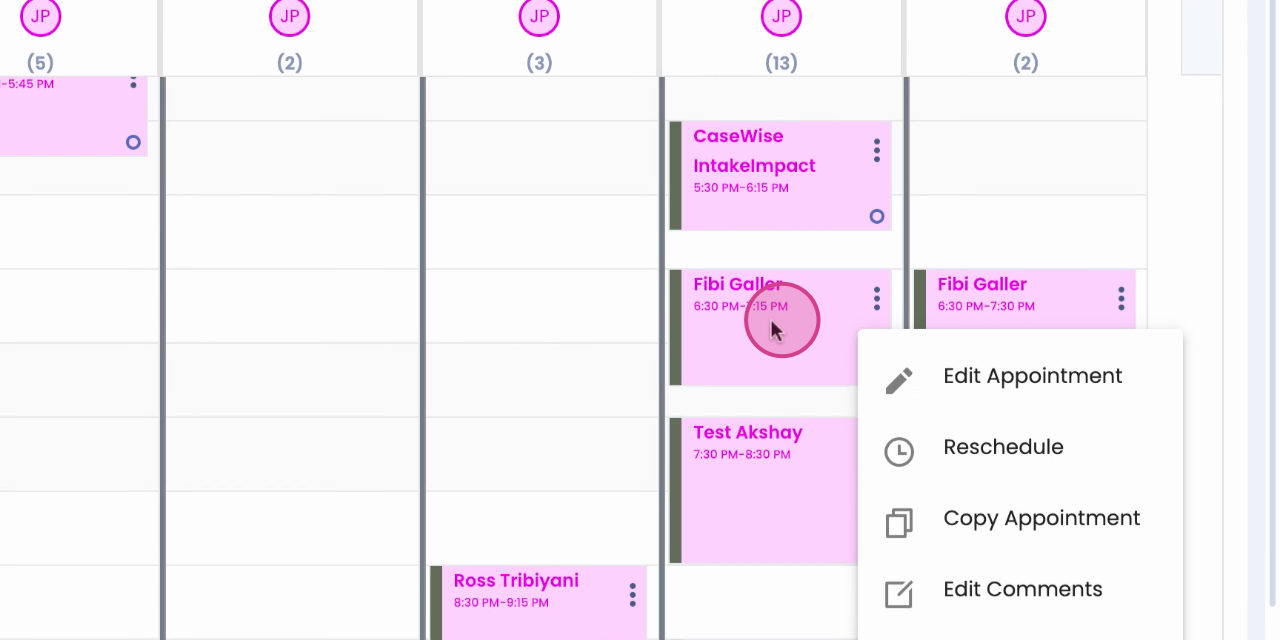
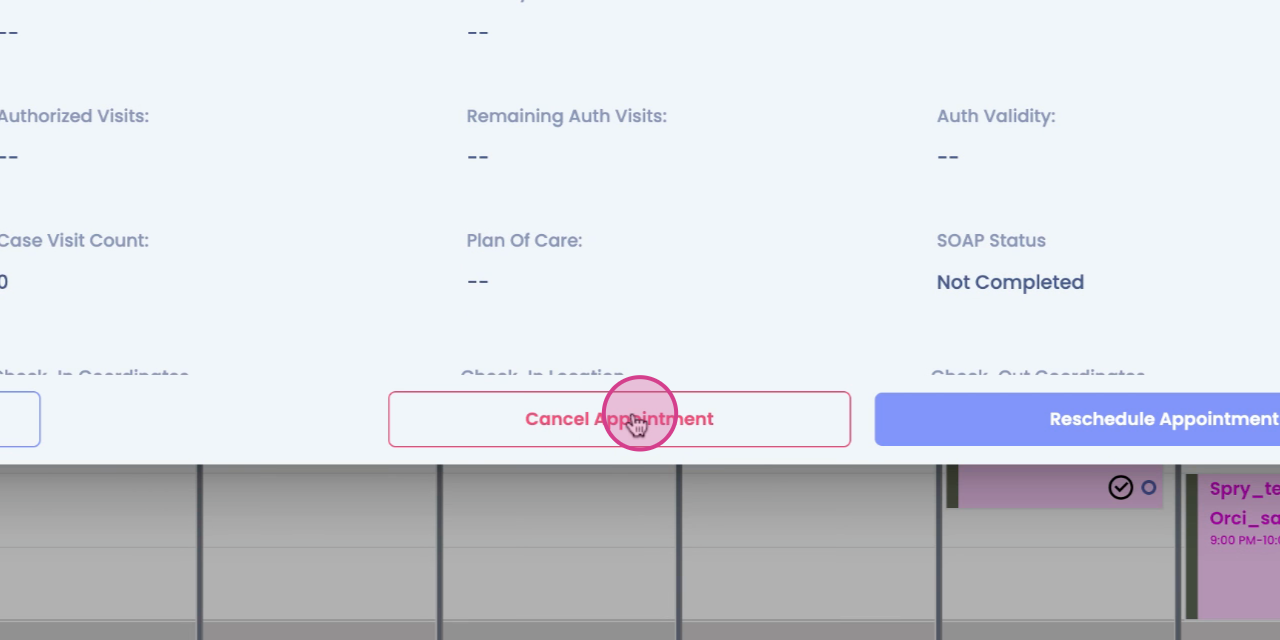
Alternatively, you can click directly on the appointment to cancel it.
Step 3: After clicking on the appointment,
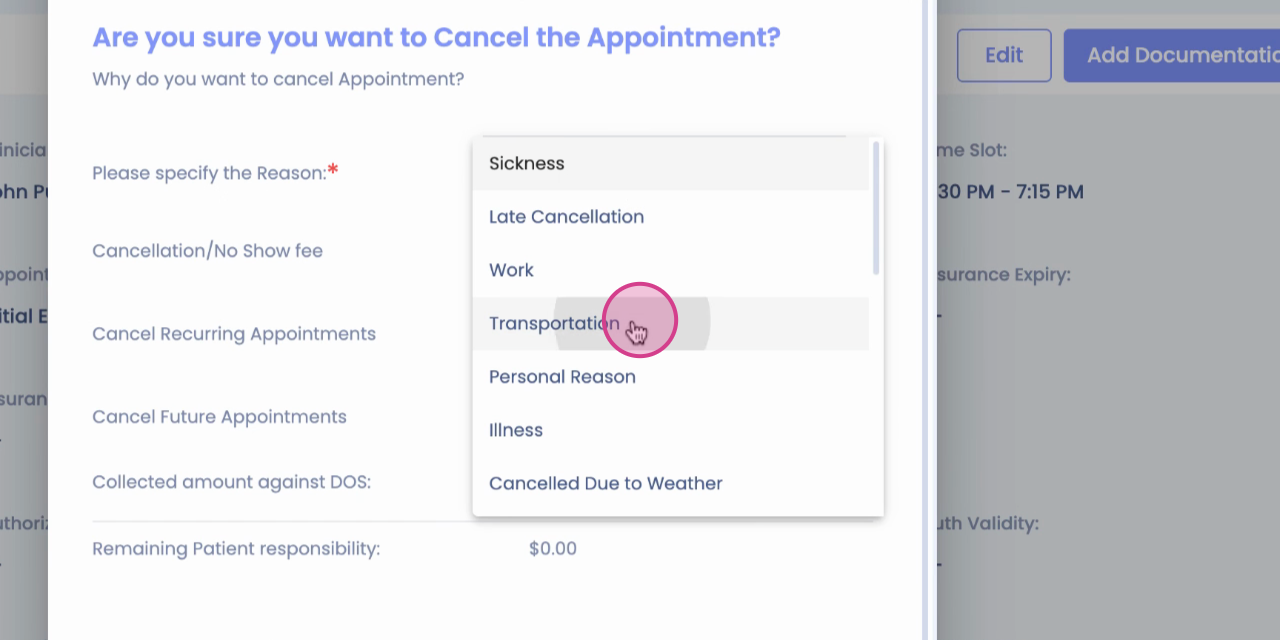
Step 4: Choose the reason for cancellation.
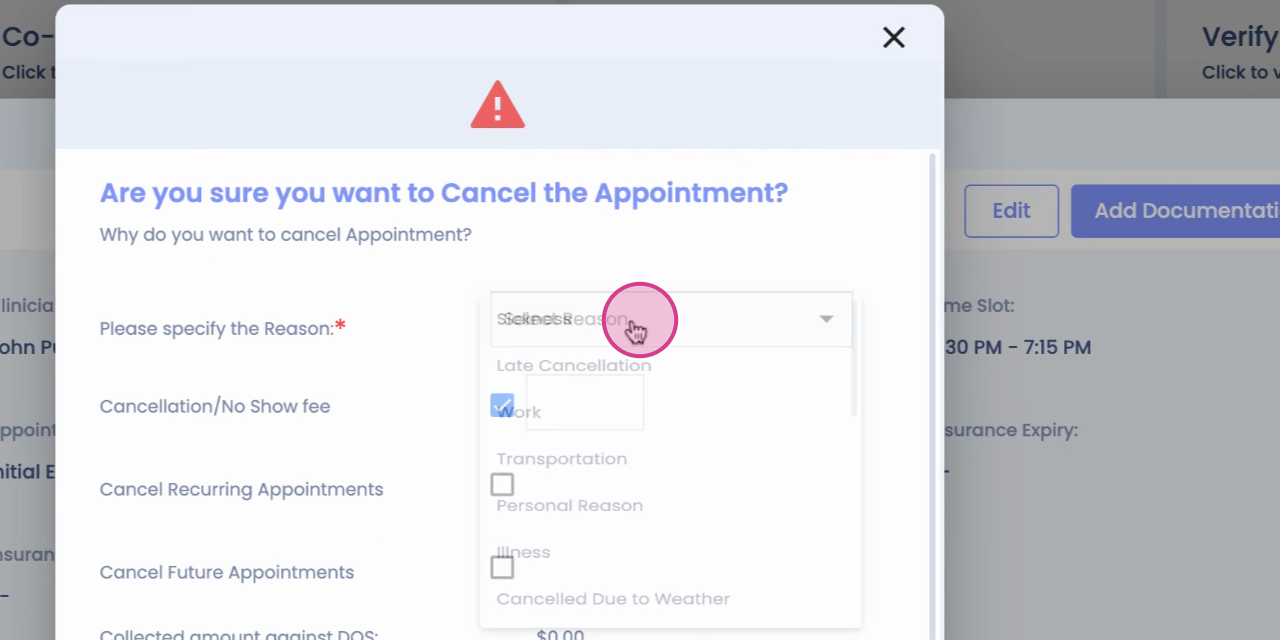
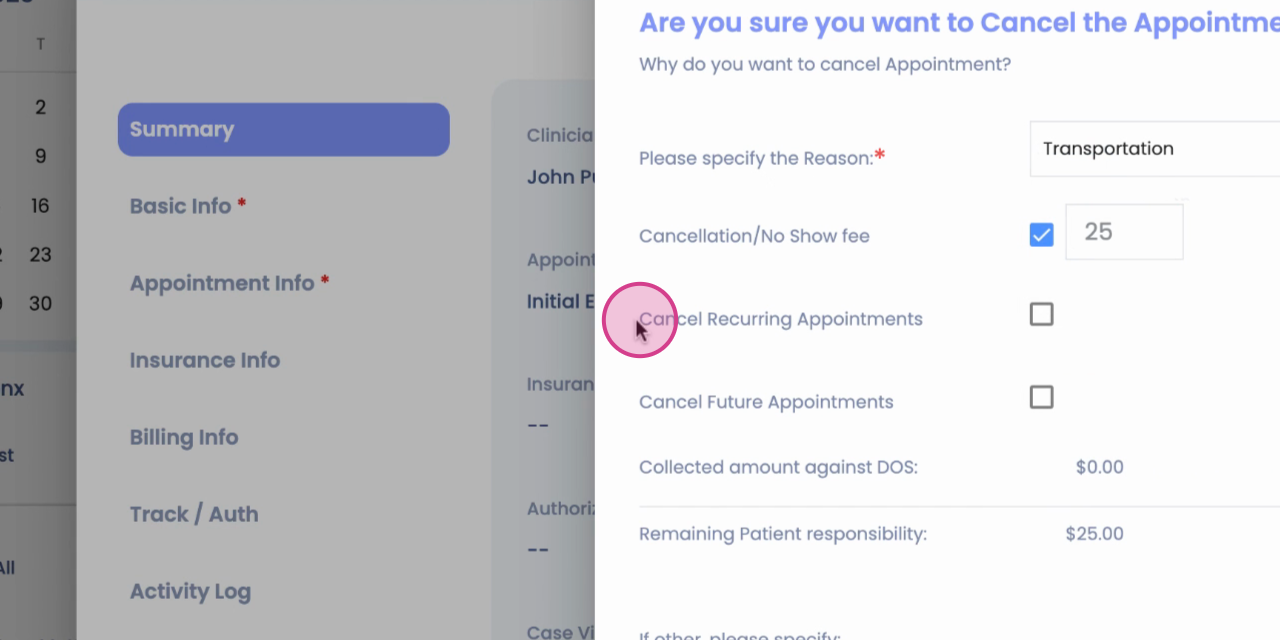
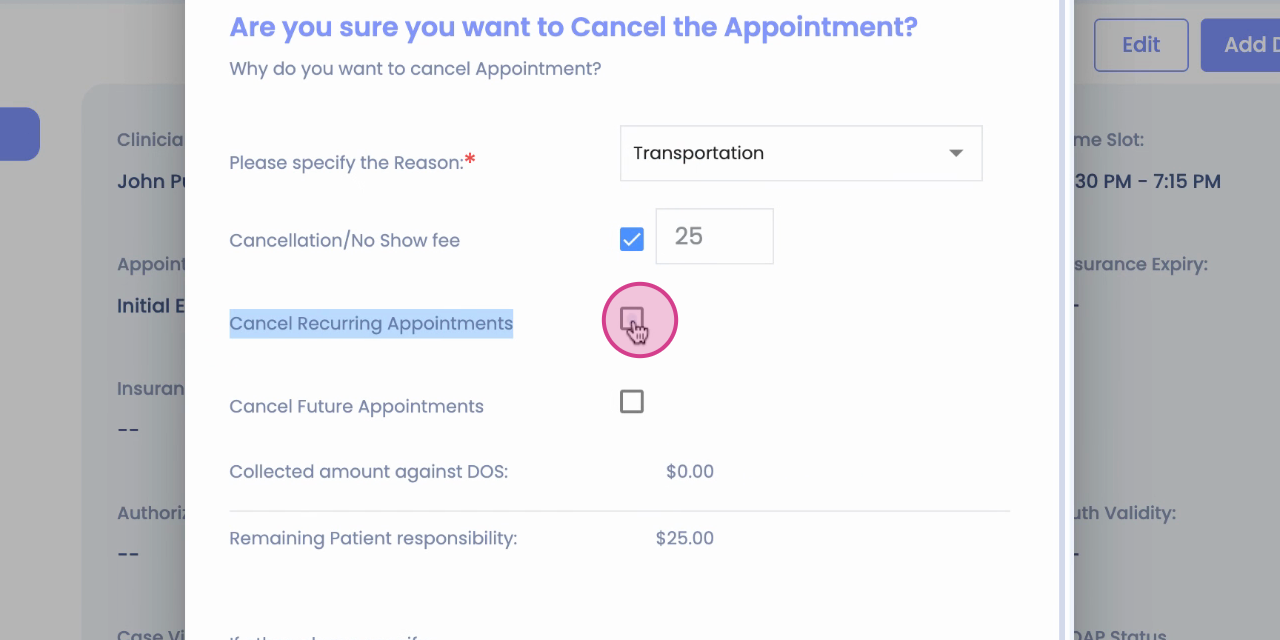
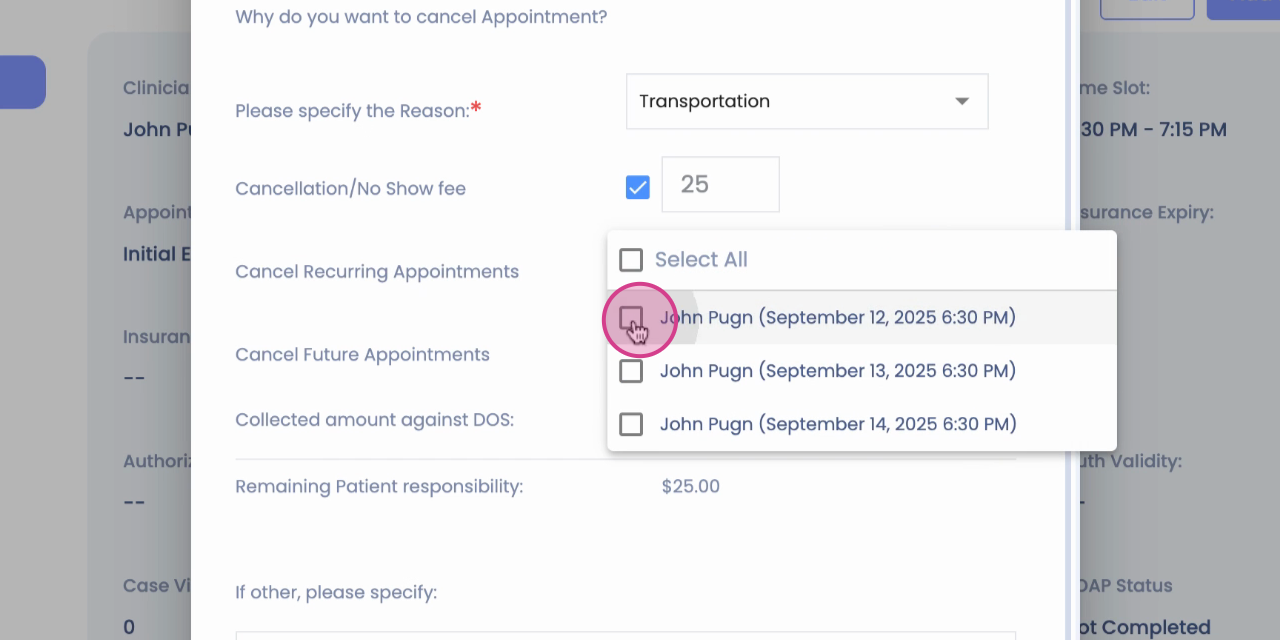
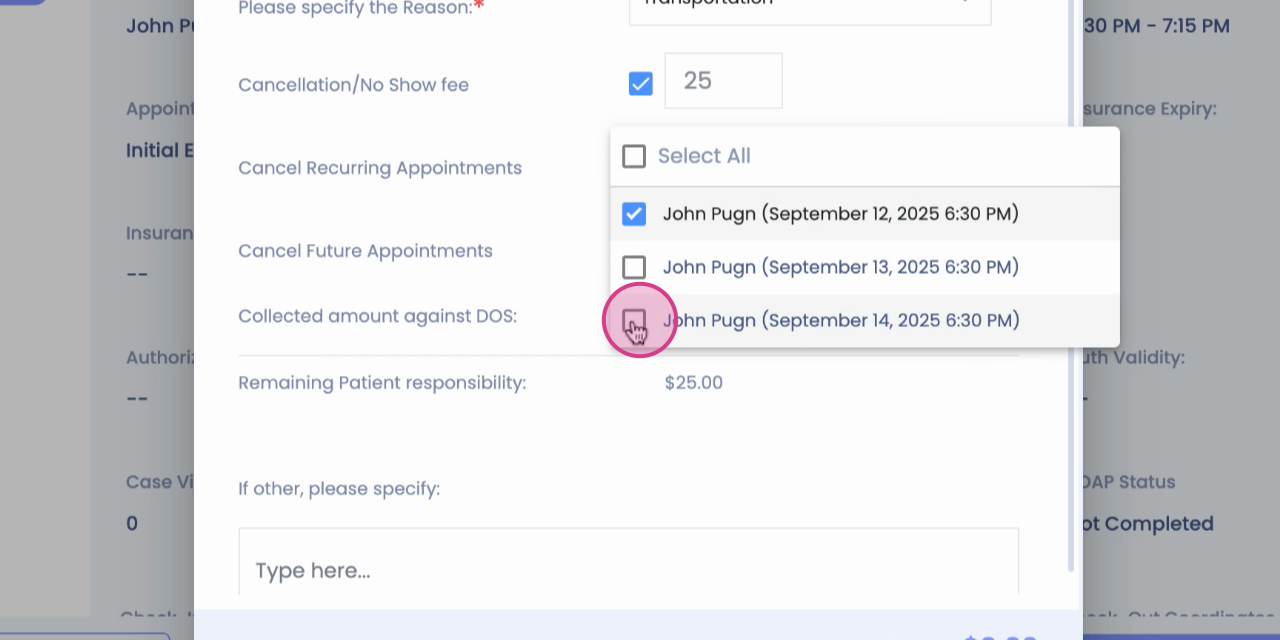
Step 5: Now, you'll see the Cancel recurring appointments option.
Step 6: Click on it.
Step 7: Next, select Appointments.
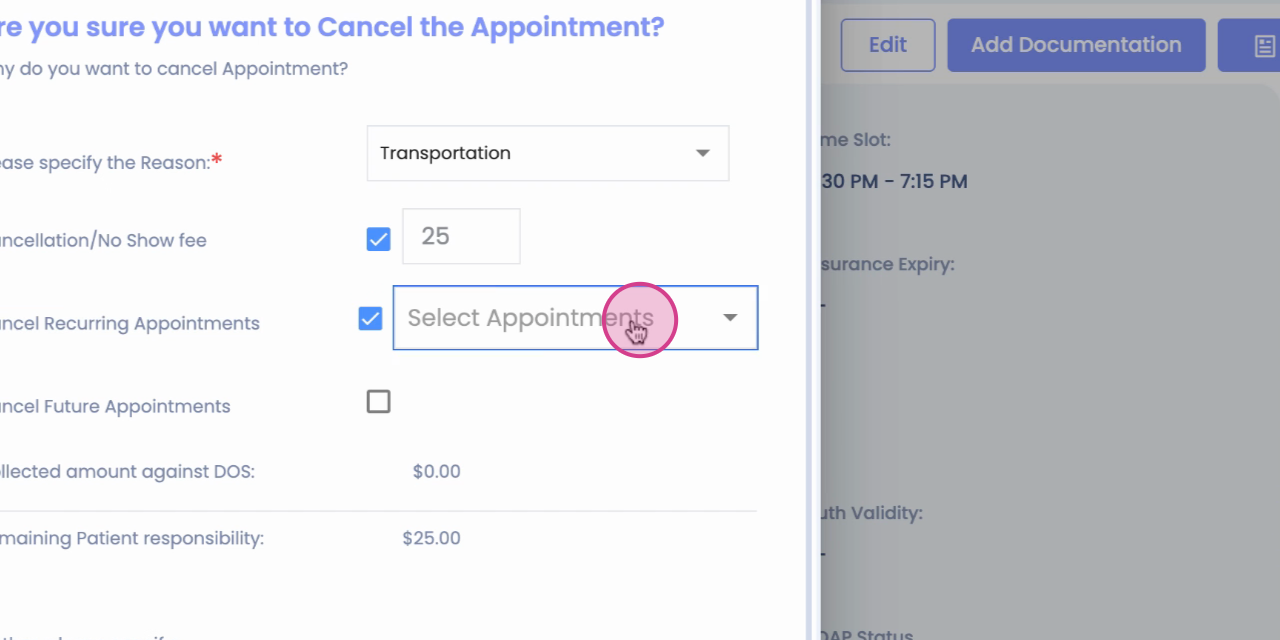
Step 8: You'll have the option to select all appointments or select a particular one.
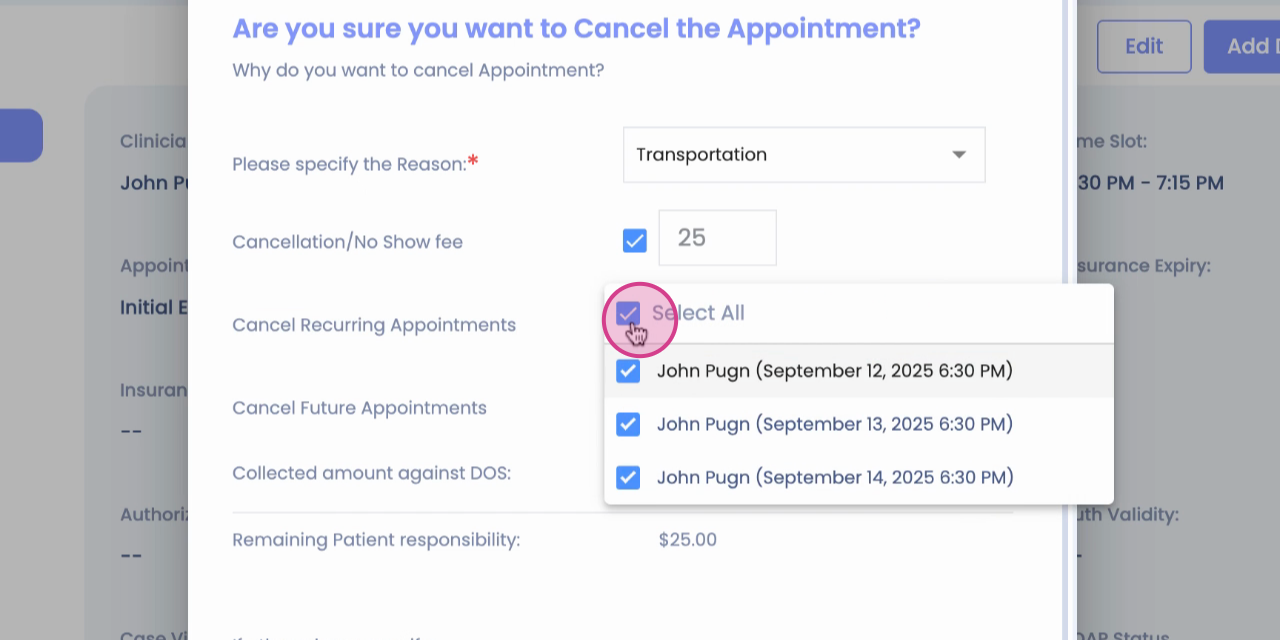
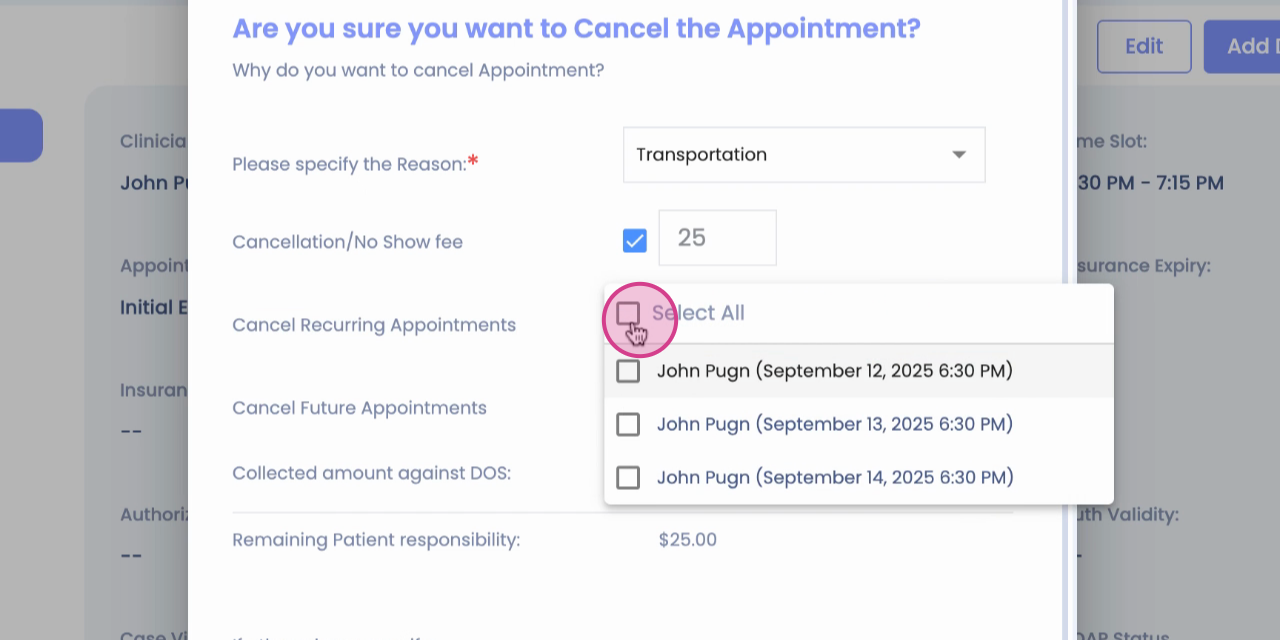
Step 9: Choose Recurring appointments.
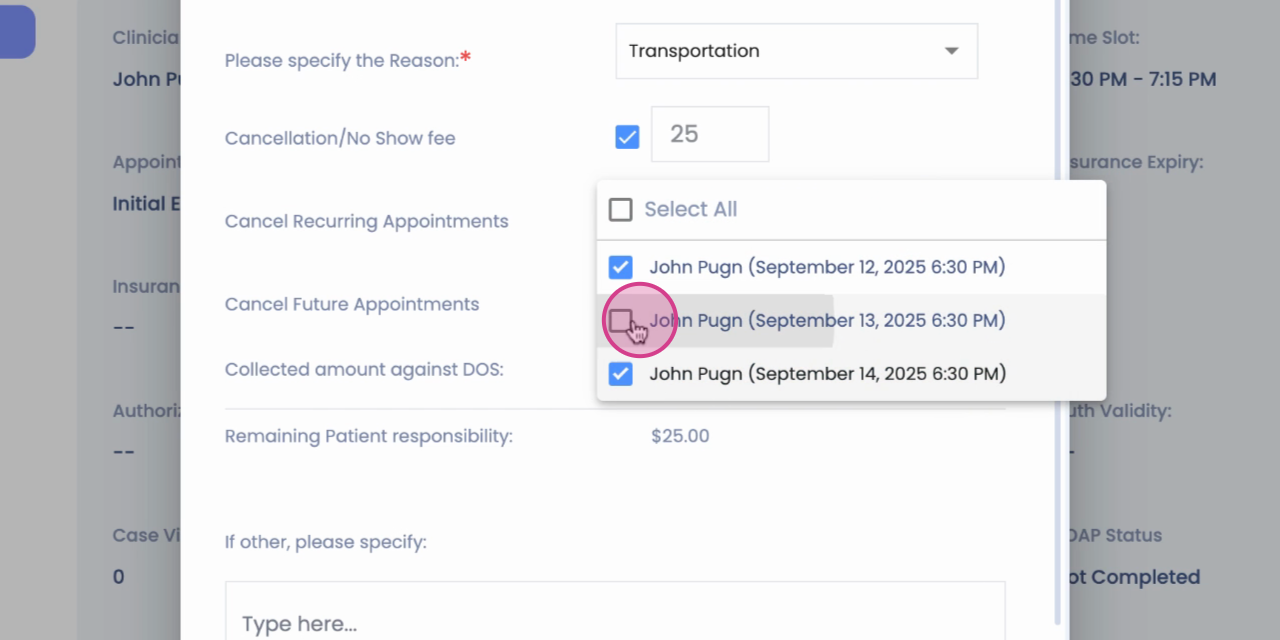
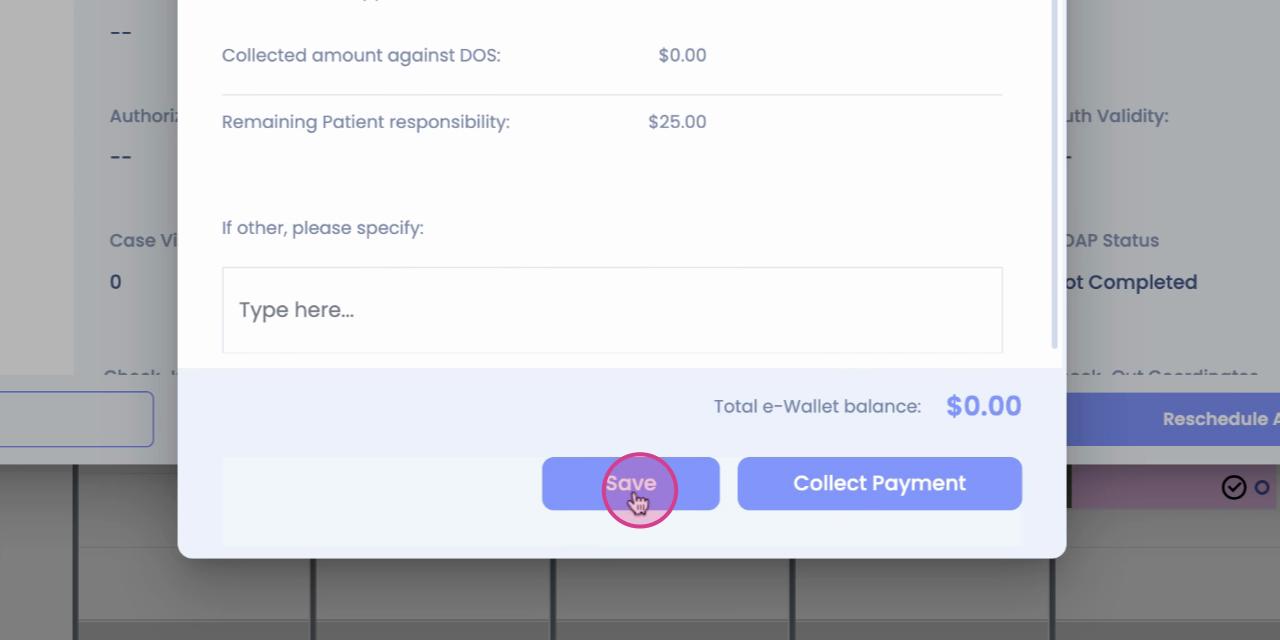
Step 10: After making your selection, click on the Save