
Collecting Payments with Square
This guide explains how to collect payment using Square.Start by clicking on the appointment card.
Step 1: Enter the amount to be collected.
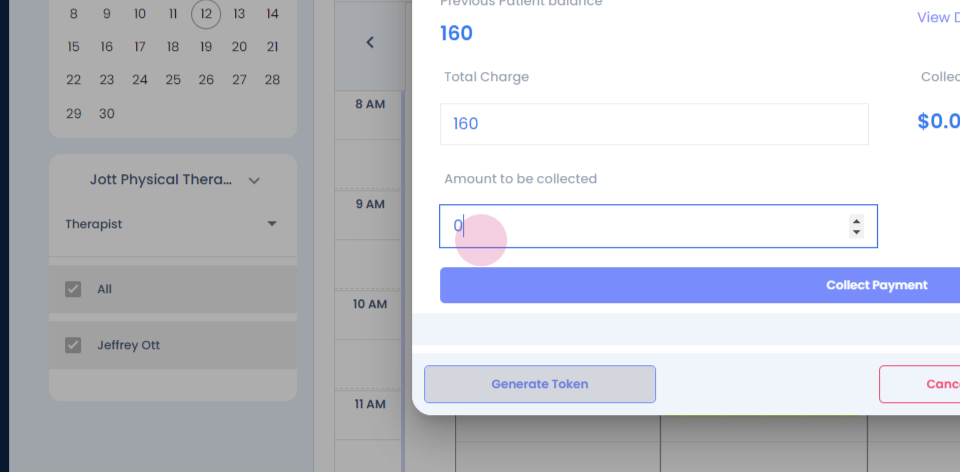
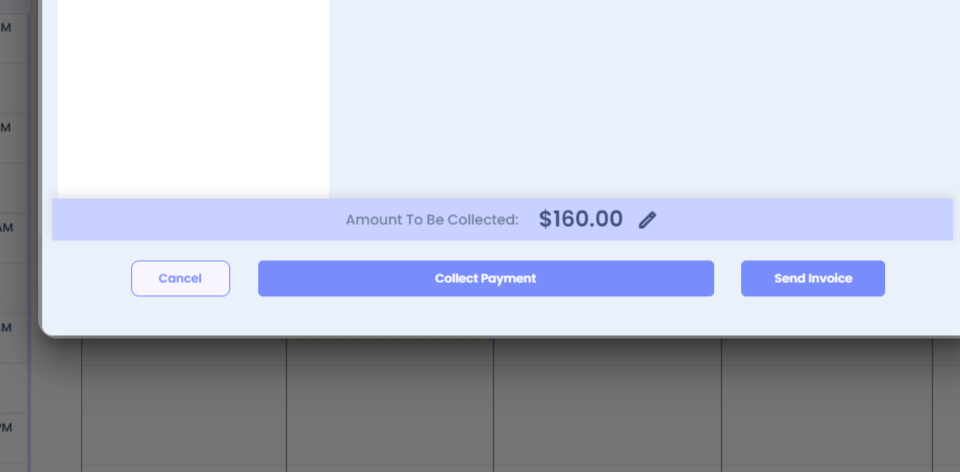
Step 2: Click on Collect Payment.

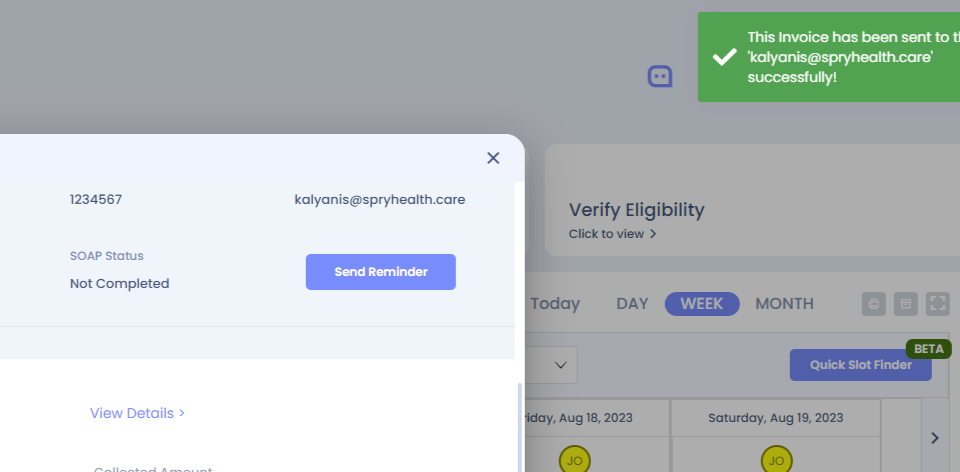
Step 3: Click on Send Invoice to trigger an invoice to the patient.
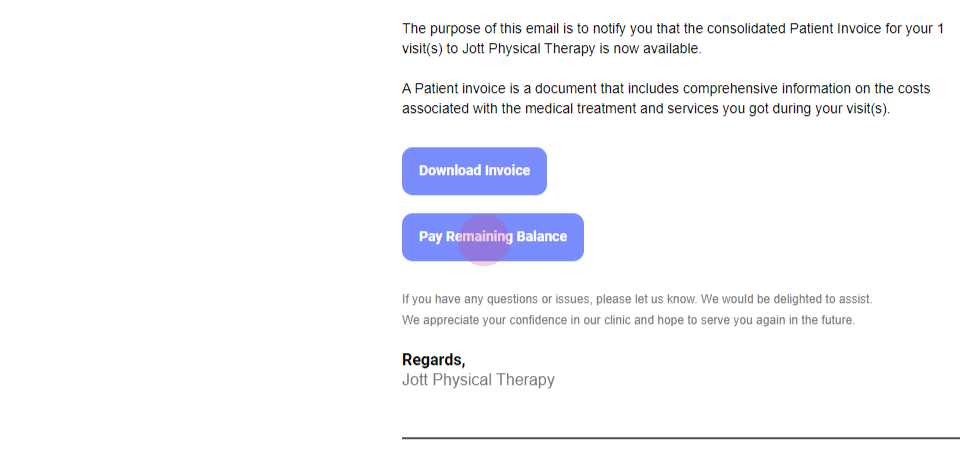

The patient will receive an invoice like this:The patient has the option to download the invoice or click on Pay Remaining Balance.The payment can be made via the online terminal.Alternatively, there's another method to collect the payment.
Step 1: Click on the appointment card and enter the payment amount.
Step 2: Click on Collect Payment and select Square Terminal.
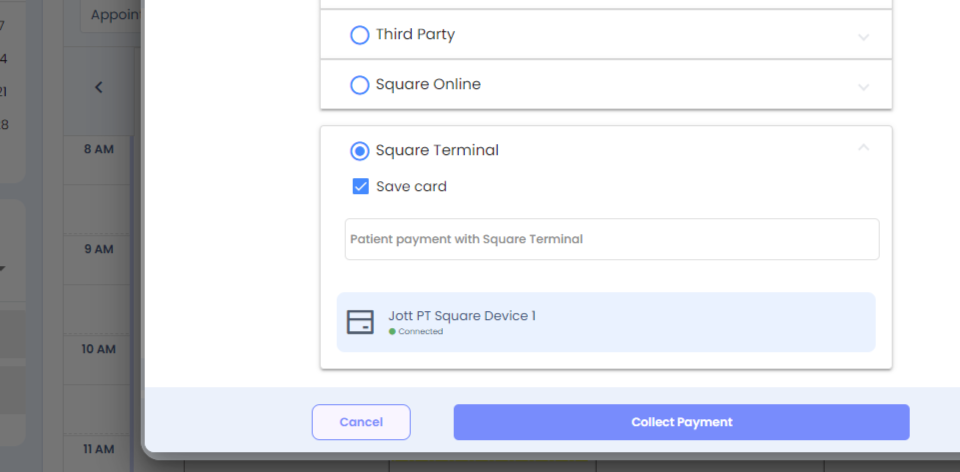
Step 3: Click on Safeguard to collect the payment via the terminal. If there are any comments to add, include them here.
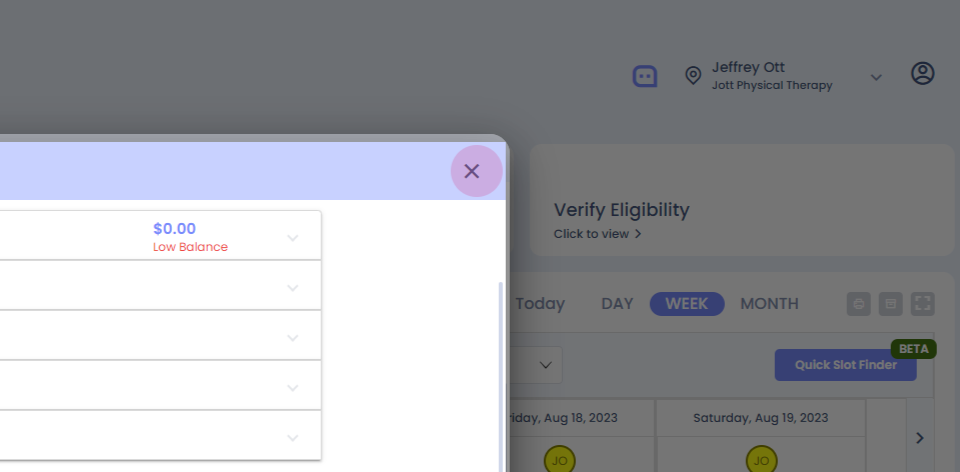

After clicking on Collect Payment, the Square terminal will process the payment.