
Appointment Billing Info Update
Enhanced Appointment Card Billing Info: Understanding Patient Balance Breakdown
This update to the appointment card billing info screen brings clearer, more accurate visibility into a patient’s real-time balance. Instead of a single balance, you’ll now see a detailed breakdown that helps you understand every component of what the patient owes.
Step 1: Open the appointment card and locate the billing info section.
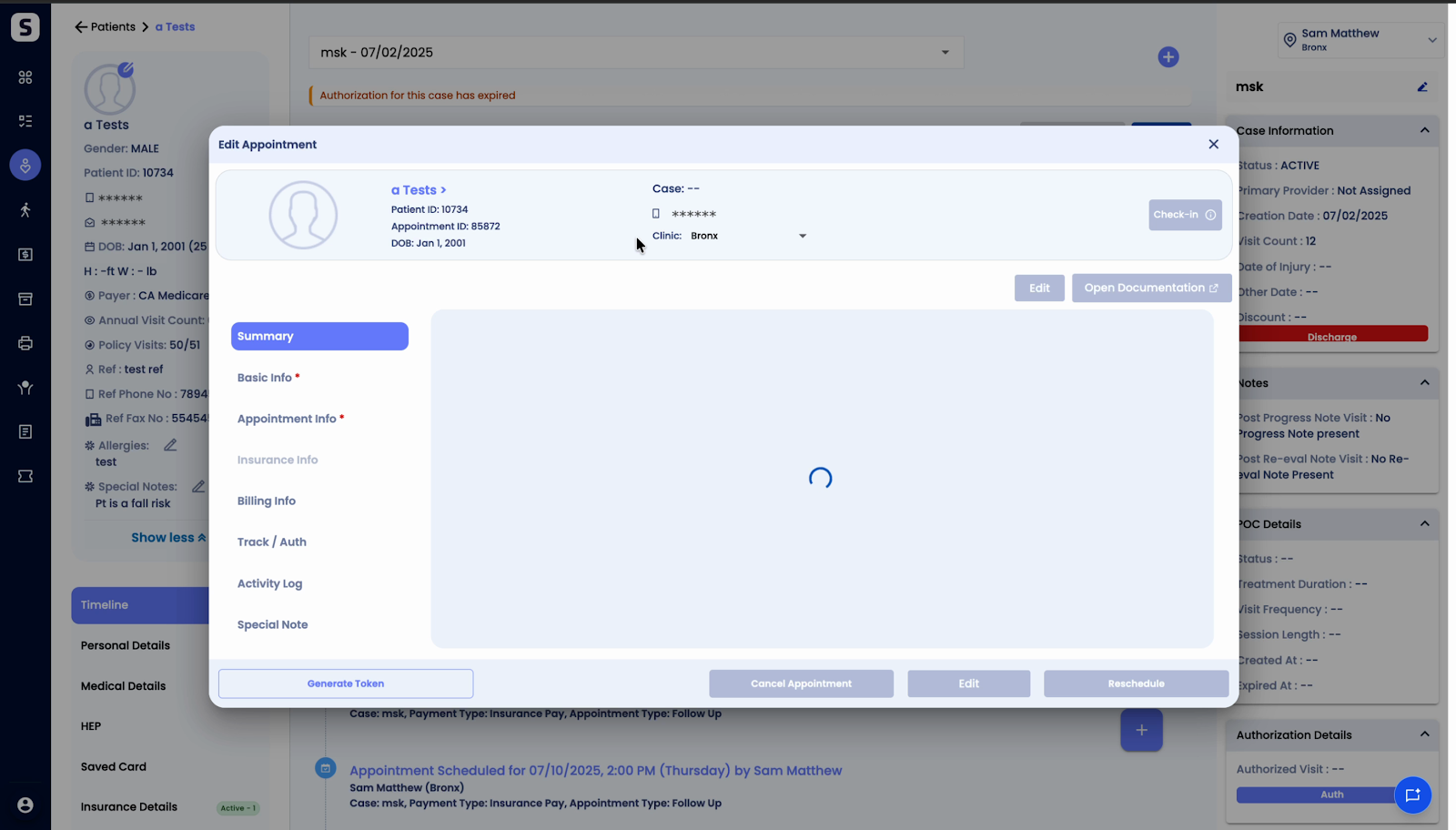
Step 2: Click View Details to access the full breakdown of balances.
Step 3: Review the three key values now presented in a horizontal layout:
- Pending Balance Posted: Amounts already assigned to the patient from processed claims. This only includes spill pending bill-ready statuses.
- Claim Estimated Patient Responsibility: Expected copay, deductible, or coinsurance. These are based on charges added for the entire patient life cycle that aren’t finalized yet.
- Total Pending Balance: The sum of posted and estimated amounts, giving you a complete picture of pending patient payments.
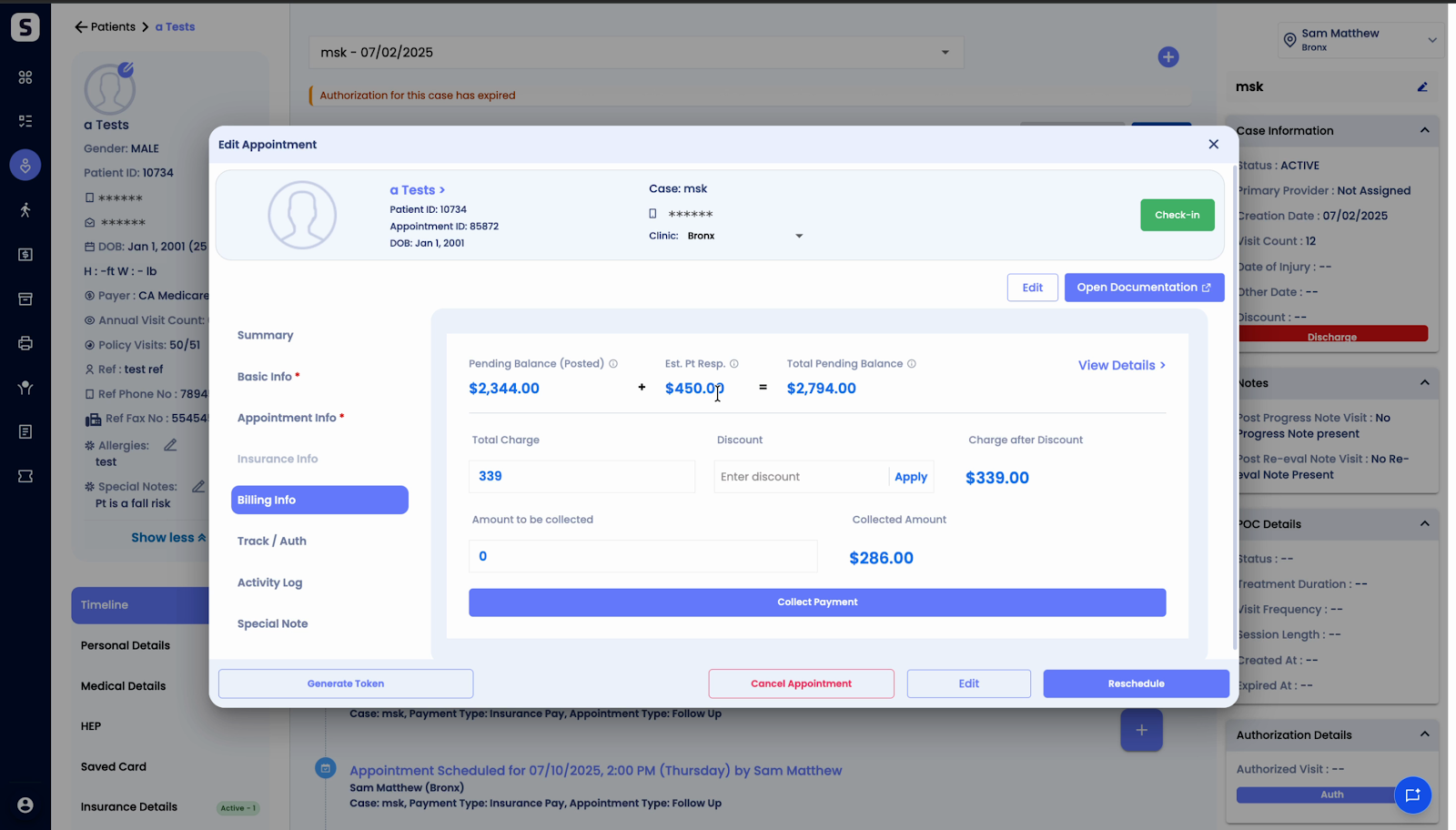
Step 4: Hover over each section for a tooltip. The tooltip explains exactly how each value is calculated or what it represents.
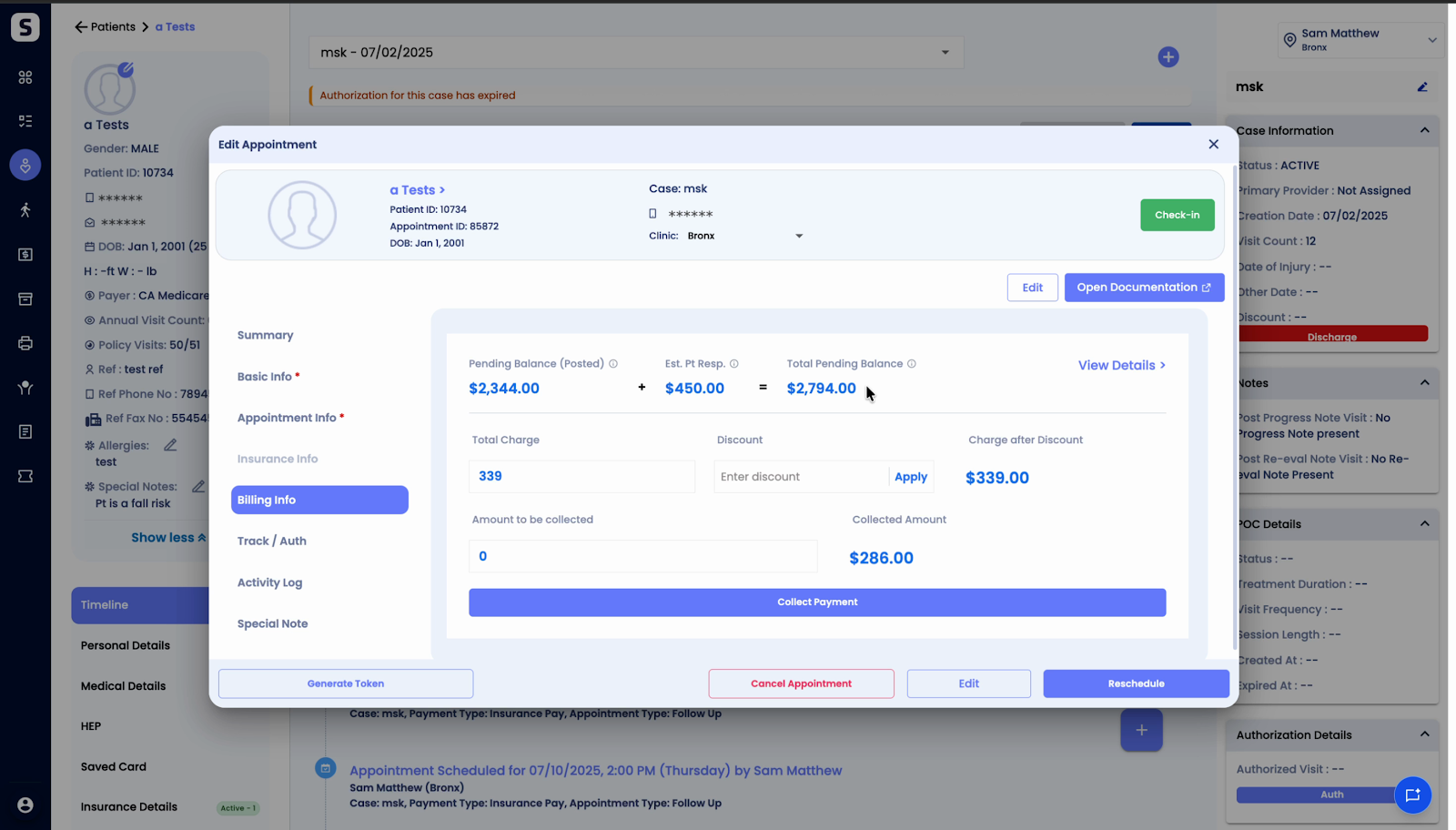
All three amounts update in real time as new information becomes available. This way, you always see the most current patient balance at a glance.
Understanding this breakdown makes it easier to explain balances to patients and ensures billing info stays transparent and up to date.