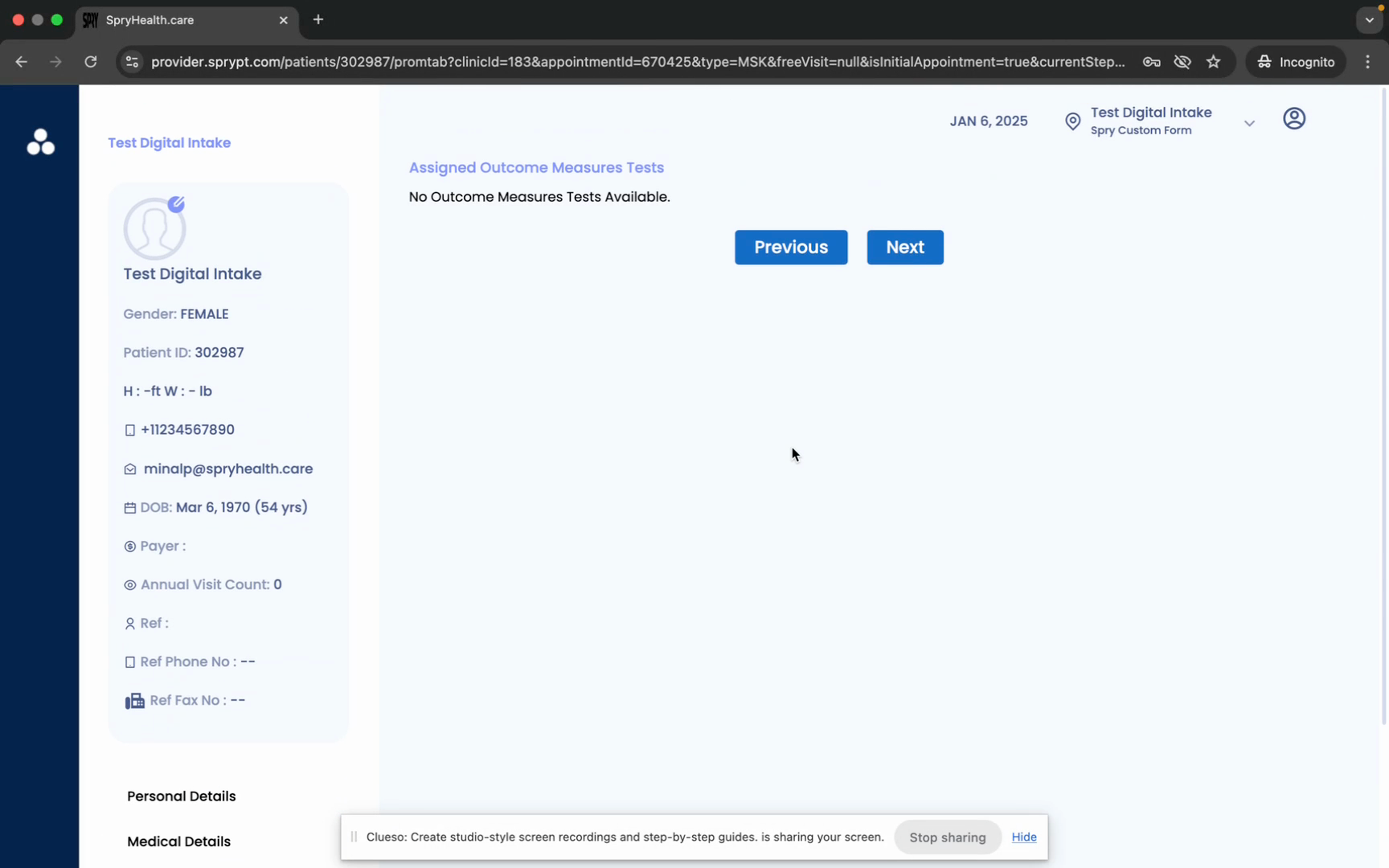
Digital Patient Intake Form Process
In this article, you'll learn how to send digital intake forms to your patients. This feature allows patients to fill out their details, which will then be visible in their chart and documentation sections.
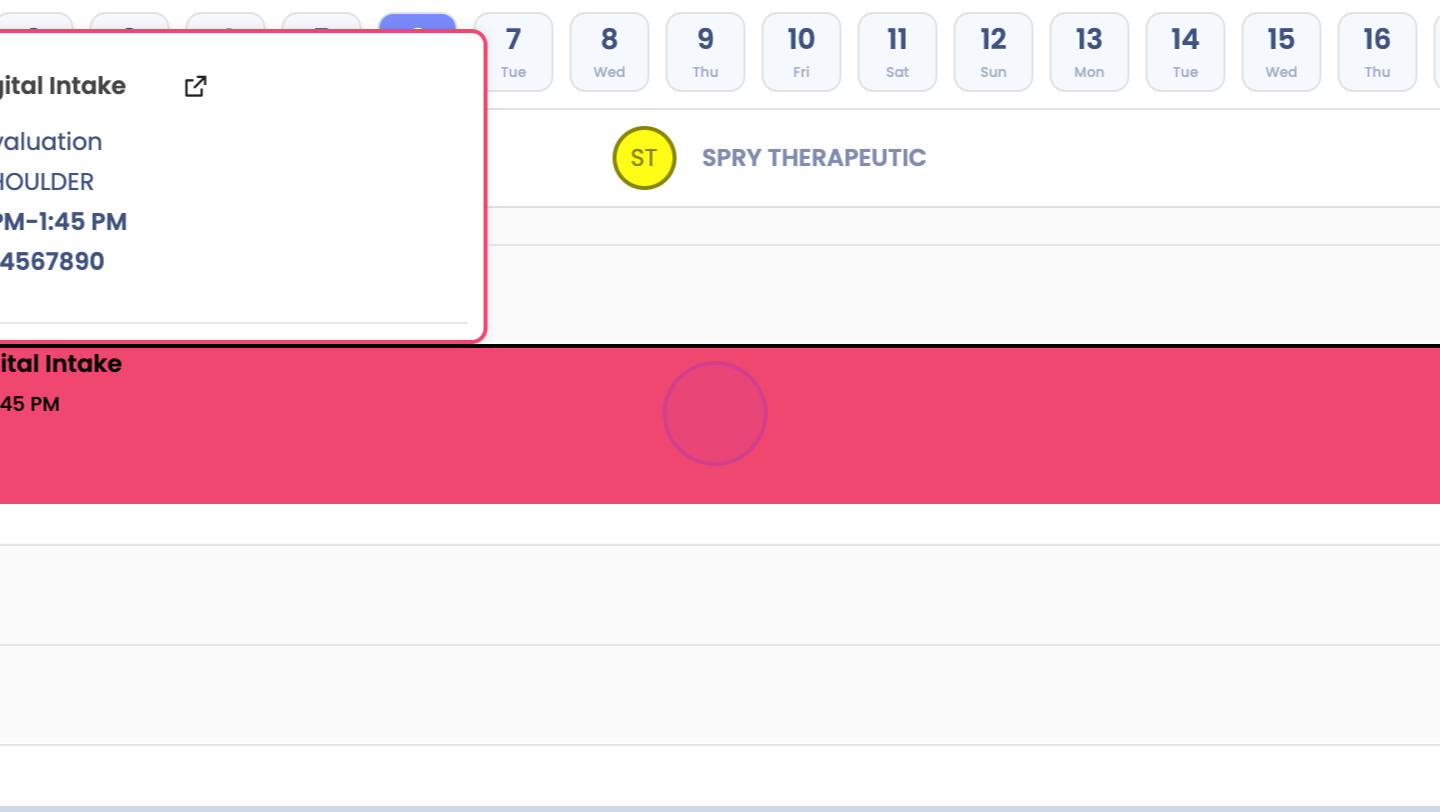
Step 1: Schedule your patient on the calendar. Make sure to input their email address and phone number.
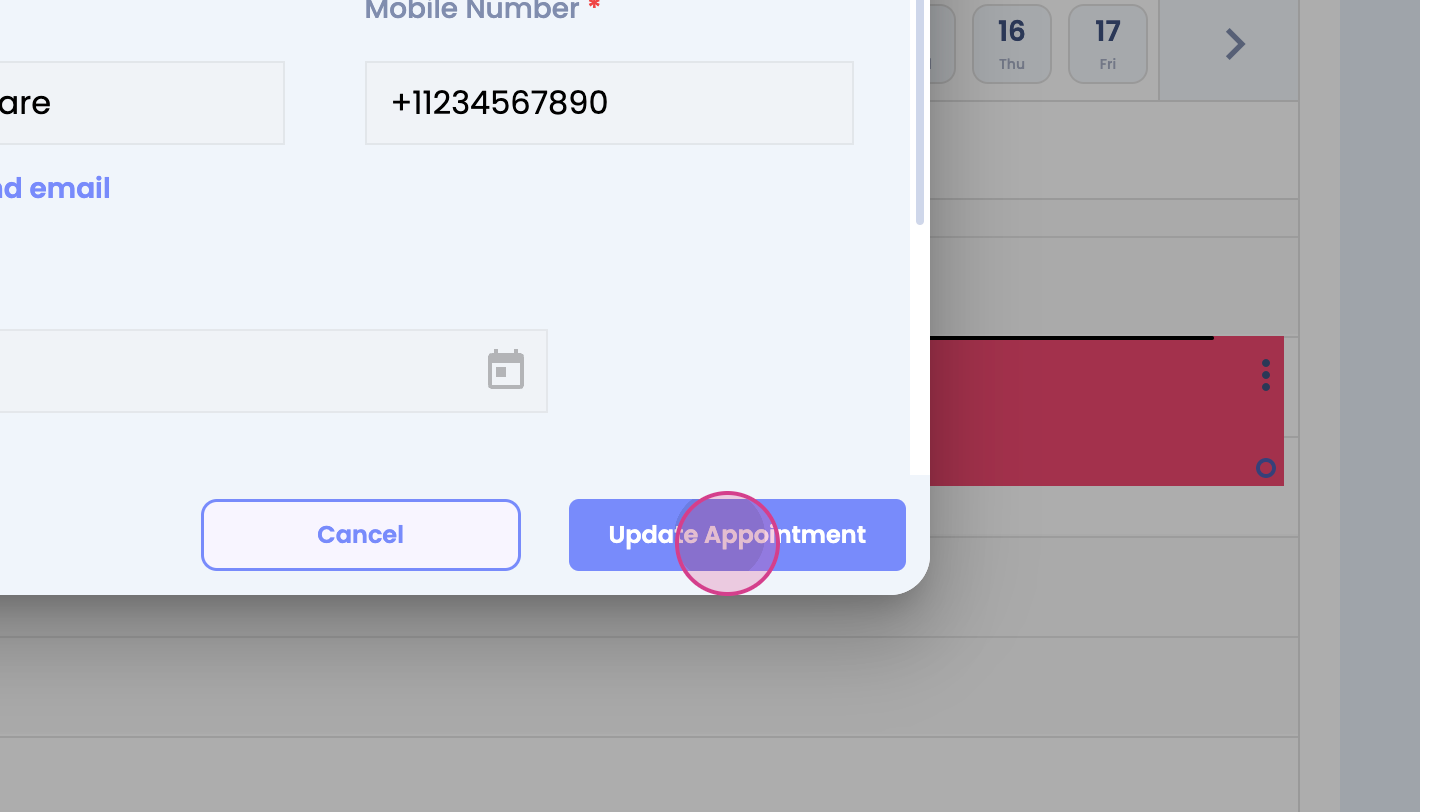
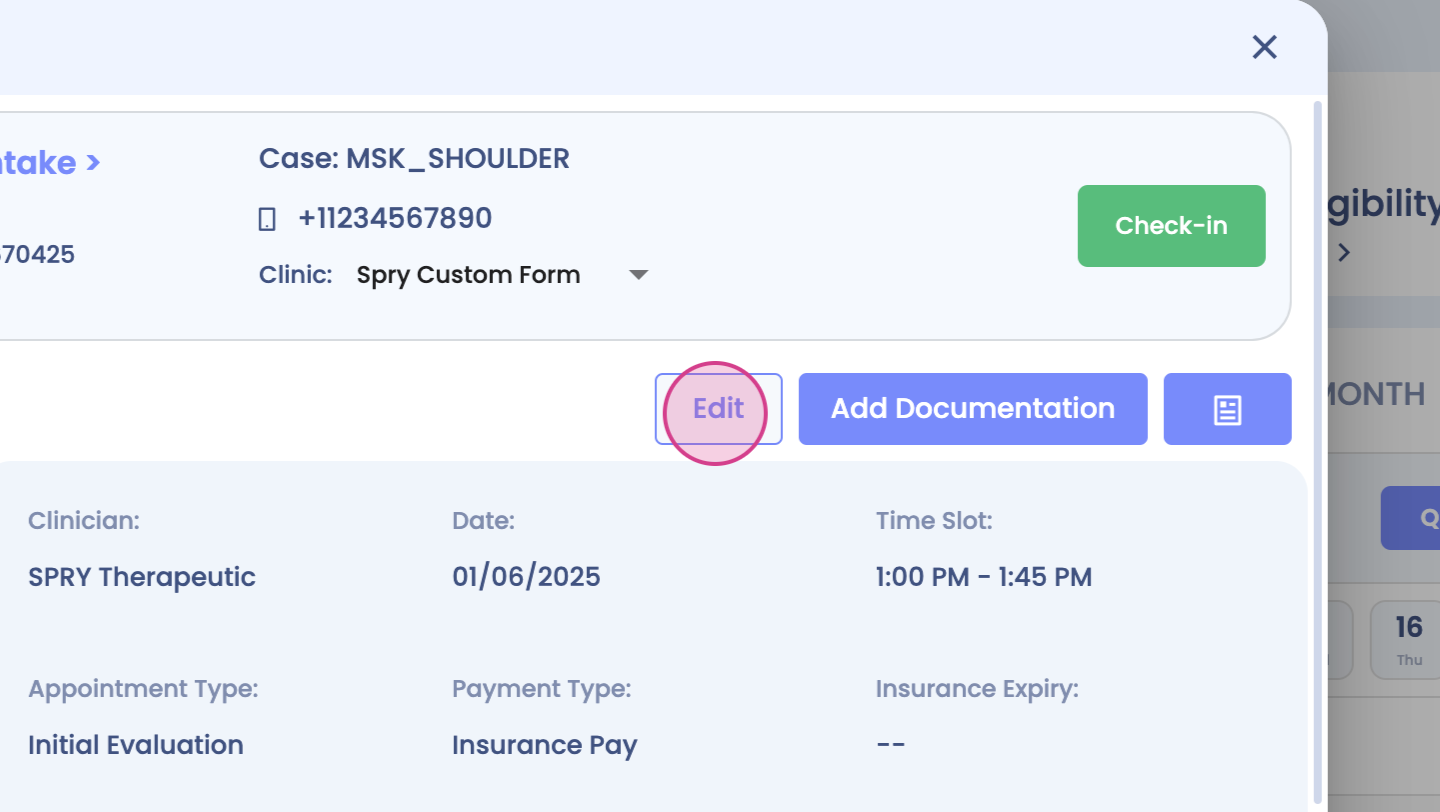
Step 2: After entering the email address and phone number, the patient will receive an email to complete the intake form. This form includes sections for personal details, medical details, insurance, outcome measures, and the reason for the visit.
Step 3: The patient fills out their personal details.
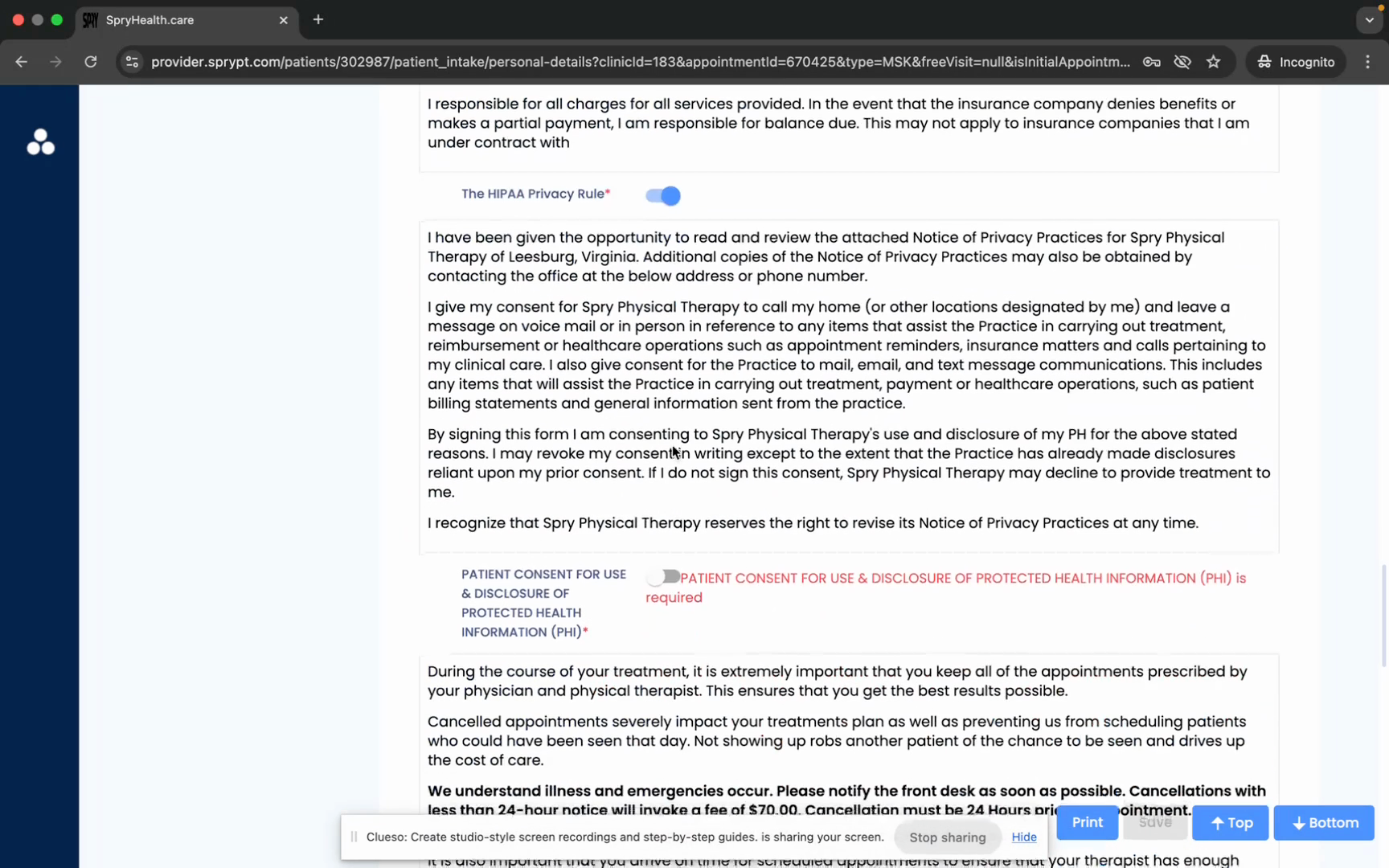
Step 4: Next, they provide their medical details.
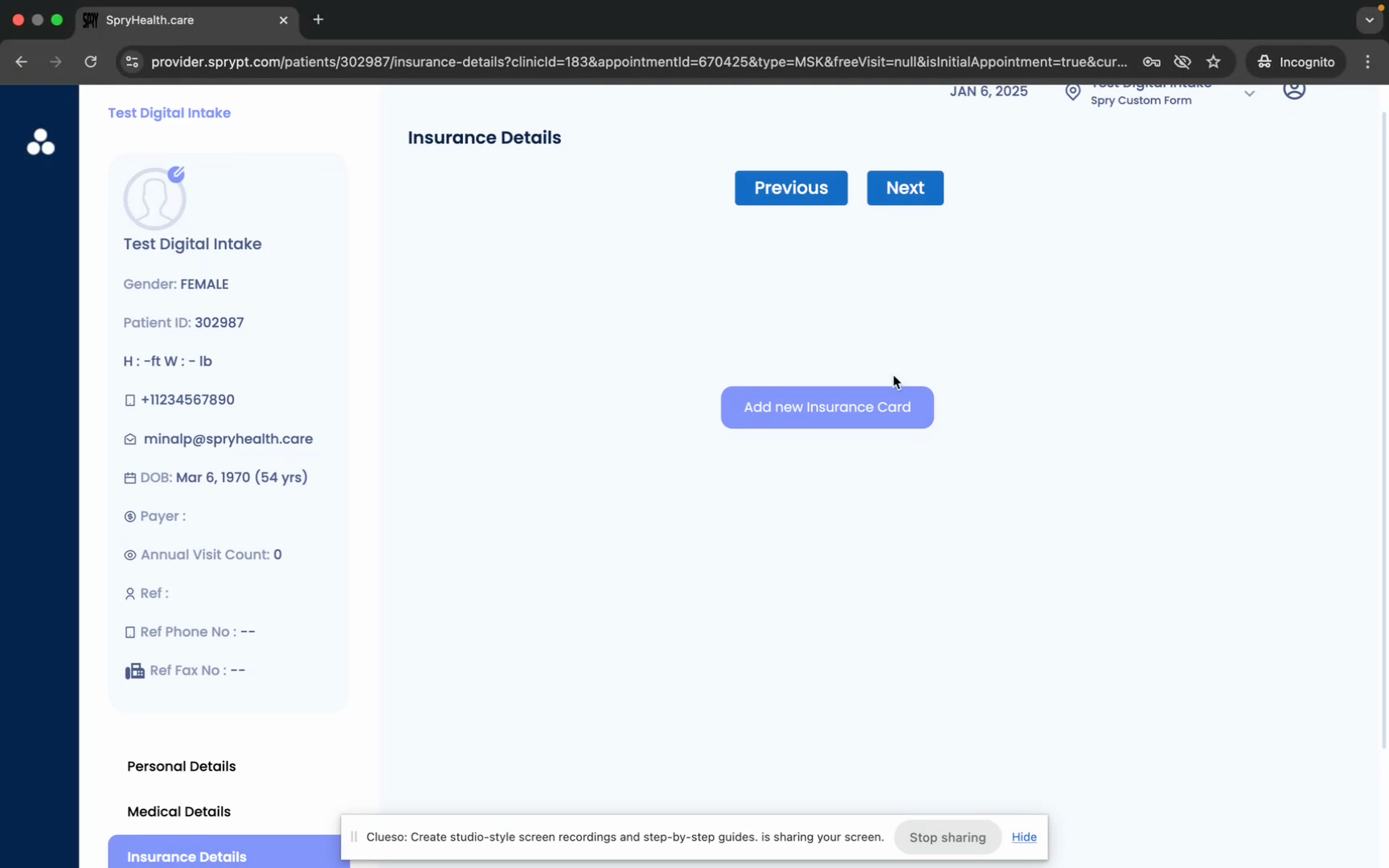
Step 5: The patient then adds their insurance information.