Explainer Video: Two-Way Messaging
In this article, you'll learn how to view and respond to patient messages received via SMS from the clinic.
Step 1: Look for a message notification on your screen when a patient receives an SMS from the clinic. It should look something like this:
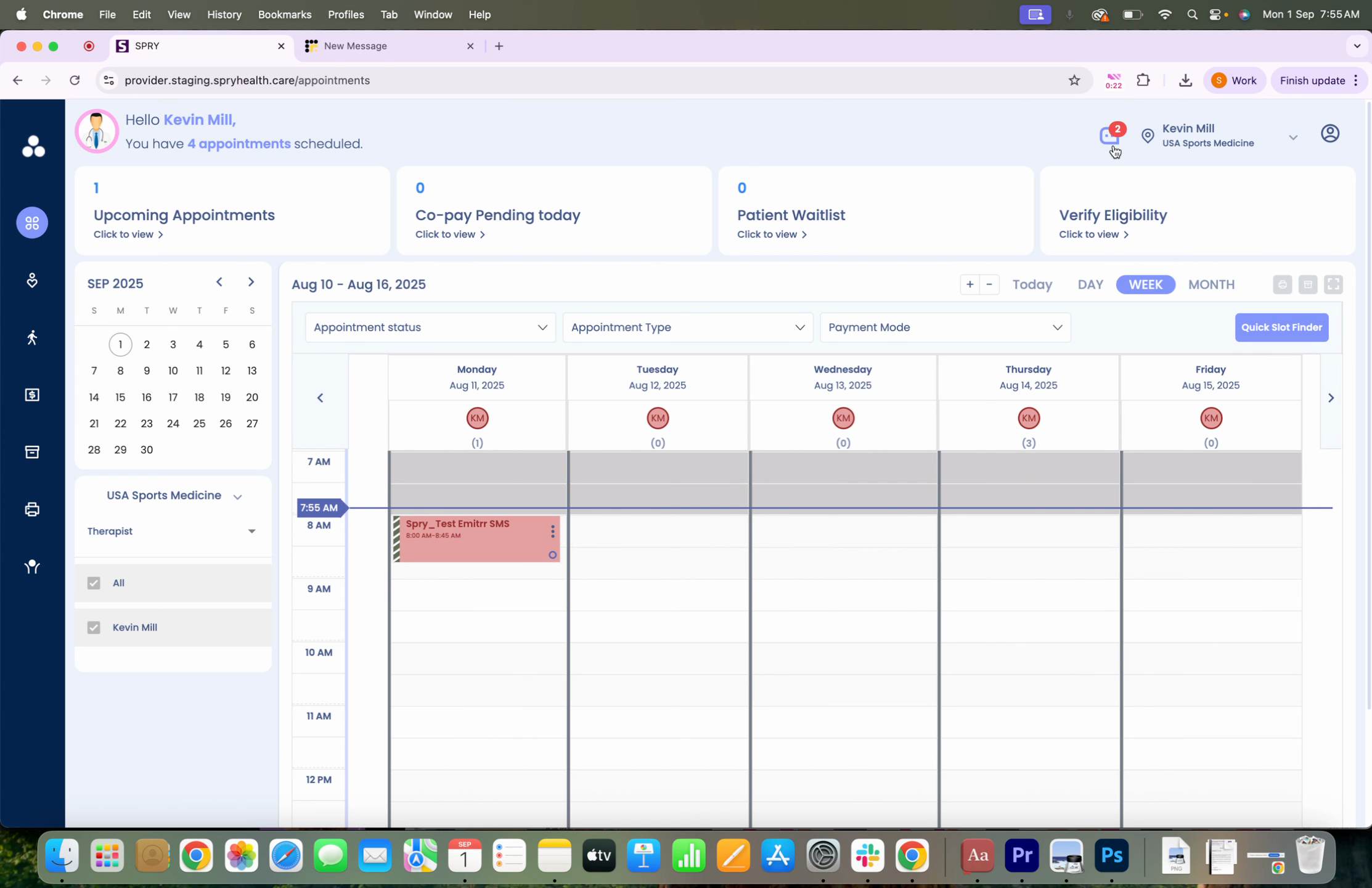
Step 2: Click on the notification to view the patient's message.
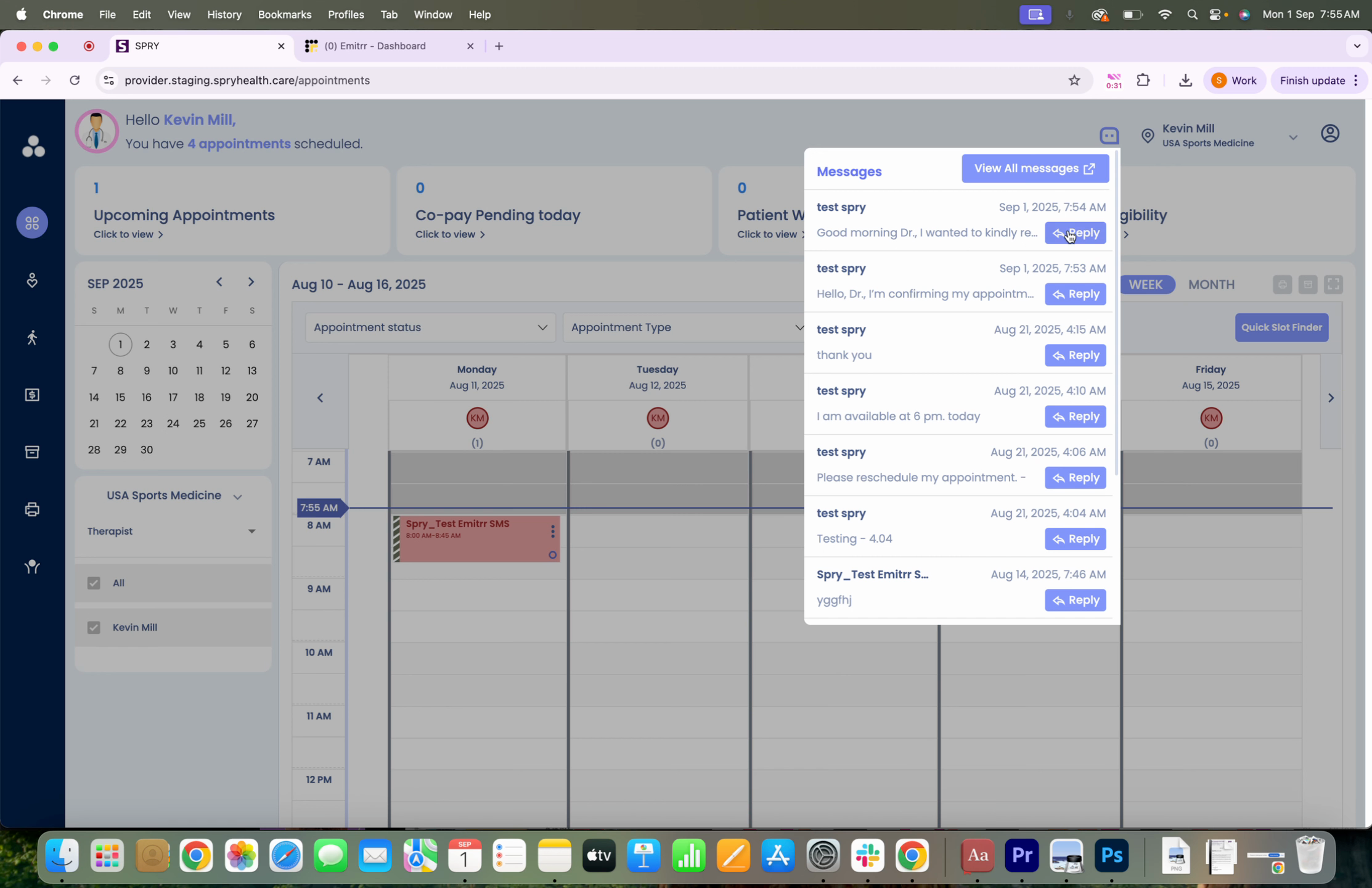
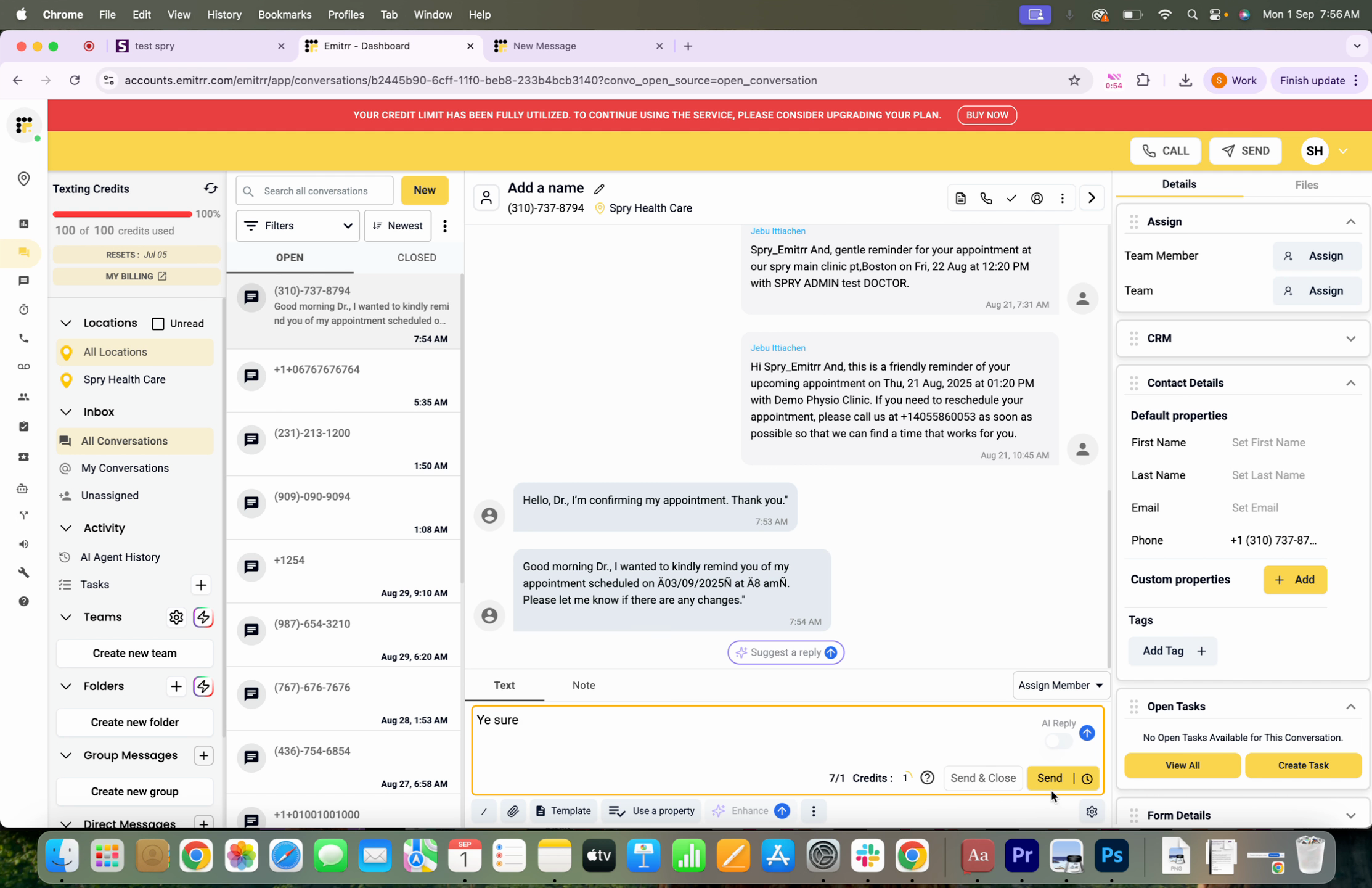
Step 3: Click on Reply.
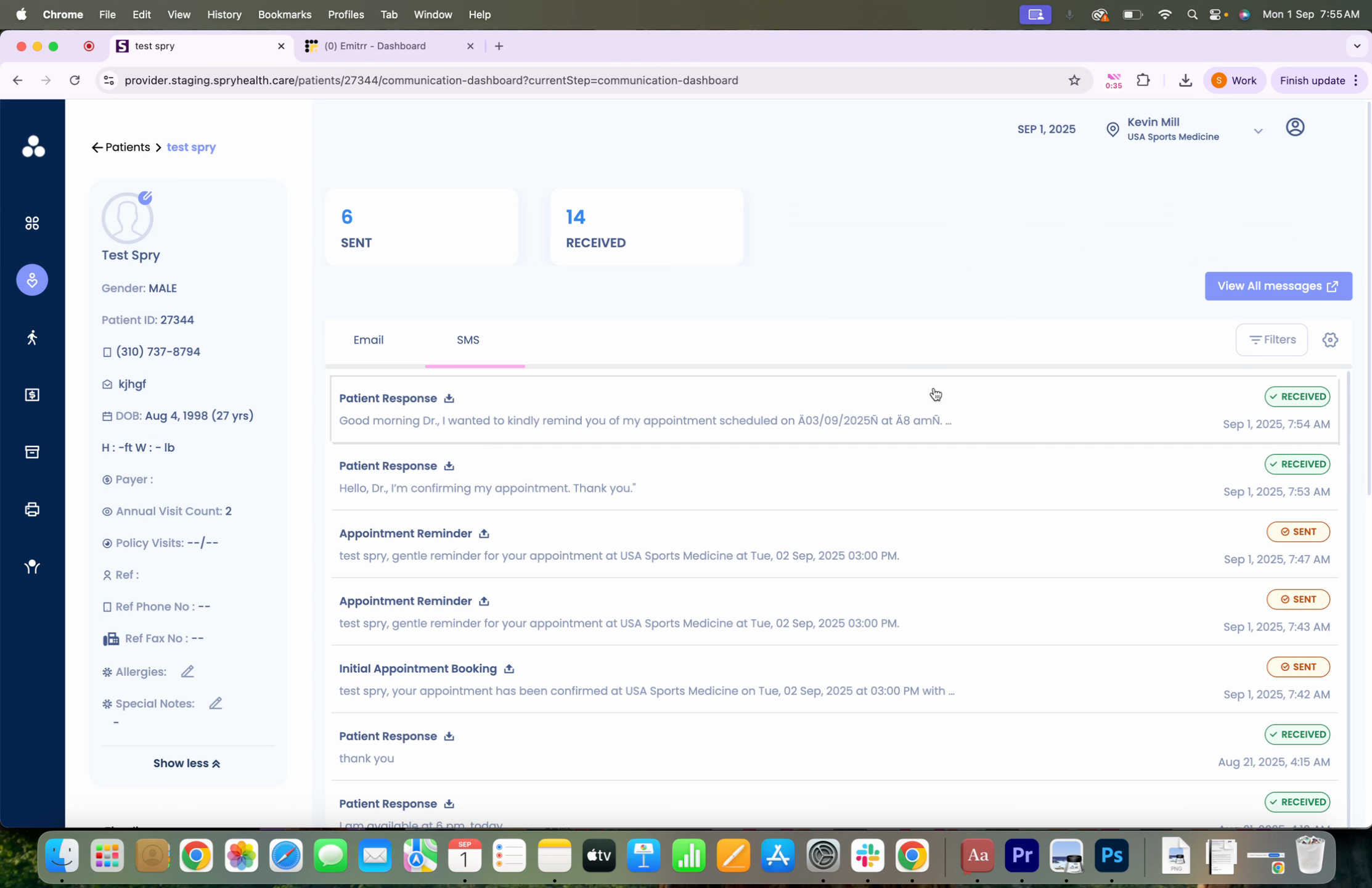
Step 4: This action takes you to the emitter dashboard where you'll see all messages from the patient. From here, you're able to respond.