How To Create an Exercise Program_HEP
In this article, you'll learn how to create and assign a Home Exercise Program (HEP) to your patient.
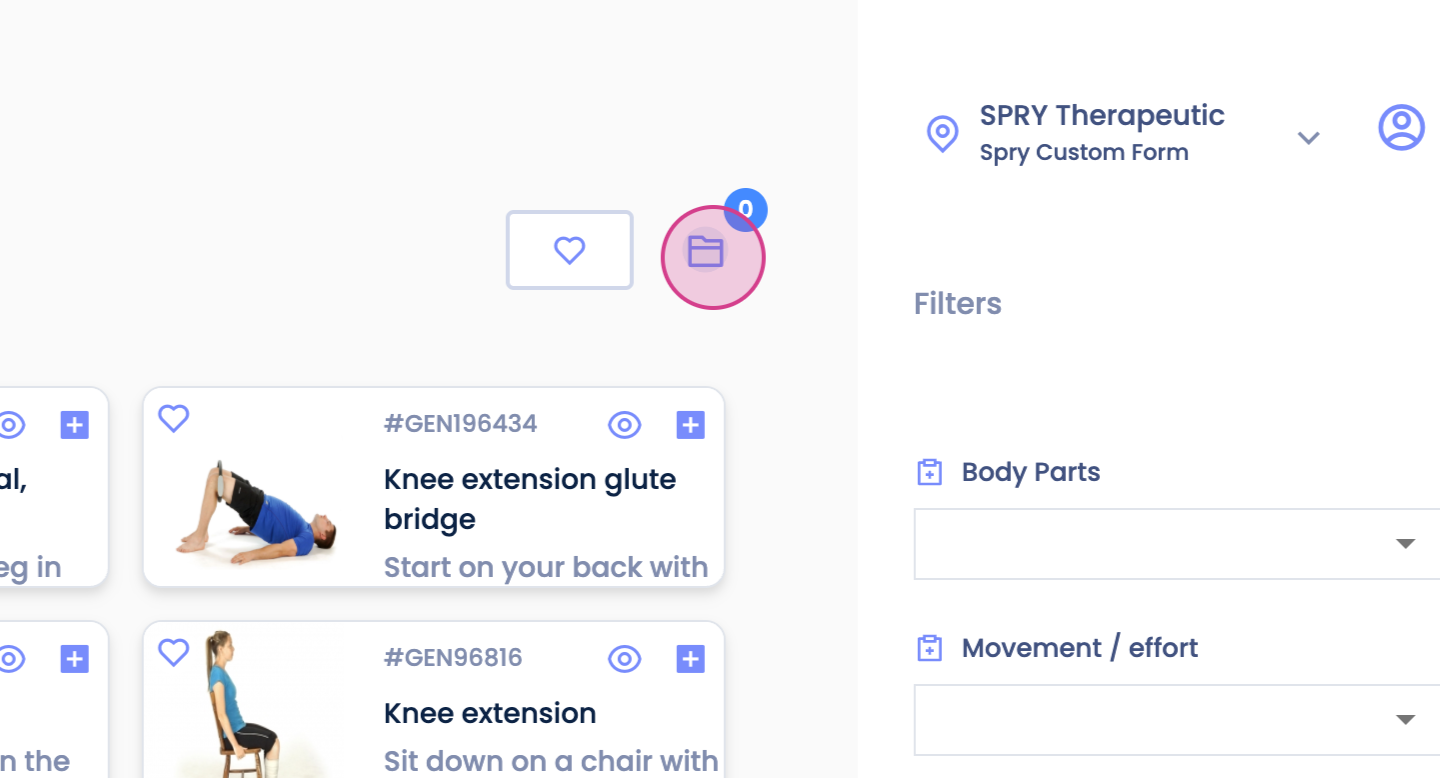
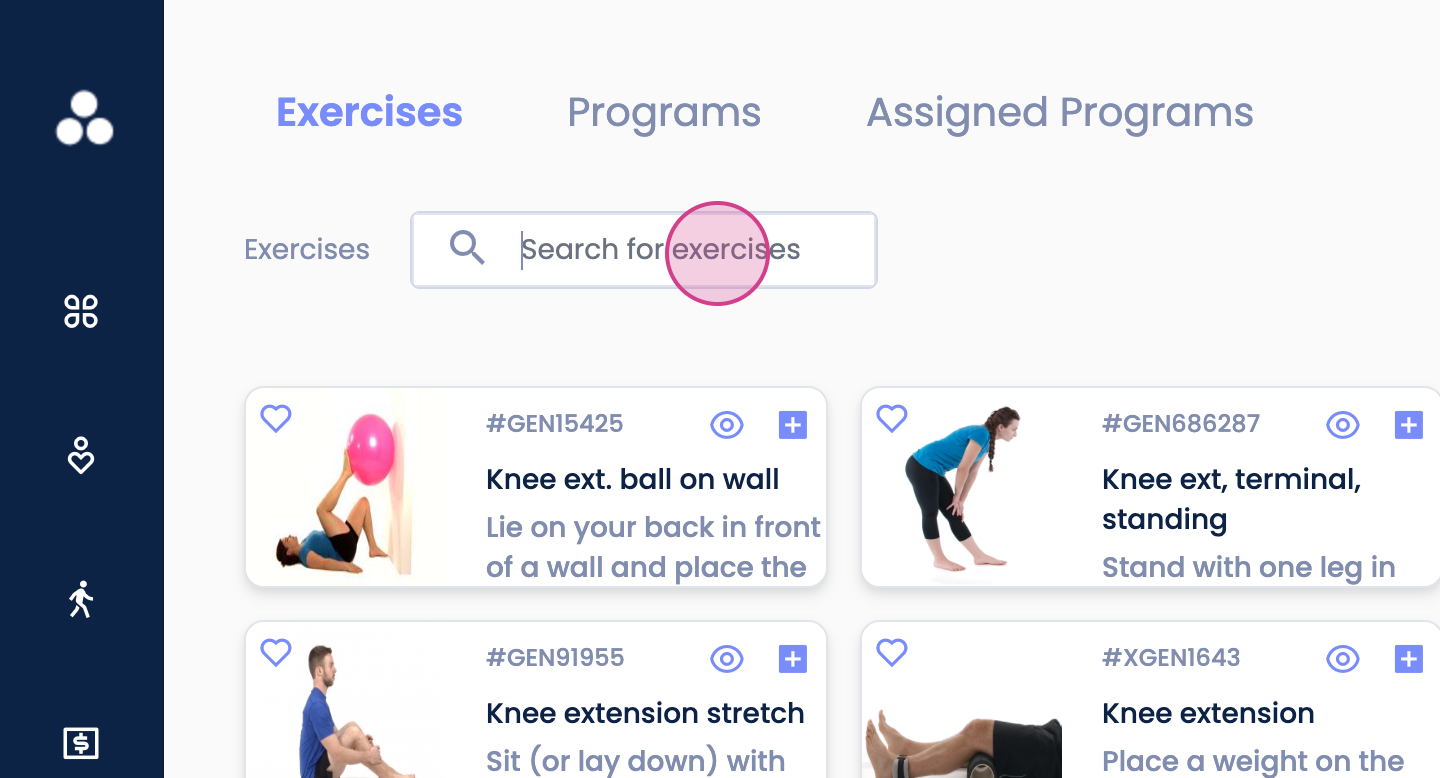
Step 1: Navigate to the HEP tab located at the bottom left of your screen. Click on the folder icon.
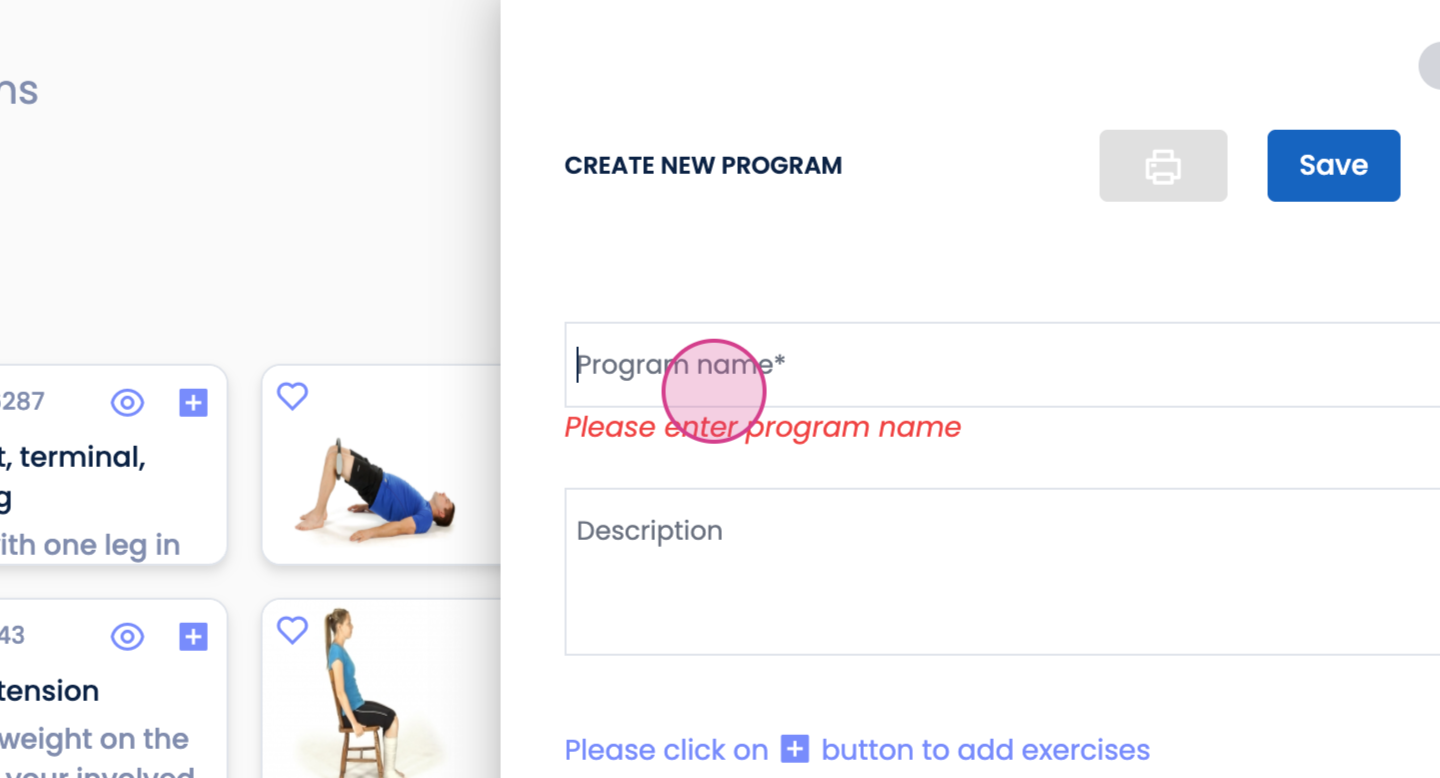
Step 2: Enter a program name.
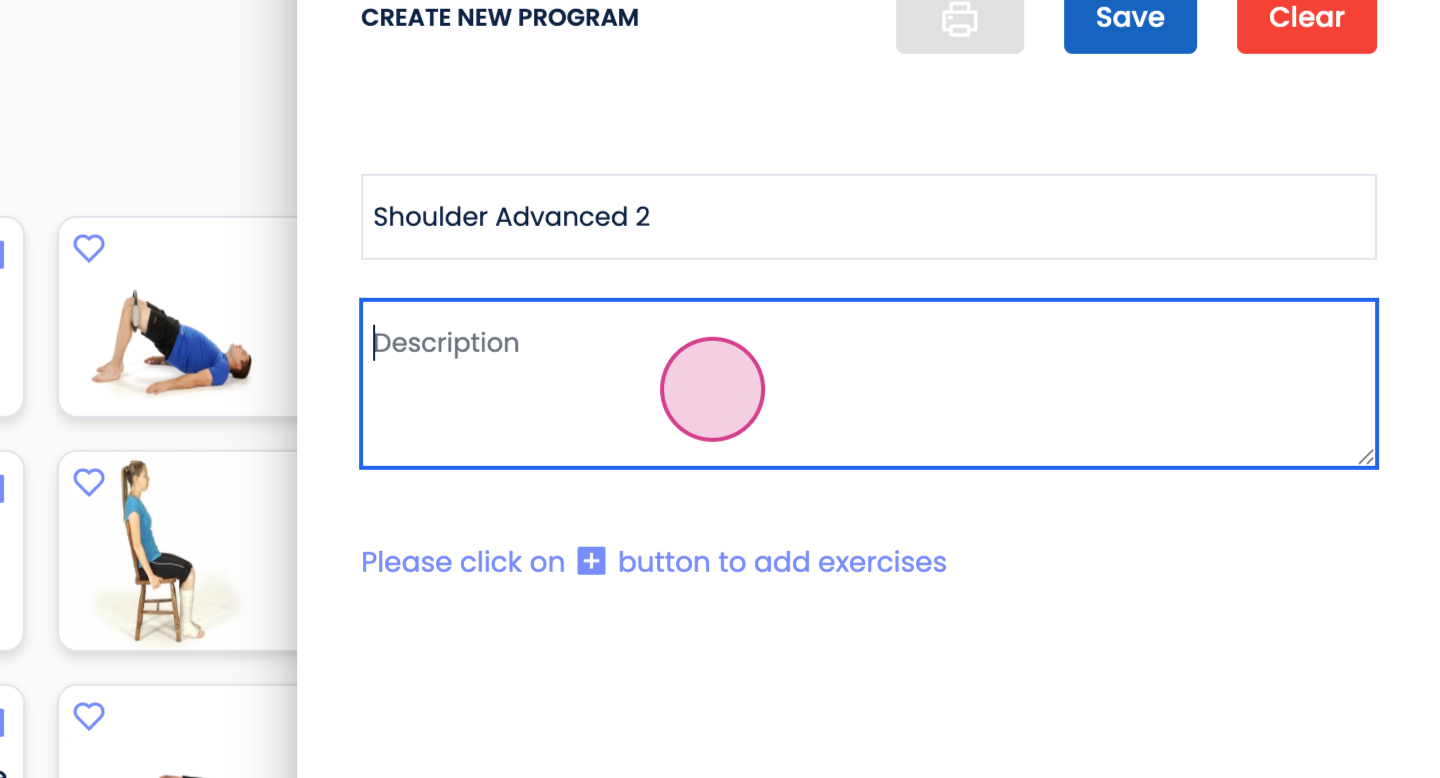
Step 3: Provide a description for the program.
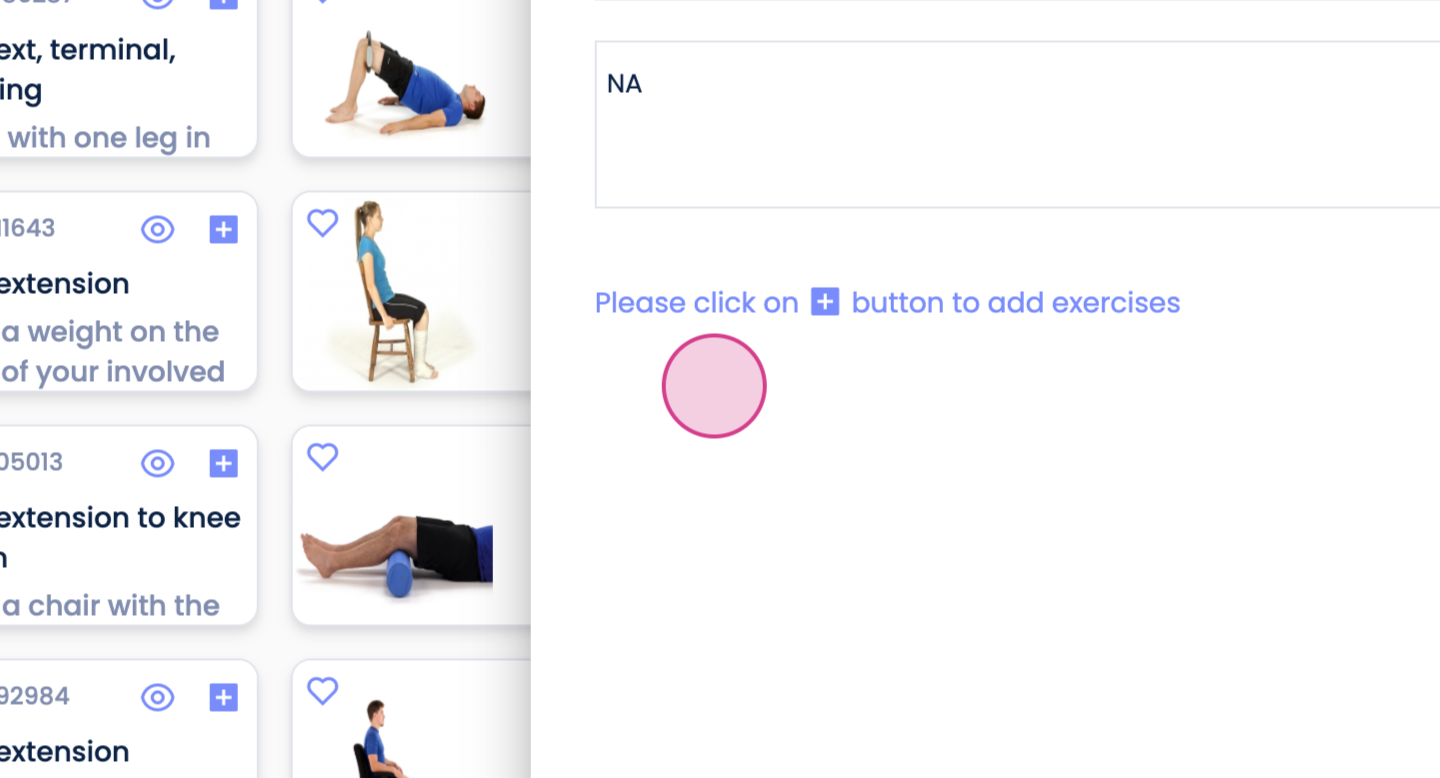
Step 4: To add an exercise, click on the plus sign.
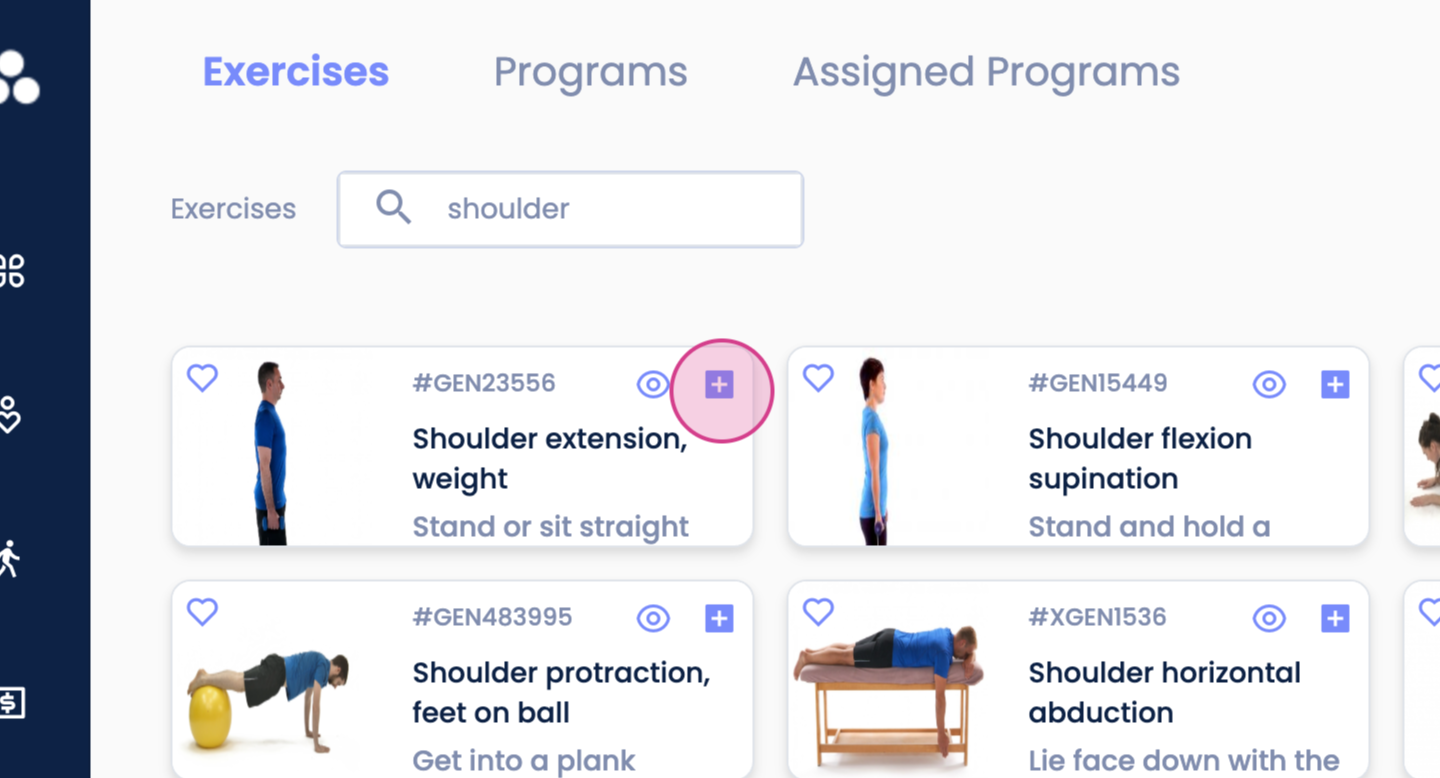
Step 5: Add further details as needed. Once done, click on Save.
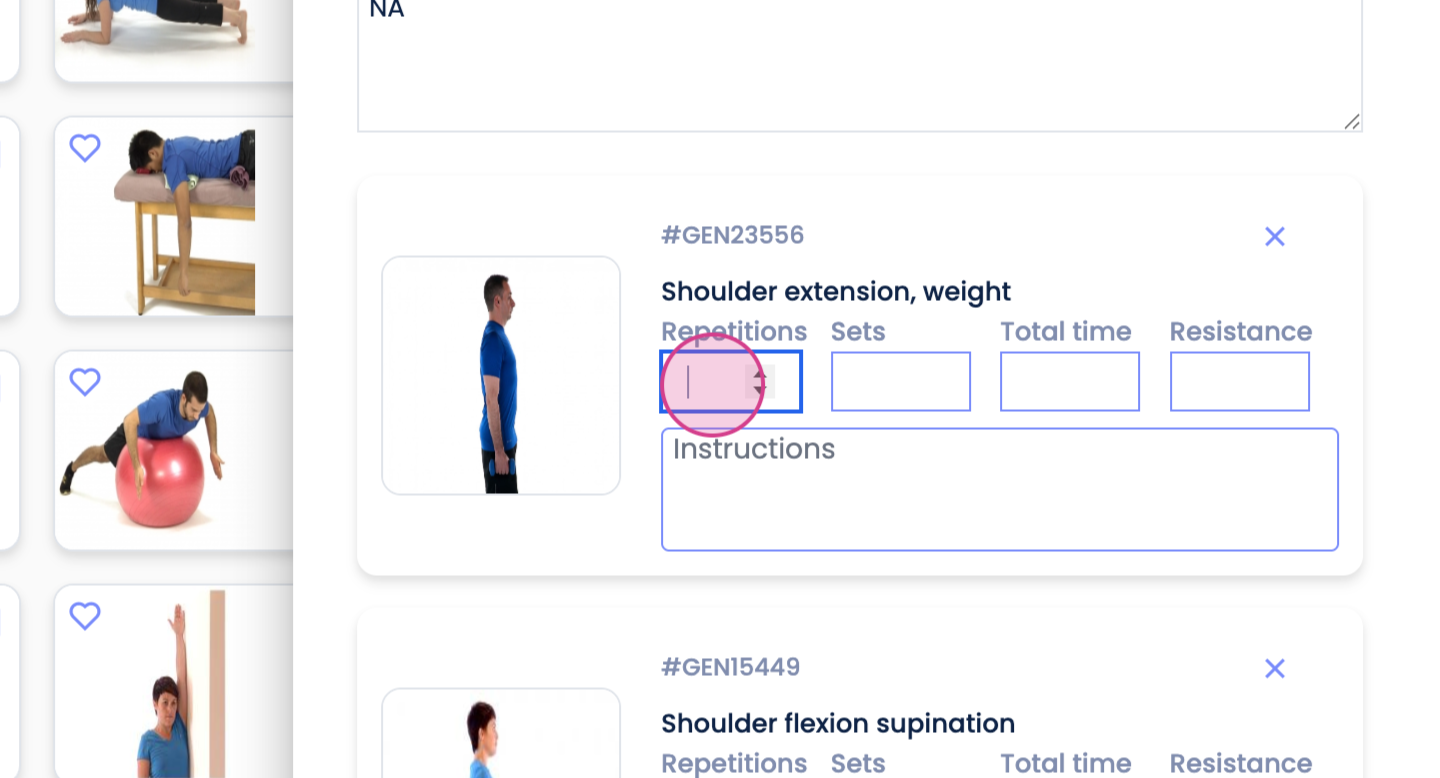
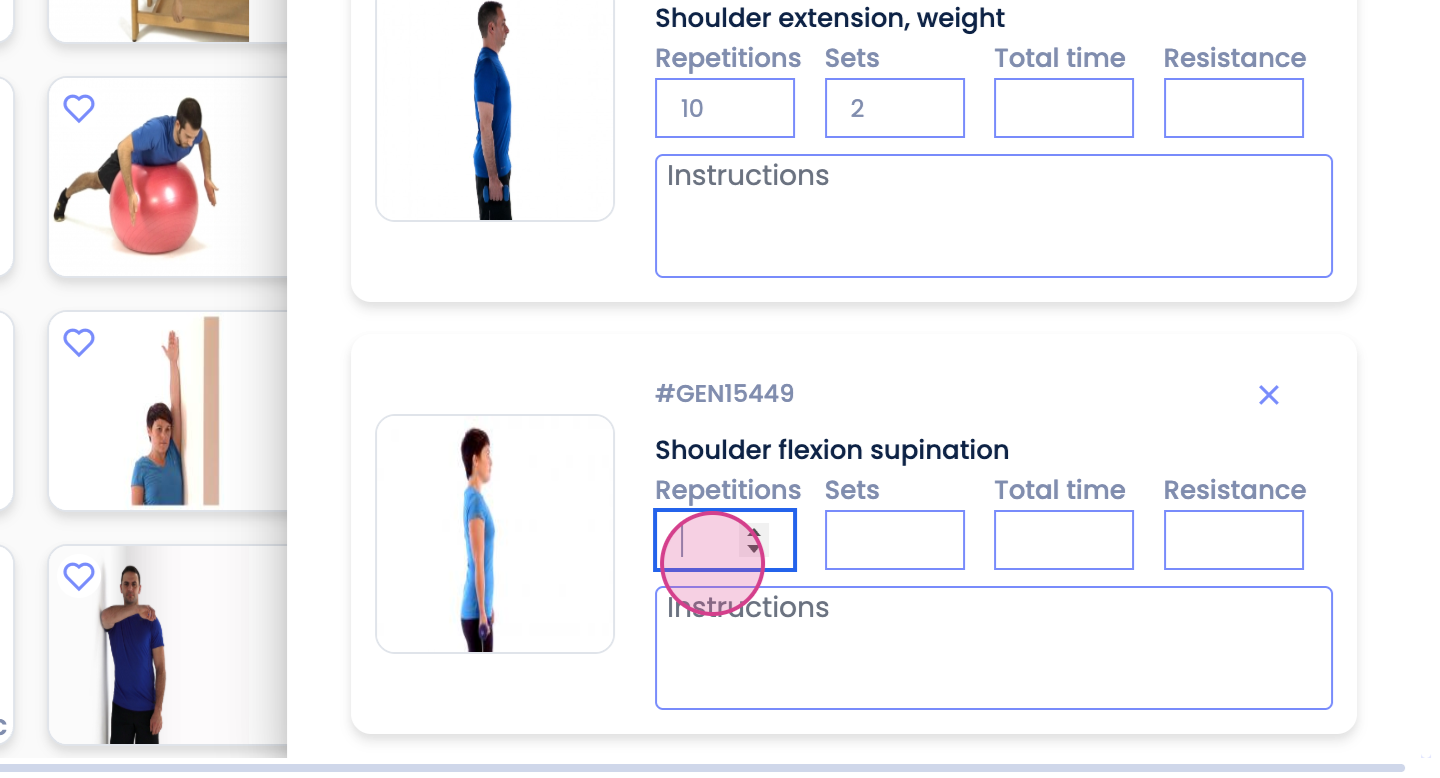
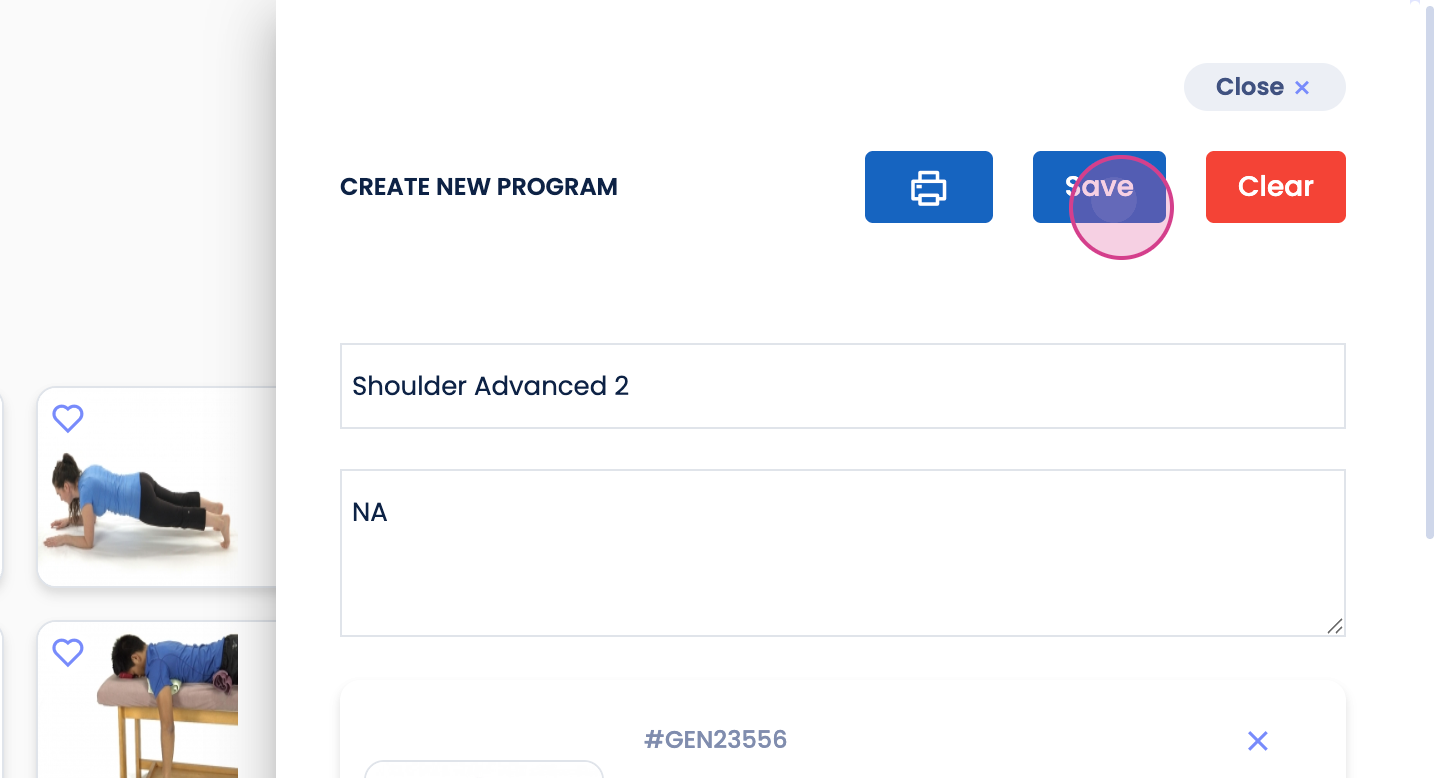
You'll find the created program under the Programs tab.
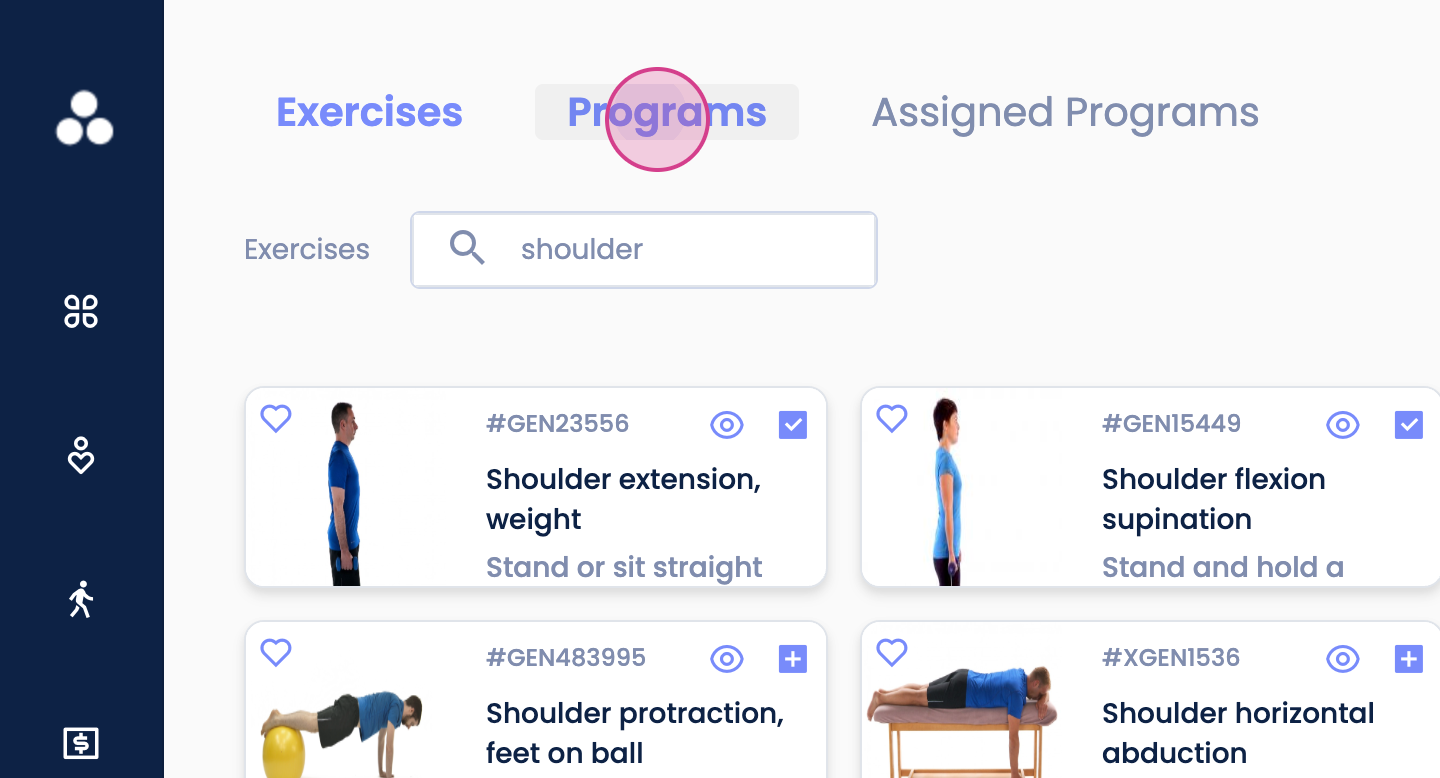
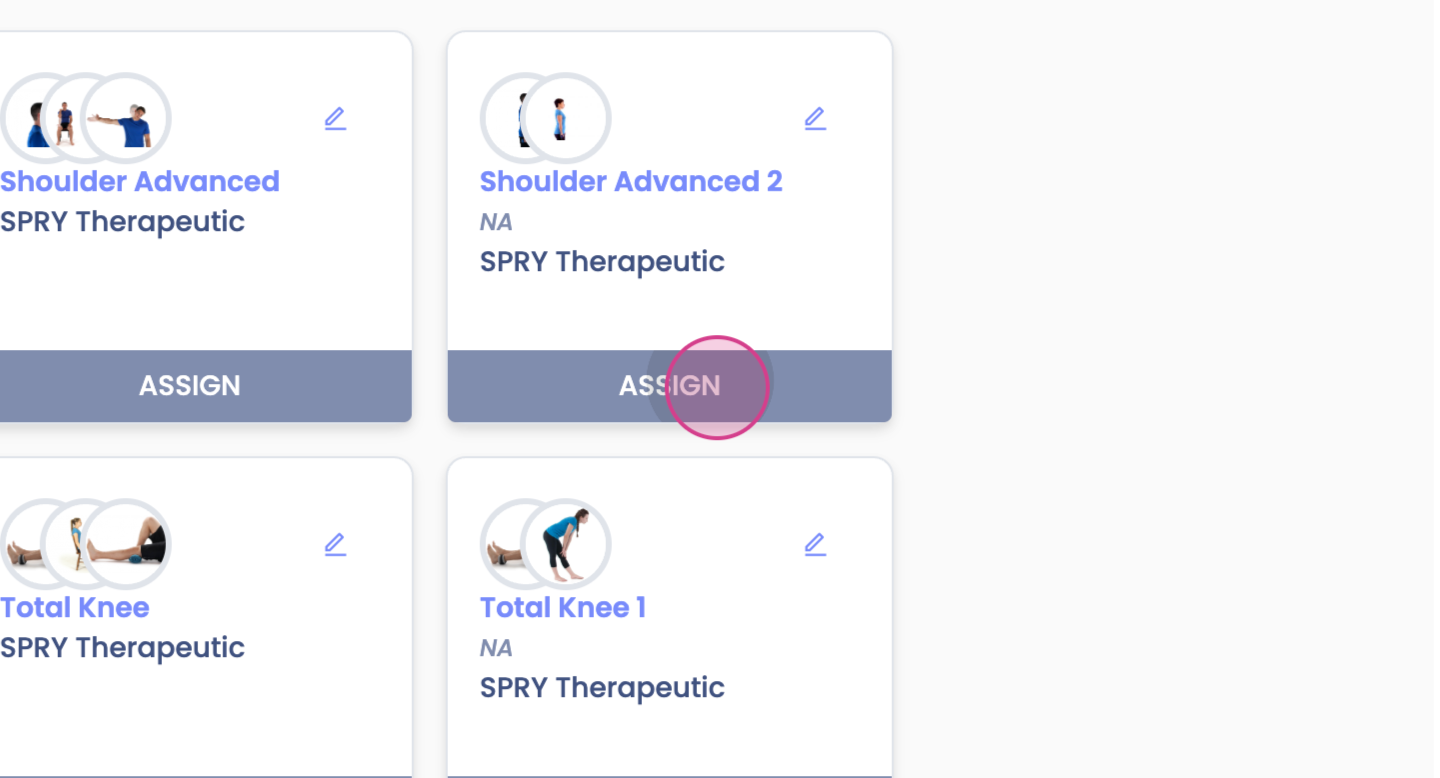
Step 6: Assign the program to your patient. You can do this either from the Home Exercise program
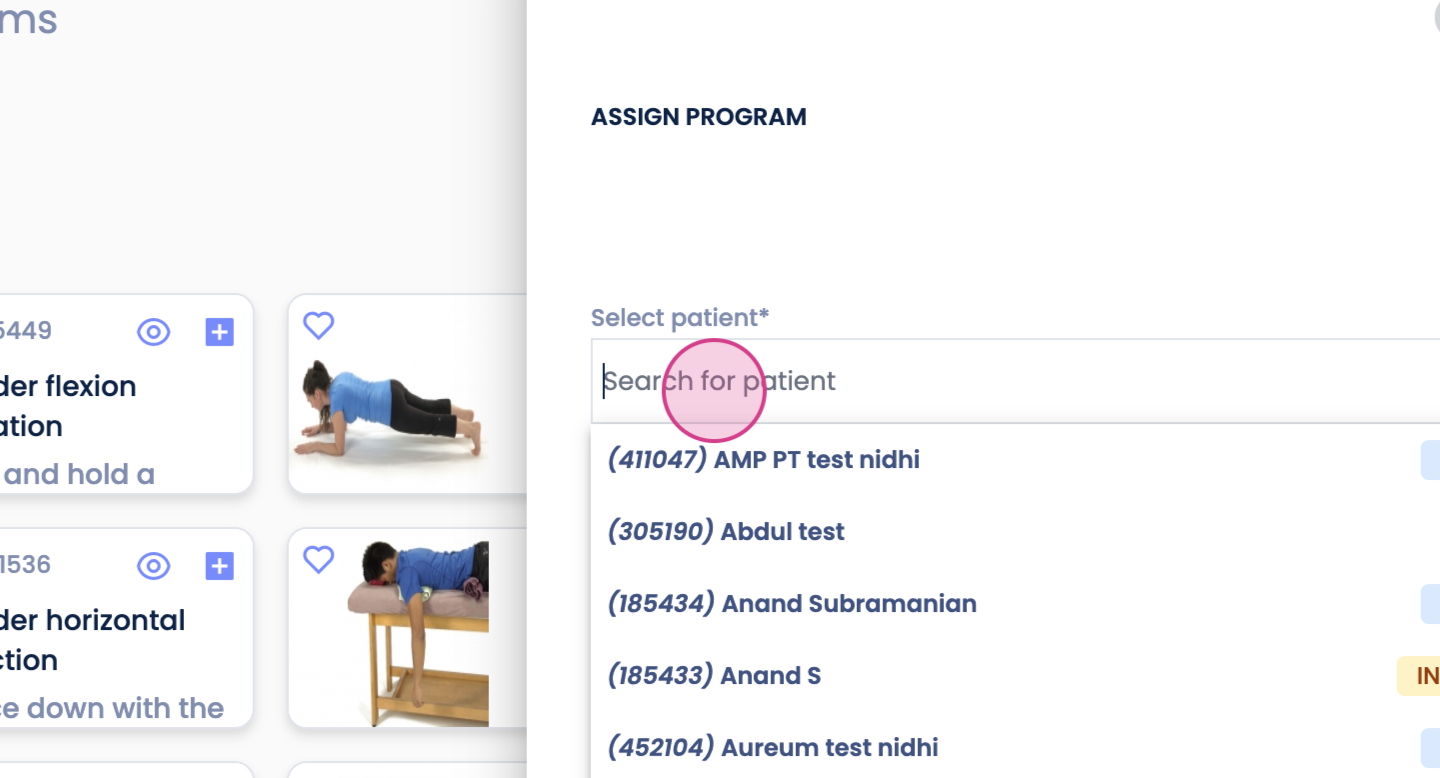
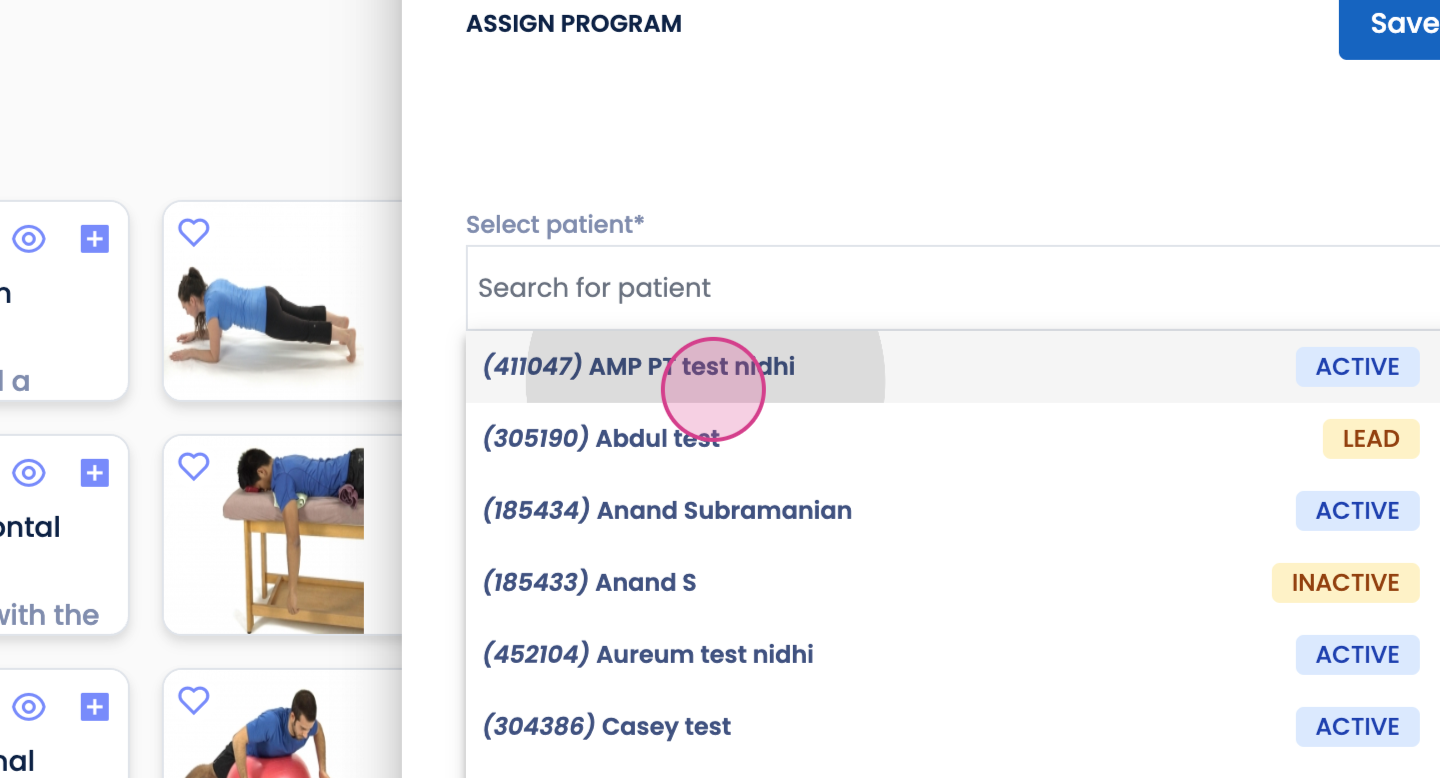
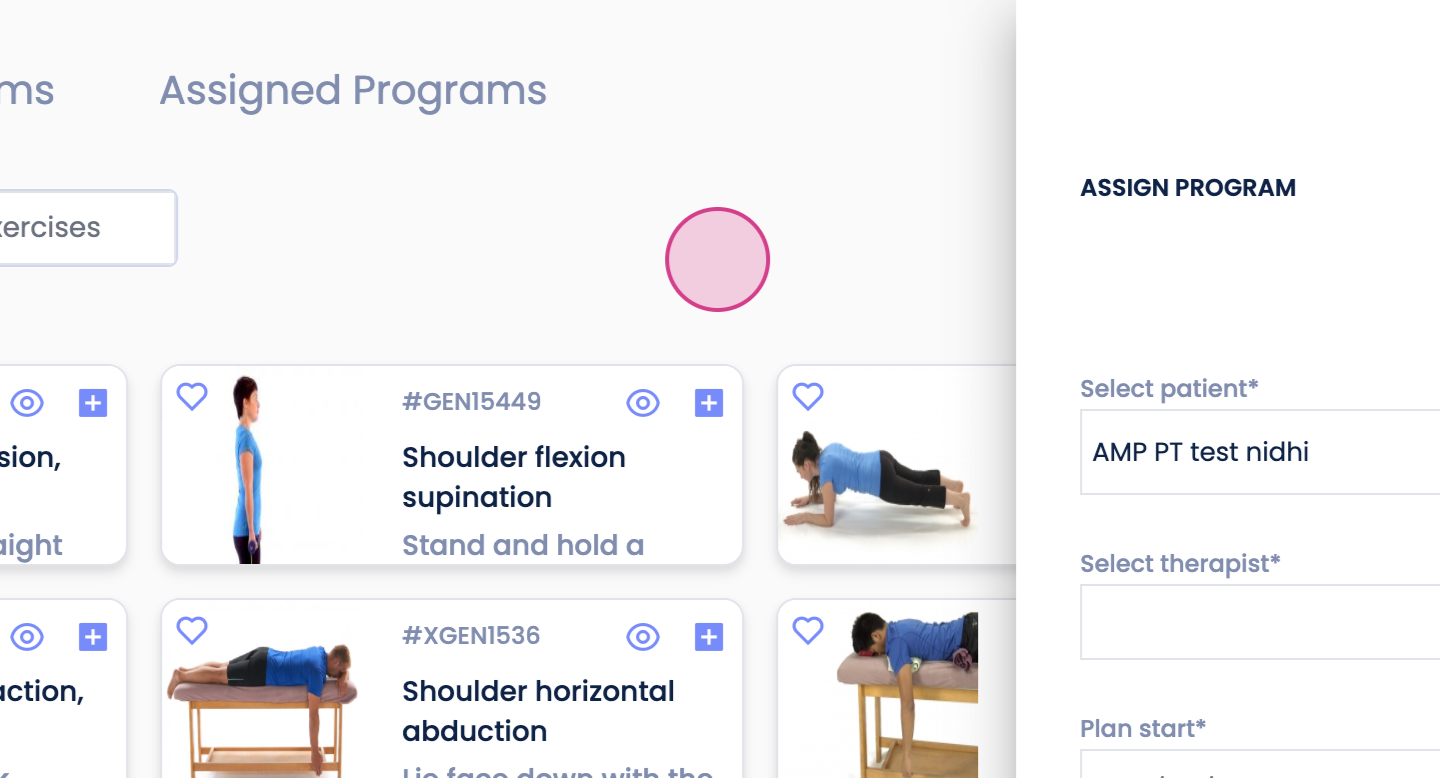
or from your documentation under the Plan section.
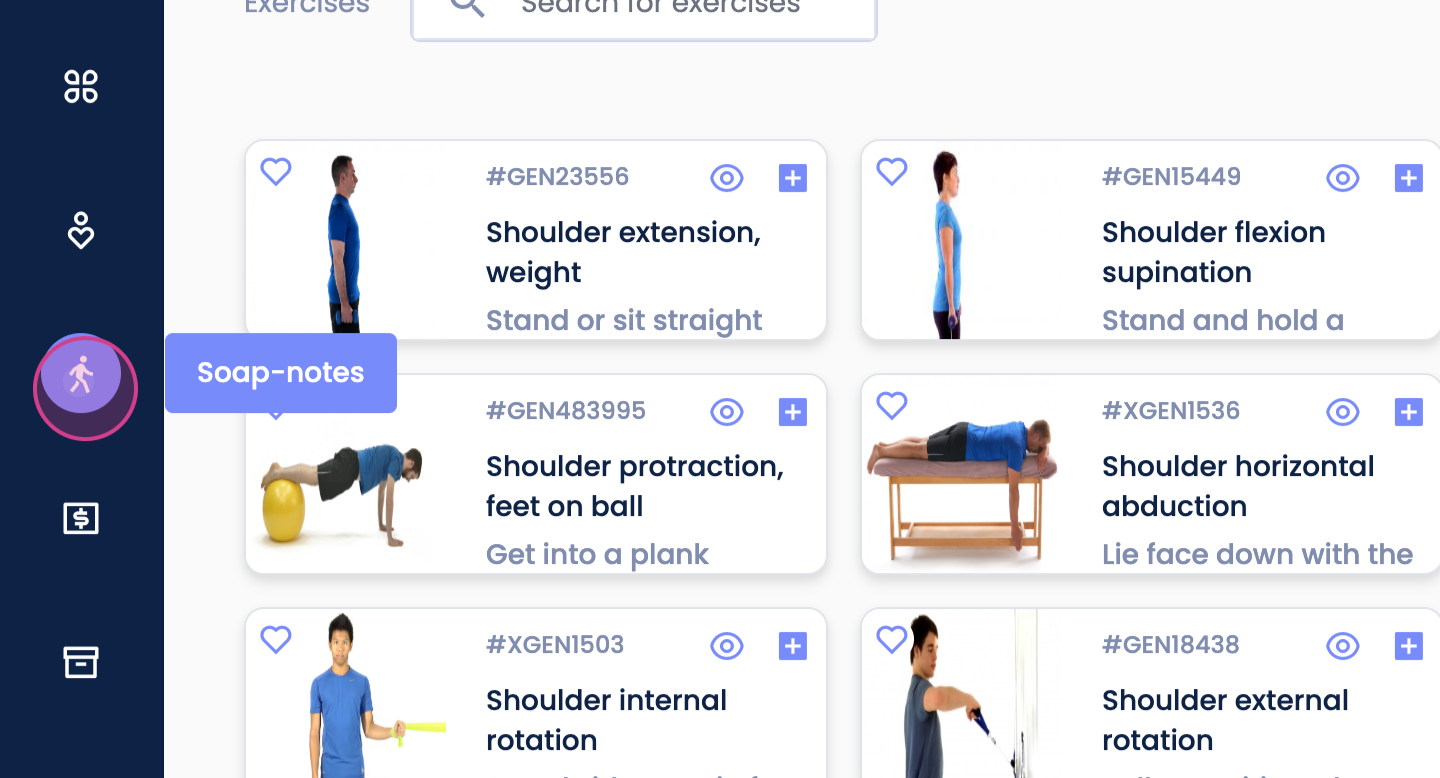
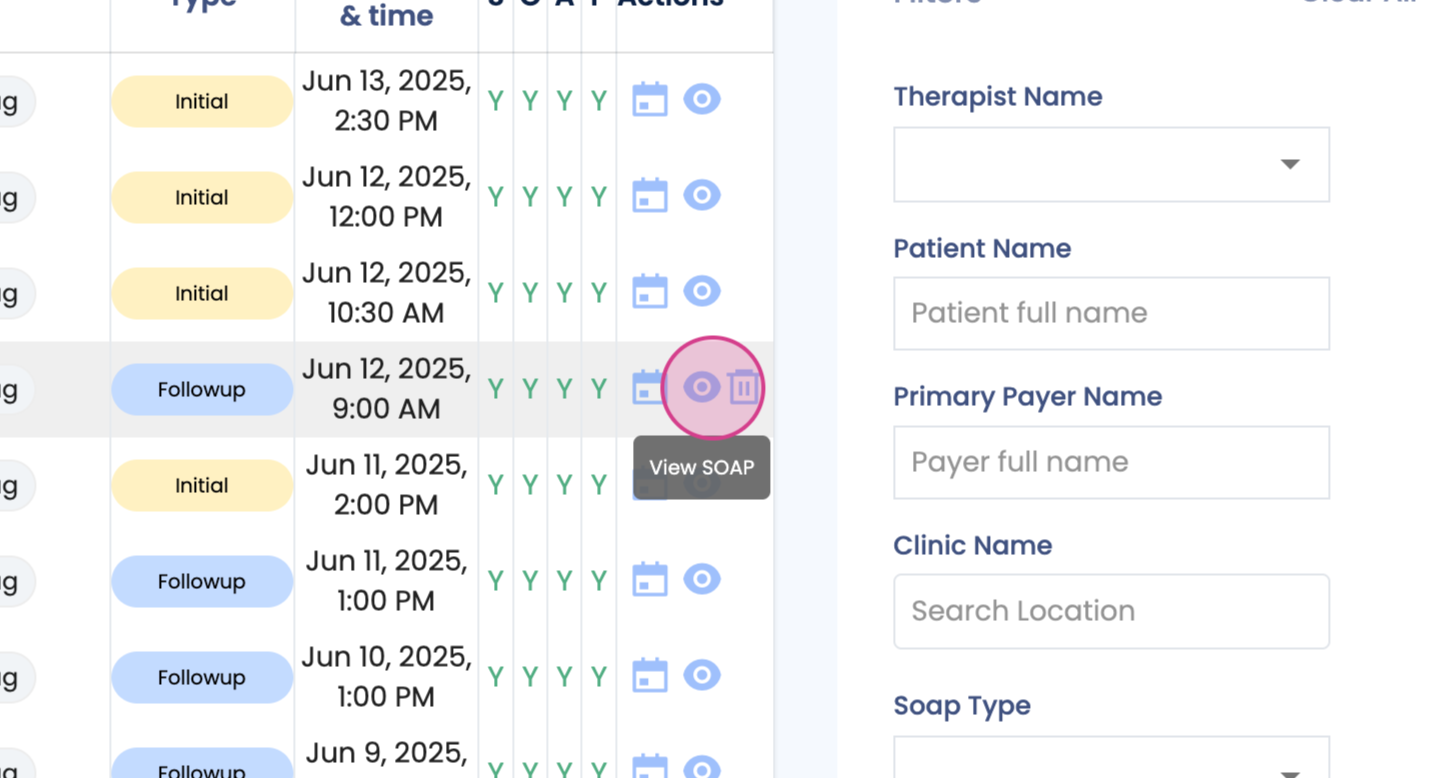
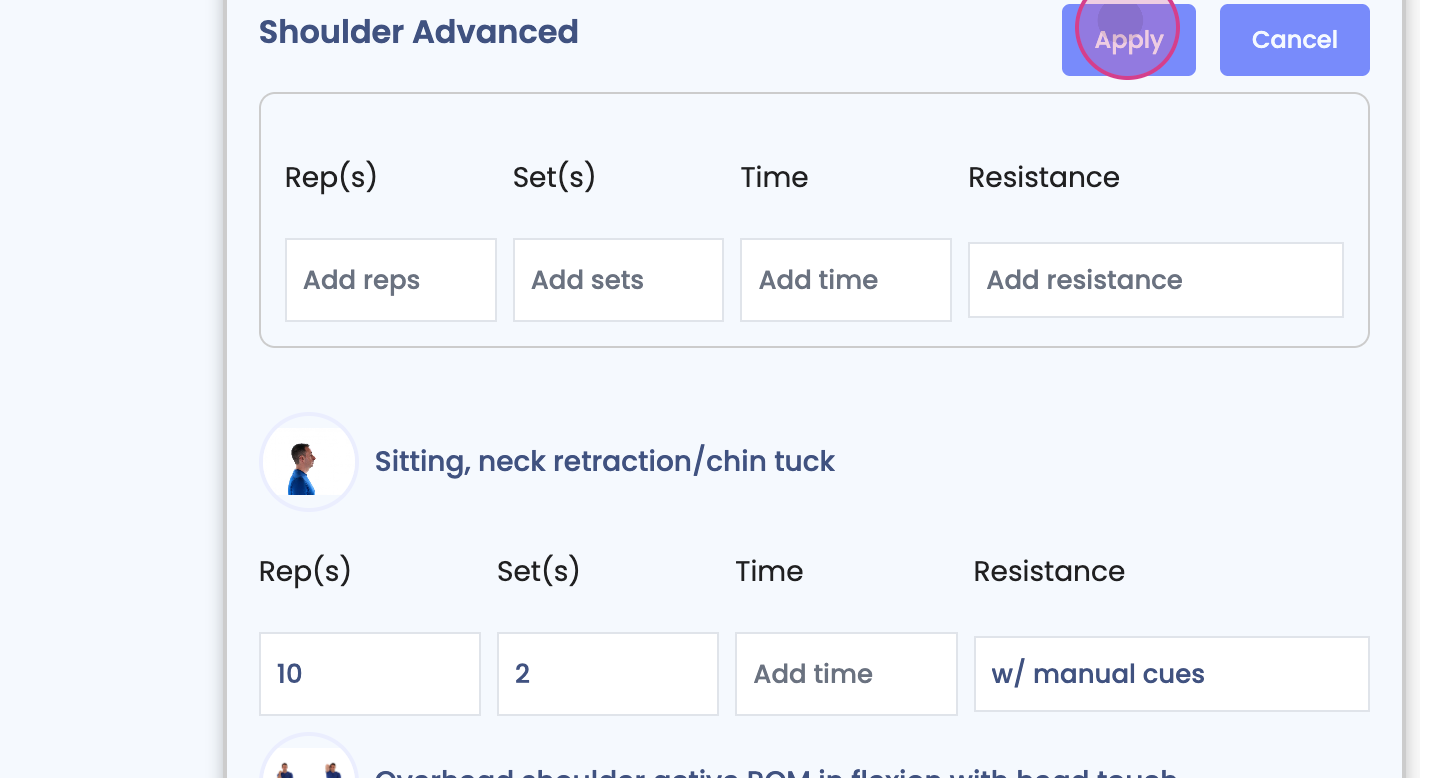
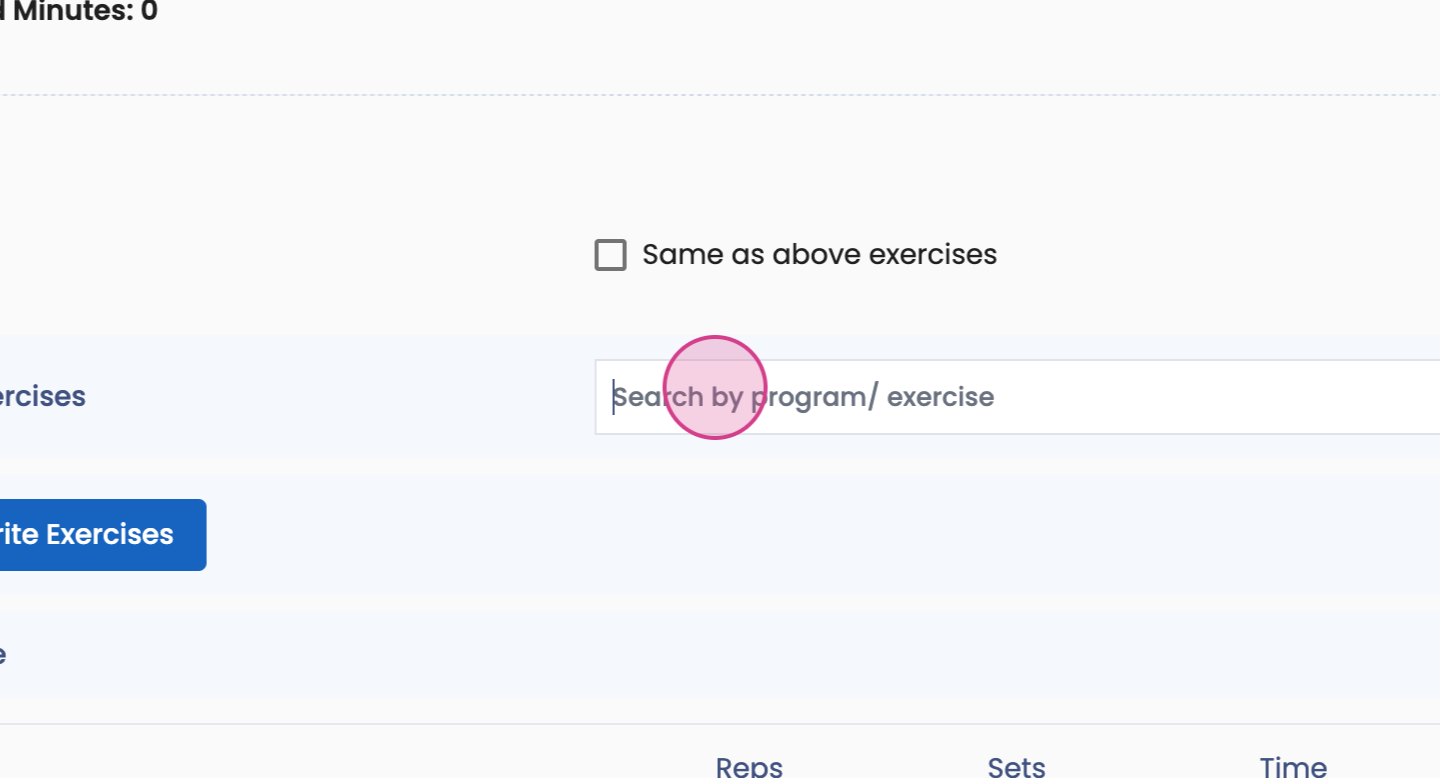
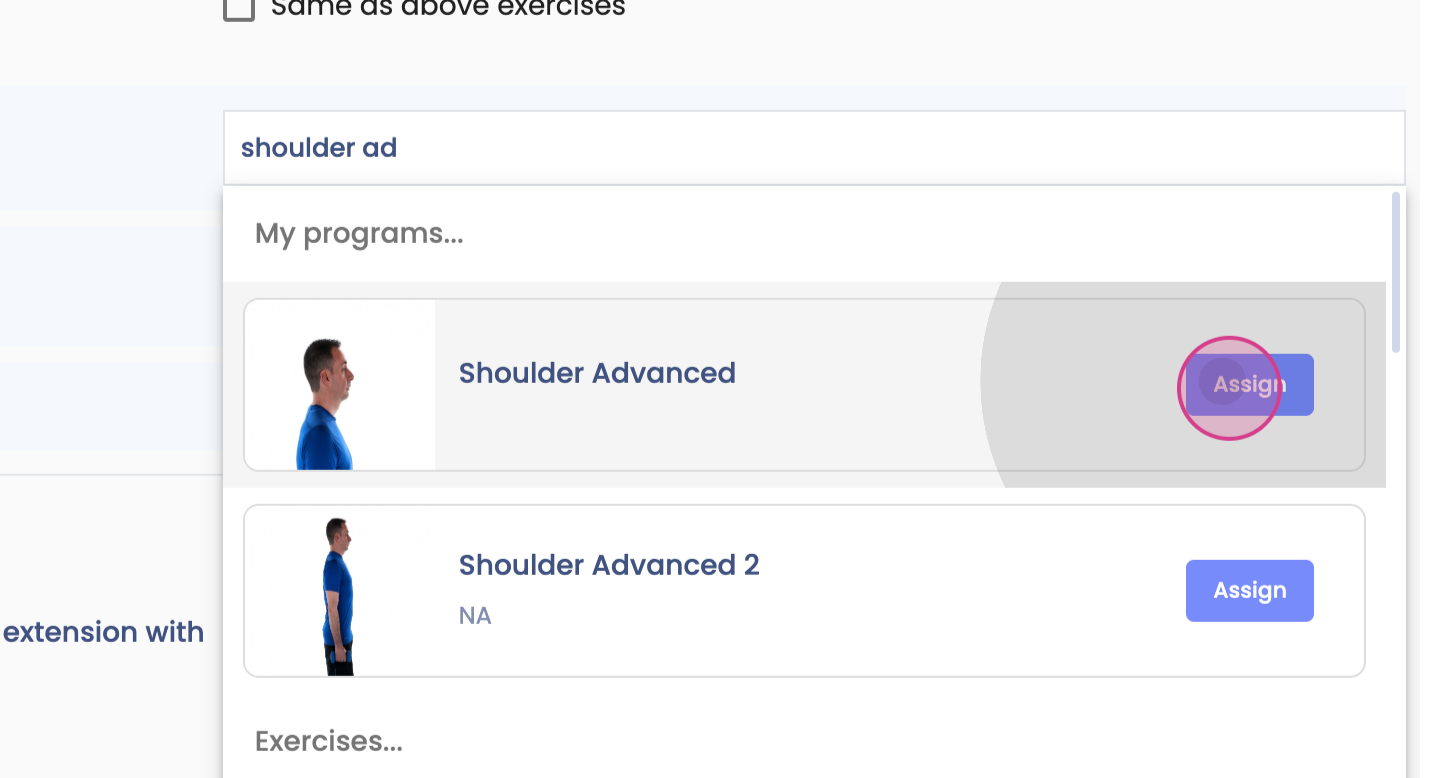
Step 7: Scroll down to the CPT code. Here, you're able to search for the program, assign it, make any necessary edits, and click on Apply.
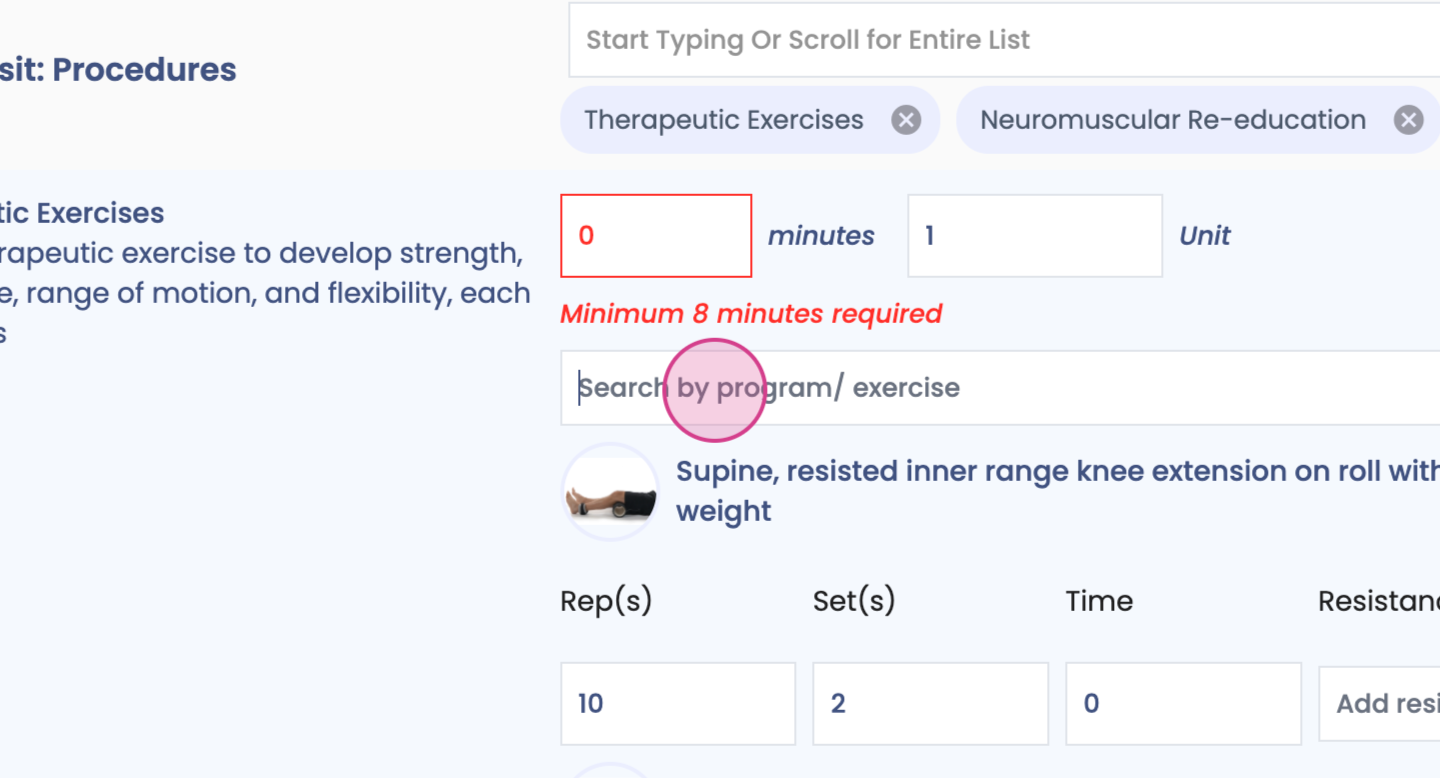
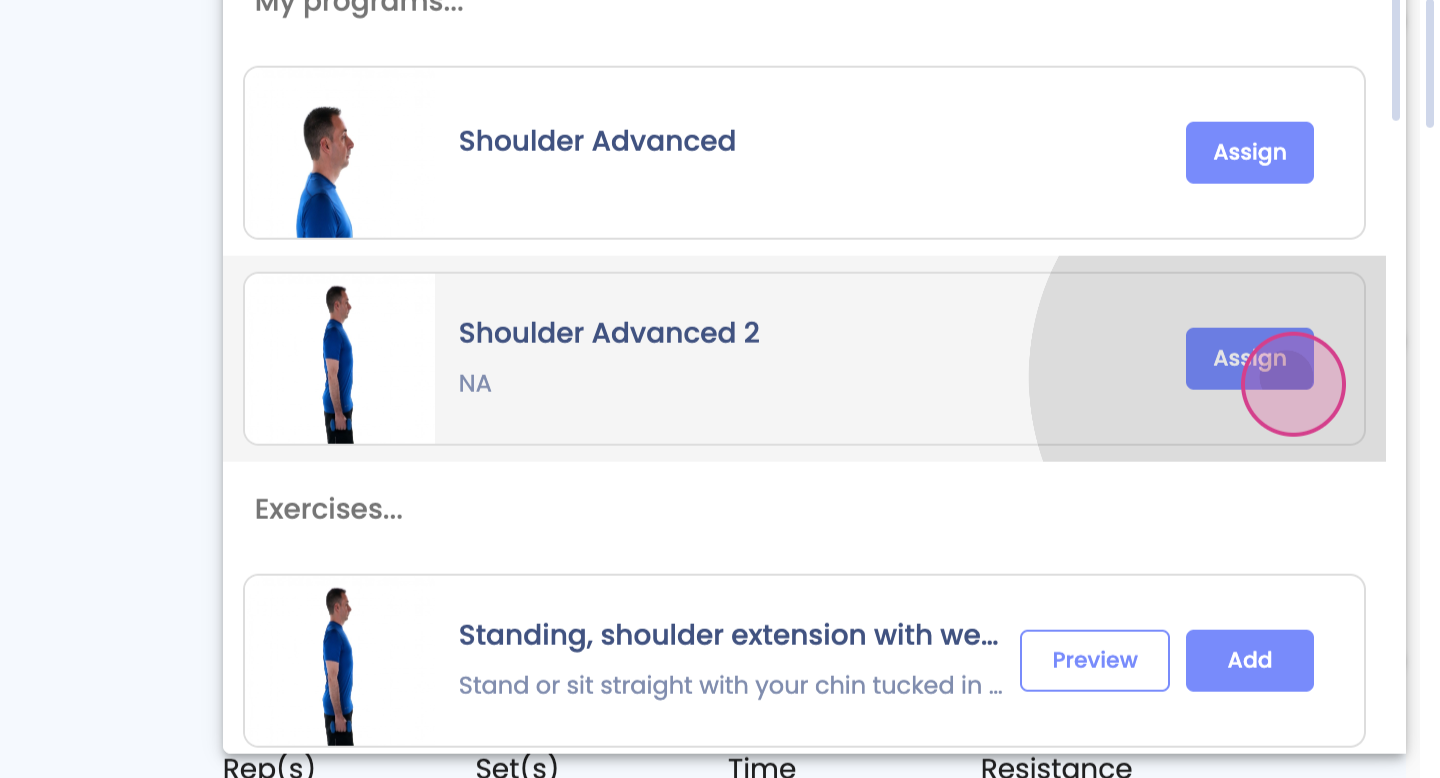
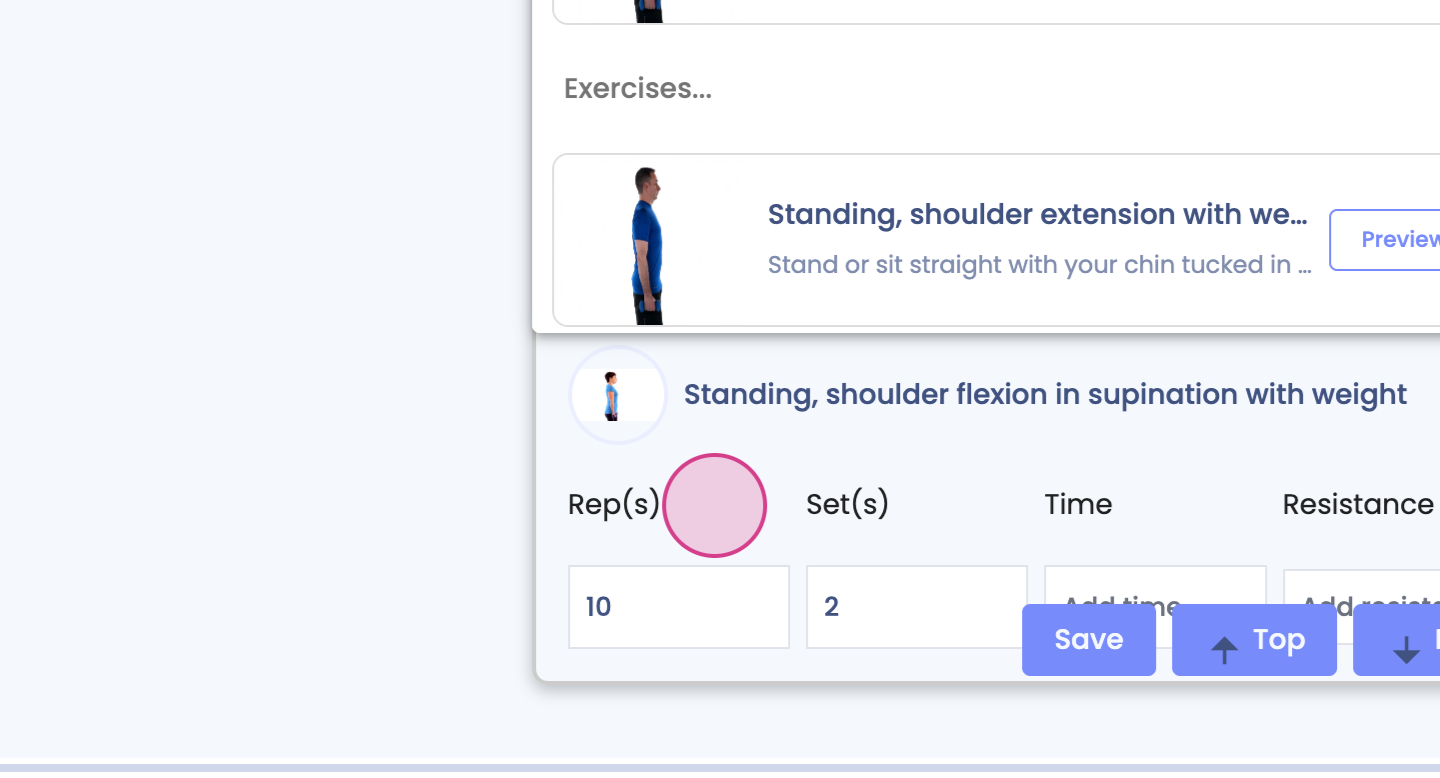
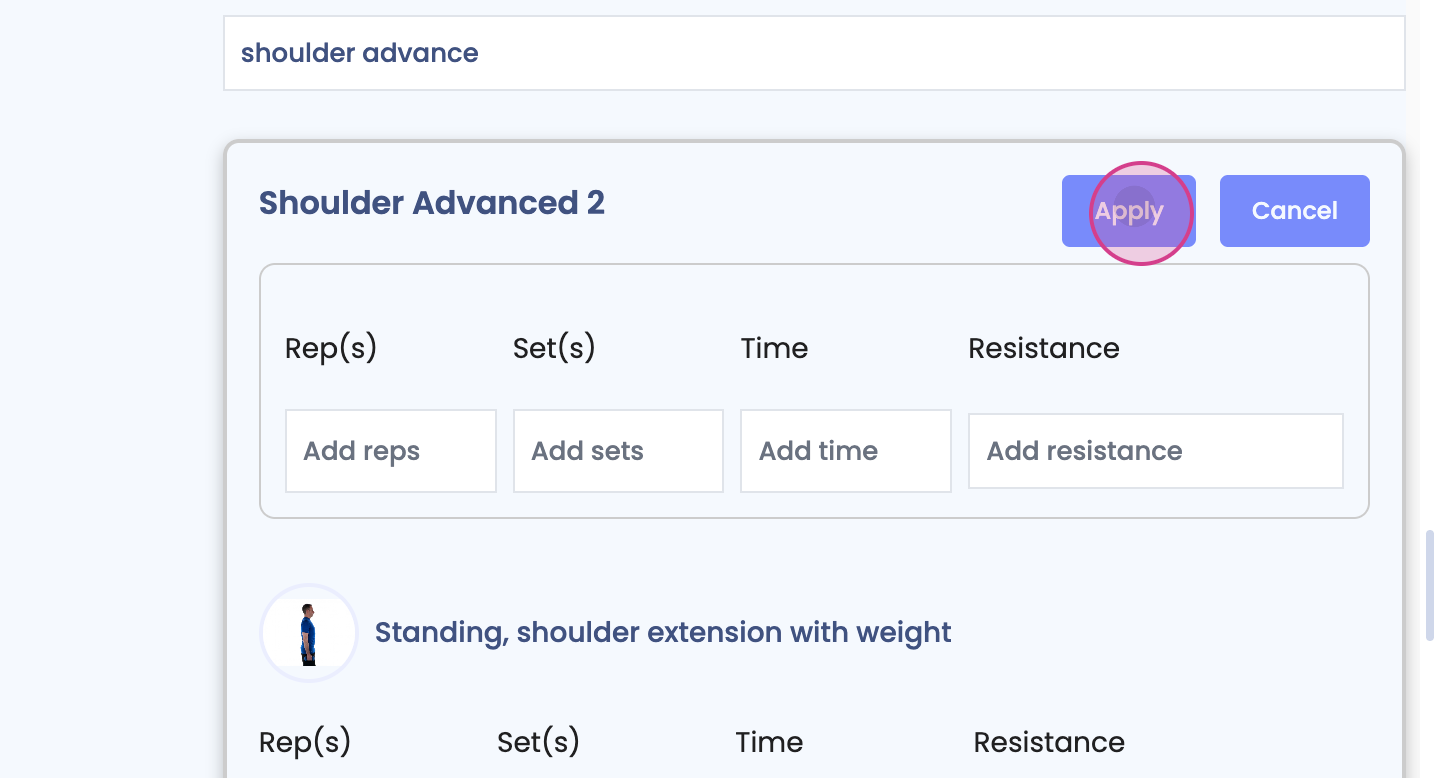
These changes will be added for in-clinic treatments and under any CPT code you choose.
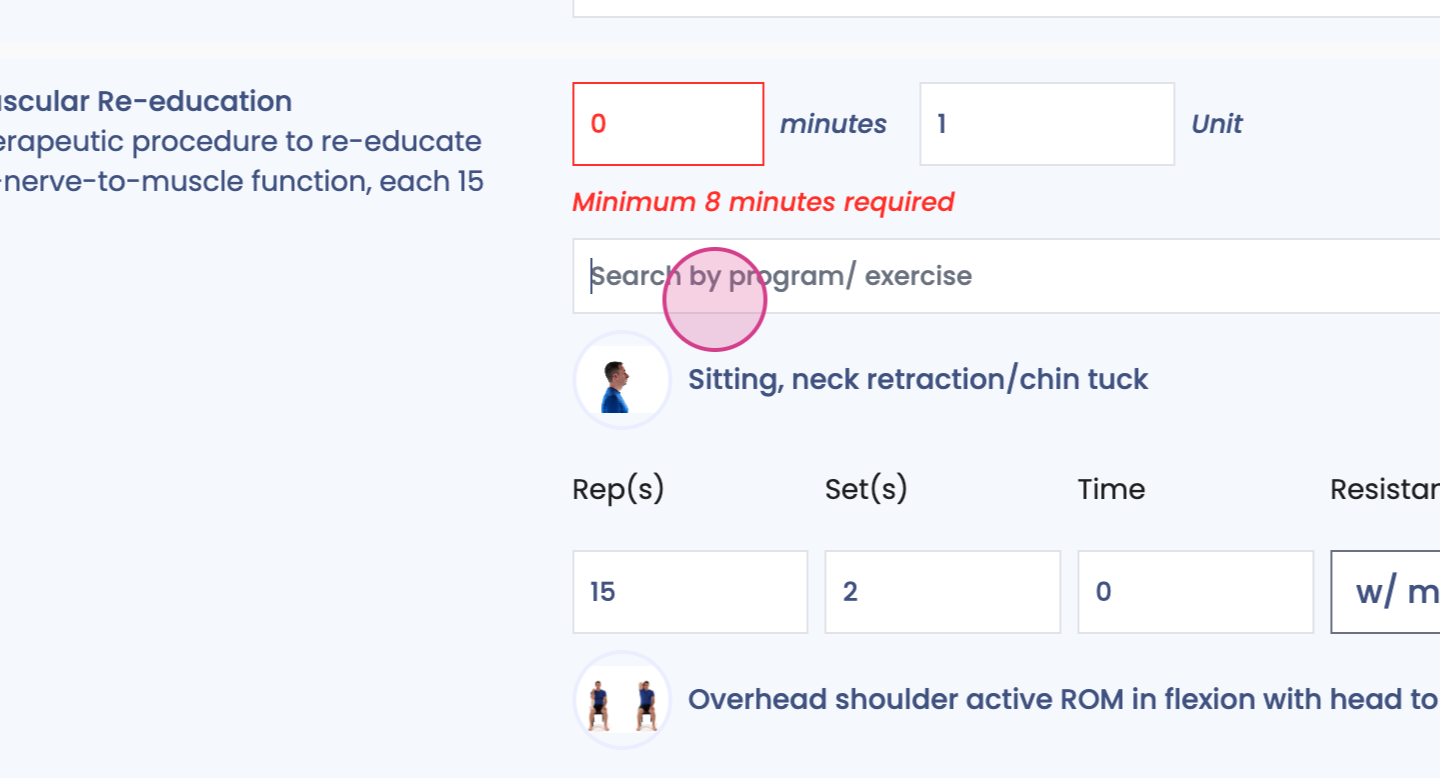
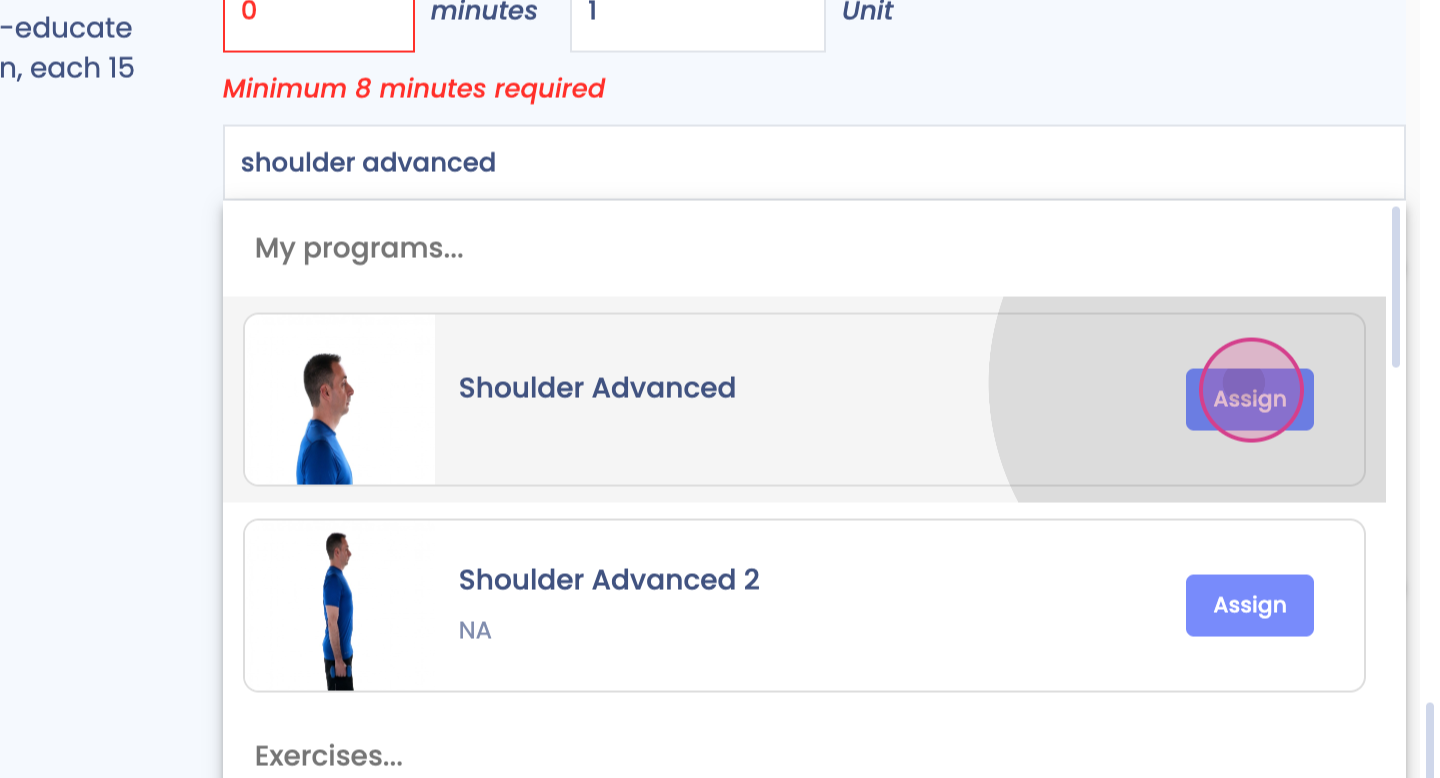
Step 8: Additionally, assign the program to your patient for an HEP directly from here.