
Canceling Future Appointments During Case Discharge
In this article, you'll learn how to cancel future appointments when discharging a case in the Patient timeline.
Step 1: Navigate to the Patient timeline.

Step 2: If you've created a discharge note for the patient, you'll have the ability to cancel future appointments from this section.
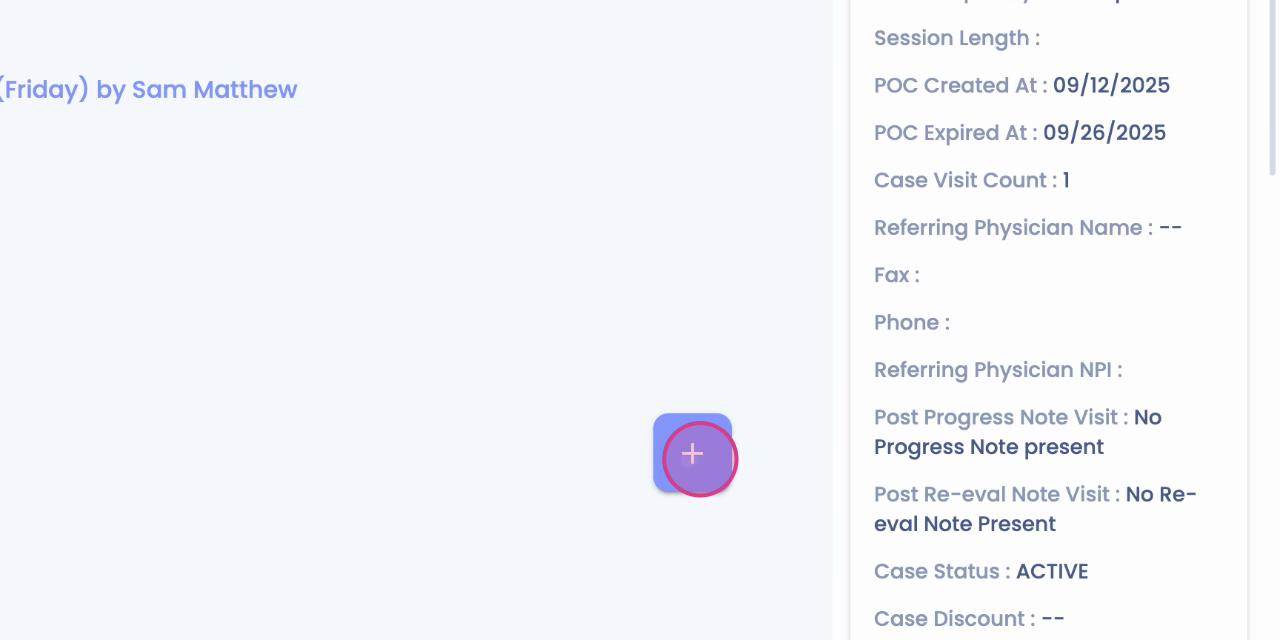
Step 3: Begin by completing the SOAP. Once you've done this, you'll see the option to cancel appointments.
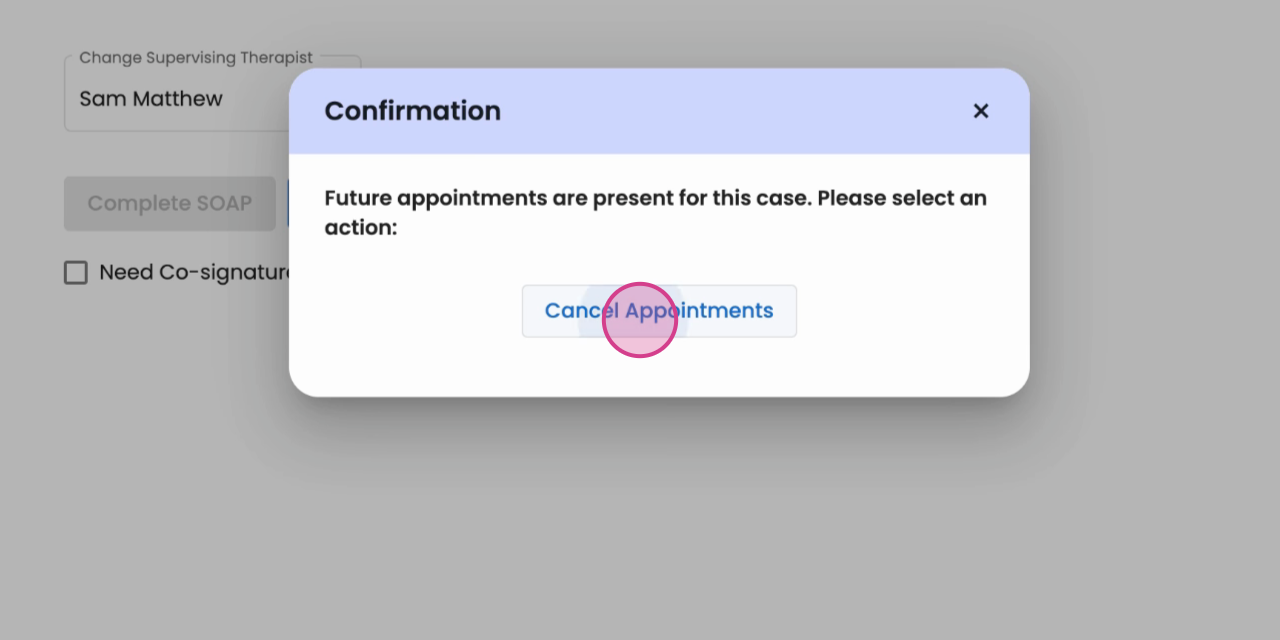
Step 4: Click on Cancel Appointments.

Step 5: Choose the appropriate reason for the cancellation.

Step 6: Finally, save your changes.

Your appointment cancellation is now successful. Thank you for following this guide.