
Alerts in SOAP Notes
In this tutorial, you'll learn how to view alerts on the soap note, a feature that assists therapists in tracking care-related or authorization-related alerts while documenting patient notes.
Step 1: Begin documenting from the appointment card. Notice the alerts visible on the appointment card.
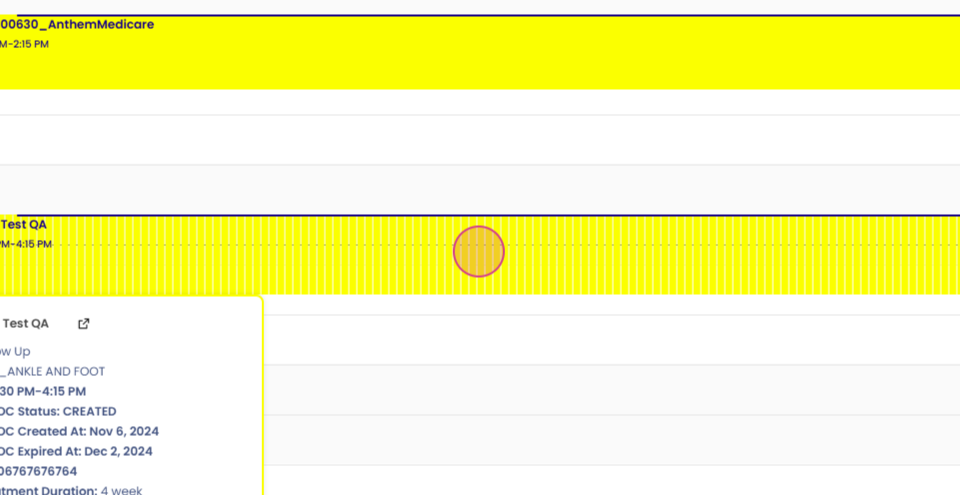
Step 2: In addition to the appointment card, also check for alerts on the soap documentation.
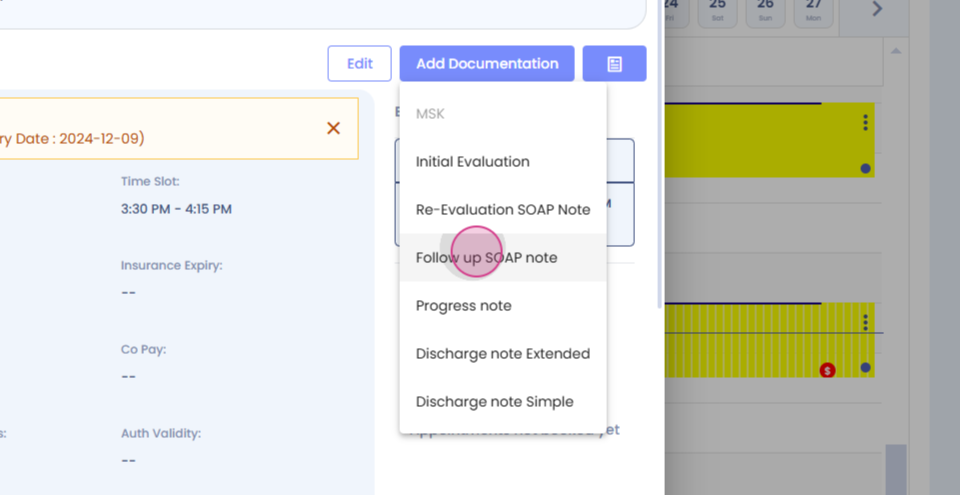

Step 3: Look for bullet points that are present for specific patients. The alert icon will appear in this area.
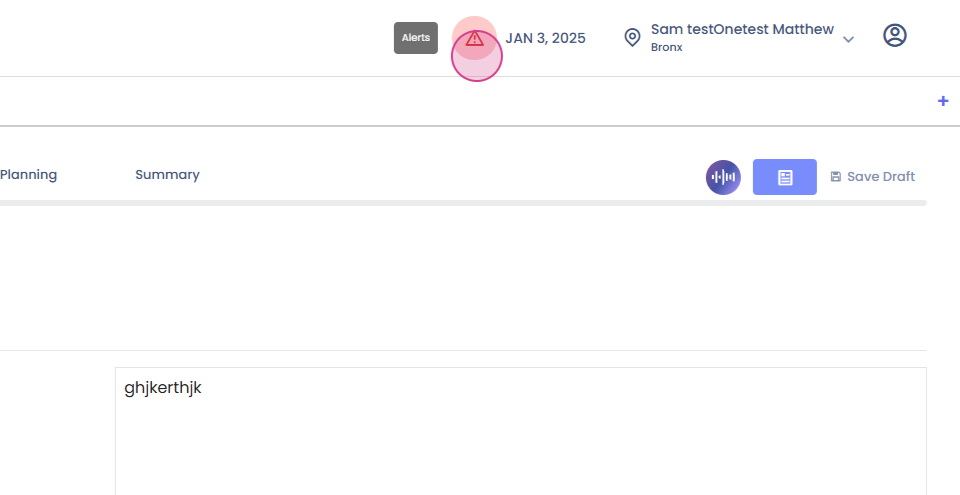
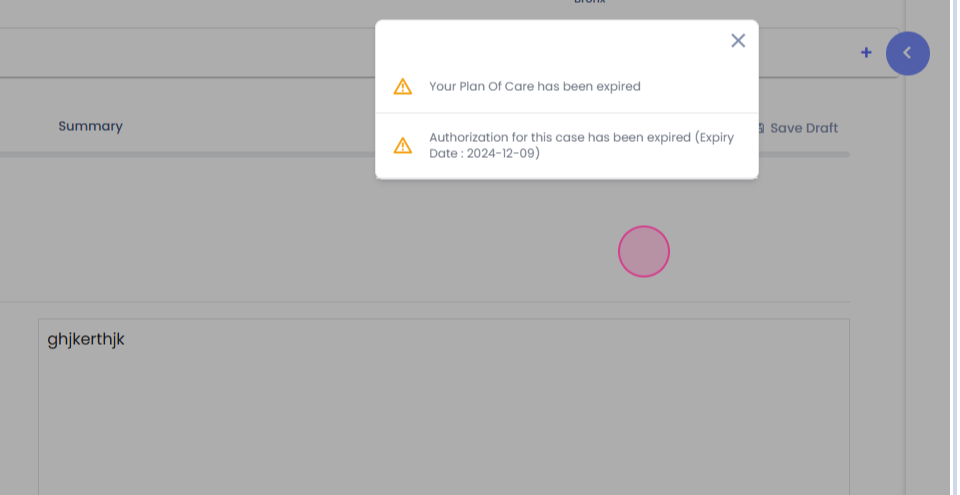
Step 4: Click on the alert icon to view all alerts for that particular patient. These may include alerts for plan of care expiry, authorization expiry, or progress note view. This feature ensures you don't miss any compliance.
Thank you for following this tutorial.