
How to Add Patient Authorization
Step 1: Hi. How to add an authorization for a patient? Click on the appointment type.

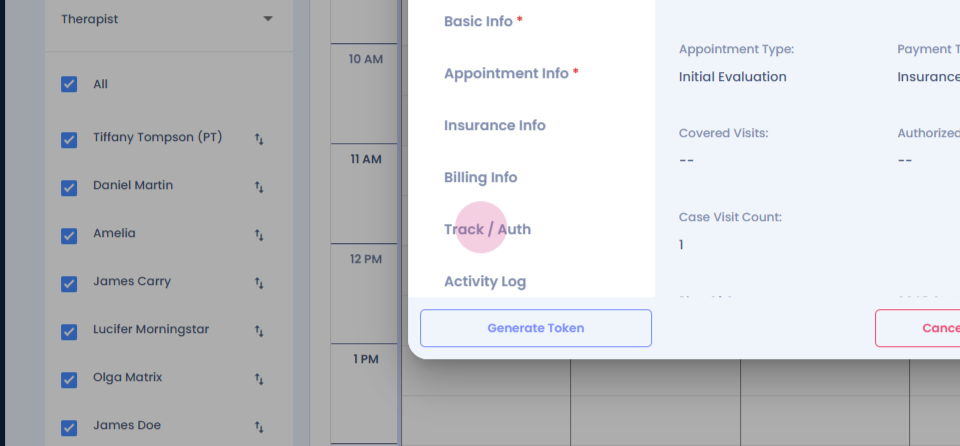
Step 2: Click on tracking slash authorization.
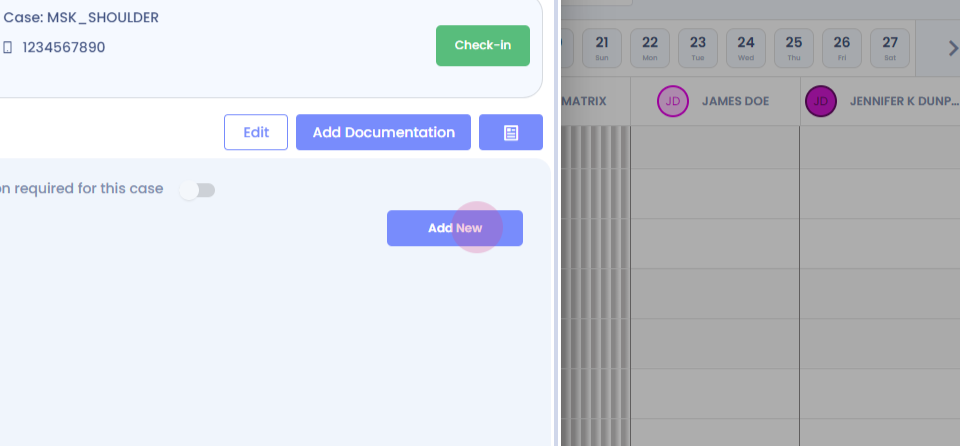
Step 3: Click on add new.
Step 4:
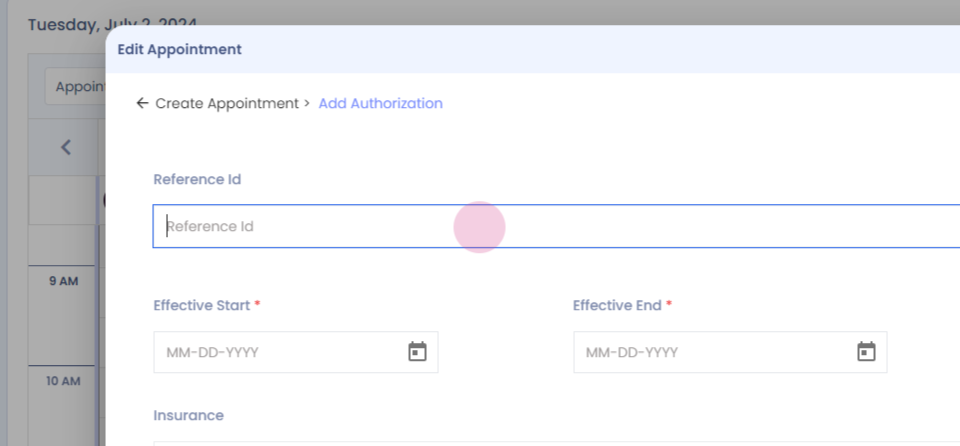
Step 5: Enter the mandatory information.
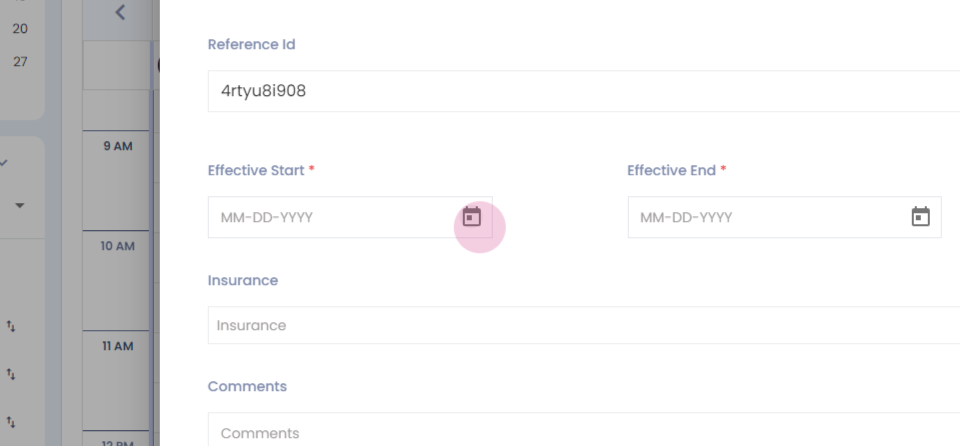
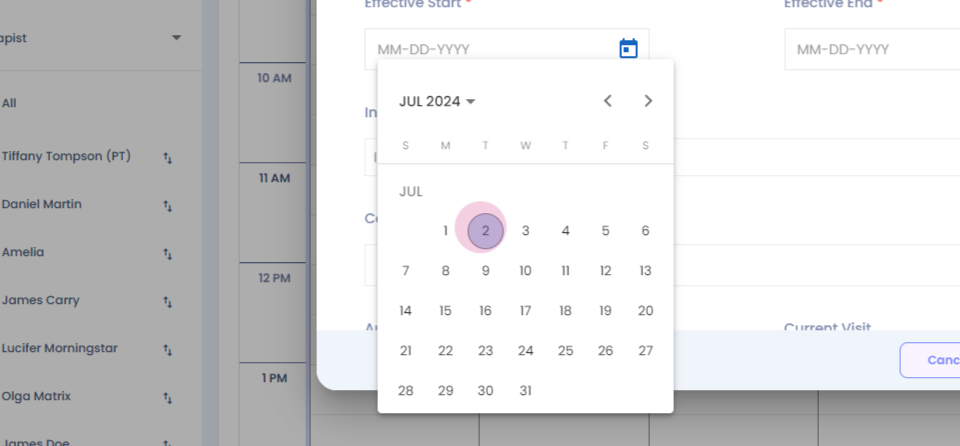
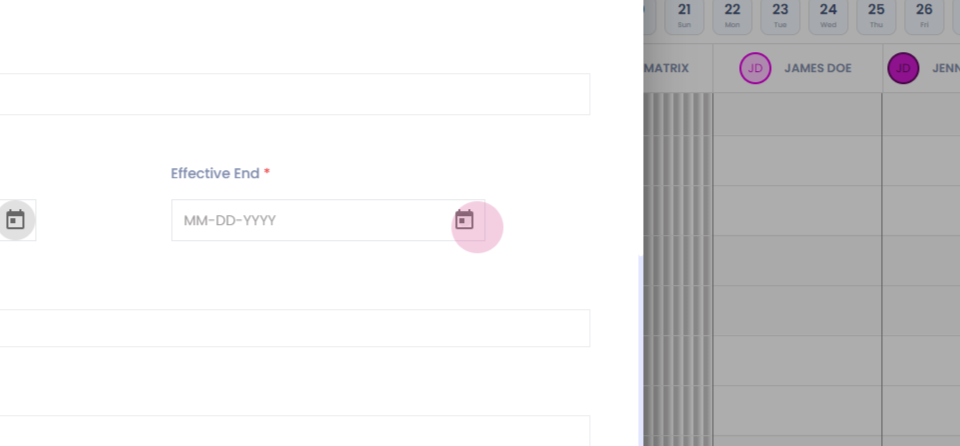
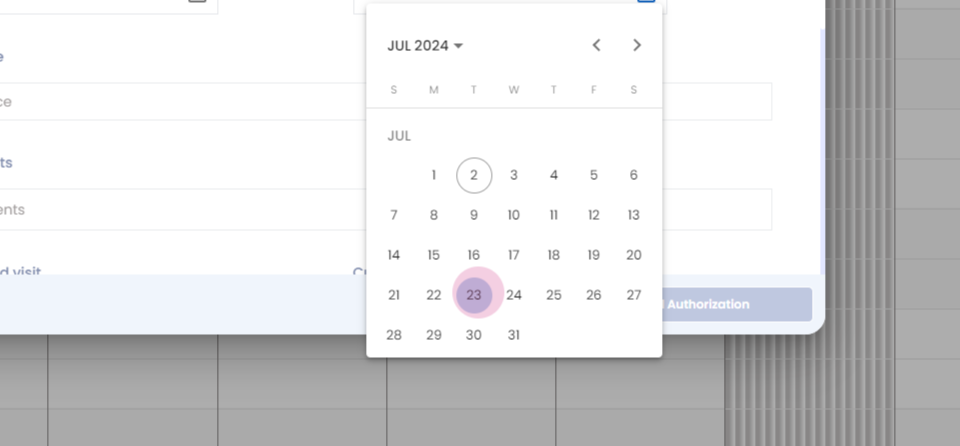
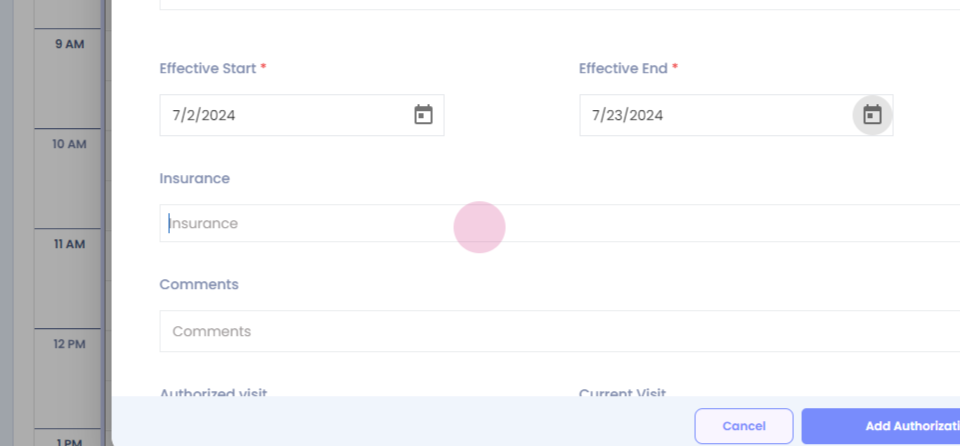
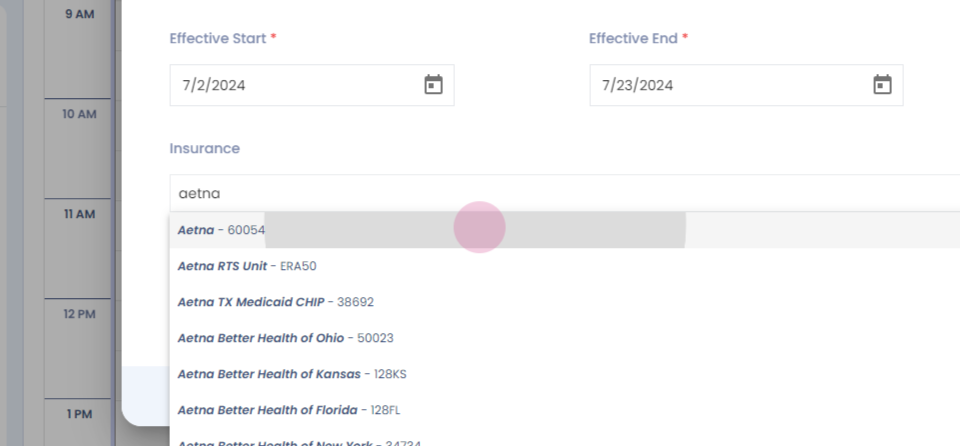
Step 6: Select the start date, select the end date, Select the insurance provider.
Step 7:
Step 8:
Step 9:
Step 10:
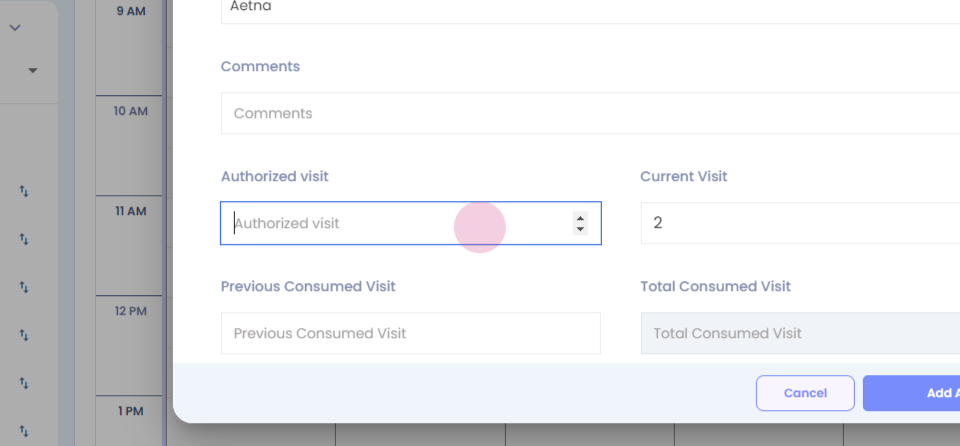
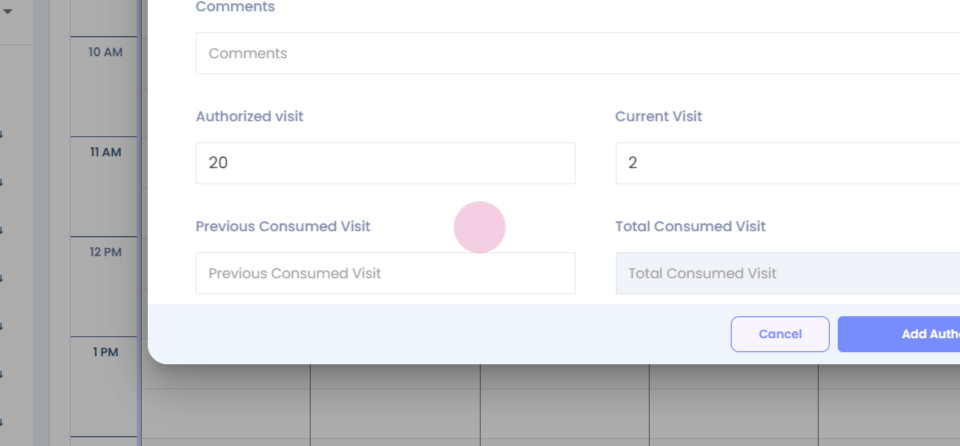
Step 11: Enter the number of authorized visits.
Step 12:
Step 13:
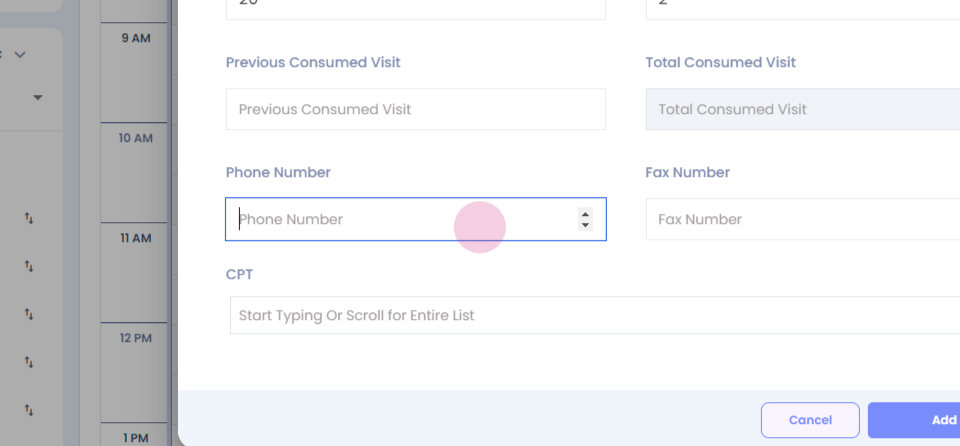
Step 14: Enter any other information.
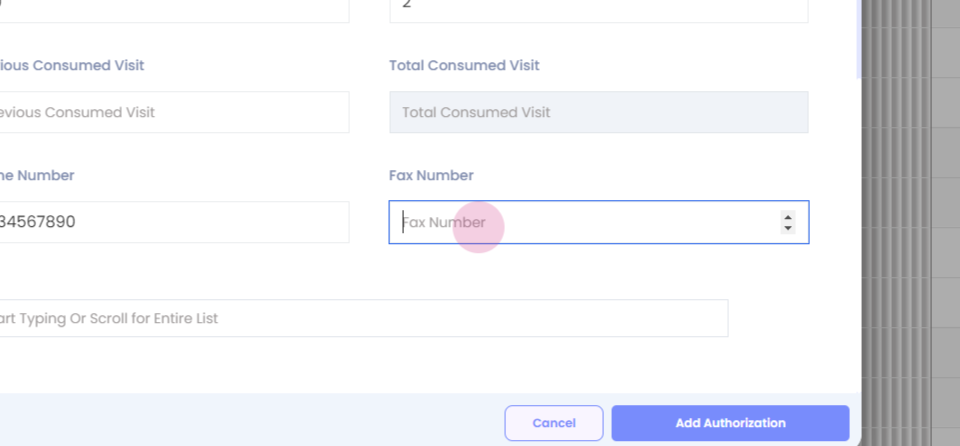
Step 15:
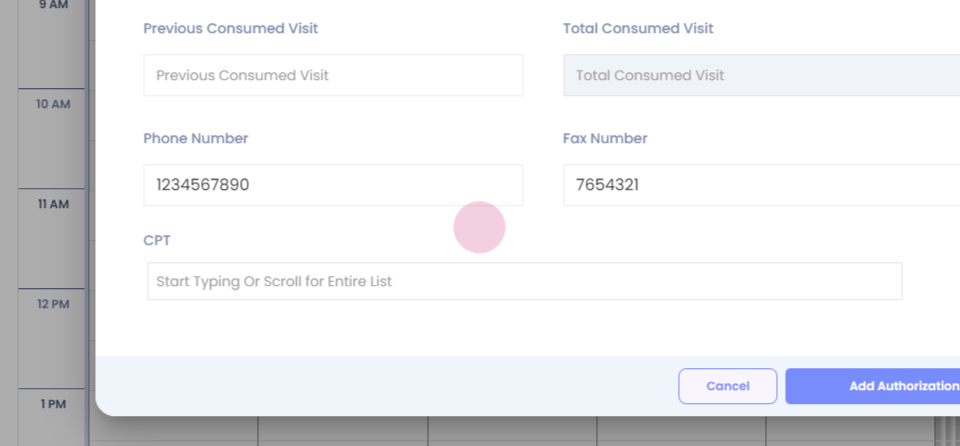
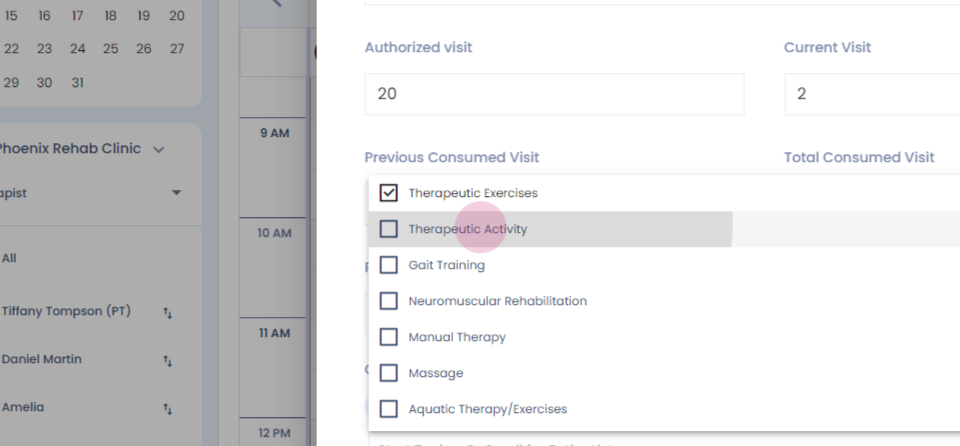
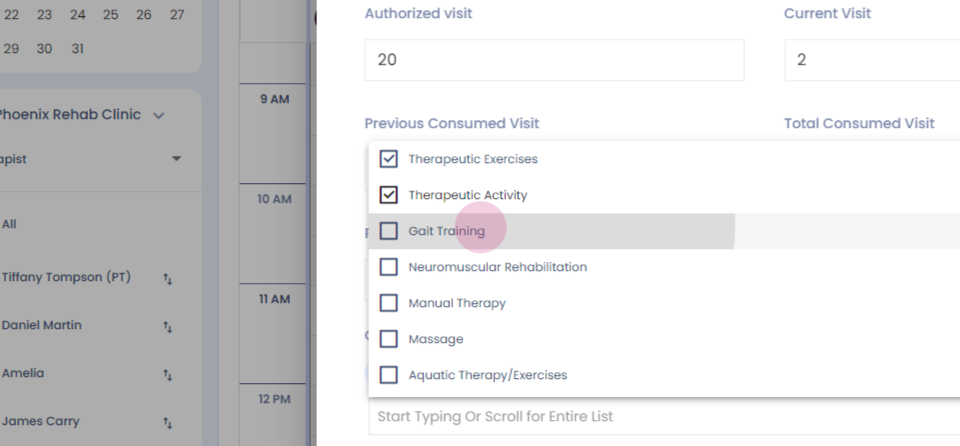
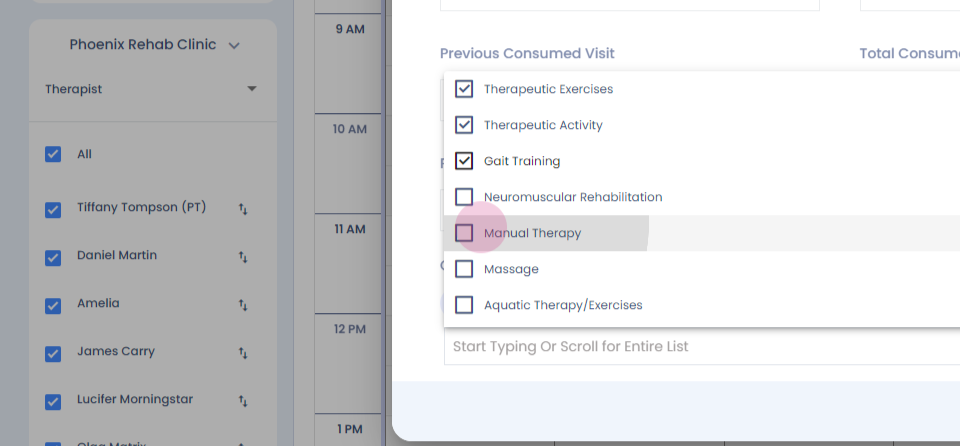
Step 16: Select the CPT codes for which you have received the authorization.
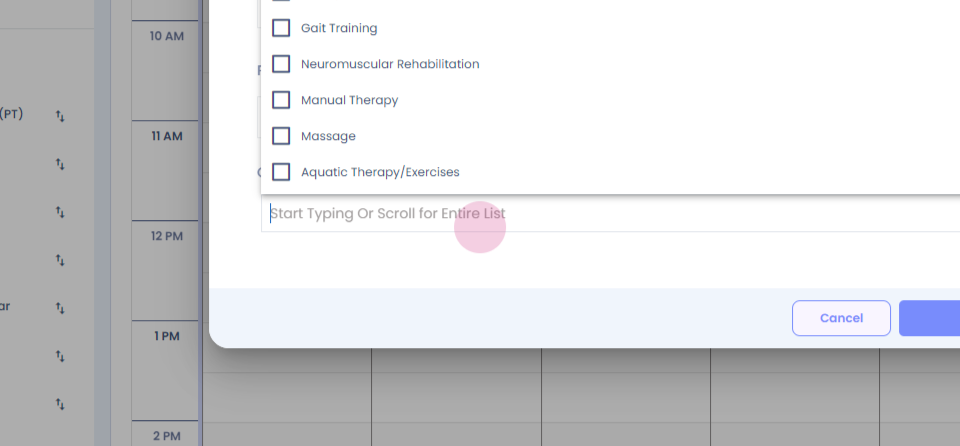
Step 17:
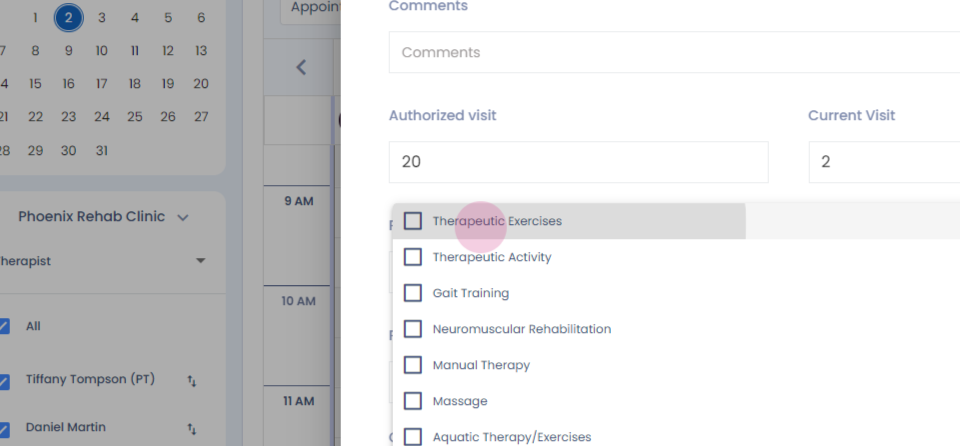
Step 18:
Step 19:
Step 20:
Step 21:
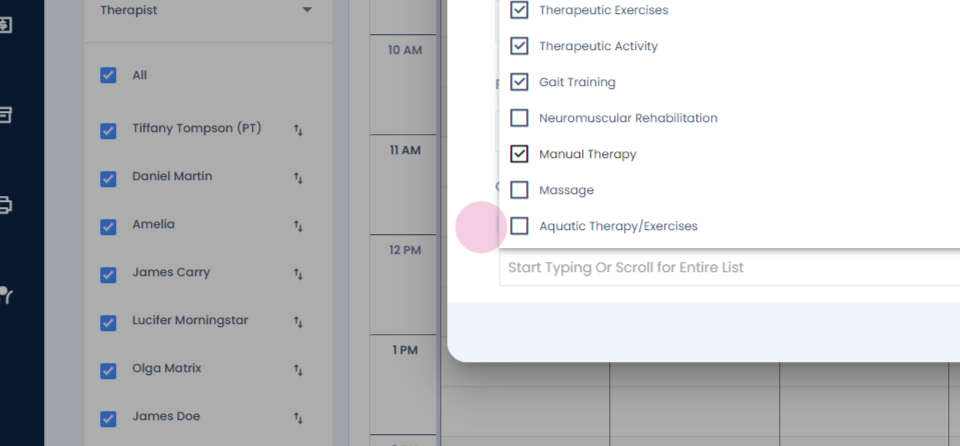
Step 22: Enter the number of units requested and the units approved.
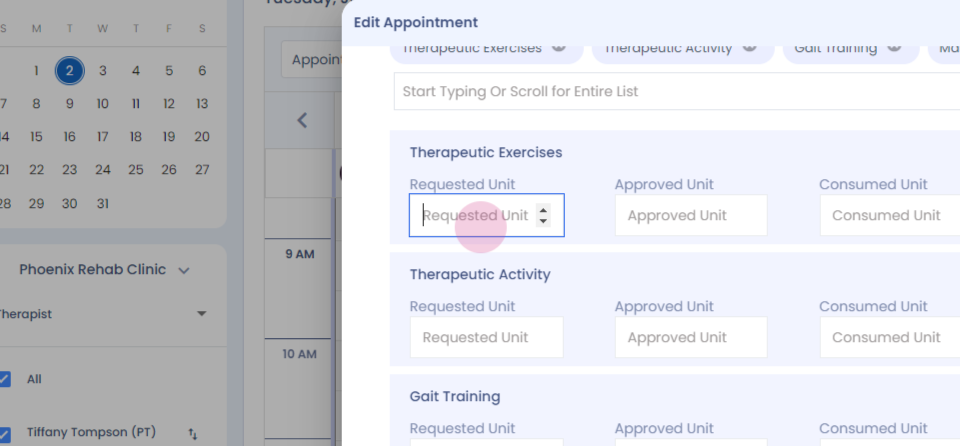
Step 23:
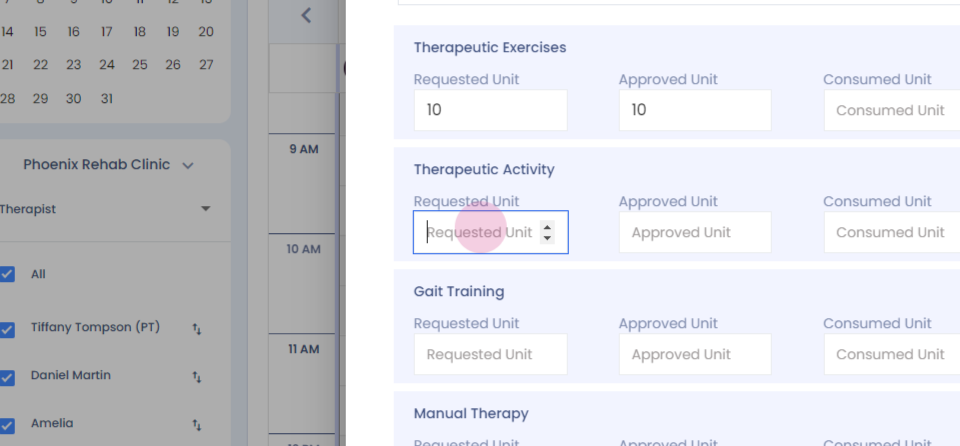
Step 24:
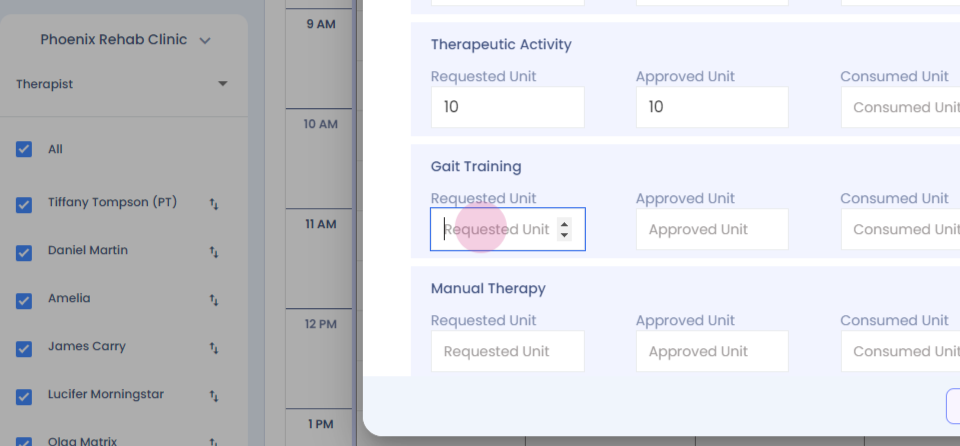
Step 25:
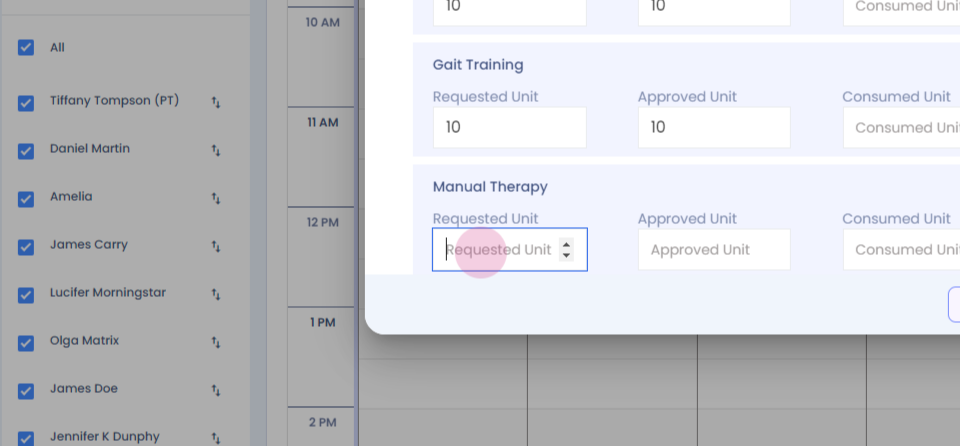
Step 26:
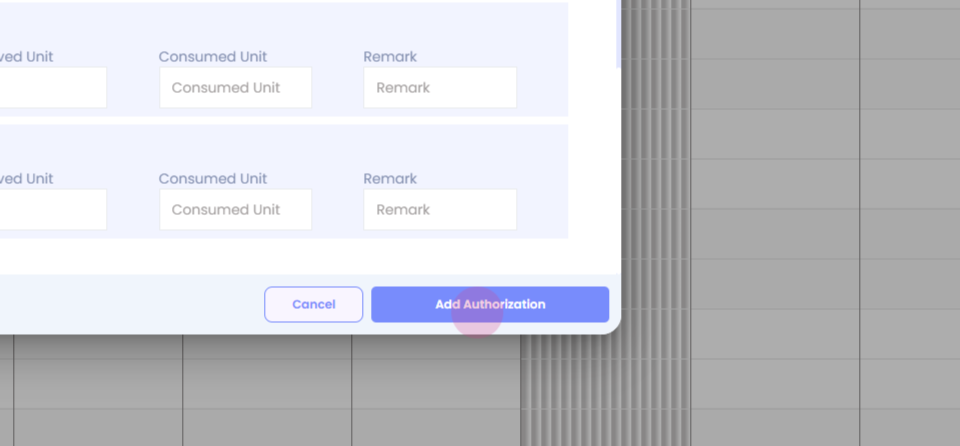
Add authorization, and you will be able to view your authorized visits along with the number of CPT codes approved.