Printing Appointment Copies
In this article, you'll learn how to print a paper copy of your appointments.
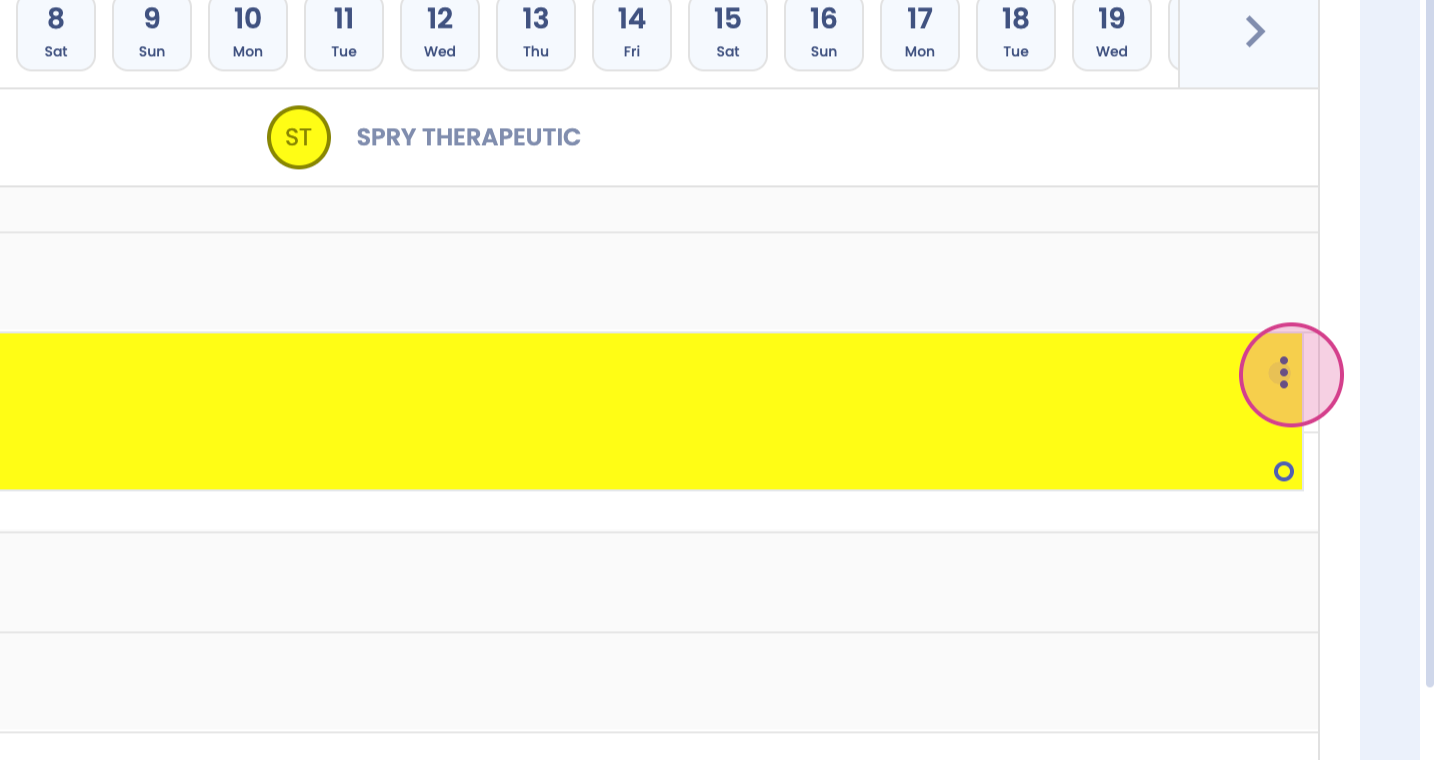
Step 1: Start by clicking on the three dots on your appointment card.
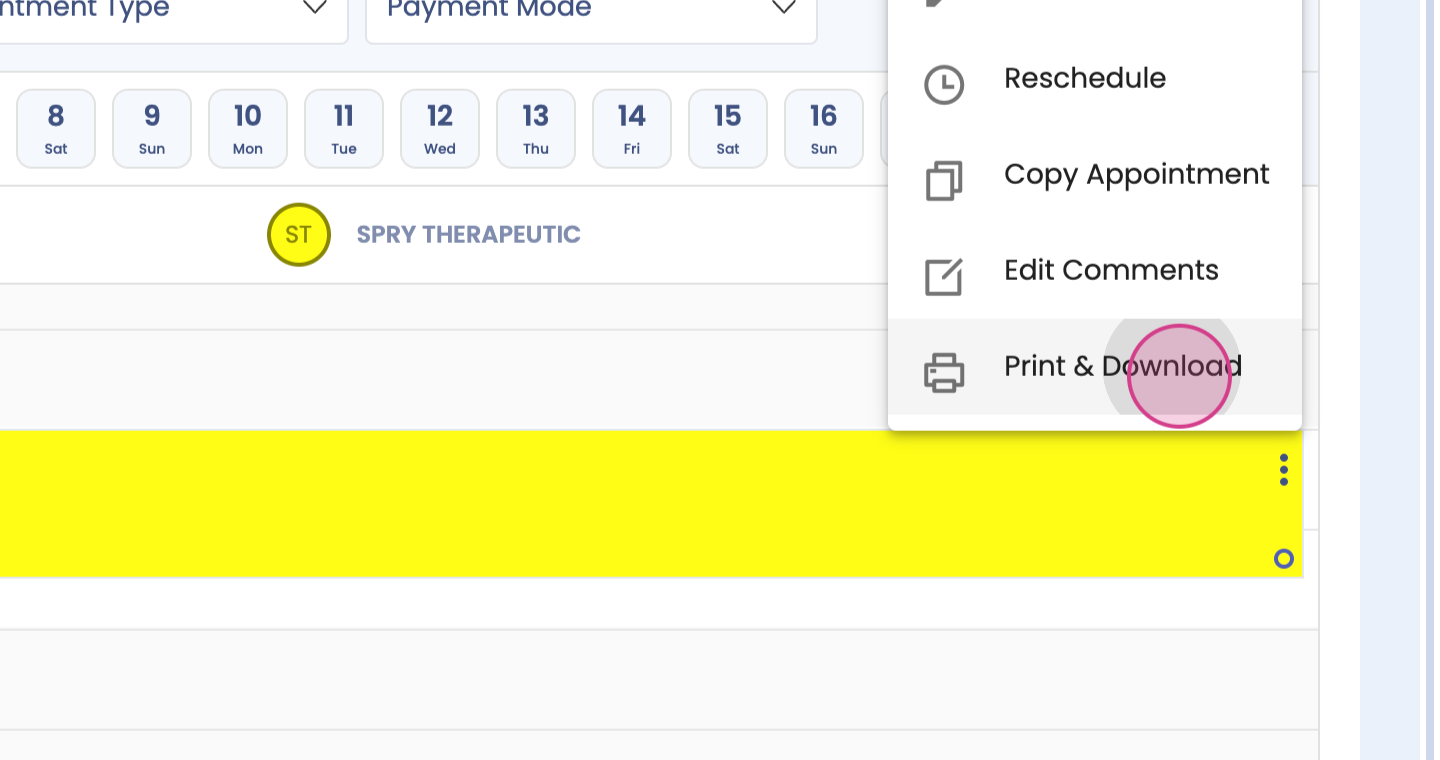
Step 2: Next, select Print and Download.
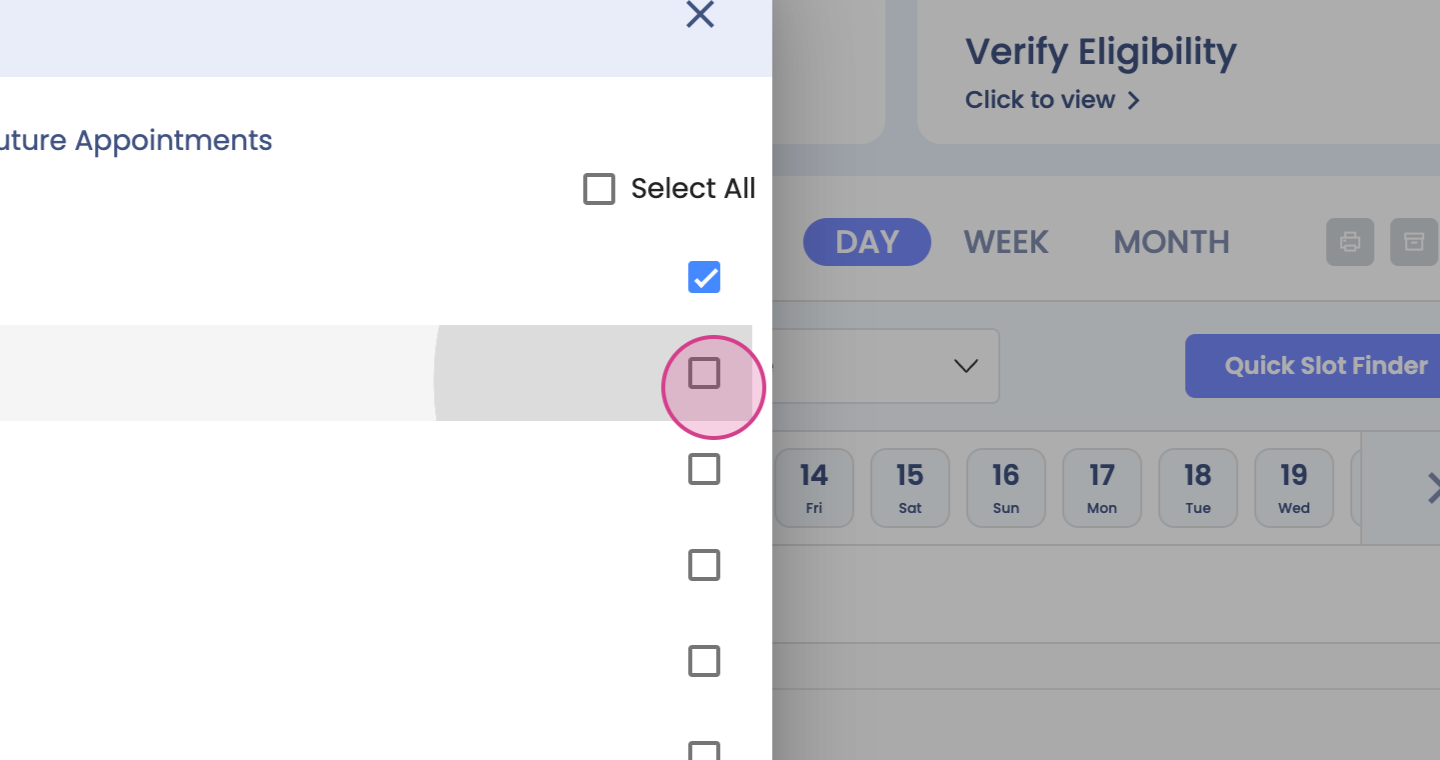
Step 3: Choose whether you want to print all appointments or only future appointments.
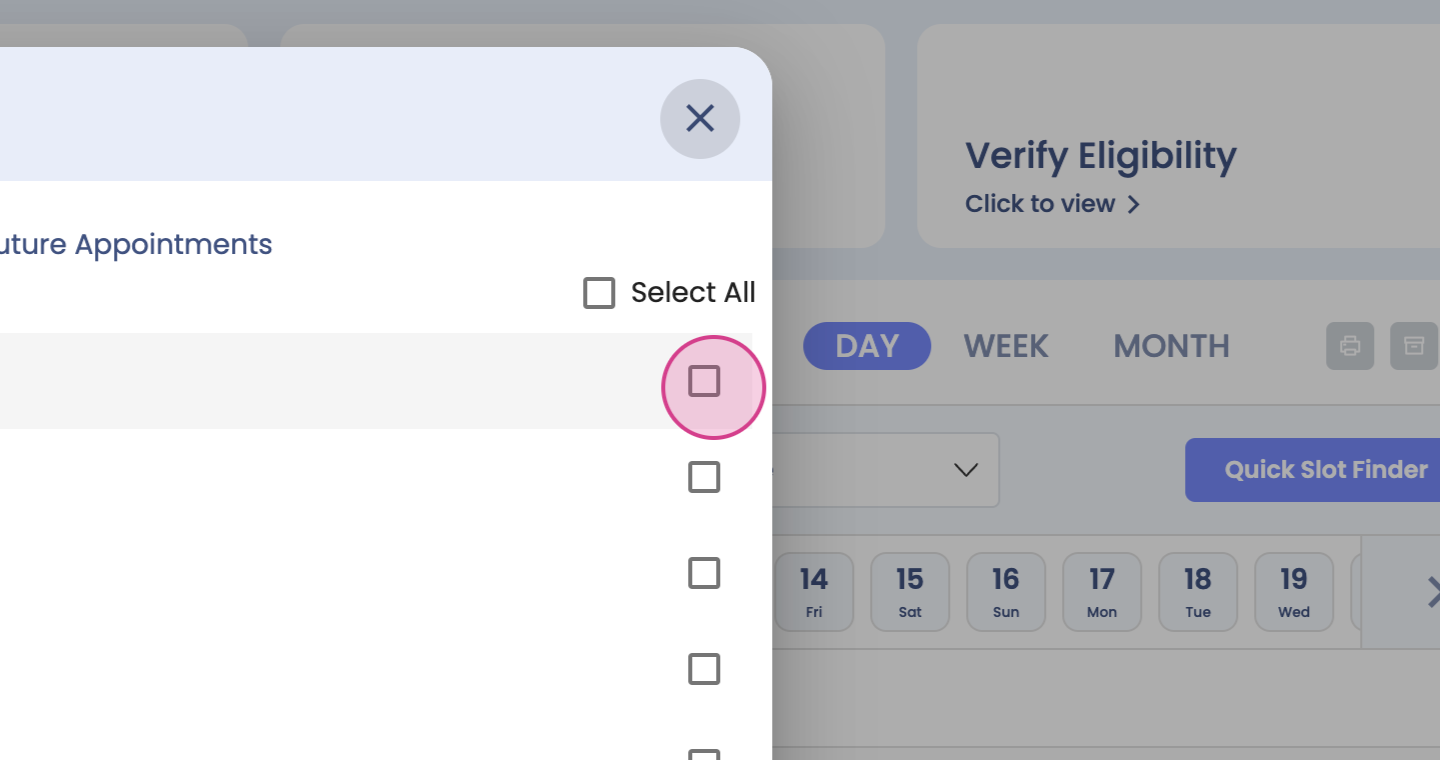
Step 4: Decide on the items you want to be printed.
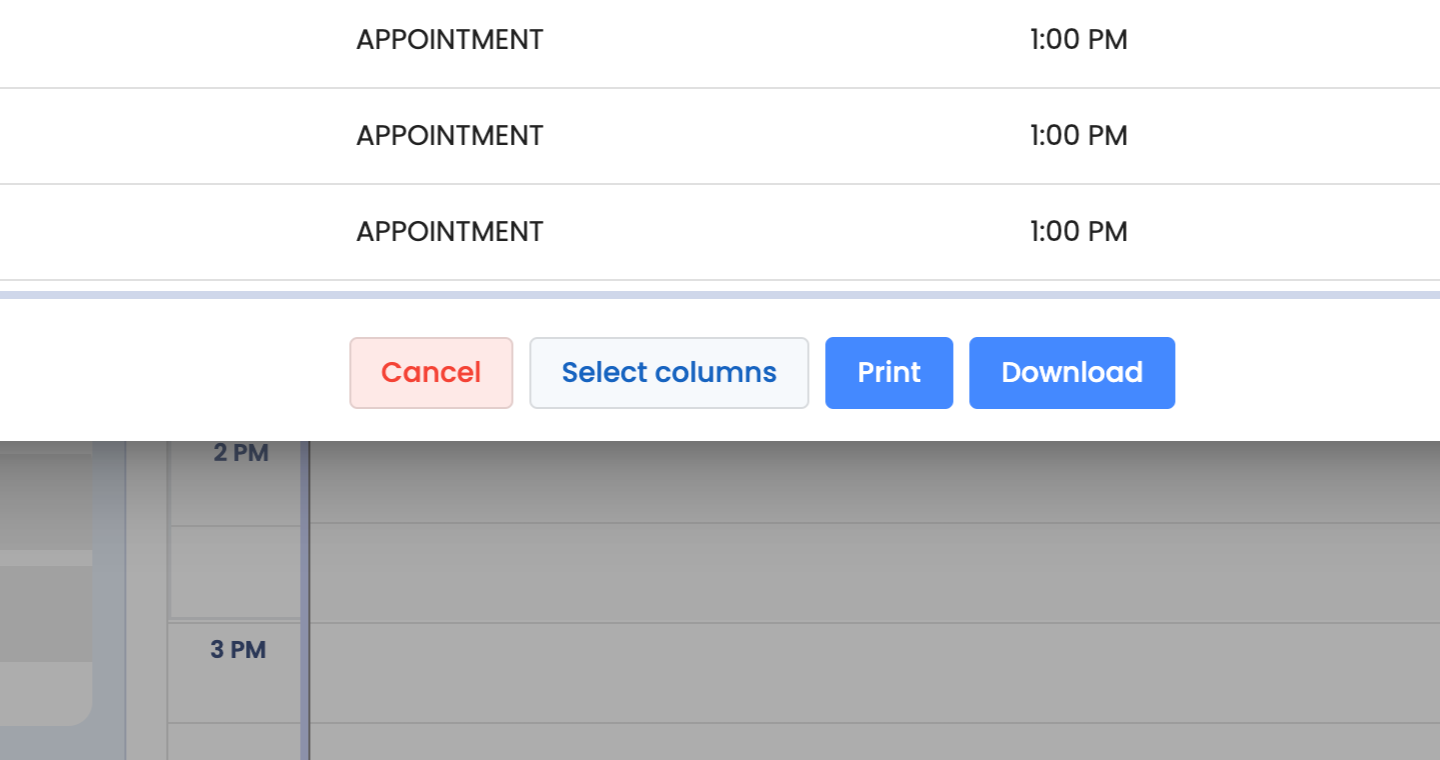
Step 5: Now, select Print or Download.
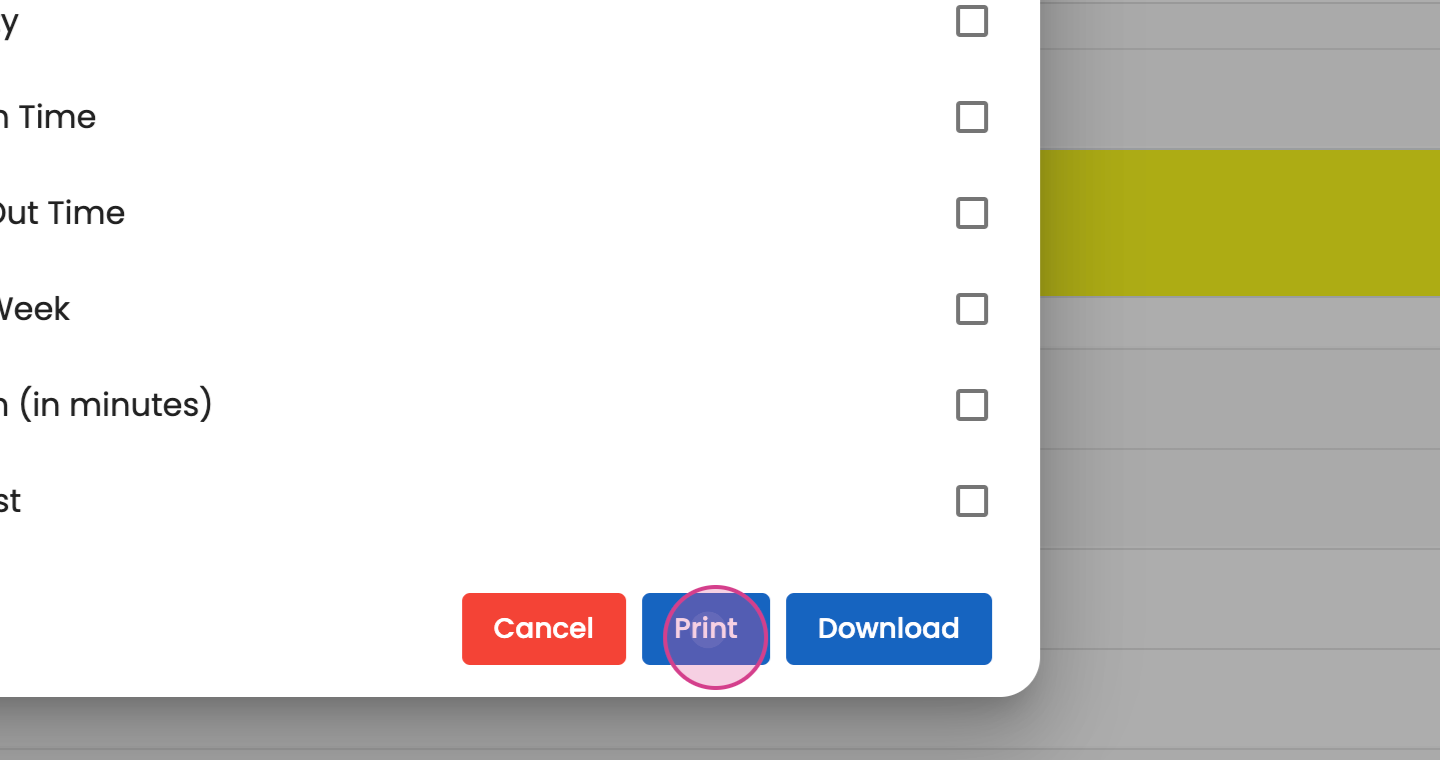
Step 6: Note that the columns are editable.