
Adding Therapist Schedule Blocks
Add Schedule Blocks for a Therapist at a Specific Location
Schedule blocks let you control when a therapist is available for certain services at a particular location. Use this feature to manage therapist capacity and ensure only specific types of appointments can be booked during selected times.
Step 1: Navigate to the Manage user section.
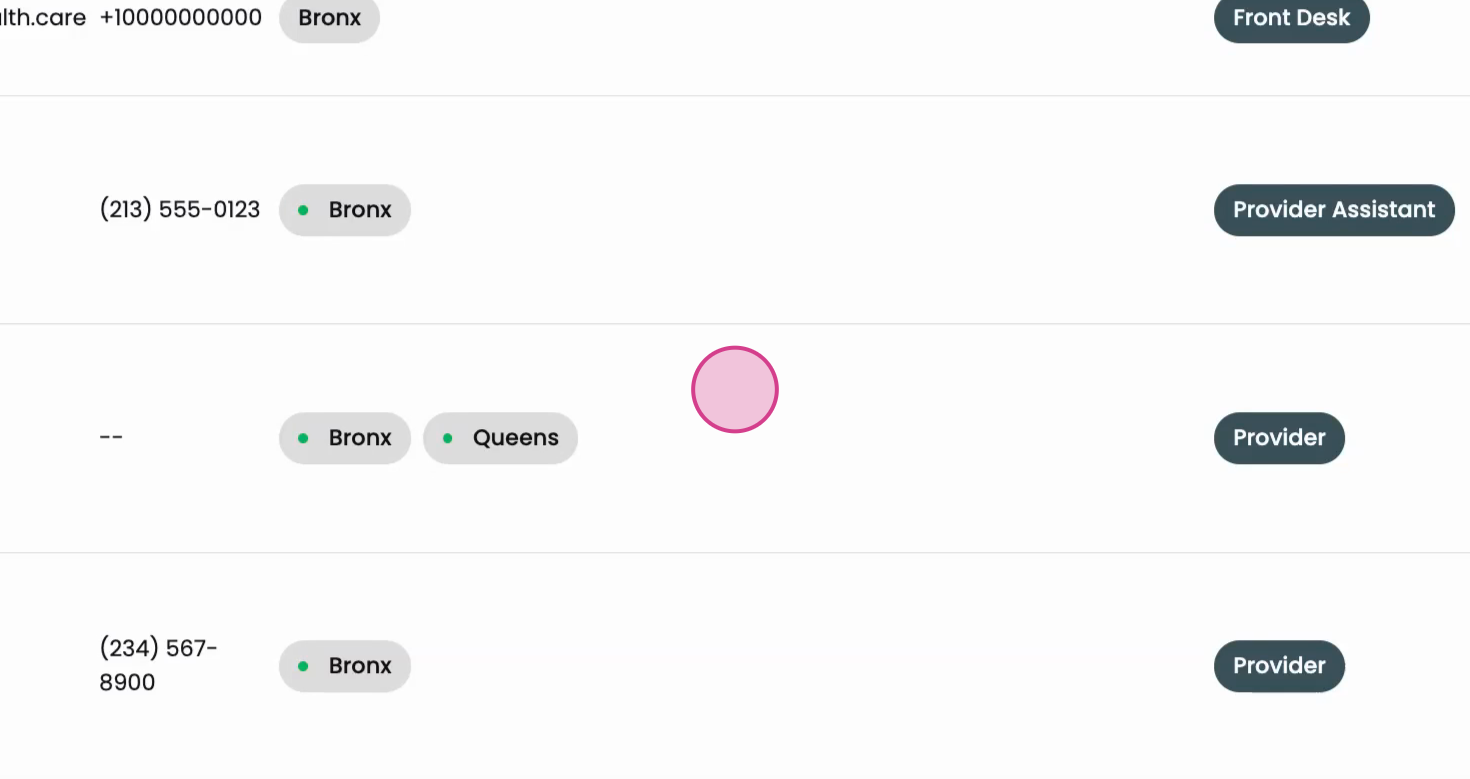
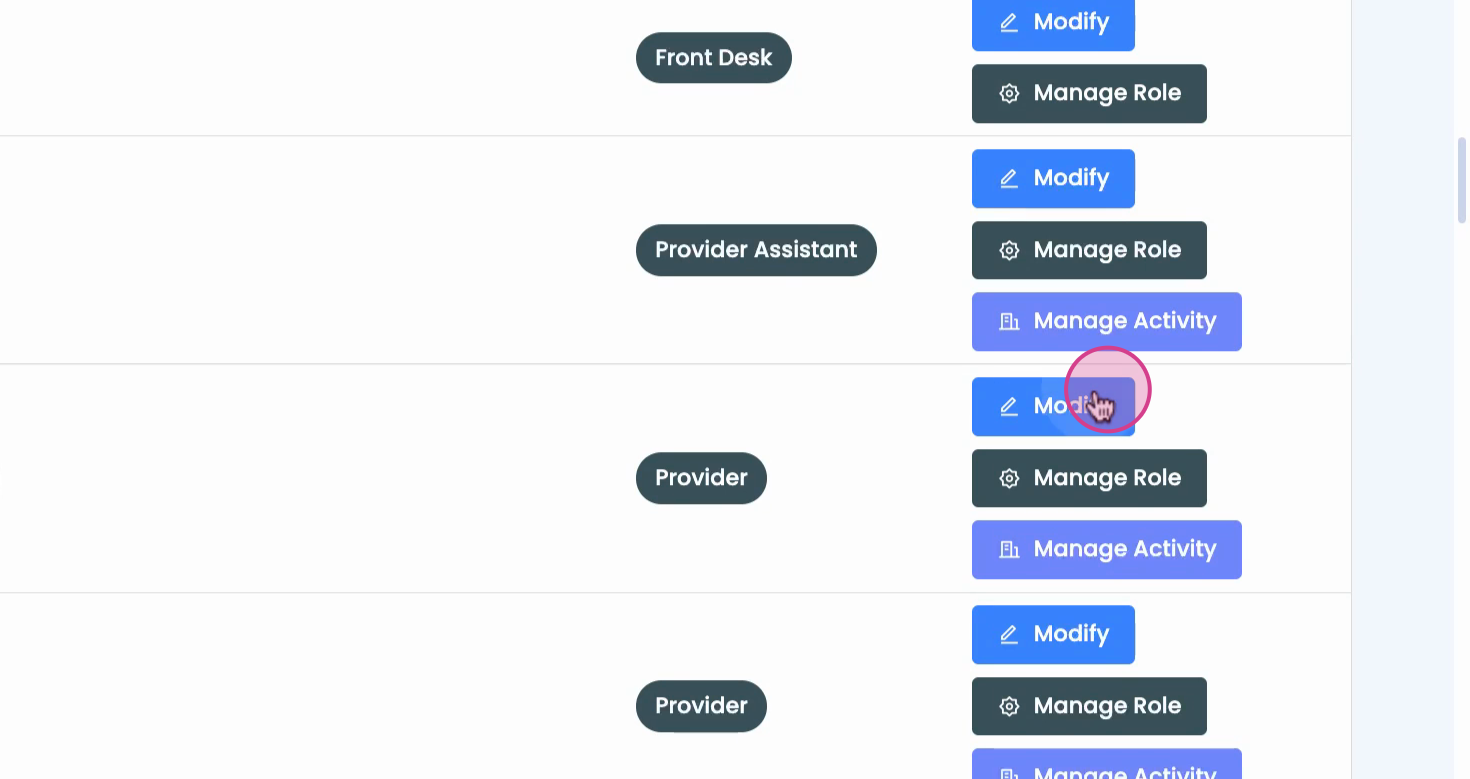
Step 2: Find the therapist’s name and select Modify.
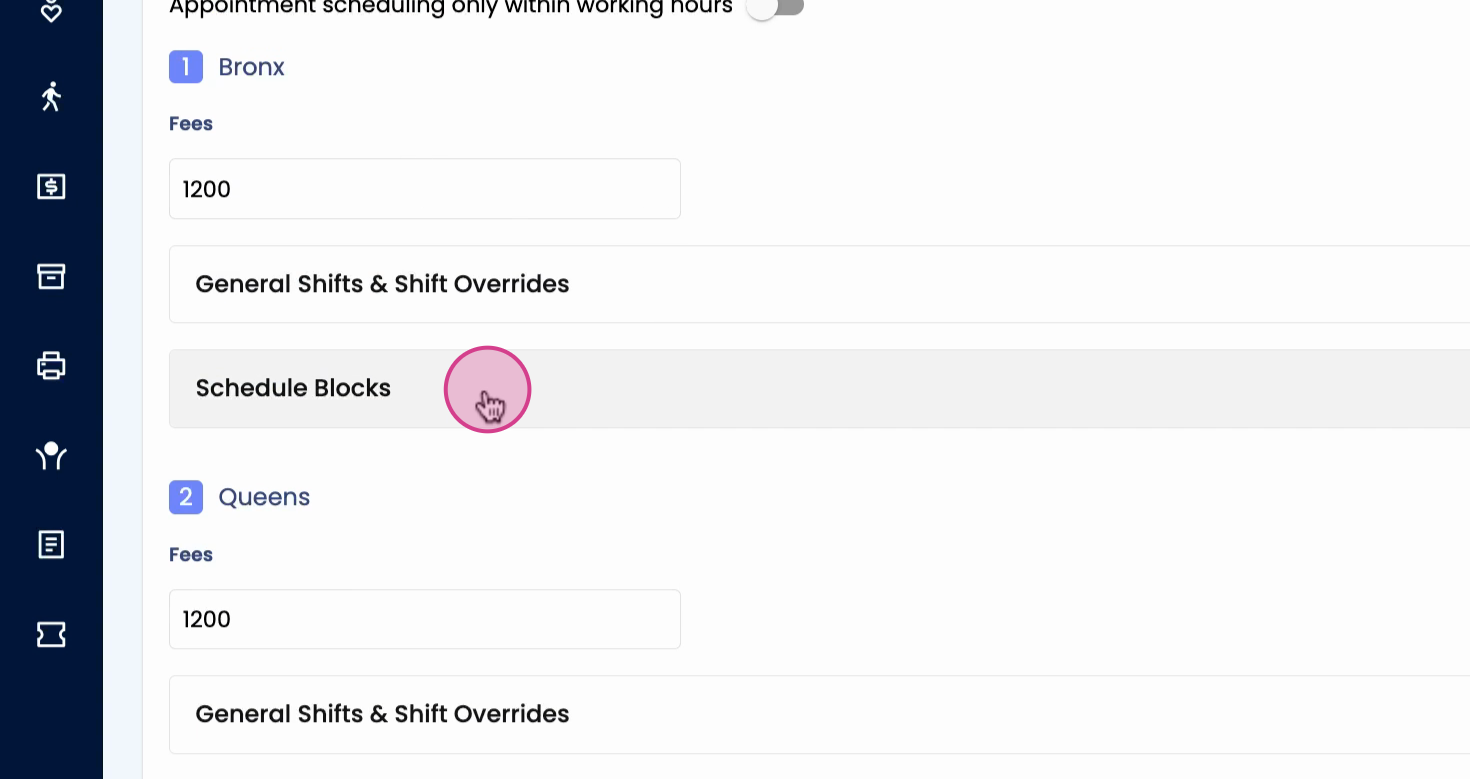
Step 3: At the location, click on Schedule blocks.
Step 4: Click Add block.

Step 5: Choose the start date for the block.
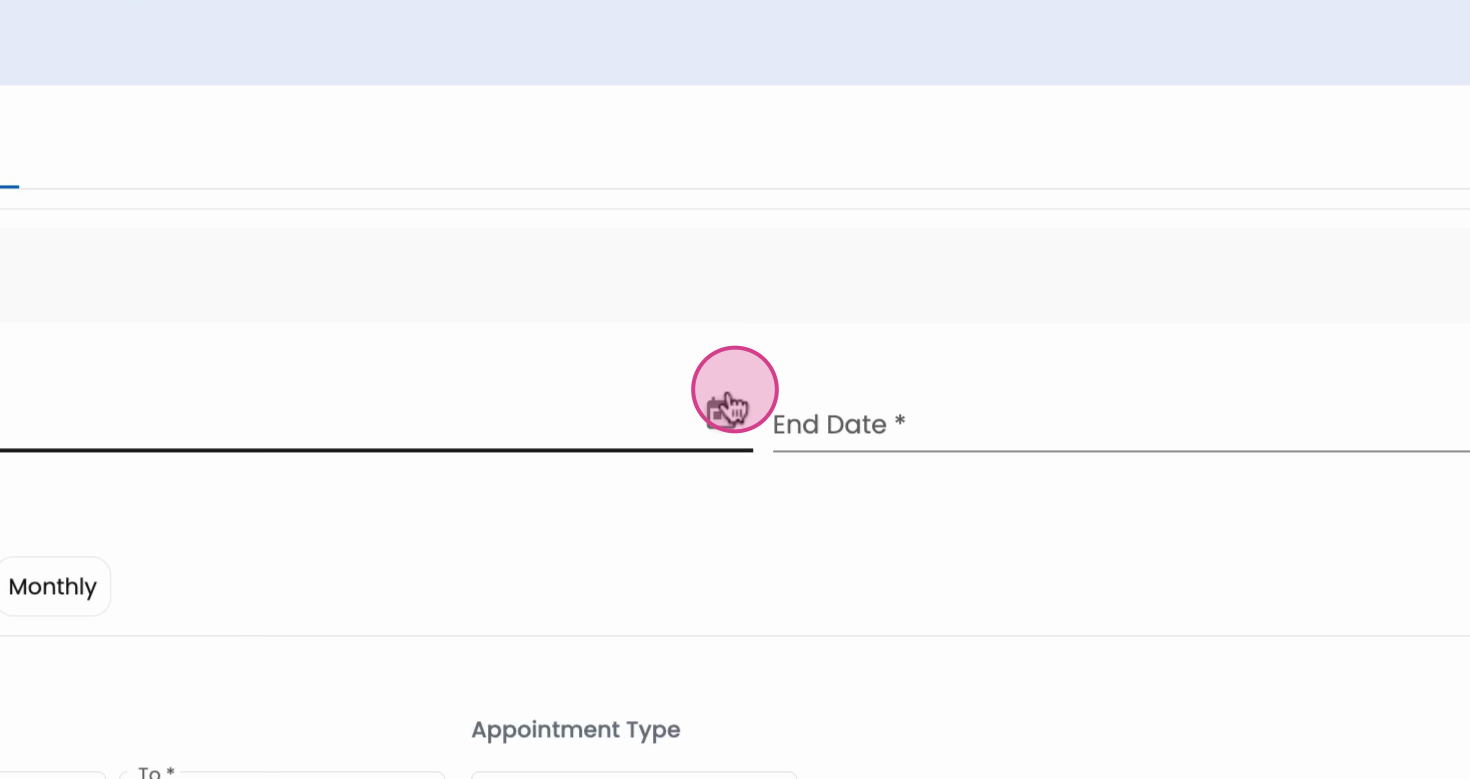
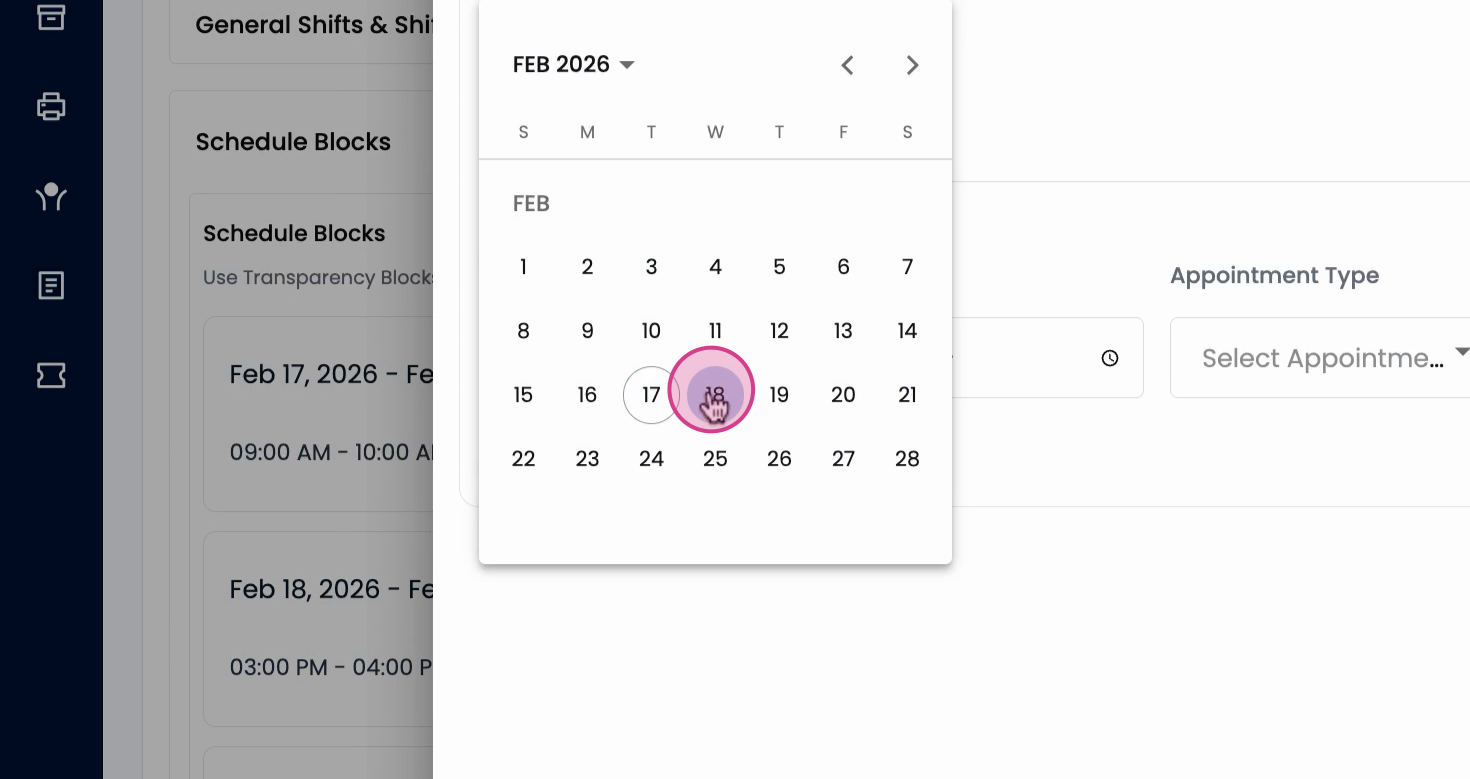
Step 6: Select the desired start date.
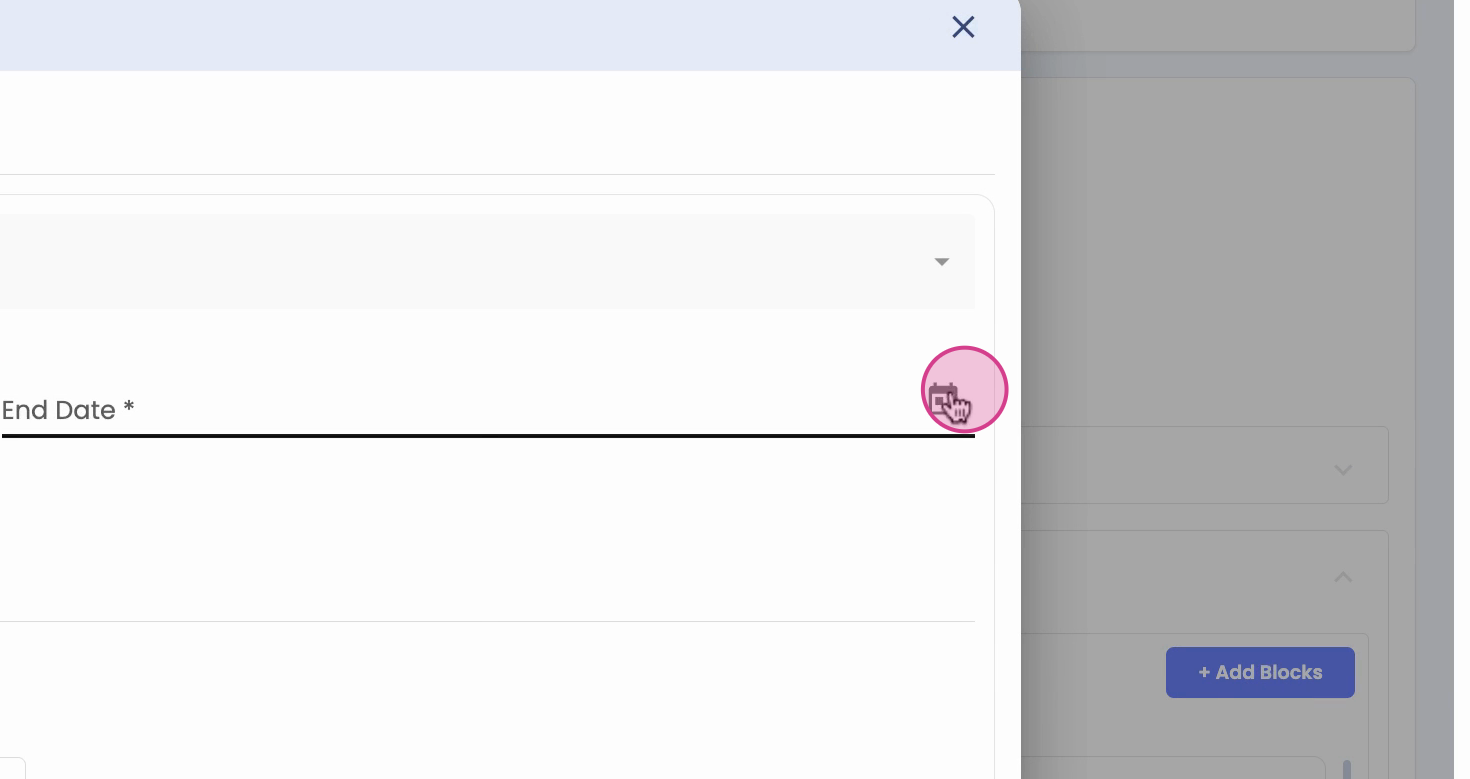
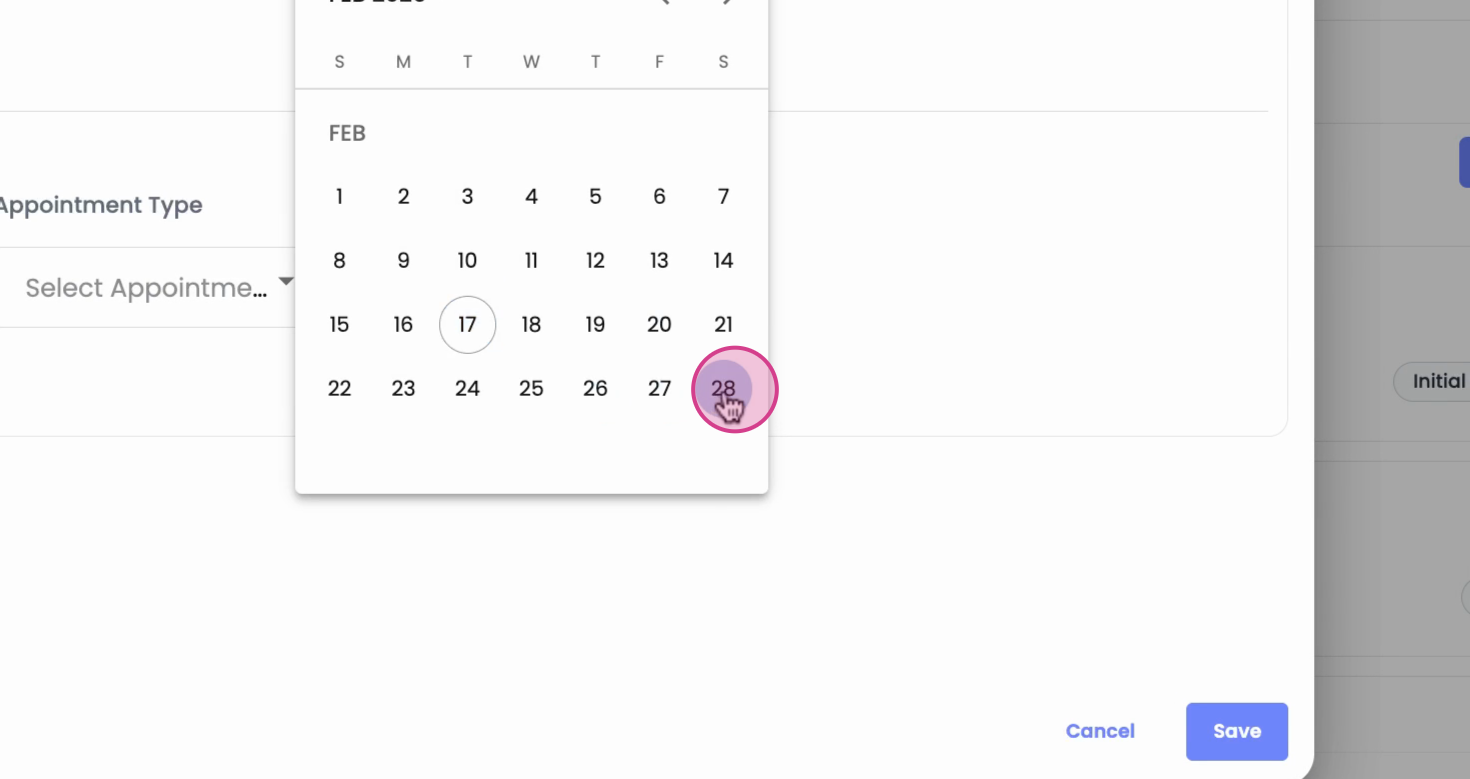
Step 7: Set the end date.
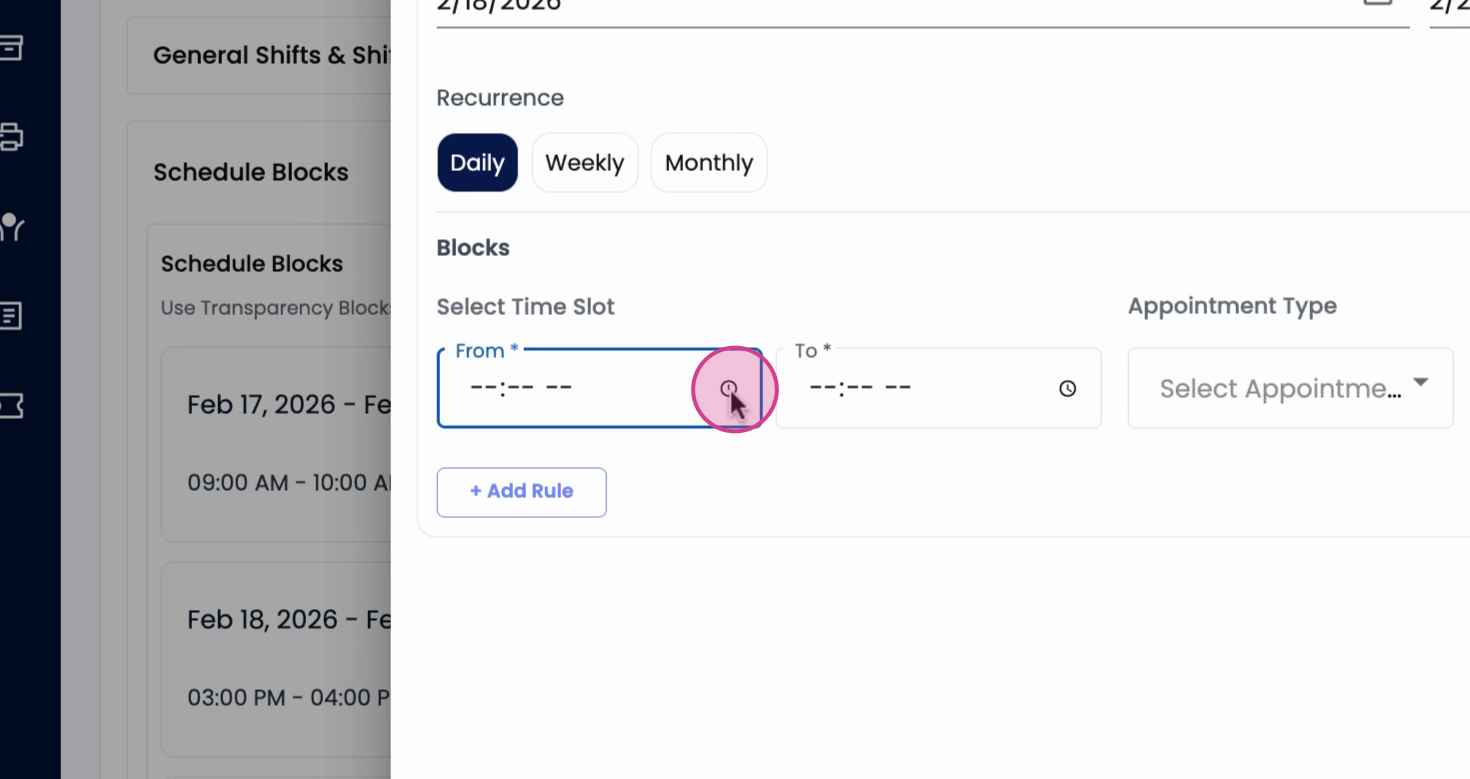
Step 8: Pick the start and end time for the block.
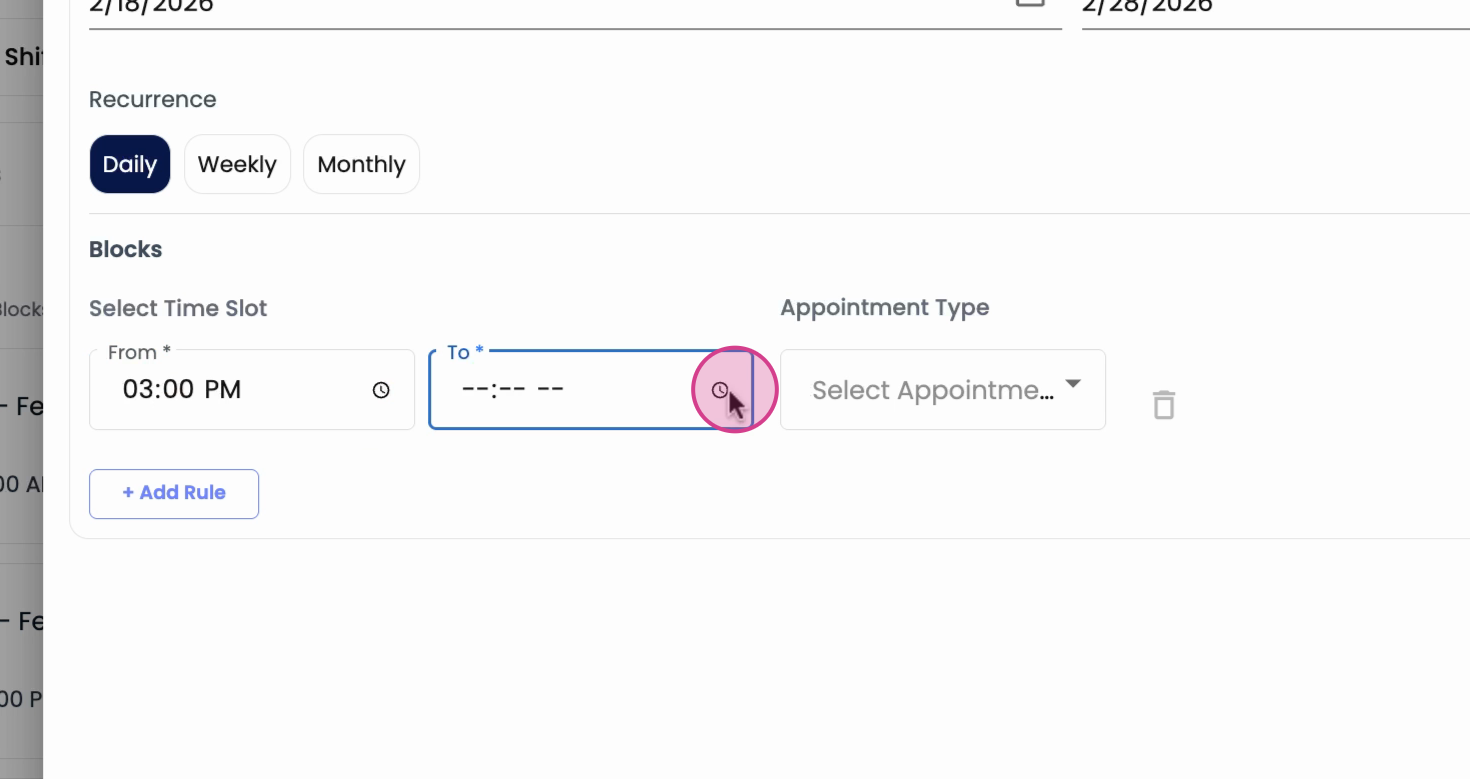
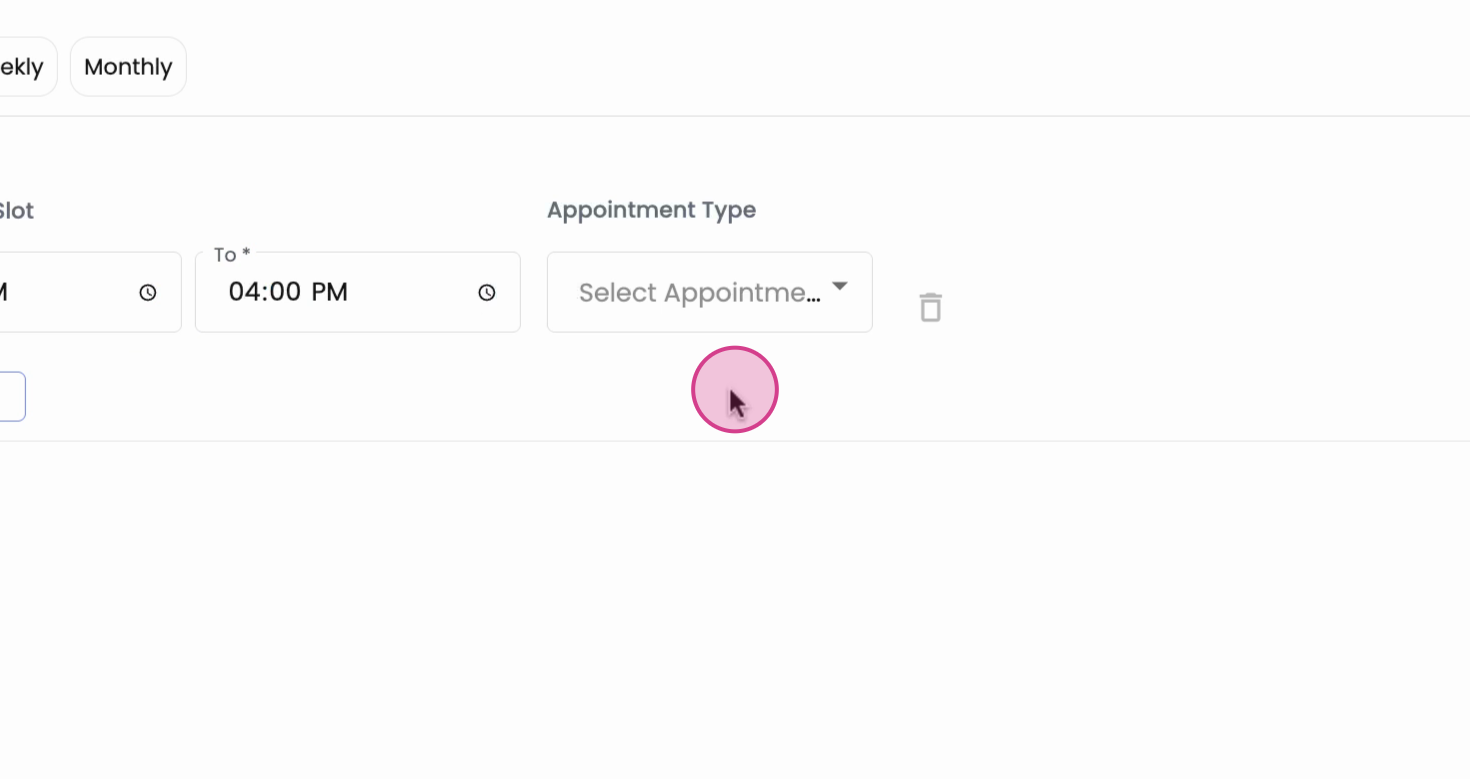
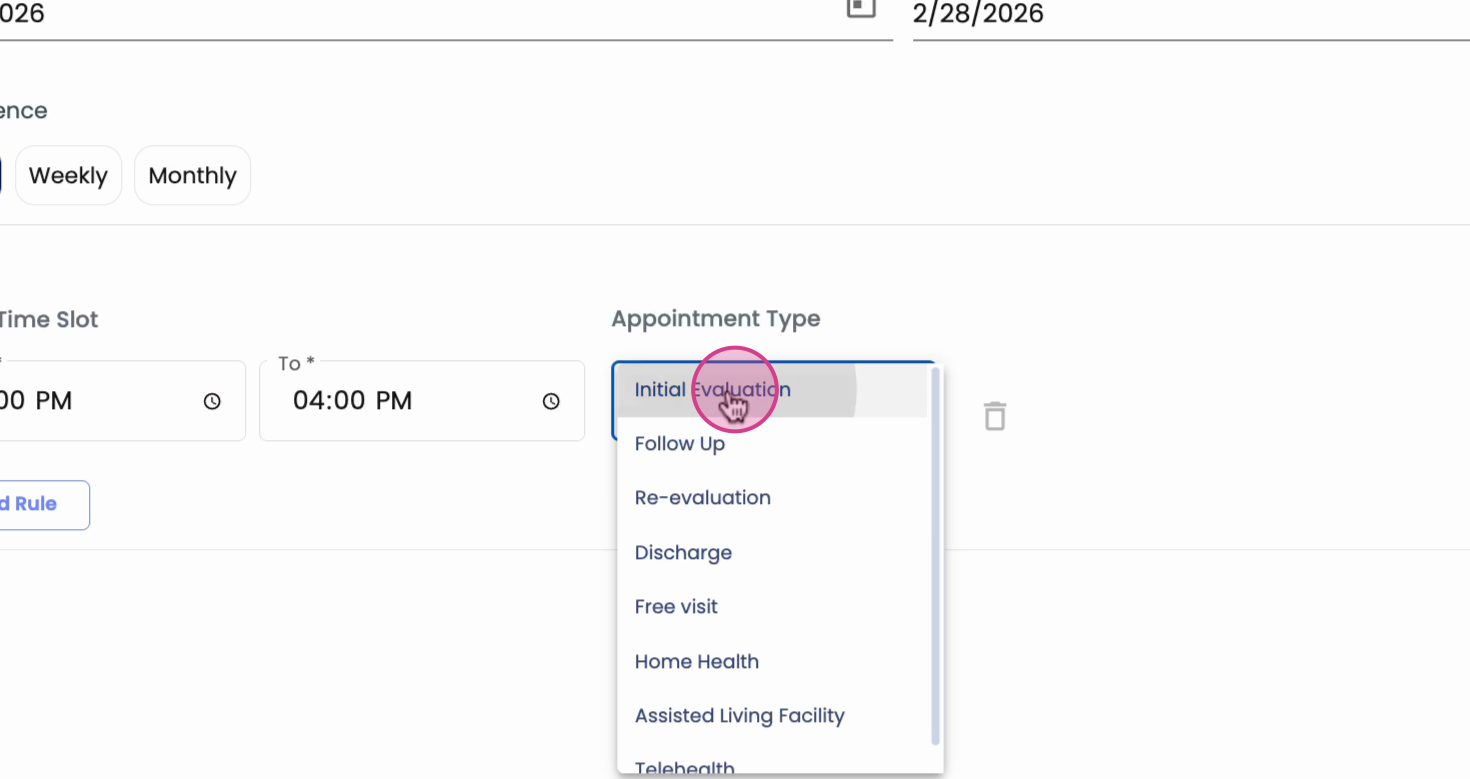
Step 9: Specify which services are allowed—such as only initial evaluations.
Step 10: Click Save to add the block.
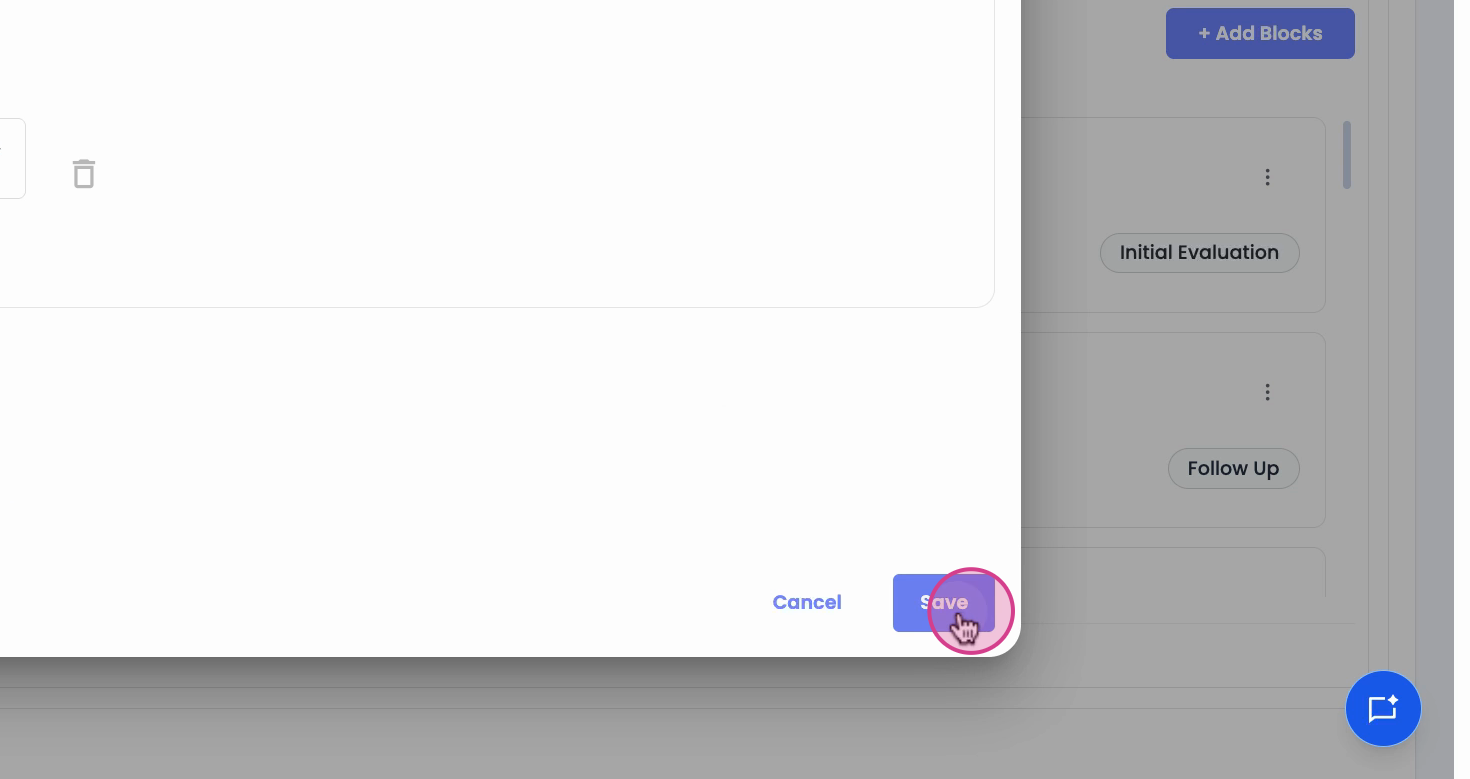
Once saved, the new schedule block appears in the therapist’s list of blocks at the bottom of the schedule.
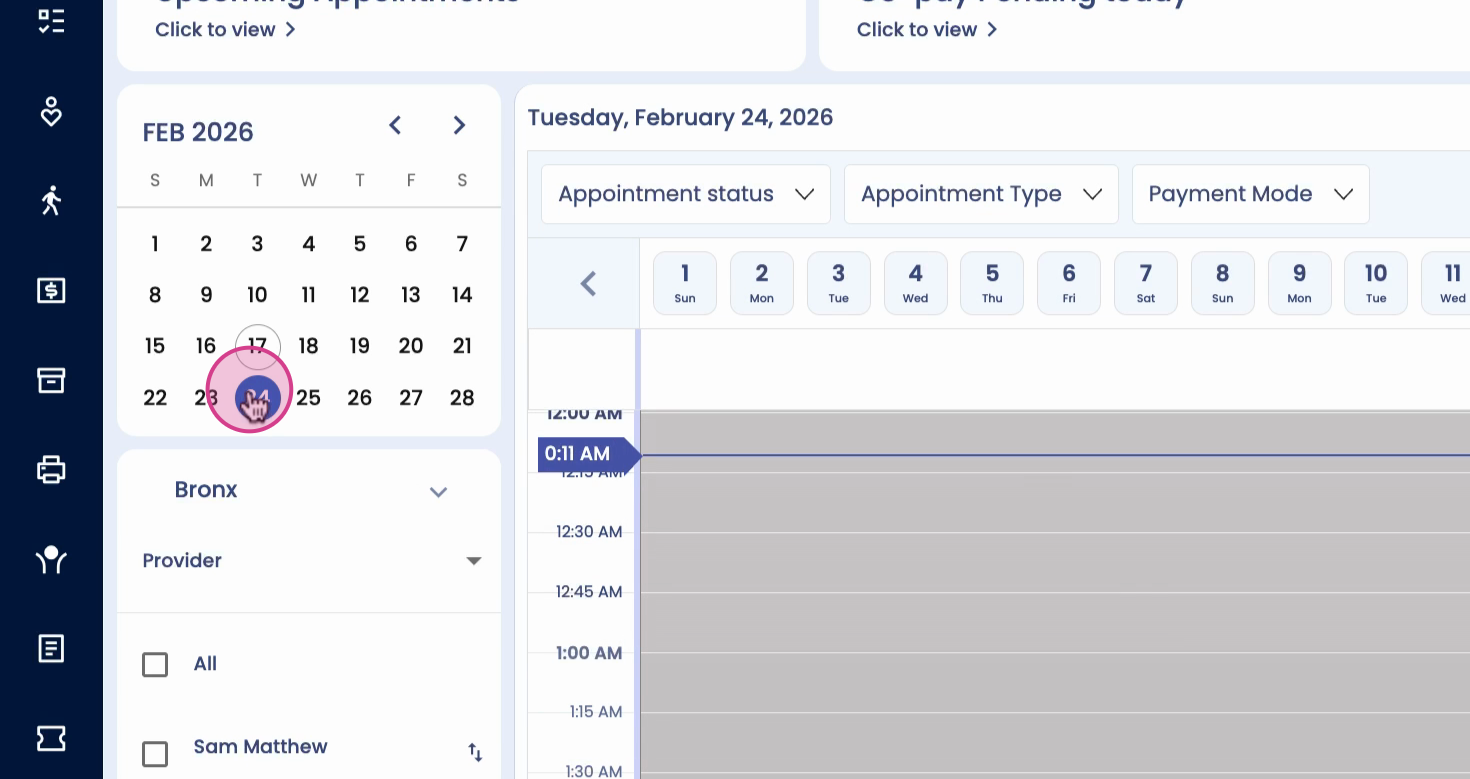
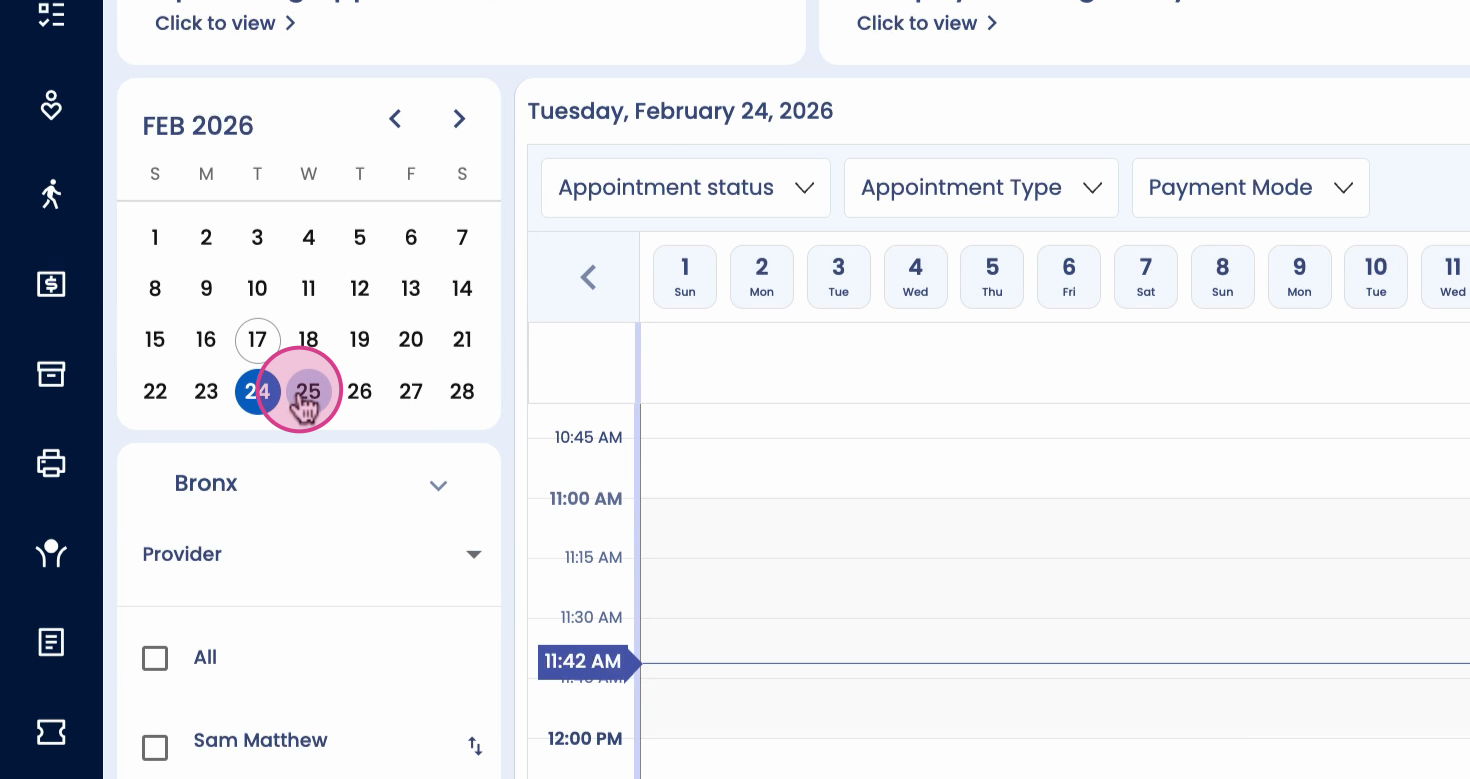
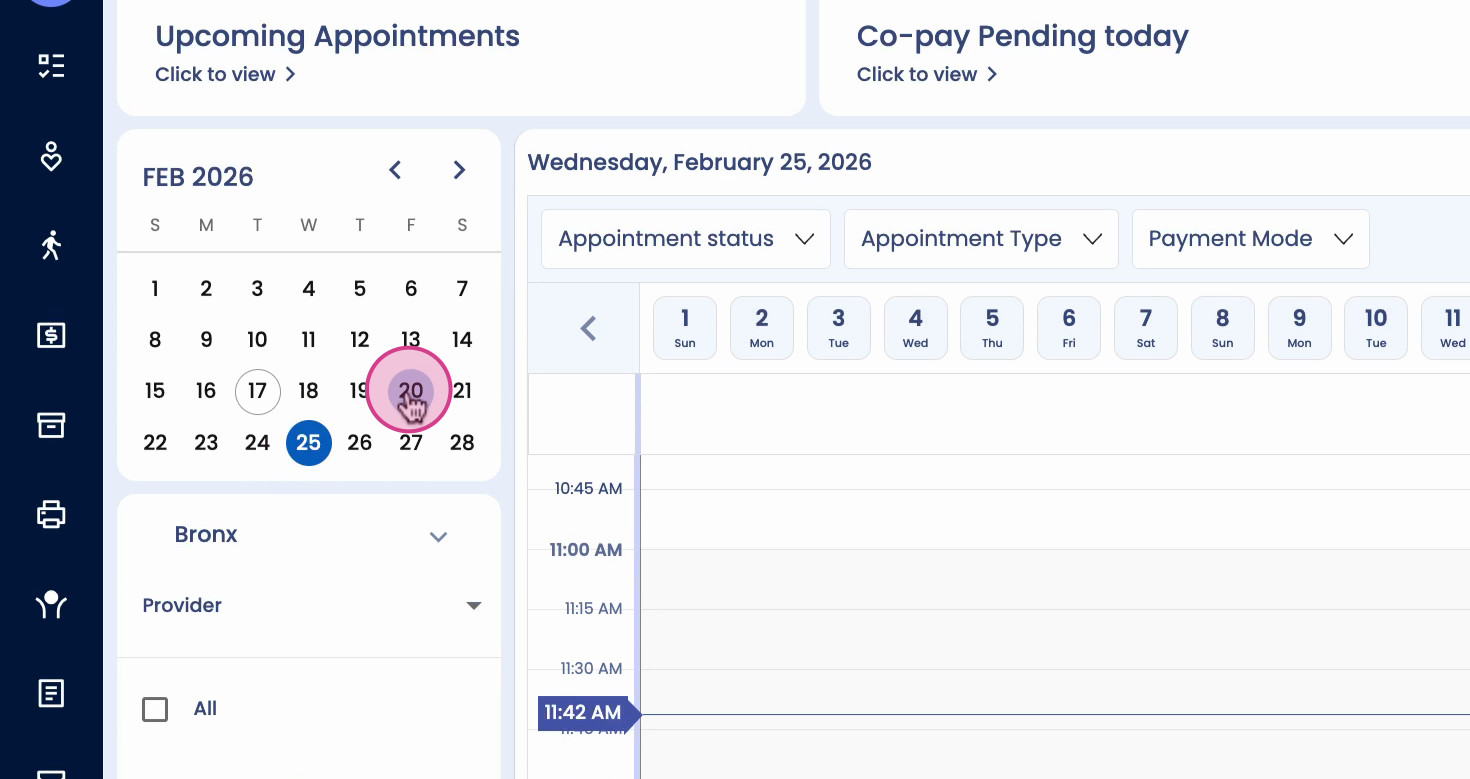
Schedule blocks give you precise control over a therapist’s availability for different appointment types. Use them to streamline bookings and manage your team’s workload efficiently.