
Book an Appointment with Self-Pay
Step 1: Hi. How to book an appointment with self pay? Under the respected therapist's name, go to the time slot you want to book the appointment.

Step 2: Left click on it.
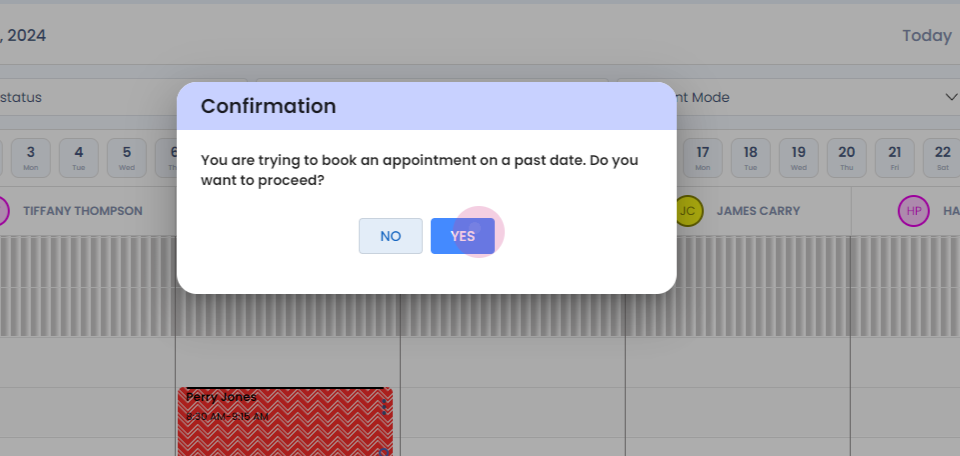
Step 3:
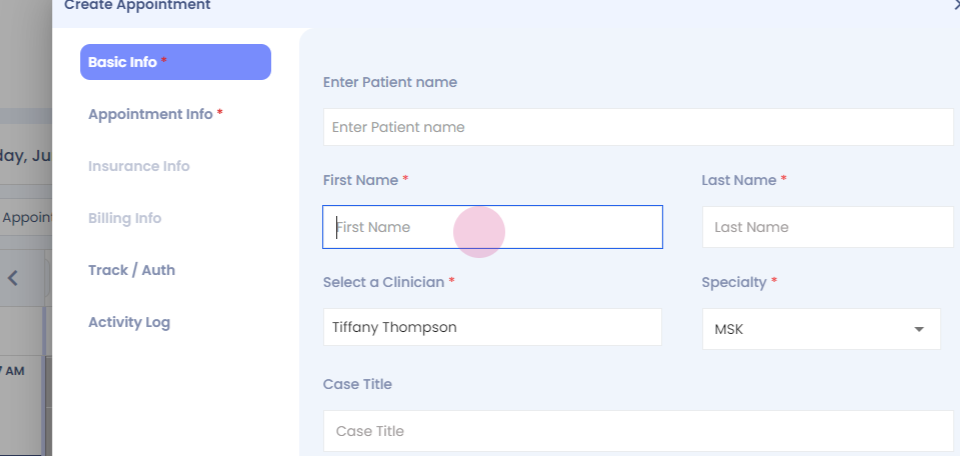
Step 4: Fill the mandatory details.
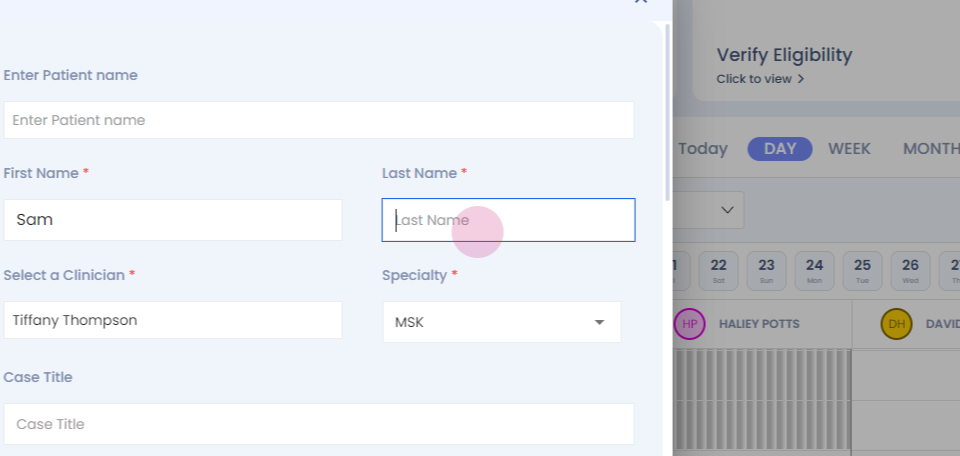
Step 5:

Step 6:

Step 7: You can see the timings are auto set after the appointment type. Now under payment type, click on self pay.

Step 8:
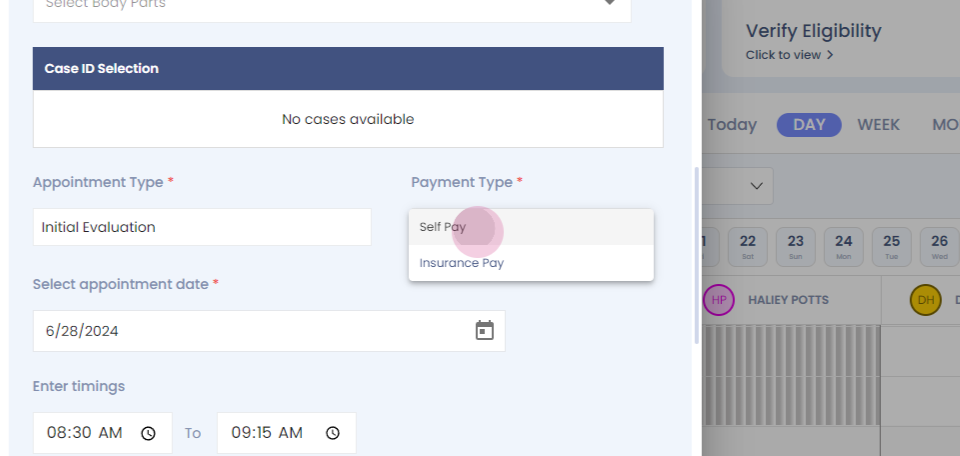
Step 9:
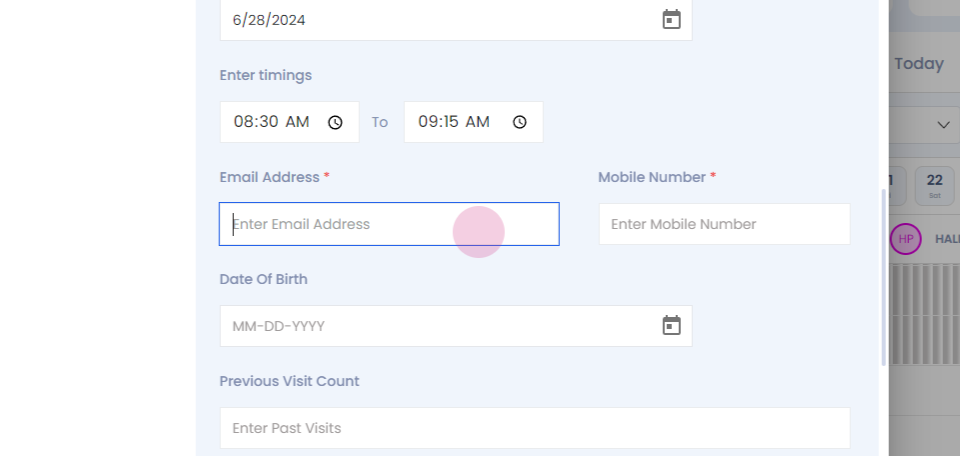
Step 10:
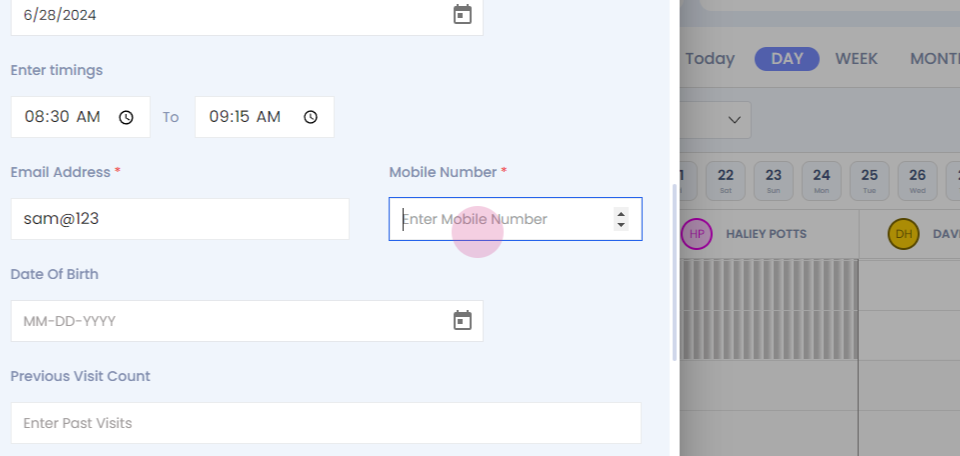
Step 11: Send link and reserve the appointment.
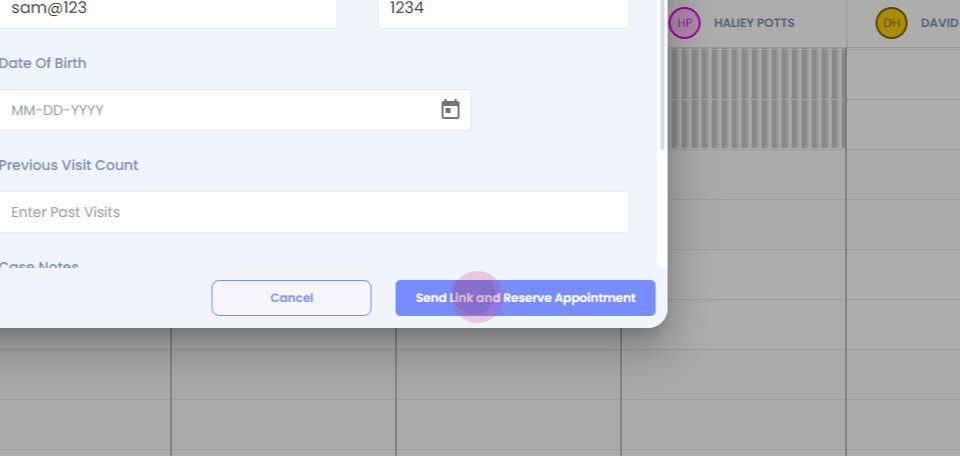
You can see your appointment on the dashboard. Thank you.