Skip to content Booking Recurring Appointments
← Back to list
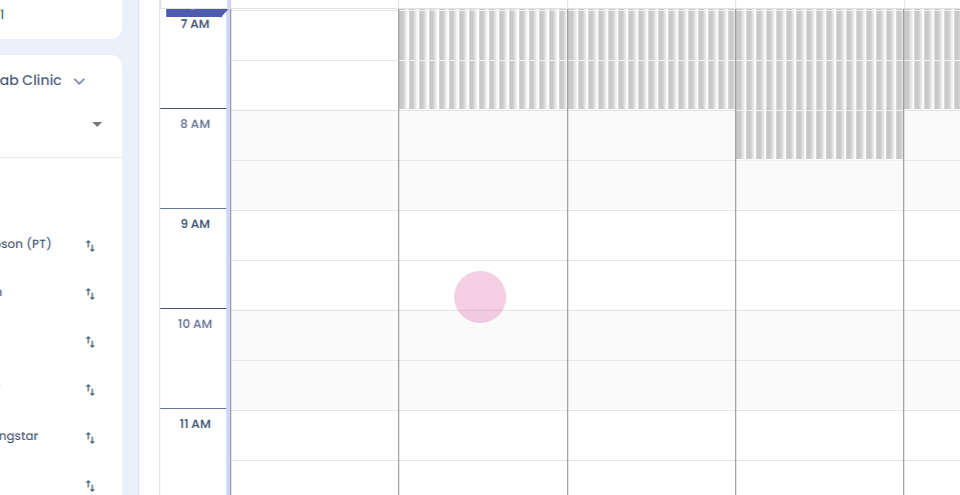
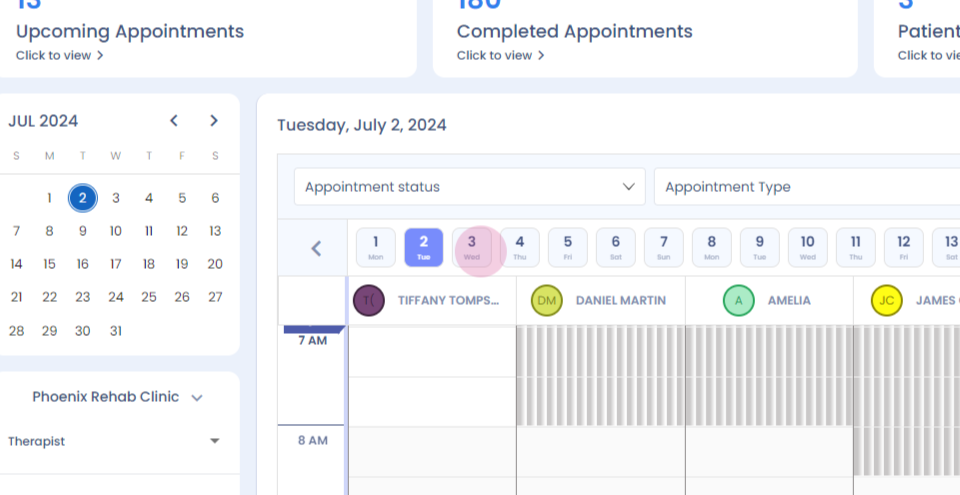
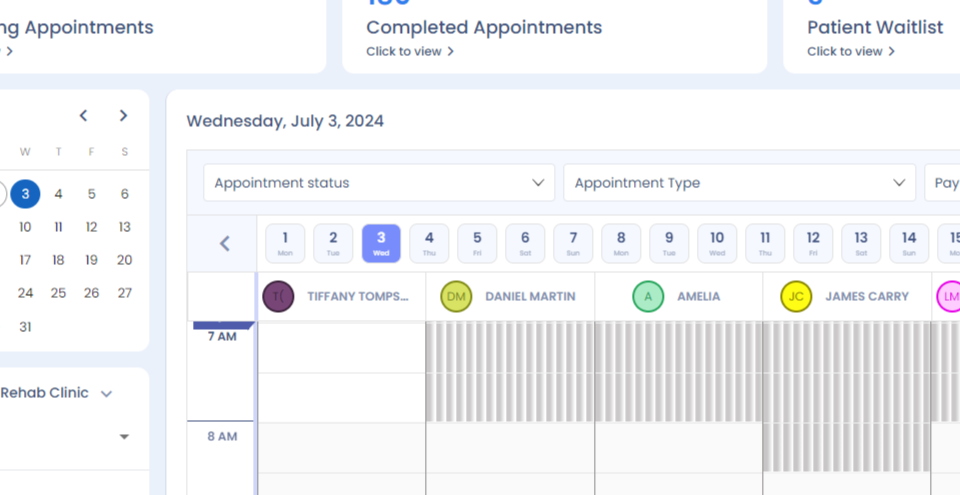
Step 1: Hi. How to book a recurring appointment for a patient? Left click.
Step 2:
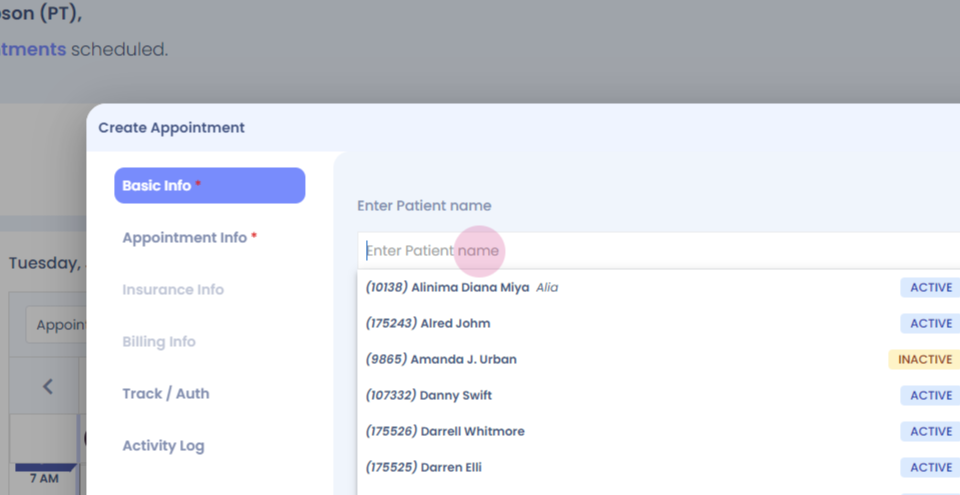
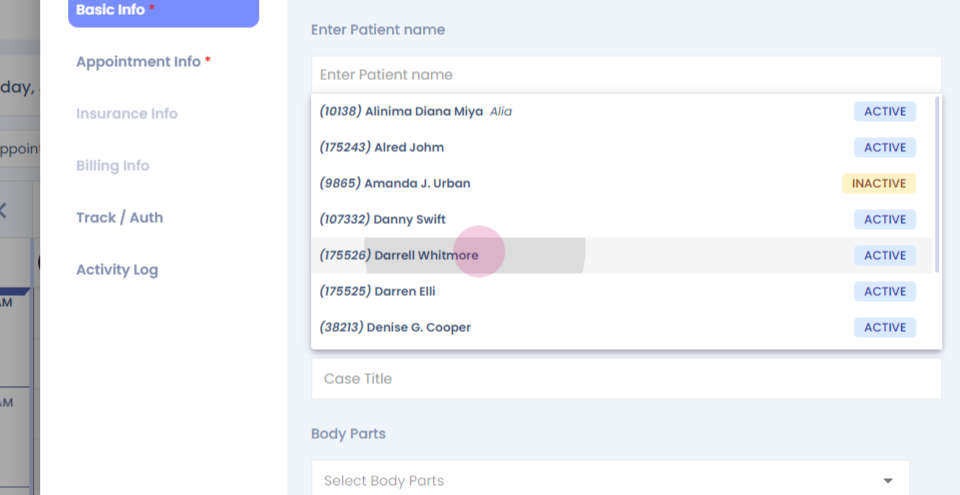
Step 3: Search for the patient.
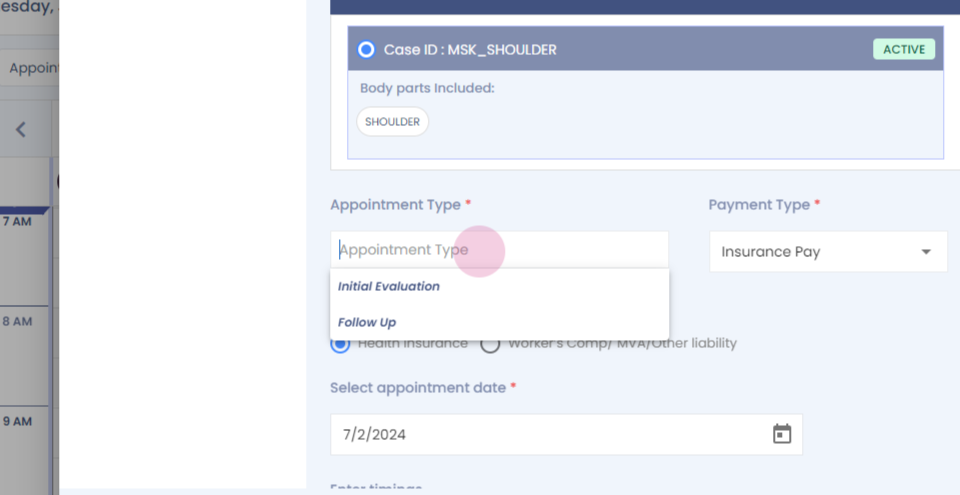
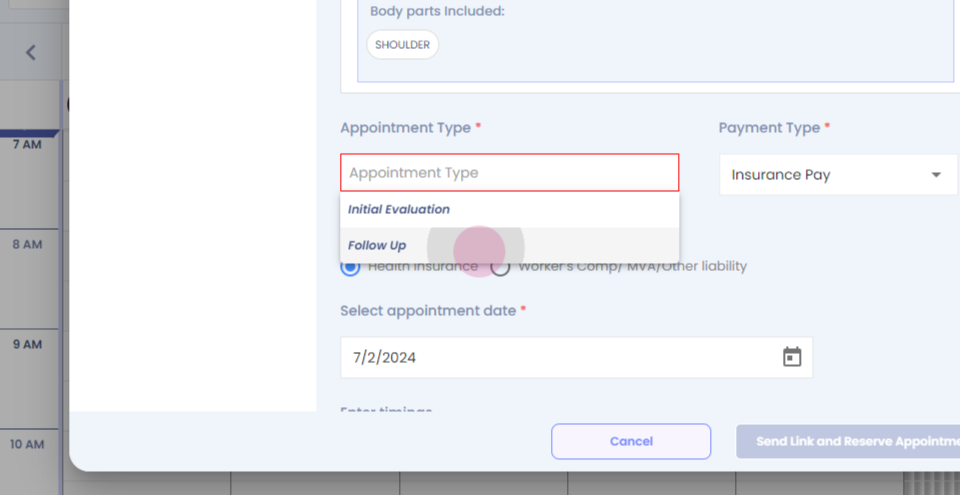
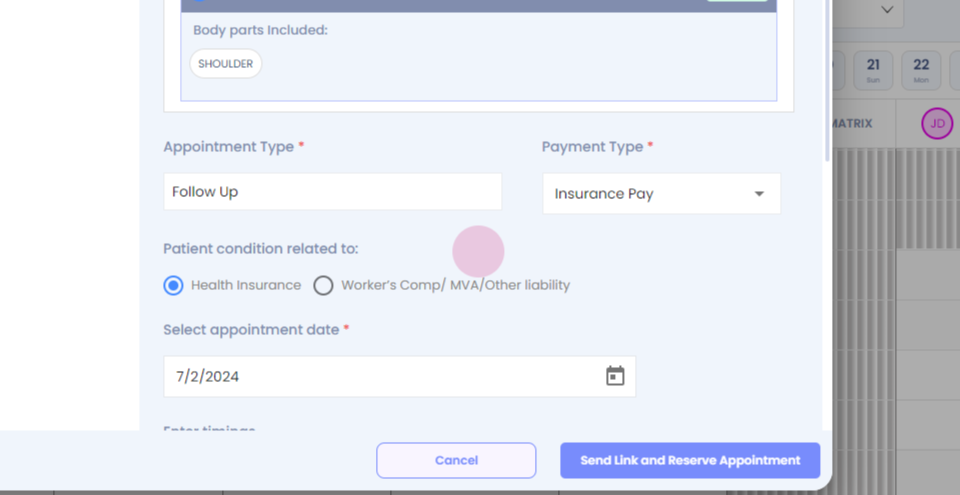
Step 4: Verify all the details, enter the necessary information.
Step 5:
Step 6:
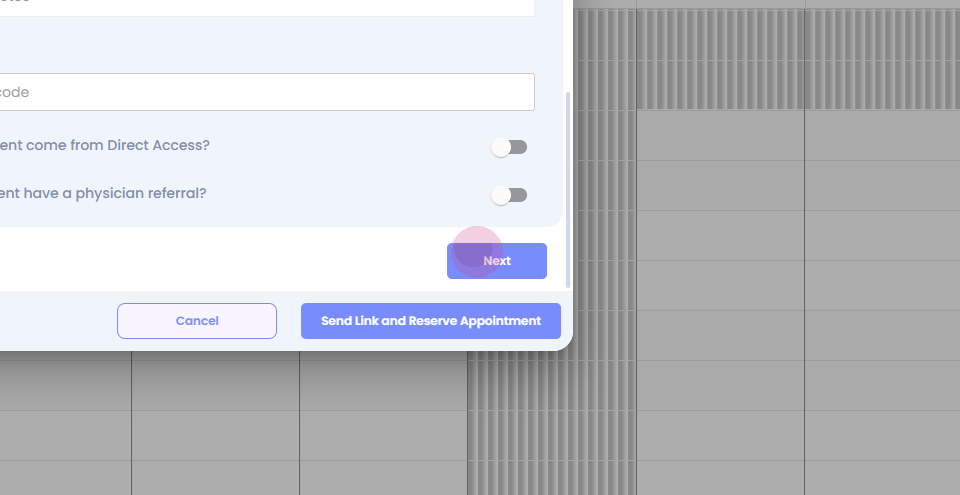
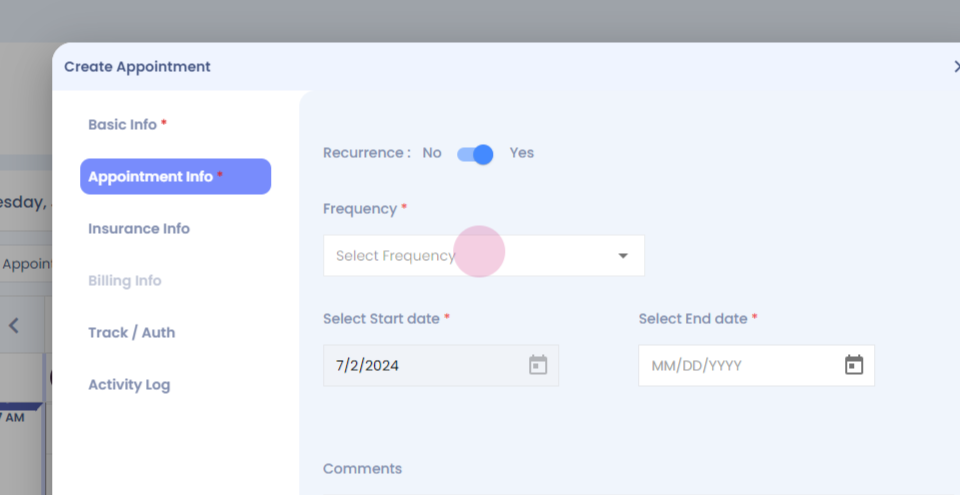
Step 7: Click on next.
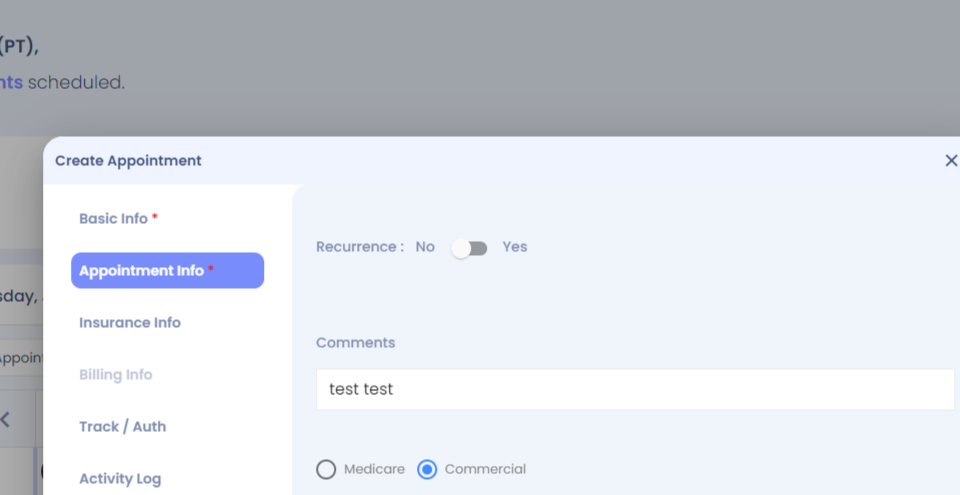
Step 8: Select yes to book for recurrent appointment.
Step 9:
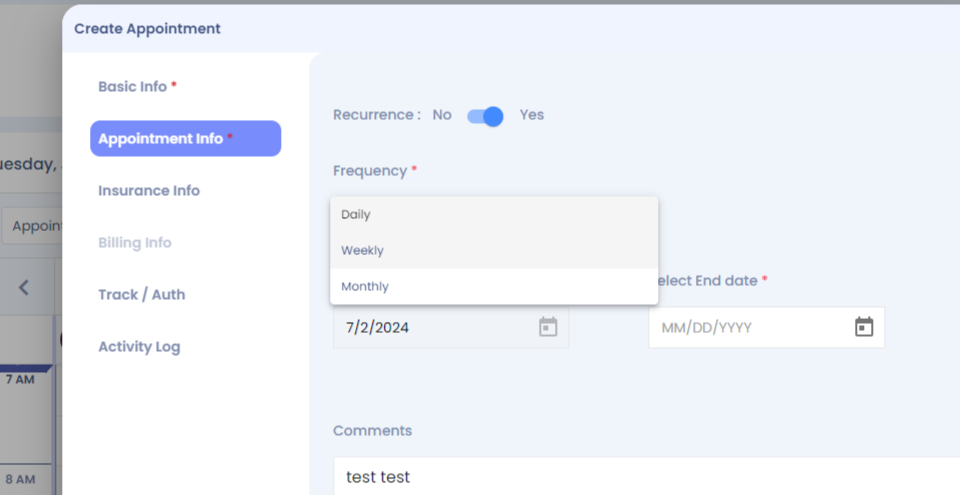
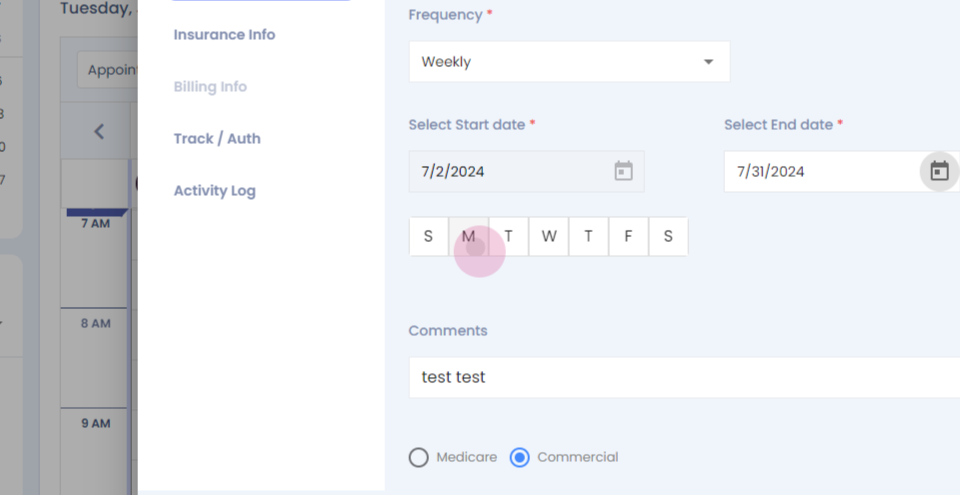
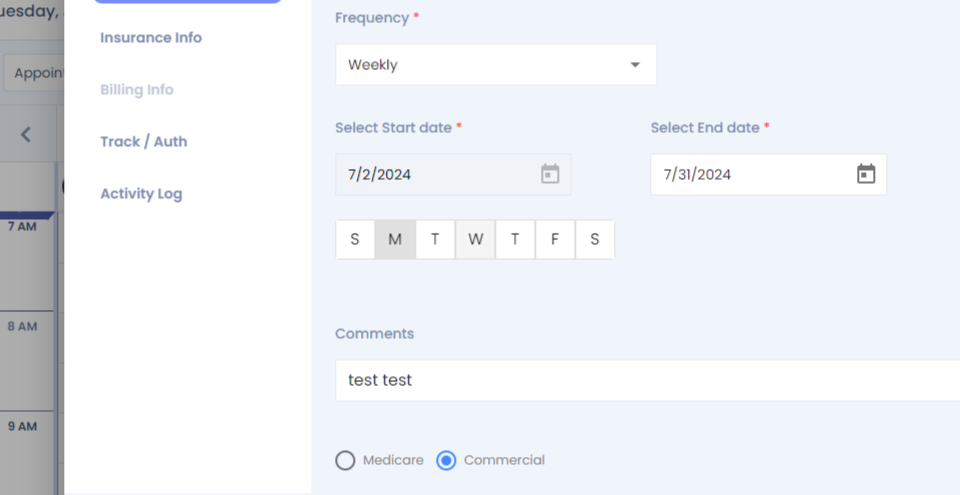
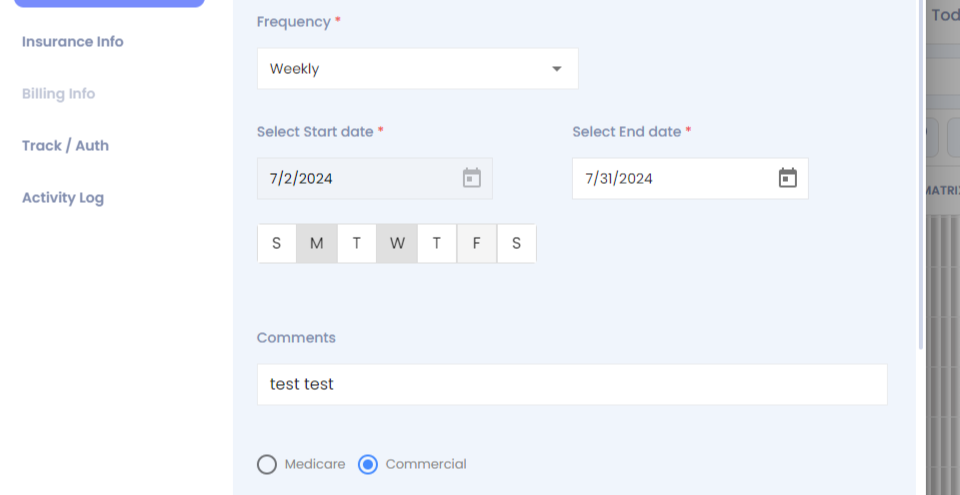
Step 10: Select the frequency.
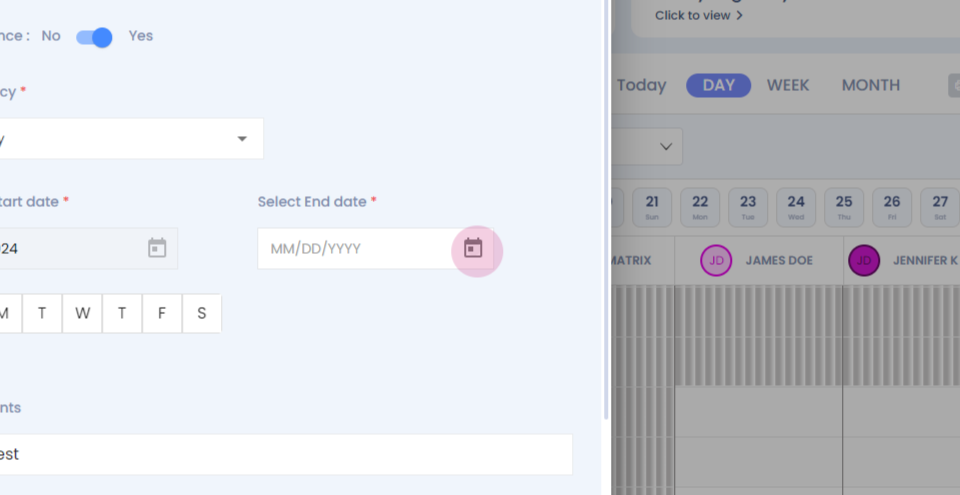
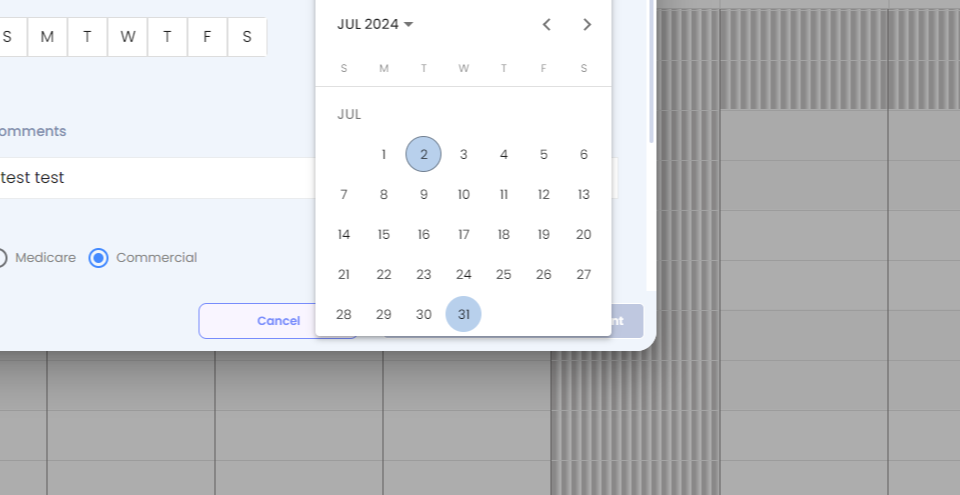
Step 11: Select the end date, select the days on which you want the appointment to recur.
Step 12:
Step 13:
Step 14:
Step 15:
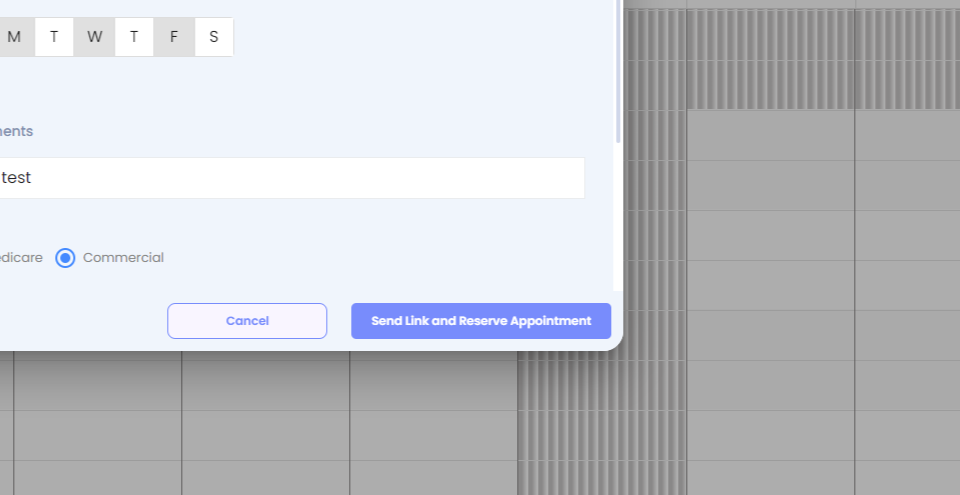
Step 16: Click on send link and reserve appointment.
Step 17:
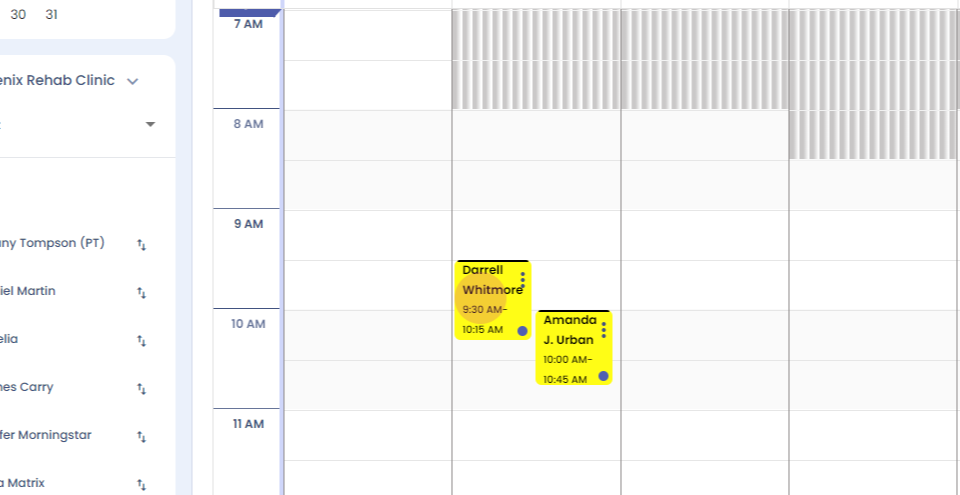
Step 18: Your appointment will be booked successfully.
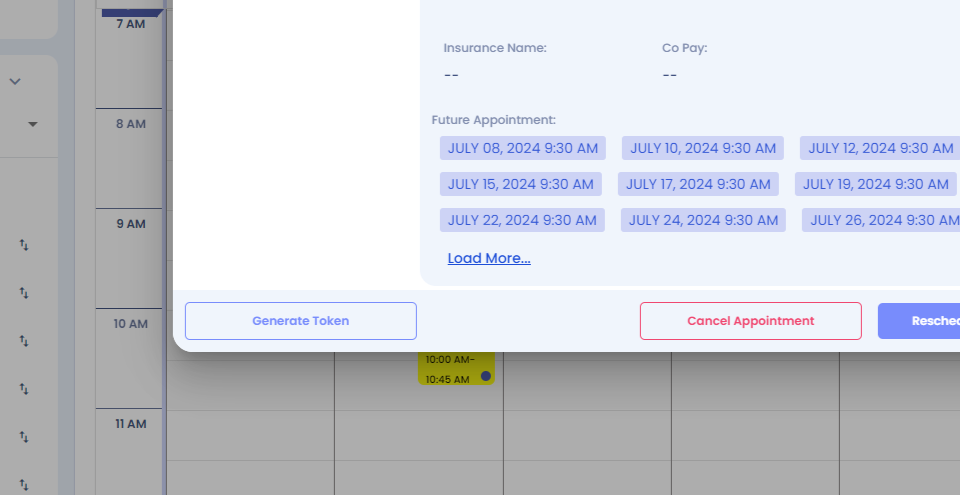
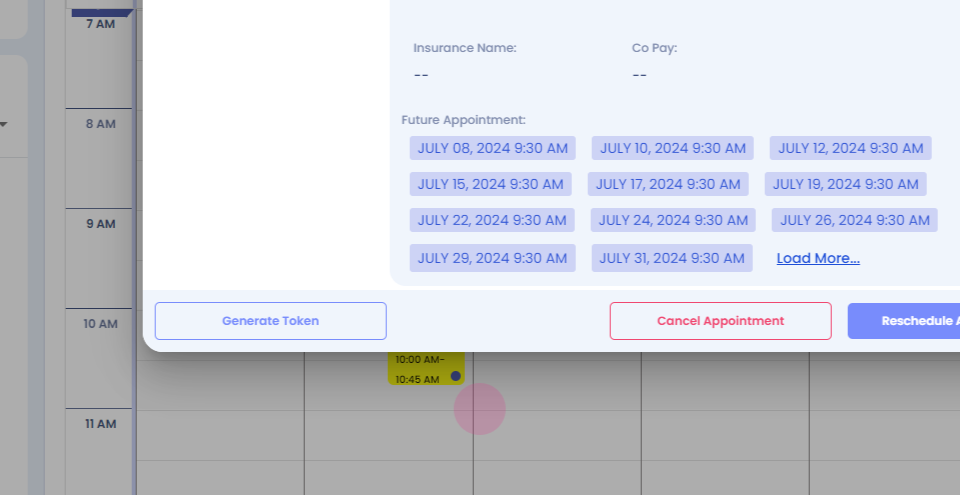
Step 19: Click on the appointment dialogue box.
Step 20: You'll be able to view your future appointments.
Step 21: