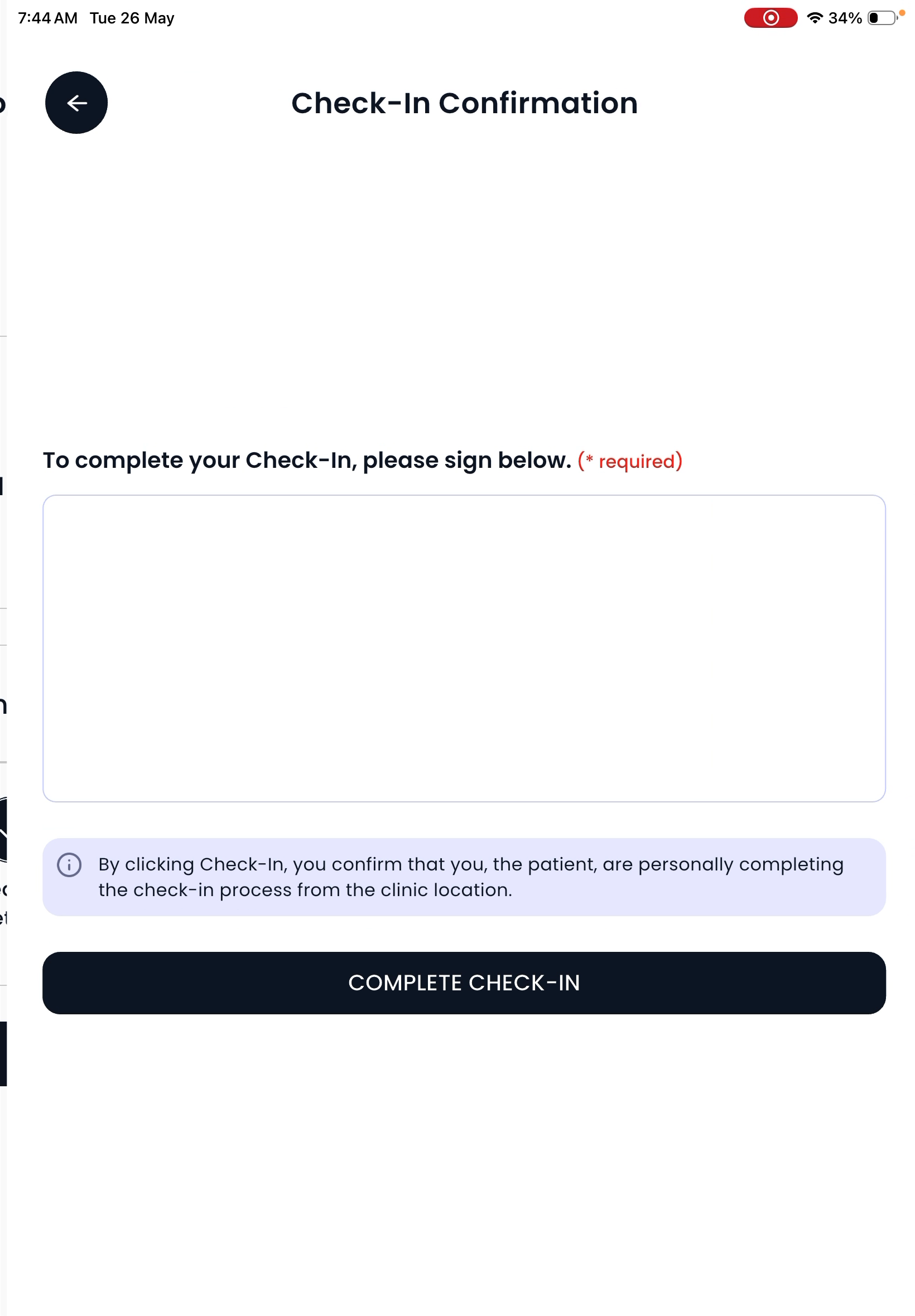
SPRY Kiosk
How to Use Spry Kiosk for Streamlined Patient Check-In
Spry Kiosk gives clinics a simple, efficient way to handle patient check-in, form completion, and payment collection. Patients can complete outstanding intake forms, verify their visit, and pay any balances—all from the kiosk. Here’s how to get started, set up the app, and help patients use it for a smoother clinic experience.
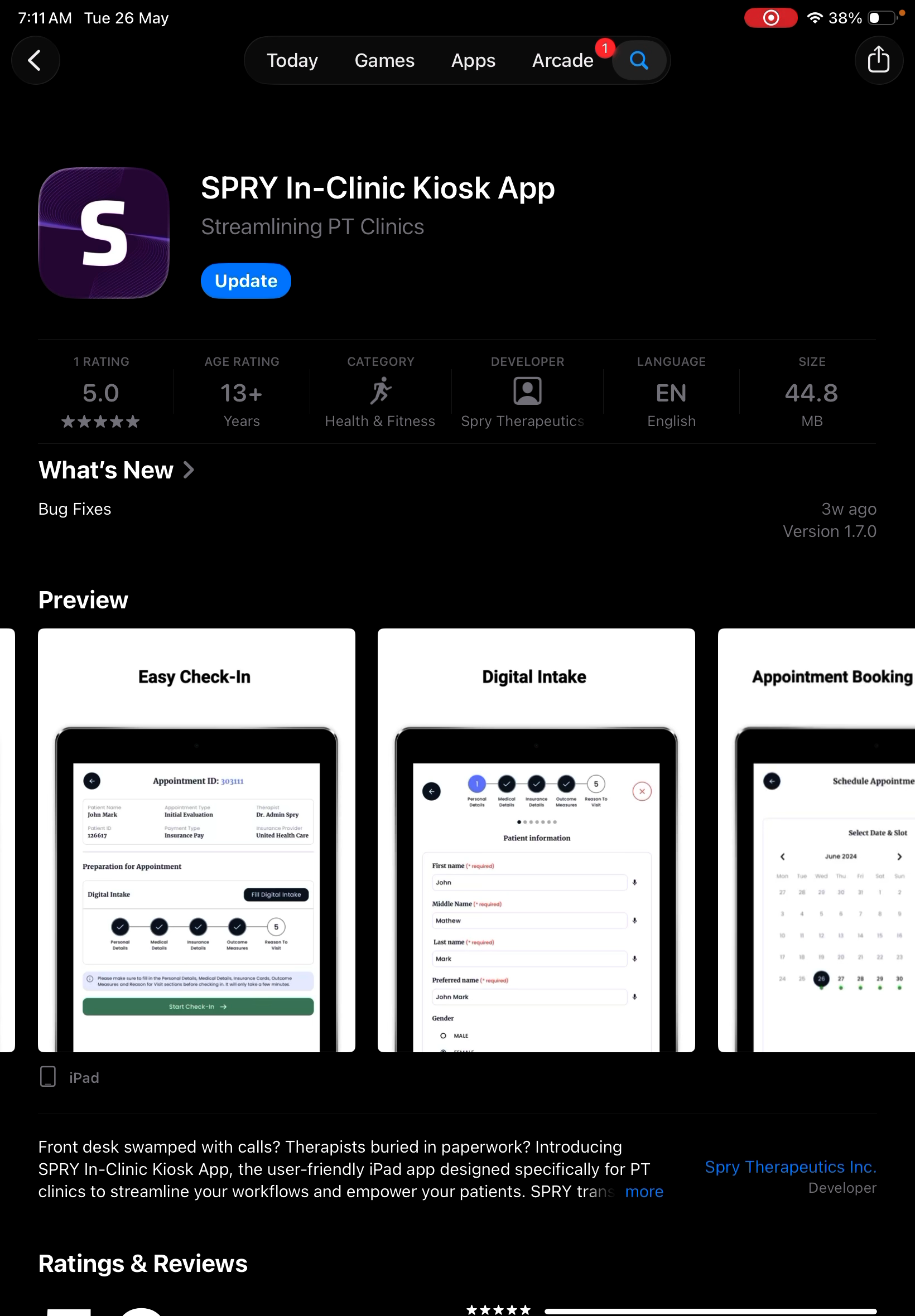
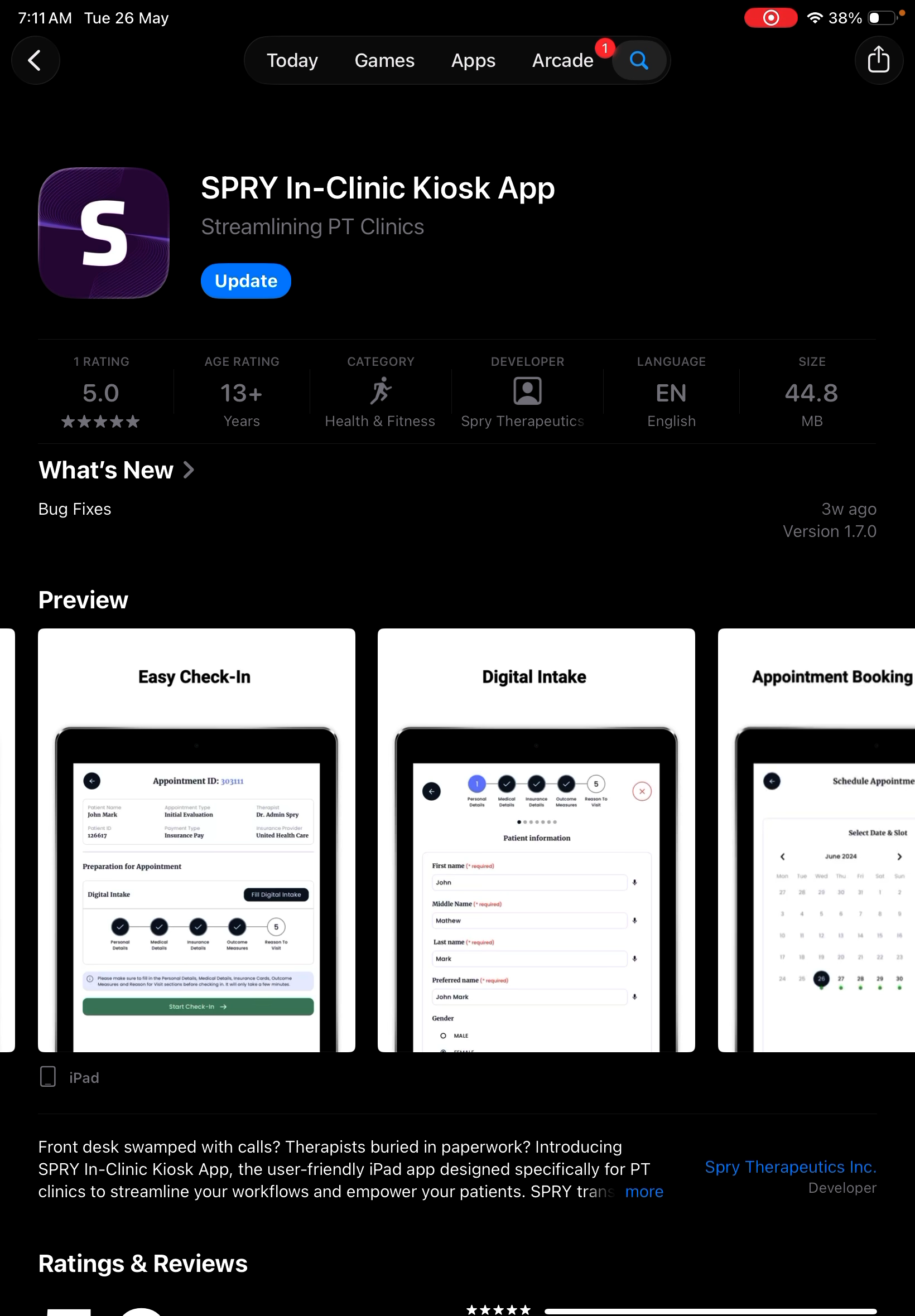
Step 1: Download the Spry Kiosk App
Get the Spry Kiosk app from the App Store for iPad or the Play Store for Android.
Step 2: Open the App
Launch the app to begin setup.
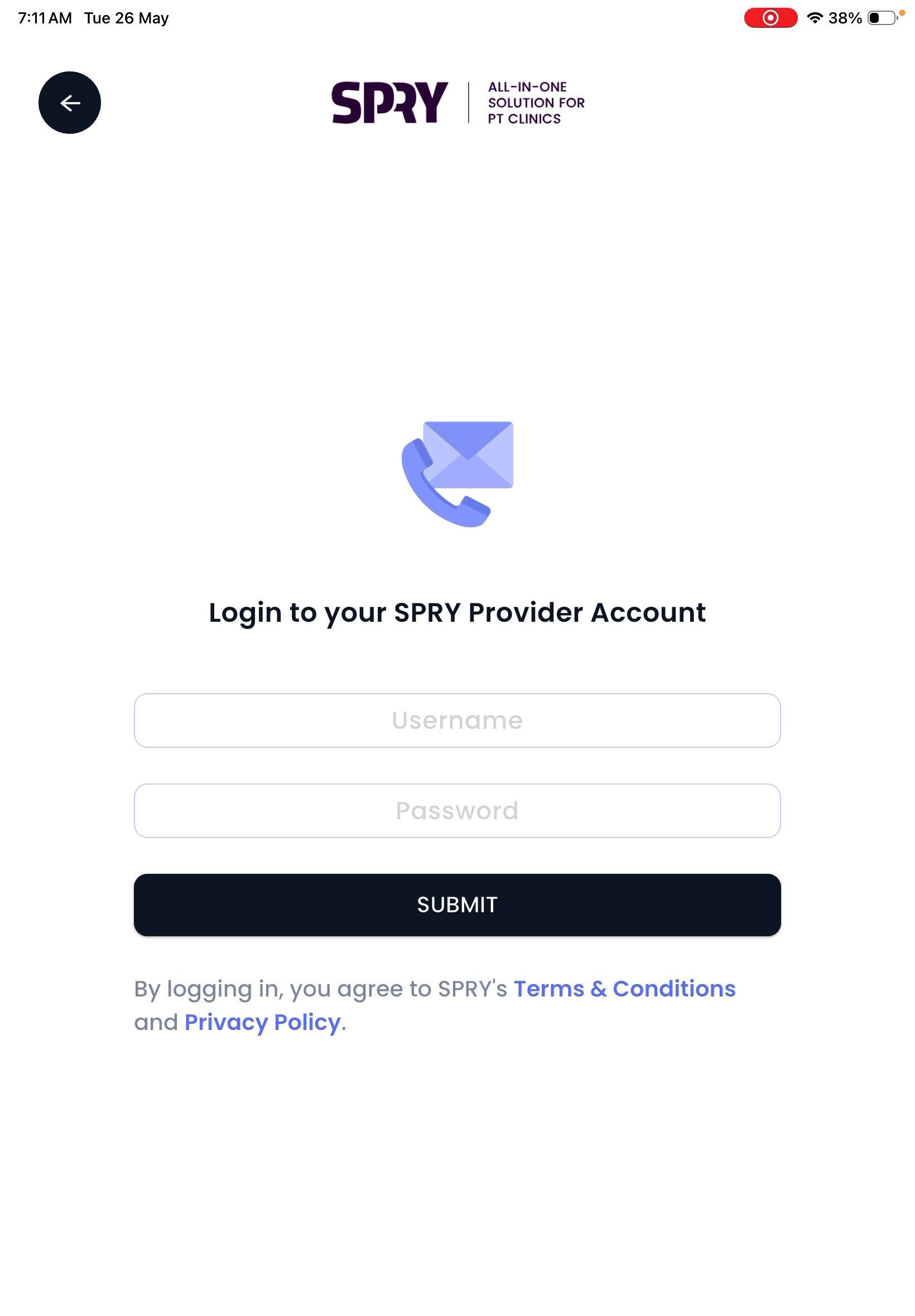
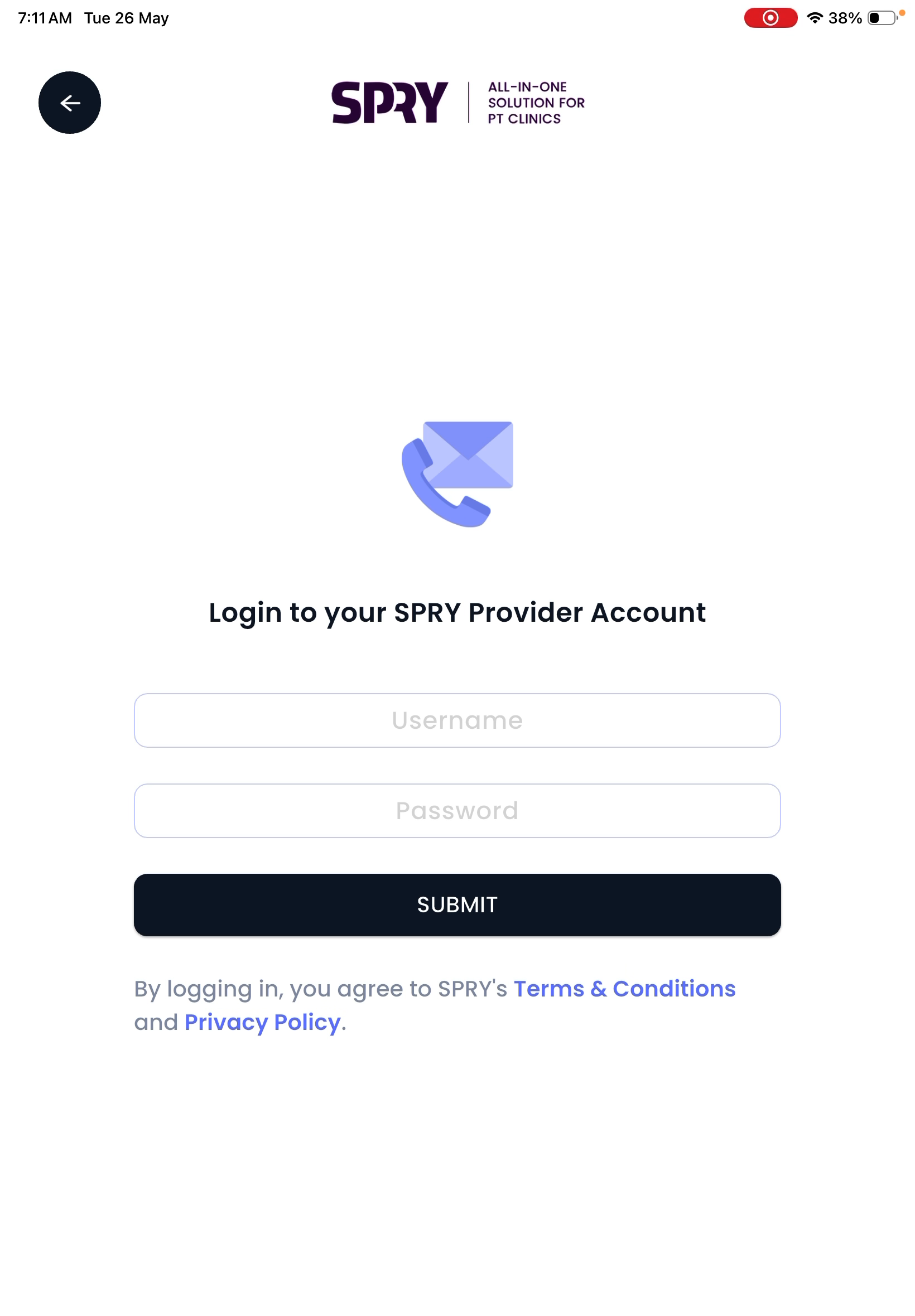
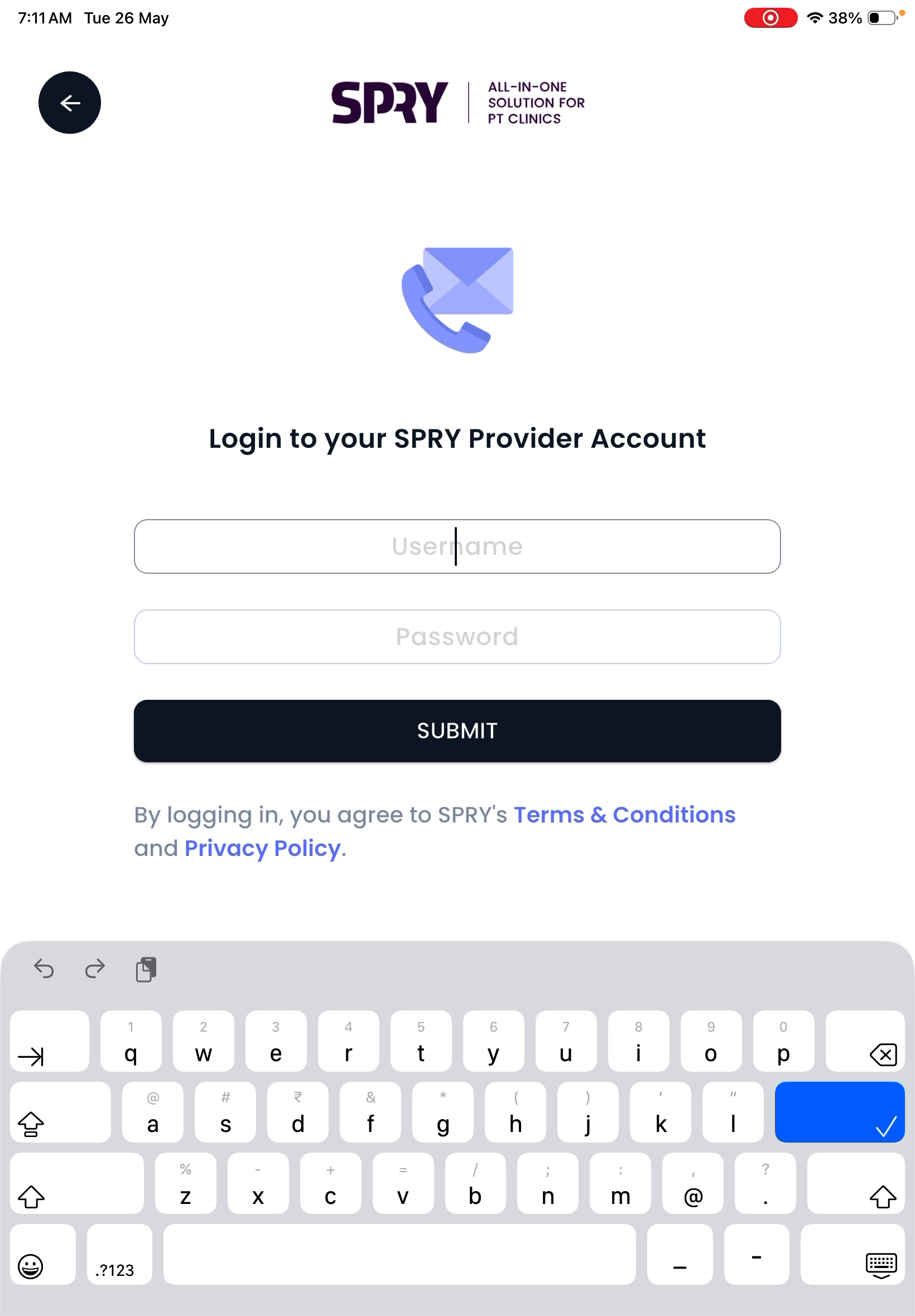
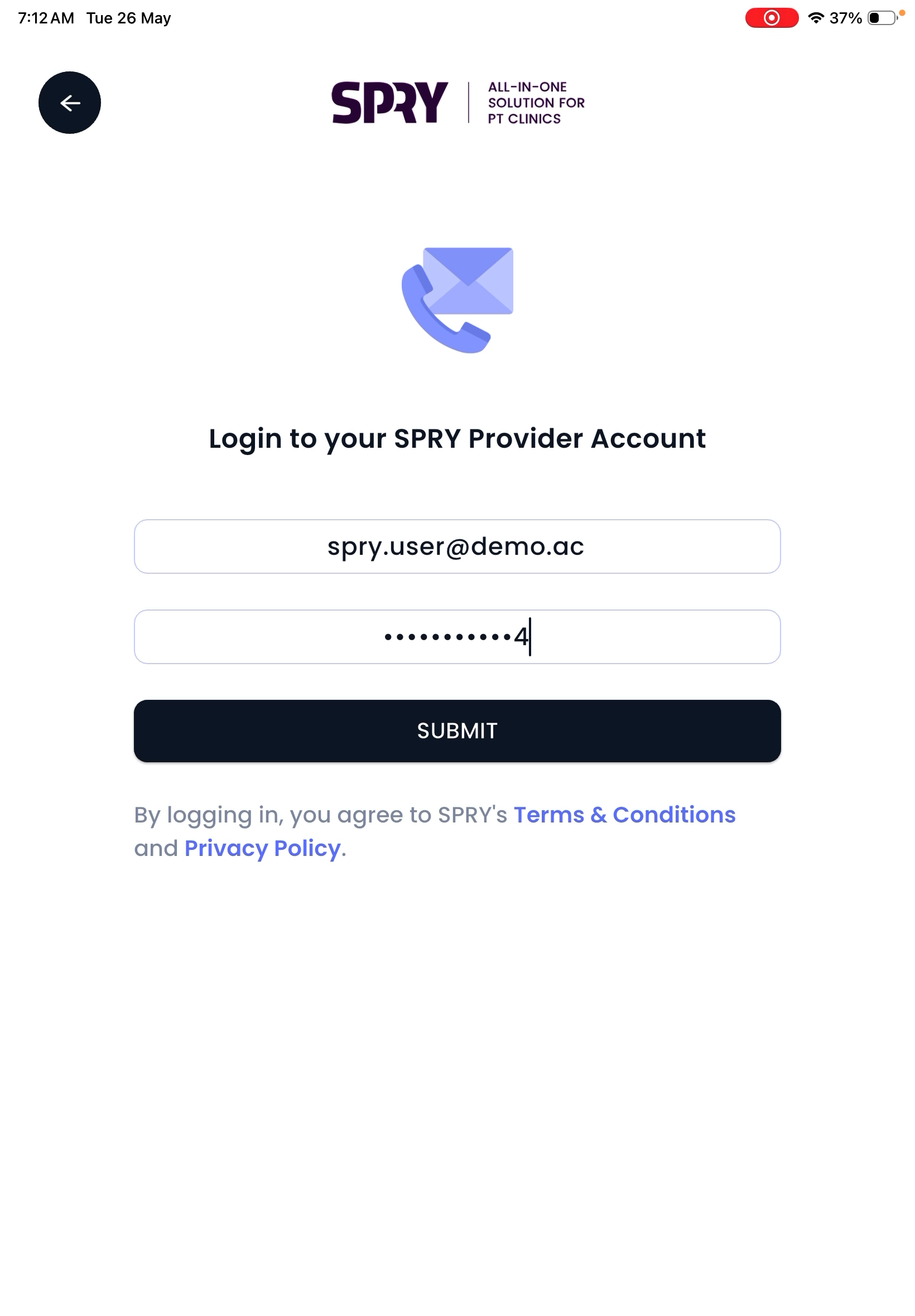
Step 3: Log In With Provider Credentials
On the welcome screen, enter your Spry Provider username and password. Tap Submit.
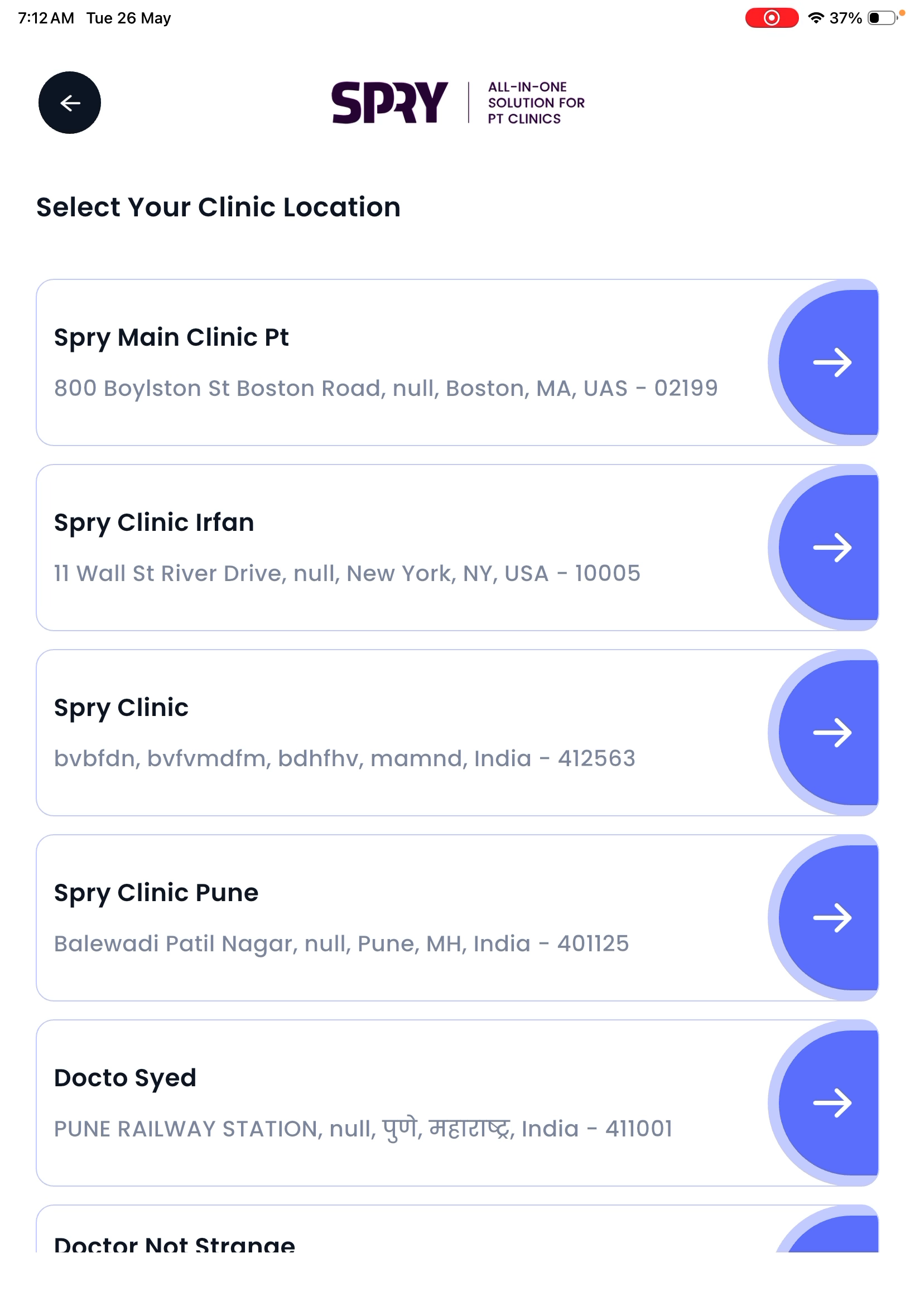
Step 4: Select Clinic Location
Pick the clinic location where this kiosk will be used.
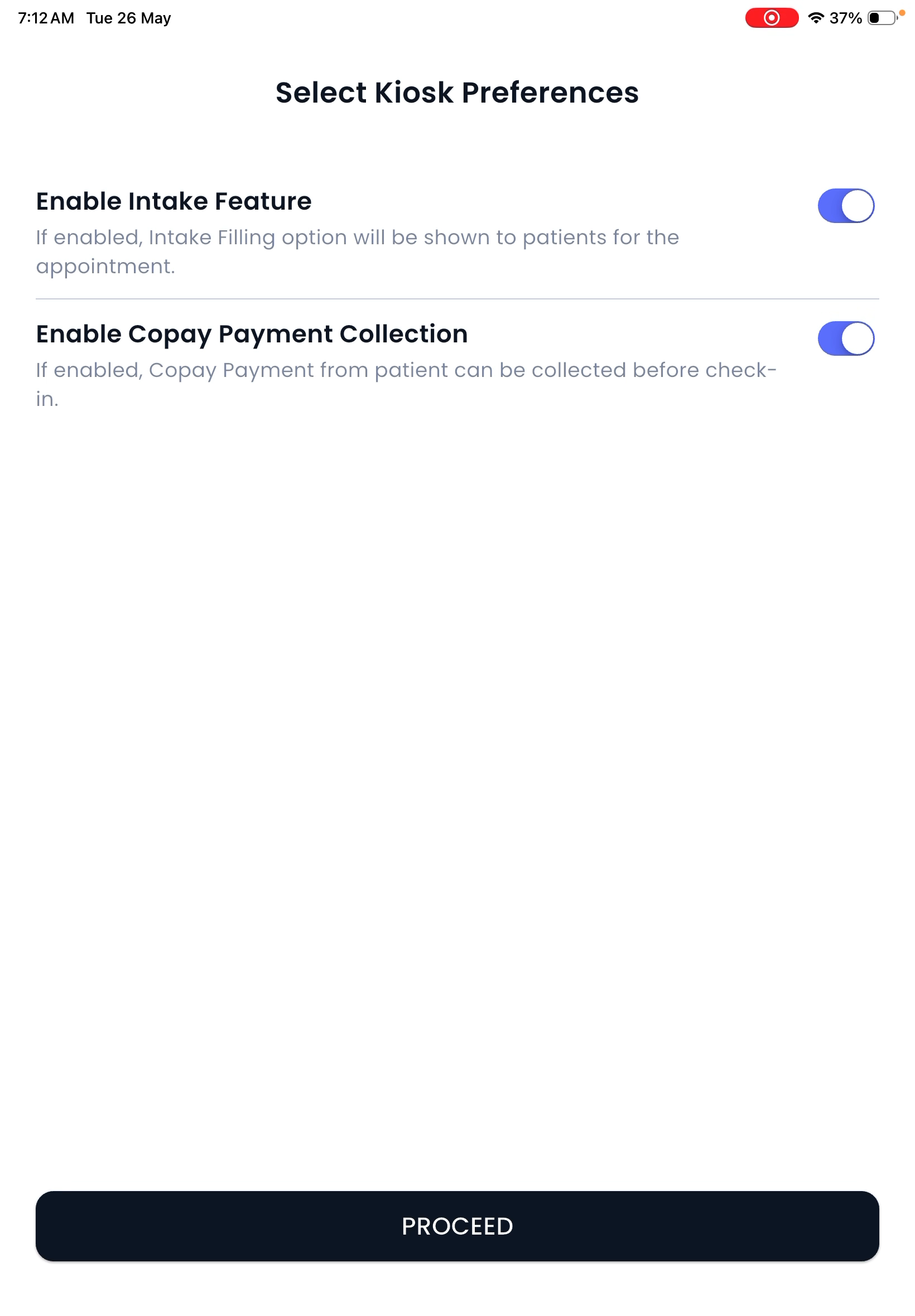
Step 5: Enable Kiosk Capabilities
Choose which kiosk features to enable:
- Intake completion for new/pending patient forms
- Check-in streamlining for faster front desk flow
- Copay and patient responsibility collection for in-clinic payments
Enable one or both options to fit your workflow.
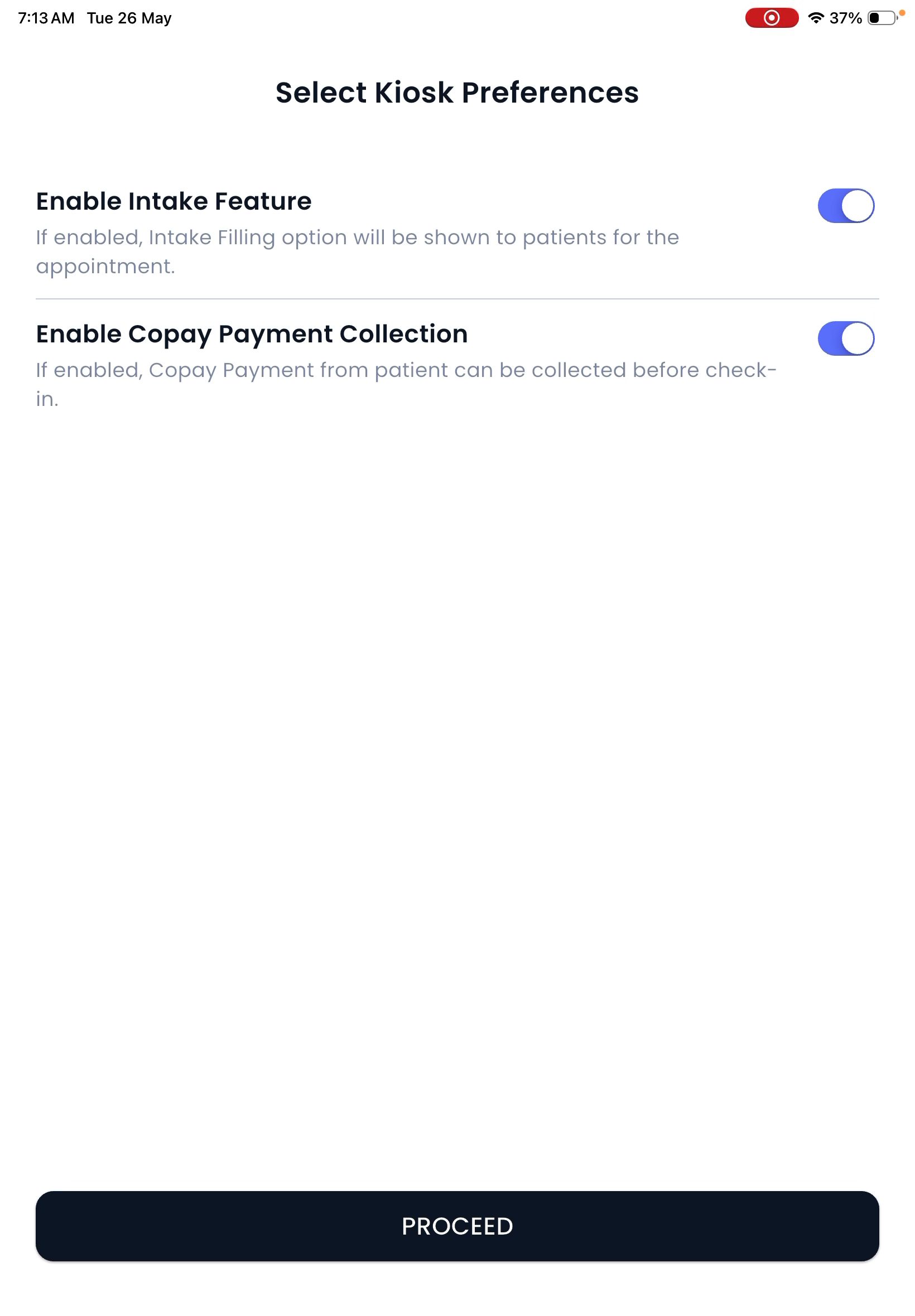
Step 6: Complete Setup
Your kiosk is now ready for patient check-in.
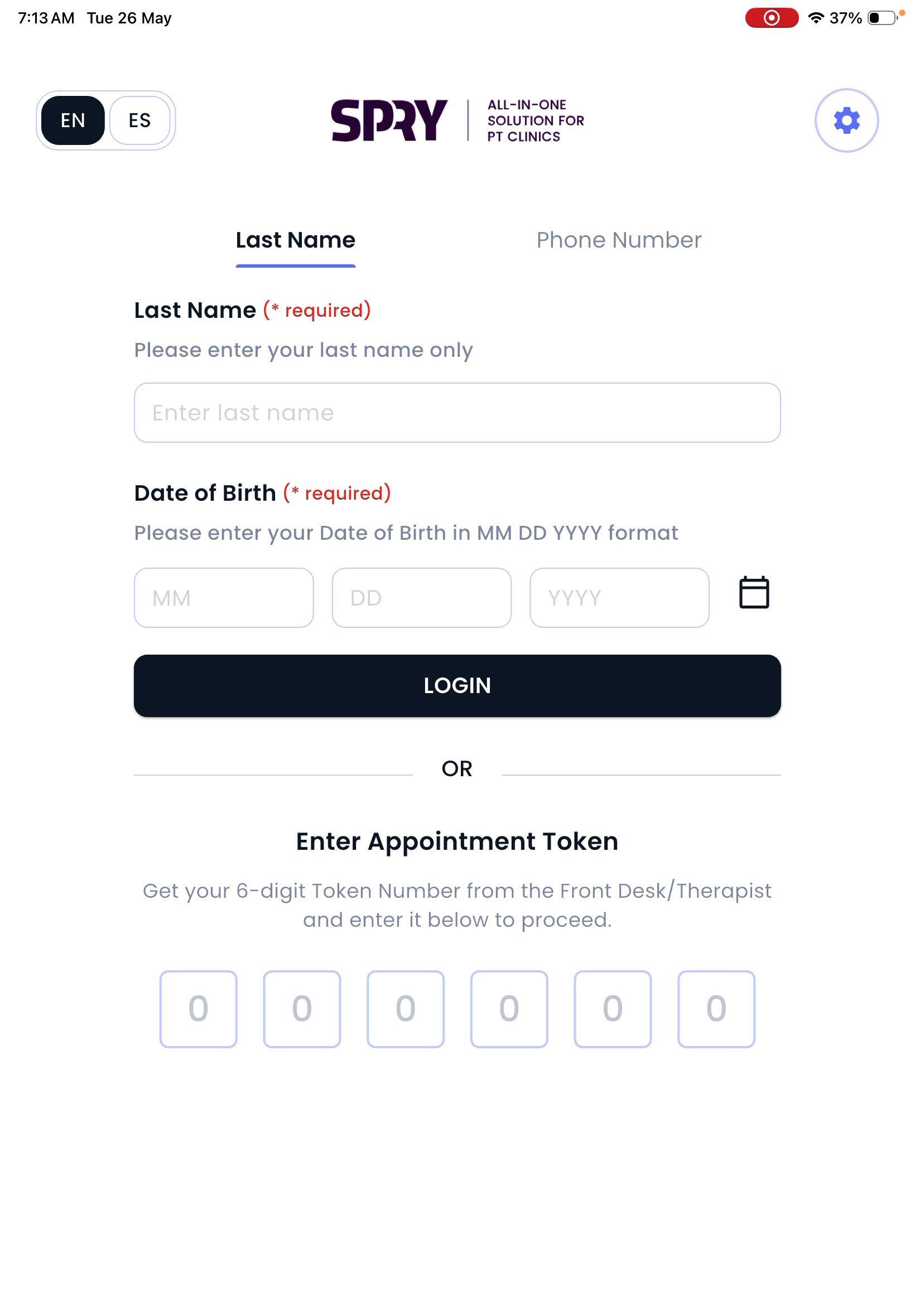
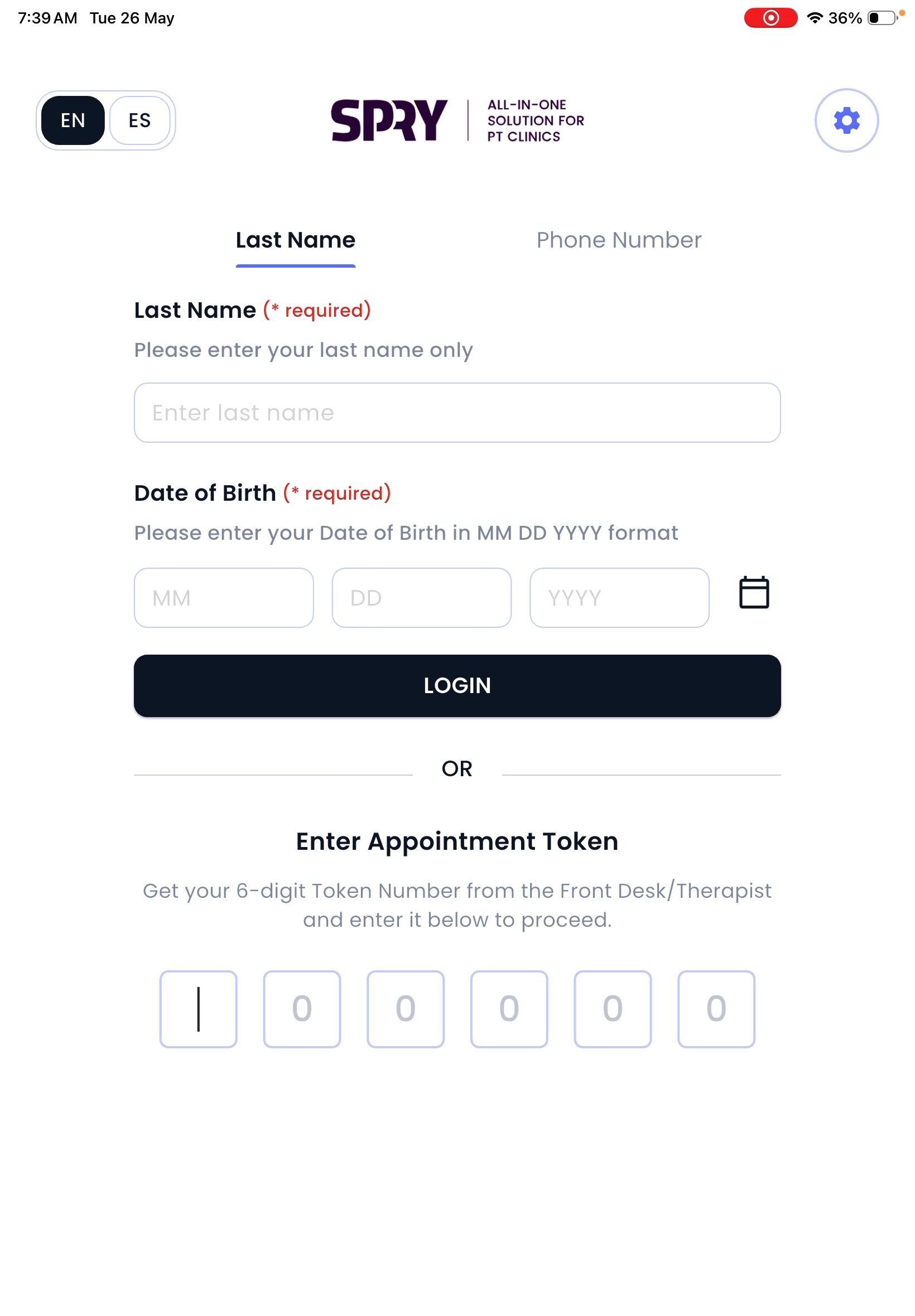
Step 7: Patient Check-In and Authentication
Patients arriving at your clinic see the check-in screen.
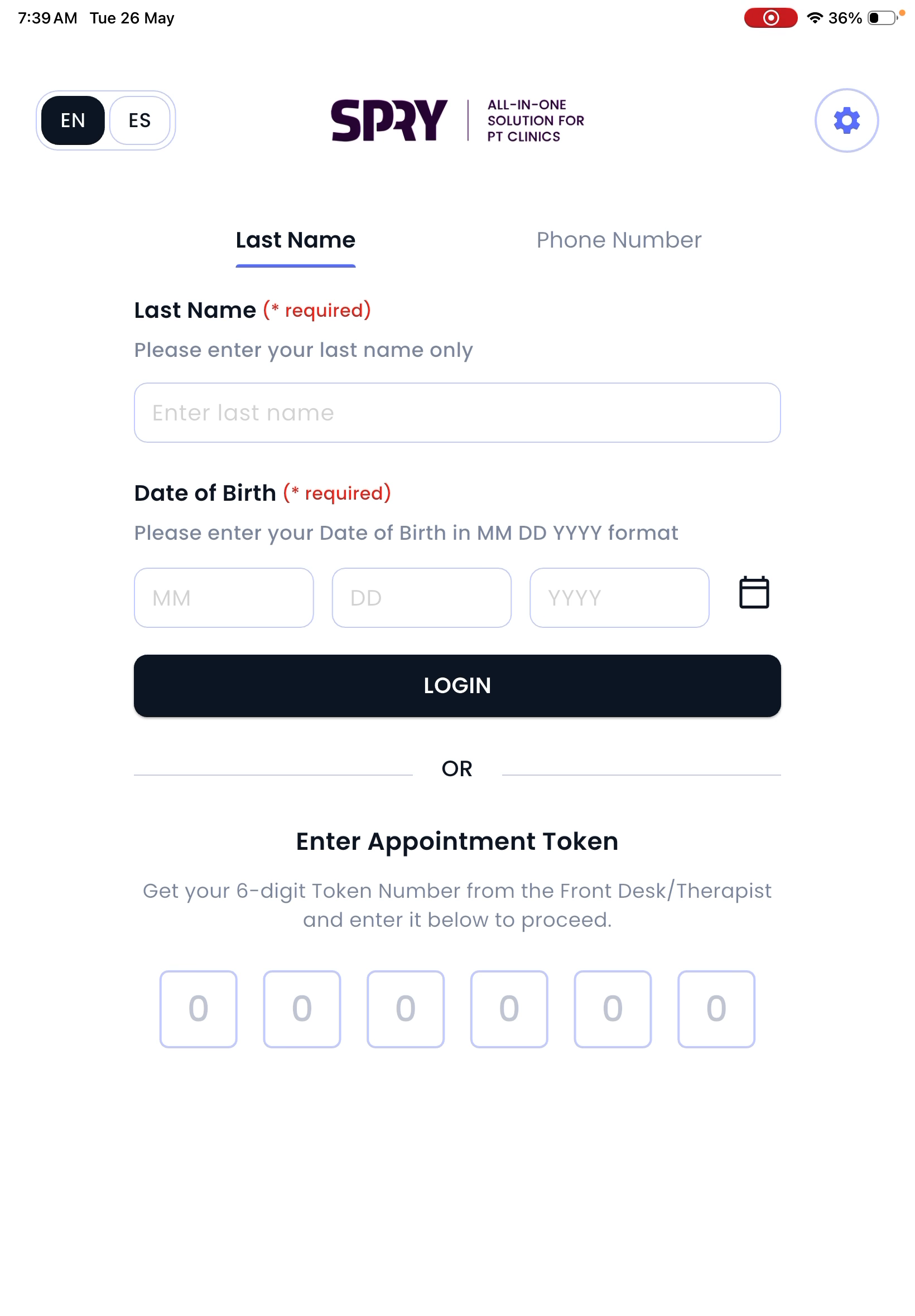
They can authenticate using:
- Last name and date of birth
- Last name and phone number
- Six-digit token generated by the front desk
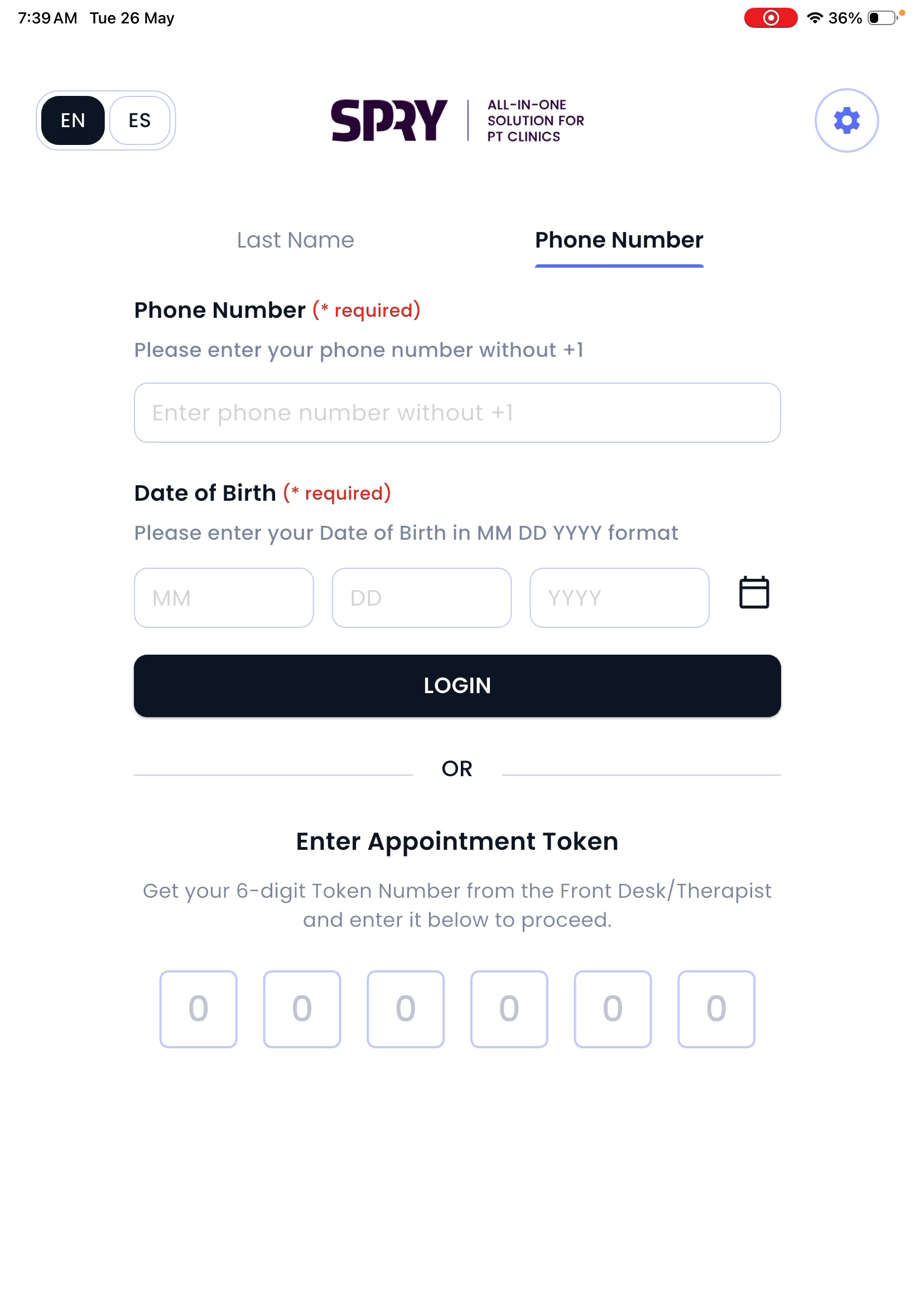
Step 8: Patients Review and Complete Intake Tasks
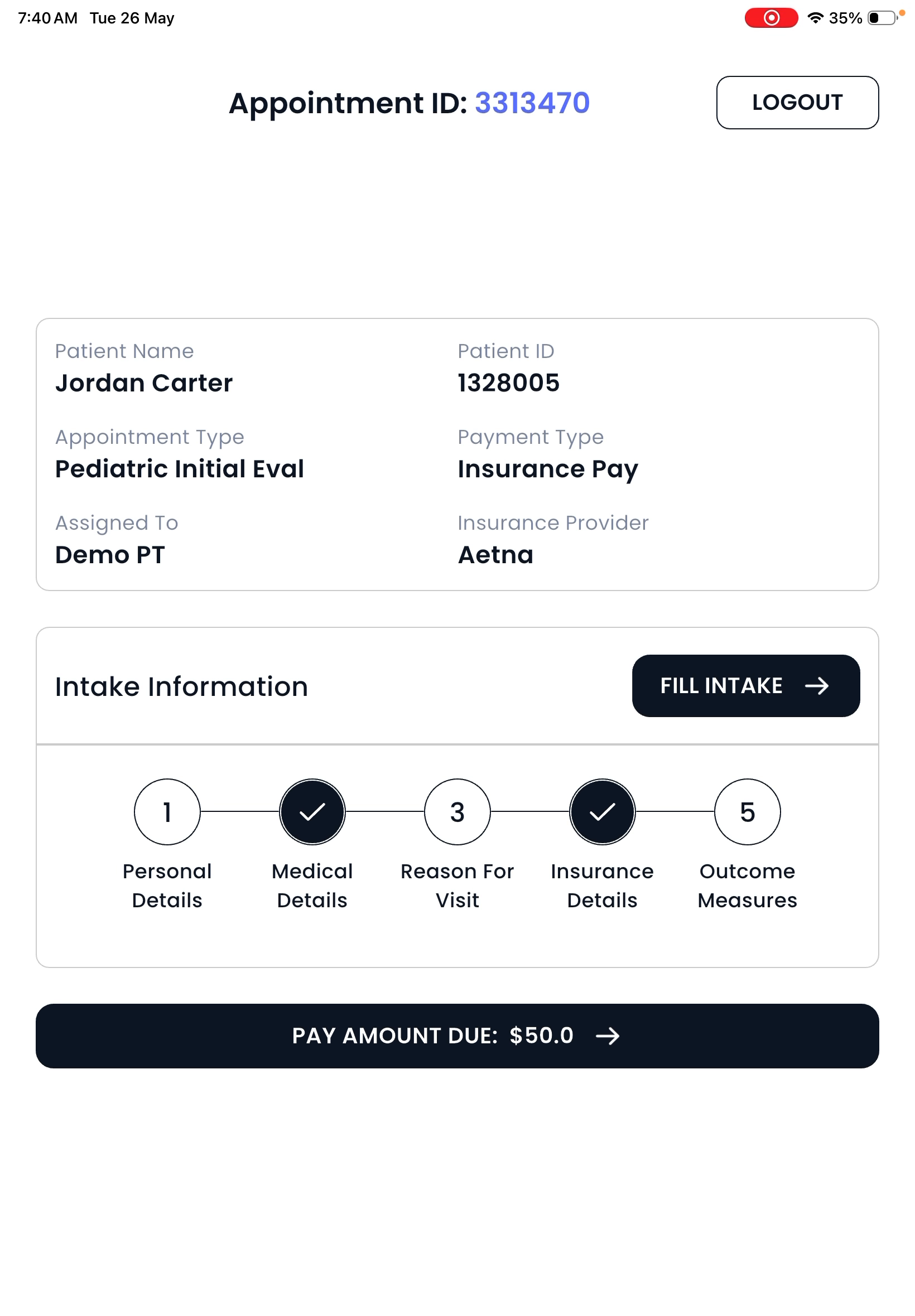
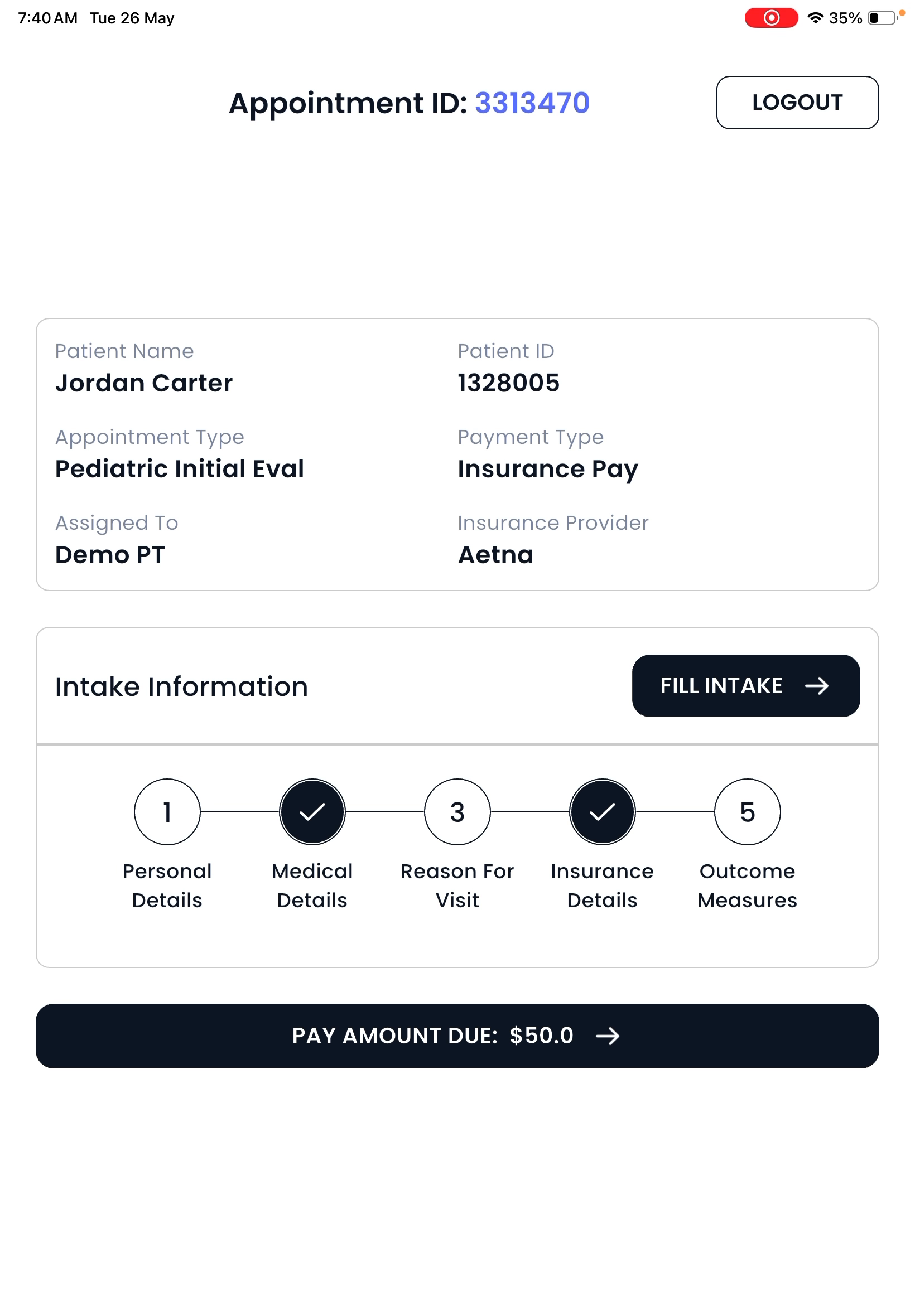
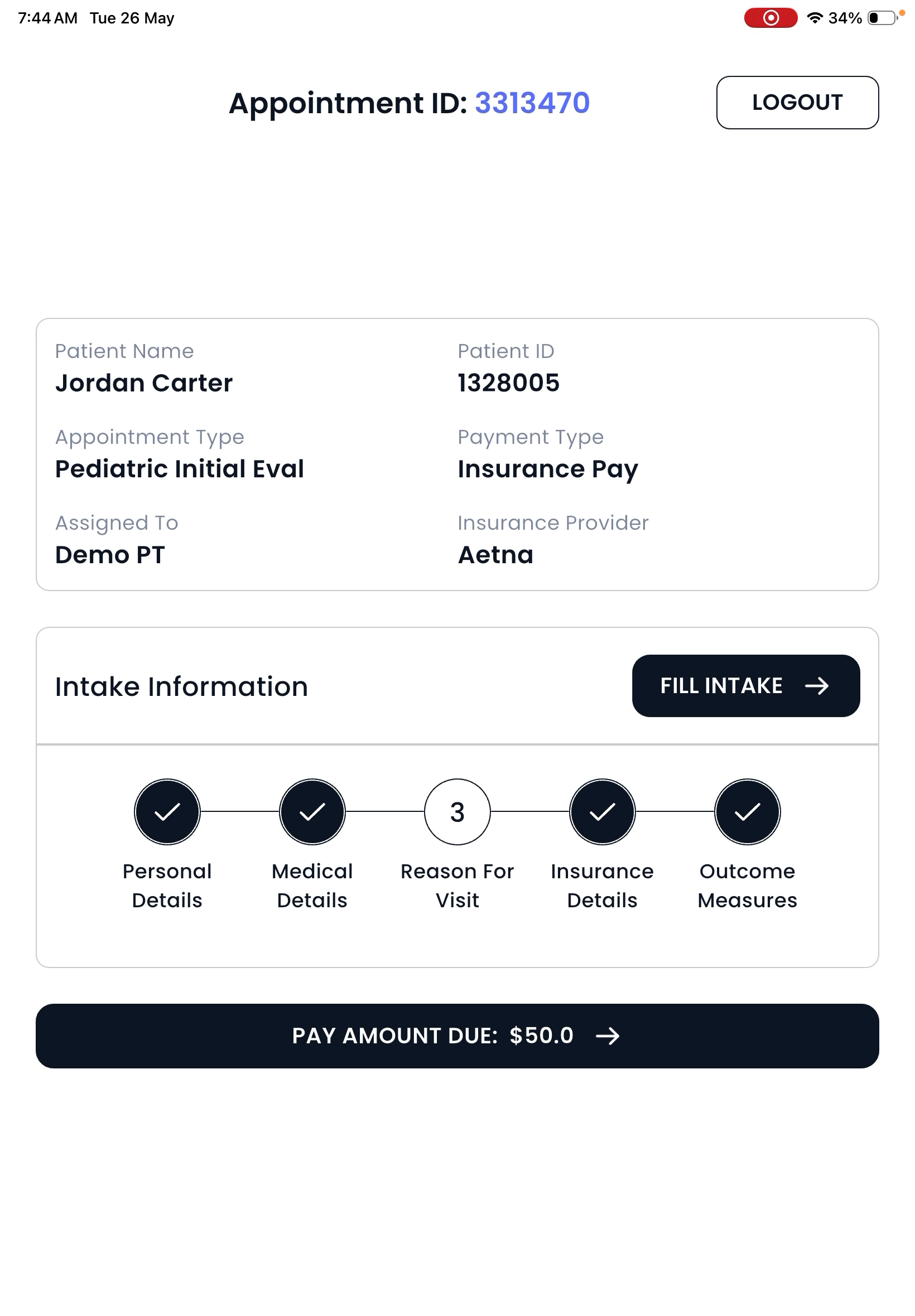
After logging in, the patient reviews their appointment, intake status, and any payment due.
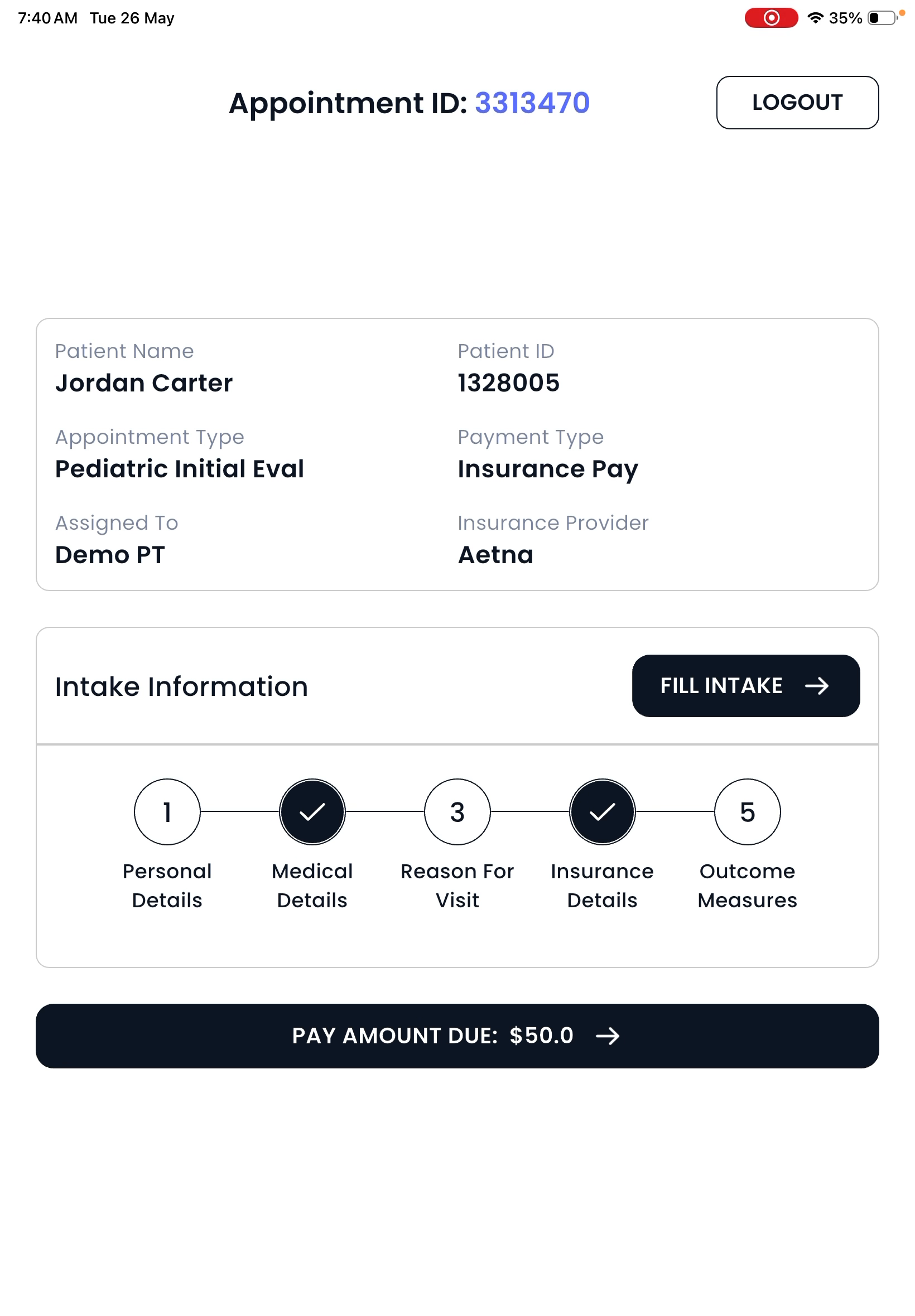
The kiosk shows which forms are already complete and which are still pending. Patients can launch any required forms right from the kiosk and fill them out using a simple, user-friendly interface.
Step 9: Return Visit and Outcome Measure Collection
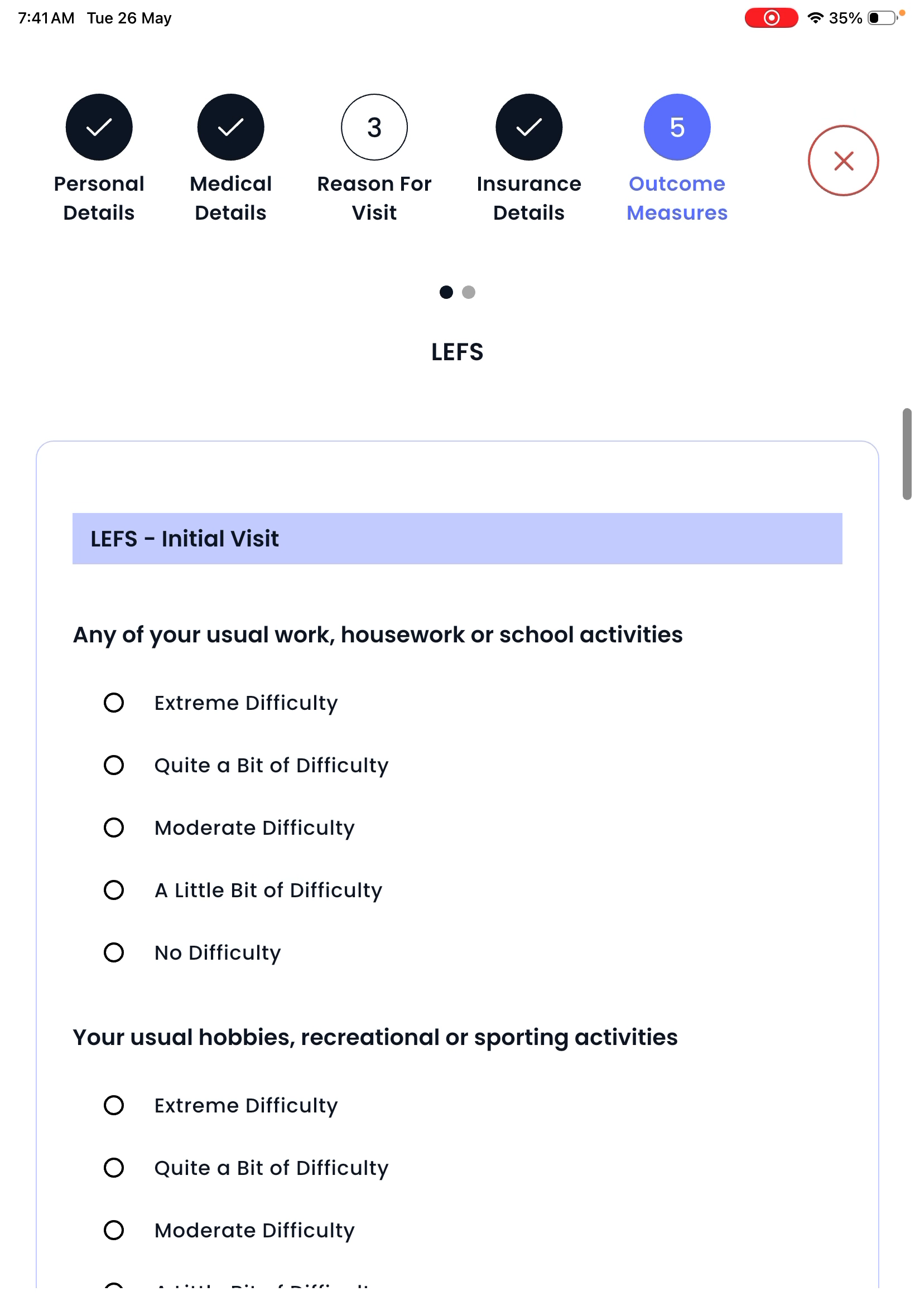
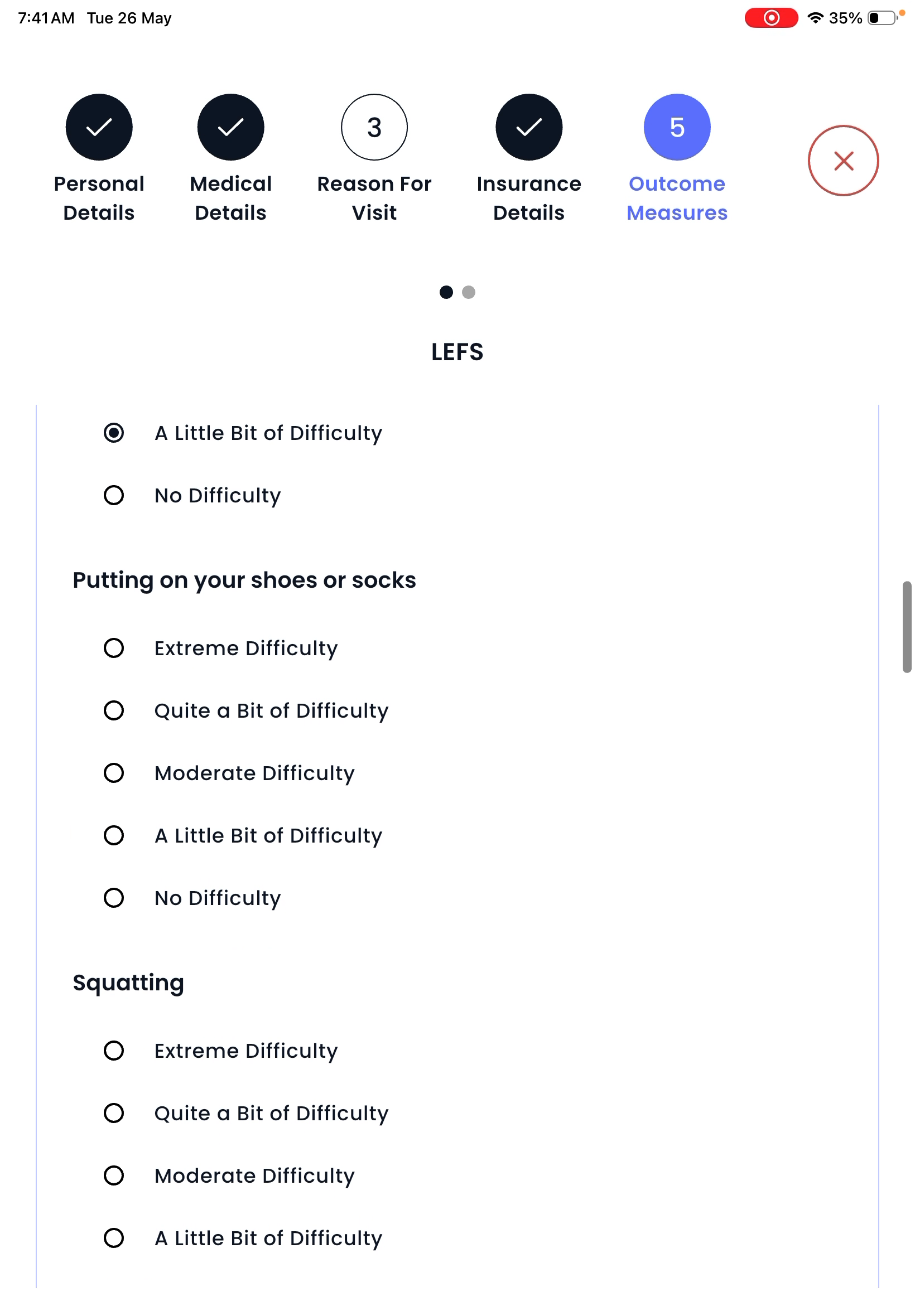
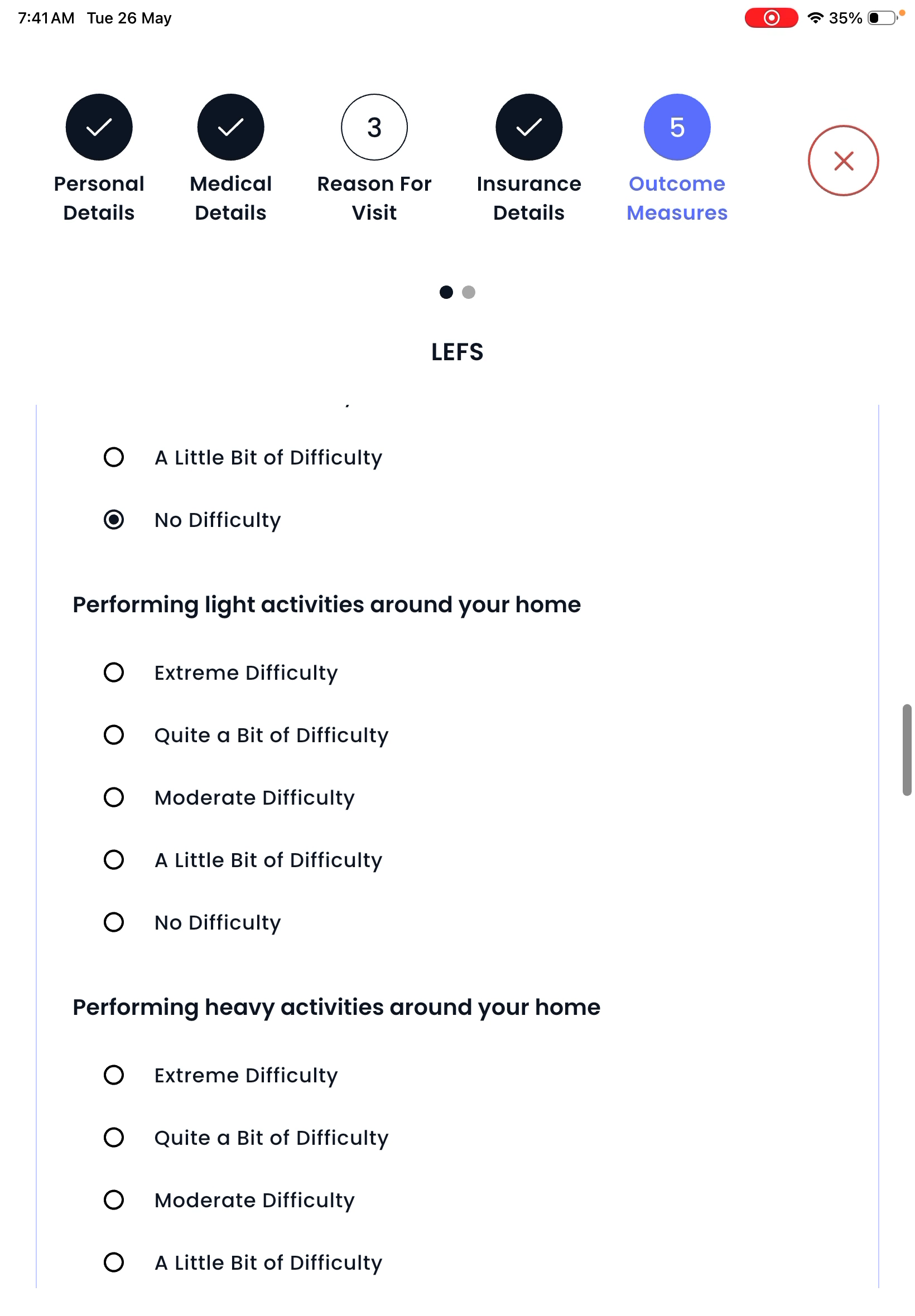
For return visits, the kiosk lists any outcome measures or tests that need to be completed. Patients fill out these items before completing check-in.
Step 10: Insurance Card Capture Made Easy
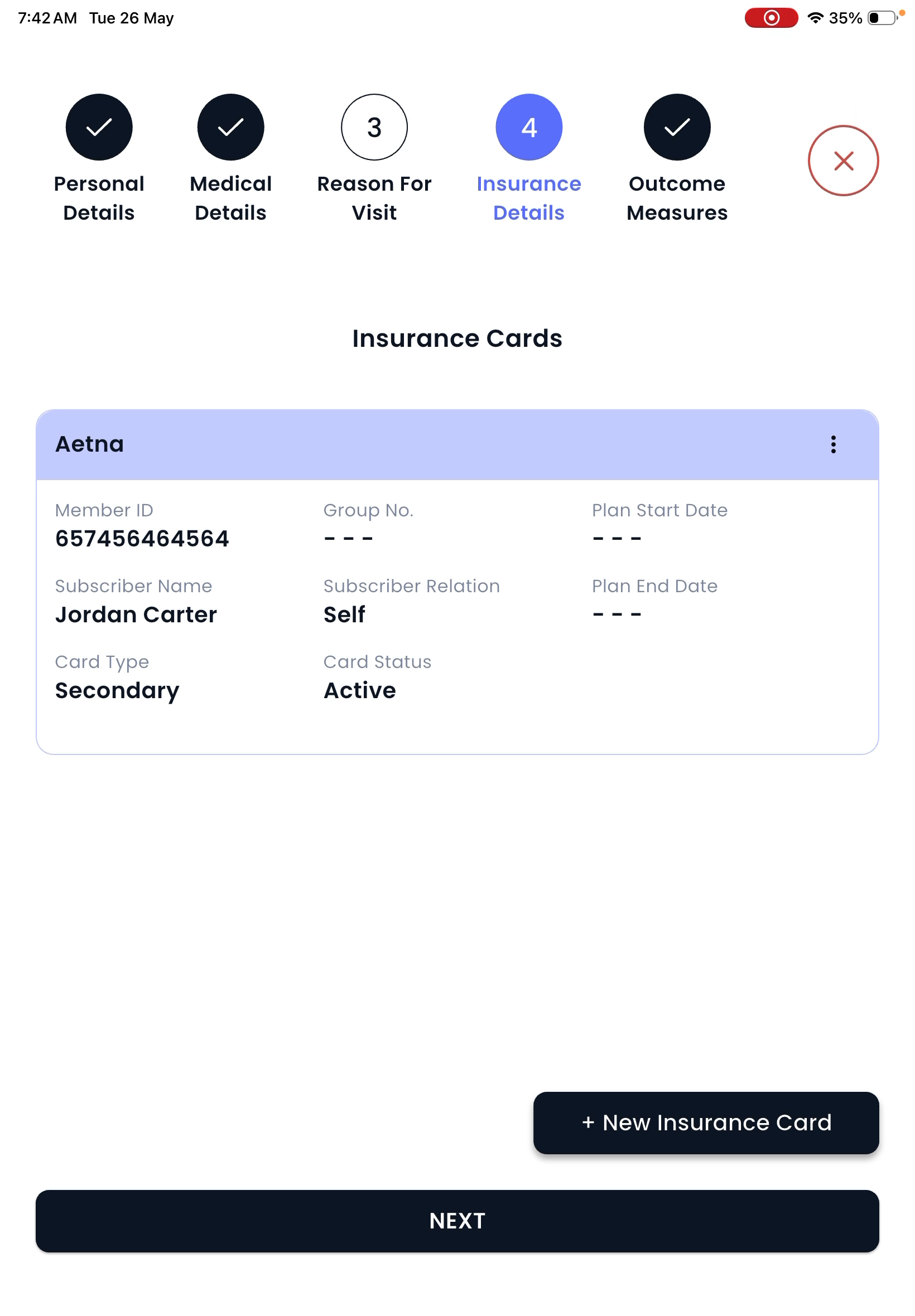
Patients can capture the front and back of their insurance card at the kiosk. Spry’s AI extracts essential info and auto-fills the insurance form for accuracy and speed.

Step 11: Payment Processing Before Check-In
Patients can review and pay pending copays or balances safely from the kiosk with a card or wallet.

Using Spry Kiosk speeds up patient check-in, reduces manual tasks for staff, and creates a smoother experience for everyone. Equip your clinic with Spry Kiosk for fast, paperless, and accurate front desk operations.