
Occupational Therapy Workflow Overview
Introduction:
This tutorial will guide you through the occupational therapy workflow for an adult, using the SOAP (Subjective, Objective, Assessment, and Planning) format. By the end of this tutorial, you'll be able to navigate and use this feature effectively.
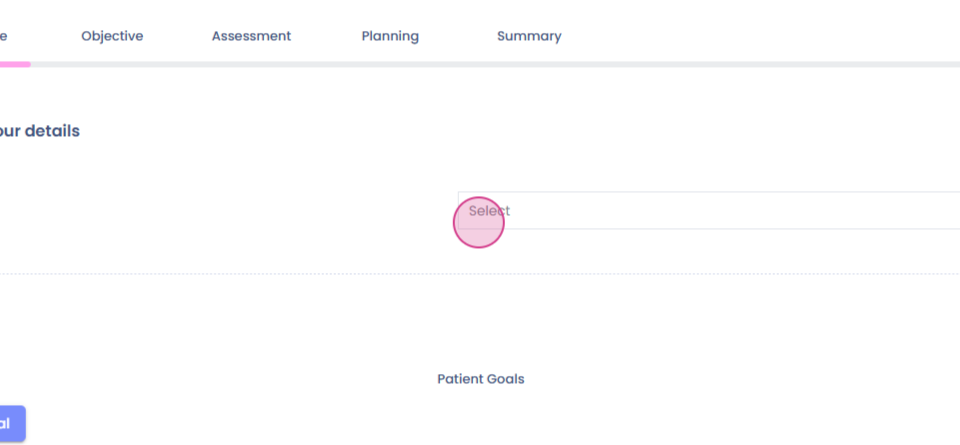
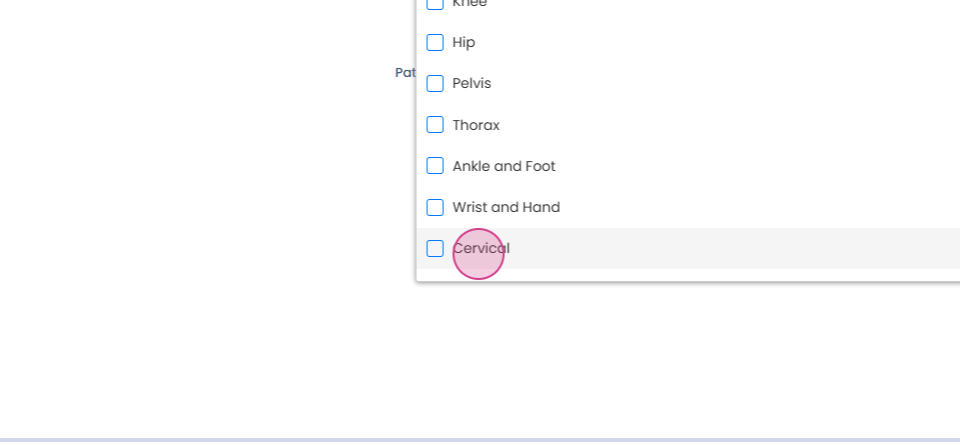
Step 1: Begin with the Subjective section. Here, you'll need to select a body part for assessment. In this example, we're selecting the cervical region.
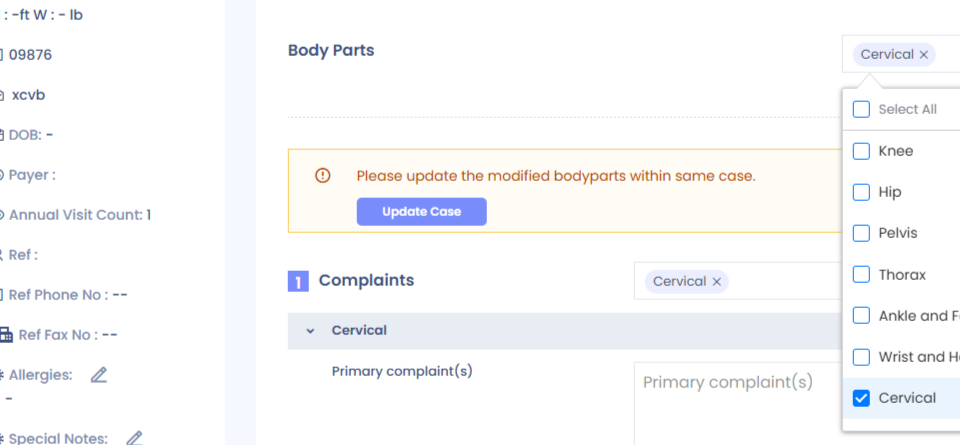
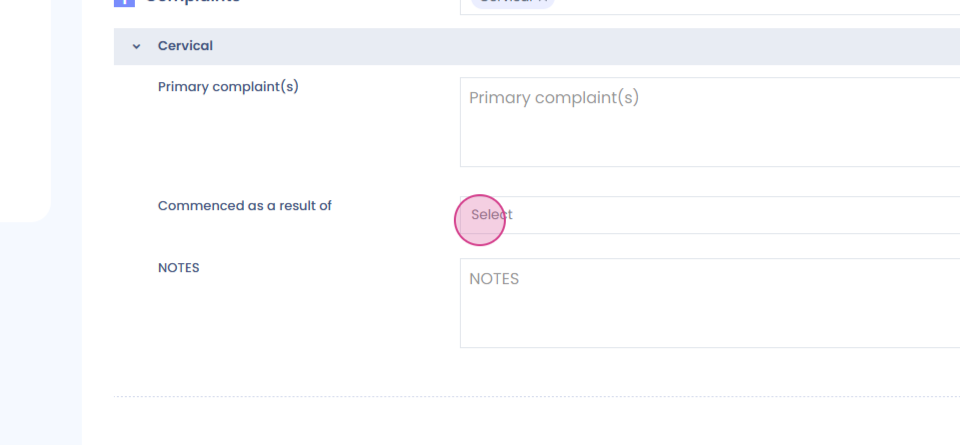
Step 2: Fill in the Complaints section. This includes both open text boxes and drop-down menus.

Step 3: Proceed to the Pain section. Here, you'll find details such as the pain intensity scale and drop-down menus for different types of pain.
Step 4: Document the patient's Medical History.
Step 5: In the same Subjective section, you'll find the Patient Goals section. Add the patient's goals by clicking on it.
Step 6: Move on to the Objective section. This section includes Posture Specific Observation, Palpation, Range of Motion, Strength, and Special Test. Each of these sections has open text boxes for you to fill in.
Step 7: The Sensation and Growth Assessment section can be opened by clicking on it.
Step 8: Select an Outcome Measure Test from the list provided.
Step 9: Under the timeline, you'll find the Outcome Measure section. Here, you can select an outcome measure, choose the appointment, and send the test to the patient.
Step 10: After sending the test, you have the option to edit and view it. The outcome measure opens in a new tab, where you can fill in the entire form.
Step 11: Once you submit the form, you'll receive a score.
Step 12: After the Objective section, you'll find the Assessment and Planning section.