
Appointment Booking: Commercial Insurance Pay with Referral Physician Options
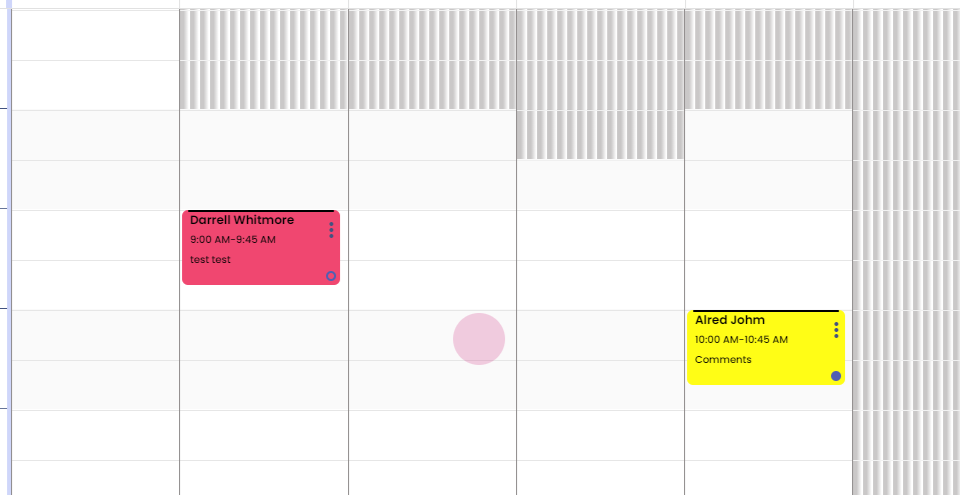
Step 1: Hi. How to book an appointment for a commercial insurance pay patient? Left click on the calendar.
Step 2:
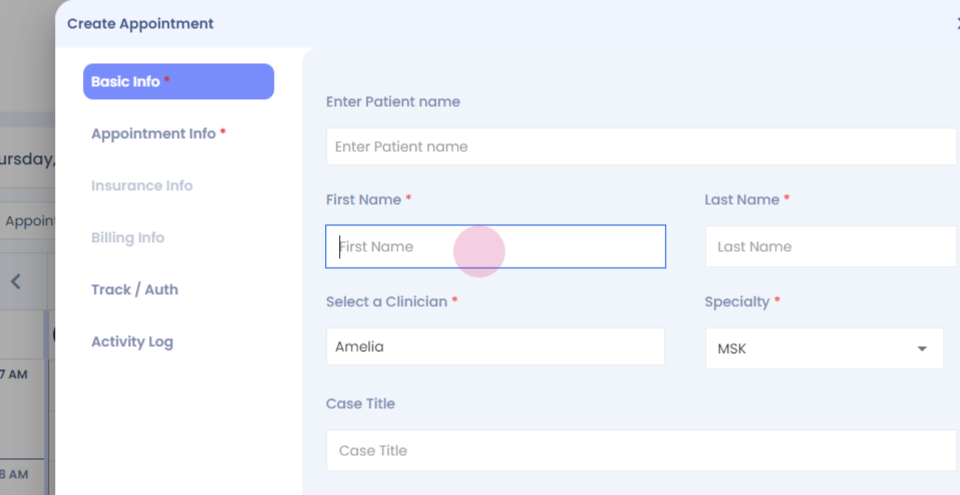
Step 3: Enter the patient details.
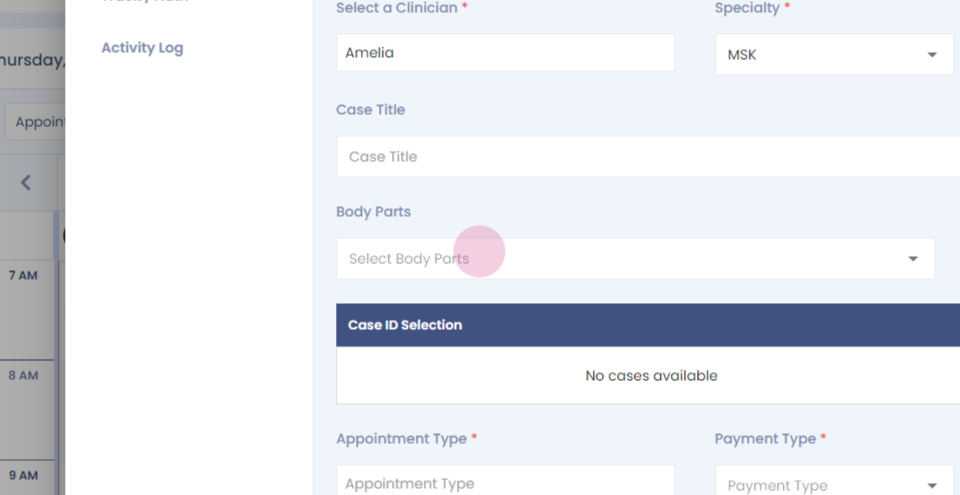
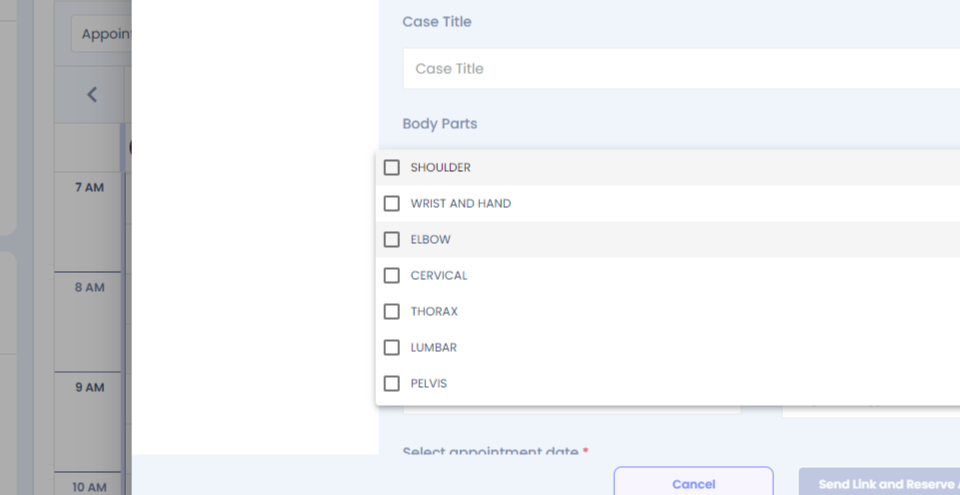
Step 4: Fill in the mandatory information.
Step 5:
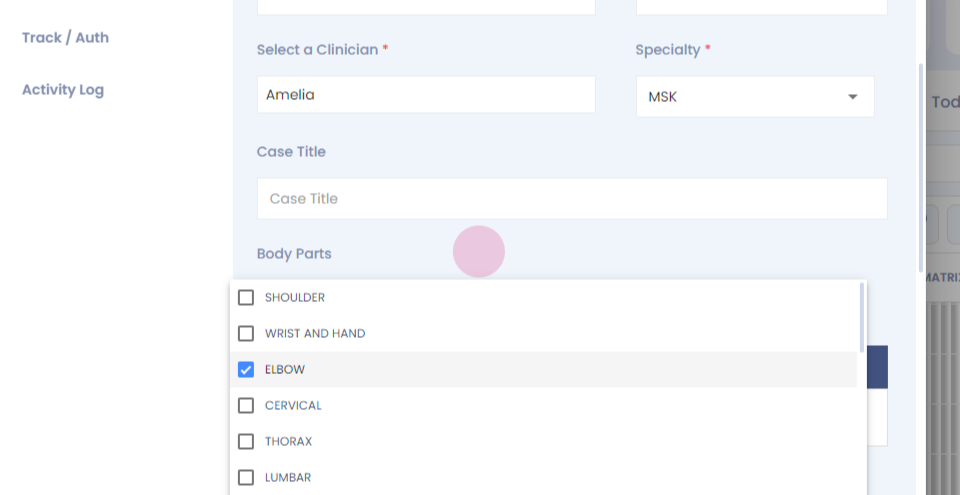
Step 6:
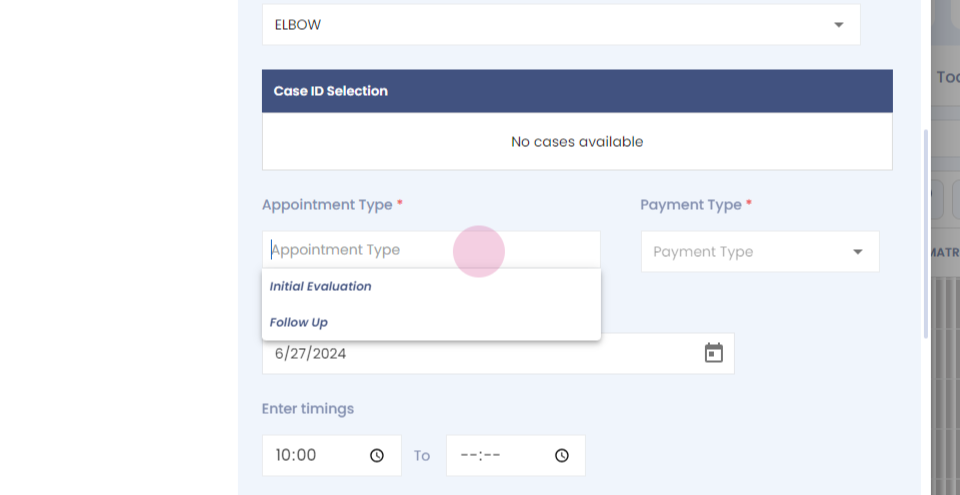
Step 7:
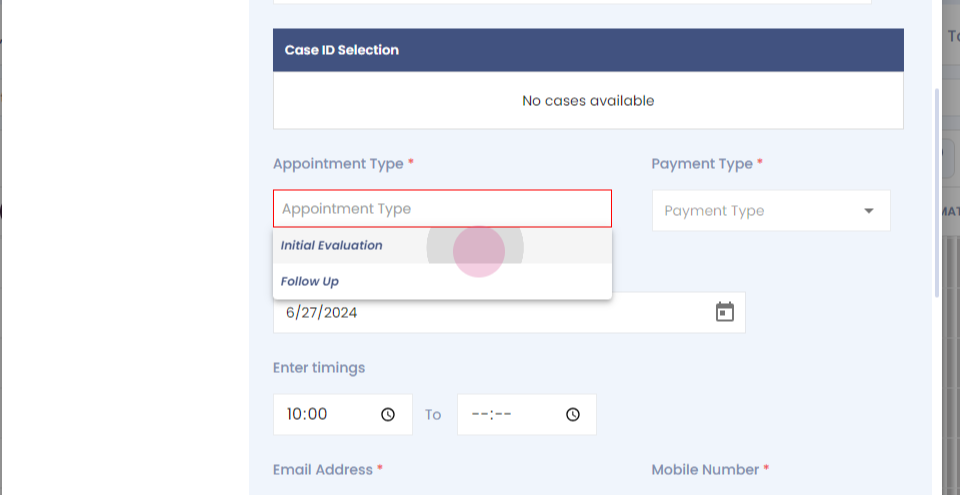
Step 8:
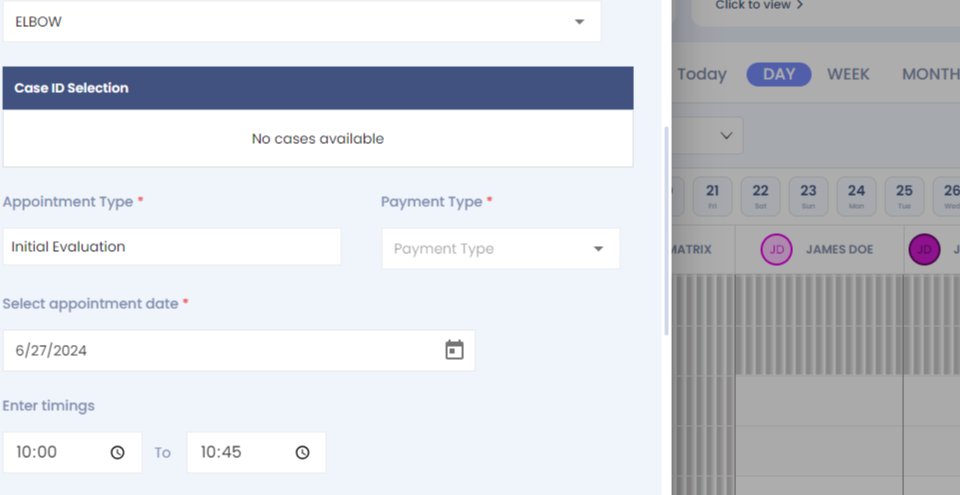
Step 9:
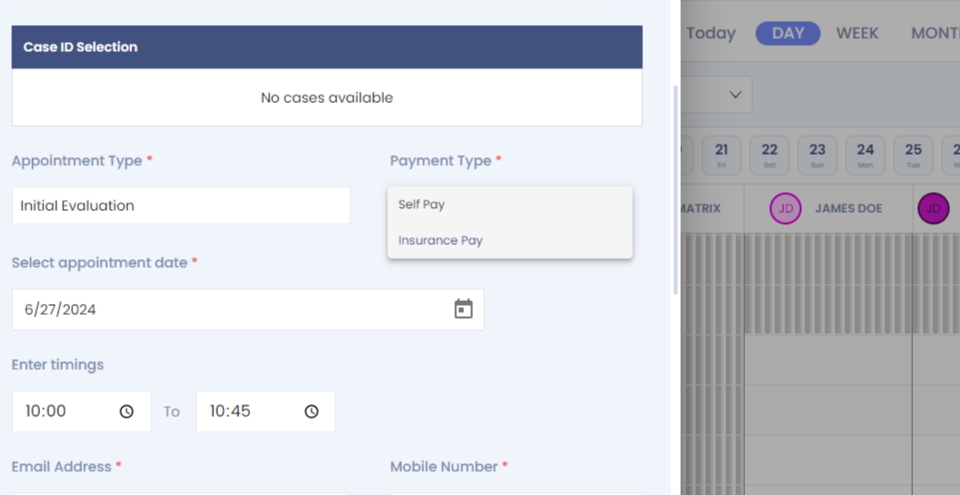
Step 10:
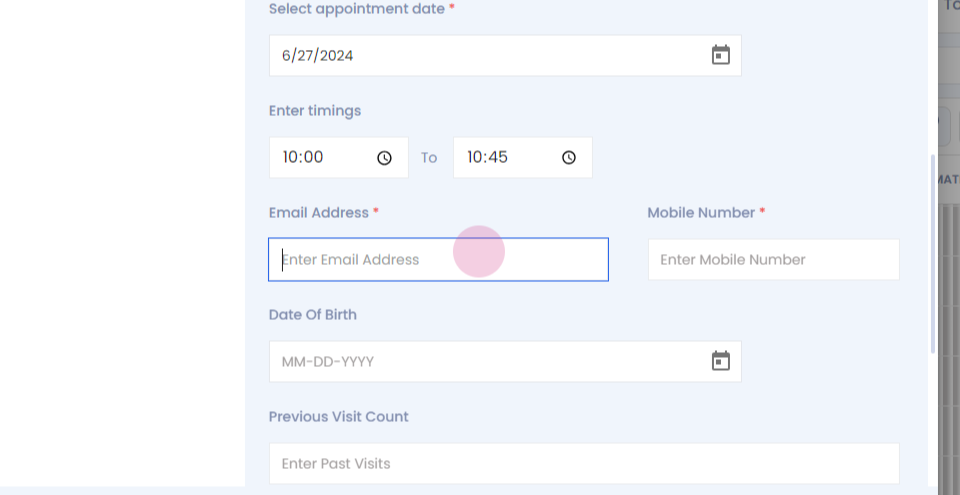
Step 11:
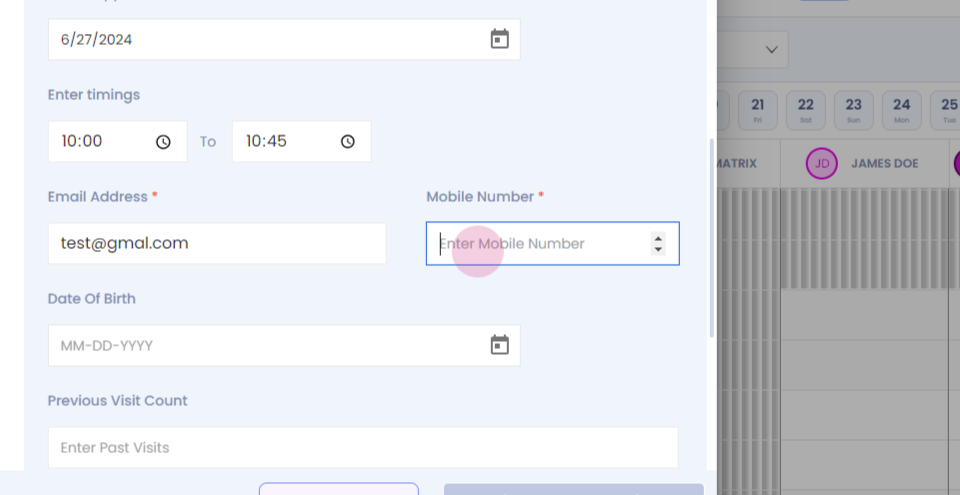
Step 12: You can select if the patient is direct access or the patient has come from a physician referral.
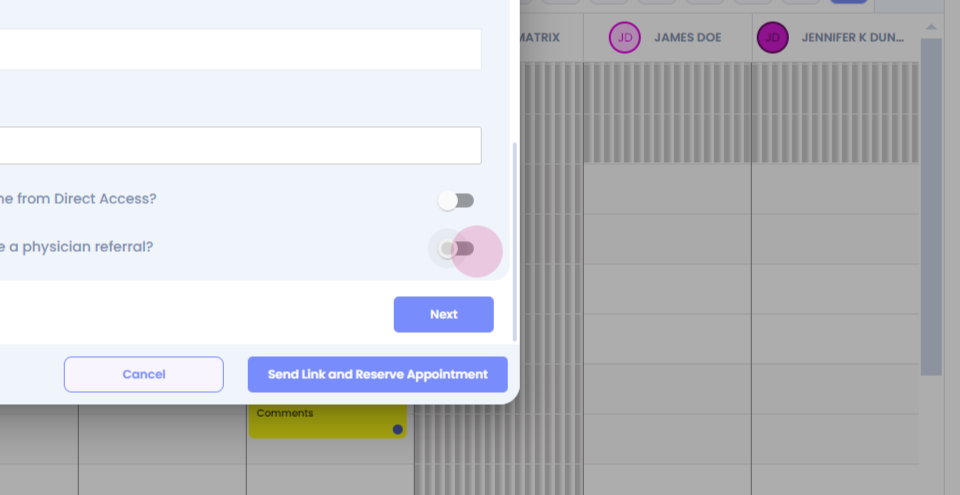
Step 13: Look for the referring physician.
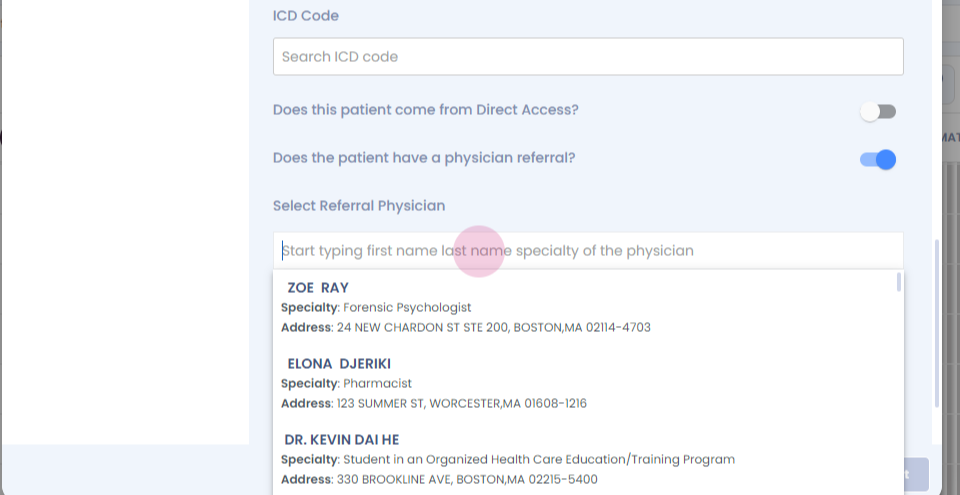
Step 14:
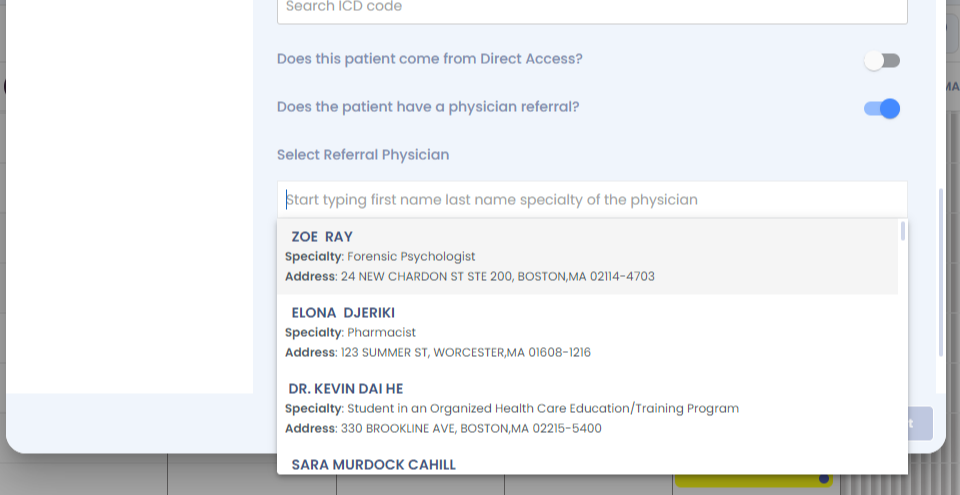
Step 15: The details will auto populate.
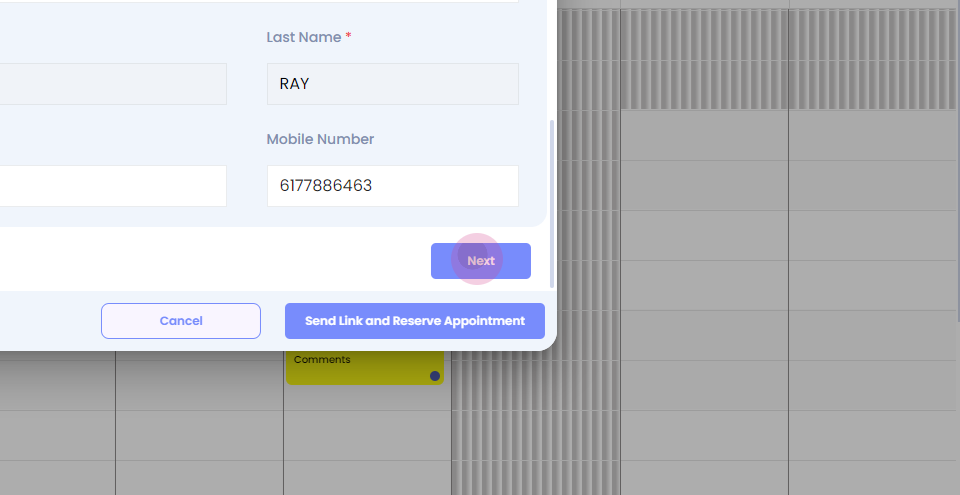
Step 16: Click on next. Select commercial insurance.
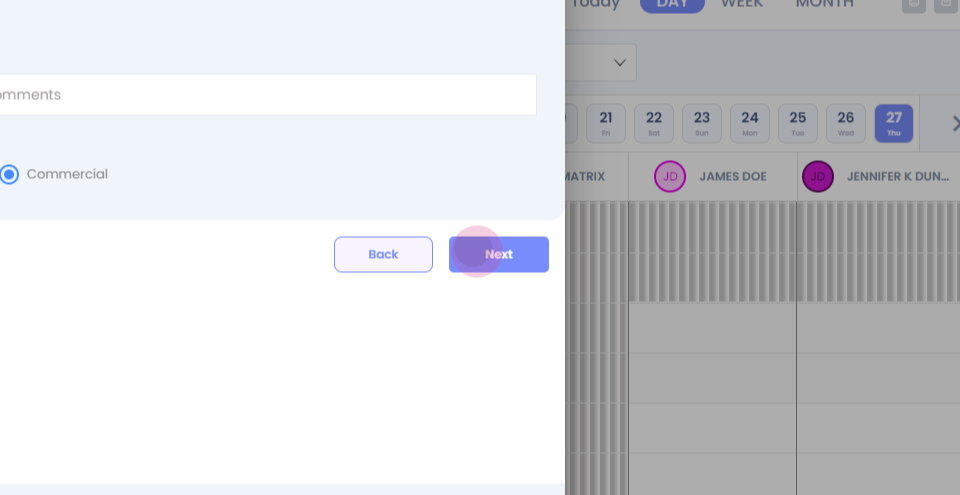
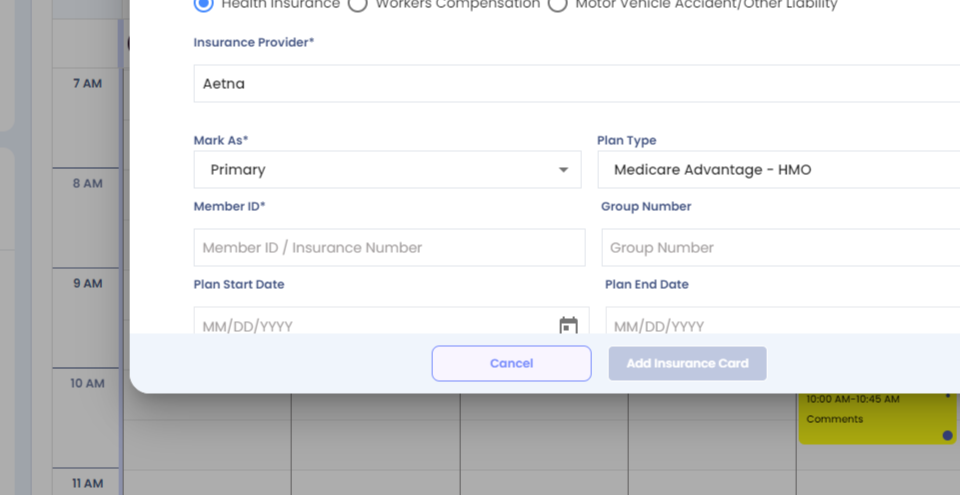
Step 17: Add the insurance card.
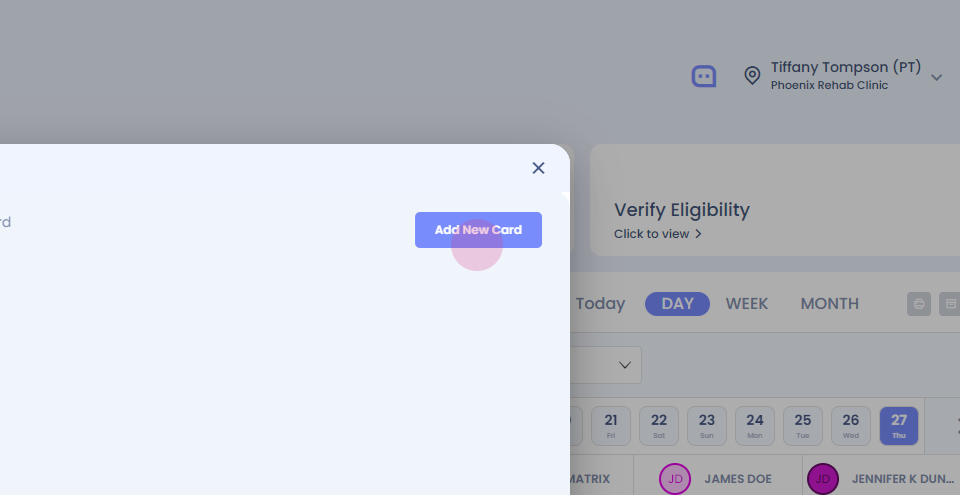
Step 18:
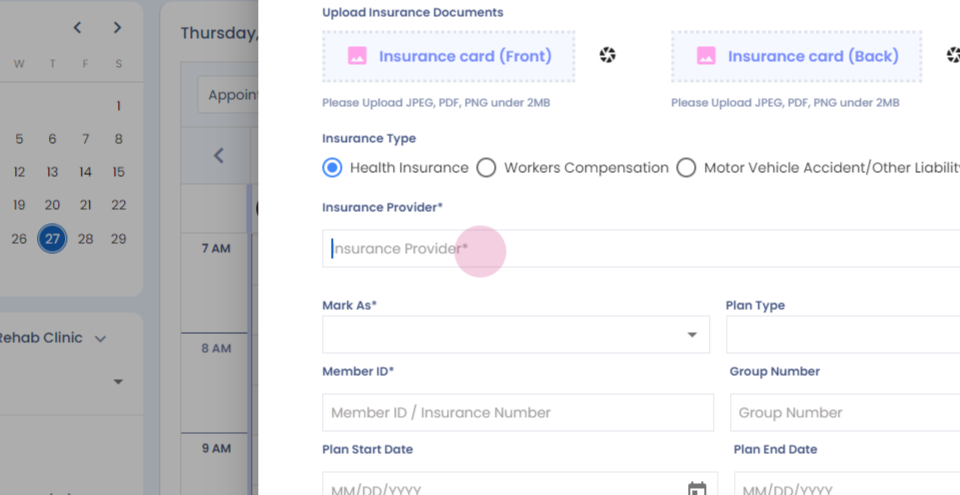
Step 19:
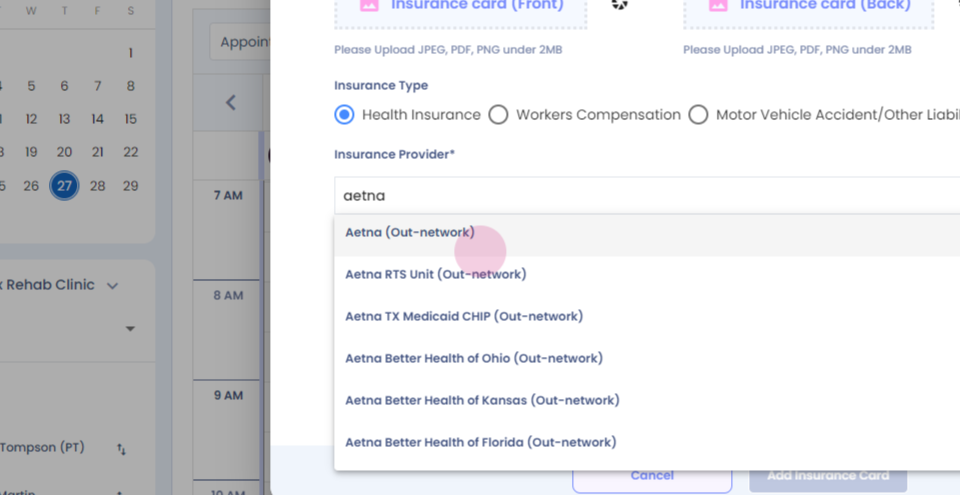
Step 20:
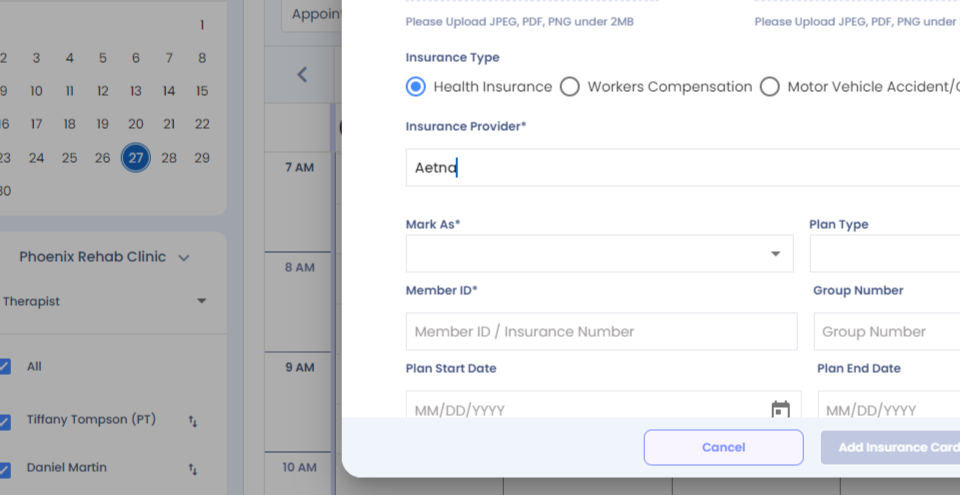
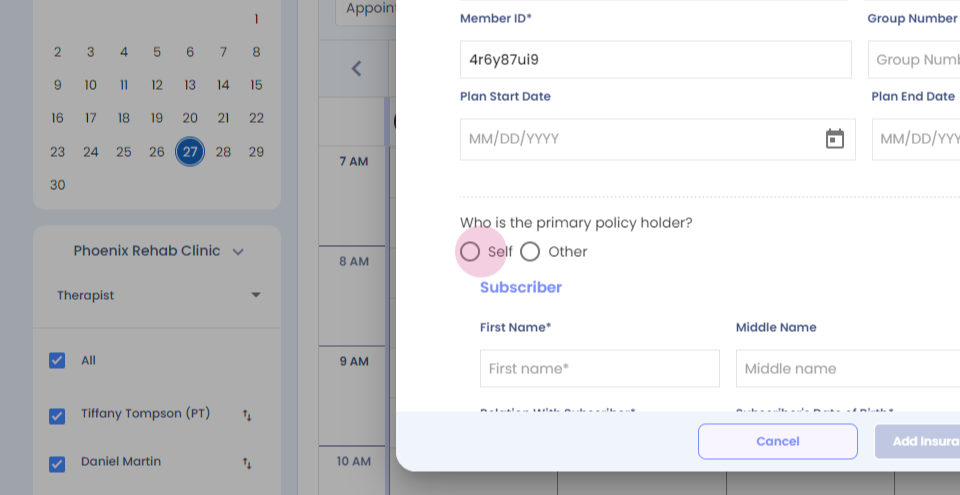
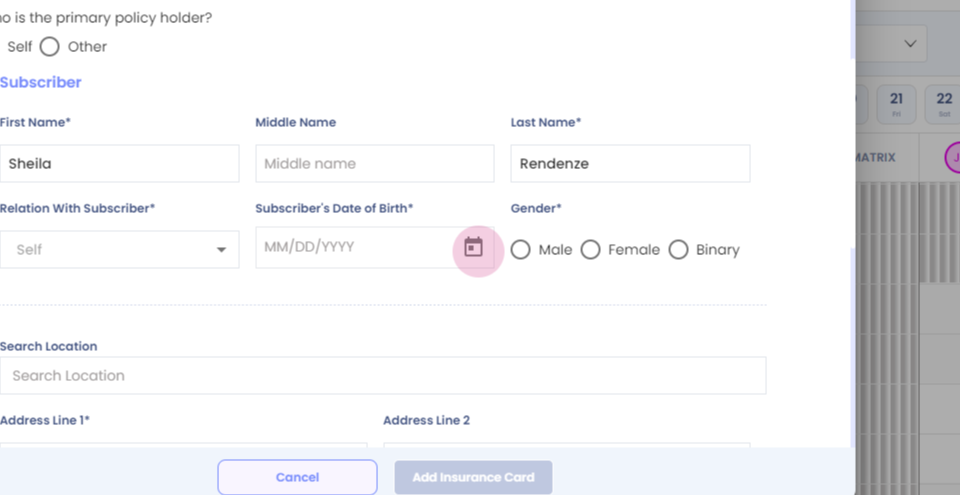
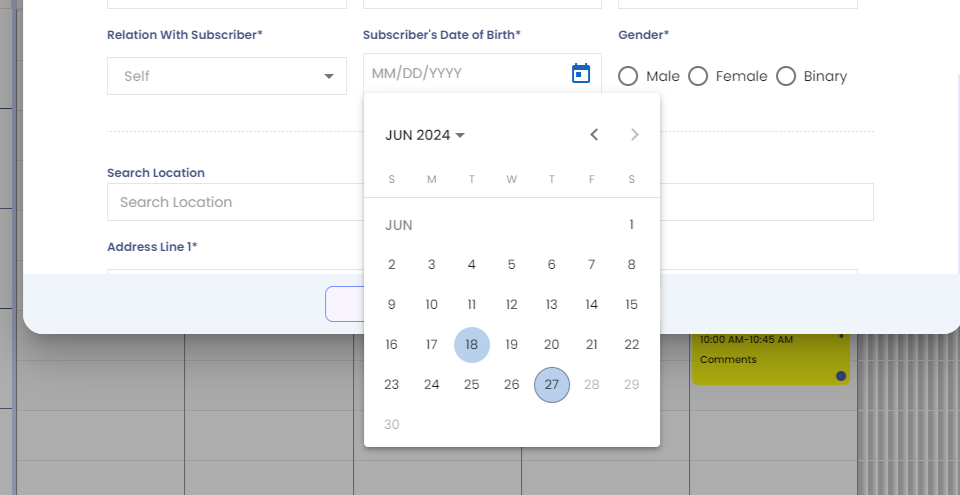
Step 21: Fill in all the mandatory sections, Select the policy holder.
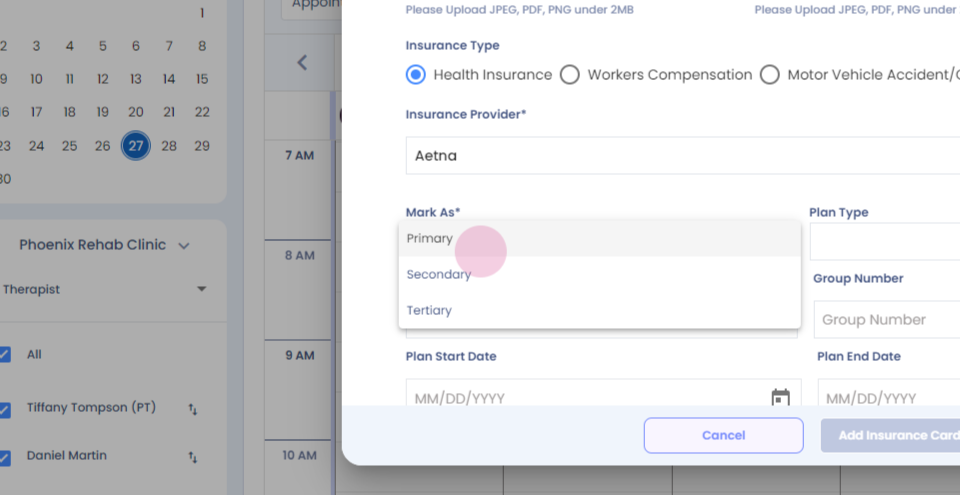
Step 22:
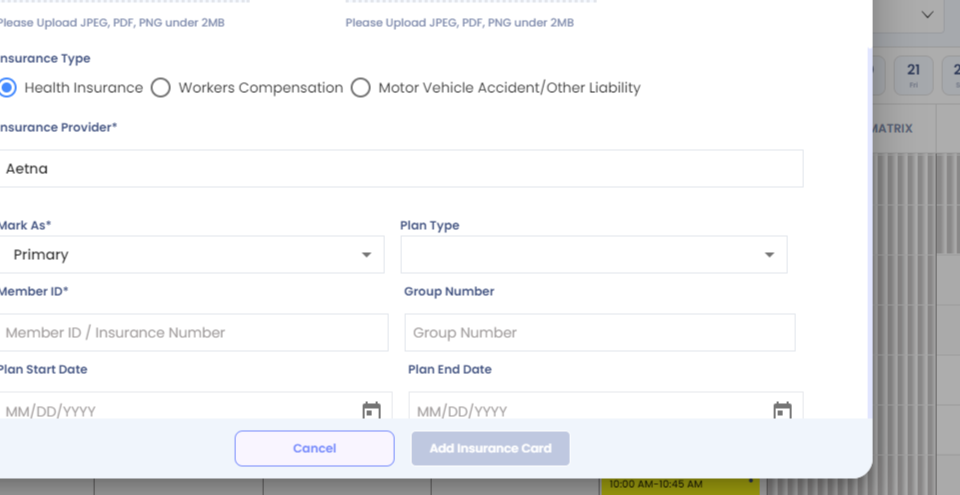
Step 23:
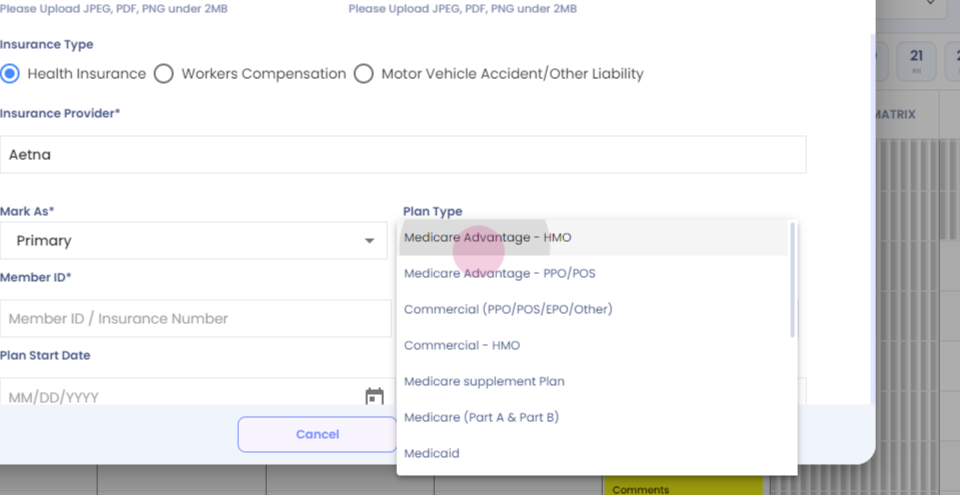
Step 24:
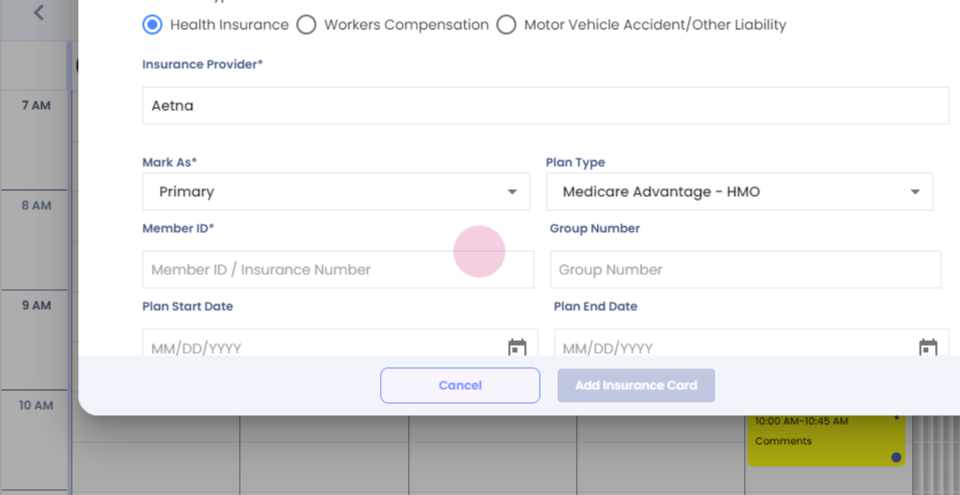
Step 25:
Step 26:
Step 27:
Step 28:
Step 29:
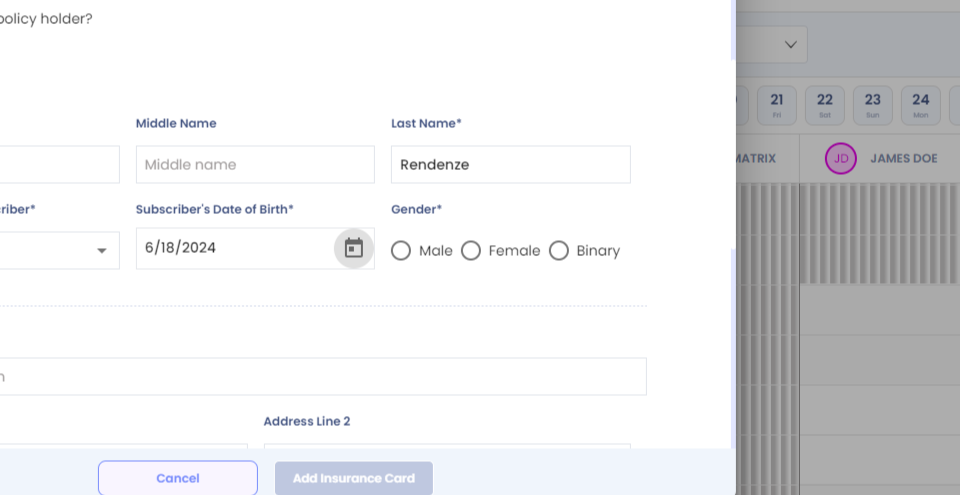
Step 30:
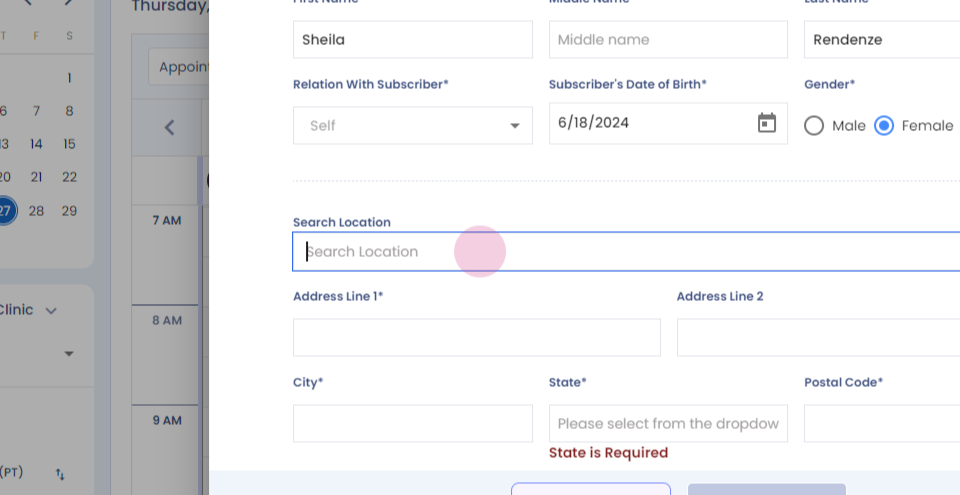
Step 31:
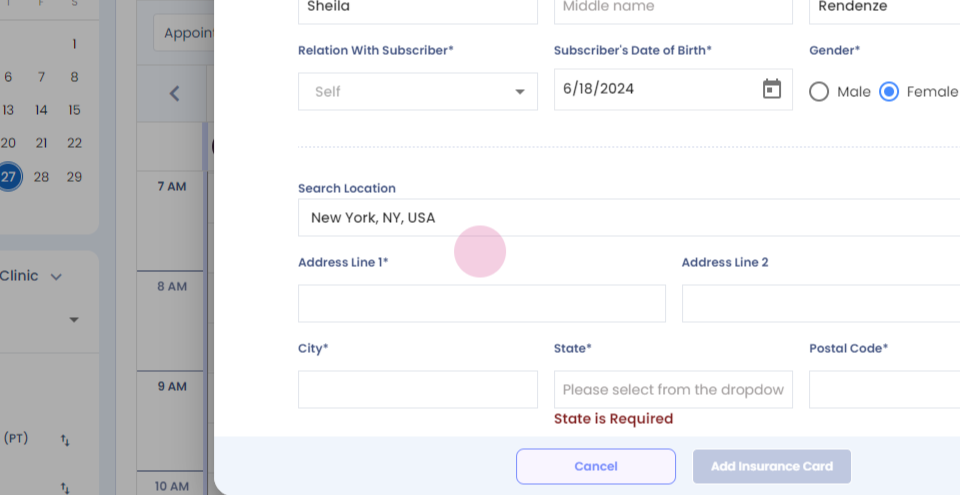
Step 32:
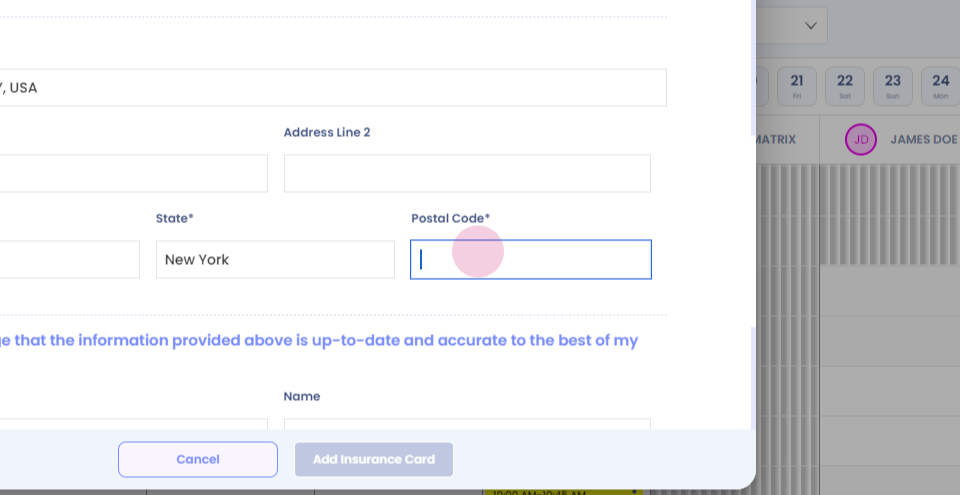
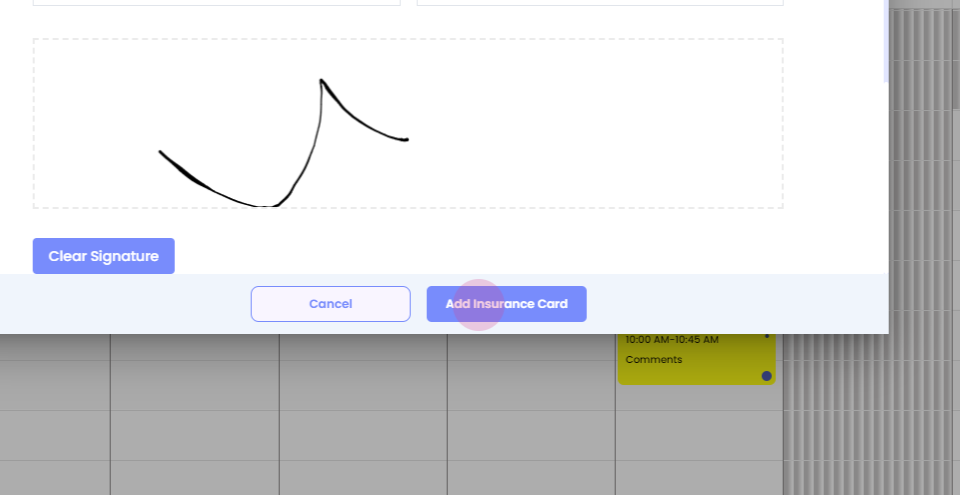
Step 33: Add insurance card.
Step 34: Click on send link and reserve appointment.
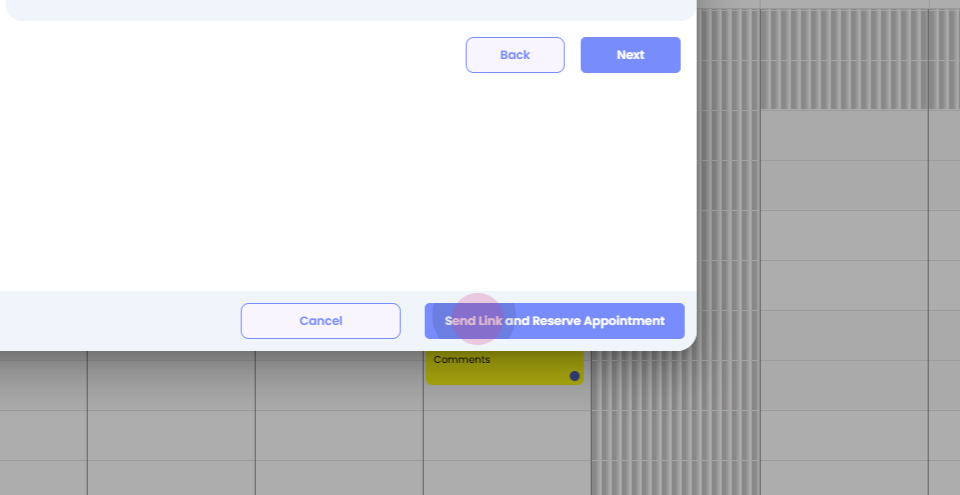
Your appointment will be booked successfully.