How to Add Non-Visit Payments
In this tutorial, you'll learn how to add non-visit payments in the system.
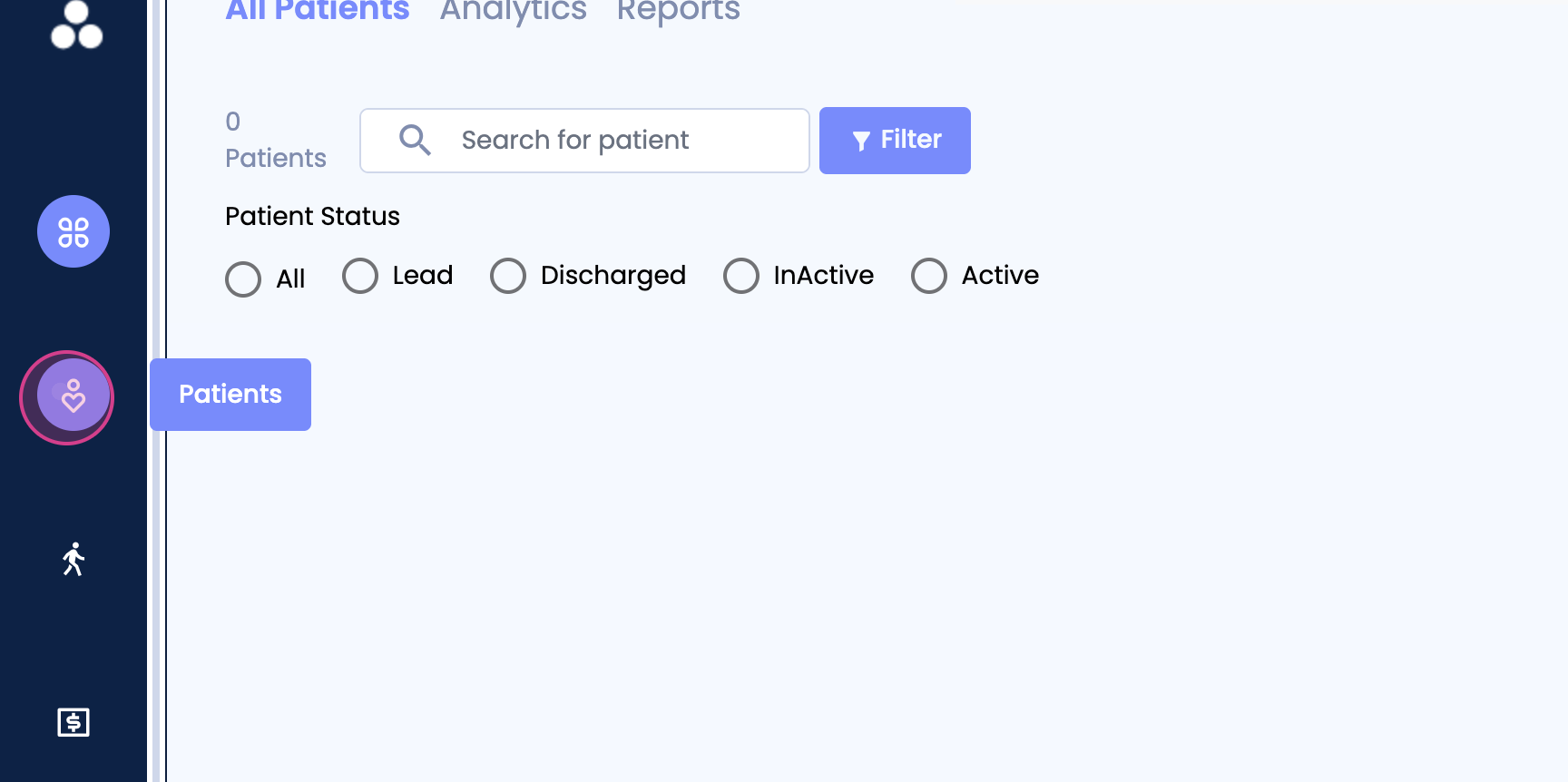
Step 1: Navigate to the Patient tab.
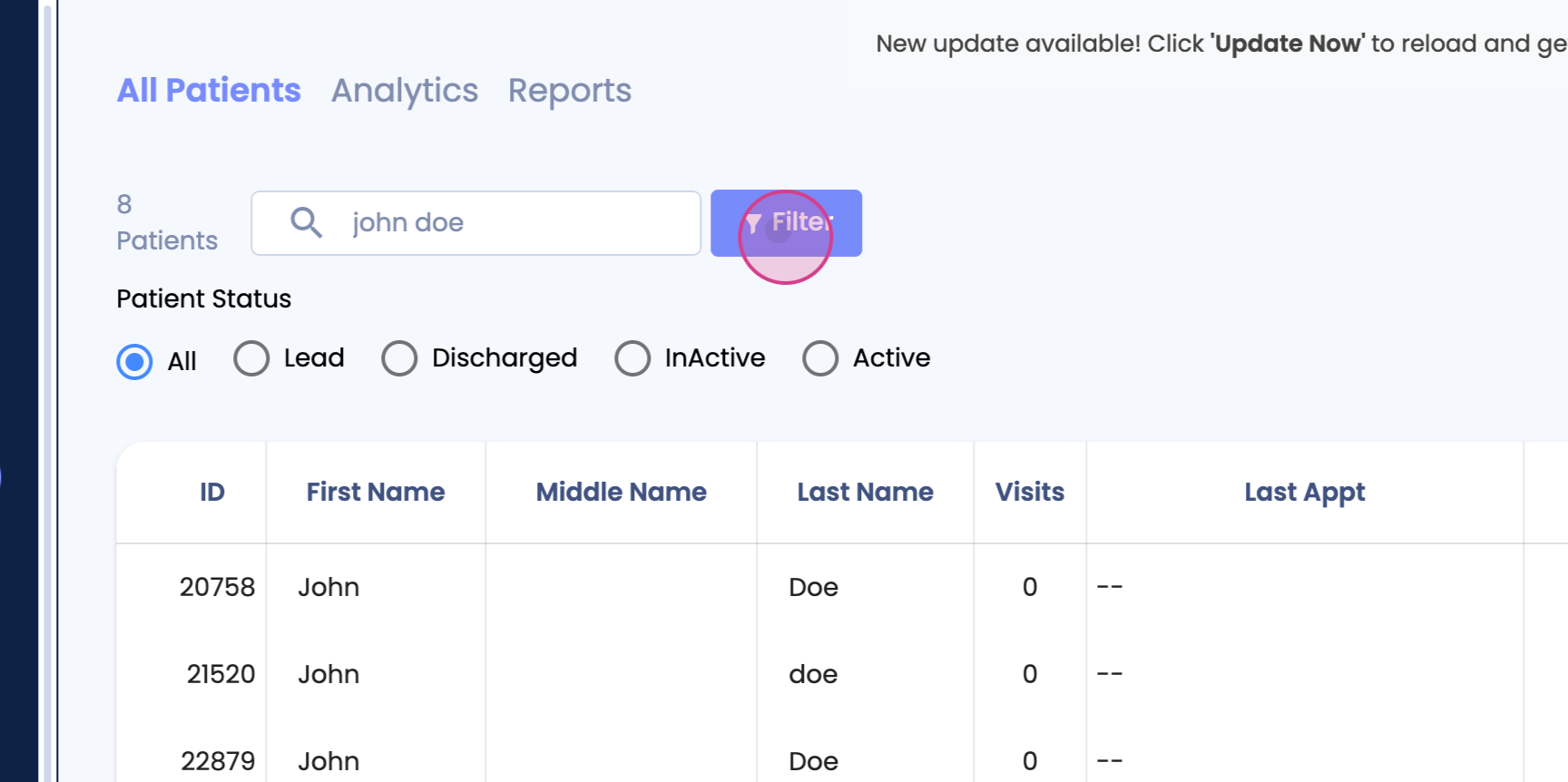
Step 2: Click on View Profile on the left side of the screen.
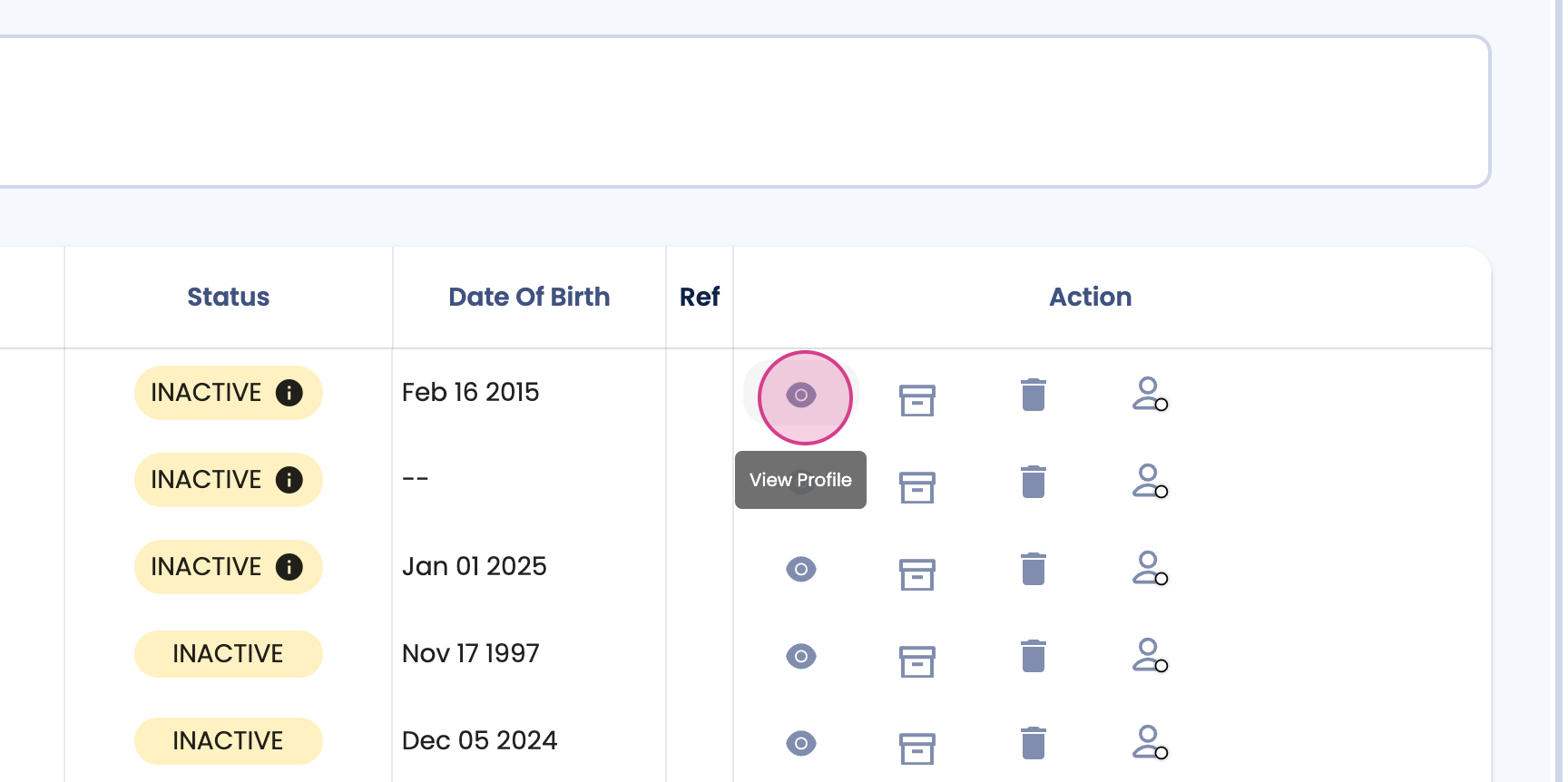
Step 3: Scroll down until you find a non-patient. Look for the Non Visit Payments section.
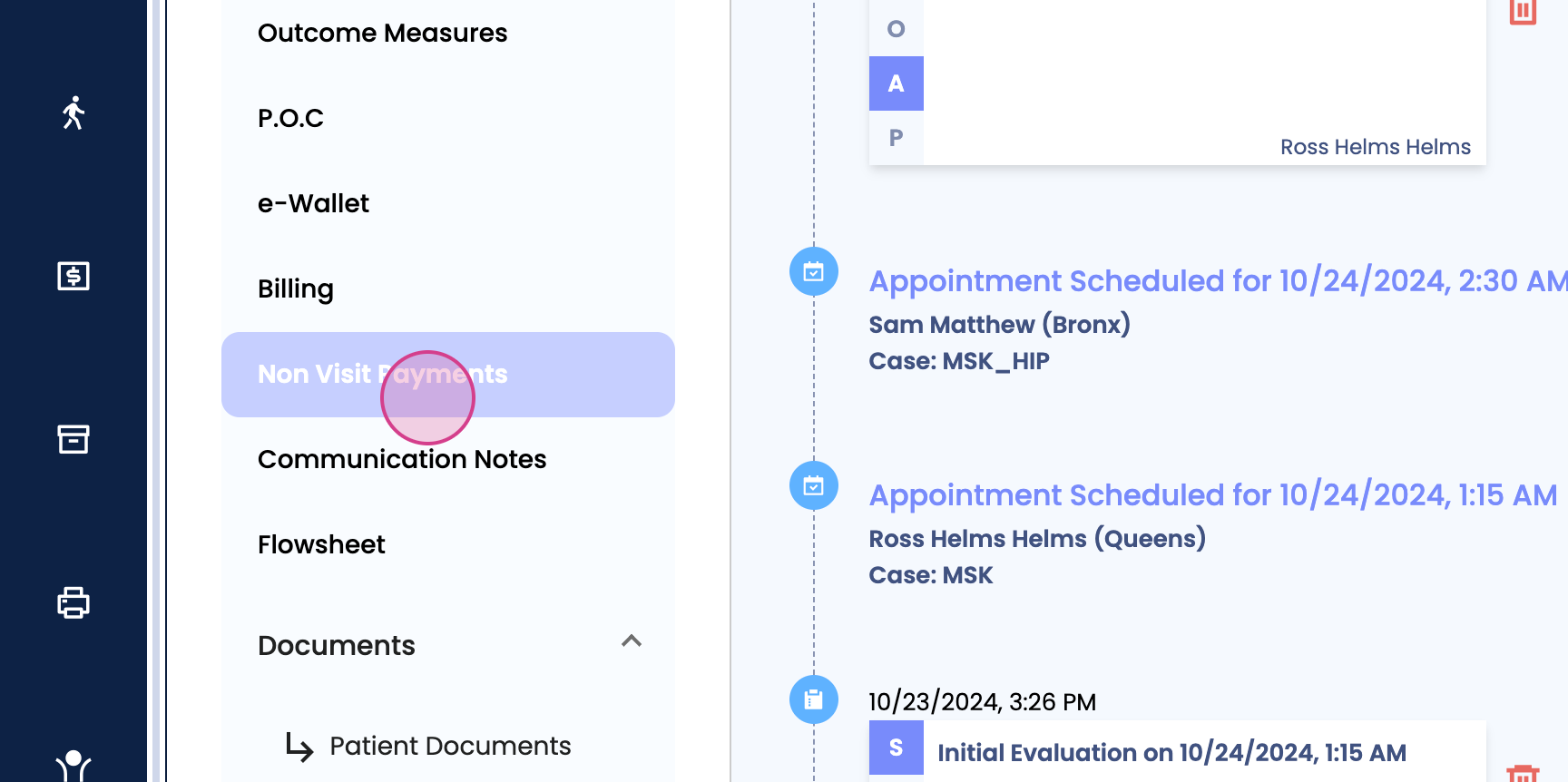
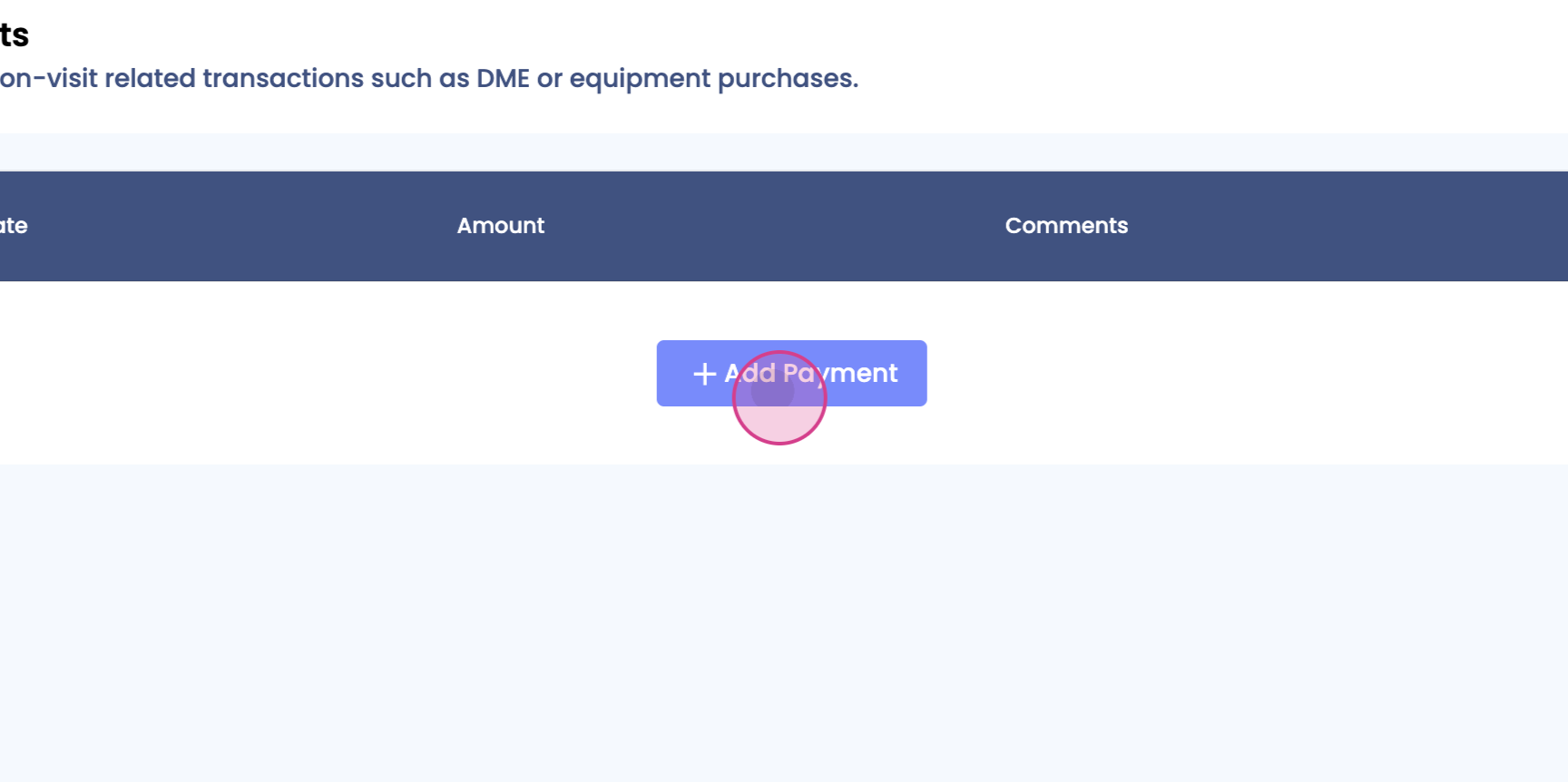
Step 4: Click on Non Visit Payments. Then, click on Add Payments.
Step 5: Enter the payment amount.
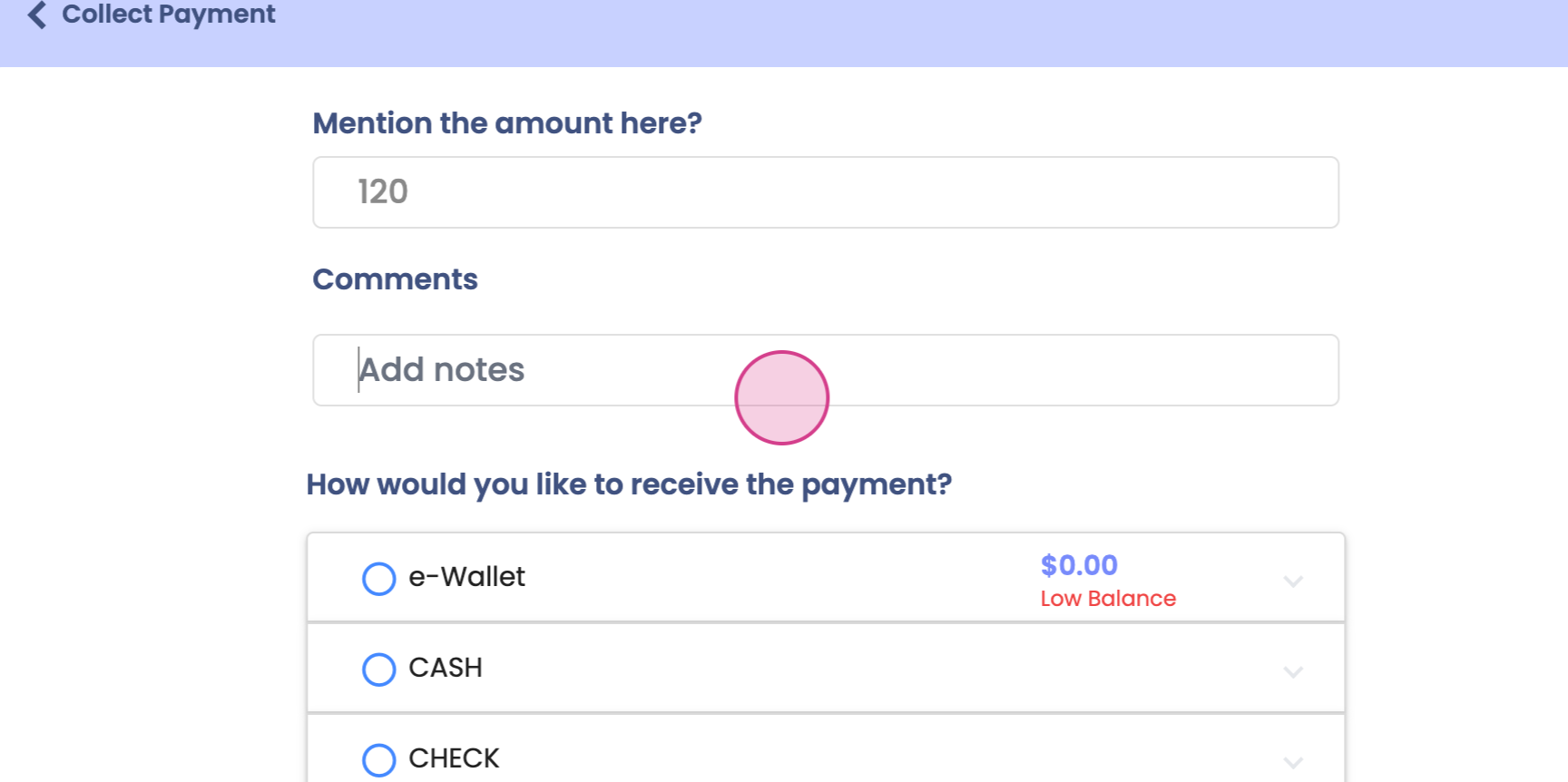
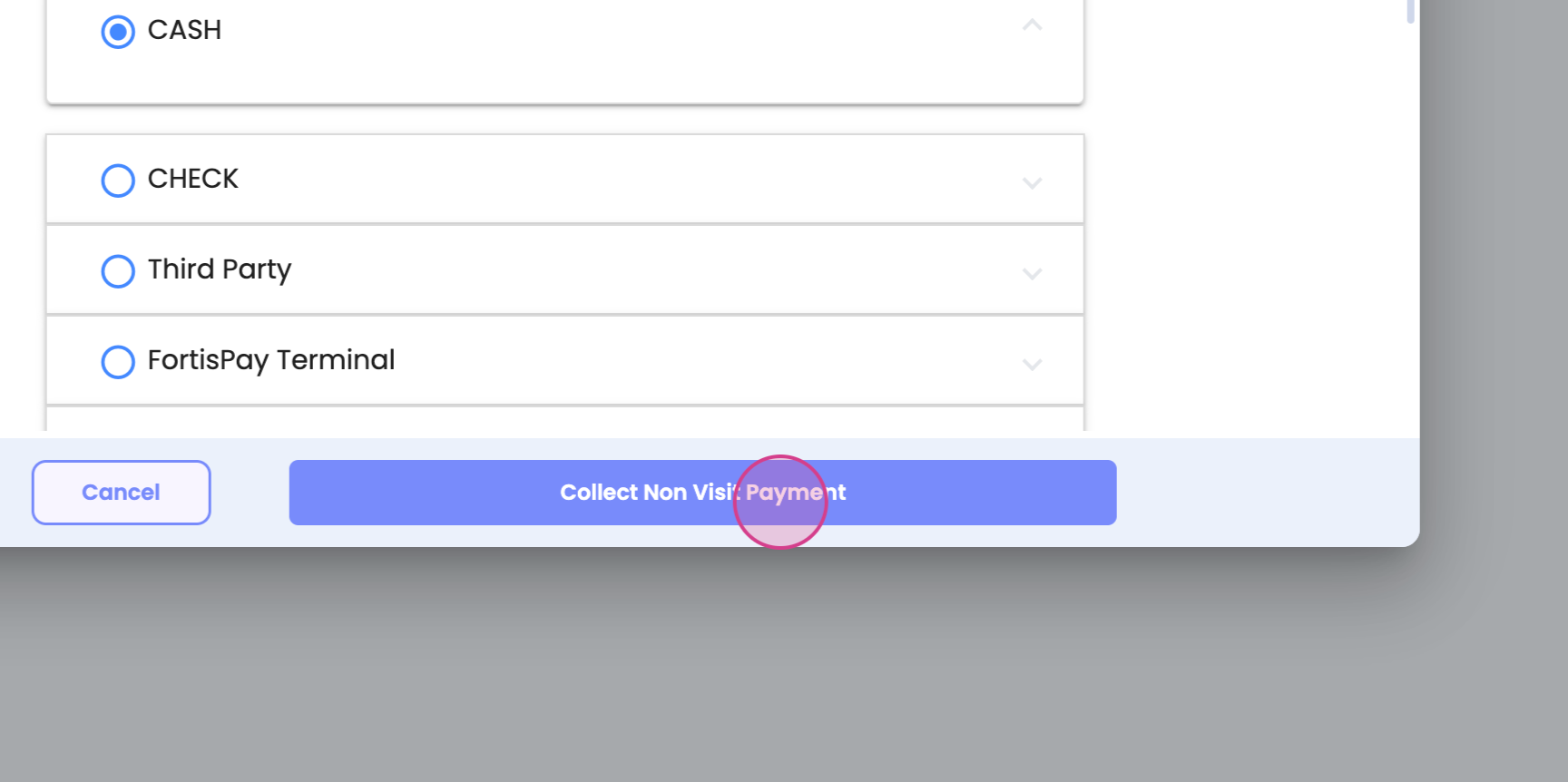
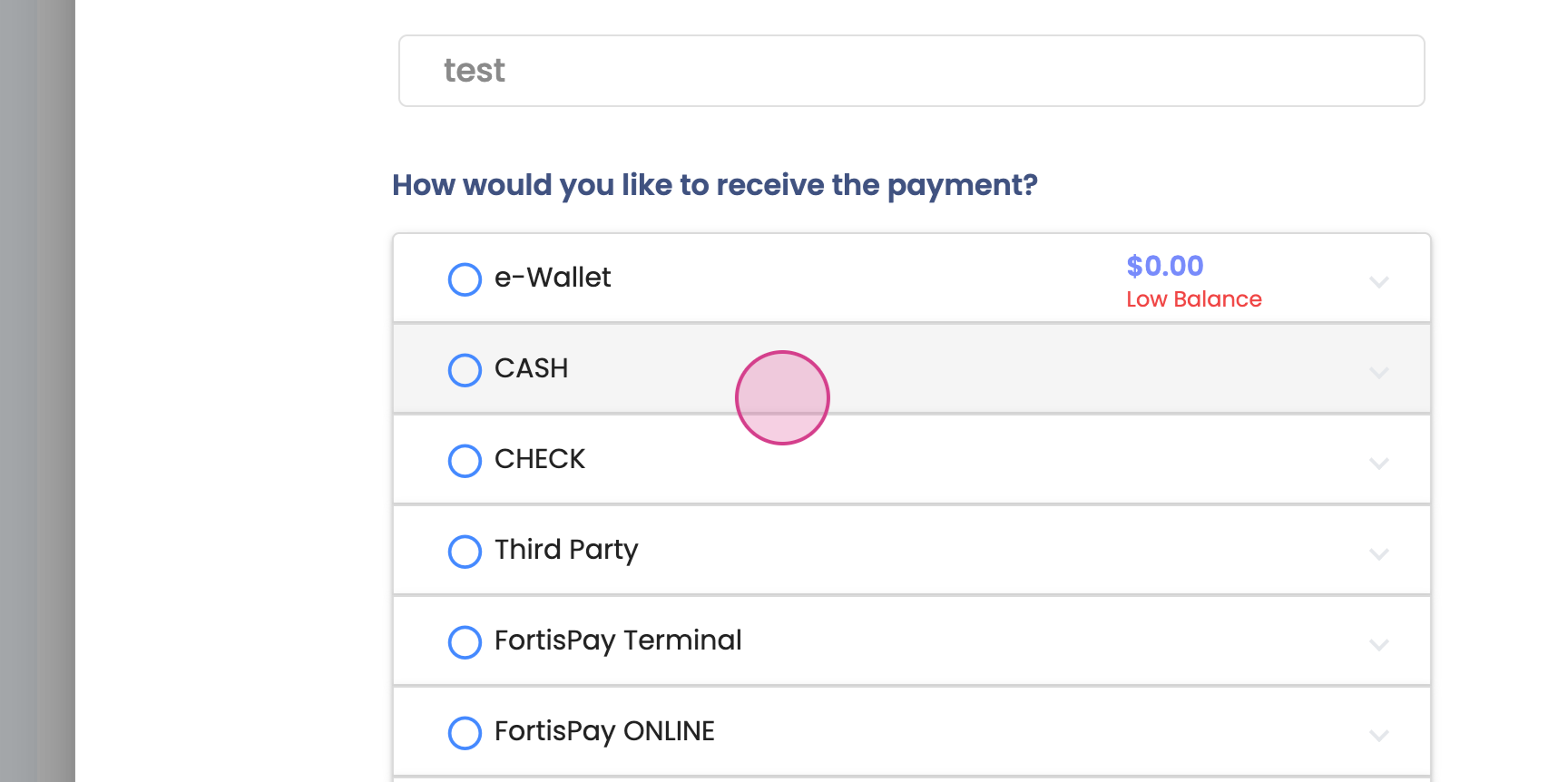
Step 6: Select your payment method, then click on Collect Non Visit Payment.