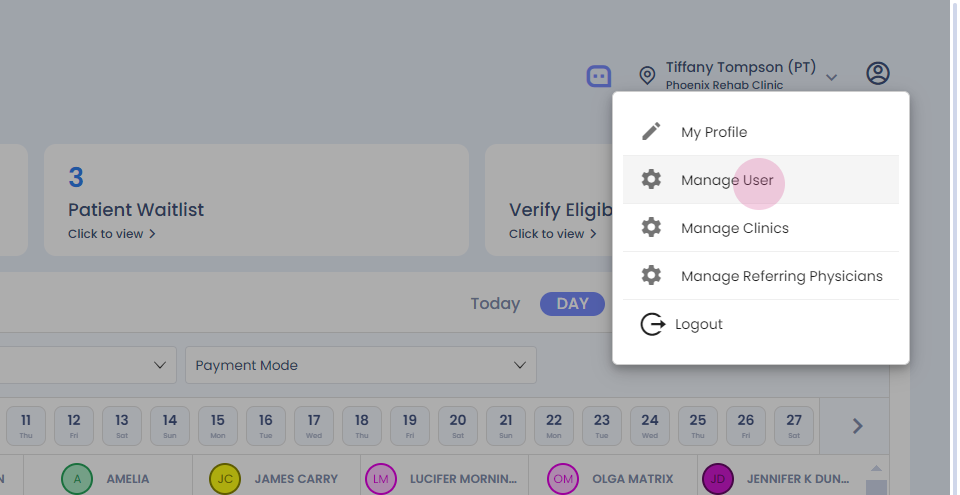
Step 1: Hi. How to edit the schedule of a therapist? Click on the profile icon.
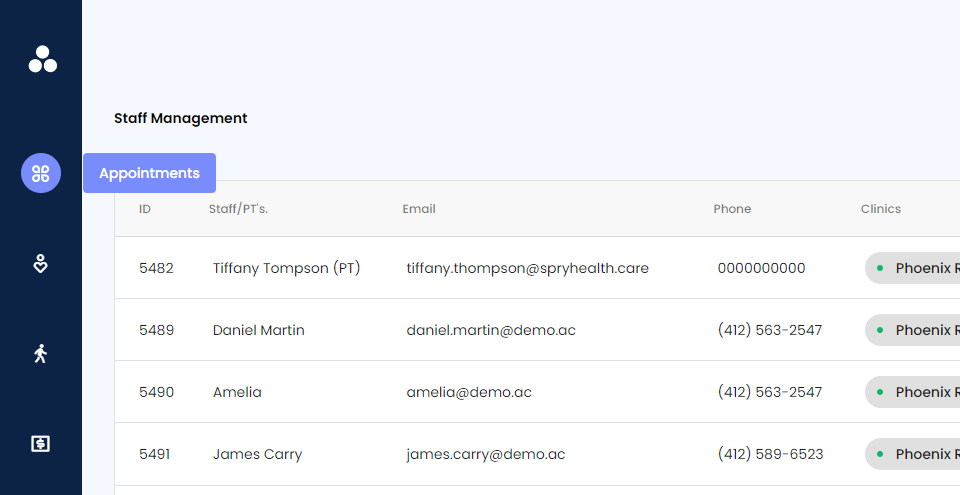
Step 2: Click on manage users.
Step 3: Select modify.
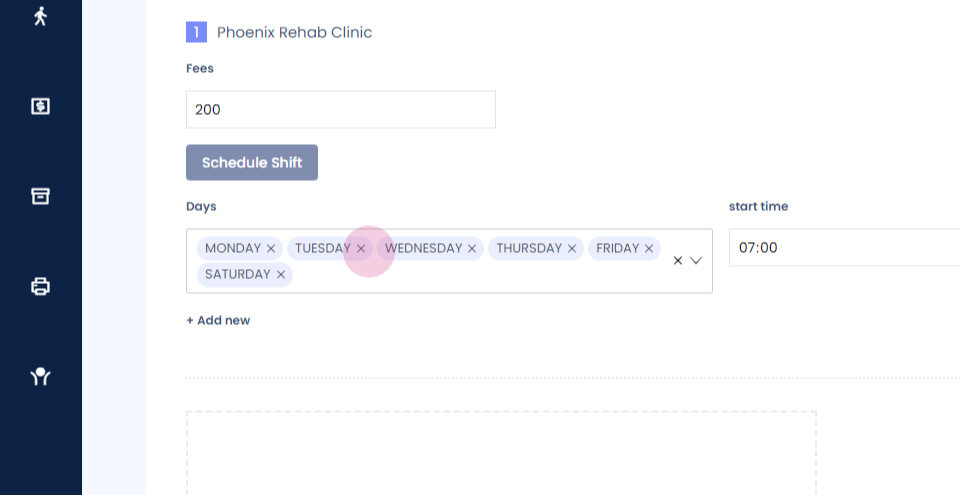
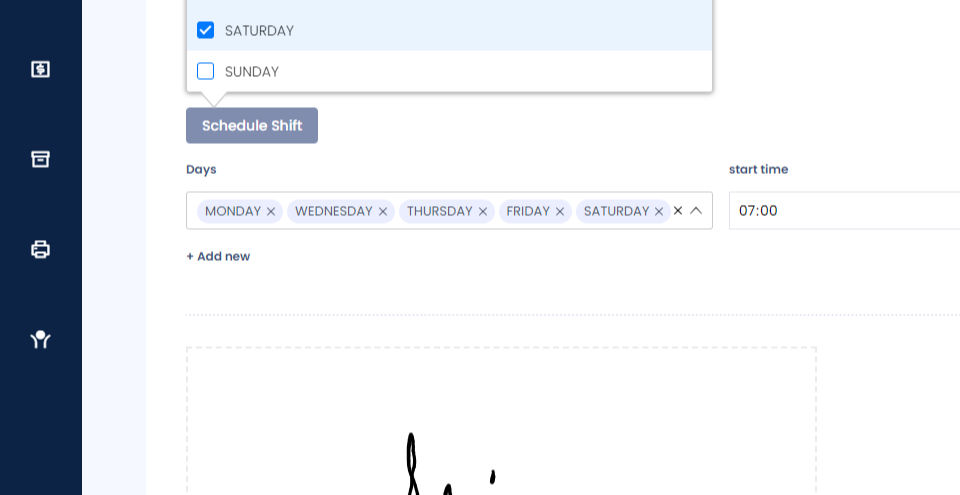
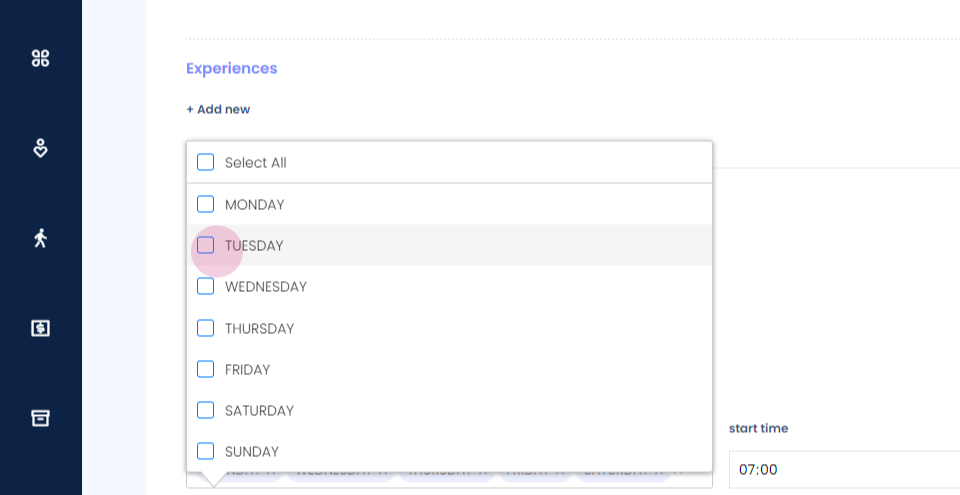
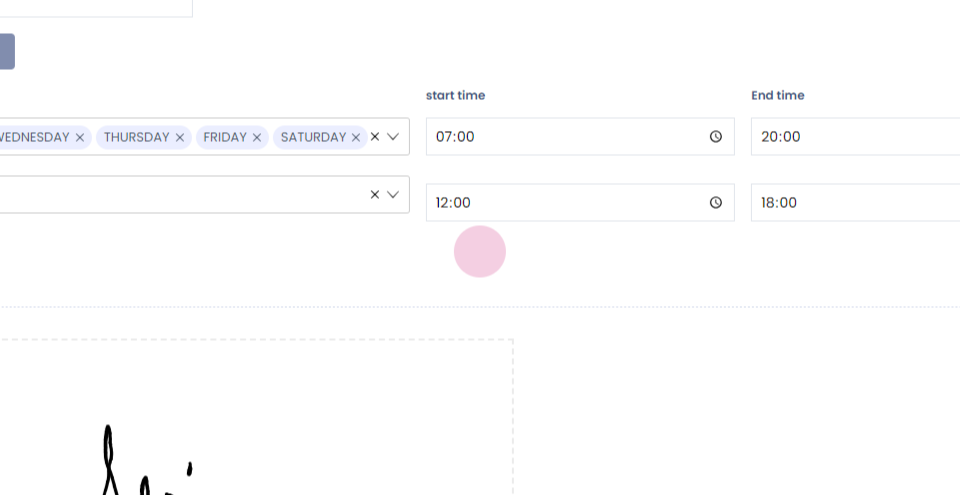
Step 4: If you want to update the timings of the therapist for specific days, deselect that date.
Step 5:
Step 6: Click on add new.
Step 7:
Step 8: Select the date.
Step 9: Select the timings.
Step 10:
Step 11: Select submit.
Step 12:
Step 13: As you can see on the dashboard, the Wednesday tab is full. If you go to Tuesday where we made the change, the therapist will be available from twelve to six.