
Add Insurance Card
In this article, you'll learn how to add your insurance card details.
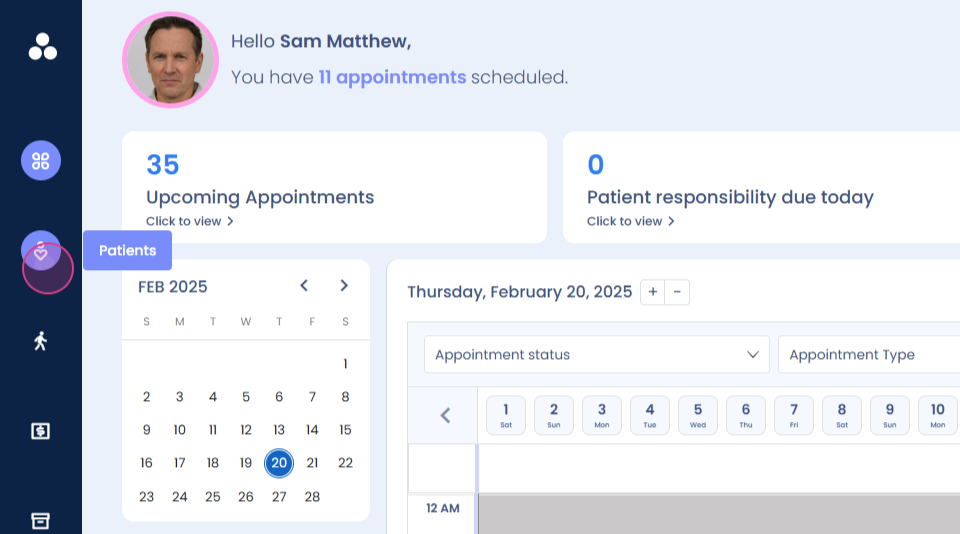
Step 1: Navigate to the patient section.
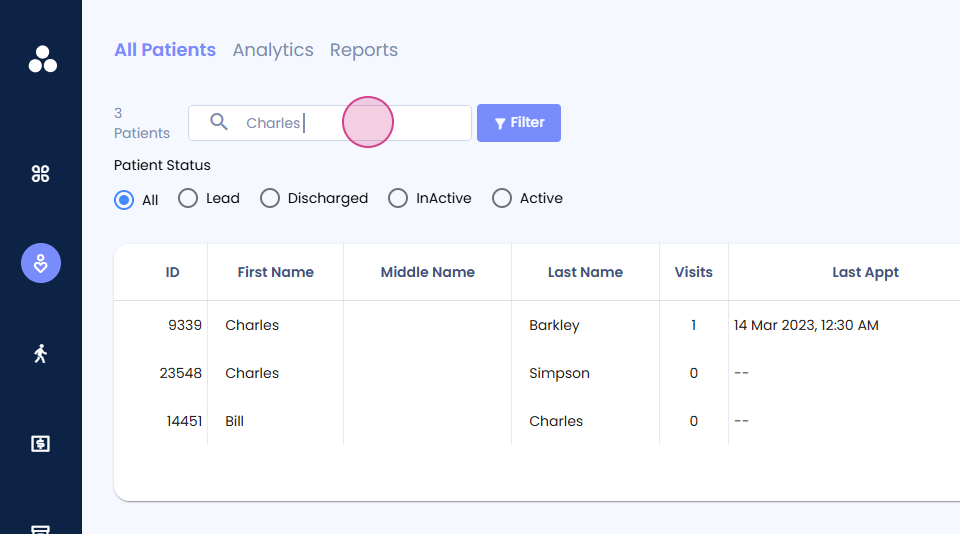
Step 2: Find the operation name.
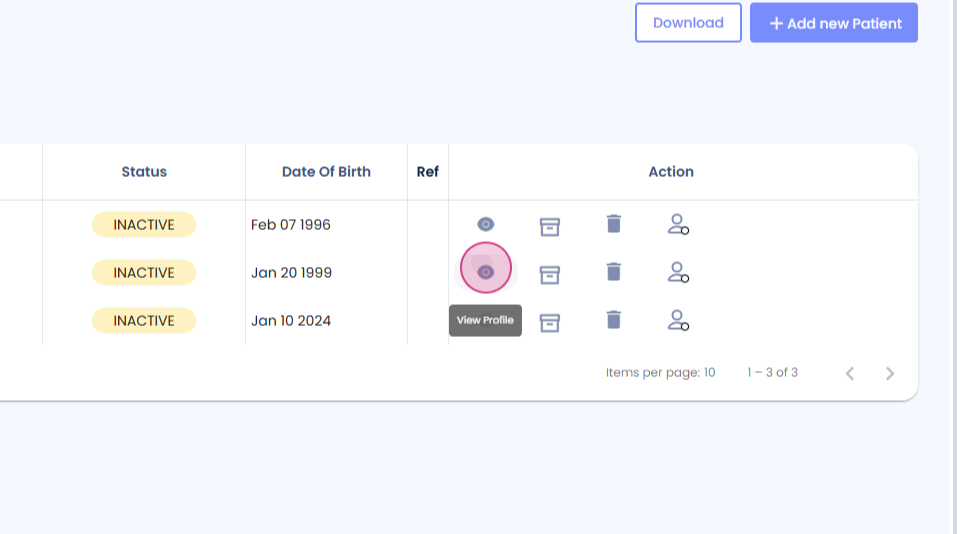
Step 3: Click on View Profile.
Step 4: Scroll down and select Insurance Car.

Step 5: Click on Add new insurance card.

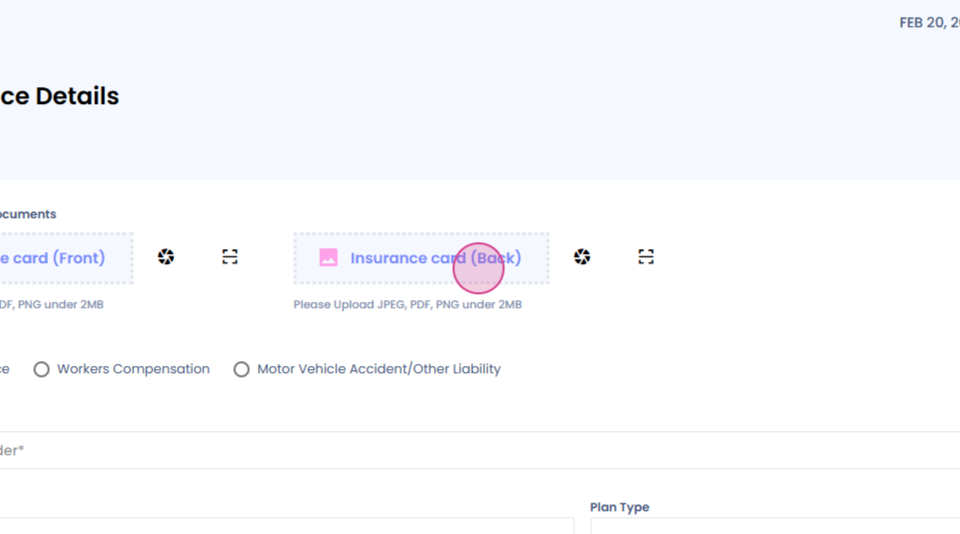
Step 6: Upload the front side of your insurance card.
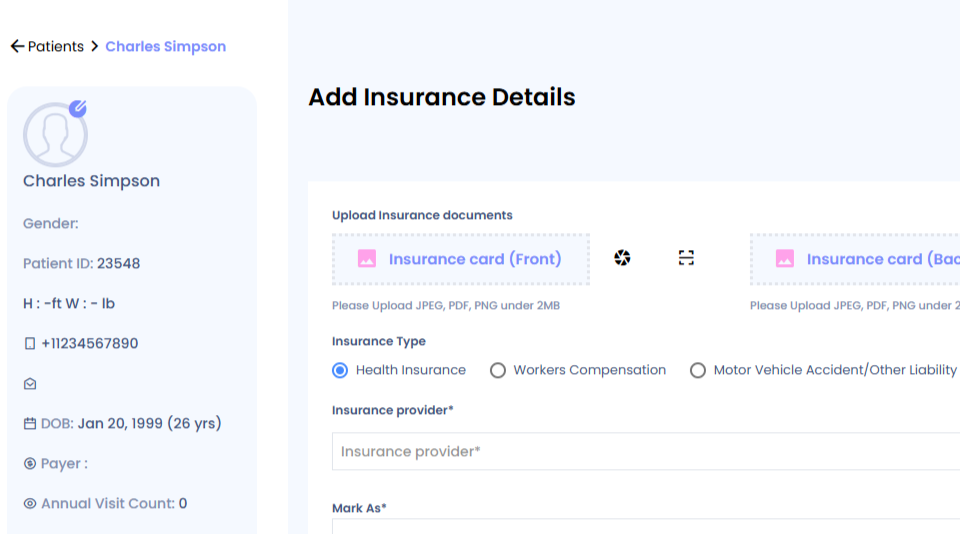
Step 7: Review your insurance card details or let them auto-populate.
That's it! You've successfully added your insurance card details.