
Medicare part A (UB-04) Billing
Building a UB04 Claim Form in SPRY
Submitting a UB04 claim (also known as the UB0 claim form) in SPRY is a streamlined process designed to save you time. Follow these steps to set up and generate your UB04 claims directly from your account.
Step 1: Navigate to your account onboarding or setup settings.
Step 2: Set the claim type for each payer to UB04 during the setup. This ensures that all future claims for that payer will use the UB04 form.
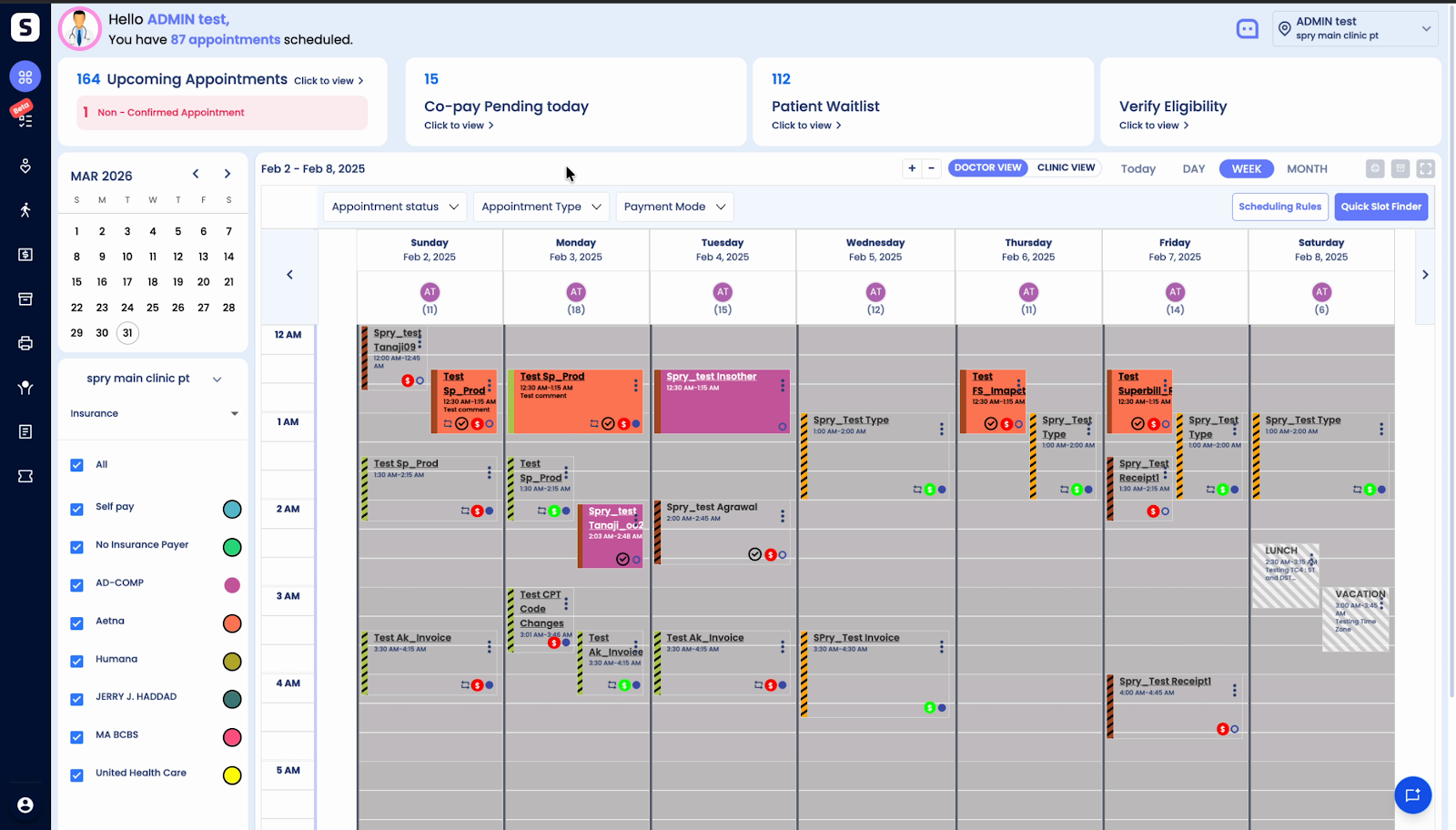
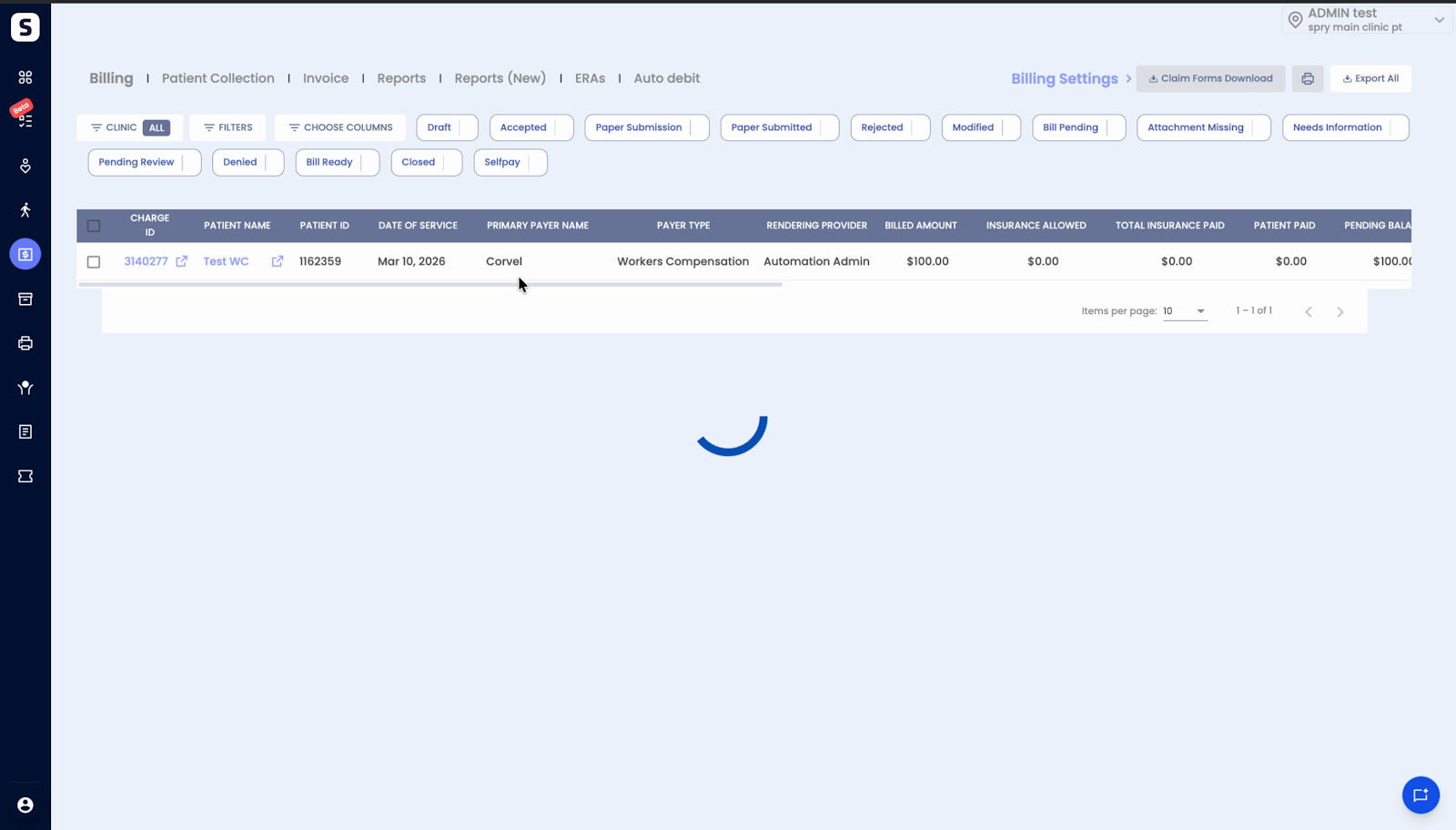
Step 3: Search for a claim associated with a payer configured for UB04.
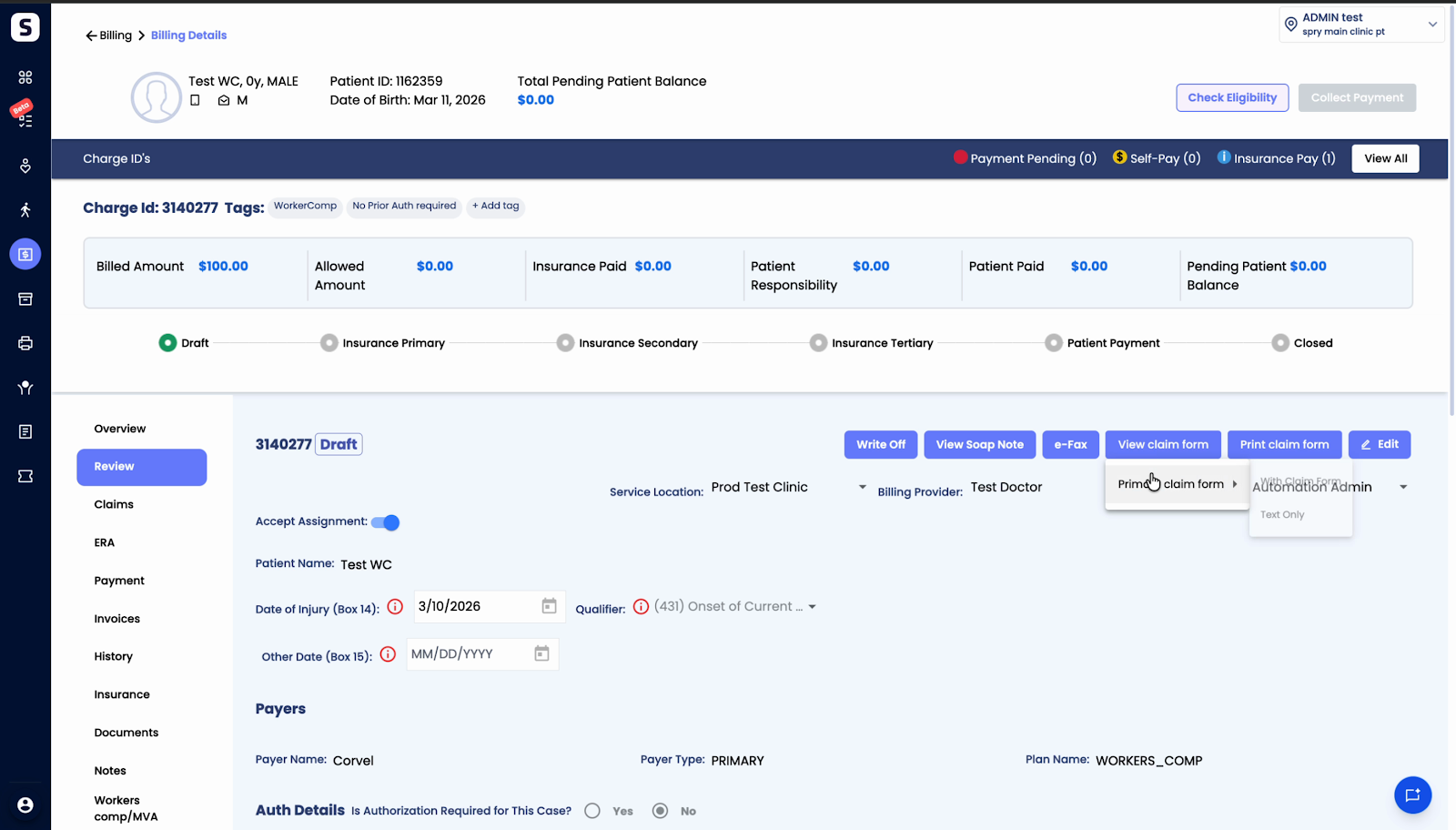
Step 4: Under the Review tab, view your claim.
Step 5: The system automatically generates the UB04 claim form using the data from your EMR and displays it with the populated field data.
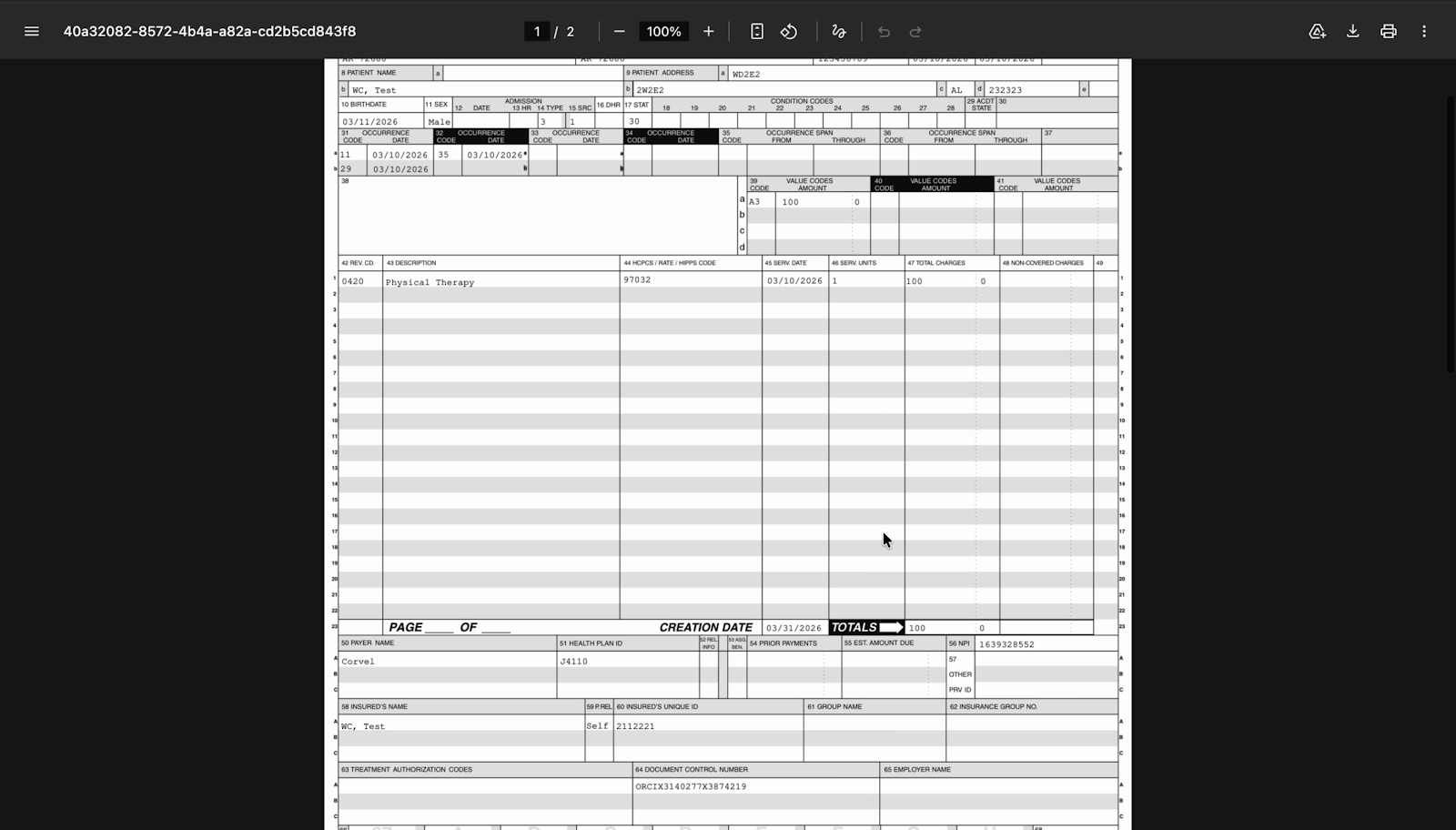
SPRY automates much of the claim creation process, reducing manual entry and potential errors. Once set up, generating a UB04 claim form is as easy as reviewing the auto-filled form on your screen. It’s a straightforward way to manage your claims and ensure accuracy every time.