
Spry Admin Dashboard
Step 1: Spry admin dashboard features.
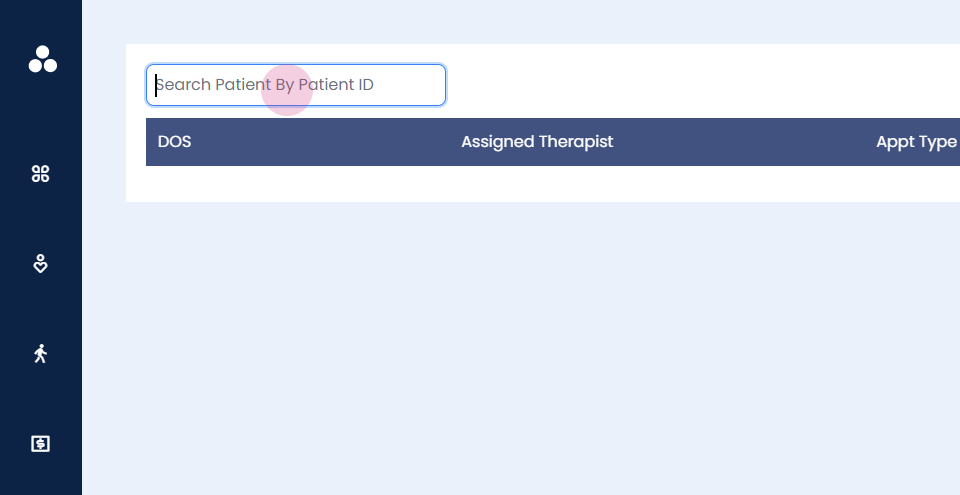
Step 2: Enter the patient ID. Click on the date of service.
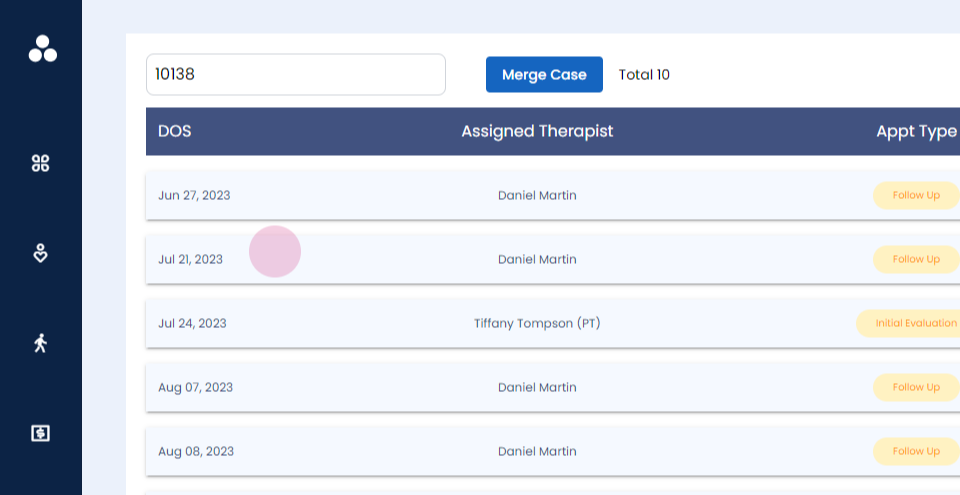
Step 3: You will be able to change the date of service of the note.
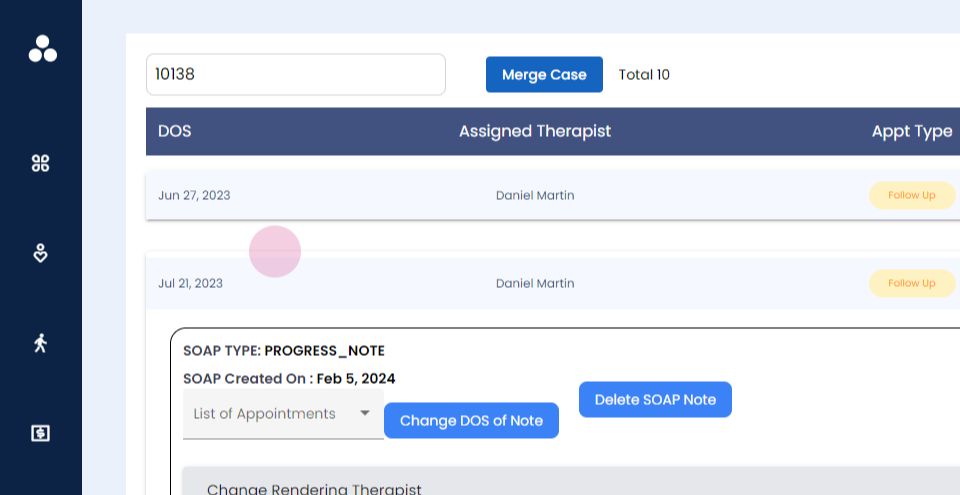
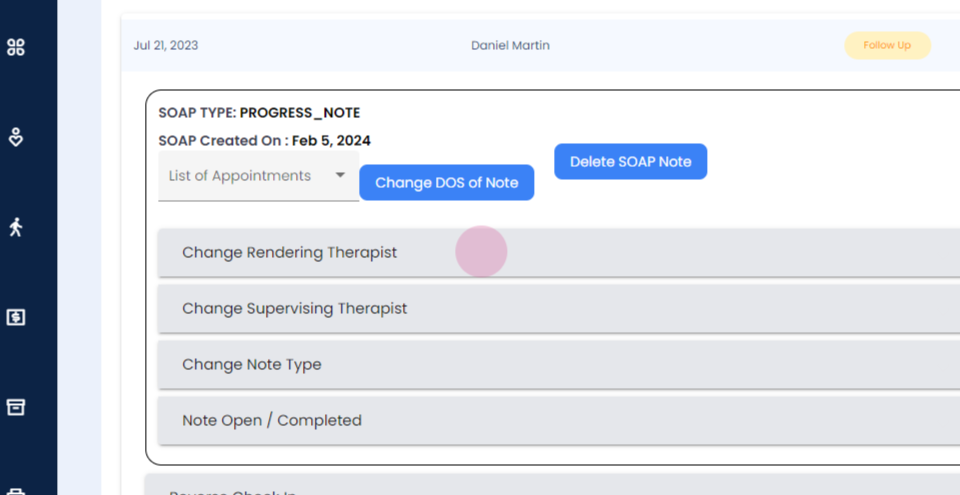
Step 4: You will be able to delete the soap note, change the rendering therapist, change supervising therapist, change the note type, close or open the note.
Step 5:
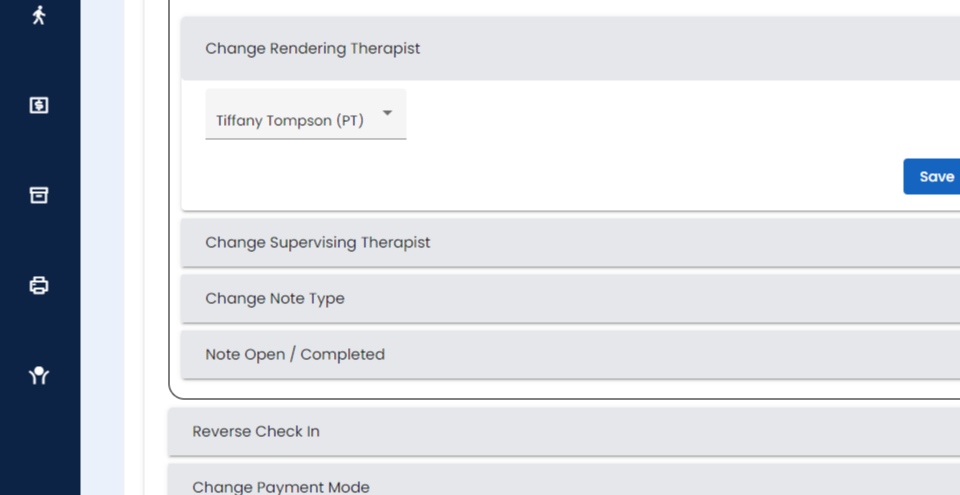
Step 6:
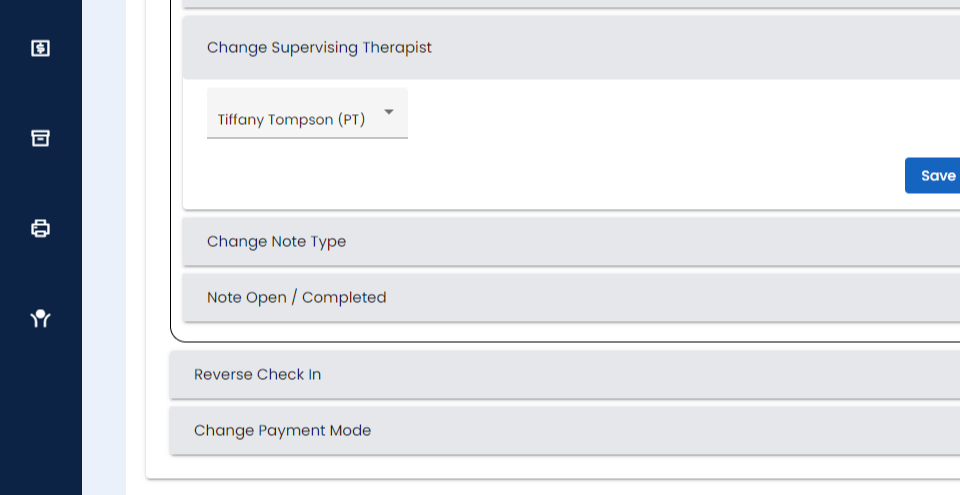
Step 7:
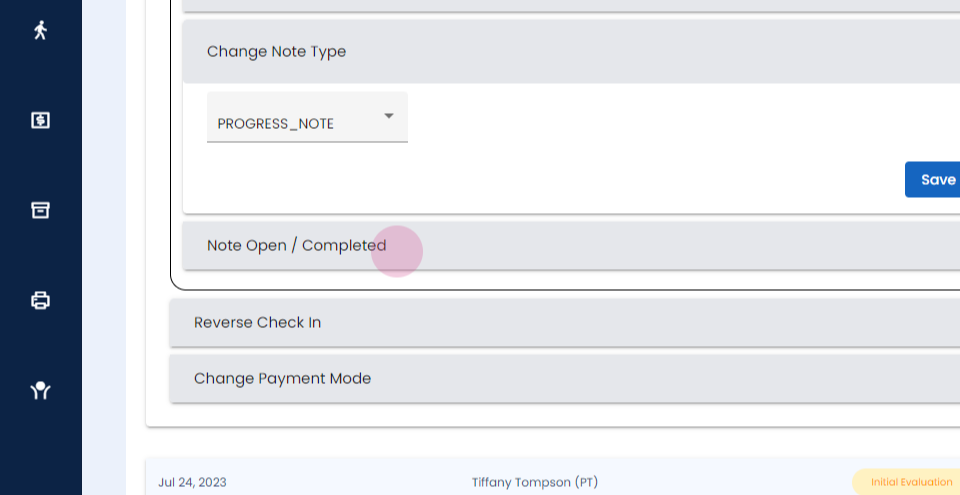
Step 8: You can reverse the check-in of the appointment.
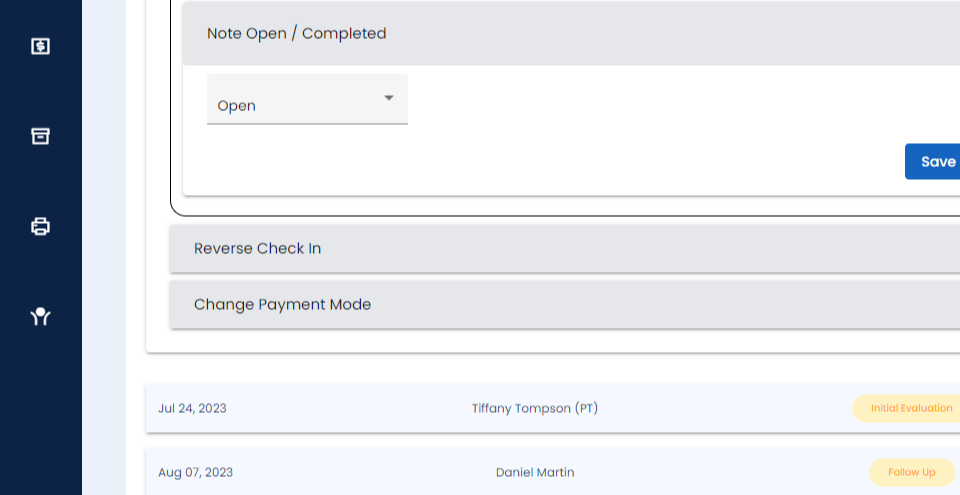
Step 9:
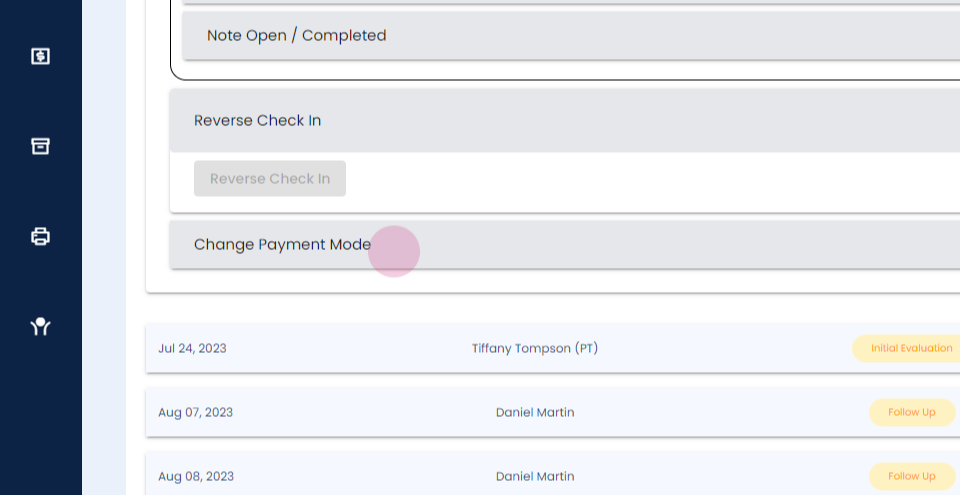
Step 10: You can change the payment method as well. Another feature that we have is the ability to merge cases.
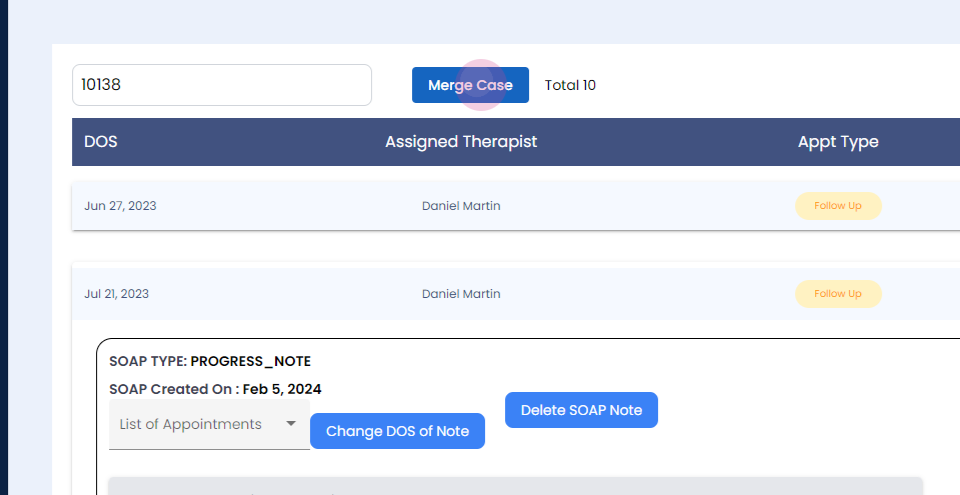
Step 11:
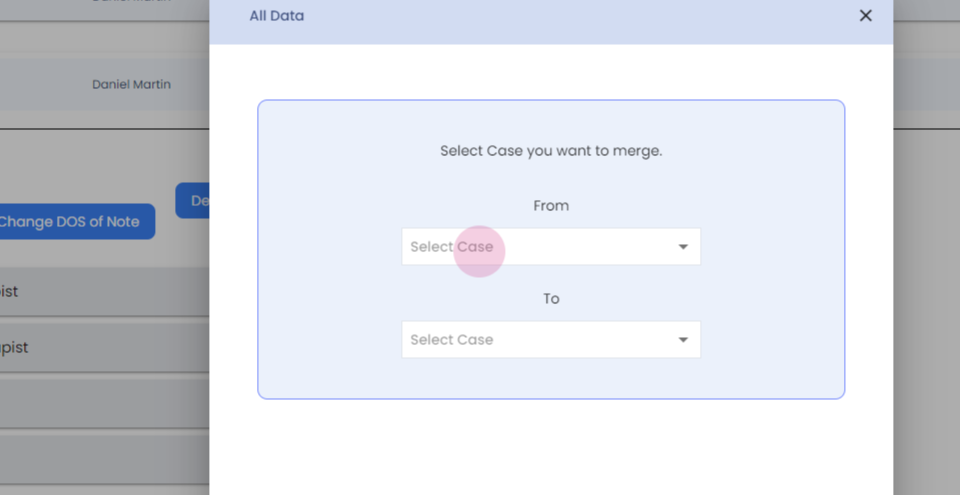
Step 12: So you can select the case number, and you can select which case you would like to merge it with.
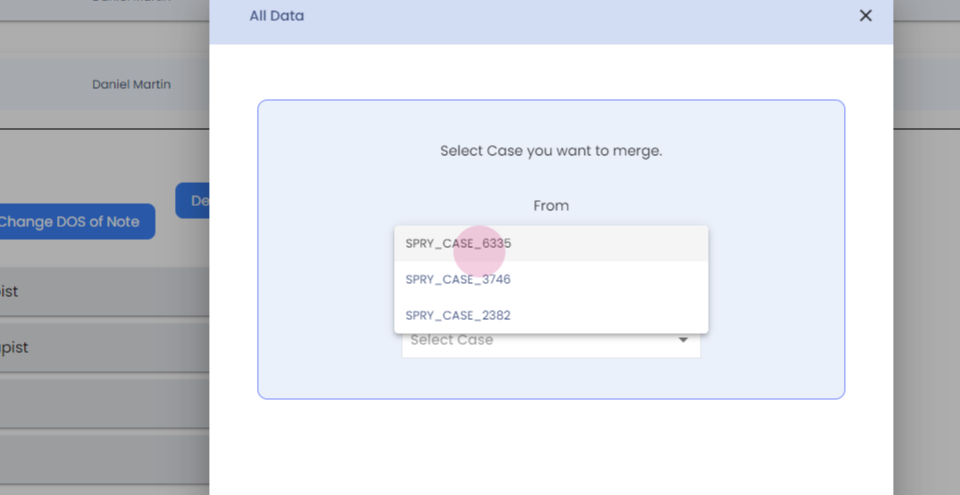
Step 13:
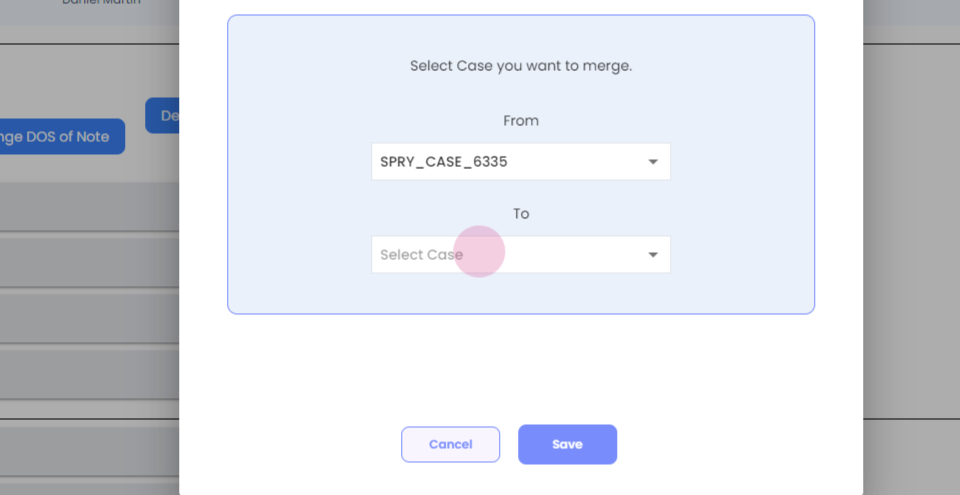
Step 14:
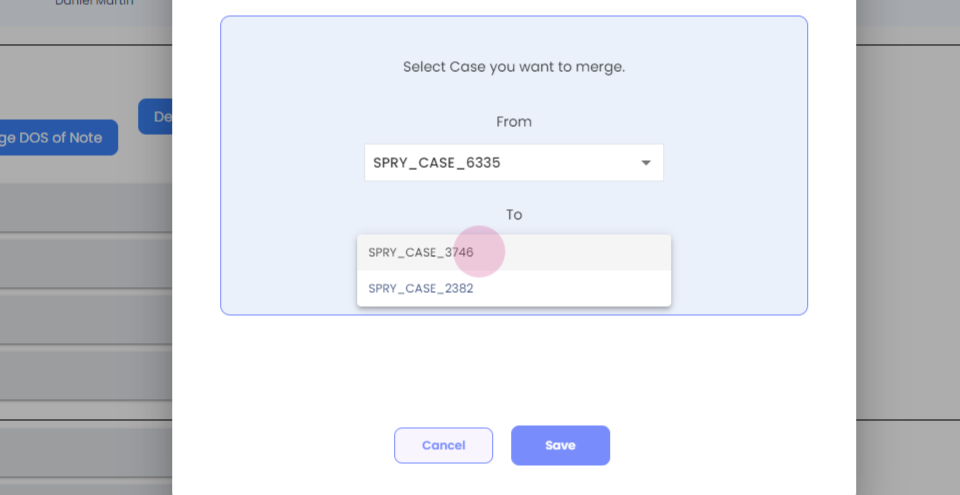
Step 15: Once you click on save, the two cases will be merged successfully. Thank you.