
Therapist Payroll Report Feature
How to Set Up and Manage Therapist Payroll Reports
Streamline your clinic’s payroll process with the new Therapist Payroll Report feature. This guide walks you through configuring therapist payroll, customizing pay rates, and generating detailed payroll reports.
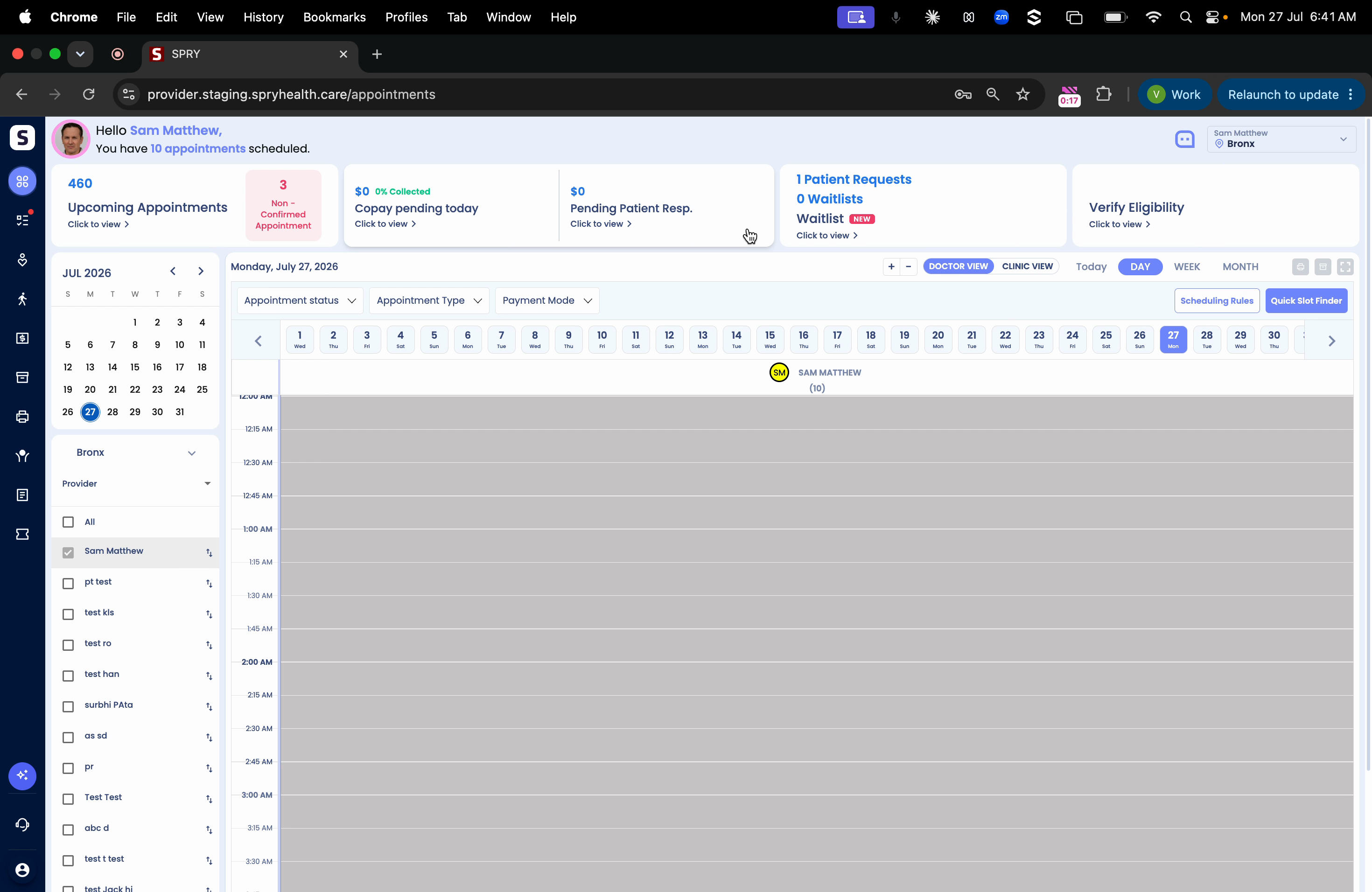
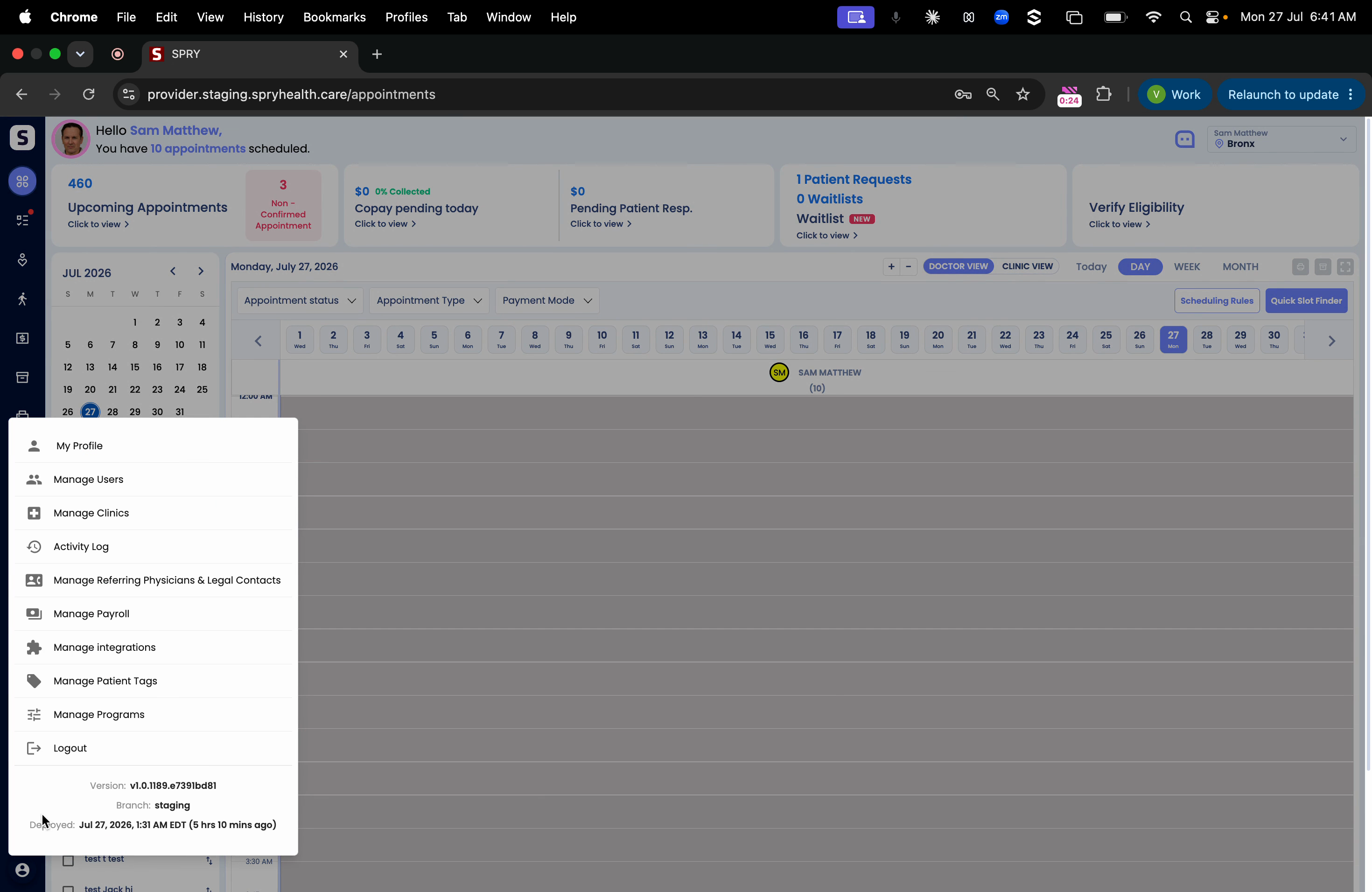
Step 1: Click the My Profile icon in the lower left of your dashboard.
Step 2: Select Manage Payroll to open the payroll management dialog.
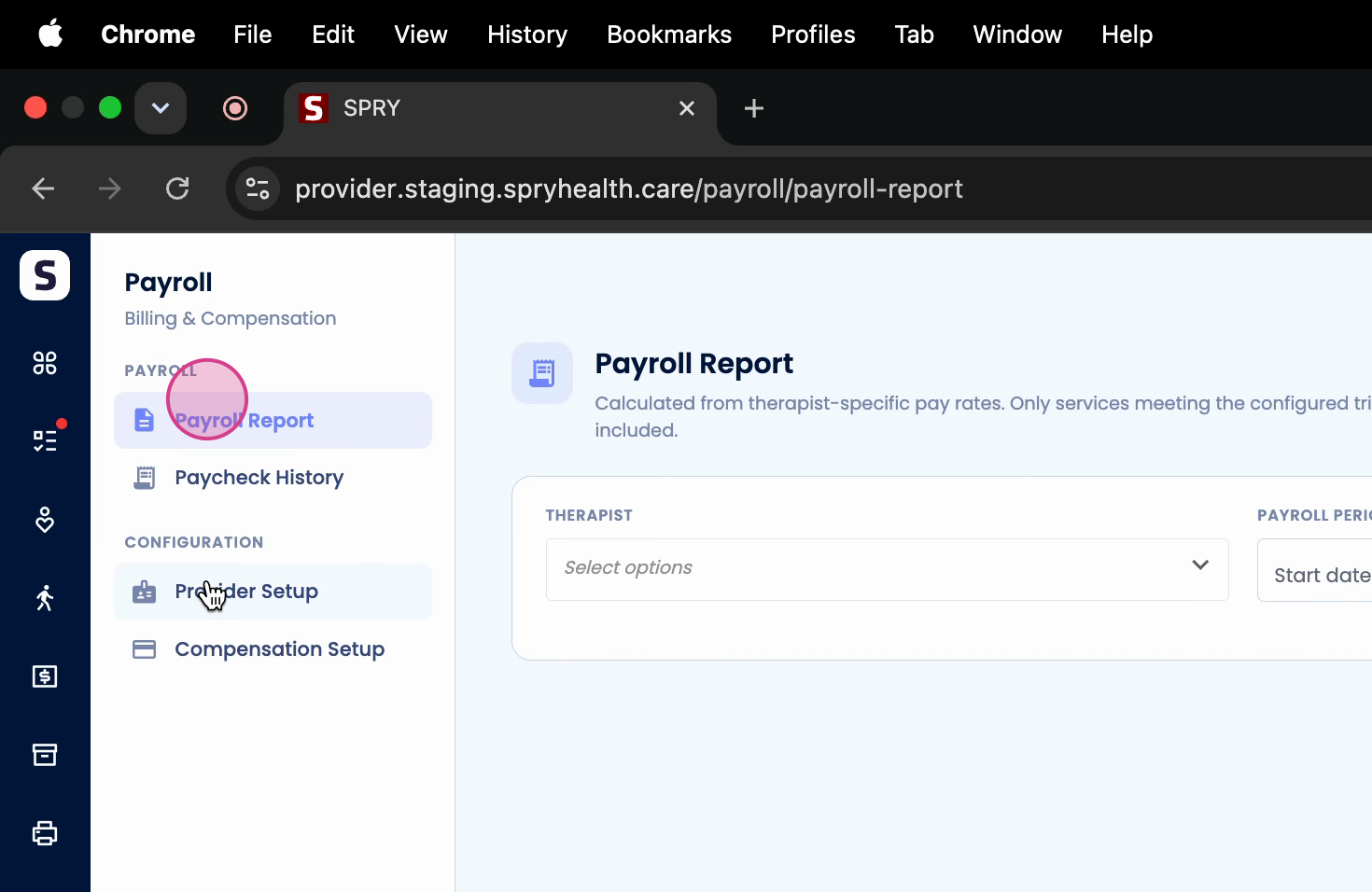
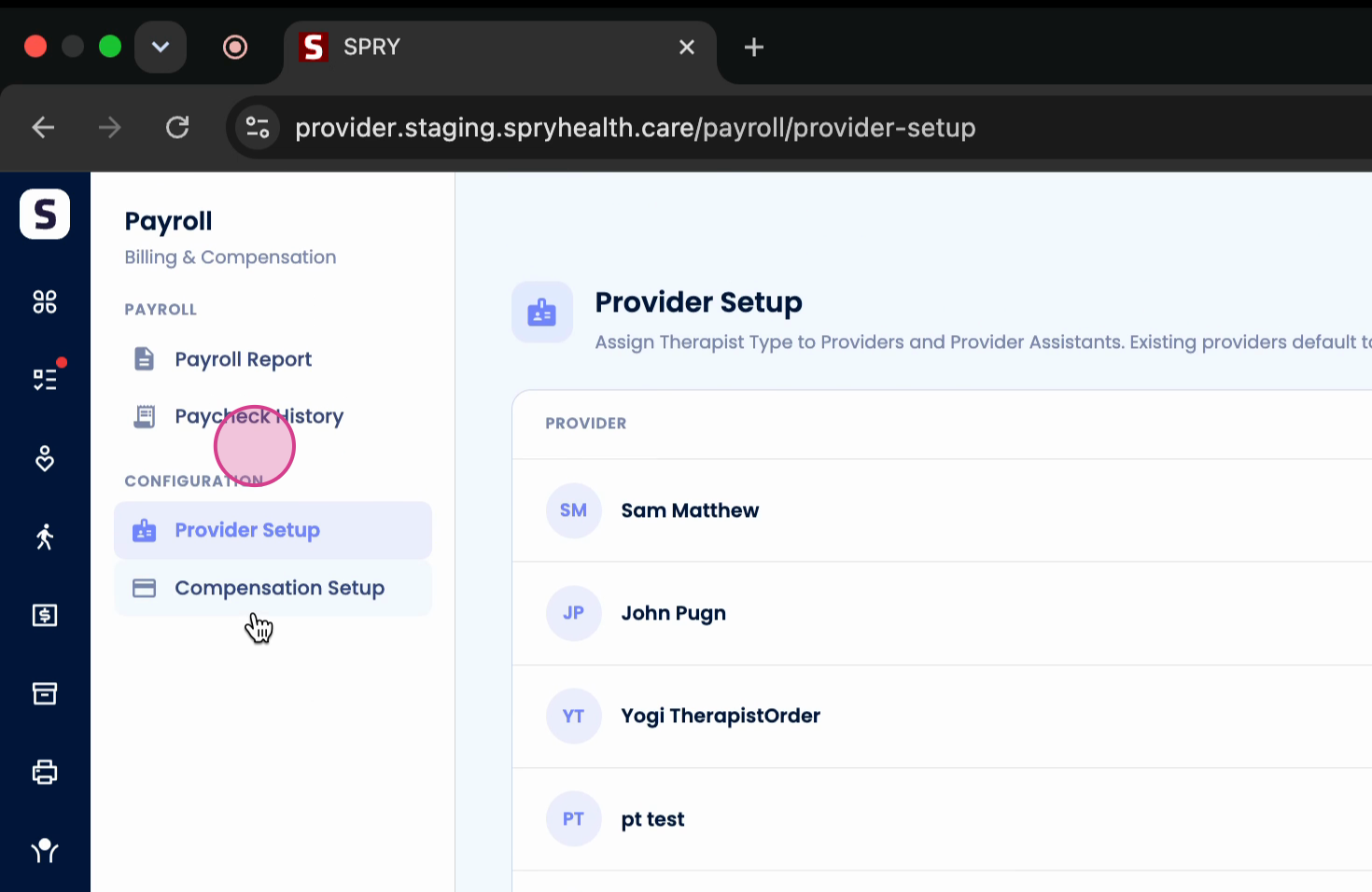
Step 3: Go to Provider Setup. You’ll see all providers listed.
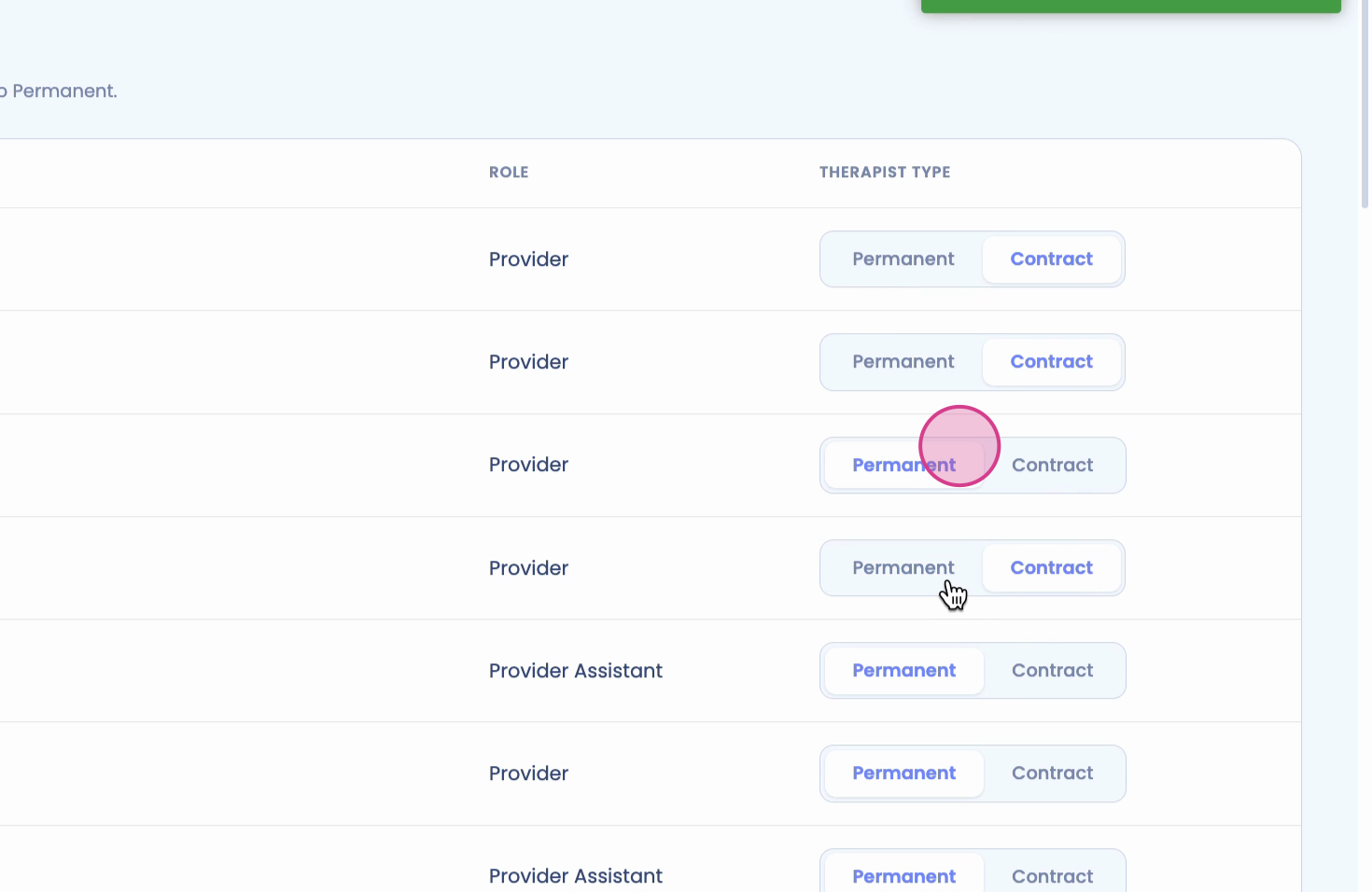
Step 4: Assign each therapist as either Permanent or Contract using the toggle.
Step 5: After setting the therapist type, navigate to Compensation Setup.
Step 6: Select a therapist and set the Payroll Frequency – choose from weekly, biweekly, or monthly.
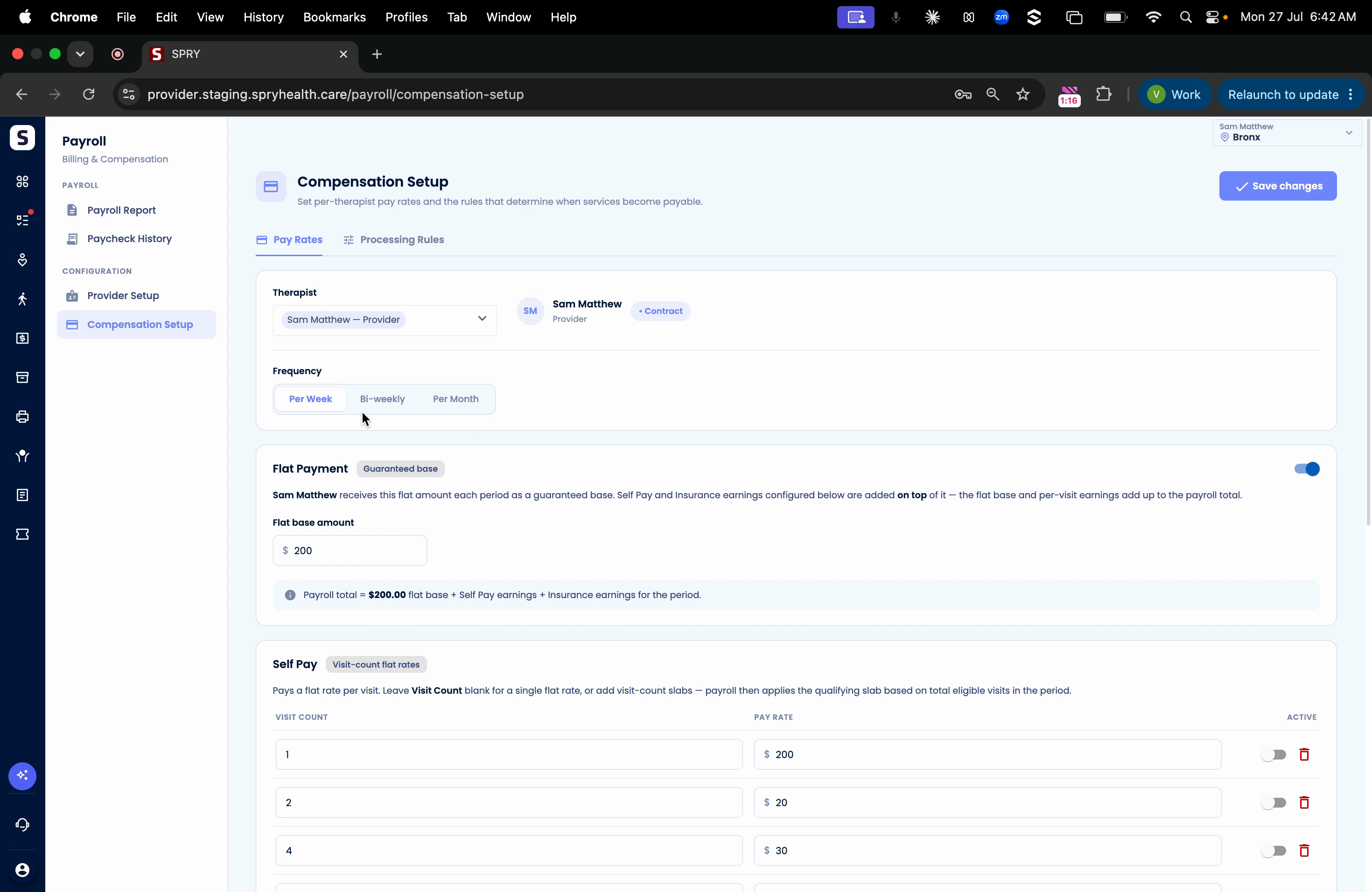
Step 7: Define the payment structure:
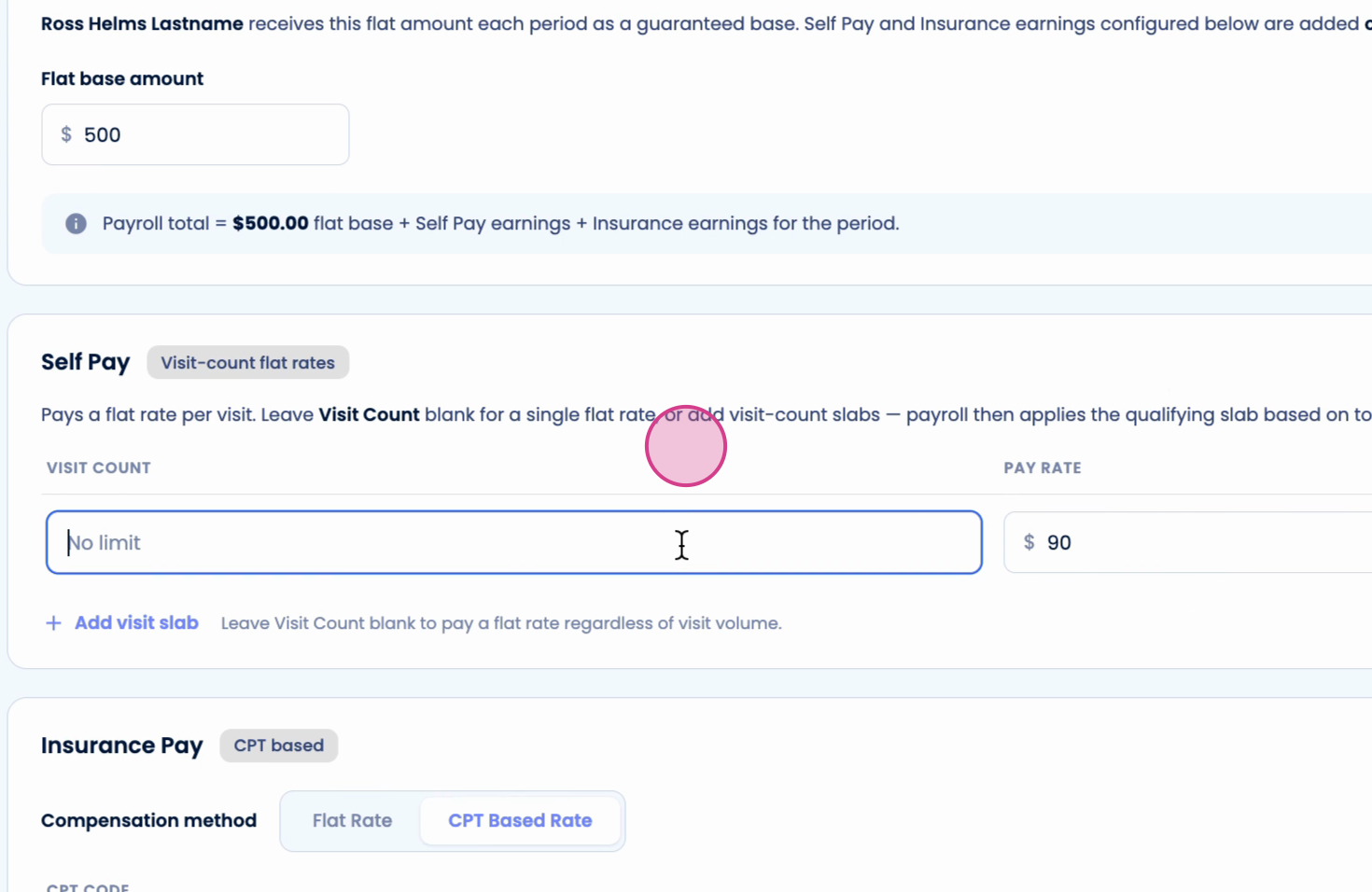
- For Flat Payments, enter the monthly amount if applicable.
- For Self Pay Charges, set up visit-based rates: - Add slabs for different ranges of visits (e.g., $50 for the first 50 visits, $70 for visits 51-100, etc.).
- For Insurance Pay, choose a flat rate per visit or configure rates by CPT code.
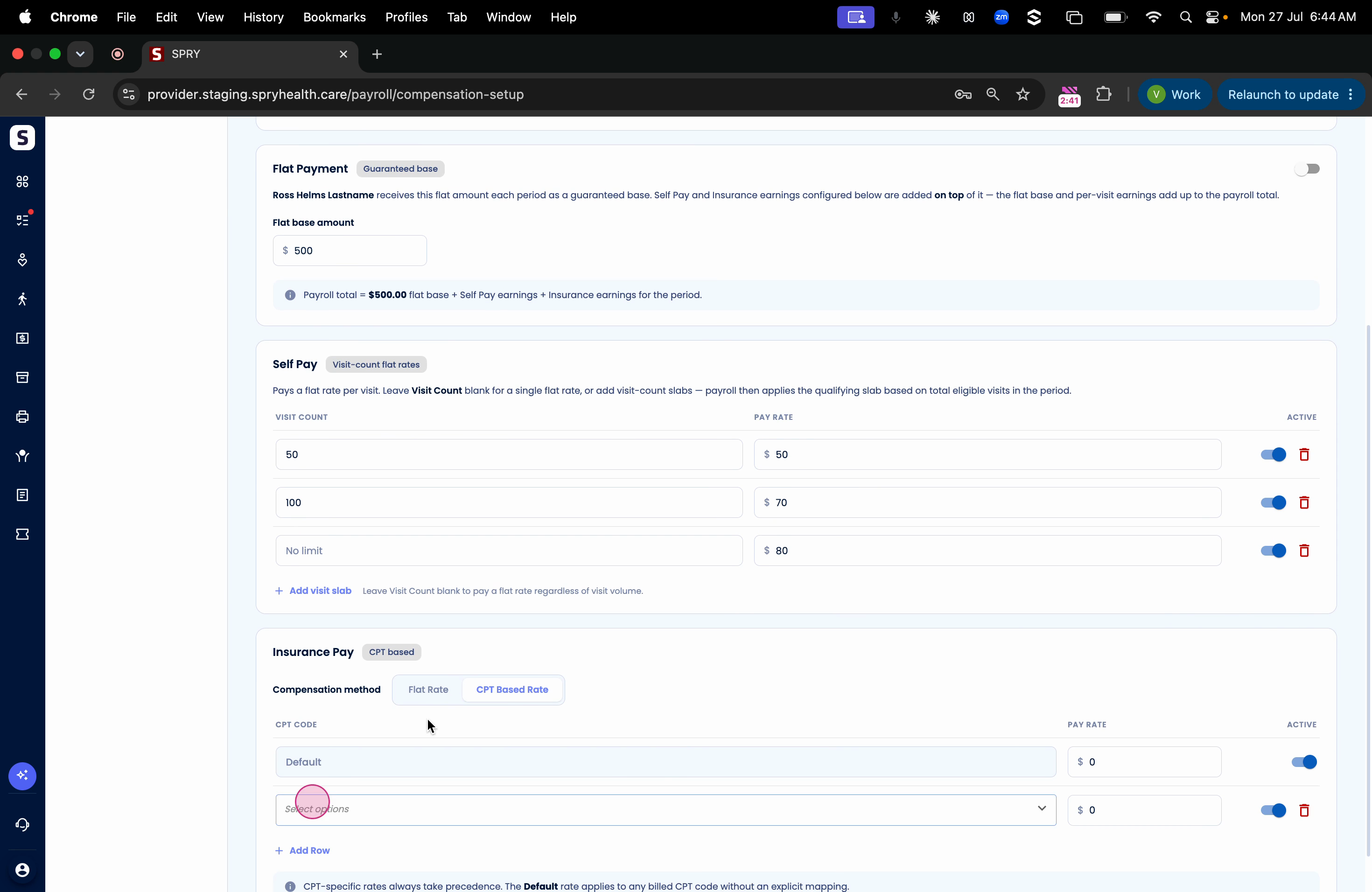
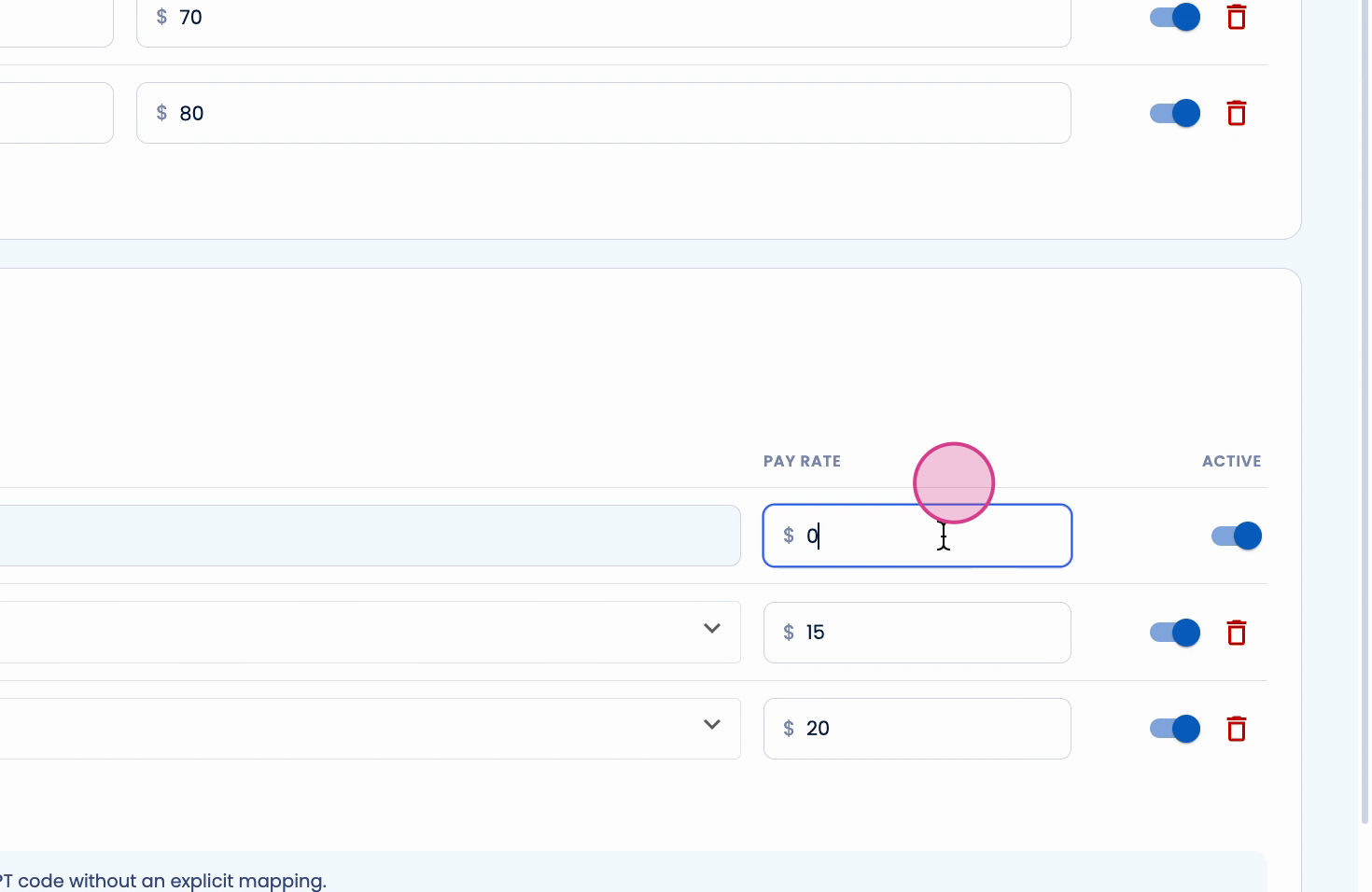
Step 8: Enter pay rates for each CPT code and define a default rate for others. Click Save to apply changes.
Generating and Reviewing Payroll Reports
Step 1: Head to the Payroll Report section.
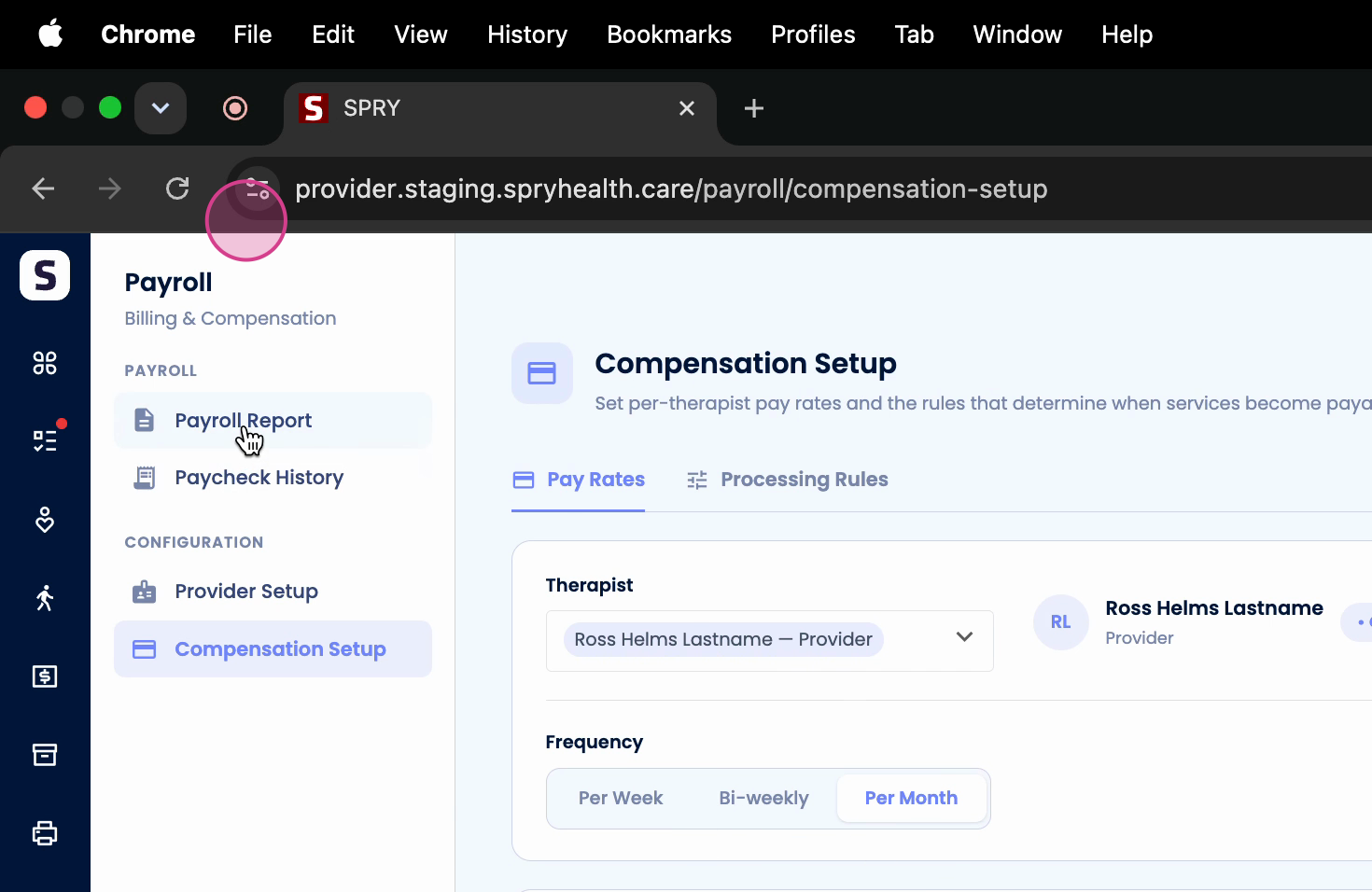
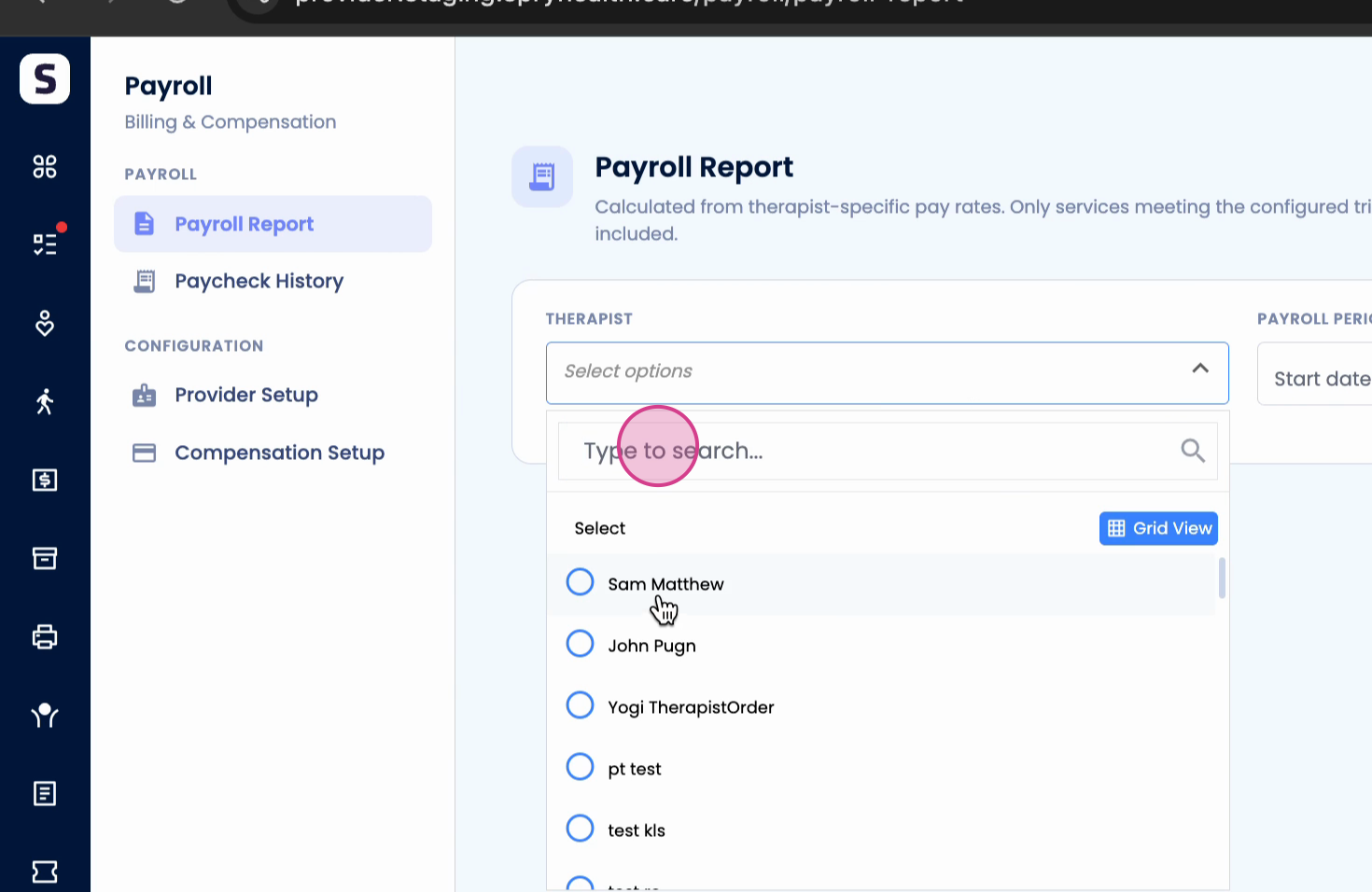
Step 2: Select the therapist’s name and choose the desired payment frequency (e.g., weekly).
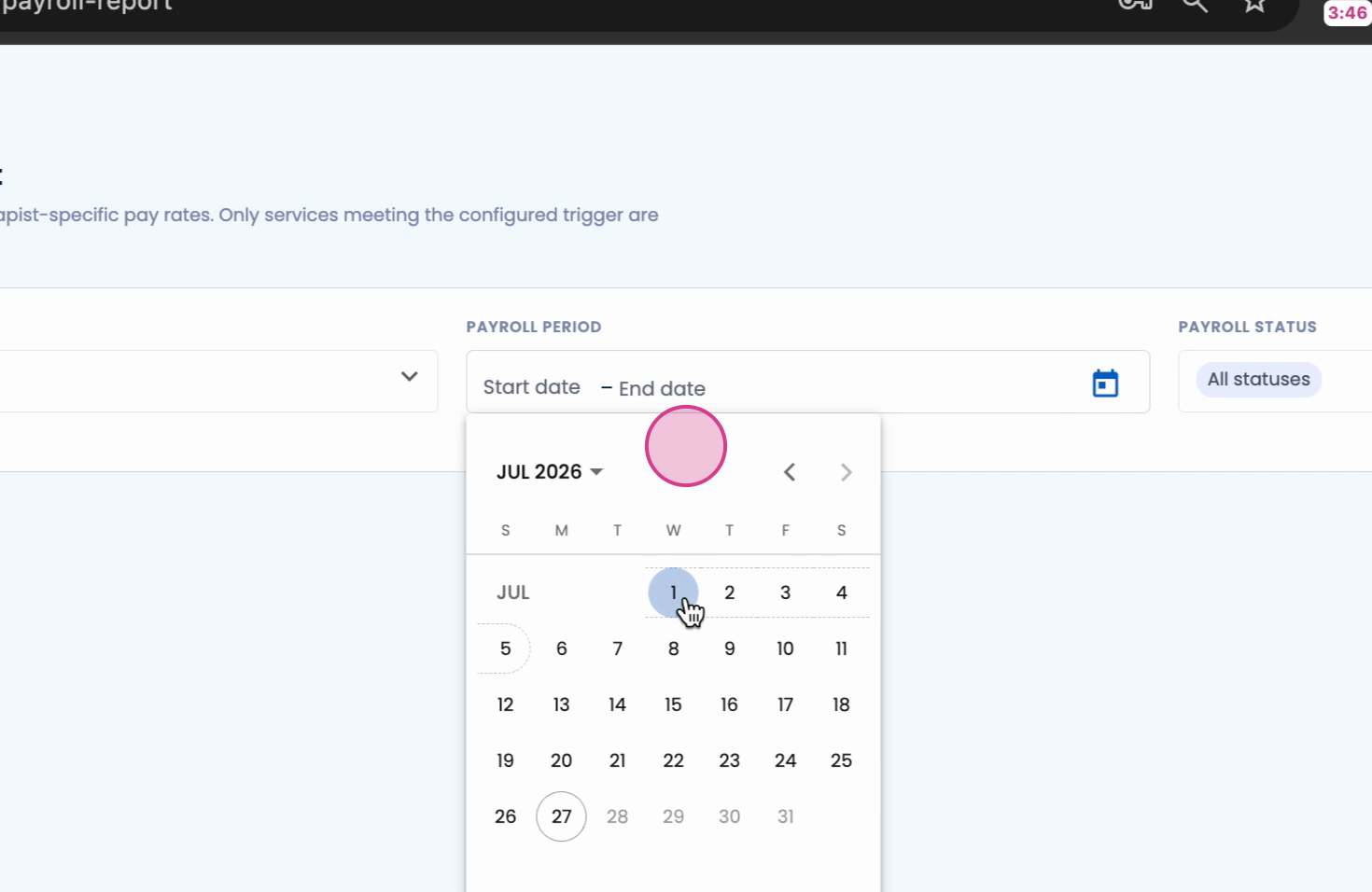
Step 3: Set the payroll date range (for example, July 1 to July 5). Click Apply.
Step 4: Review the generated report. The system shows visits, total payment owed, and breakdowns according to your configuration.
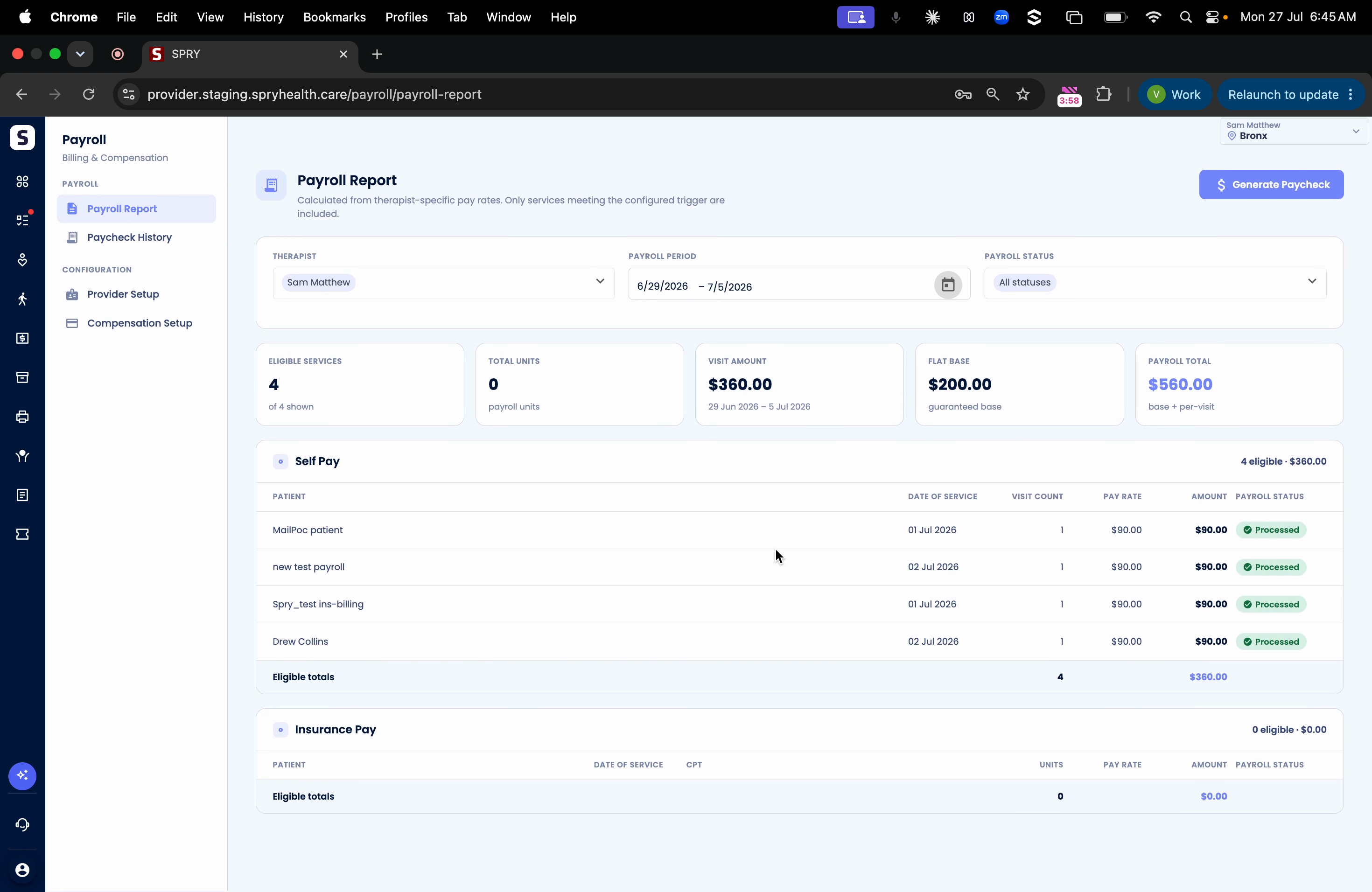
Step 5: At the top, the visit amount and flat rate combine into the Payroll Total.
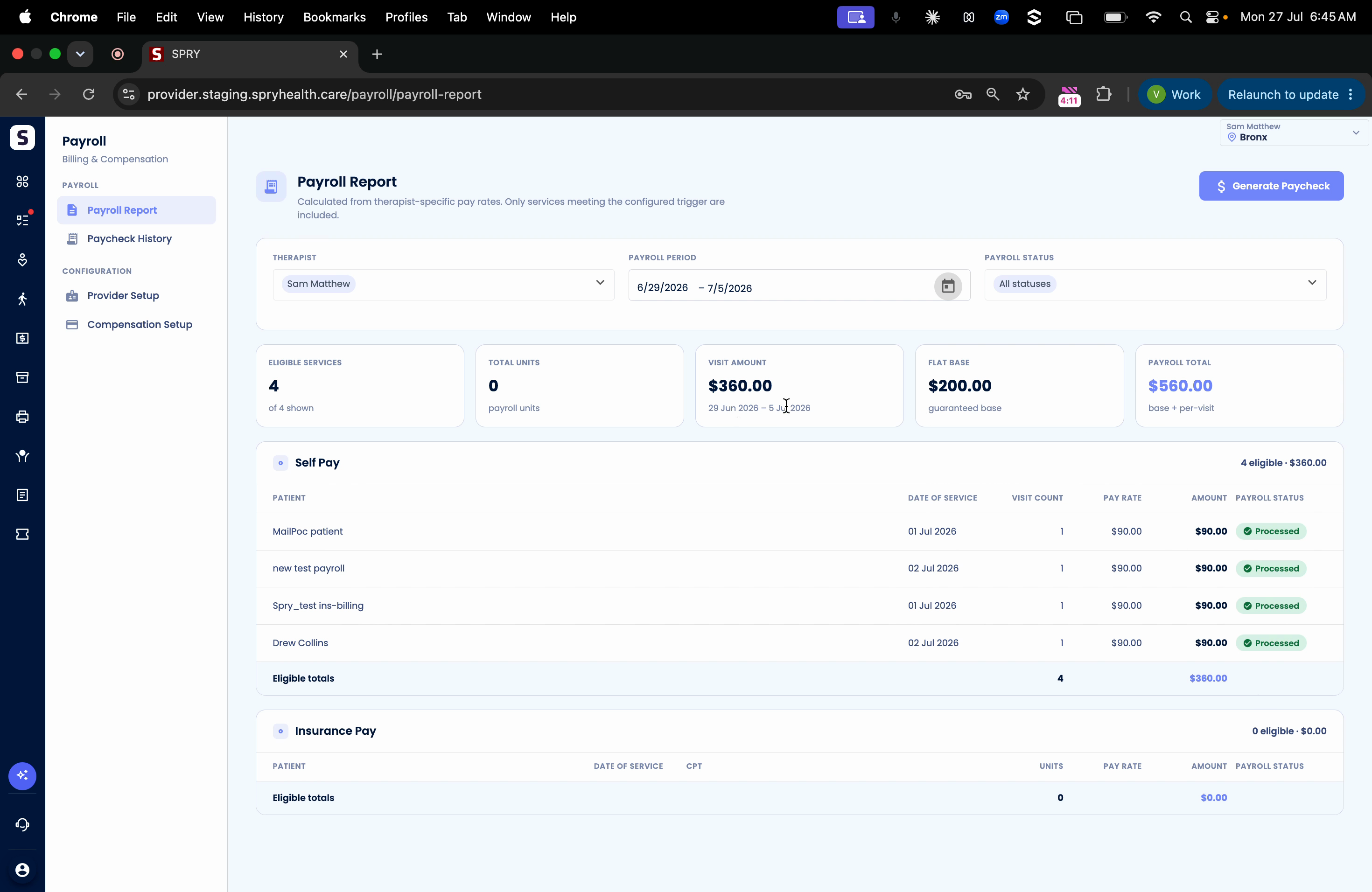
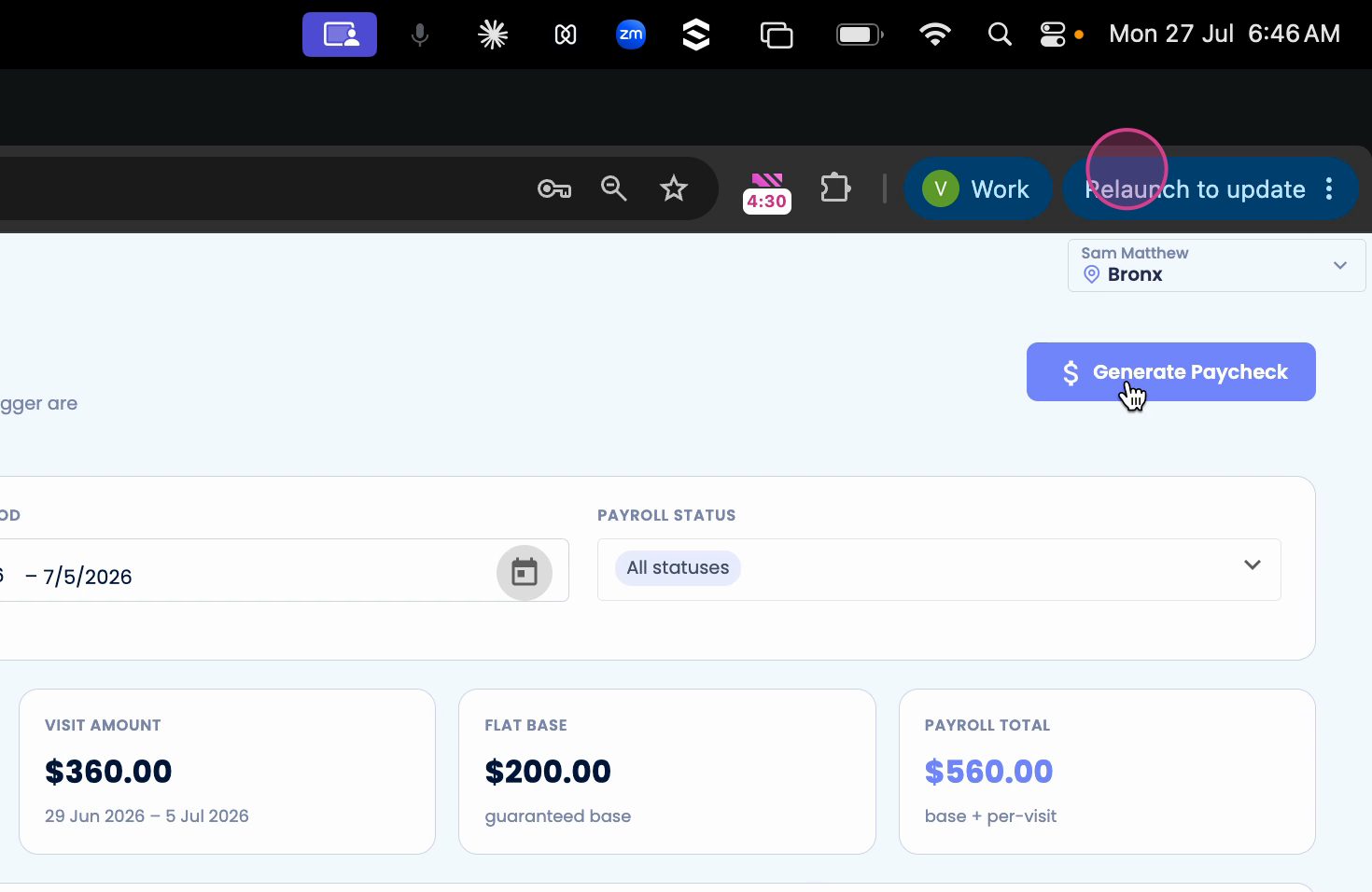
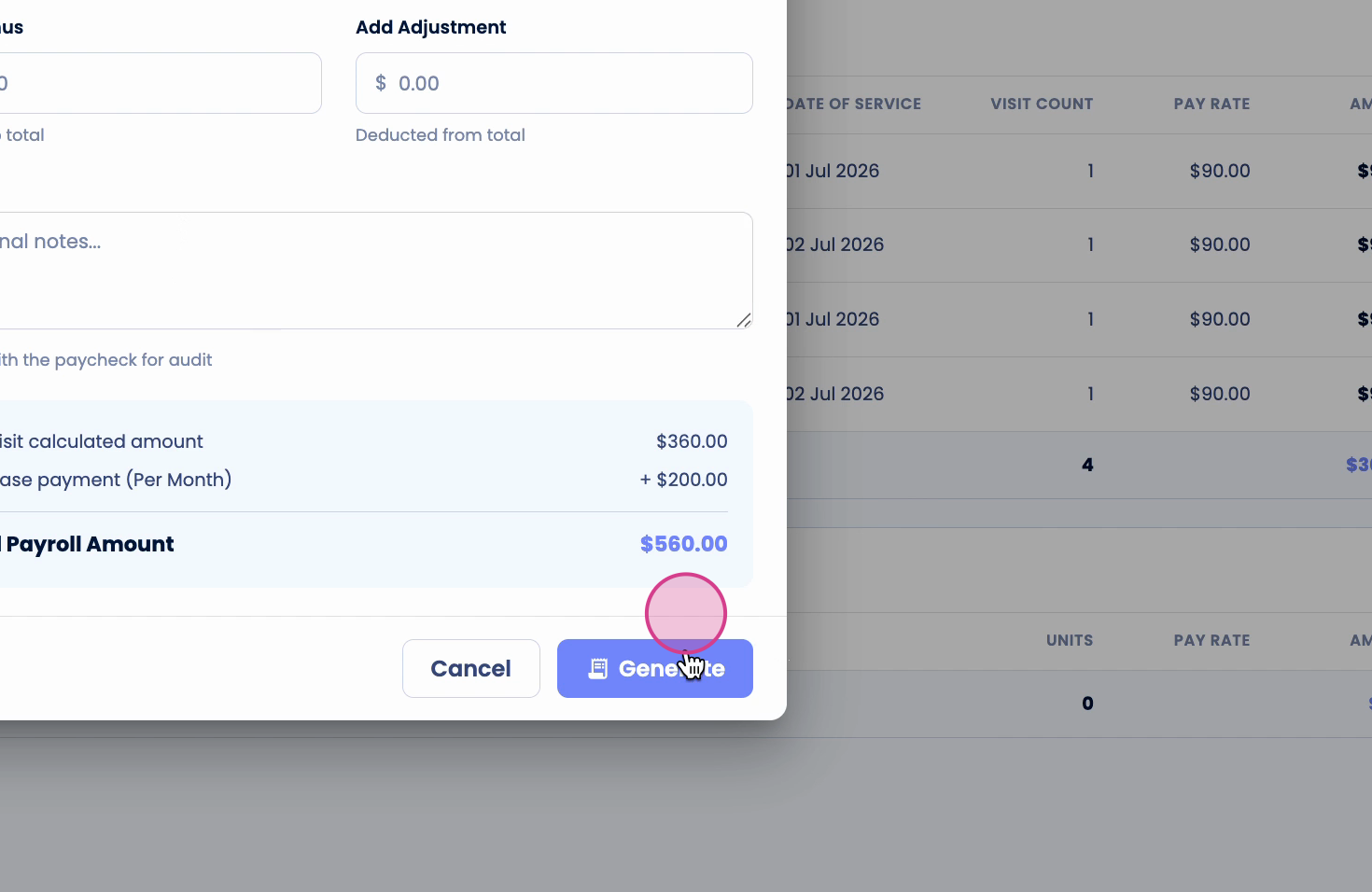
Step 6: Confirm all details, then click Generate Paycheck.
Step 7: Choose the Mode of Payment (e.g., direct deposit), add reference numbers, and include any bonuses, adjustments, or notes.
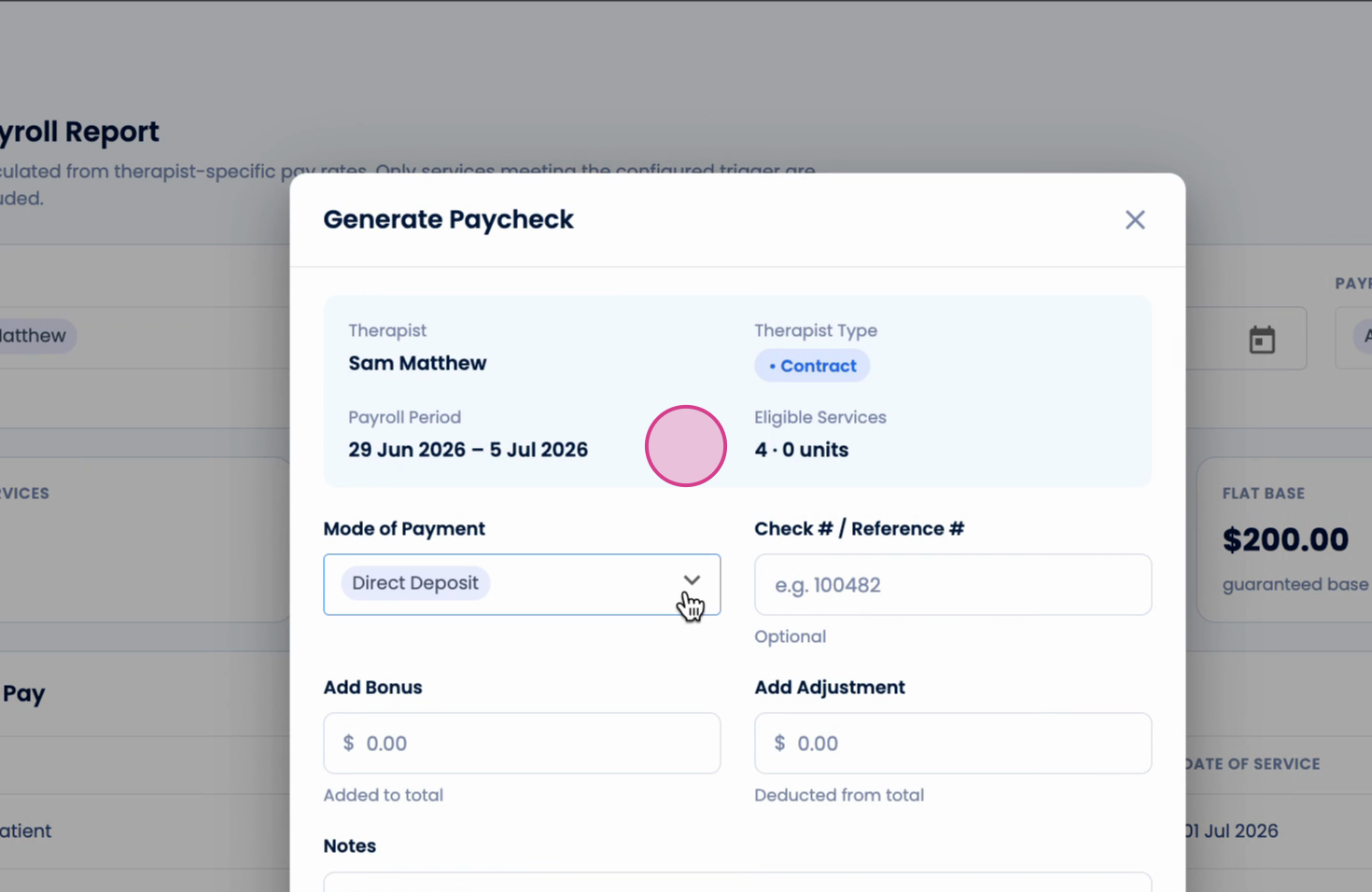
Step 8: Click Generate. The paycheck is issued and recorded for the therapist.
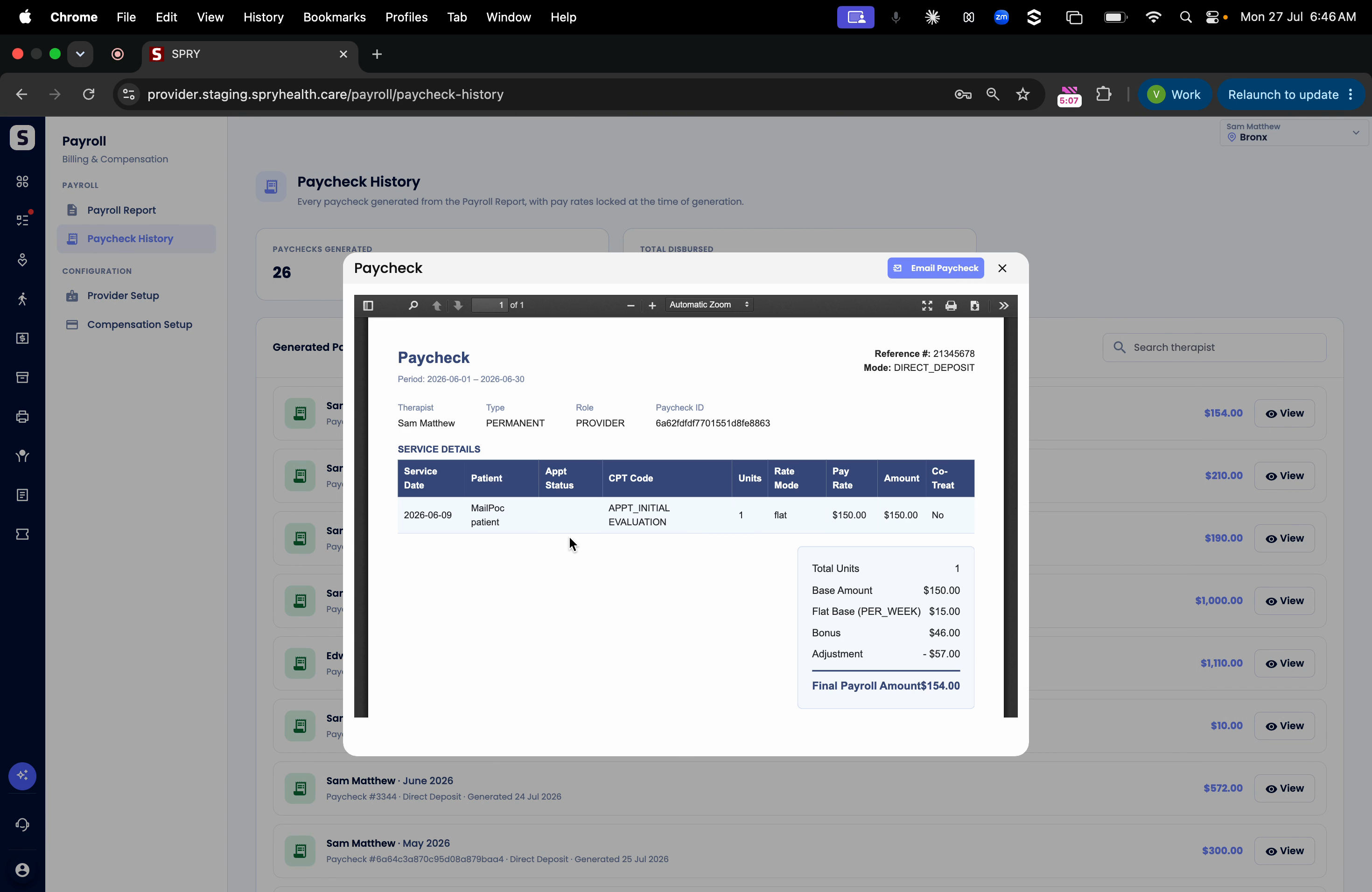
Step 9: Click View to review all payroll details for that period.
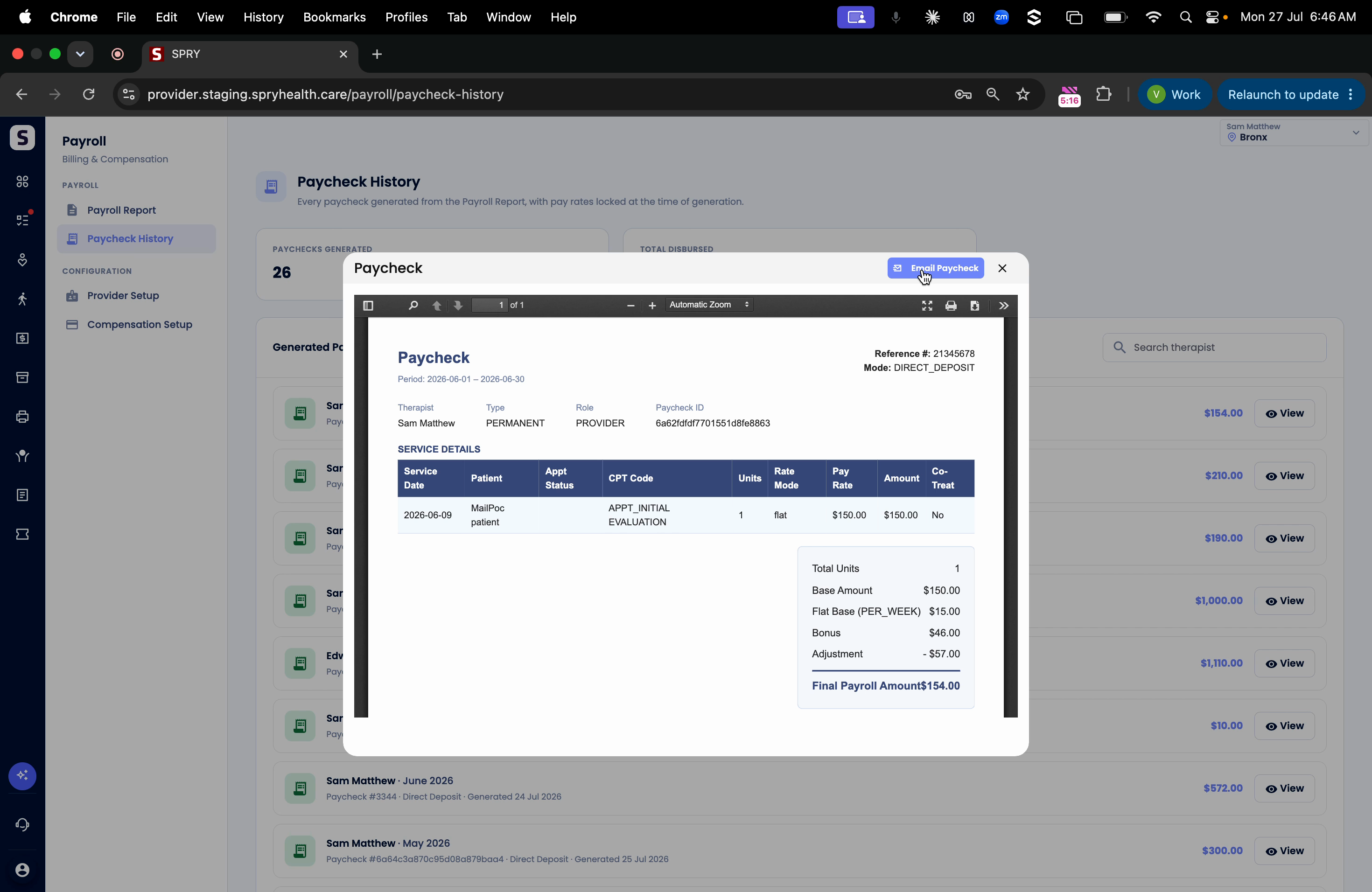
Step 10: Use Email Paycheck to send payment details directly to the therapist’s saved email address.
Managing therapist payroll is now faster and more accurate. Customize each therapist’s setup based on your clinic’s needs, and make payments seamlessly while keeping clear digital records.