
Change the Note Type Within SOAP Flow
In this article, you'll learn how to change the case within a note.
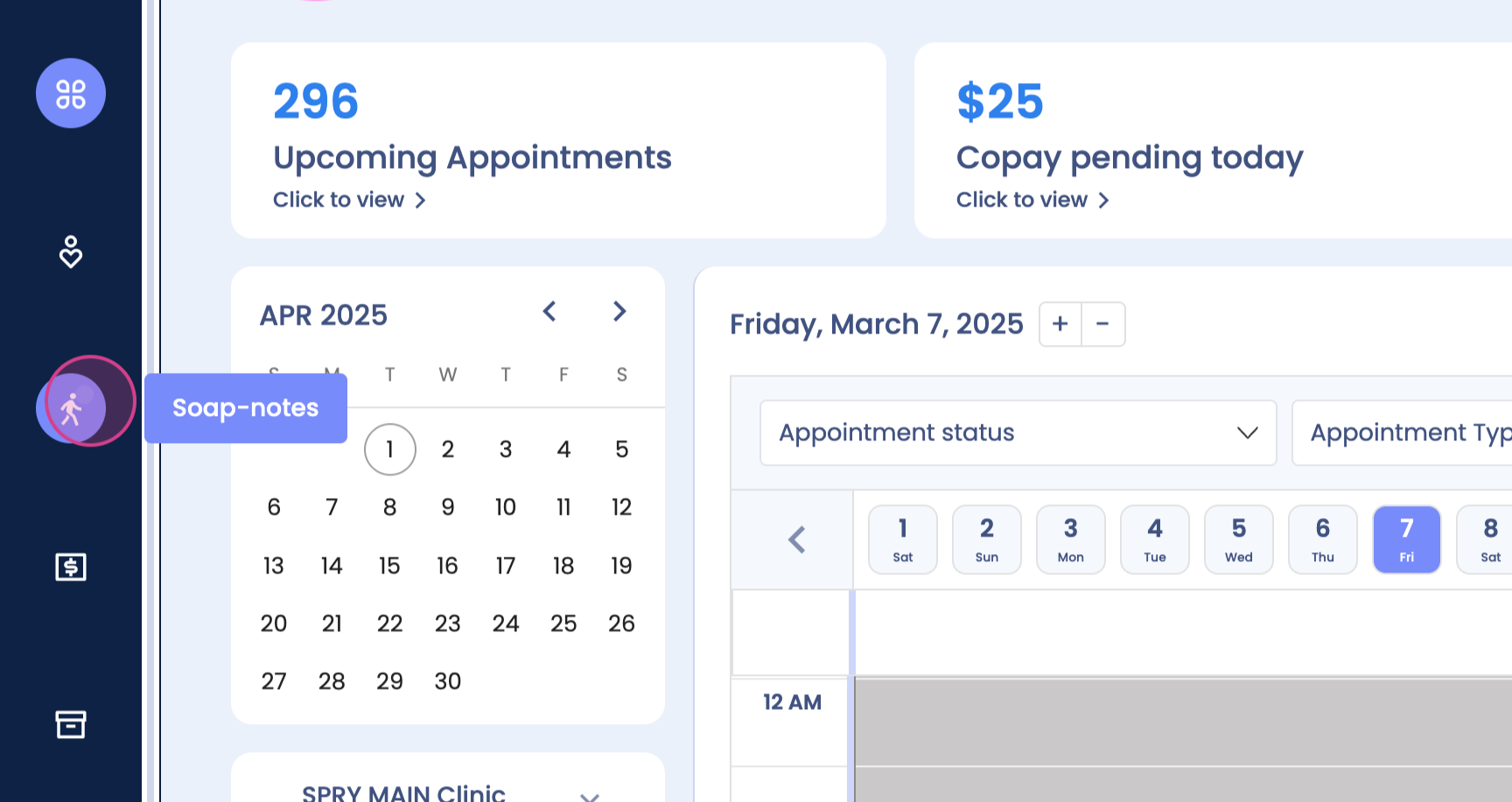
Step 1: Navigate to the SOAP notes.
Step 2: View the SOAP notes.
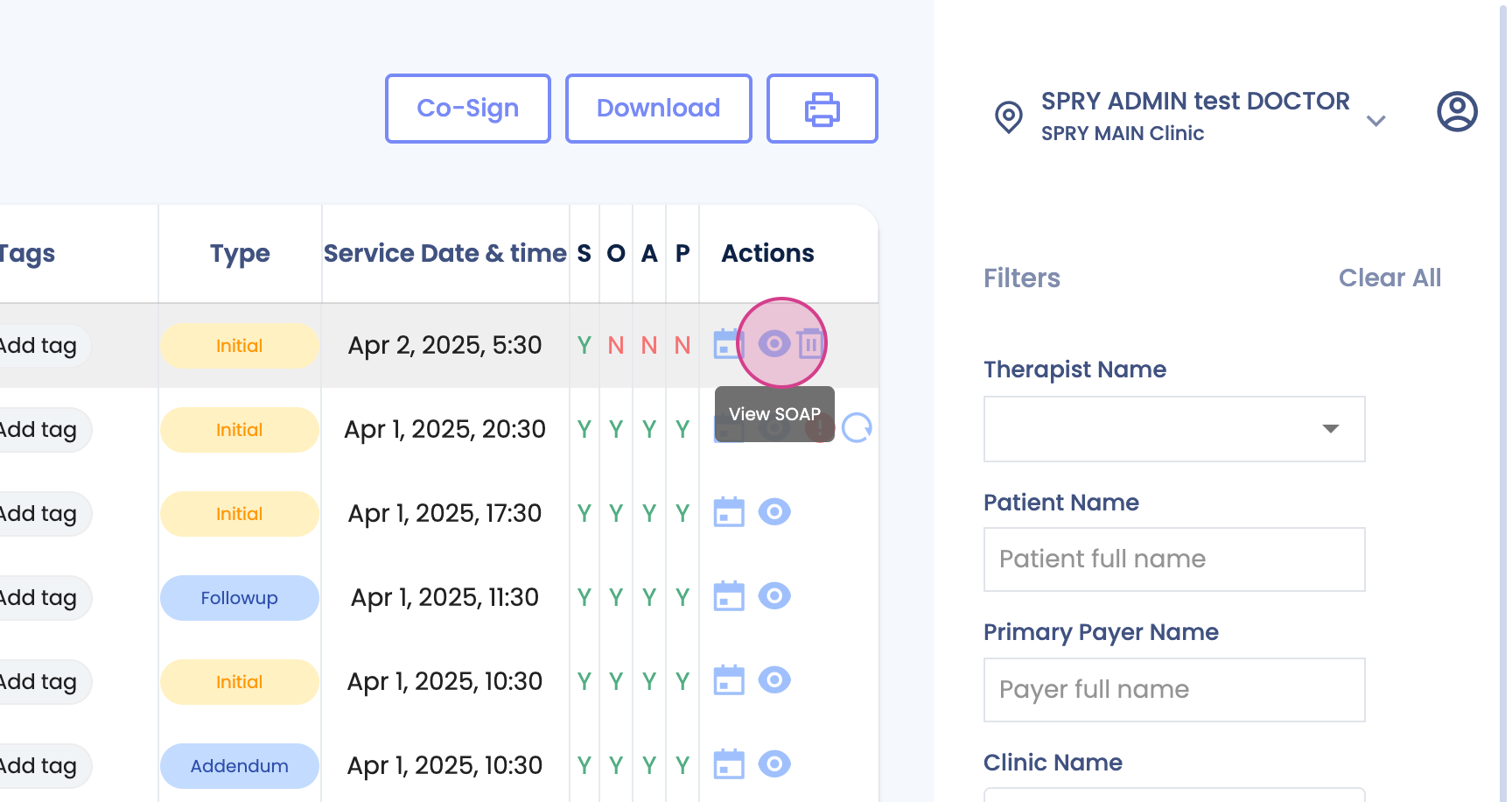
Step 3: Click on the SOAP note you want to change.
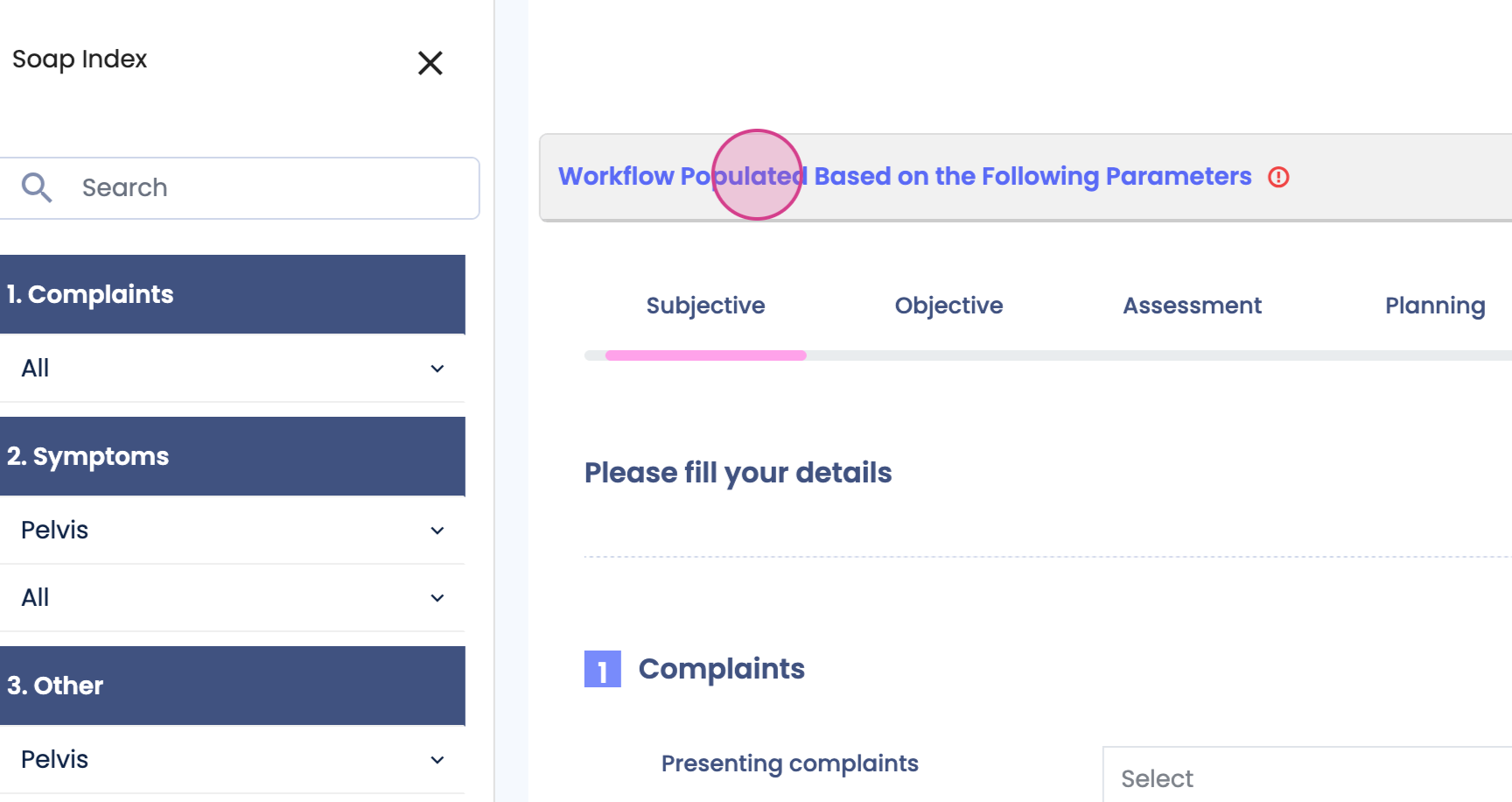
Step 4: Look for the case you want to modify.
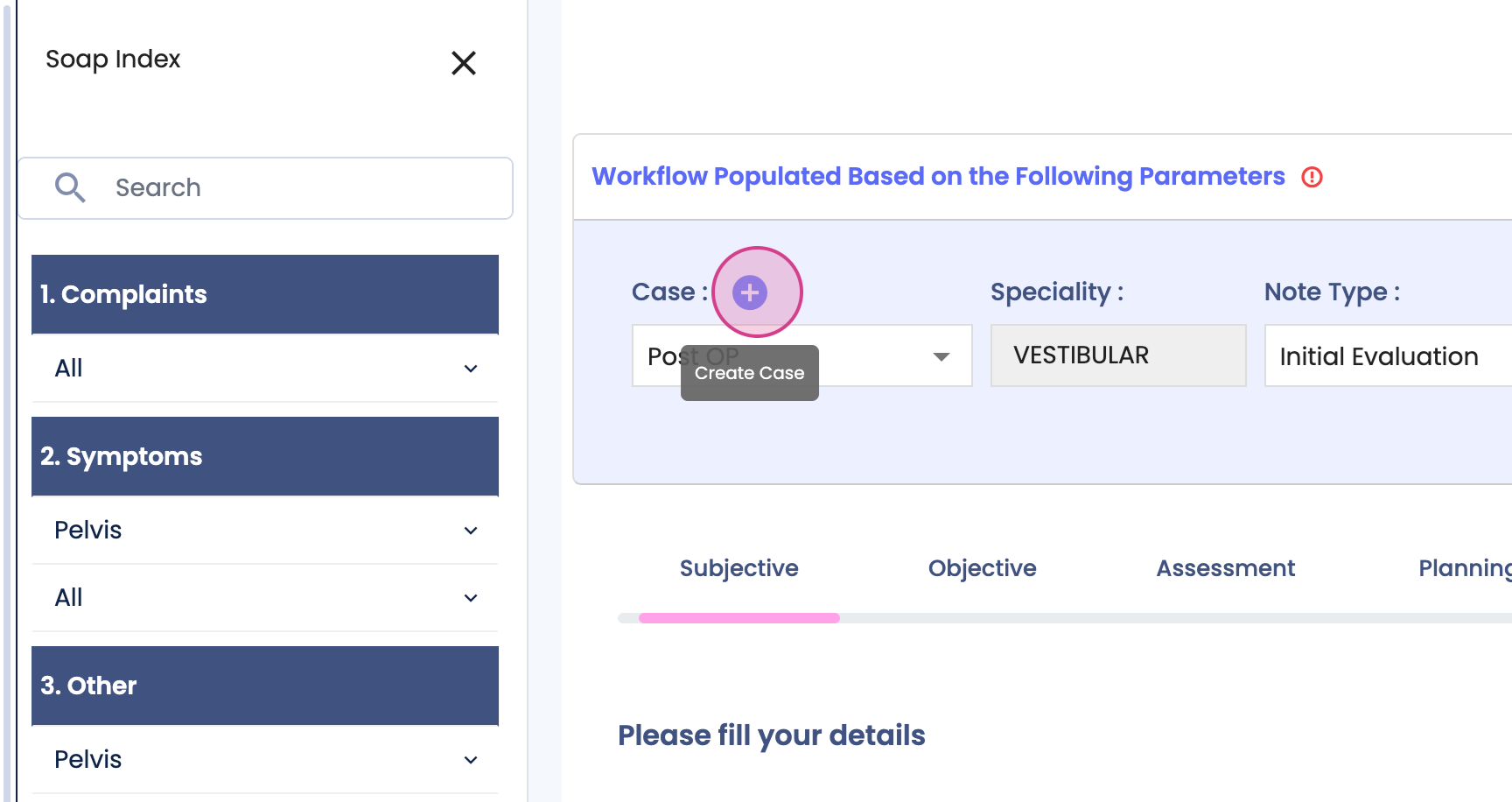
Step 5: Click on the plus sign to create a new case.
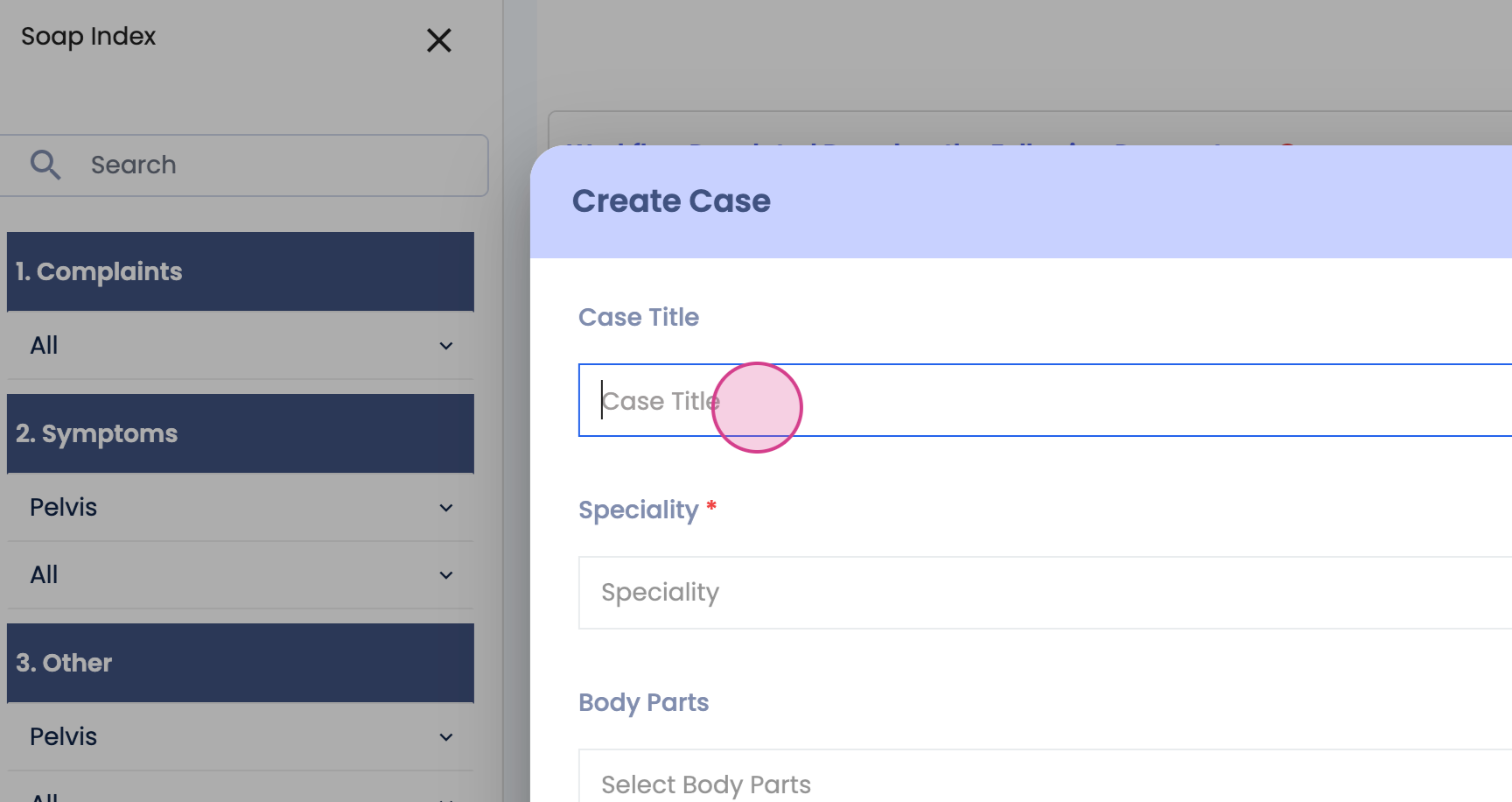
Step 6: Enter the case title.
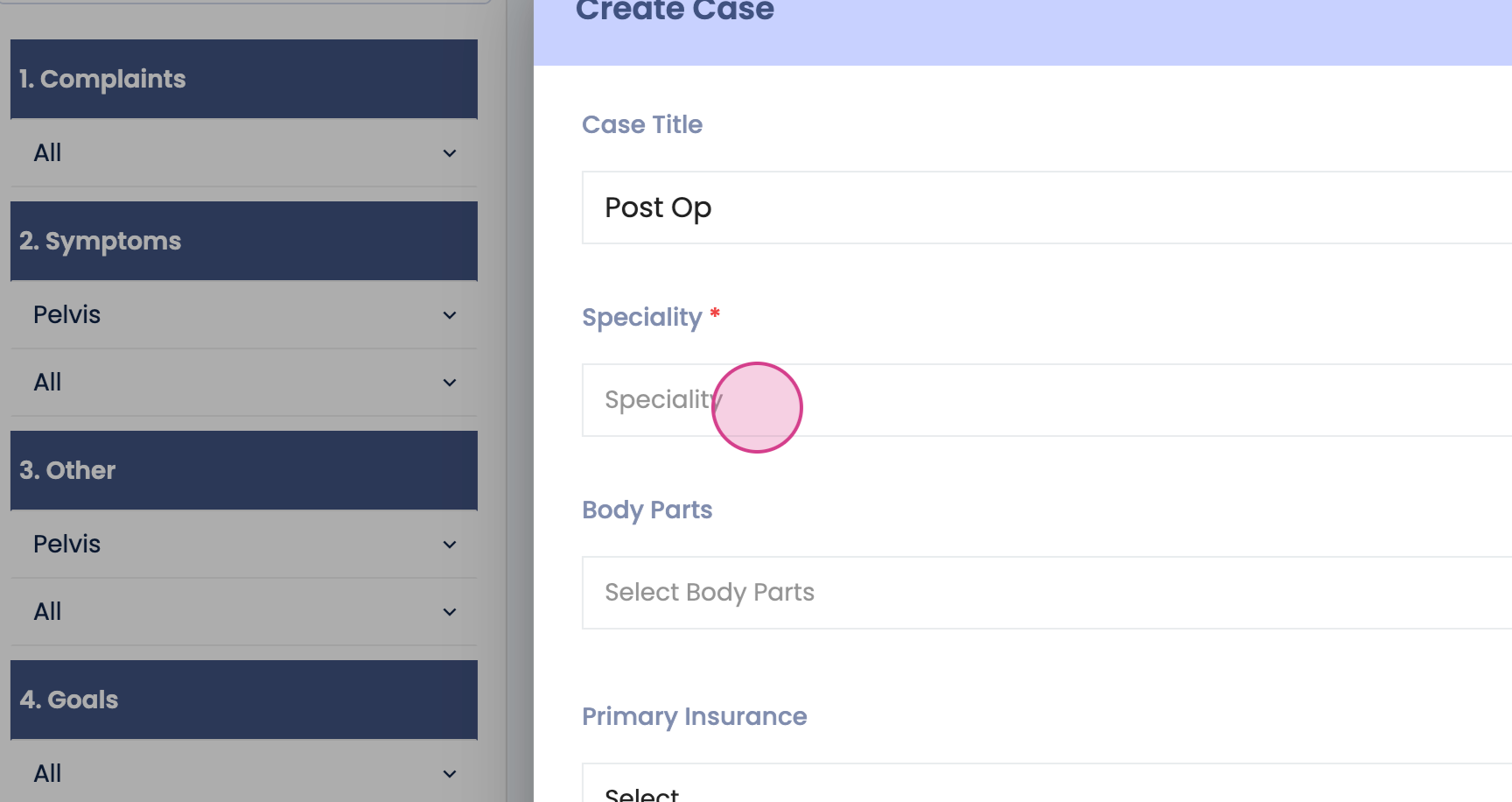
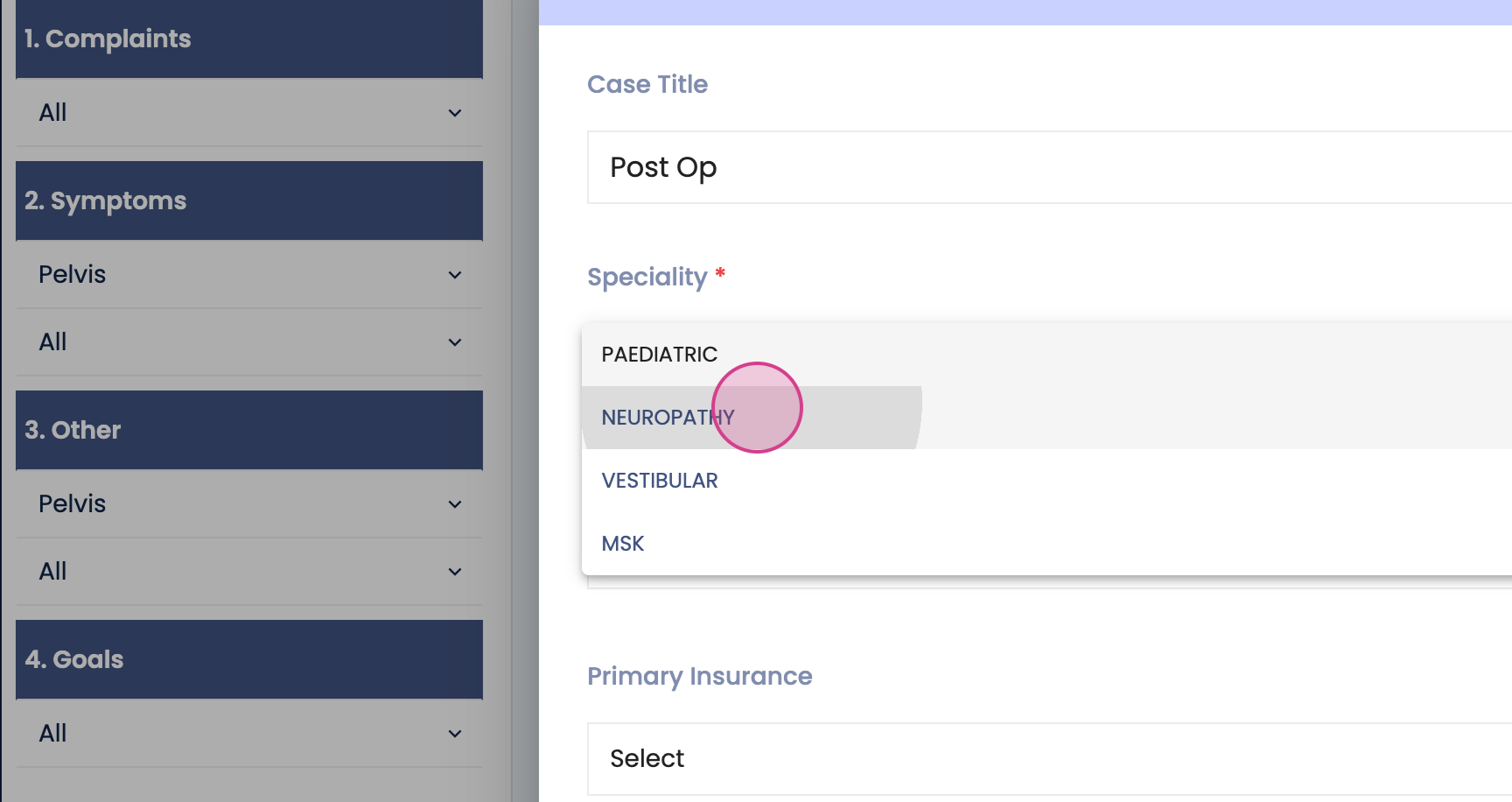
Step 7: Select the specialty for the case.
Step 8: Choose the body part related to the case.
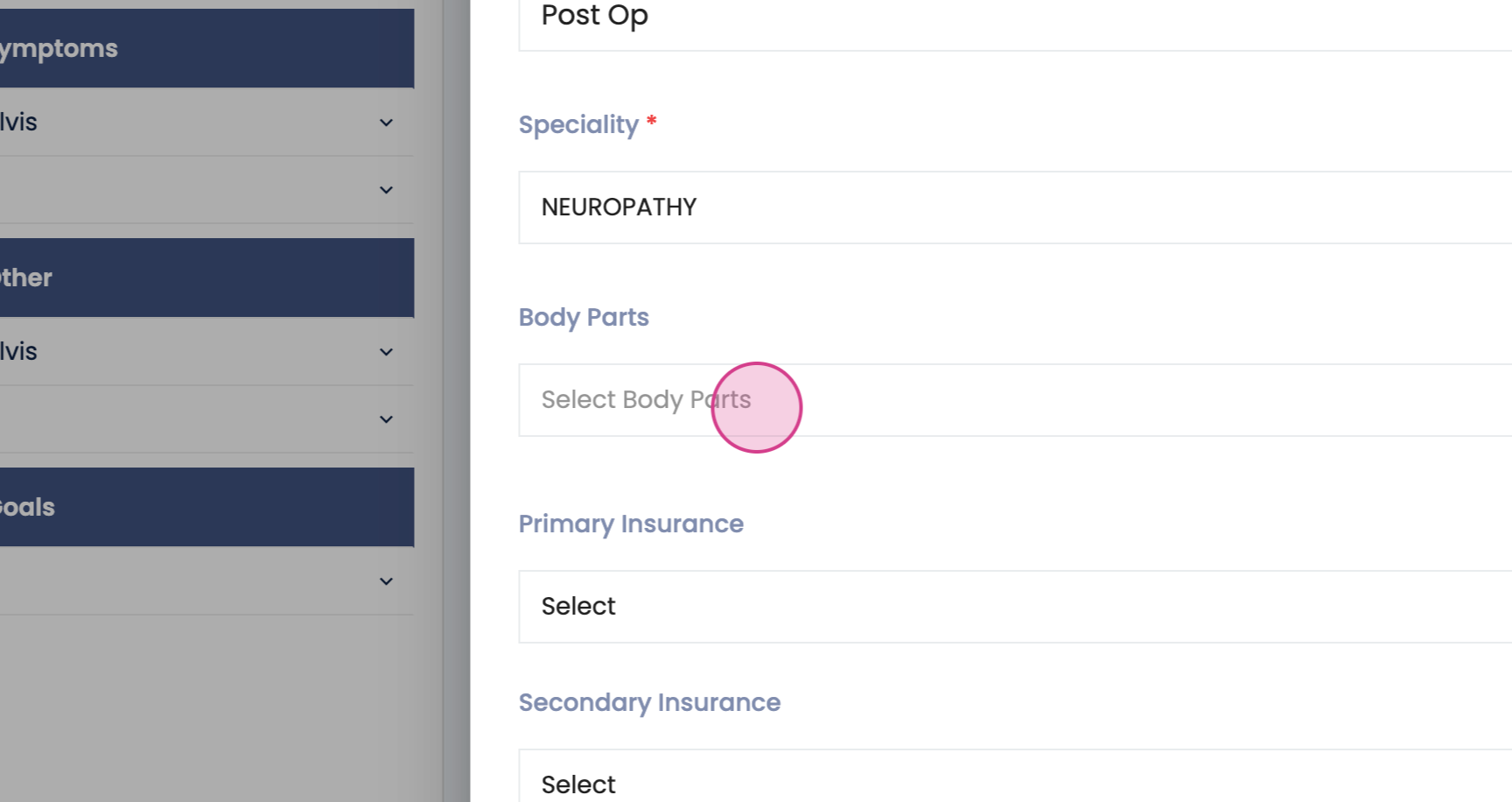
Step 9: Fill in the mandatory details.
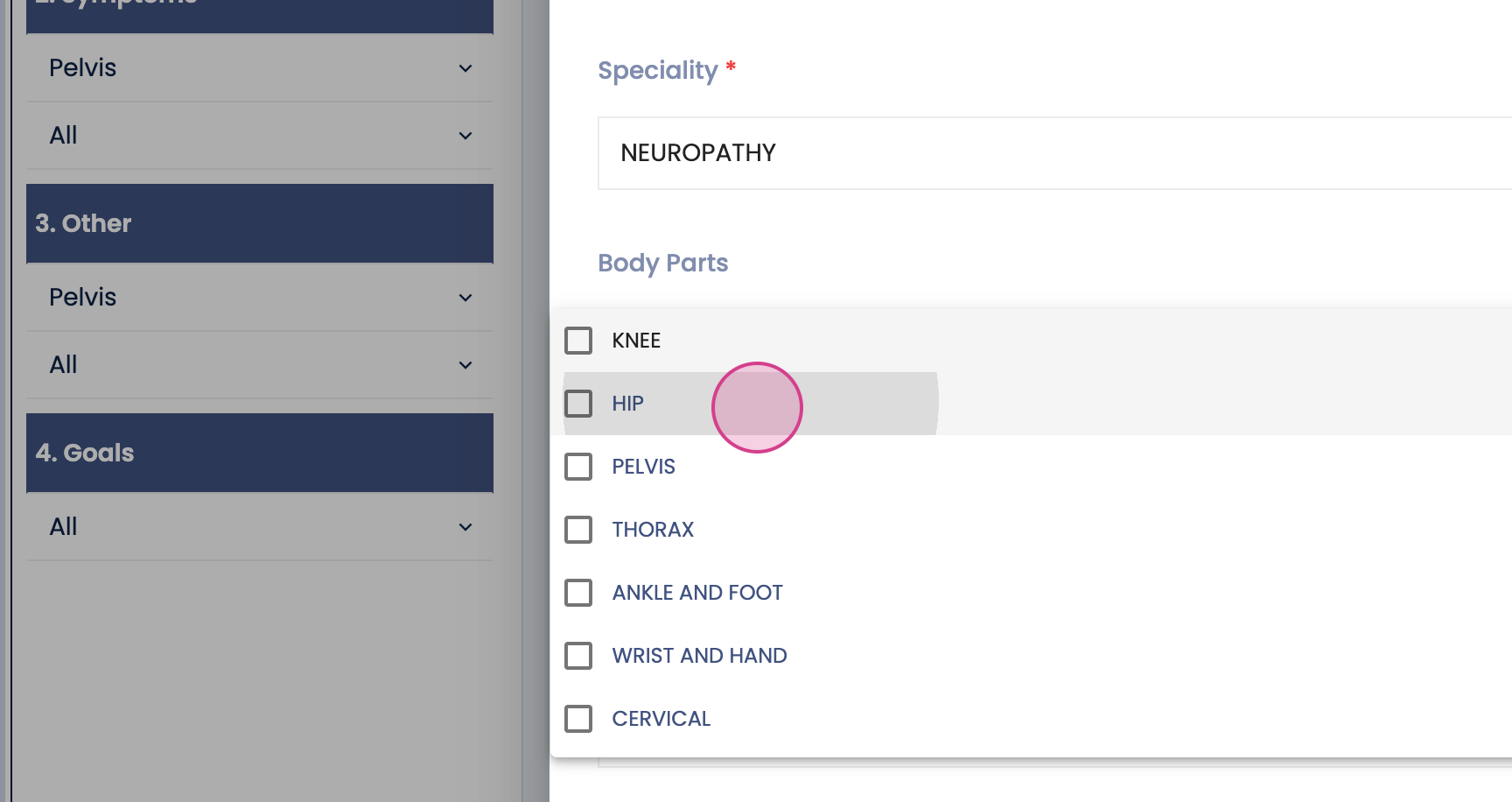
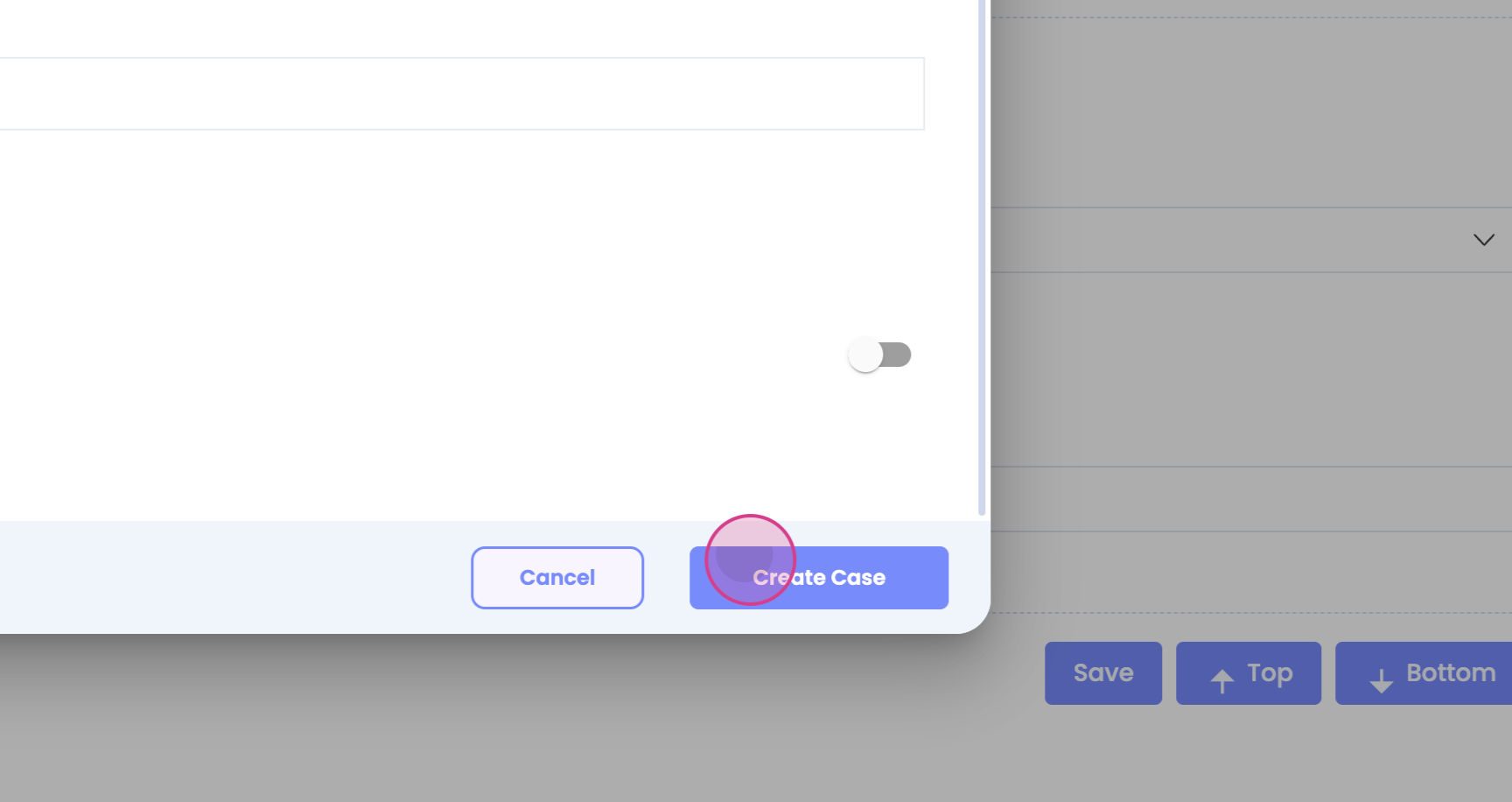
Step 10: Click on "Create" to create the new case.
Step 11: Click on "S" to save your changes.
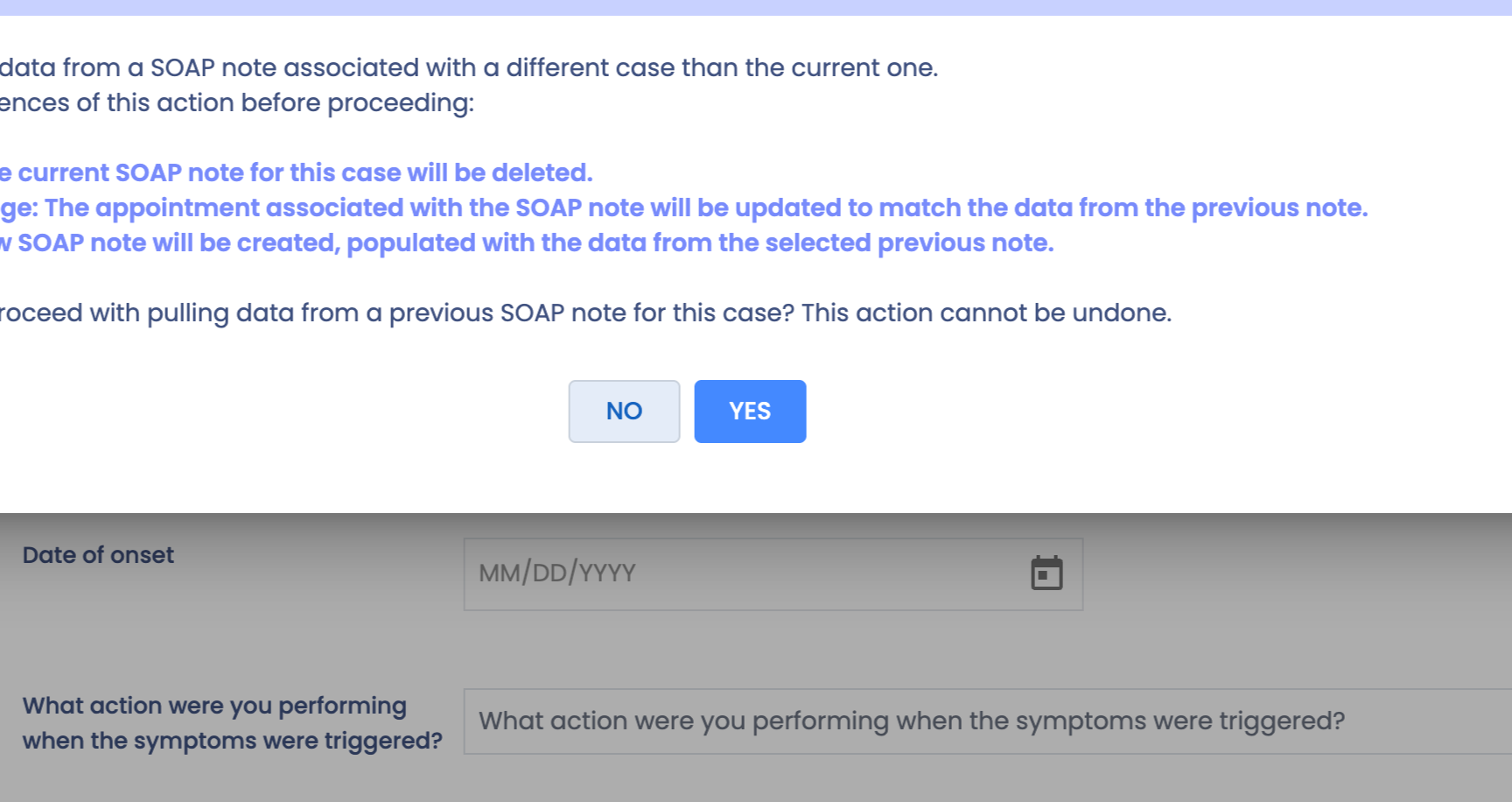
Your case with the new updates is now ready. Thank you for following this tutorial.