
How to Cancel Future Appointments
This article will guide you through the process of cancelling future appointments.
Step 1: Begin by clicking on the three dots. This will reveal the Cancel appointment button.

Step 2: Alternatively, you can click directly on the appointment. This will also bring up the Cancel appointment option.

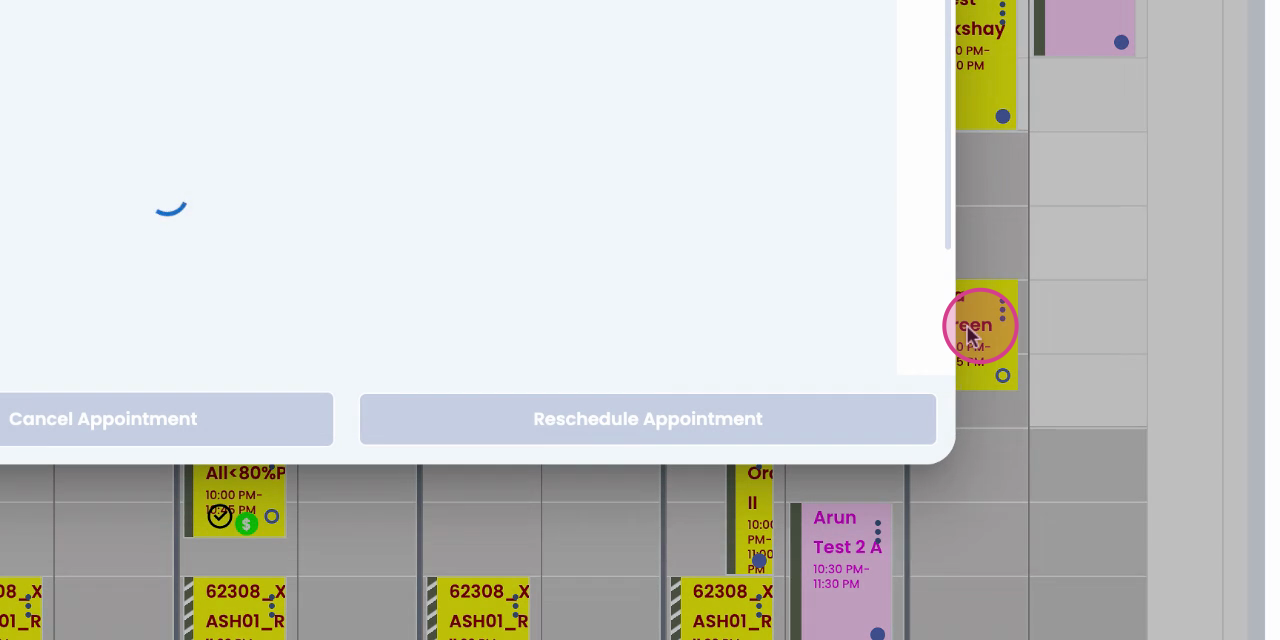
Step 3: Click on Cancel appointment. A purple dialog box will appear.

Step 4: Select the reason for cancellation.
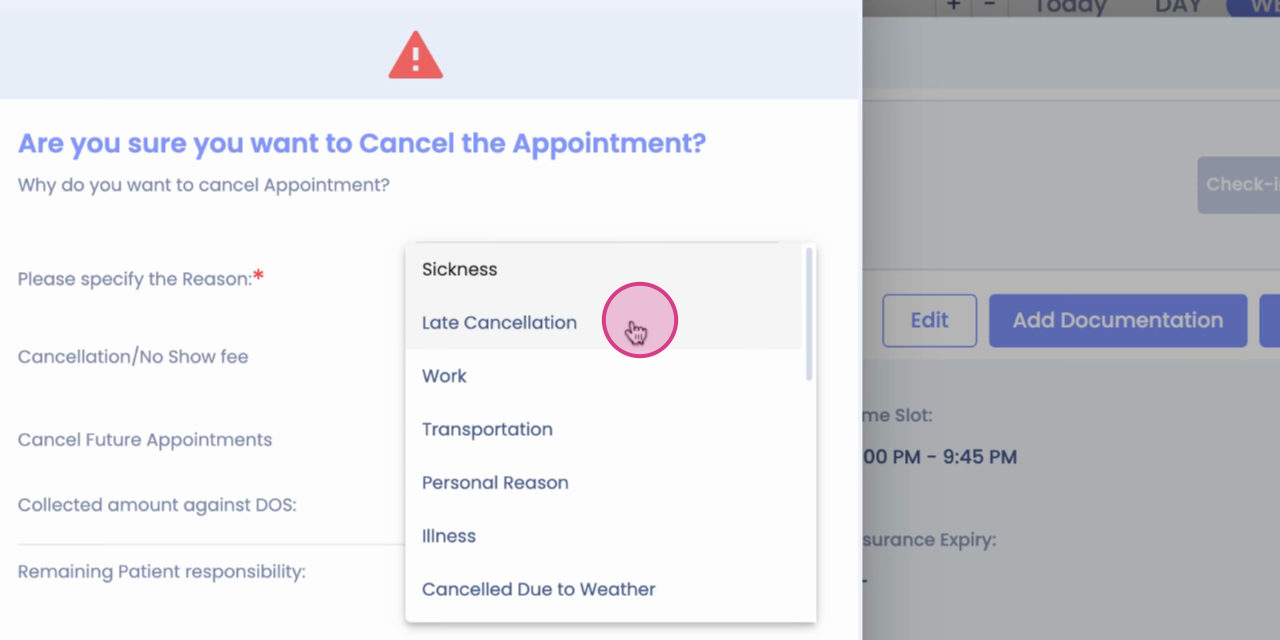
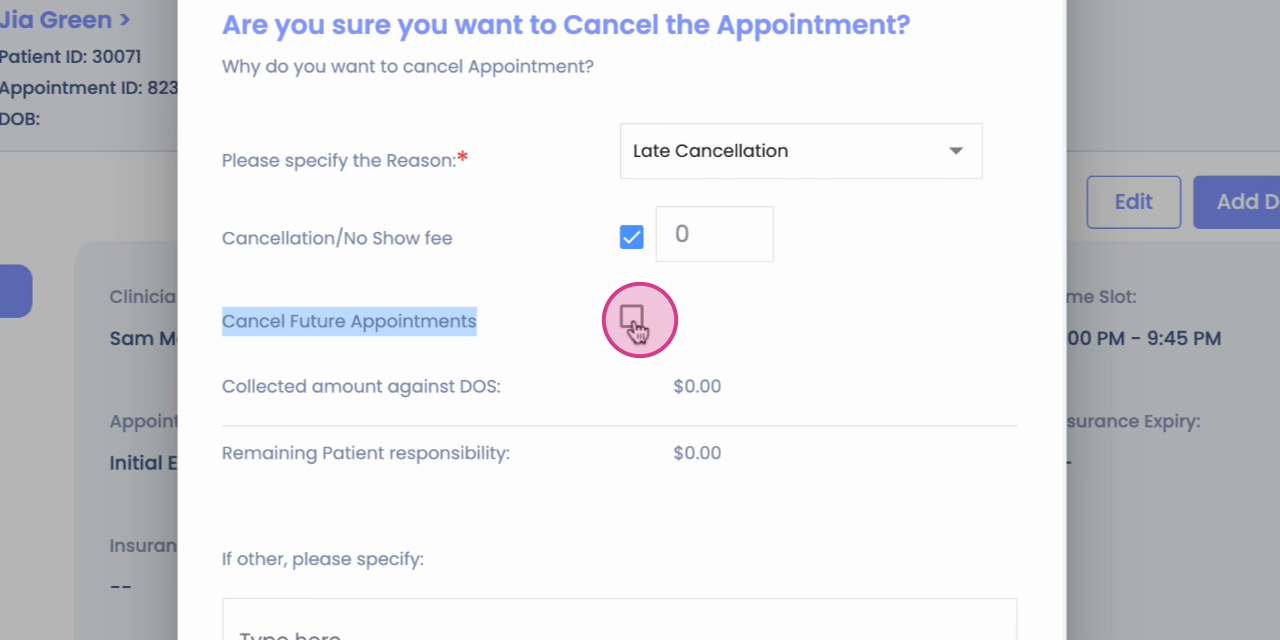
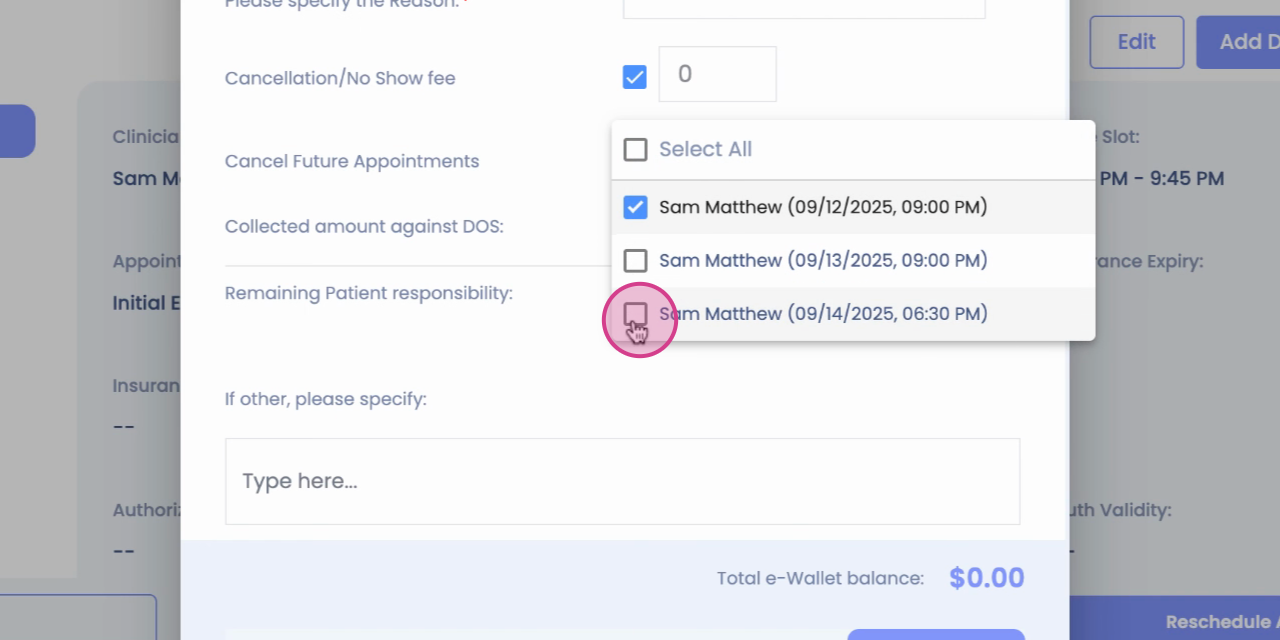
Step 5: Look for the option Cancel the future appointments.

Step 6: Click on Cancel the future appointments.

Step 7: Select the appointments you wish to cancel.
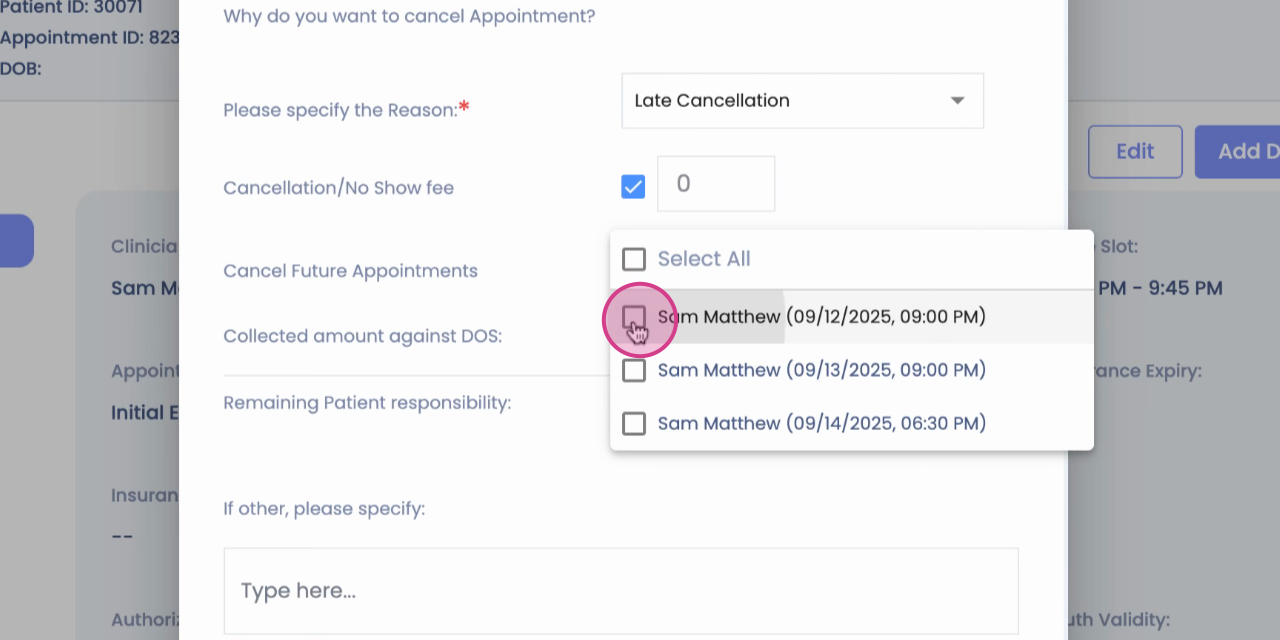
Step 8: Confirm your cancellation and then save your changes.

Congratulations! You've successfully cancelled your future appointments.