Booking Appointments for Workers' Comp and Auto Insurance Claims
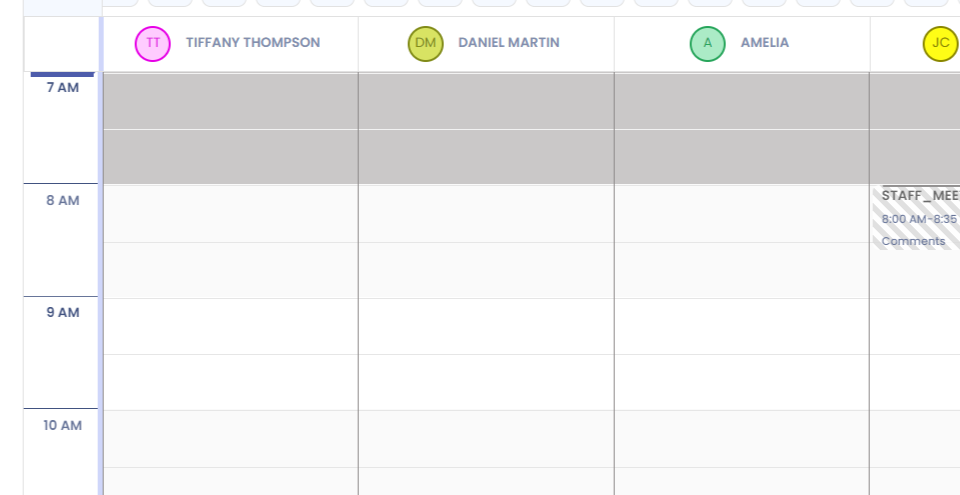
Step 1: Click on the tile to book an Appointment.
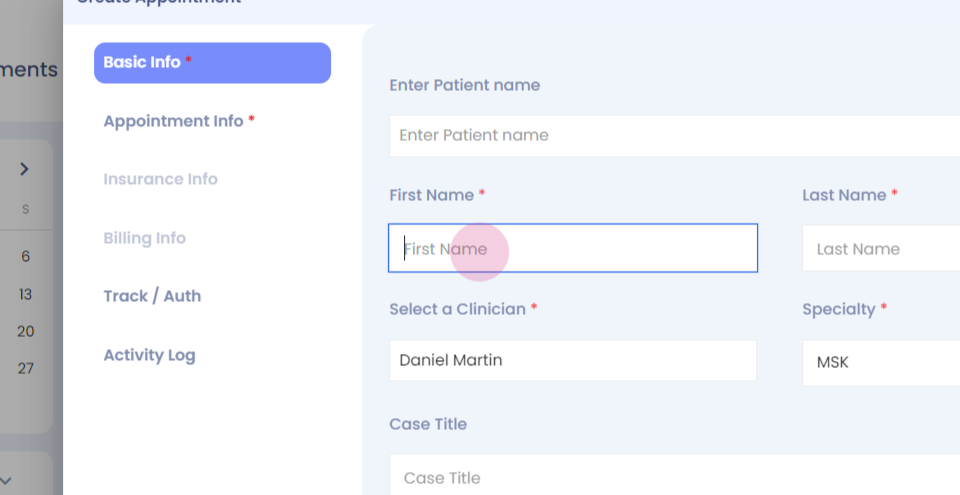
Step 2: Enter the patient's name and fill in the mandatory information.
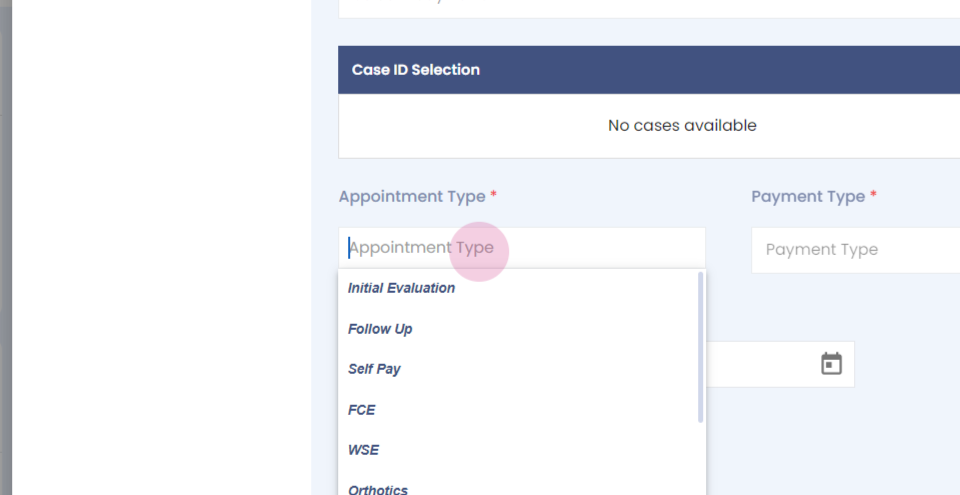
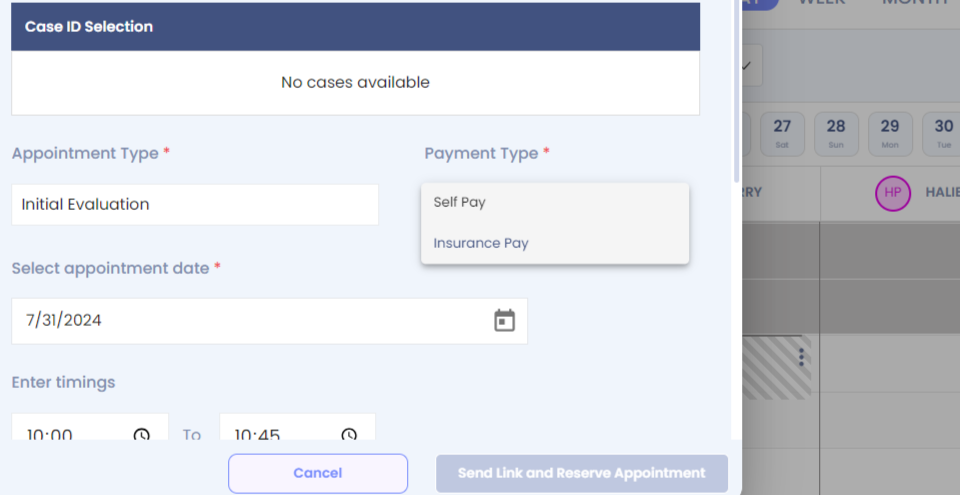
Step 3: In Payment Type, select Insurance.
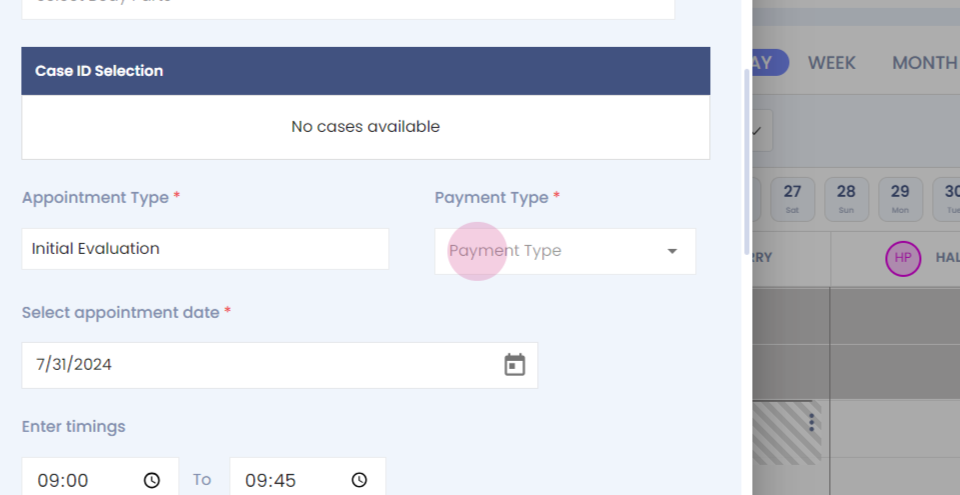
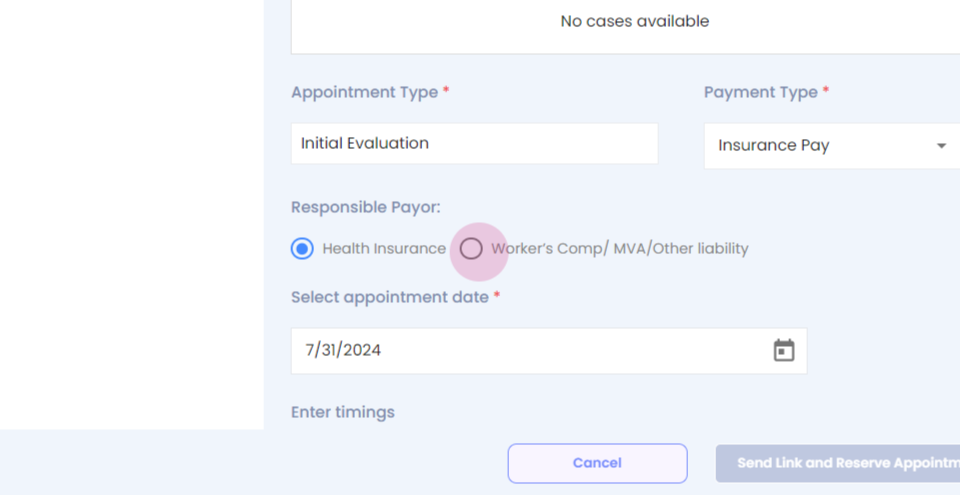
Step 4: Pin and select Workers Comp.
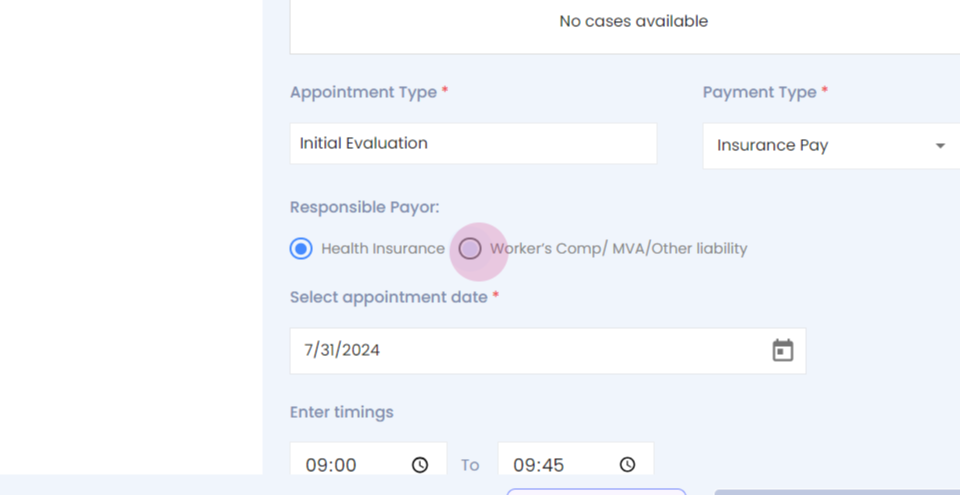
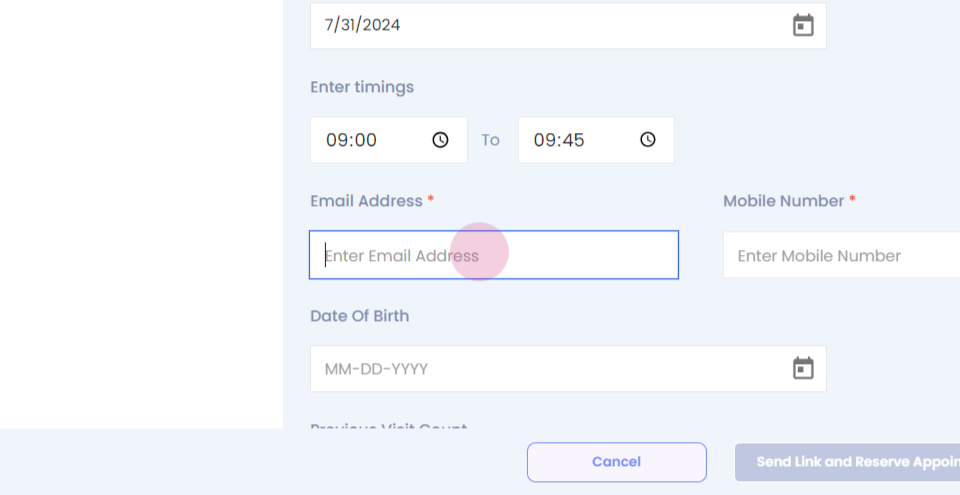
Step 5: Verify the other information and click on Next.
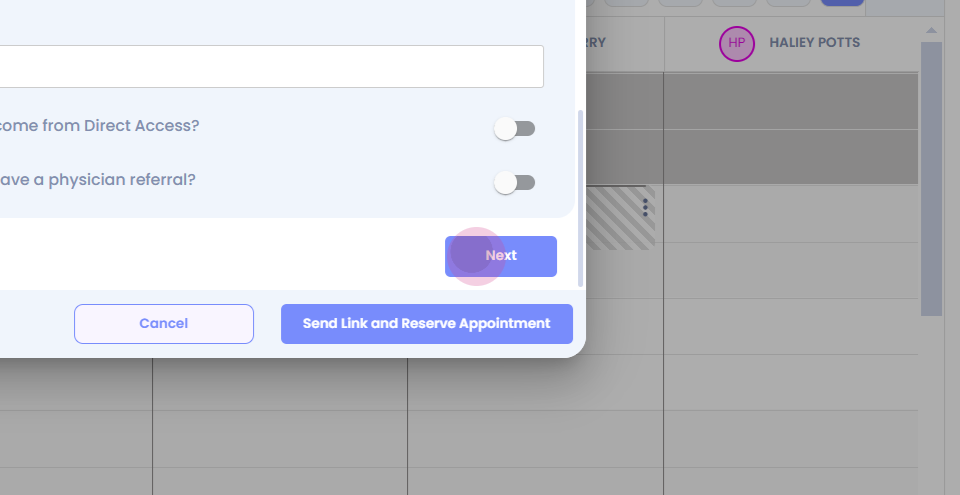
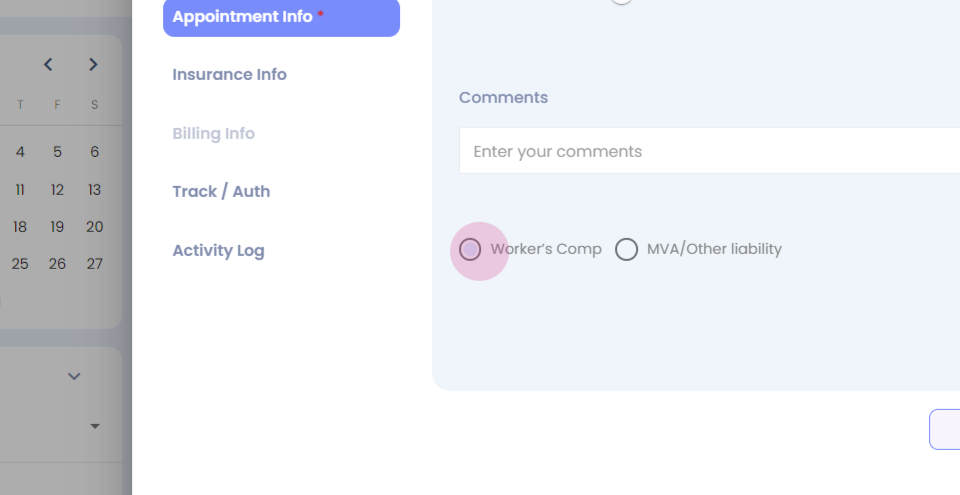
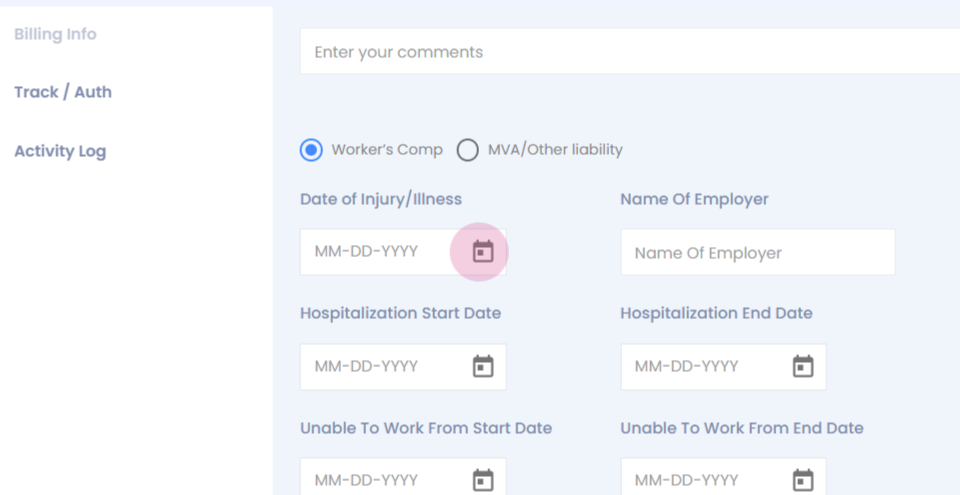
Step 6: Fill in the remaining information.
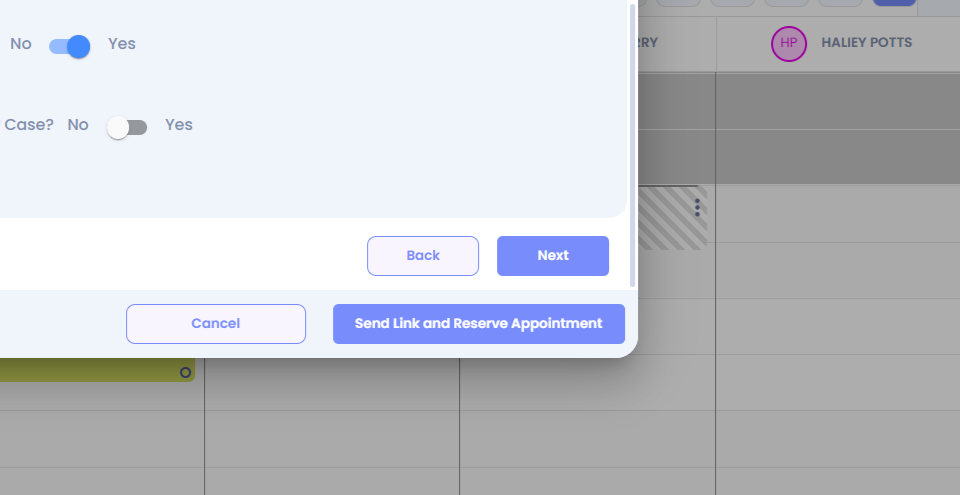
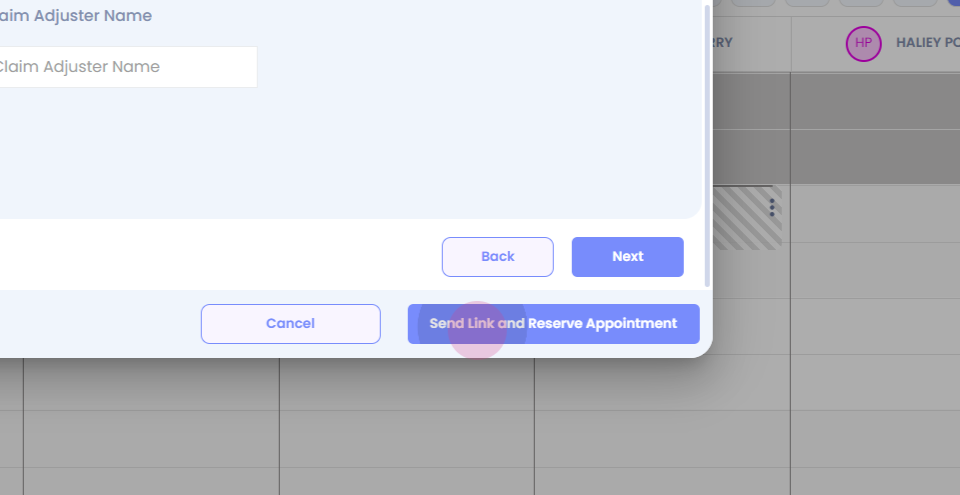
Step 7: Click on Send Link and Reserve Appointment. The worker's comp
appointment is now successfully booked.
Booking Appointments for Auto Insurance Claims
Step 1: Click on the tile to book an Appointment.
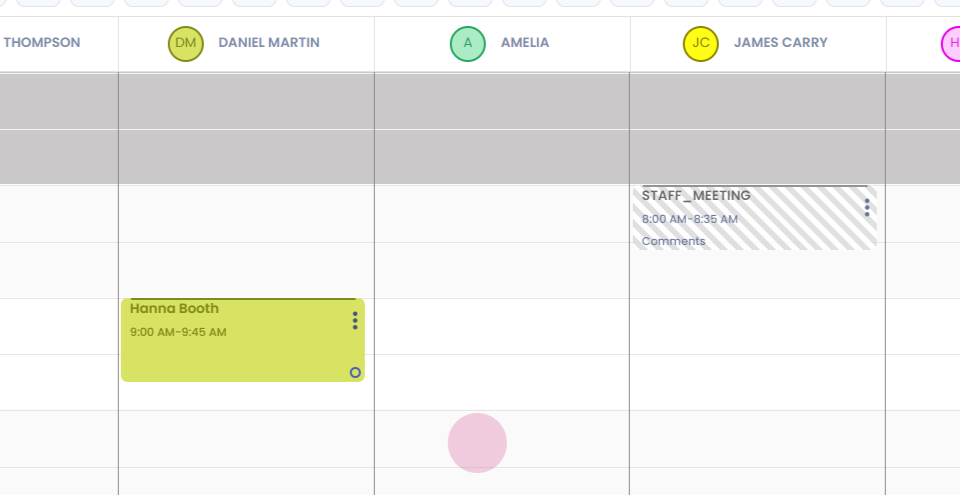
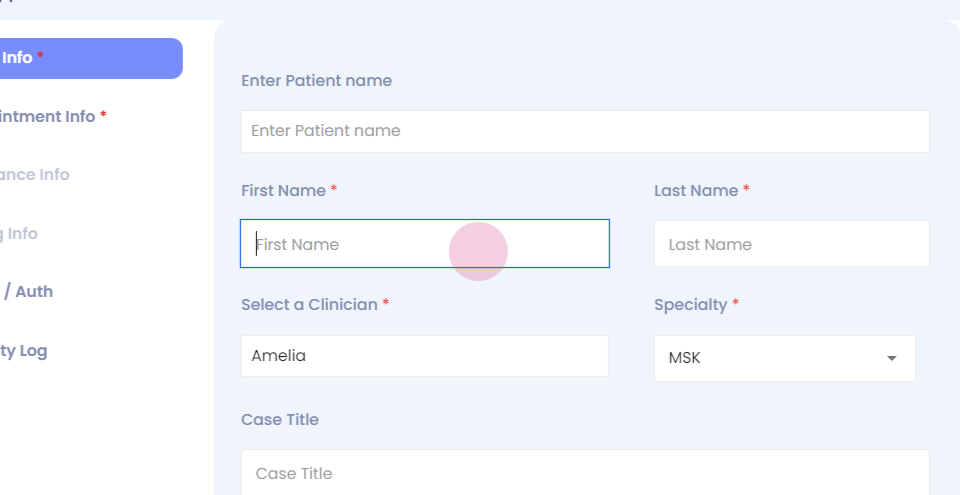
Step 2: Enter the mandatory information.
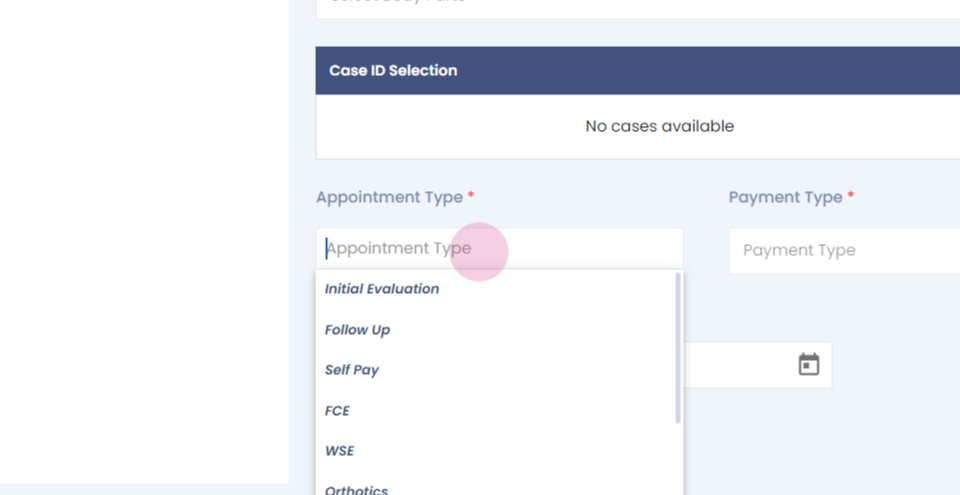
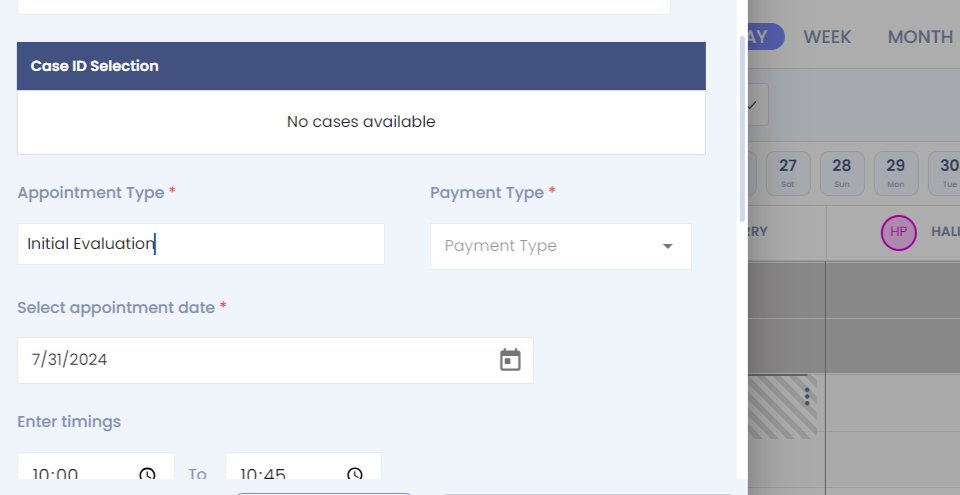
Step 3: Select the Appointment Type.
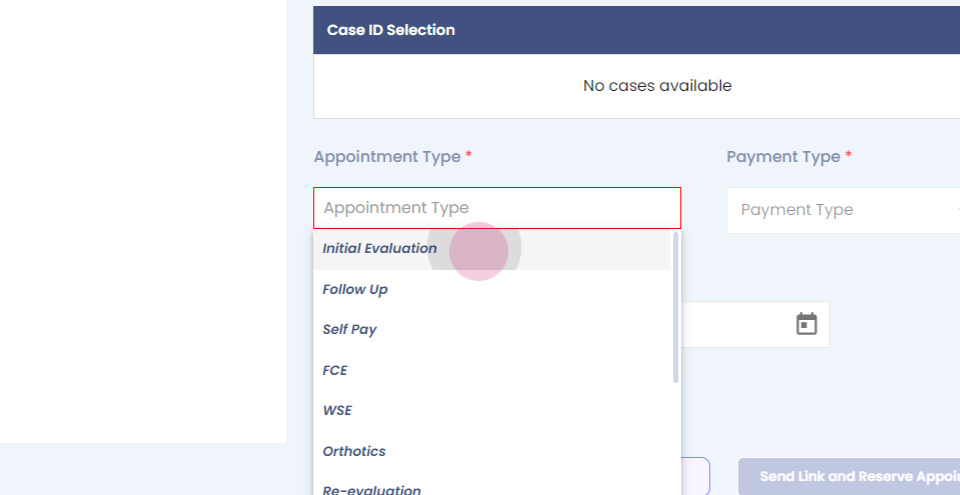
Step 4: In Payment Type, select Insurance Pay.
Step 5: Click on Workers Comp. MVA Other Liability.
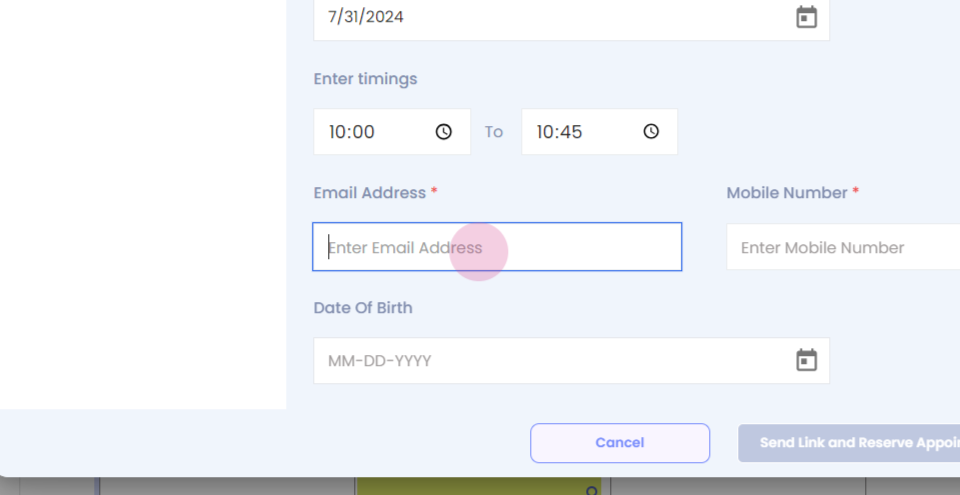
Step 6: Click on Next and select MVA Other Liability.
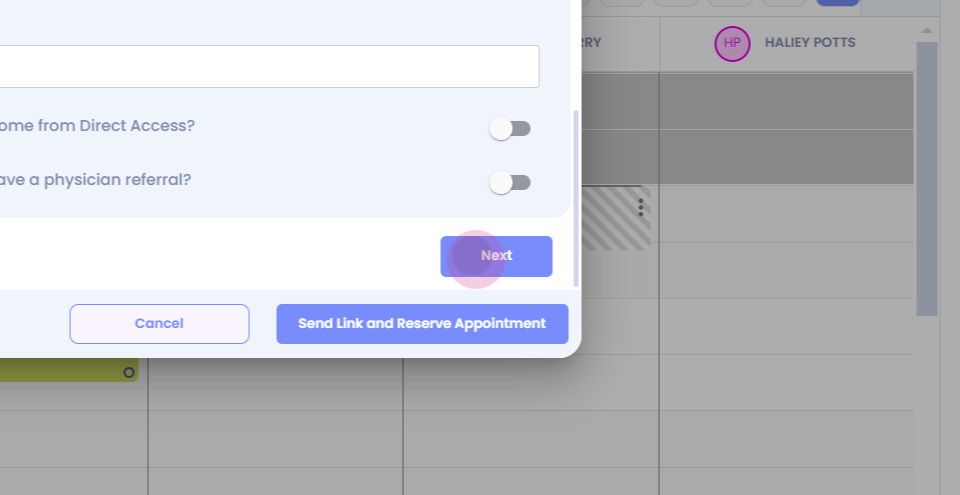
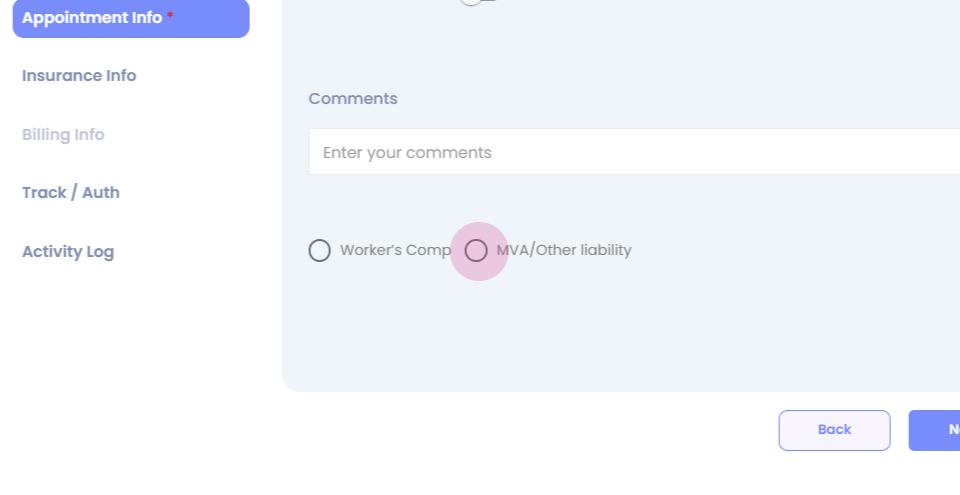
Step 7: Enter the remaining mandatory information.
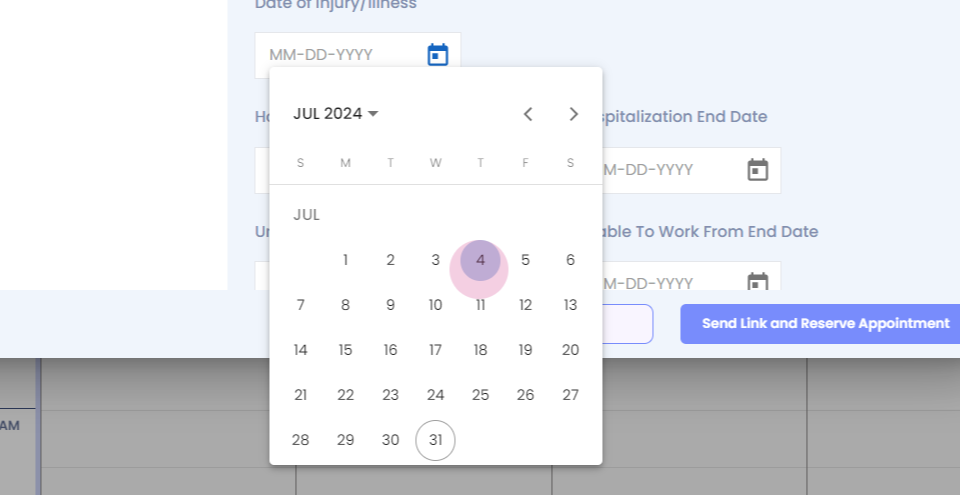
Step 8: Select the other information as applicable and click on Send Link and Reserve Appointment. The auto insurance appointment is now successfully booked.