
How to Use Flowsheets
This article will guide you on how to use Flowsheets effectively.
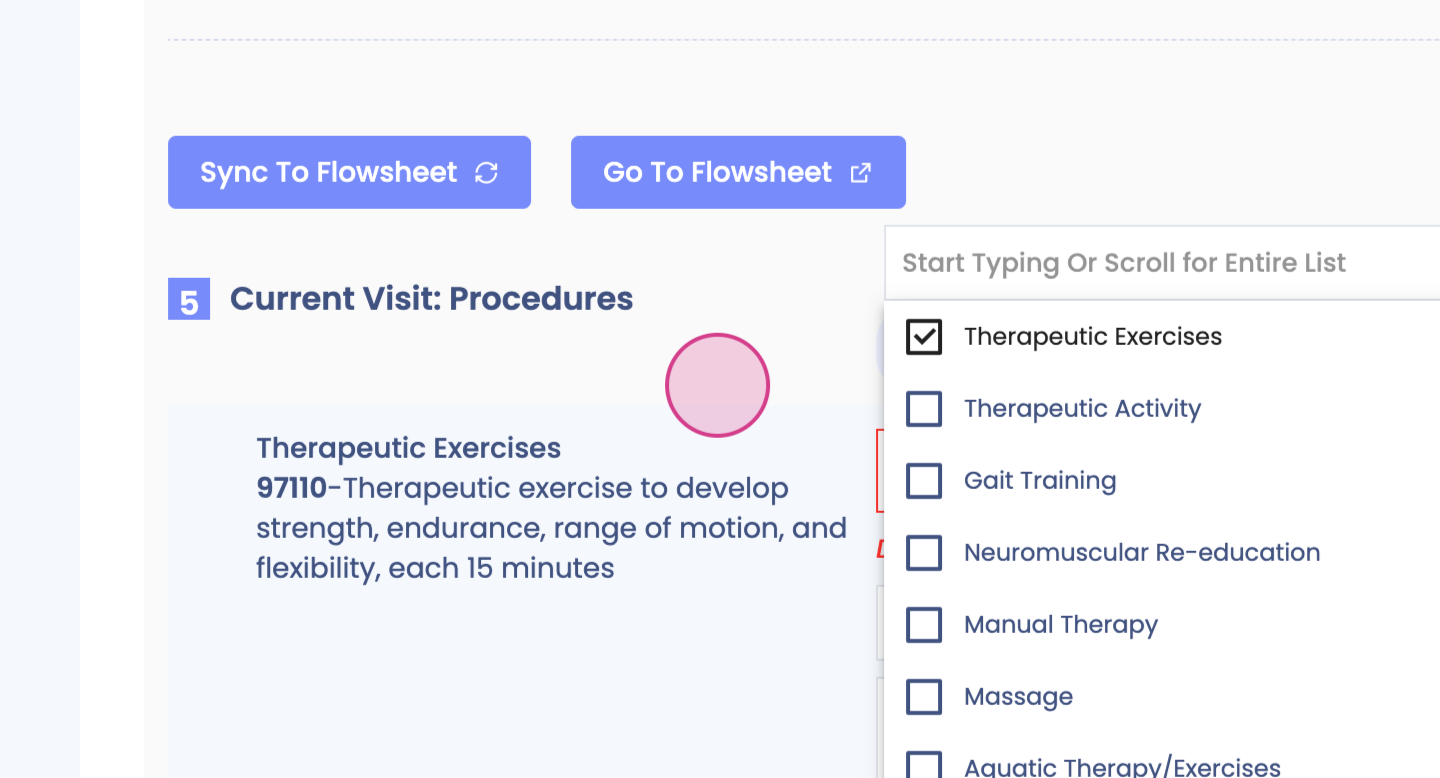
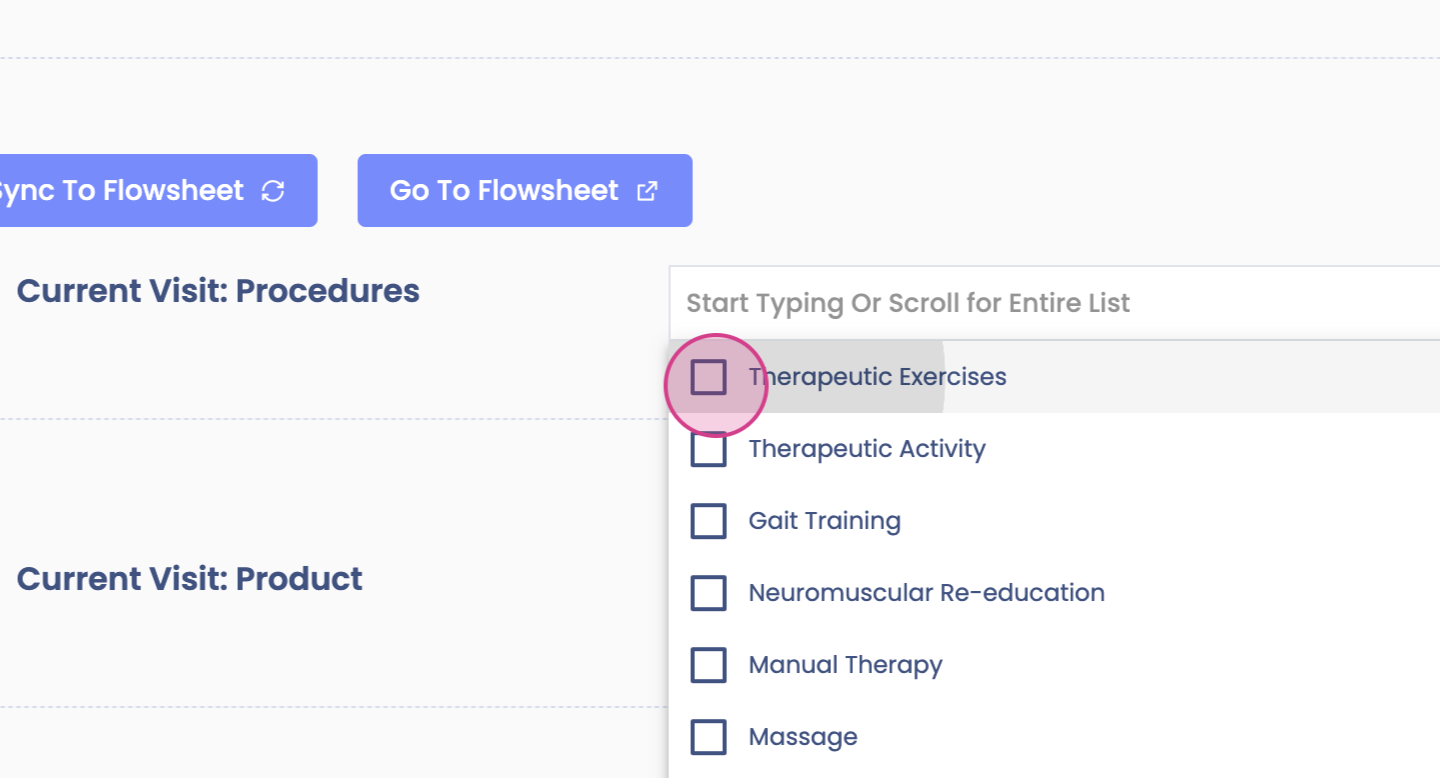
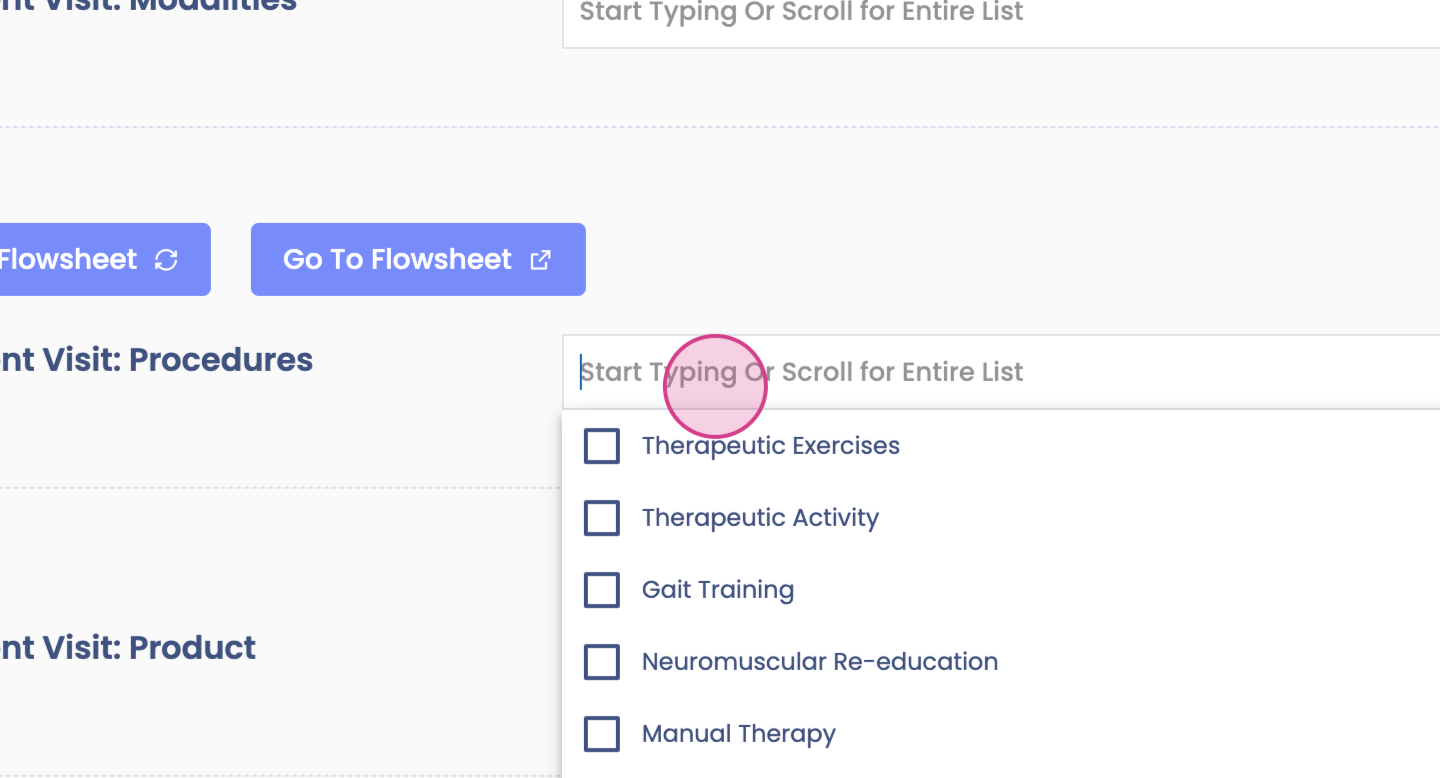
Step 1: Begin in the Planning section. Here, add your CPT codes.
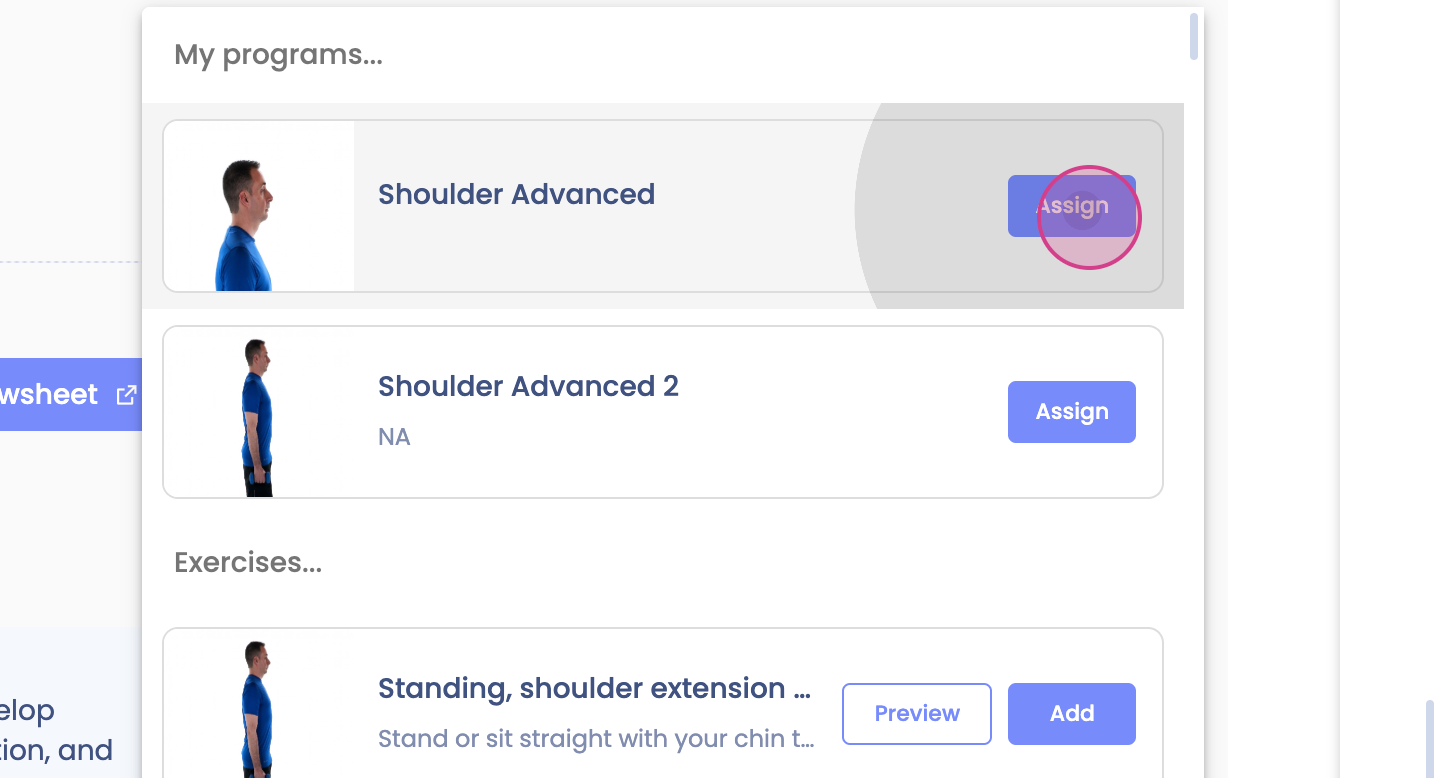
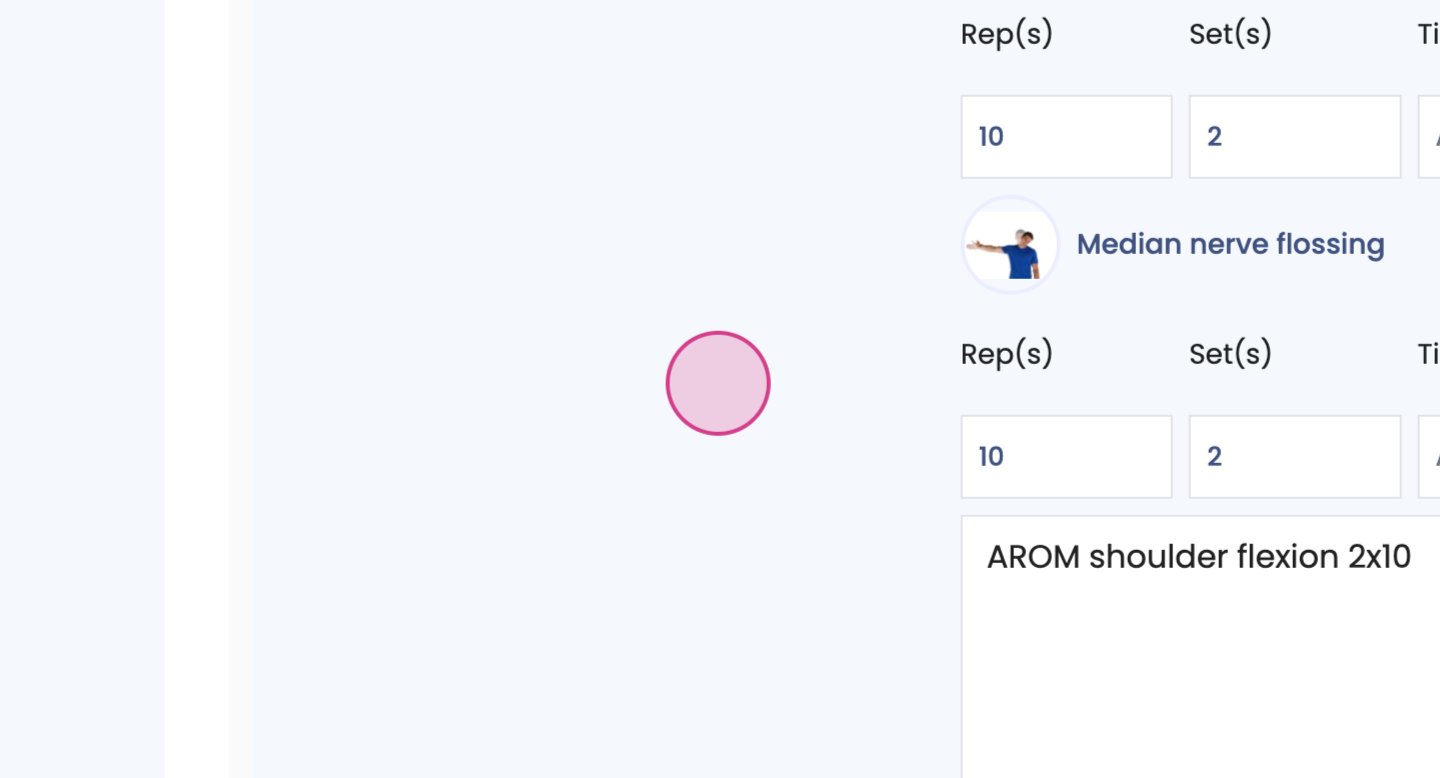
Step 2: Include any exercises or programs performed.
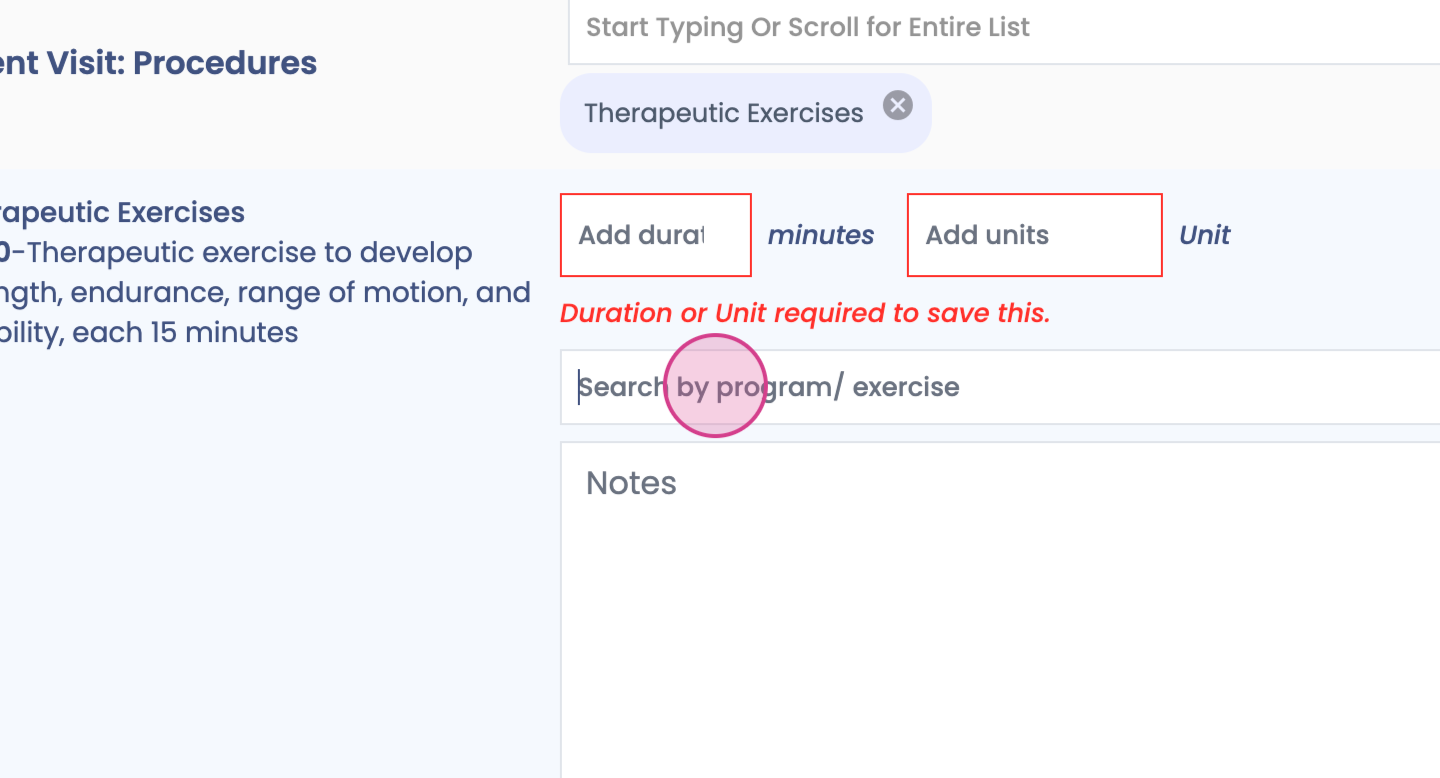
Step 3: Feel free to add any notes.
Step 4: Click on Sync to Flowsheet.
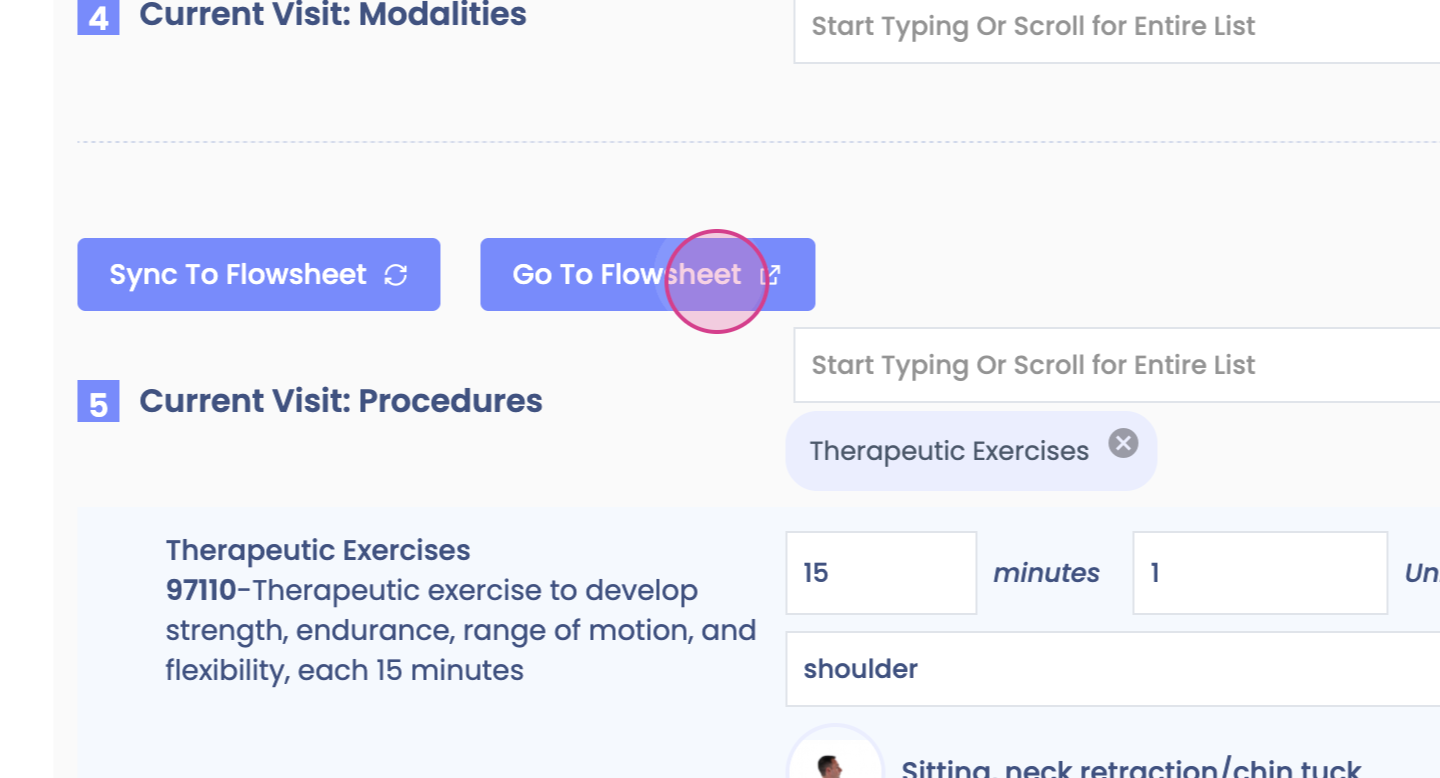
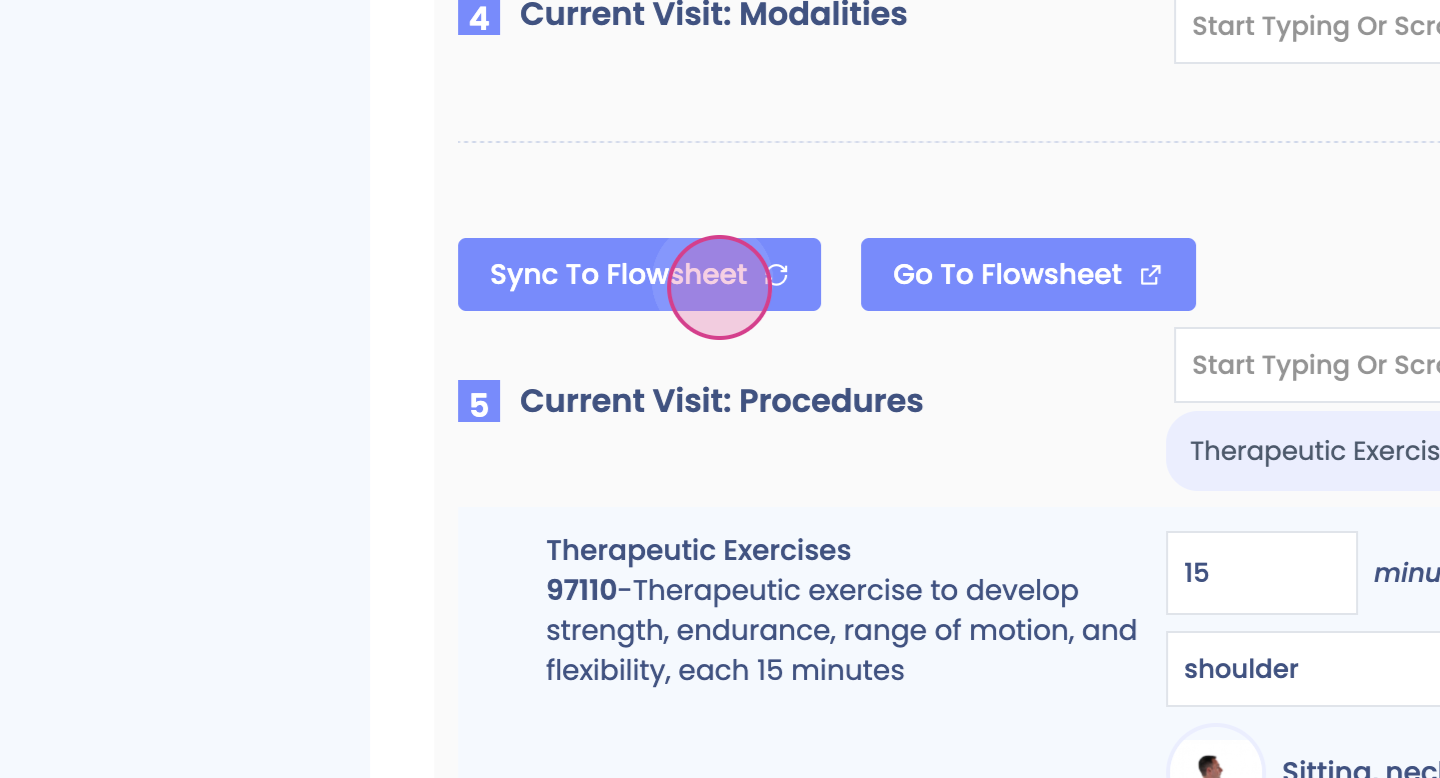
You'll find the flowsheet in the documentation or in the patient's chart.
Step 5: After syncing, the flowsheet is ready. You're also able to add exercises from the Flowsheet view.
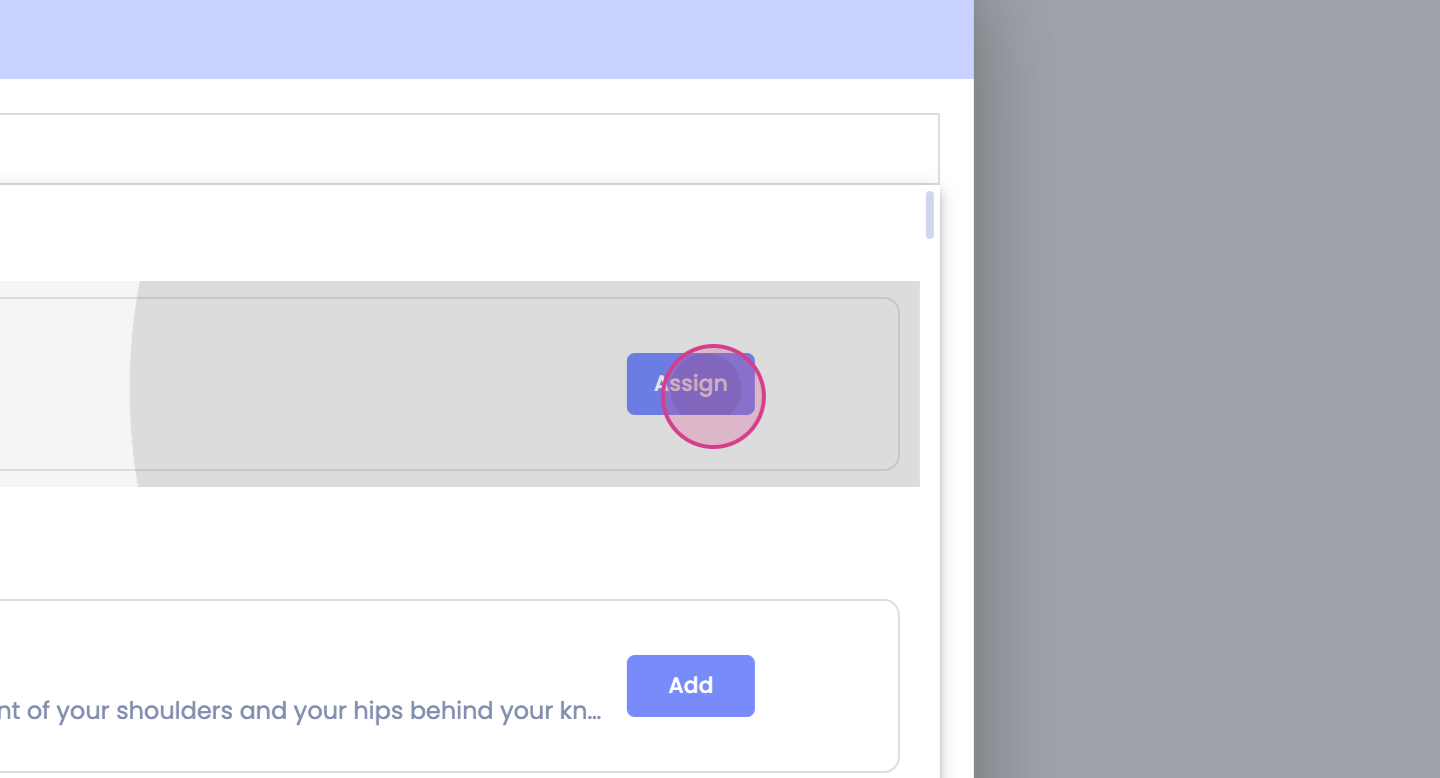
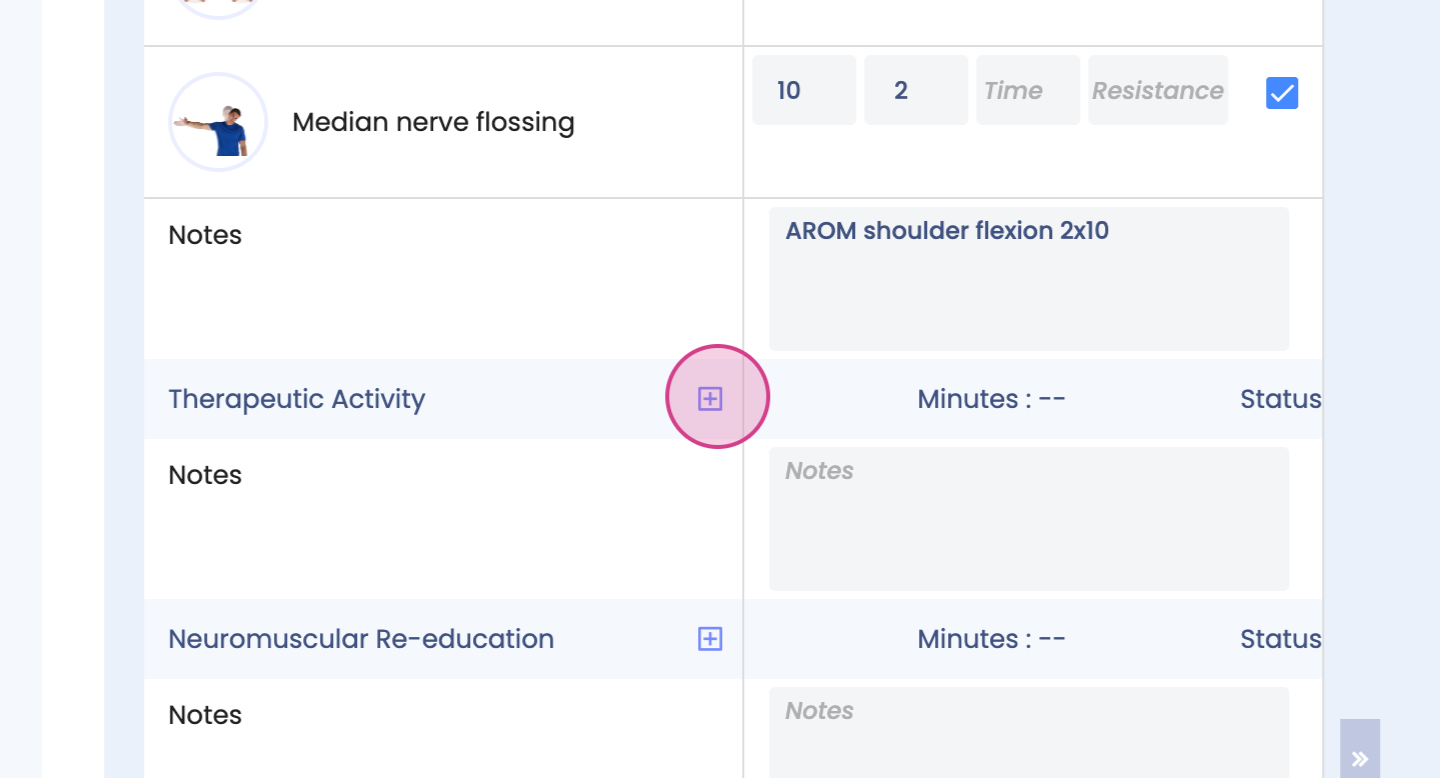
Step 6: Adjust the reps, the sets, and add any additional notes.
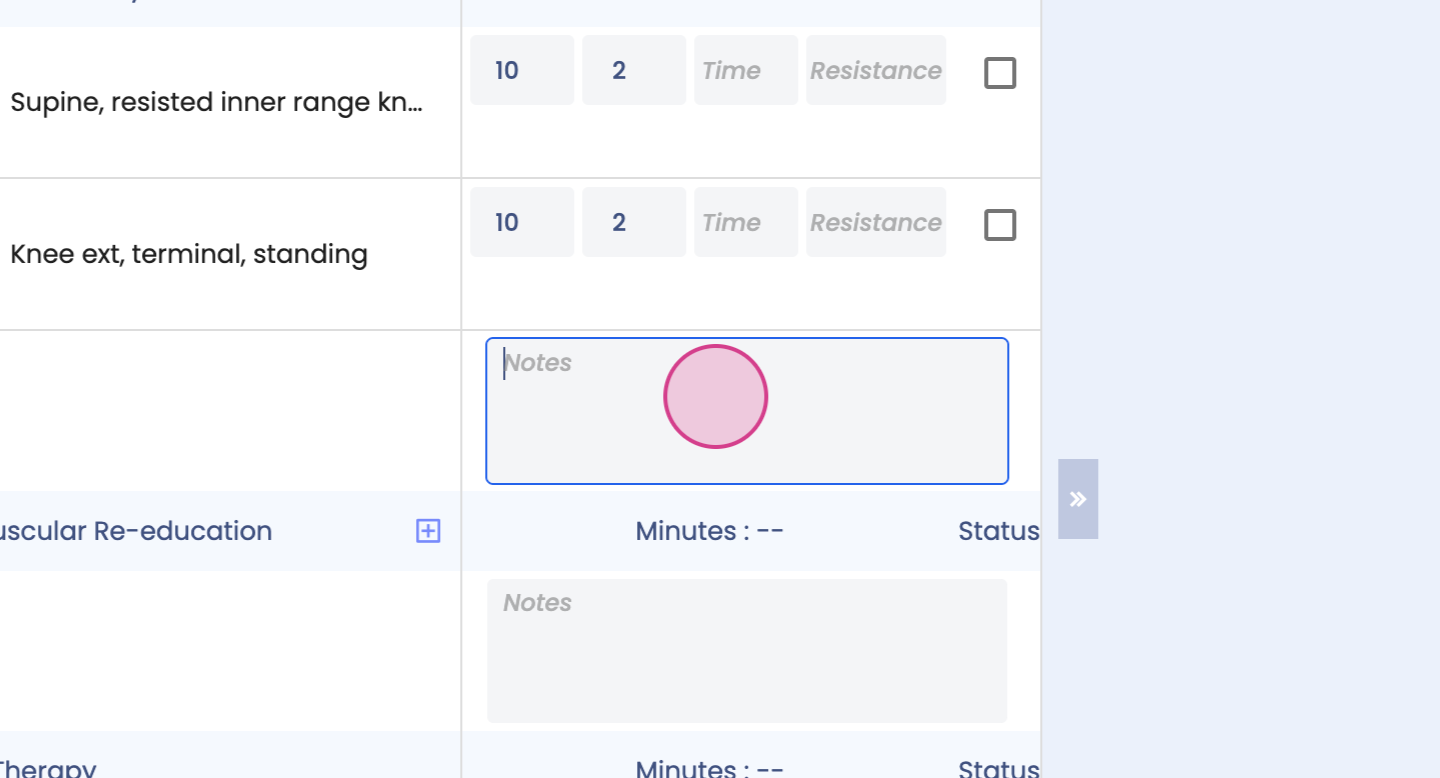
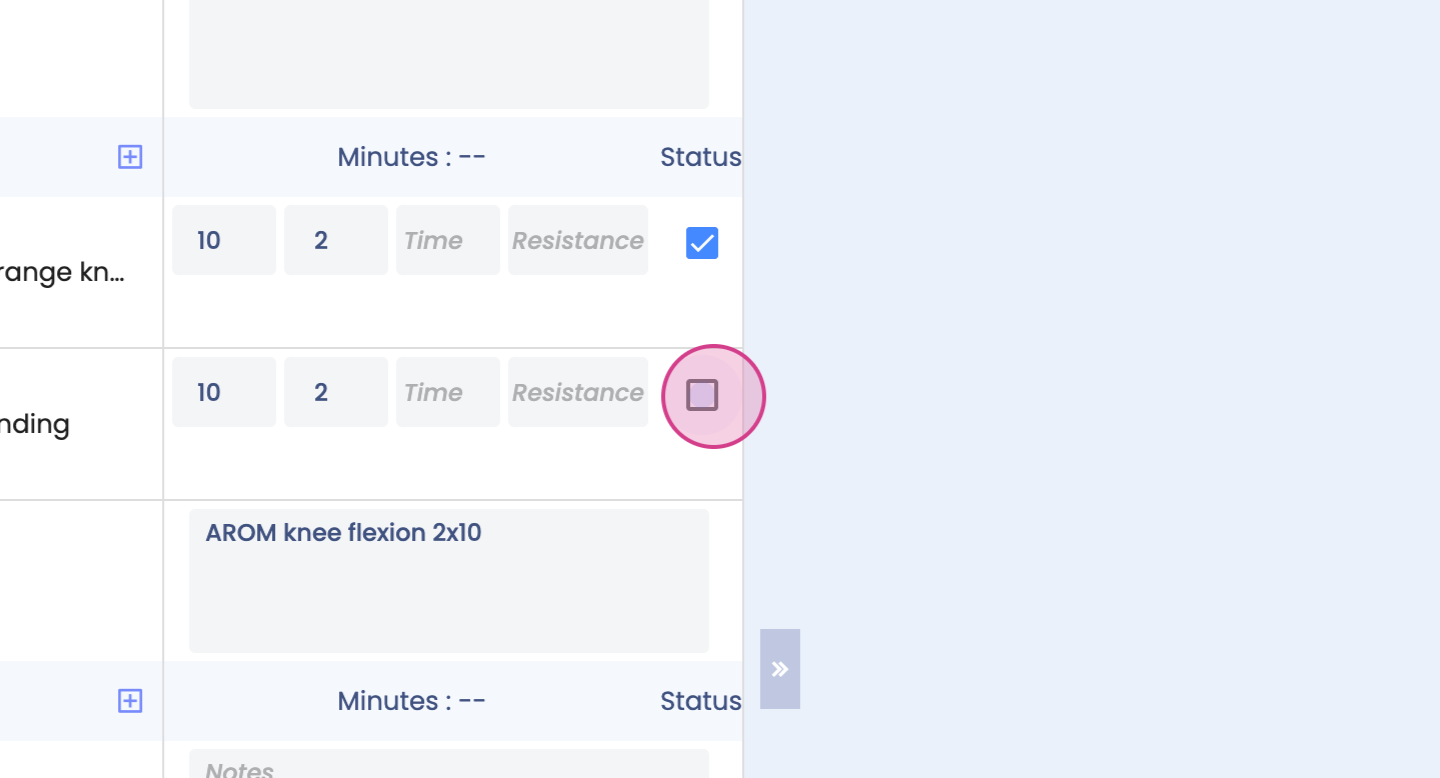
Step 7: Choose the status to show that the exercise was performed.
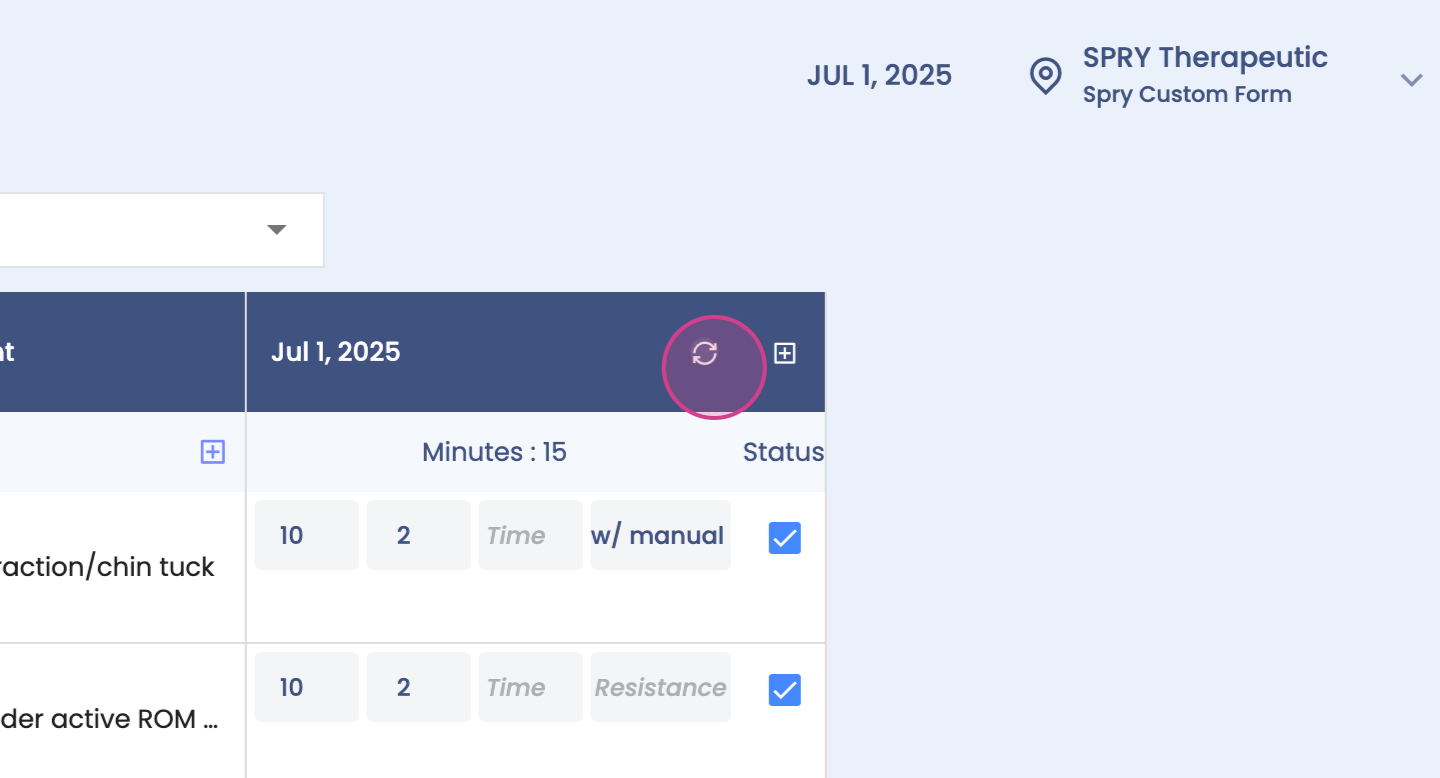

Remember, you're able to sync back to your SOAP note as long as the SOAP note is open for the day.