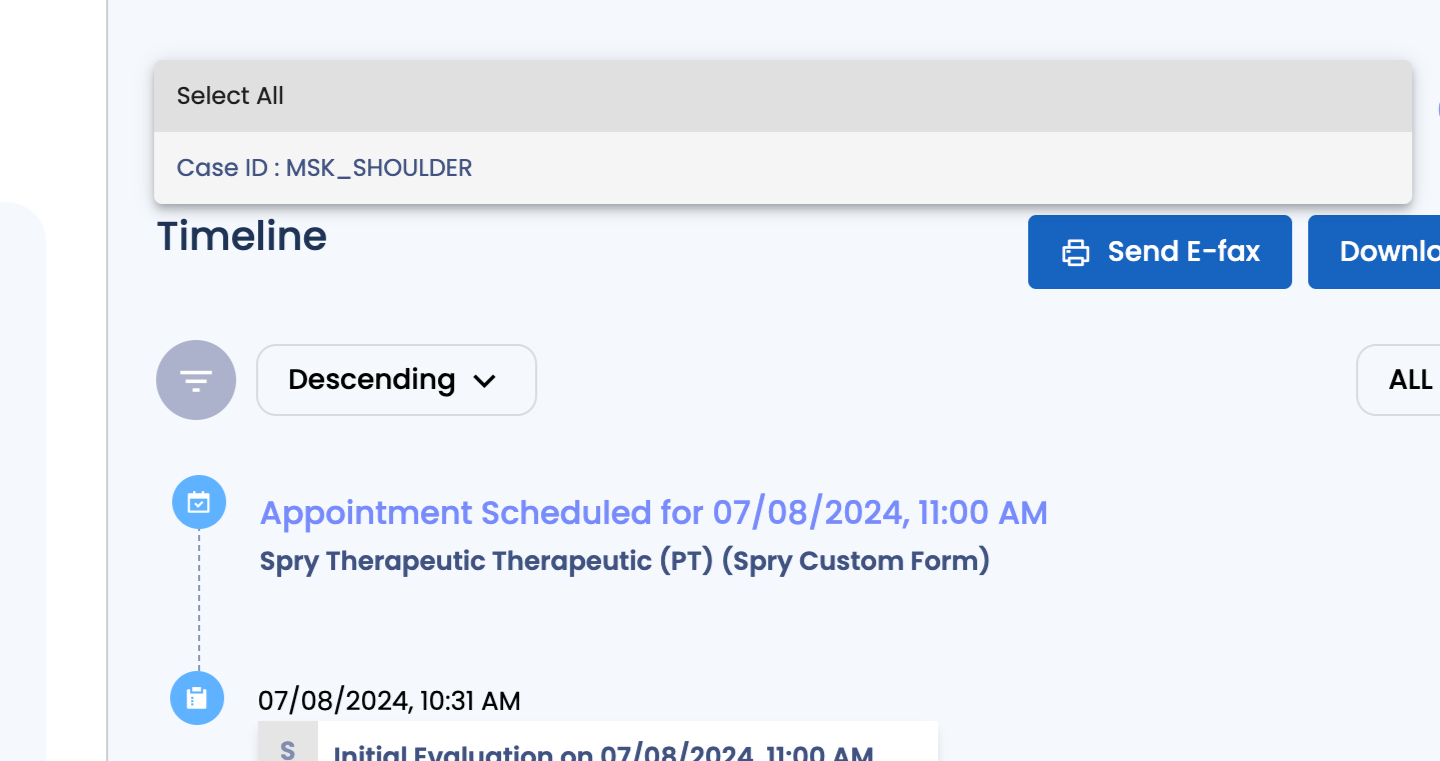
Track Certified POC
Step 1: Certified Plan of Care Tracking.

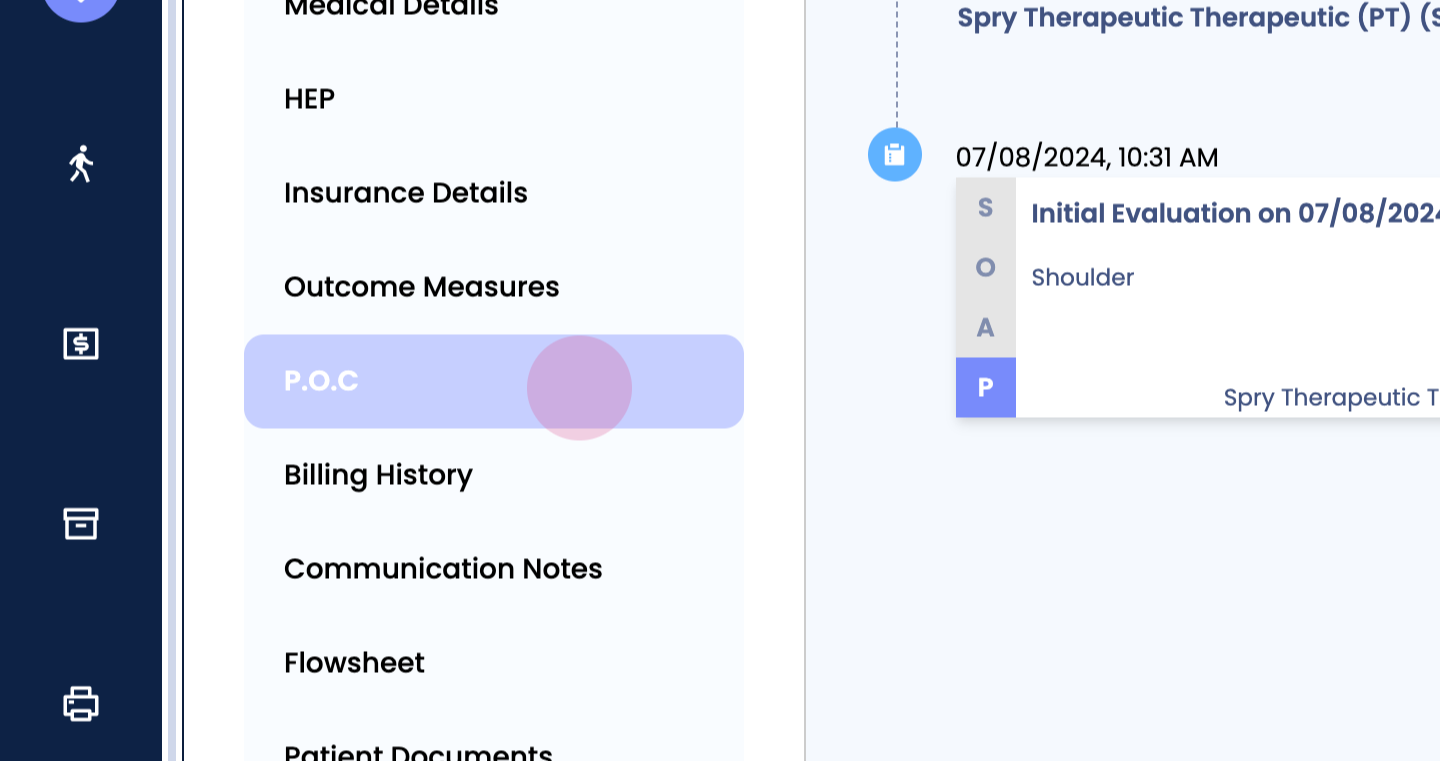
Enter patient's chart, scroll POC tab,
Step 2: Upload signed plan of care, drag and drop or browse.
Step 4: Add notes if required.
Step 5: Tick the Certify POC box.
Step 6:

Step 7: Status changed to certified.
Step 8: Status changed to certified based on plan of care created.
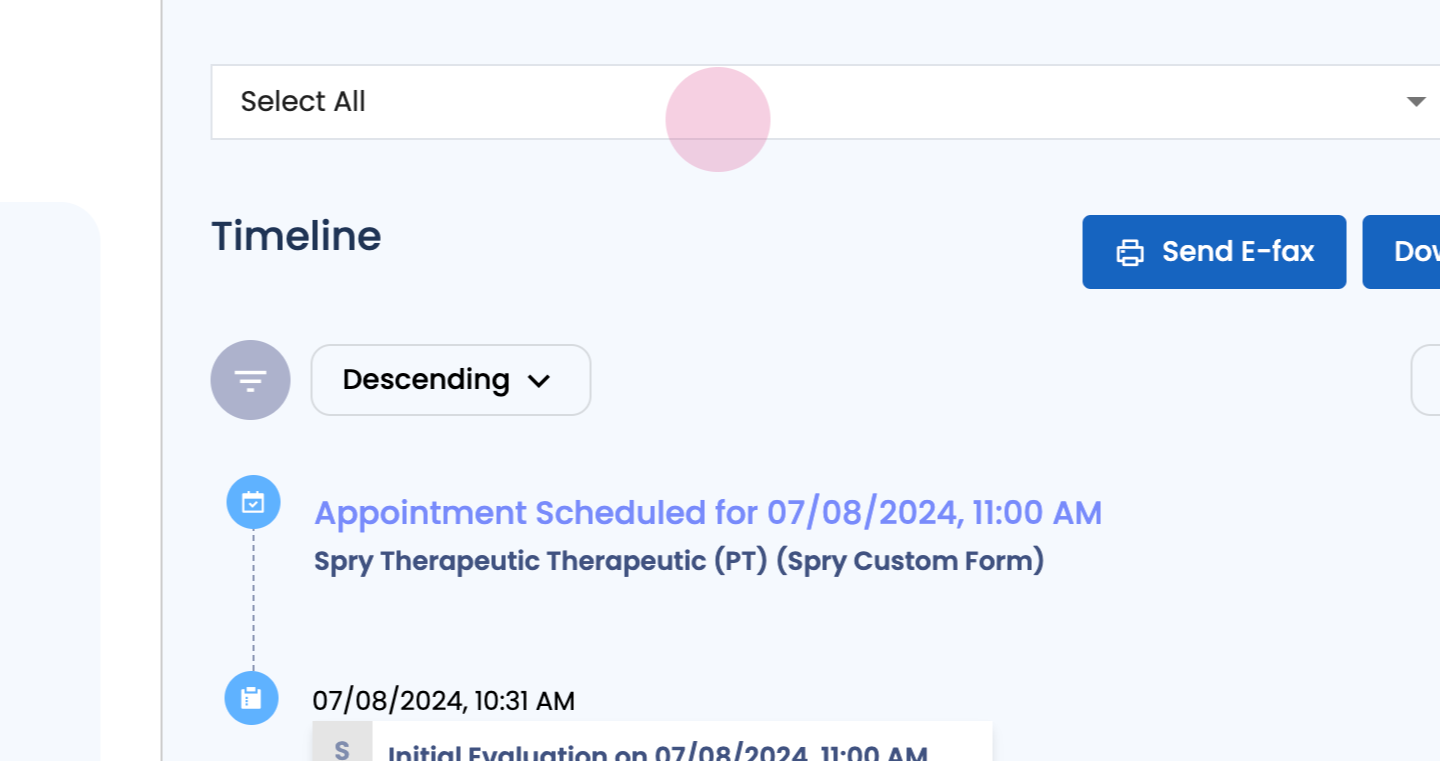
Step 9: