Skip to content Password Reset Instructions
← Back to list
Step 1: How to reset your password? Click on "Forgot password."
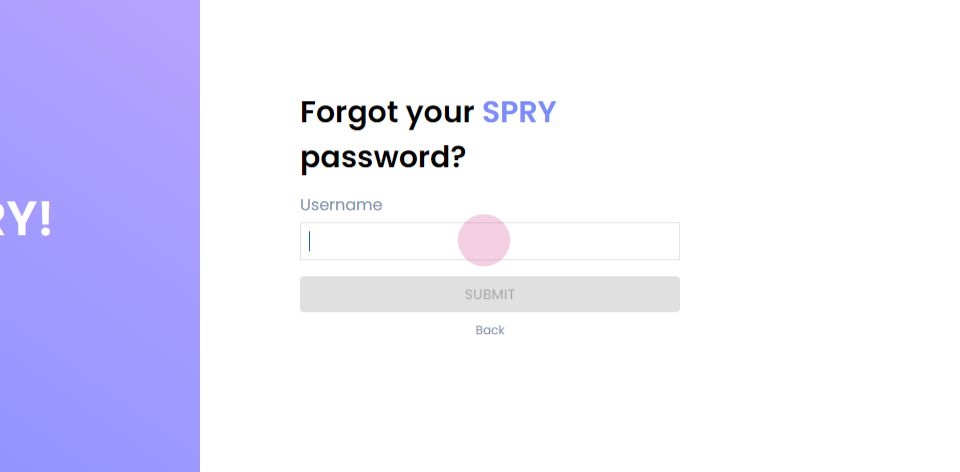
Step 2: Enter your username, which would be your email ID from which you log in.
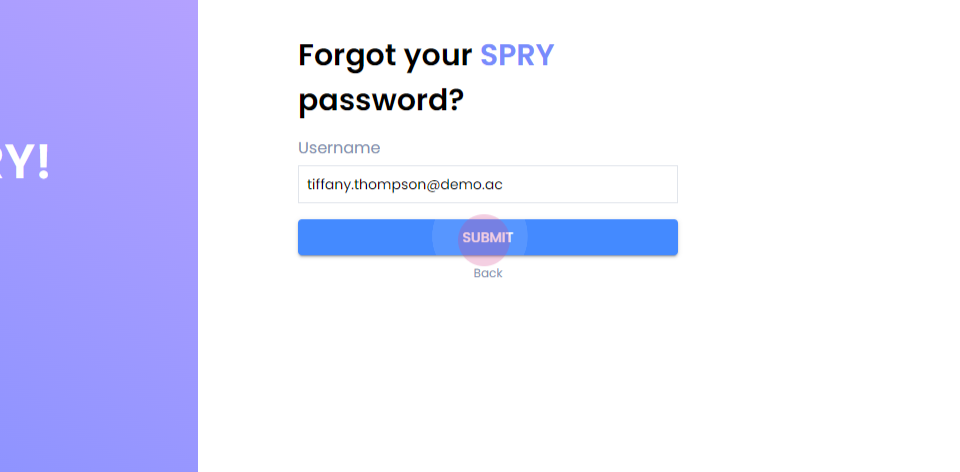
Step 3: Click on submit.
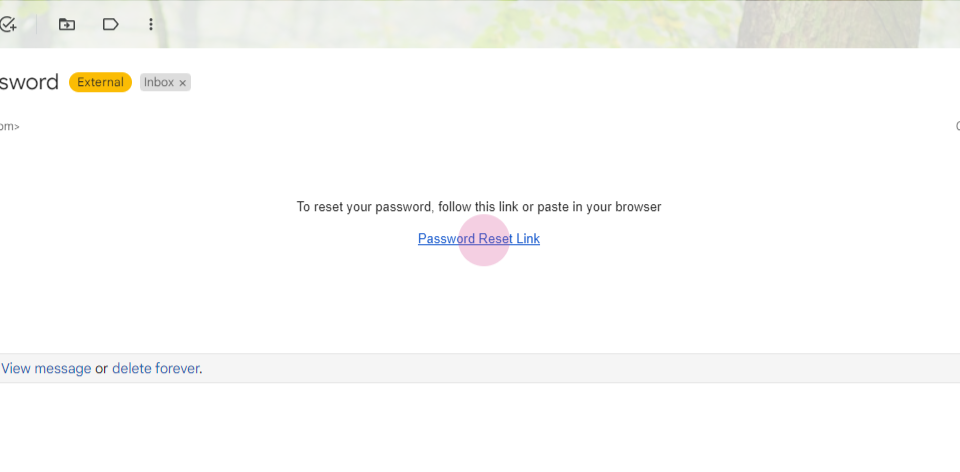
Step 4: The email will be triggered to your registered email ID. Click on the password reset link.
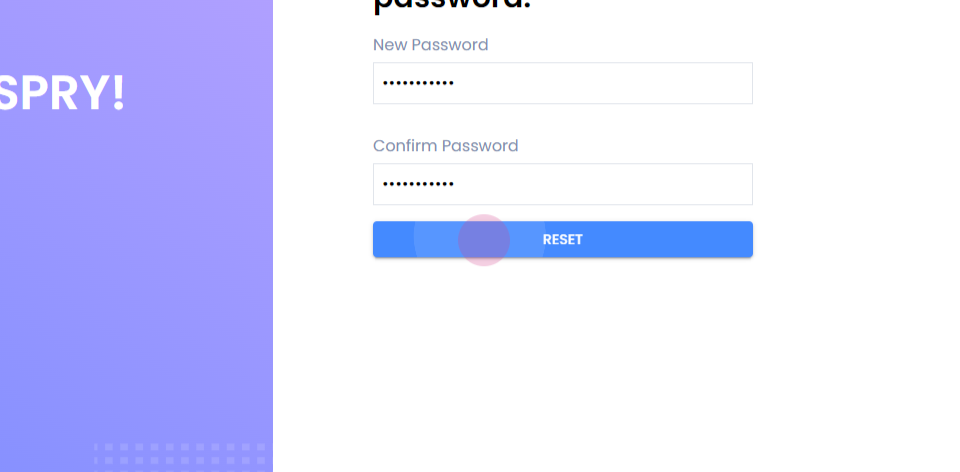
Step 5: It'll take you to this screen. Enter your new password. Confirm the new password.
Step 6: Click on reset, and your password will be changed successfully.