
eFax Cover Page Template
In this article, you'll learn how to create a template for an eFax cover page.
Step 1: Start by navigating to the eFax tab.

Step 2: Proceed to the Template tab.
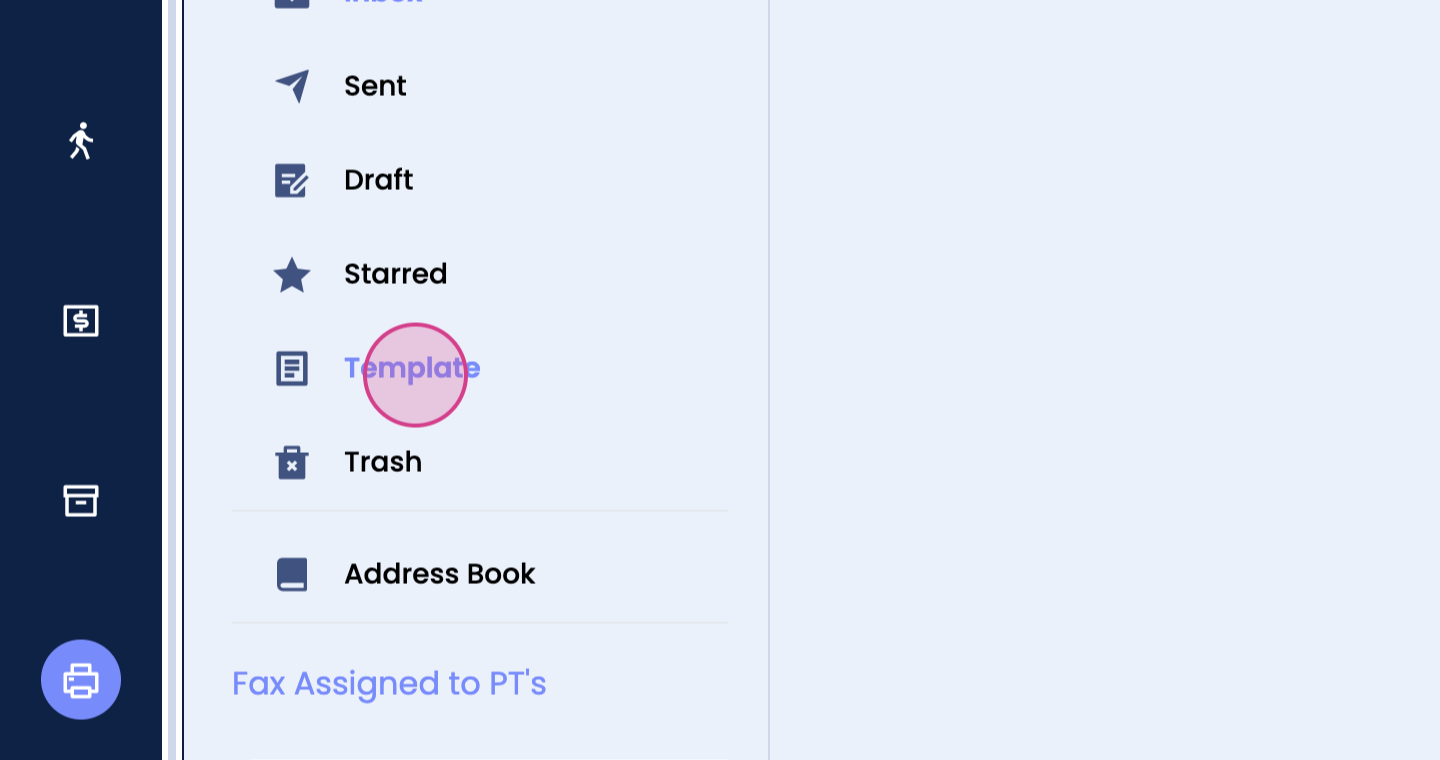
Step 3: Click on Create.

Step 4: Begin creating your template.
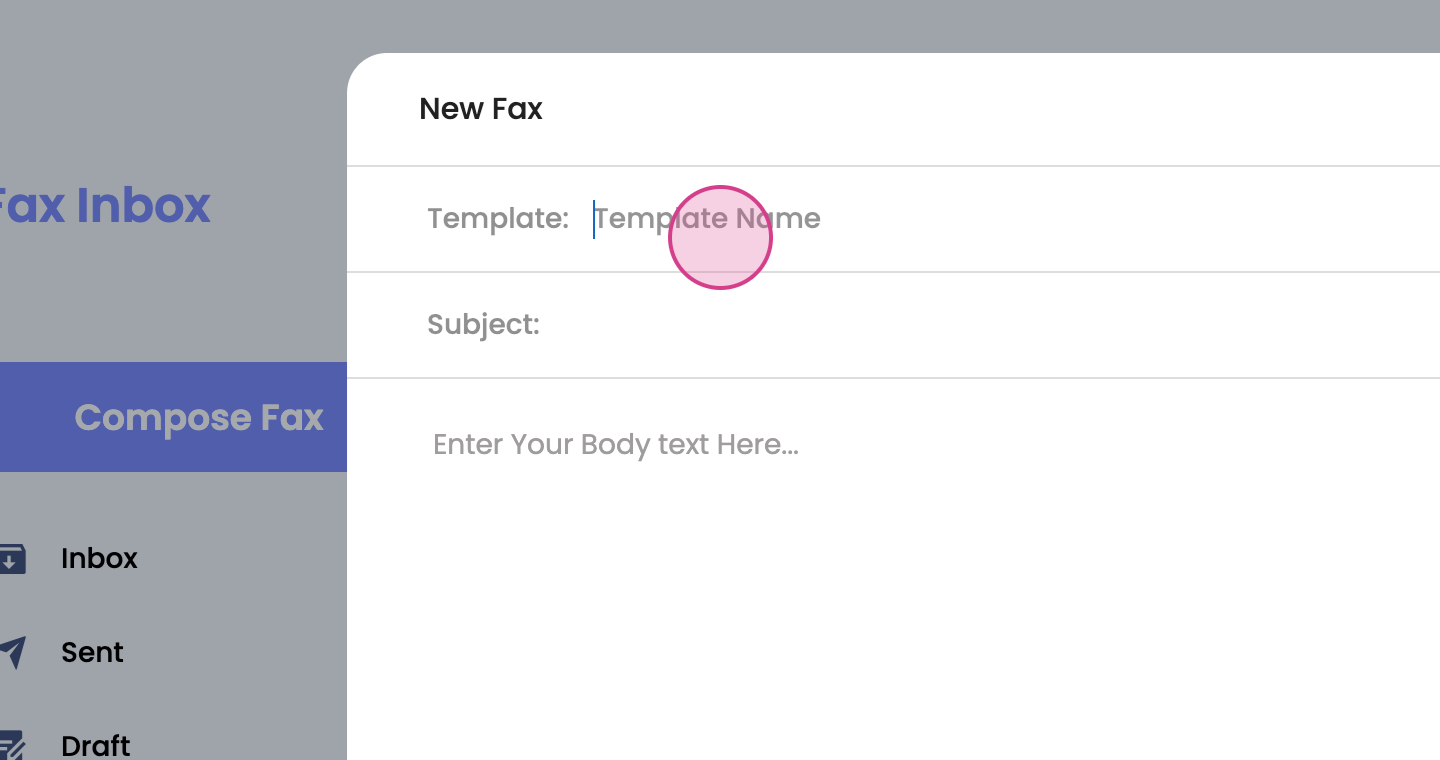
Step 5: Fill in the template name, subject, and body.

Step 6: Click on Save.

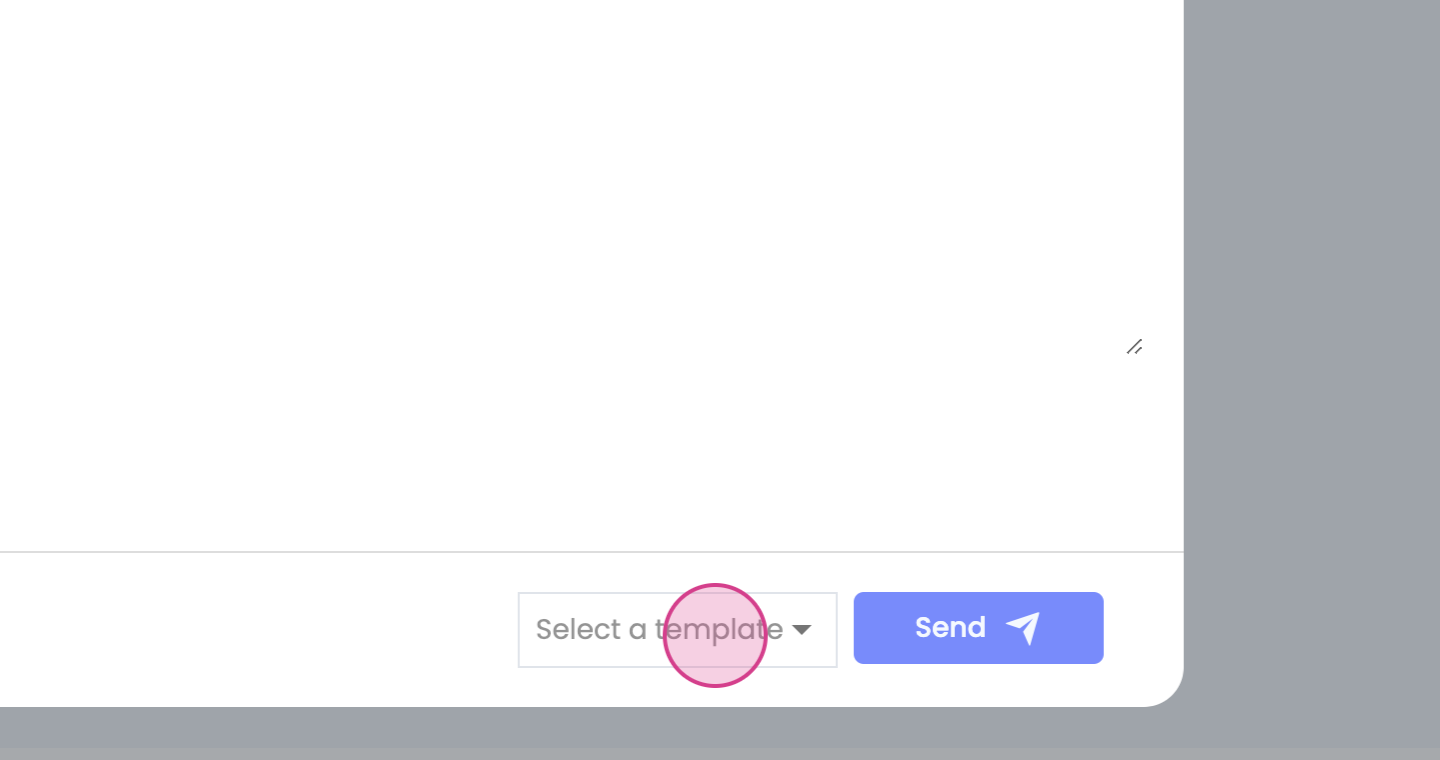

Now, whenever you're composing a fax, you're able to use this template by selecting it.