E-Wallet
Explore the feature of the e-wallet with this guide.
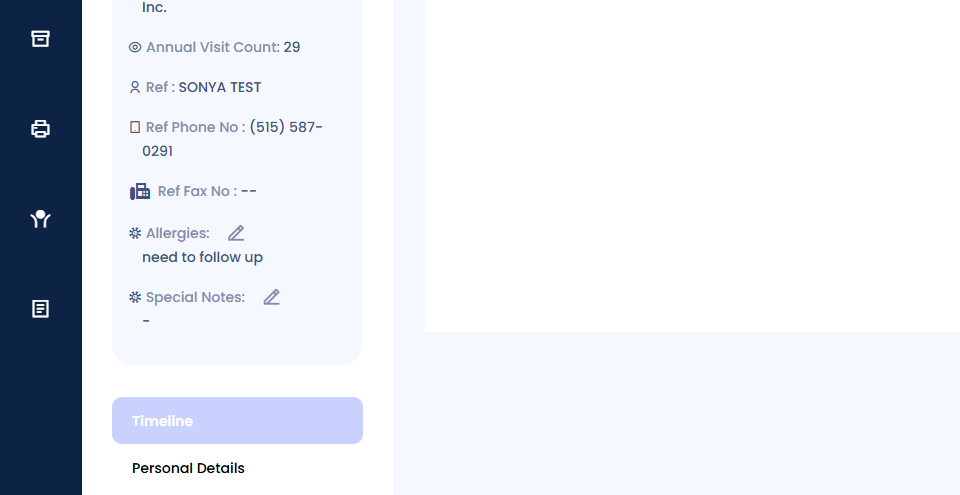
Start by navigating to the patient's timeline.
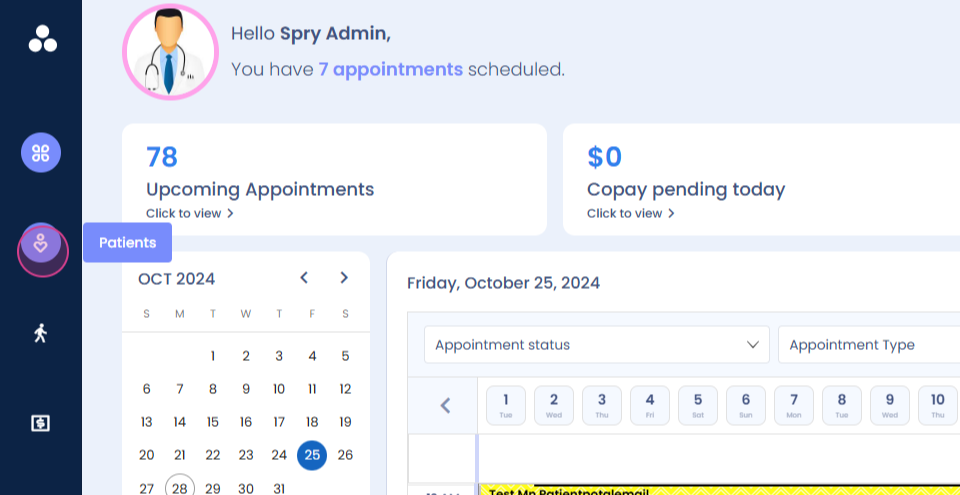
Step 1: Locate the e-wallet option on the left-hand side panel.
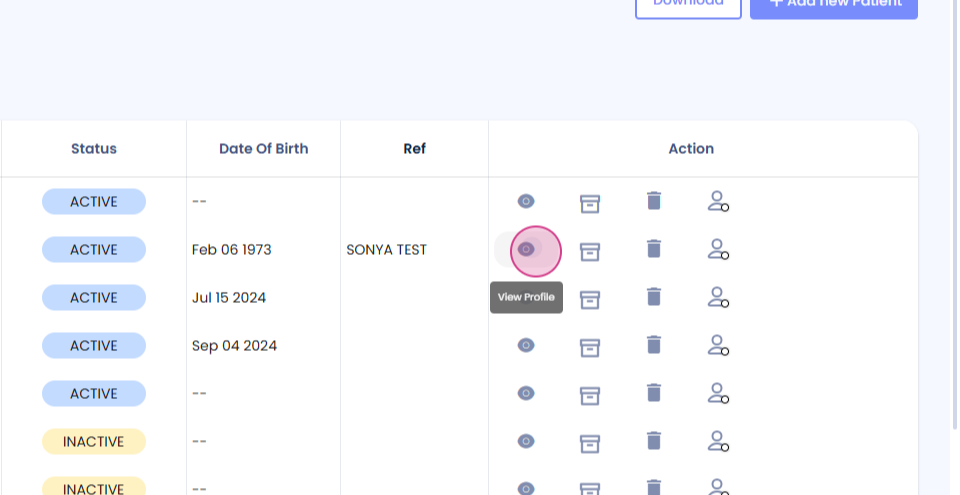
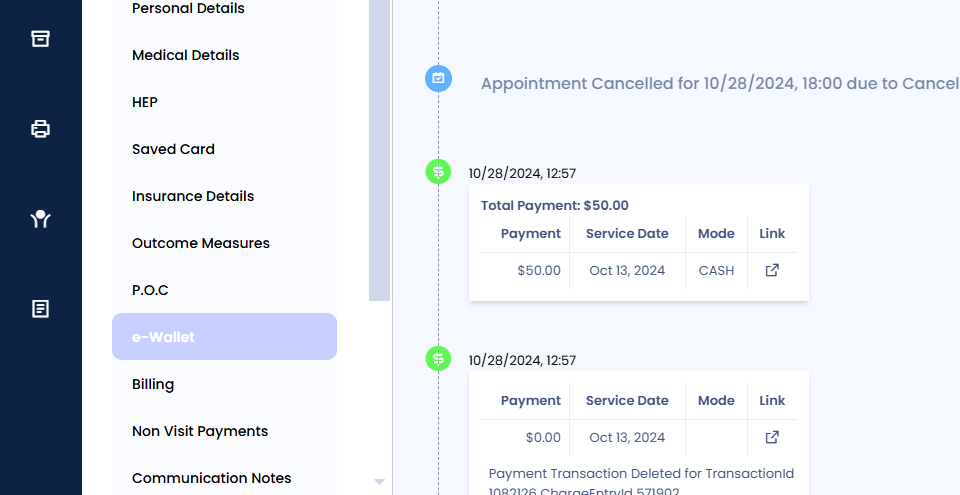
This e-wallet belongs to the patient and displays all the dates of services for that patient.
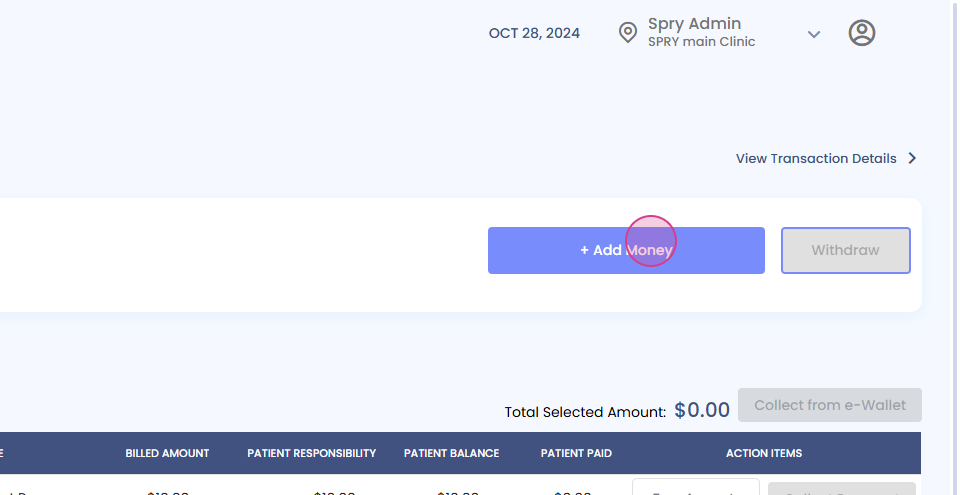
To add an amount into the e-wallet, follow these steps:
Step 1: Type in the desired amount in the provided field.
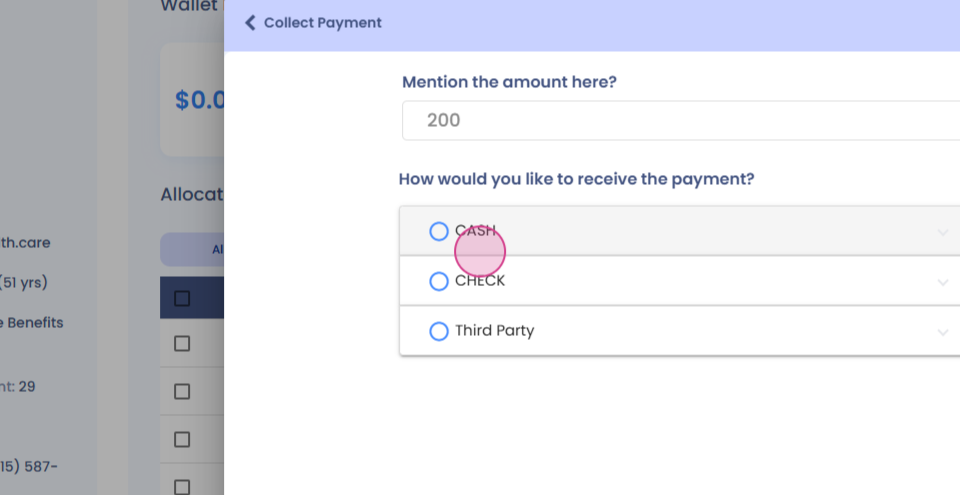
Step 2: Choose the mode of payment.
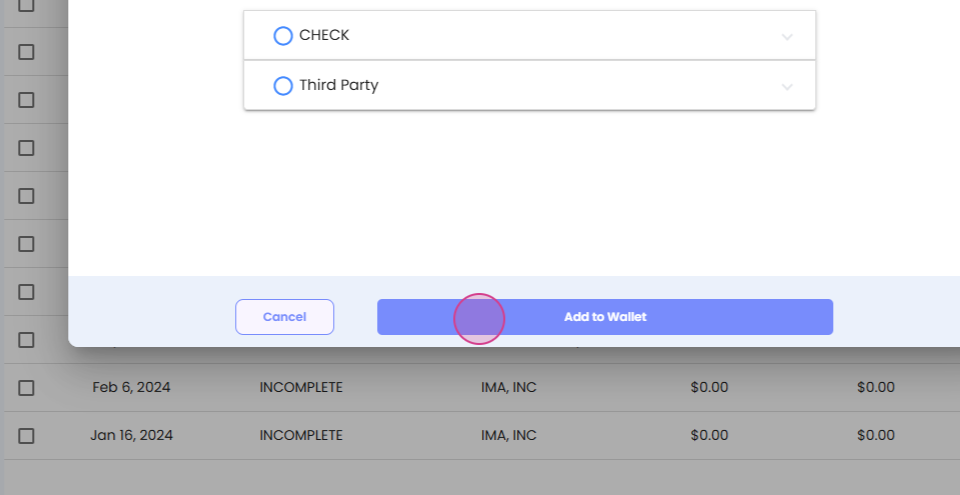
Step 3: Click on Add to Wallet.
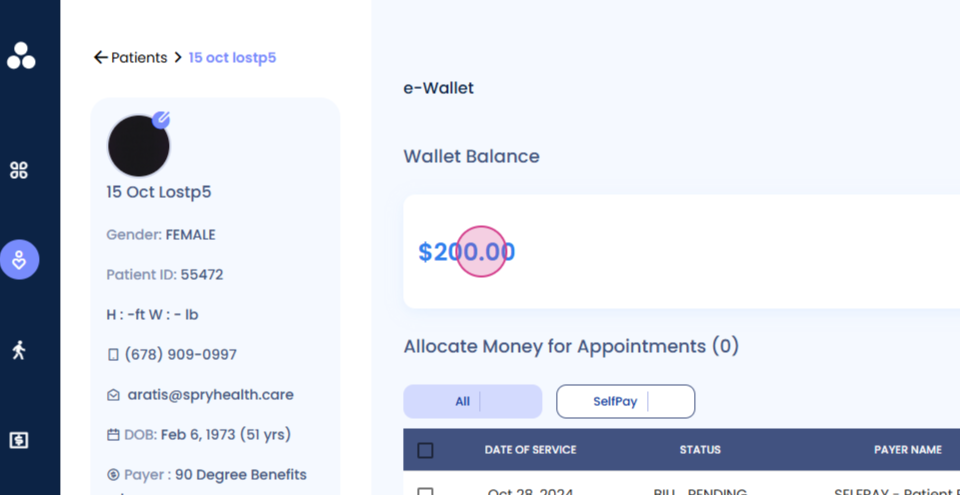
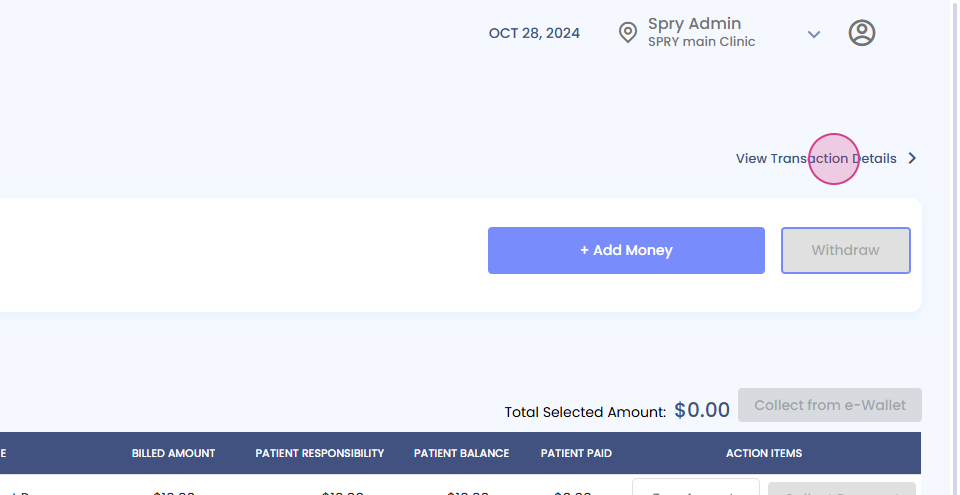
After adding the amount, it's possible to view all transaction details. This includes any previous amounts added to the e-wallet. Access these transactions from this tab.
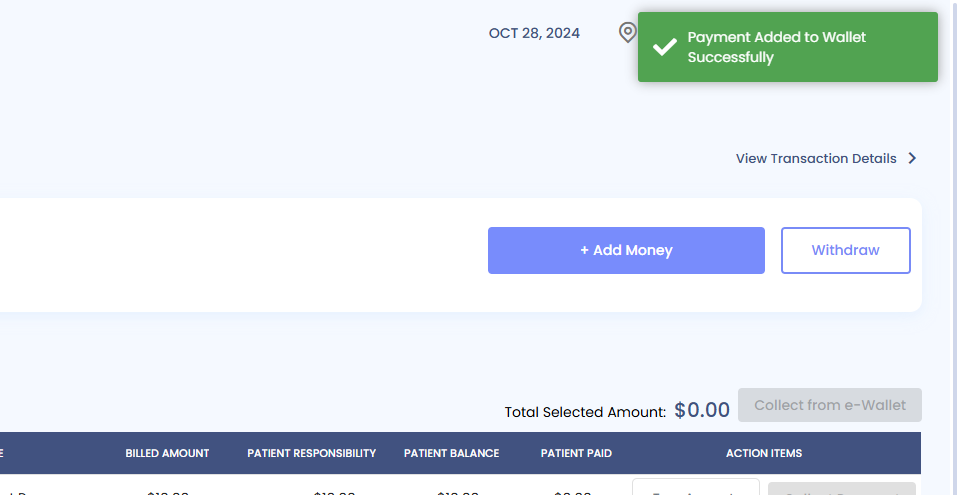
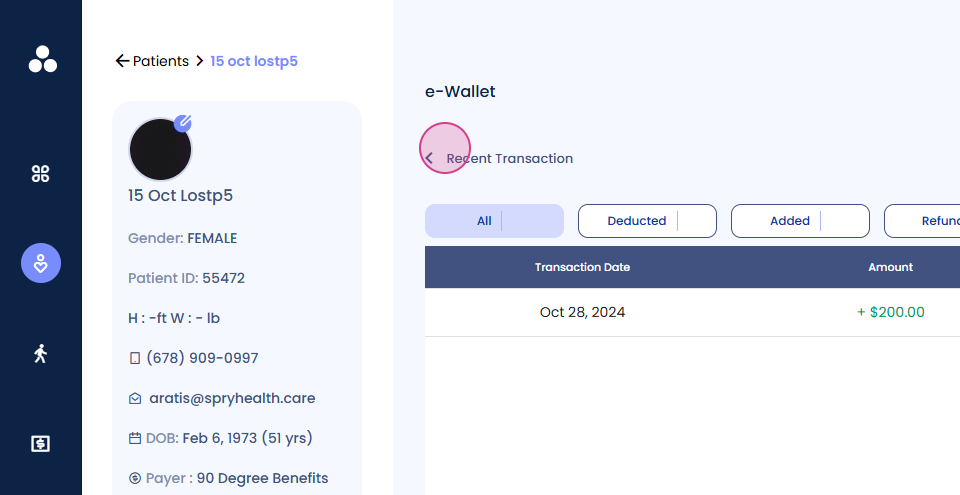
To apply charges or the amount to any date of services, follow these steps:
Step 1: Select the desired dates of service. For example, the seventh of October and the twenty-fifth of August.
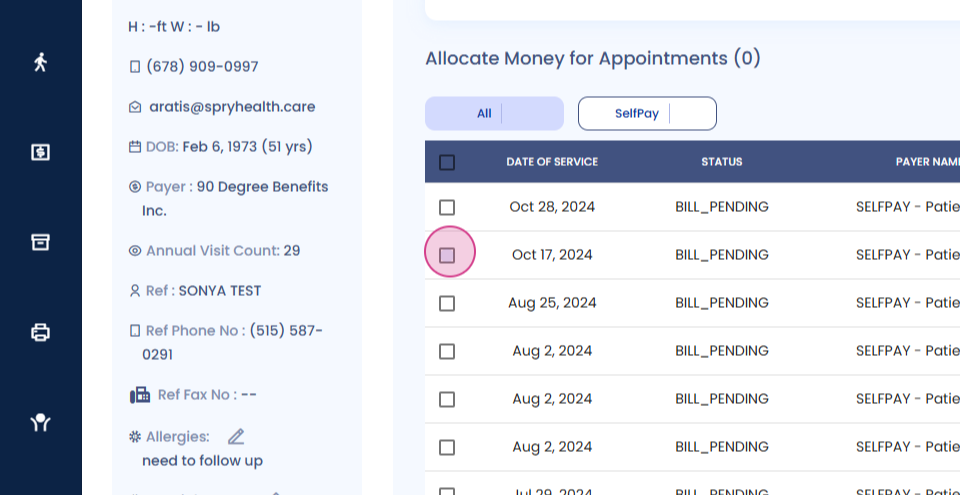
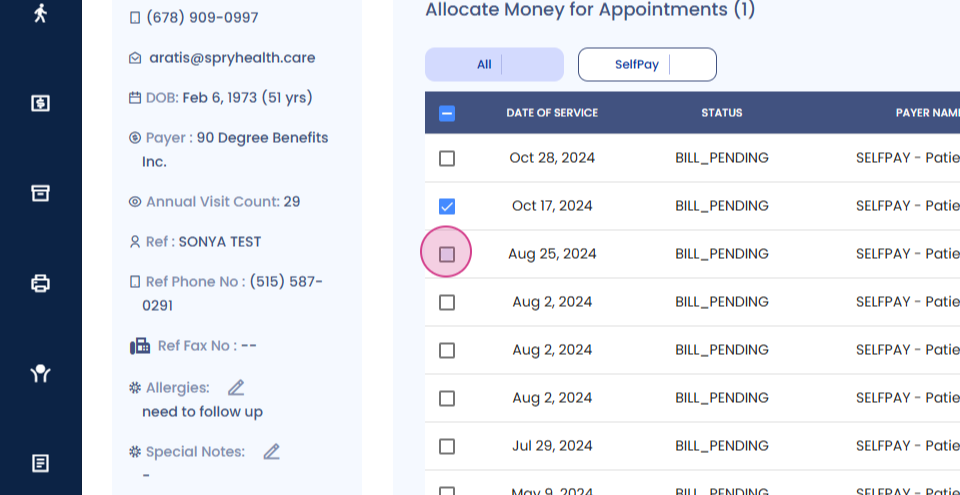
Step 2: Click on Collect from e-wallet.
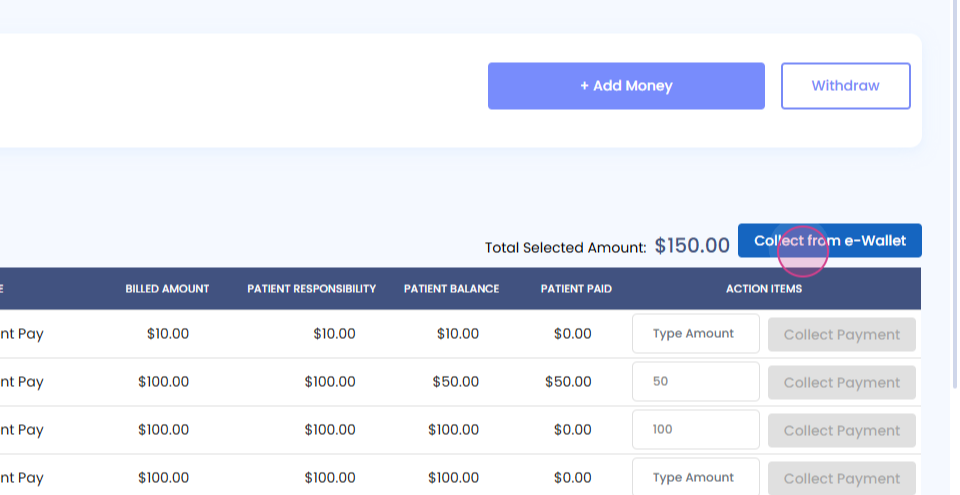
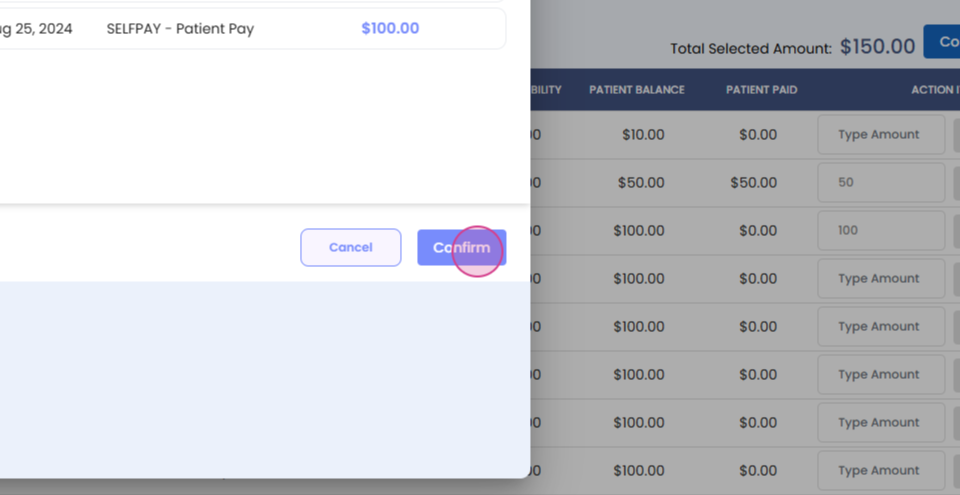
After confirming, the selected amount will be deducted from the wallet and applied to those dates of services.
If a patient wishes to withdraw an amount from the e-wallet, follow these steps:
Step 1: Navigate to the Withdraw option.
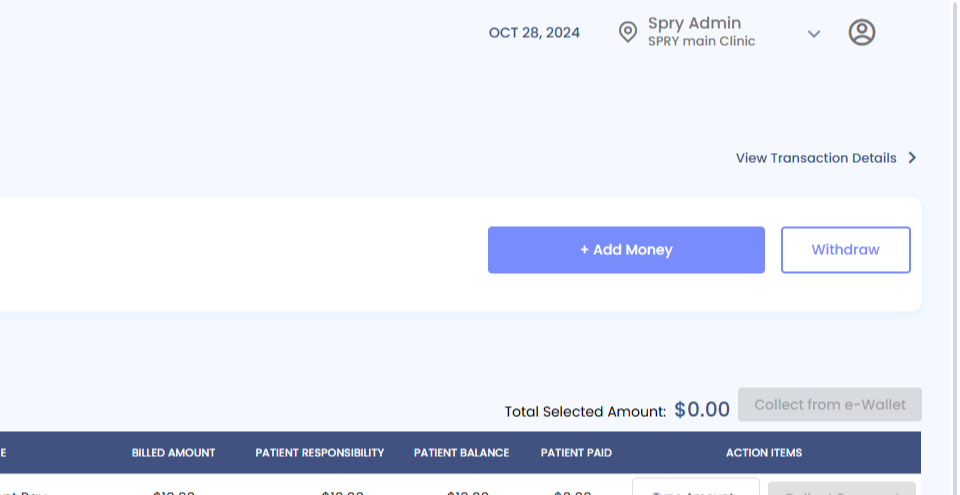
Step 2: Type in the amount to withdraw, for example, fifty dollars.
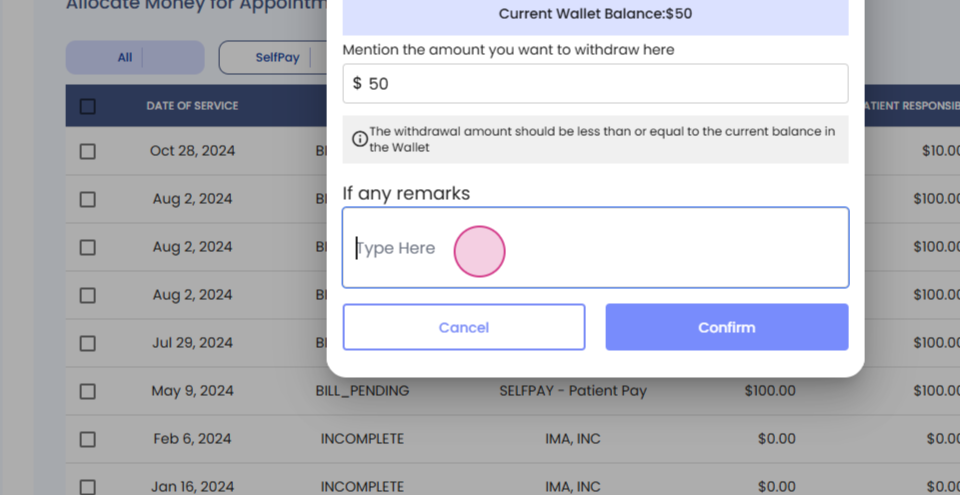
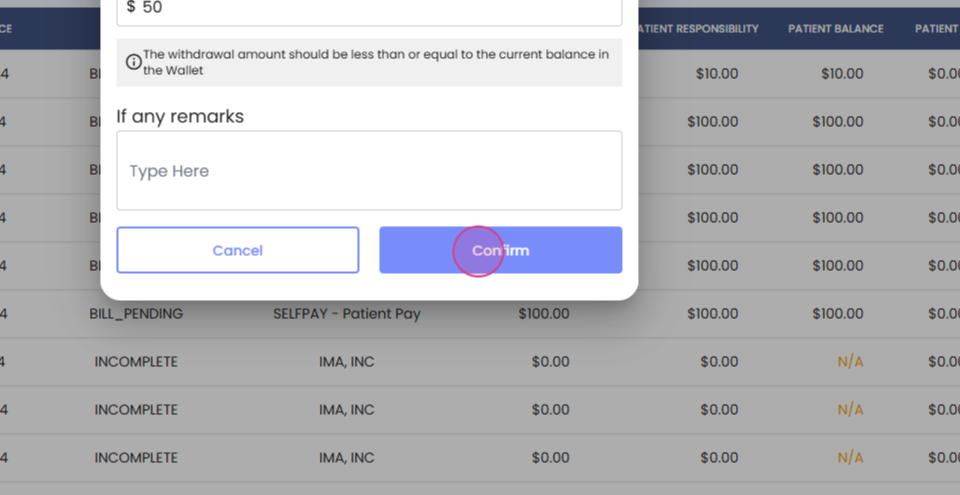
Step 3: Confirm the withdrawal.
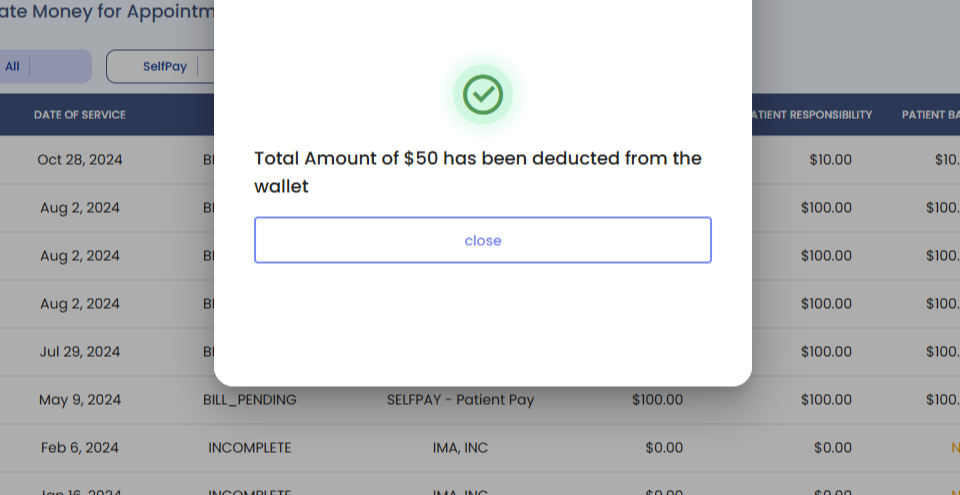
After confirming, the specified amount will be deducted from the wallet balance and withdrawn. This transaction will also be reflected in the transaction details as a wallet withdrawal.