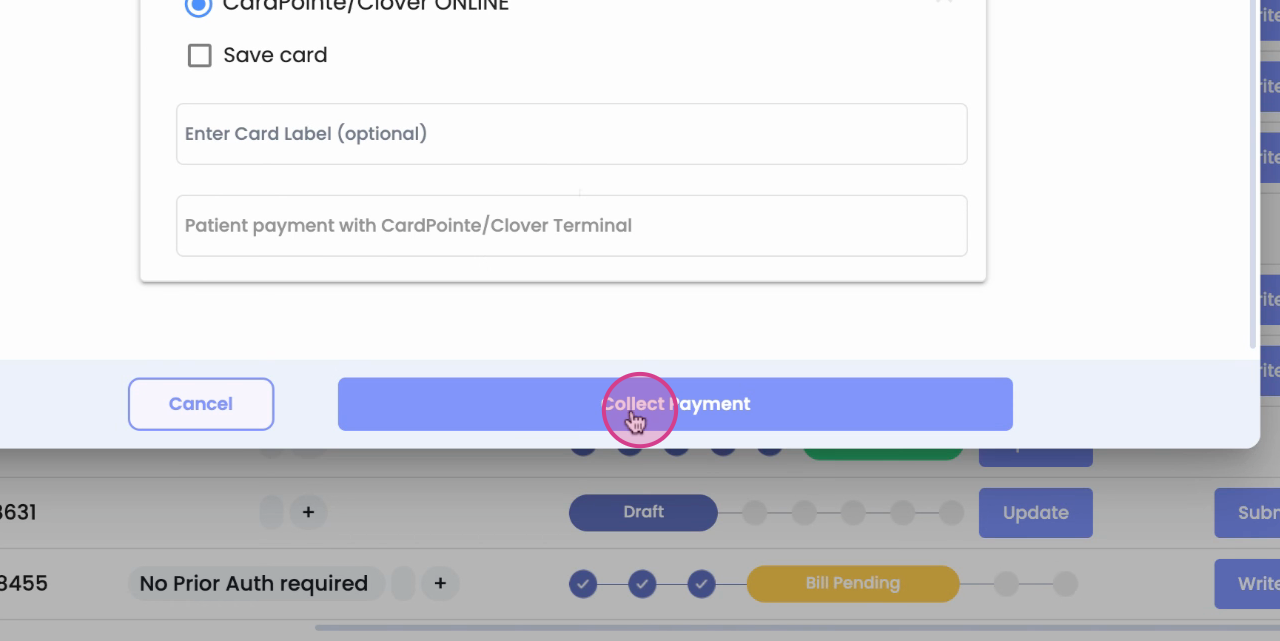
Clover Payment Process Guide
In this article, you'll learn how to use Clover Inspiring for both terminal and online payments.
Step 1:
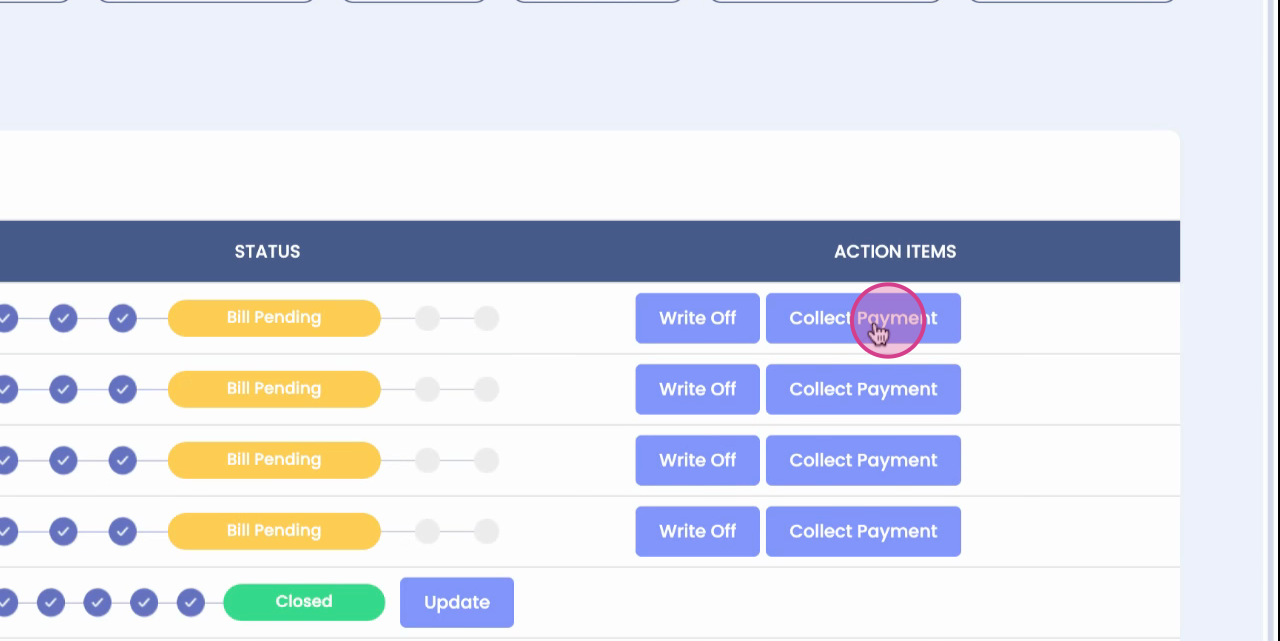
Start by observing the Clover terminal and Clover Online interface.
Step 2:
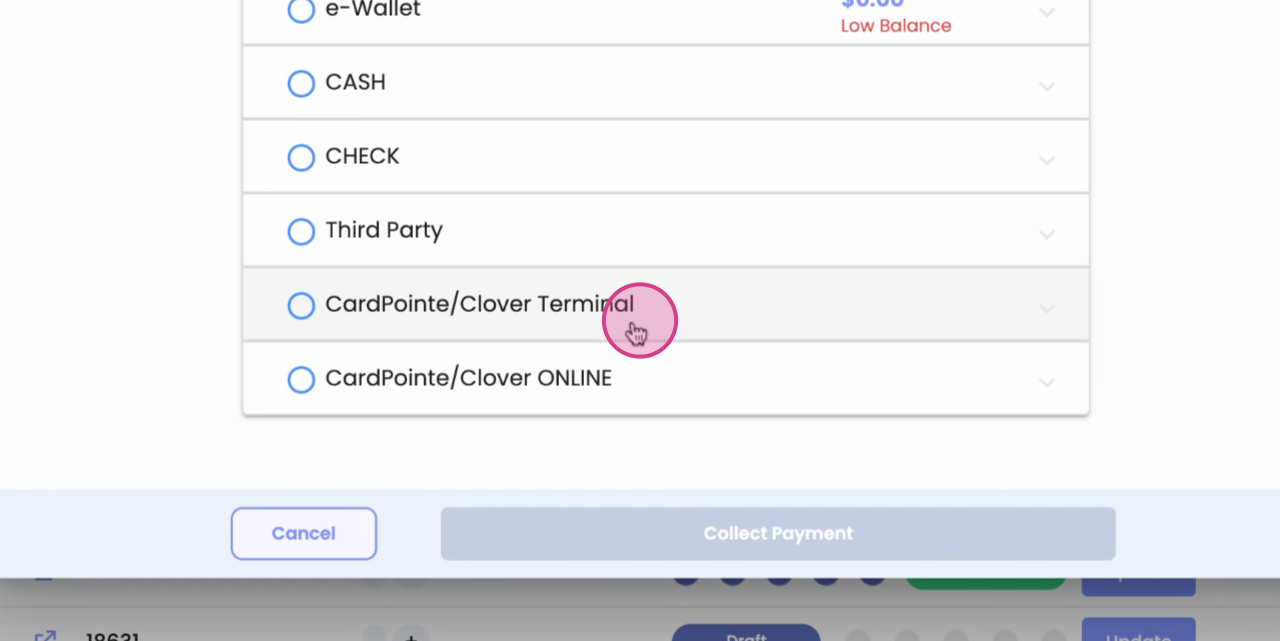
The terminal is designed for offline payments. Simply tap or swipe your card to initiate the payment process.
Step 3:
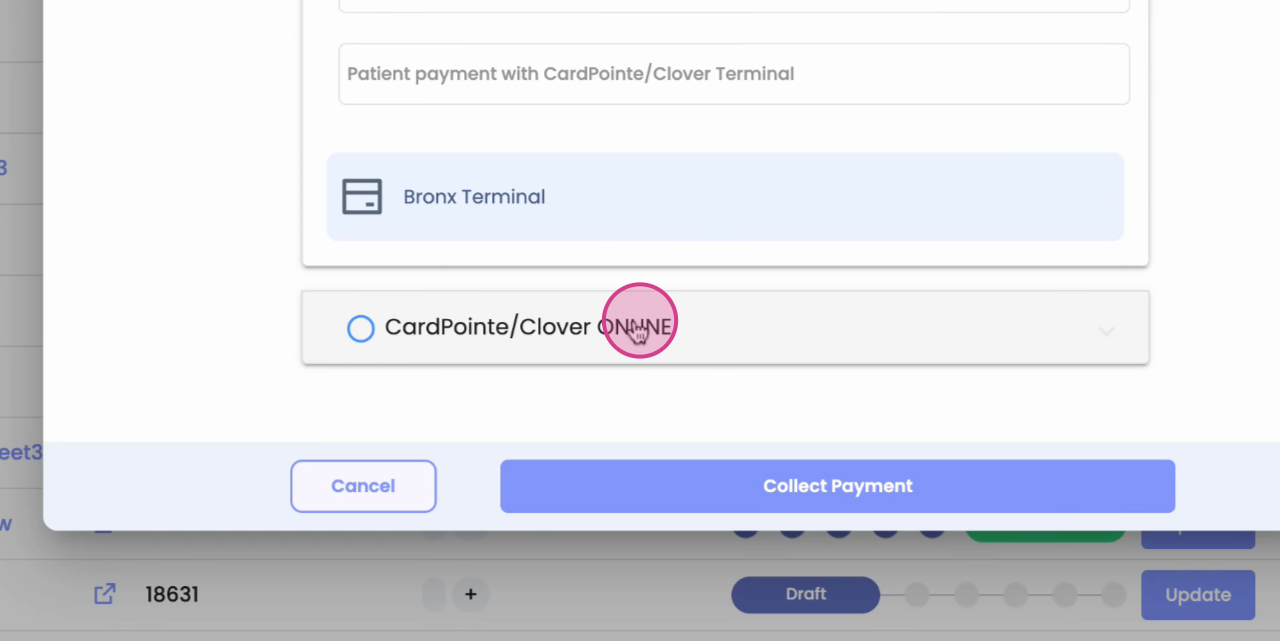
For online payments, notice the save card option. If you'd like to save your card for future transactions, select this option.
Step 4: