
Create Exercises in Wibbi Flow
Welcome to this tutorial on how to create and manage client programs in the dashboard. You’ll start on the main dashboard as the platform loads
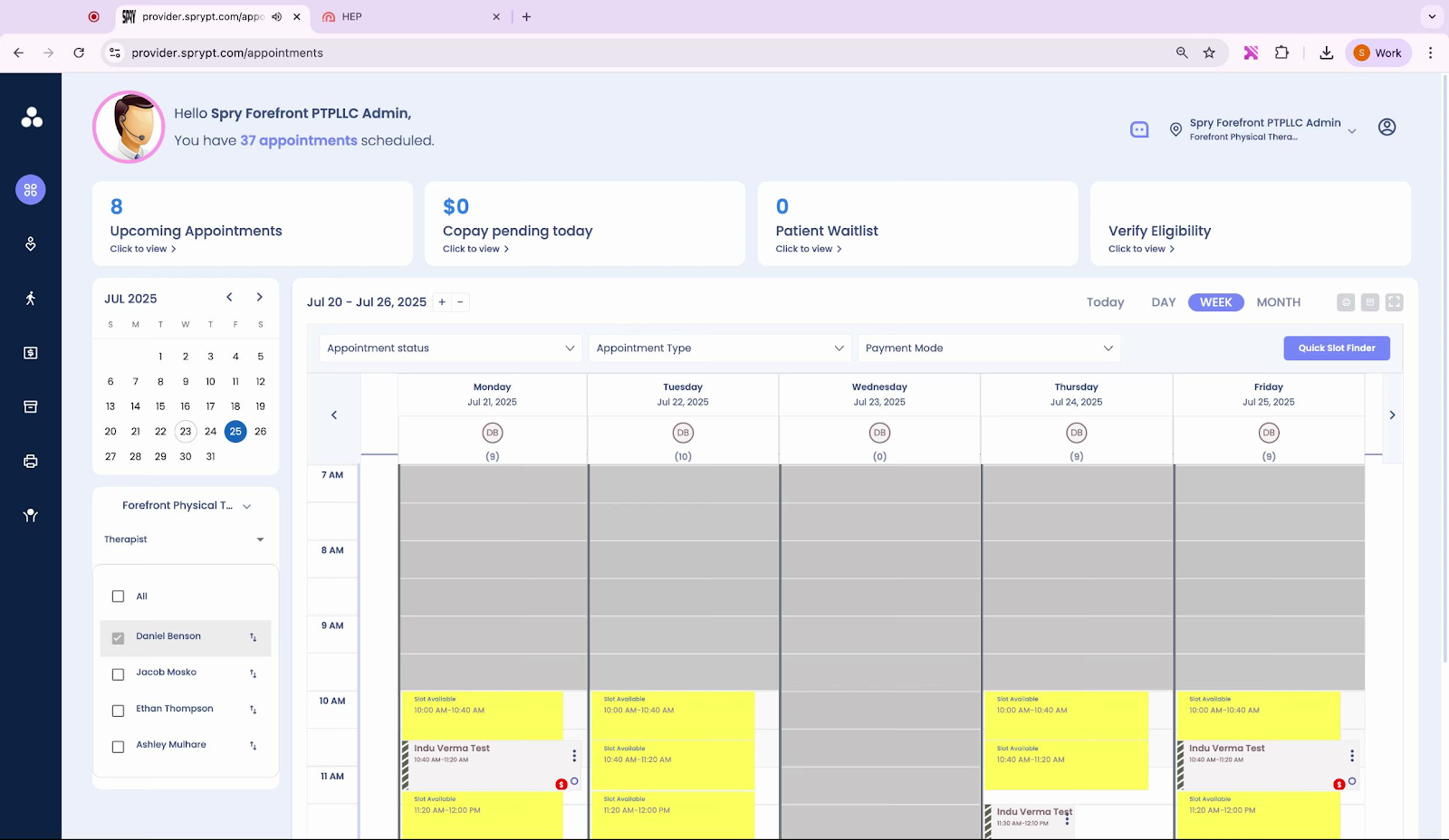
and displays your upcoming appointments. Next, you navigate
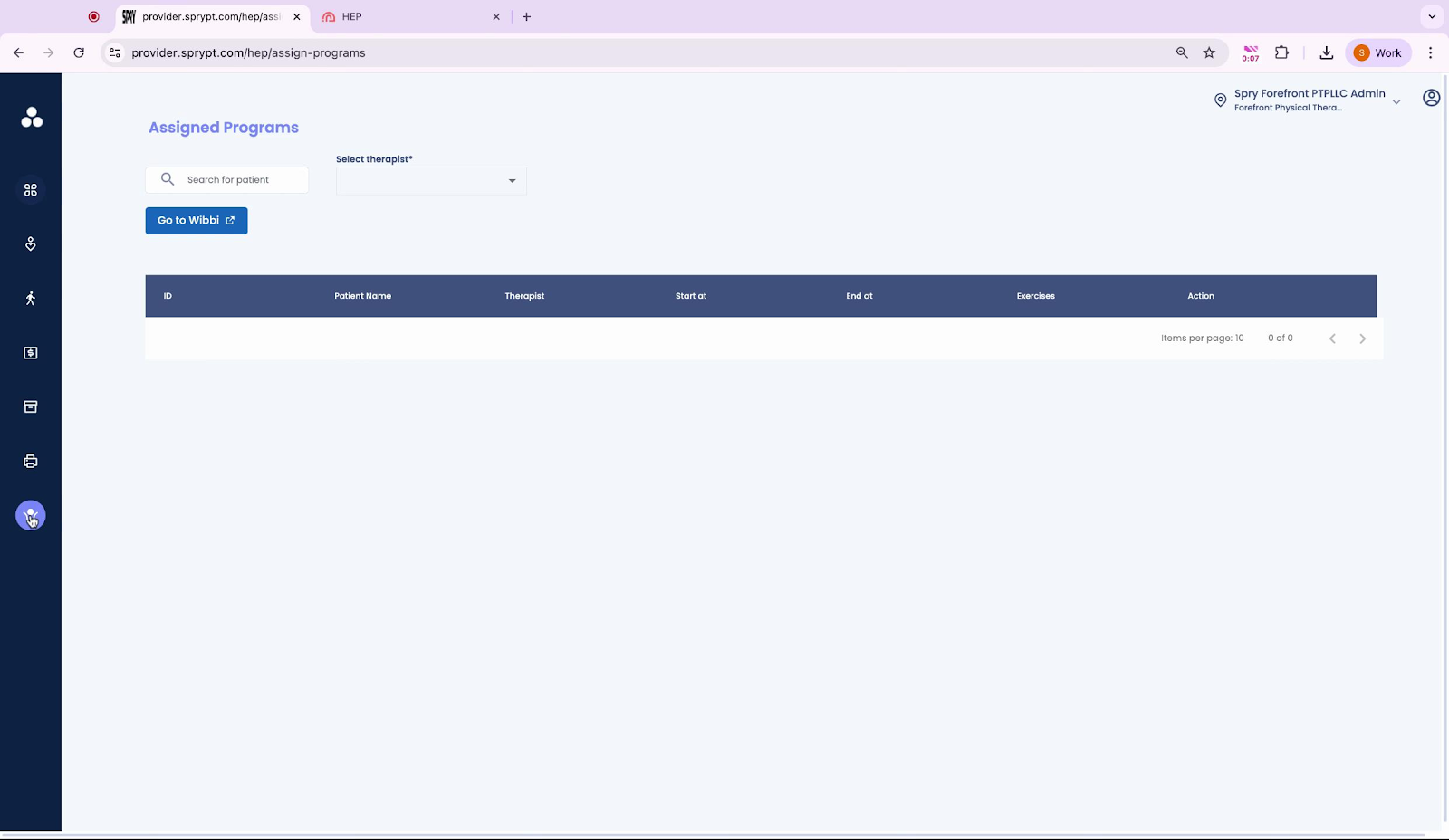
to the Assigned Programs section using the sidebar menu, where you can easily find all your client assignments. Here, you select
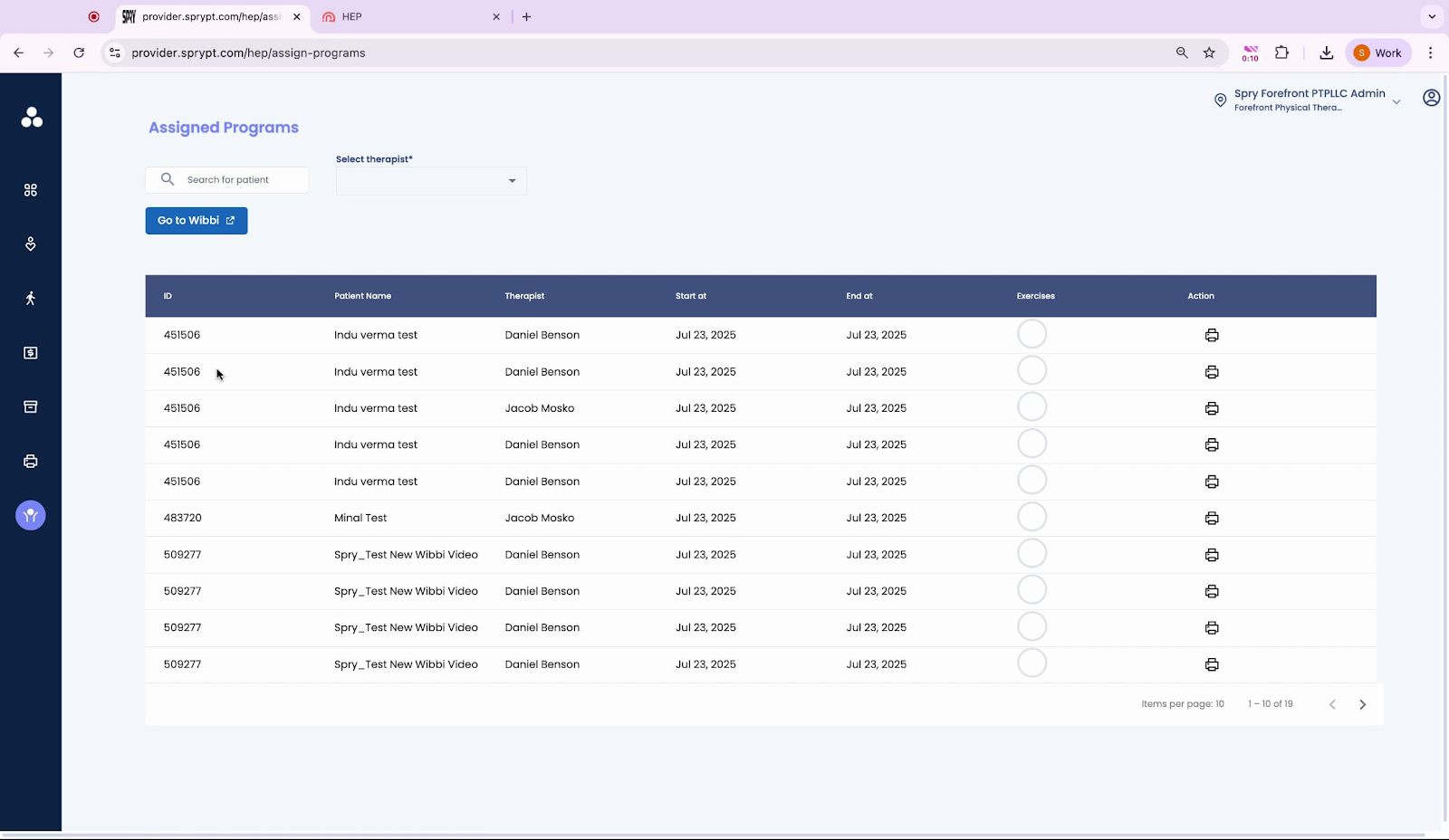
the program list to view available assignments. After that, the page loads
as you transition to the next section, and you access
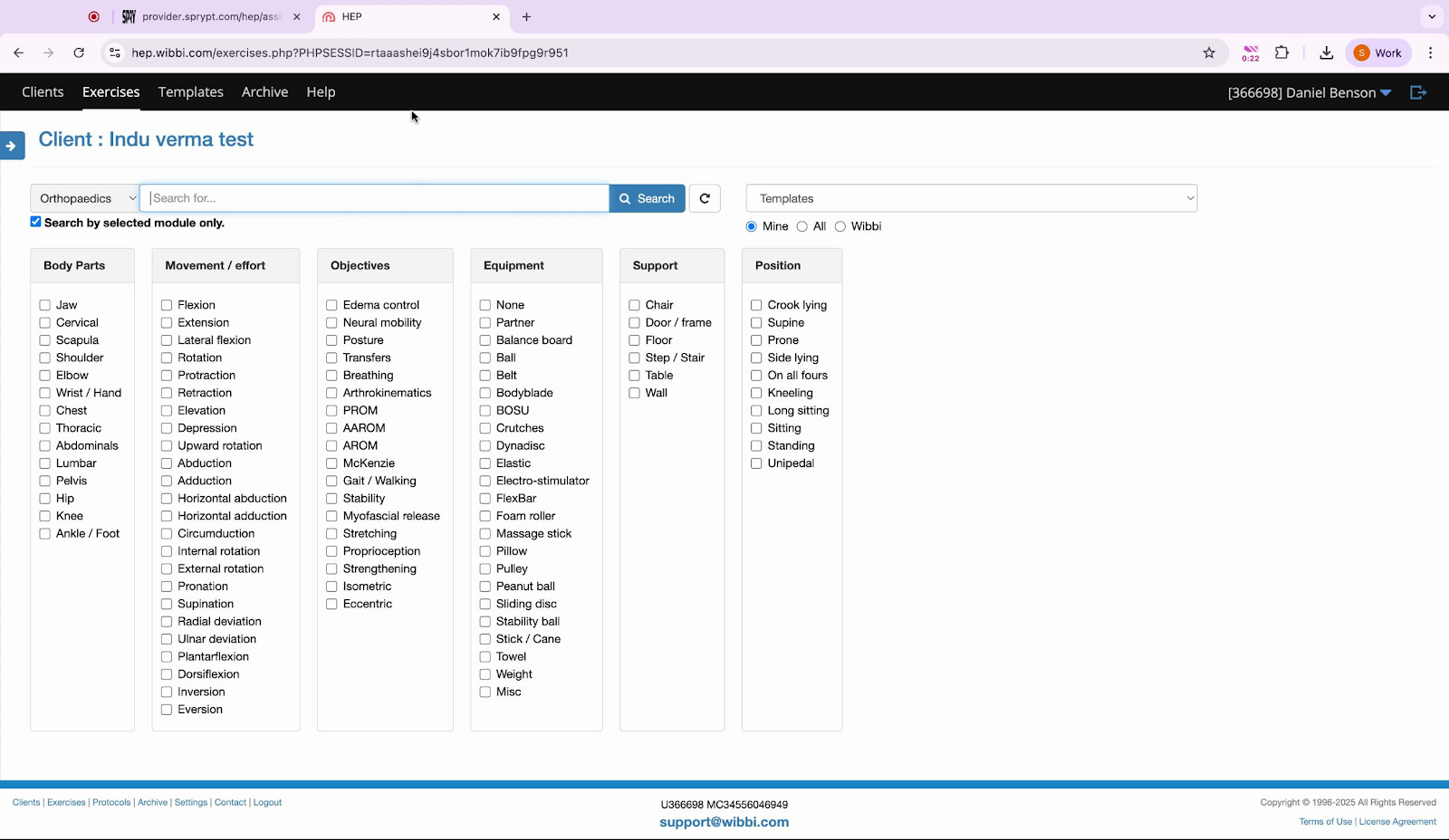
the client’s detailed program interface to review and manage their modules.
From here, you navigate
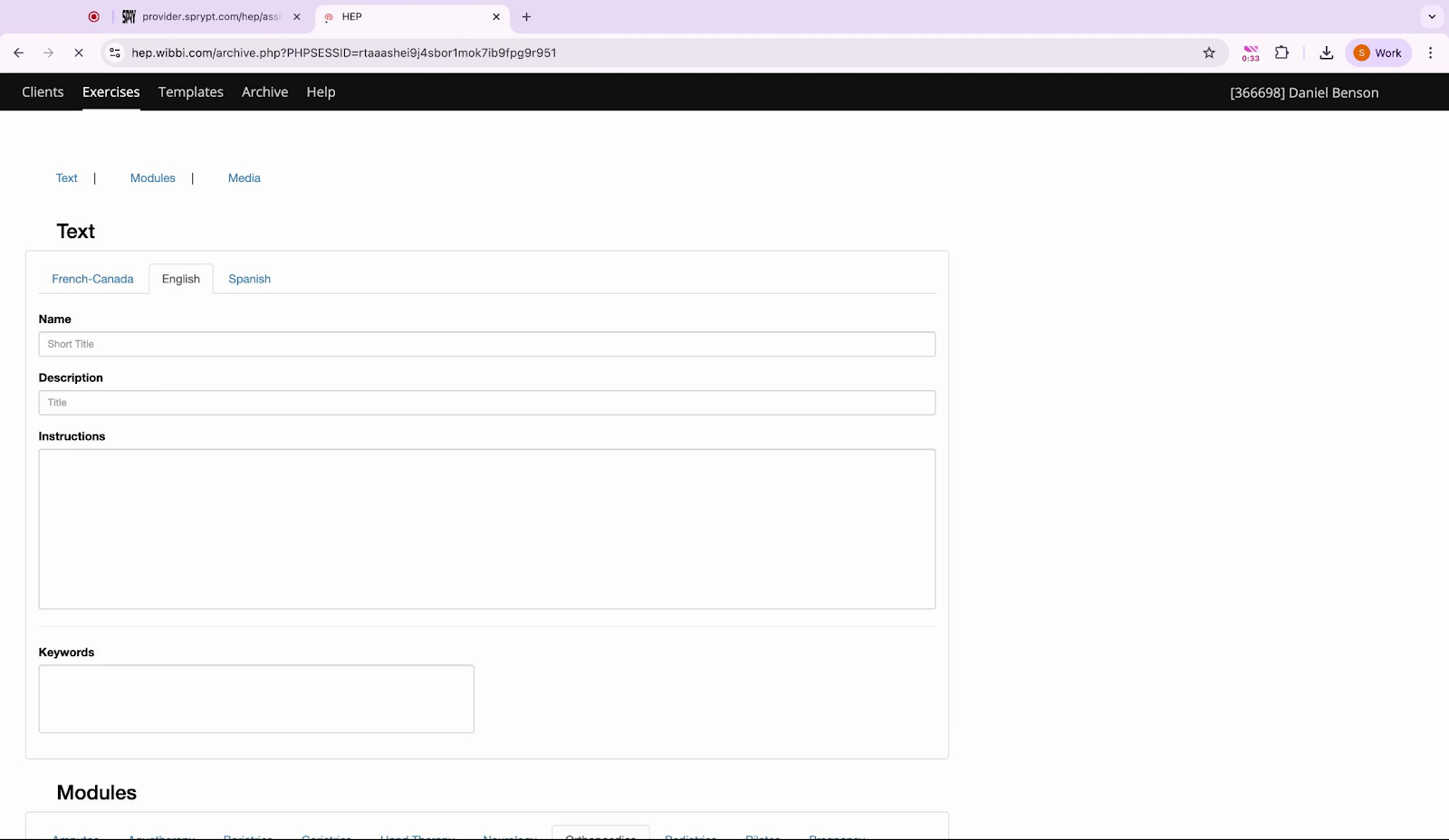
to the module creation page, where you can start building a new module for your client. You’ll review

the available input fields, making sure you understand each option before proceeding. Next, you enter
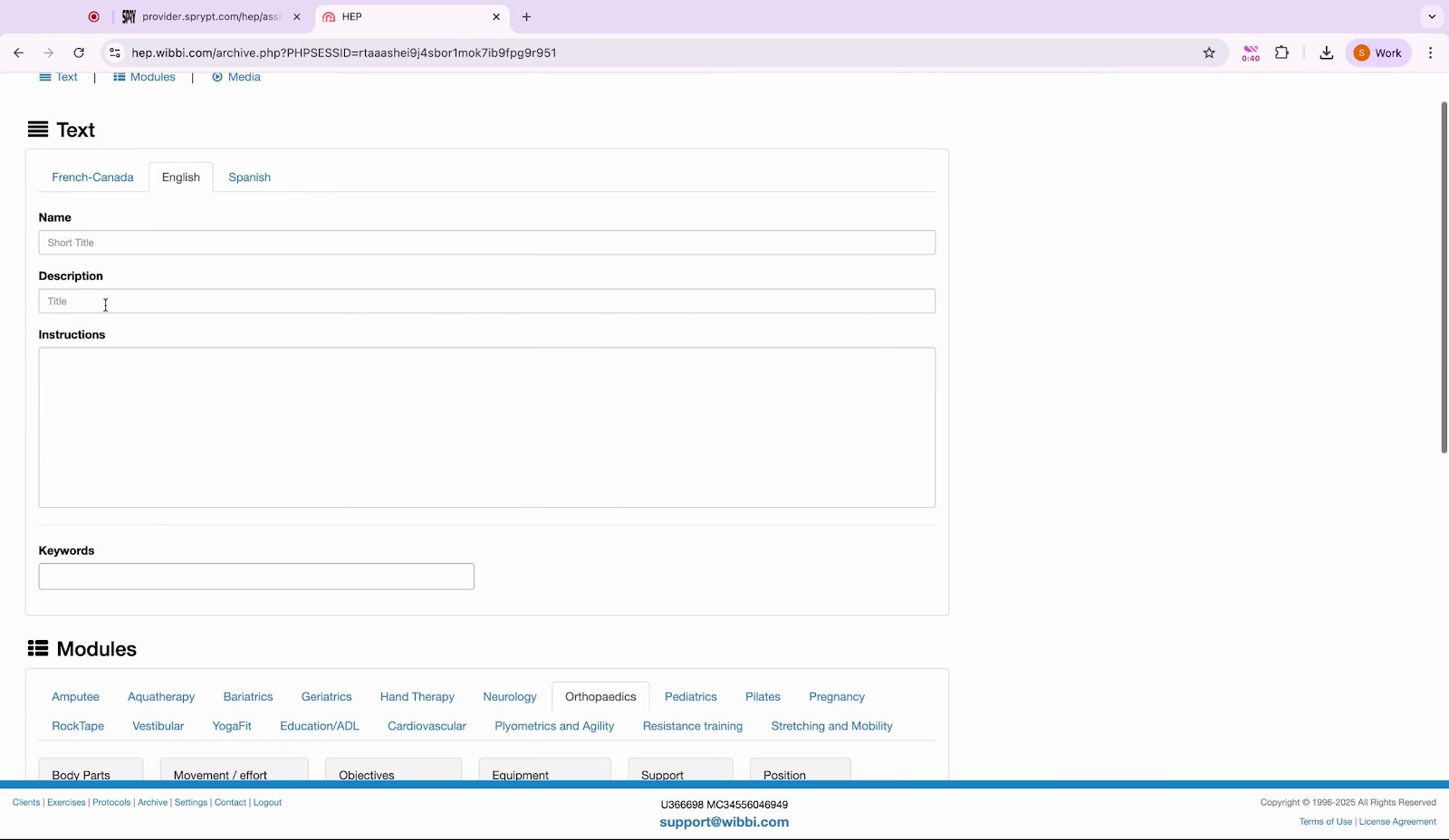
information into the description field—if you’re unsure what to include, you can always refer to previous modules for inspiration. You scroll
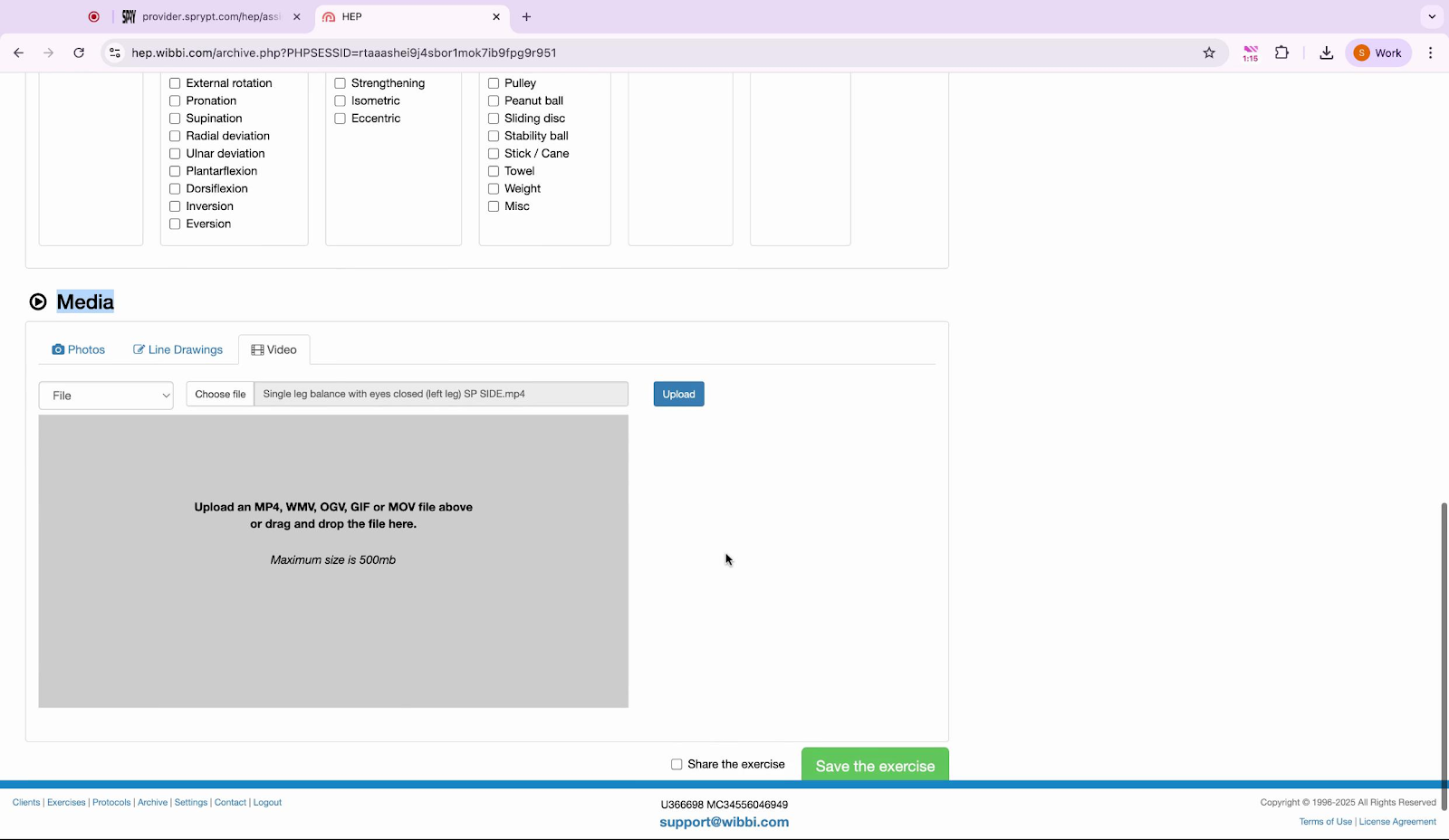
down to the media upload section, where you can add helpful resources or skip this step if not needed. Finally, you prepare
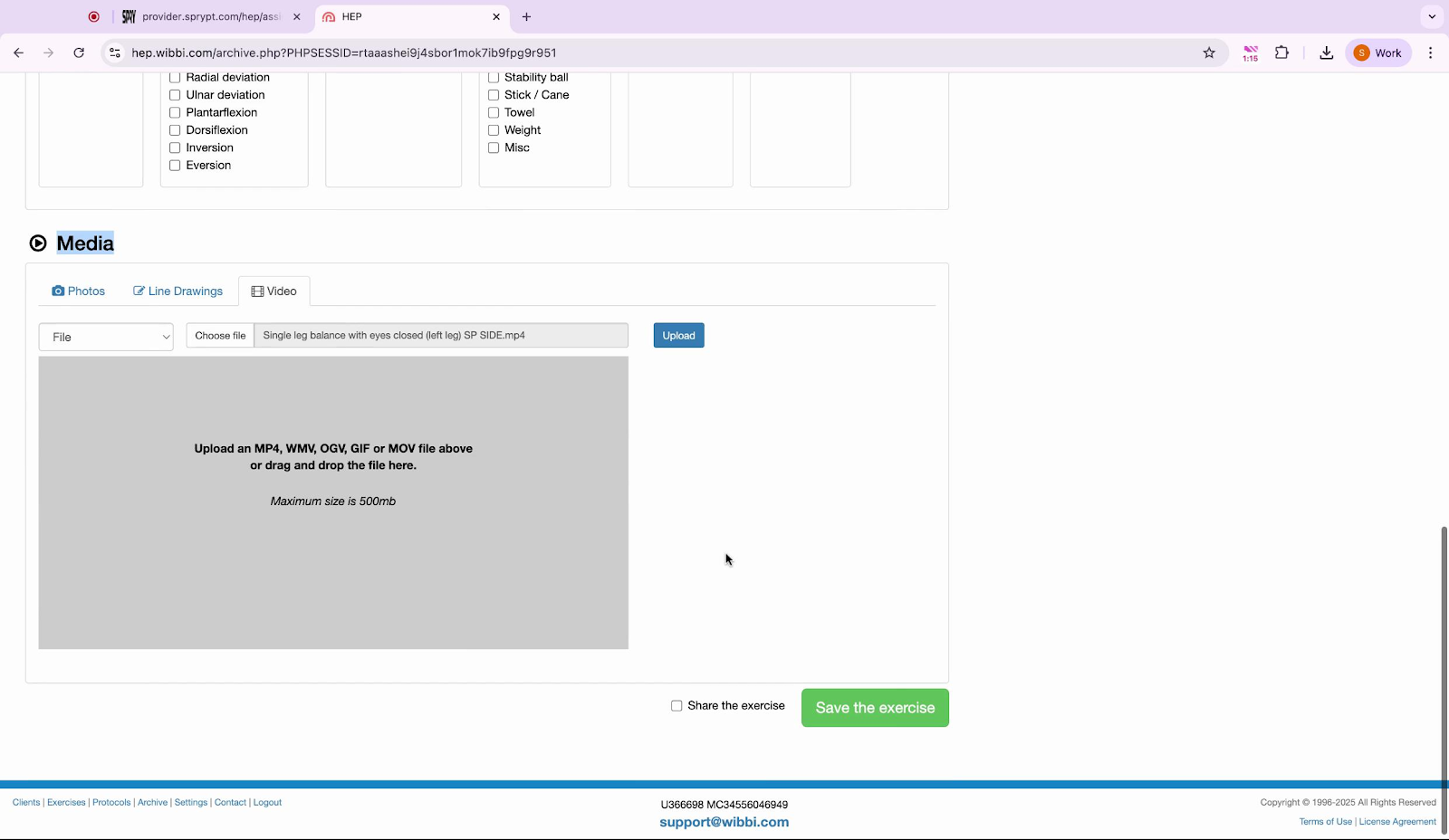
to save the exercise, ensuring all details are correct before completing the process.
By following these steps, you’ll be able to confidently create and manage client programs in your dashboard, helping you deliver a seamless experience for your clients every time.