
SPRY Business Intelligence Tool Overview
In this article, you'll learn how to navigate and utilize the Spry Business Intelligence (BI) Tool to optimize your clinic's performance and improve patient outcomes.
Step 1: Open the Spry BI Tool and click on Reports.
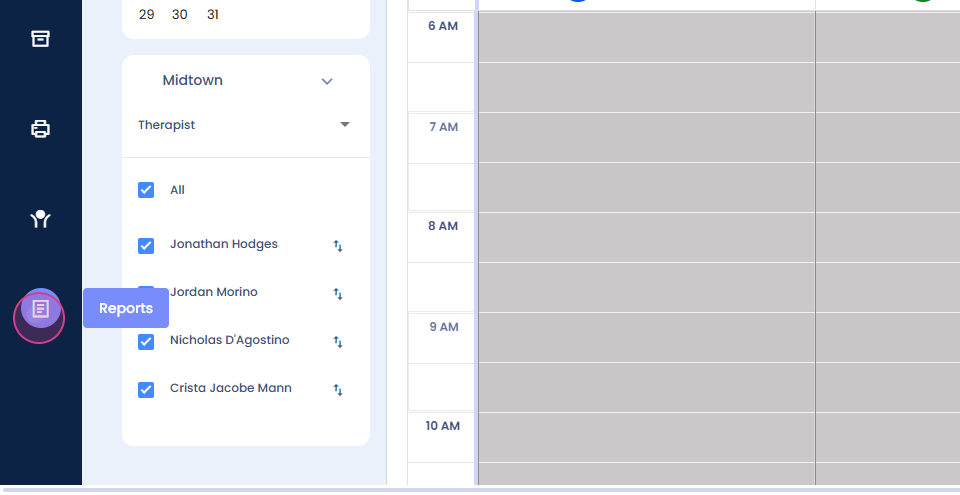
Step 2: Explore features like scheduling, revenue, and account receivable. Let's start with scheduling. On the scheduling page, you'll find multiple reports or views in pie charts or bar graphs. For instance, you'll see a count of appointments per payment mode, such as self-pay appointments and insurance pay appointments.

Step 3: Check out the widgets per month. For example, the visit count in December 2024 is 1.41k. You'll also see cancelled widgets and the cancellation ratio.
Step 4: Look at the distribution of CPT codes per billed units. For example, code 97110 has been billed 50.67% of the time. You'll also see the provider's time utilization. For instance, one provider has utilized 476 hours.
Step 5: Drill down to each view for more detailed information. Click on a specific item, then click on Drill by. This will allow you to see more specific data, such as the referring physician's names or the doctors who have appointments with specific insurance payers.

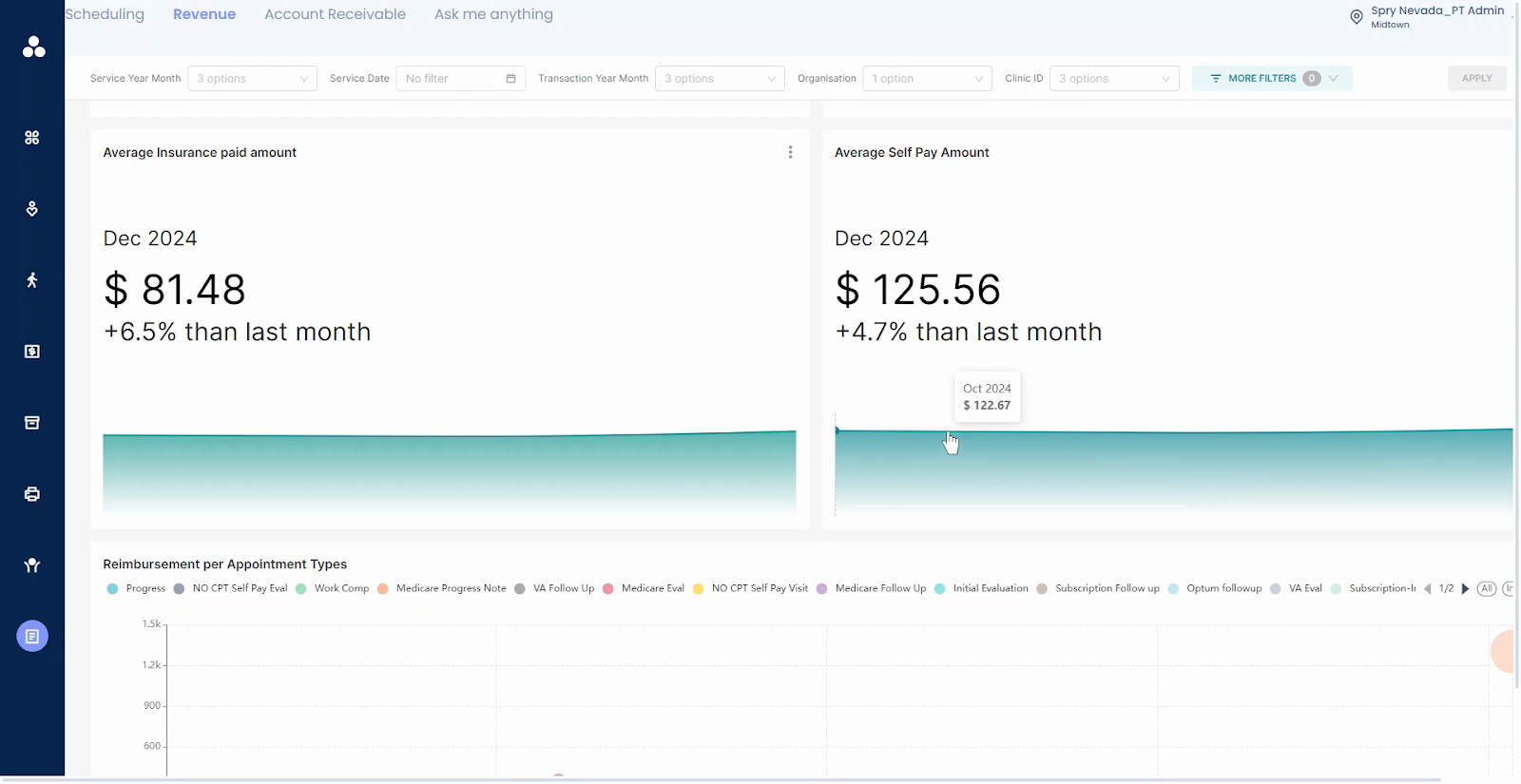
Step 6: Move to the revenue screen. Here, you'll see total revenue by category on paid date, including patient paid, insurance paid, and patient self-pay. You'll also see total monthly revenue.

Step 7: Check out the comparison of average self-pay amount and average insurance paid amount. You'll also see reimbursement per appointment types.
Step 8: Look at the therapist collected amount. This is the amount that the therapist has collected.

Step 9: Check out reimbursements per payer. This shows how much reimbursement the clinic has received from a particular payer.

Step 10: Move to account receivable (AR). Here, you can track primary and secondary AR and drill down for more details.

Remember, these reports can be customized on demand. The provider can see their own data, while the clinic's admin or front desk can see the whole clinic's data. That's all about the Spry BI Tool. Thank you for reading!