
Drag and Drop Appointment Feature
Step 1: Hi. How to drag and drop an appointment to, one, change the therapist or, two, to change the timing of the appointment.
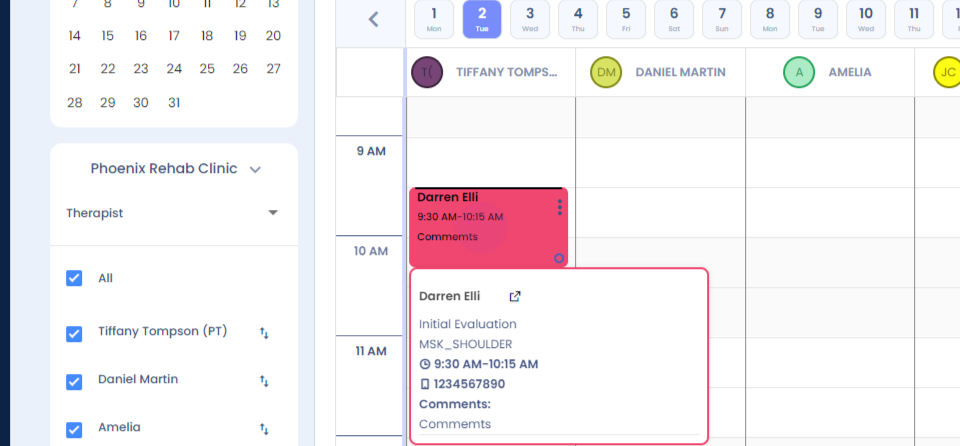
Step 2: Right click. The cursor opens up. You can simply drag and drop the appointment in the other therapist coloumn. Click on yes, and your therapist will be updated.
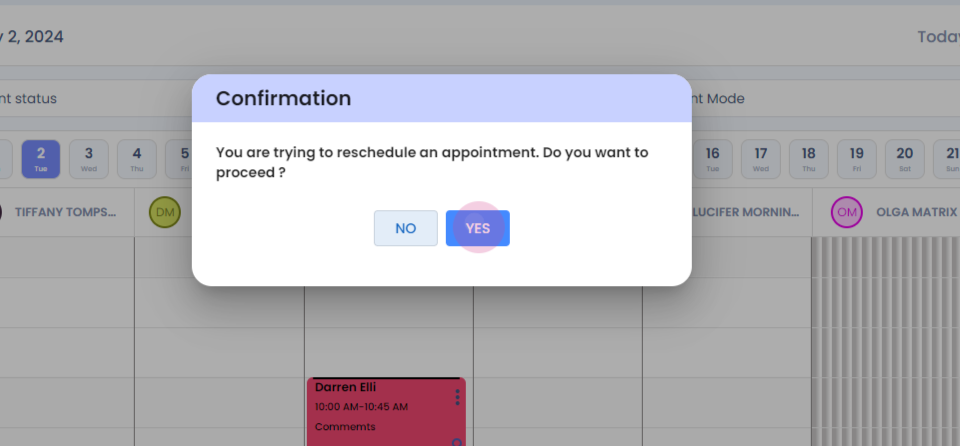
Step 3: To change the timing of the appointment, right click, drag, and drop it in the required time slot.
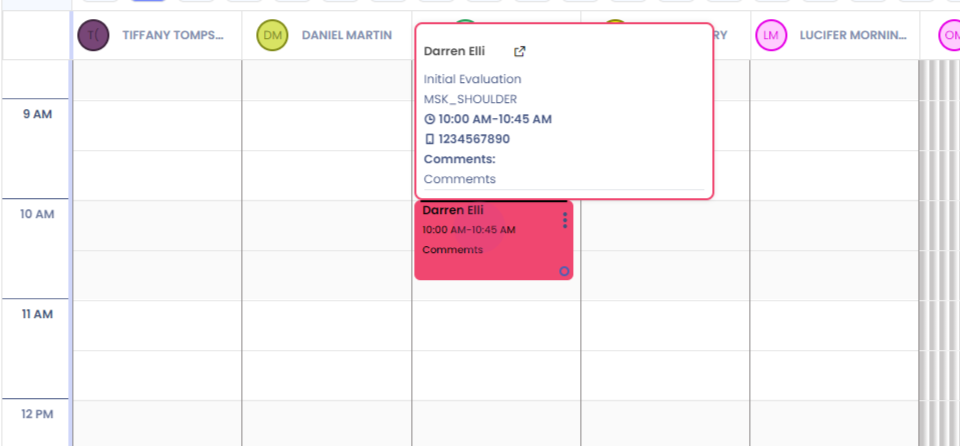
Step 4:
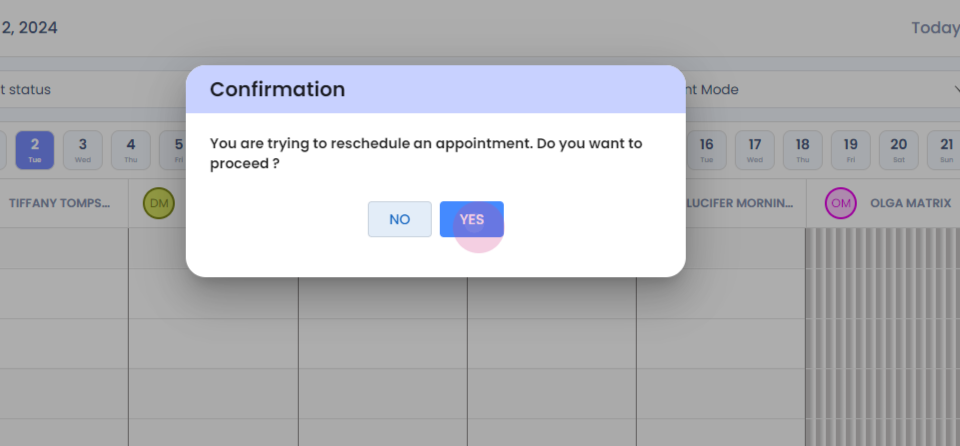
Click on yes. Your appointment will be updated successfully.