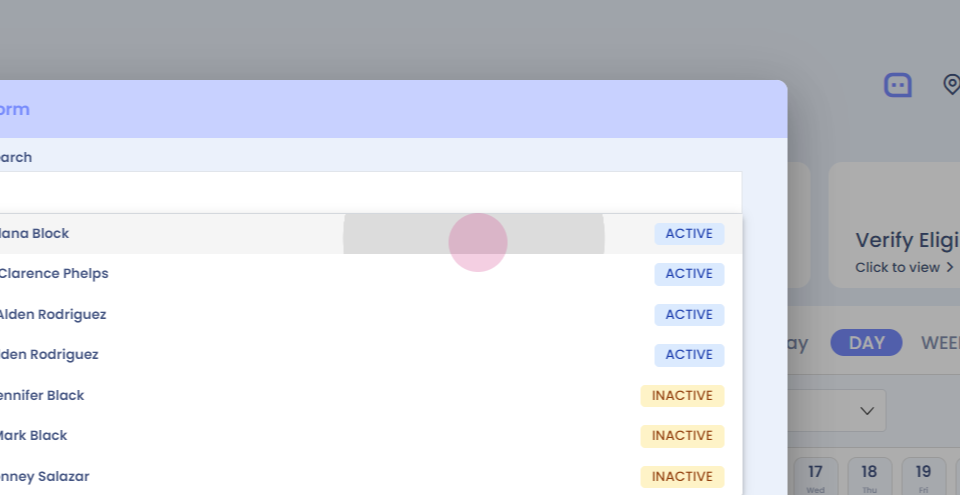
Step 1: Verify eligibility. This feature allows you to check a patient's insurance eligibility even before booking an appointment. Click on verify eligibility.
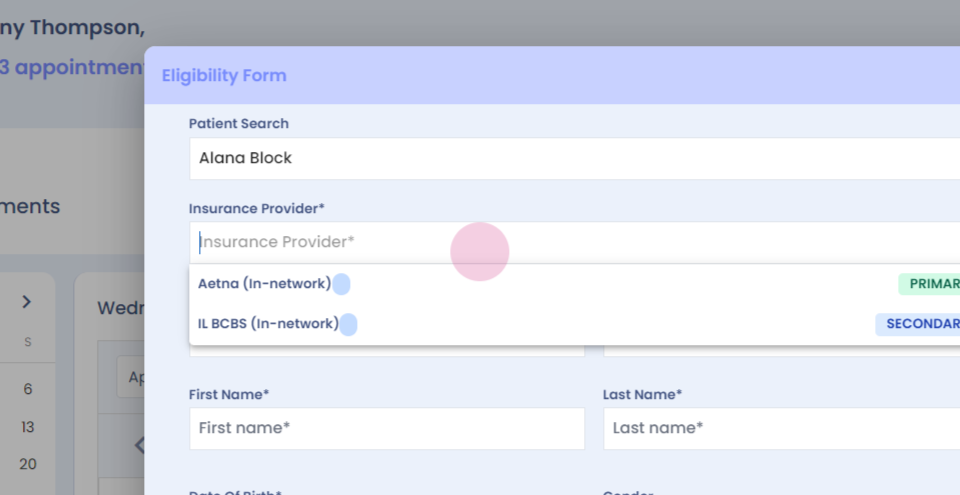
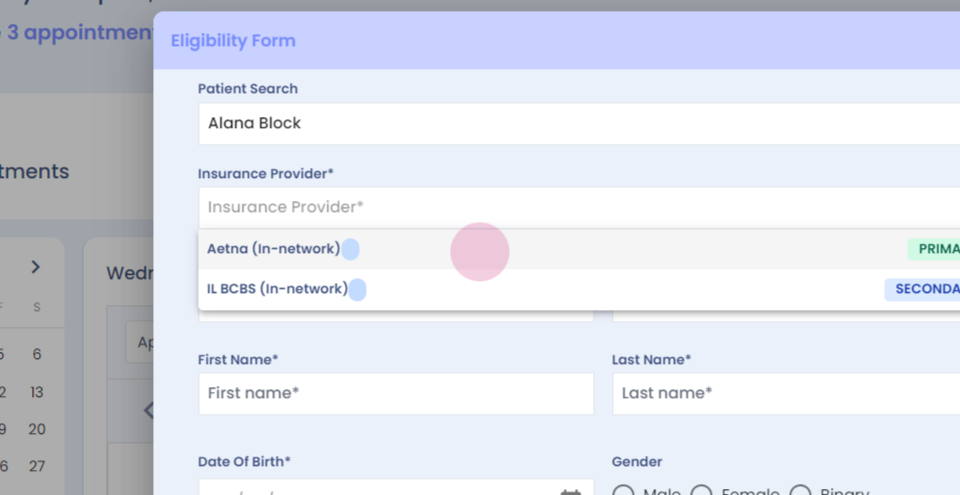
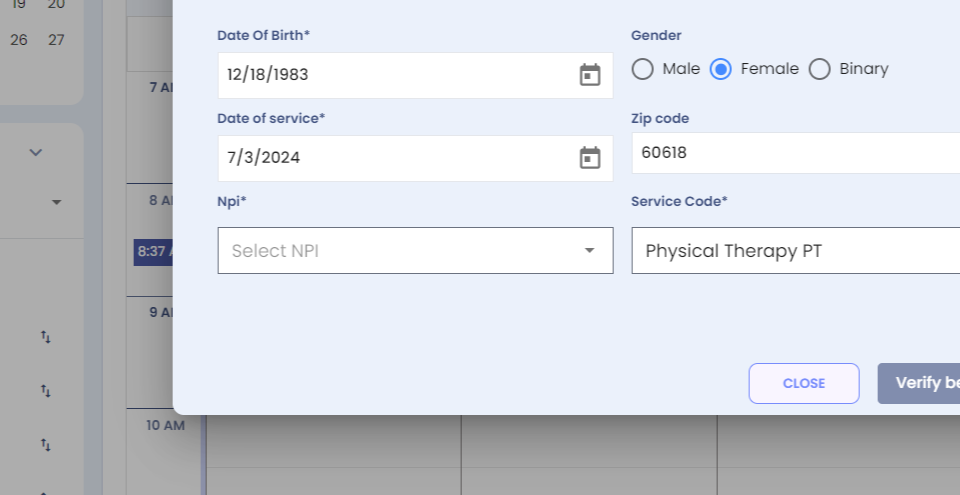
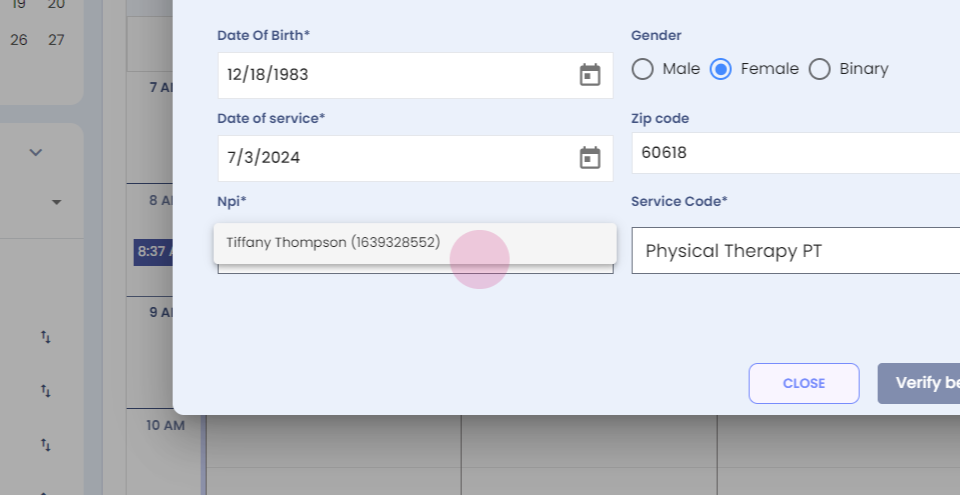
Step 2: Enter the patient's details.
Step 3:
Step 4:
Step 5: Select the NBI.
Step 6:
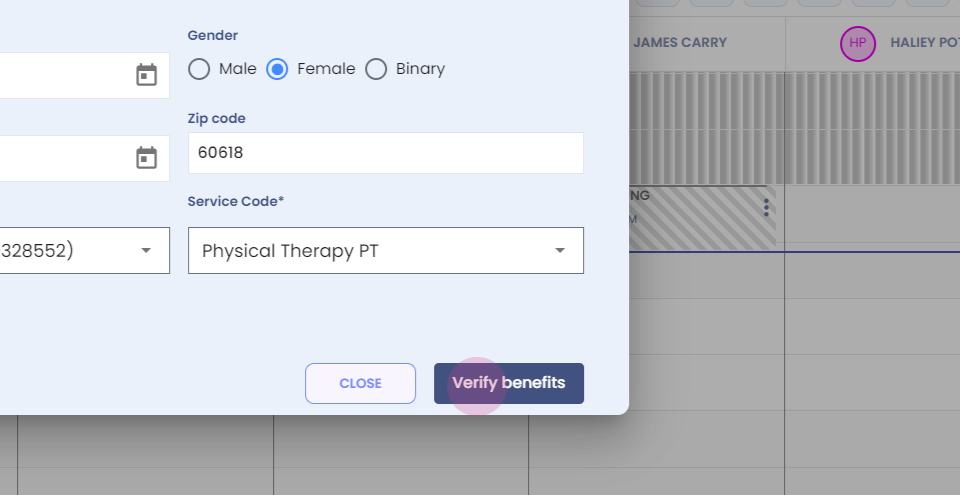
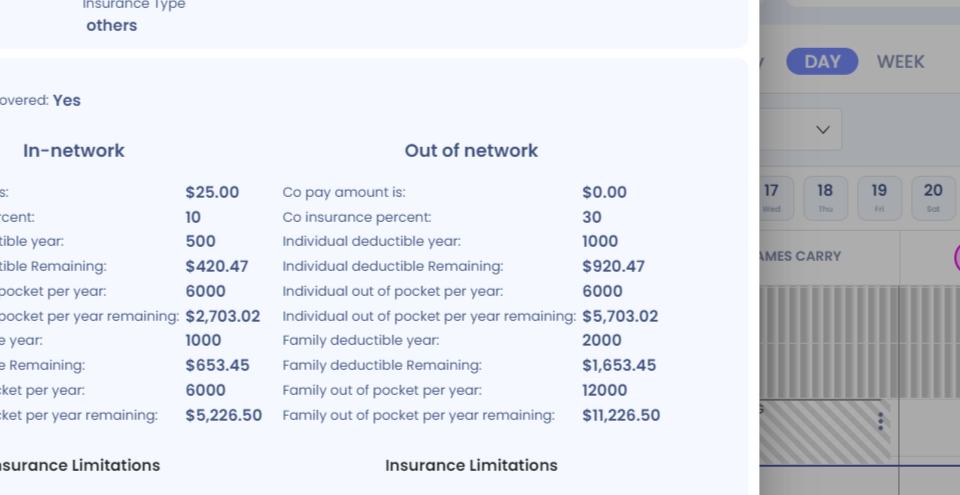
Step 7: Click on verify benefits, and you will be able to view your in network benefits and your out of network benefits with just one click.
Step 8:
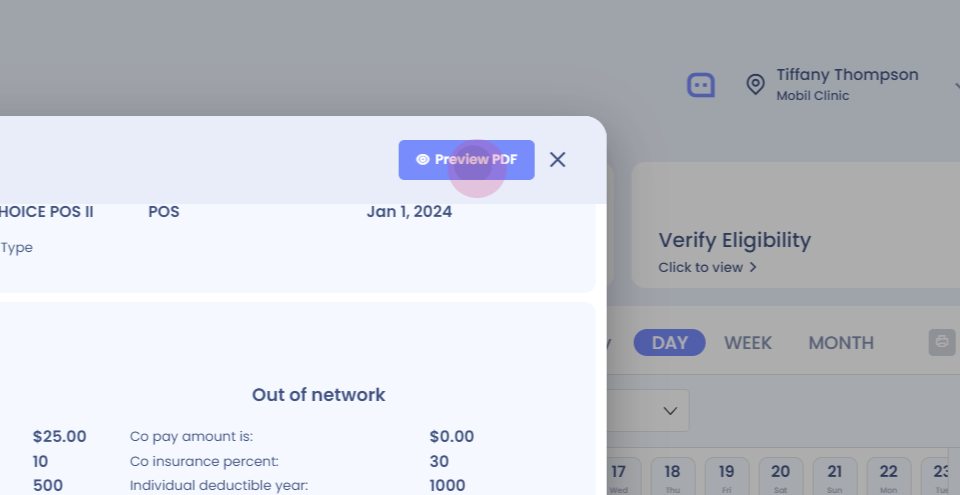
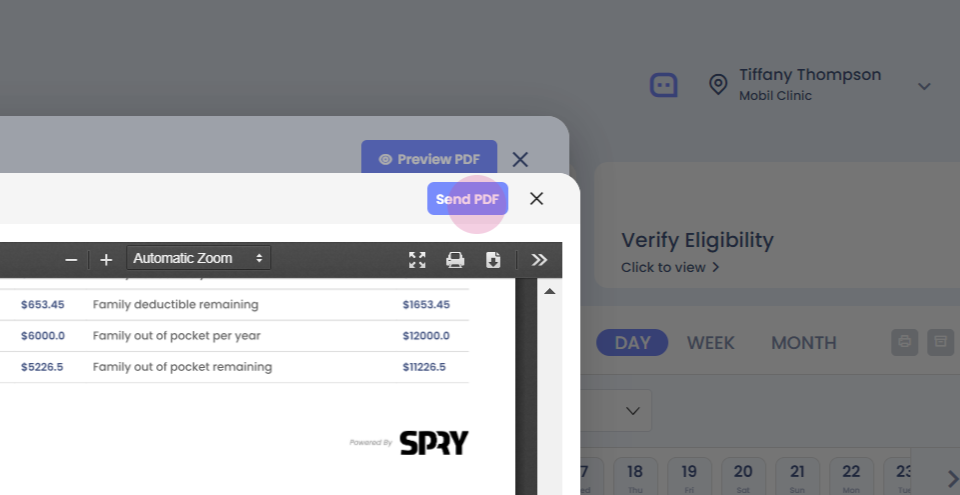
Step 9: You can also preview the benefits in a PDF with all the details available.
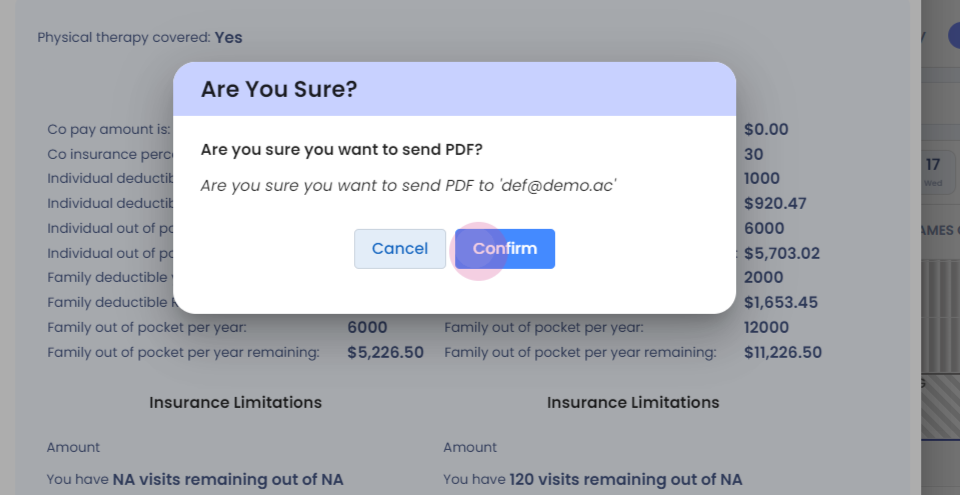
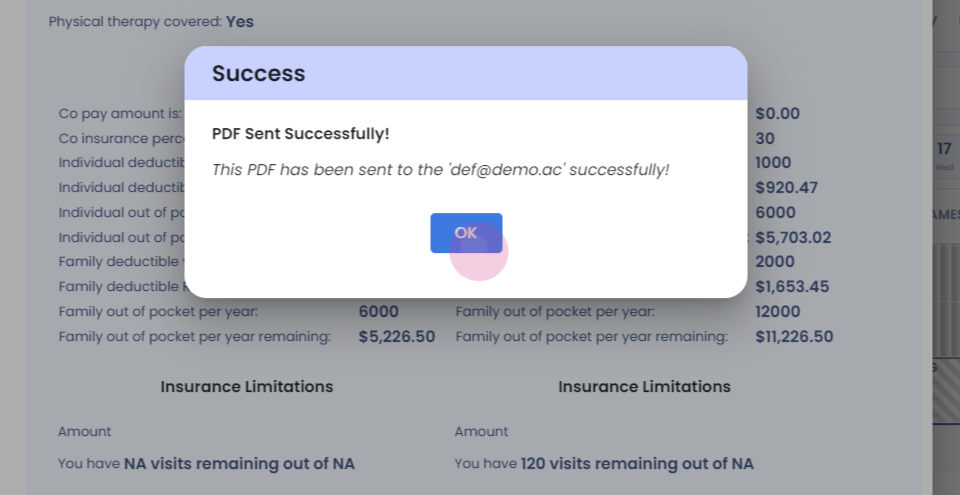
Step 10: You can print it. You can download it, or you can send the PDF to the patient's email address.