
Collecting Co-Pay and Self-Pay Amounts
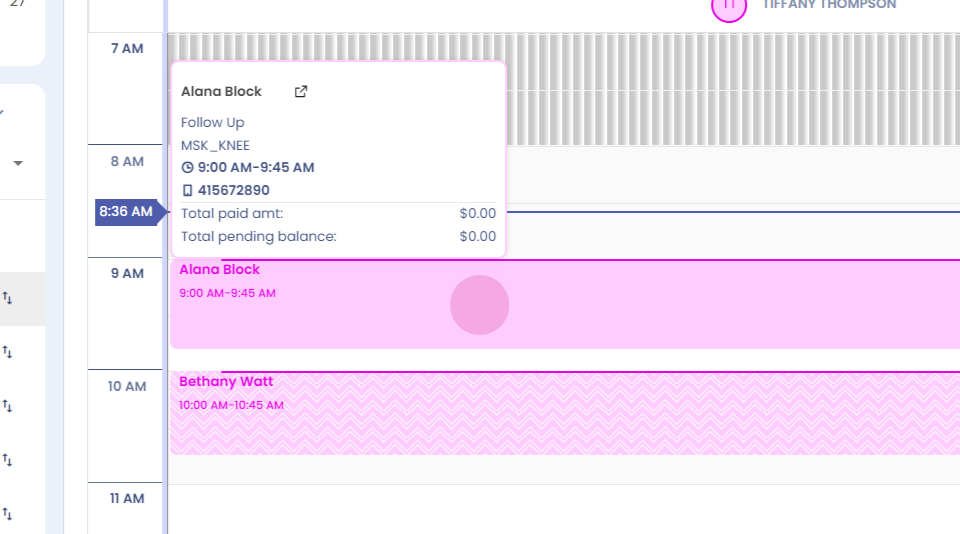
Step 1: Hi, this video shows how you can collect the co pay amount and how you can collect the self pay amount for a patient. To collect the co pay amount, click on the appointment card.
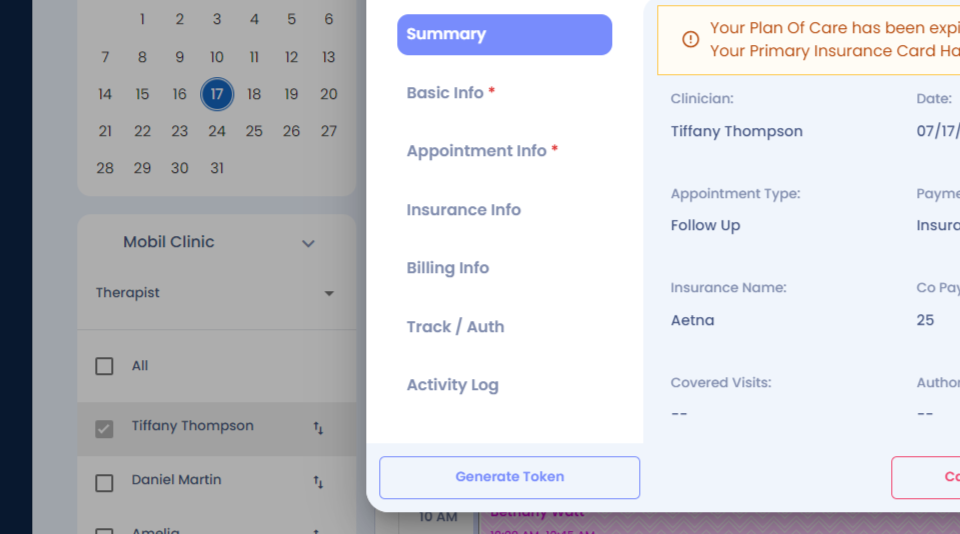
Step 2: Go to the billing info section.
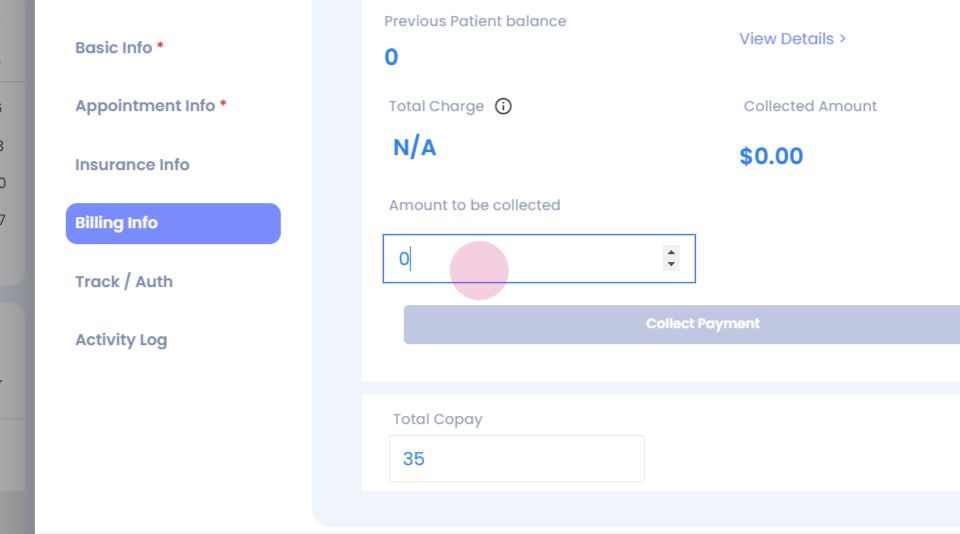
Step 3: The copay amount has auto populated. Enter that copay amount here.
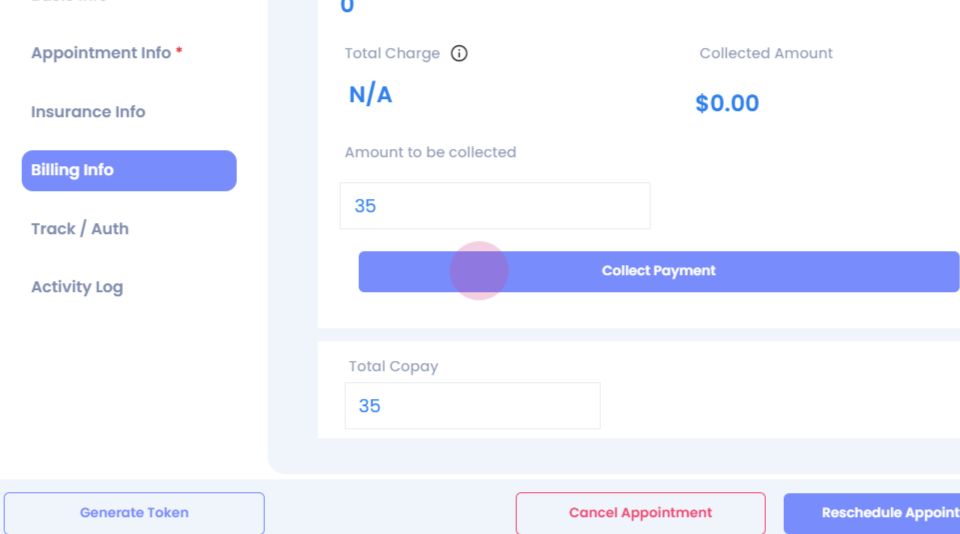
Step 4: Click collect payment.
Step 5: Select the payment method.
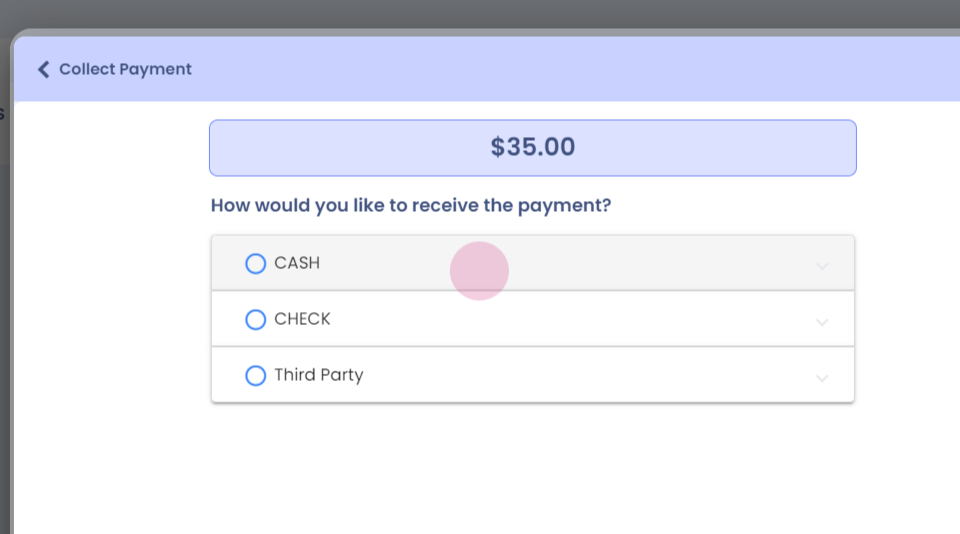
Step 6: Click collect payment and your payment will be collected successfully.
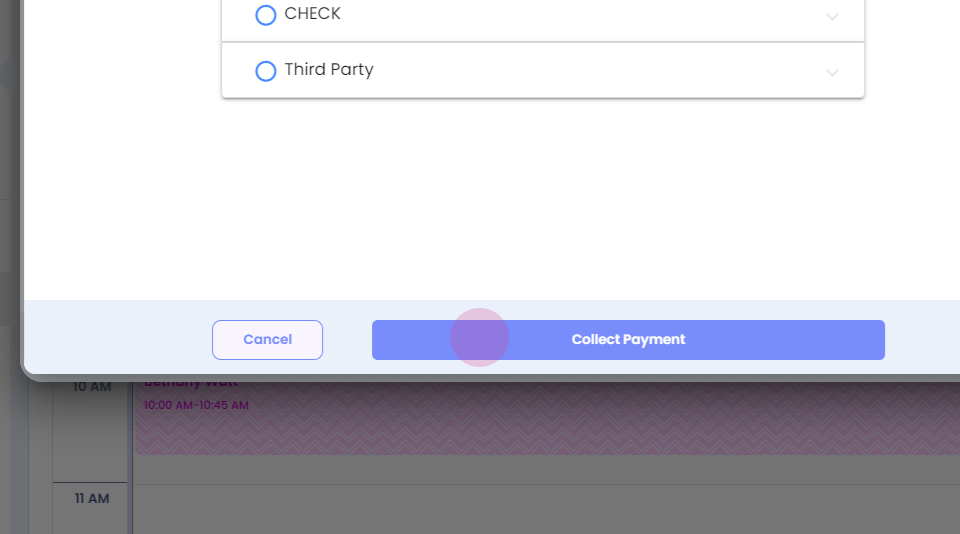
Step 7:
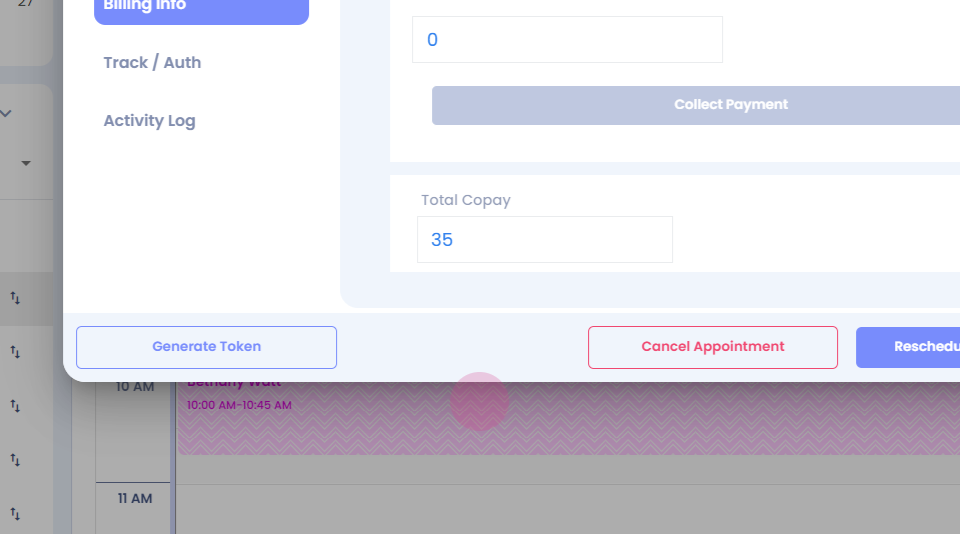
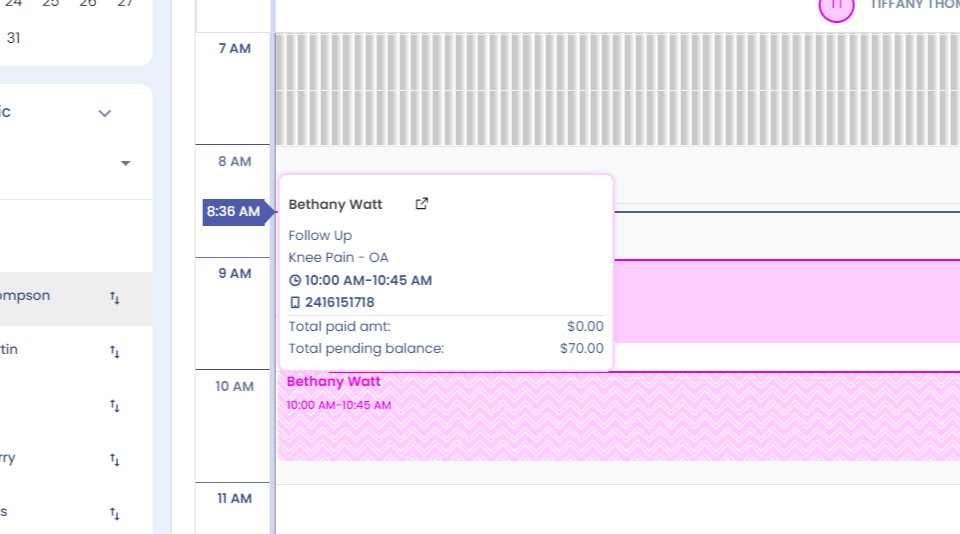
Step 8: You will be able to see that the amount paid is $35. Next, for the self pay amount. Click on the appointment card.
Step 9: Go to the billing info section.
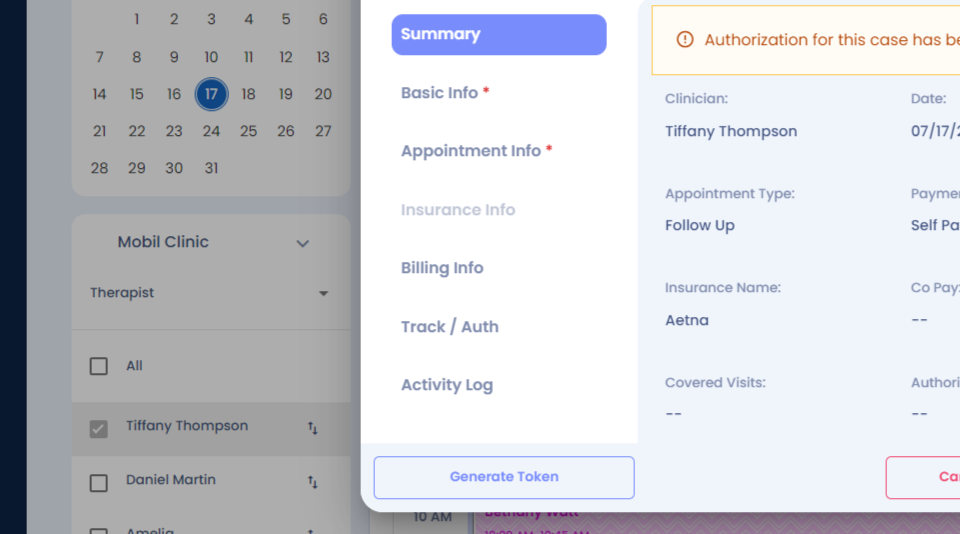
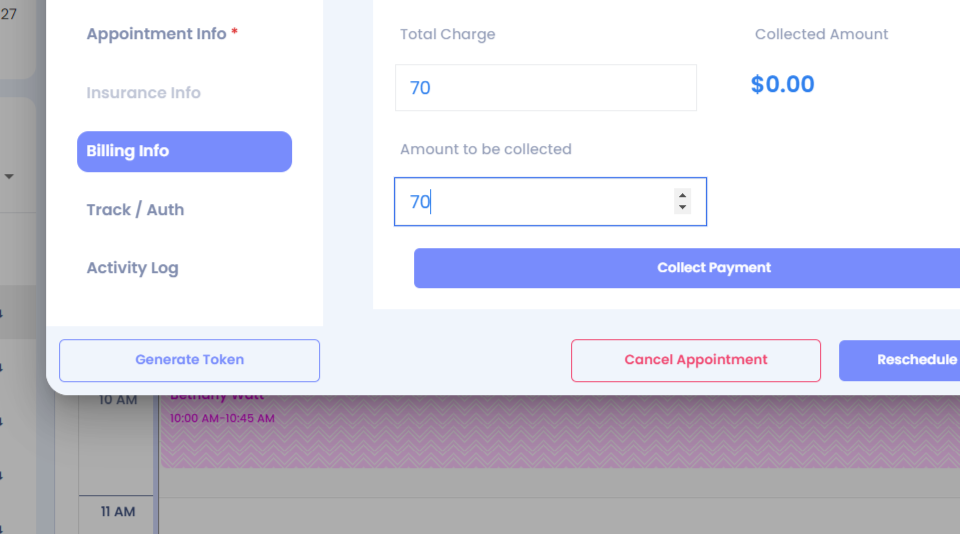
Step 10: You can see the total charge for the appointment is $70. Select the amount to be collect it.
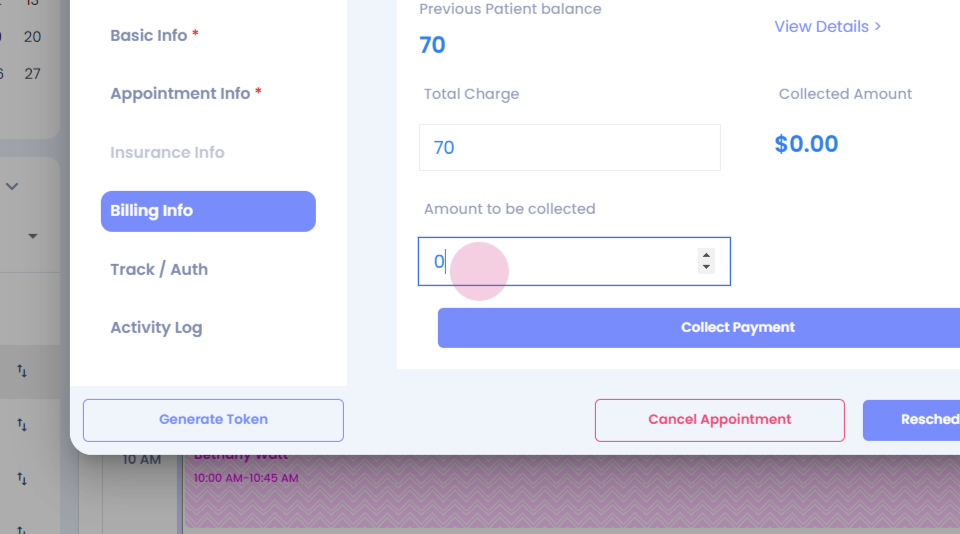
Step 11: Click Collect payment.
Step 12: You can send out an invoice to the patient from here or you can collect the payment here itself.
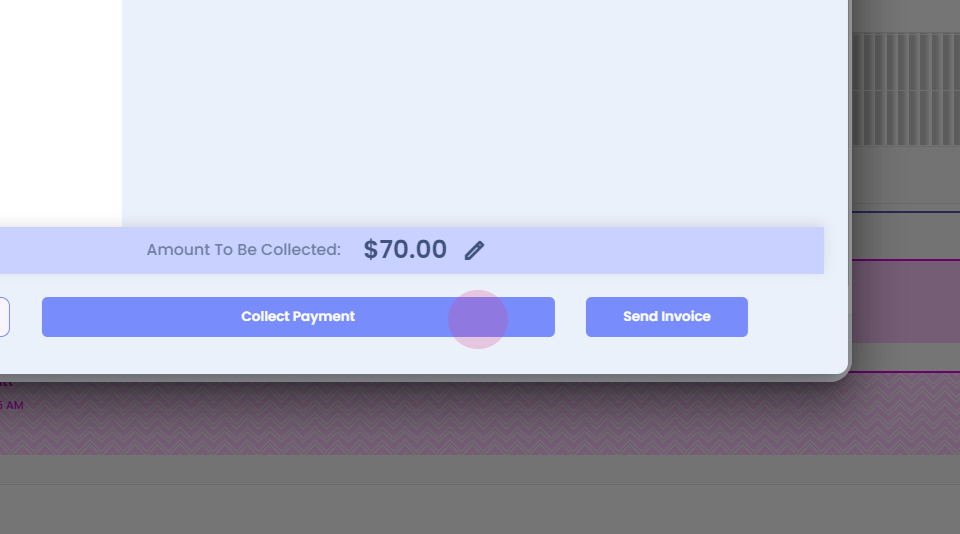
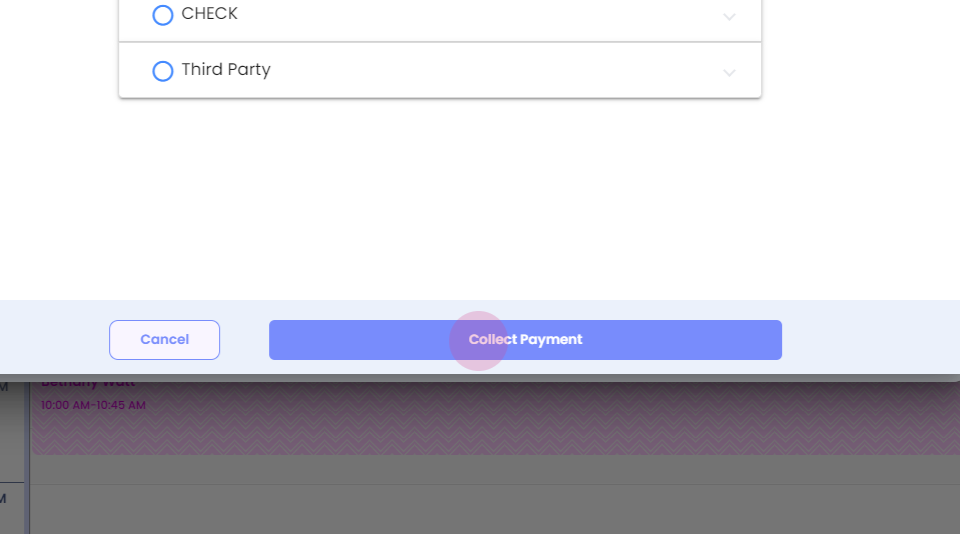
Step 13: Select the payment method click Collect payment.
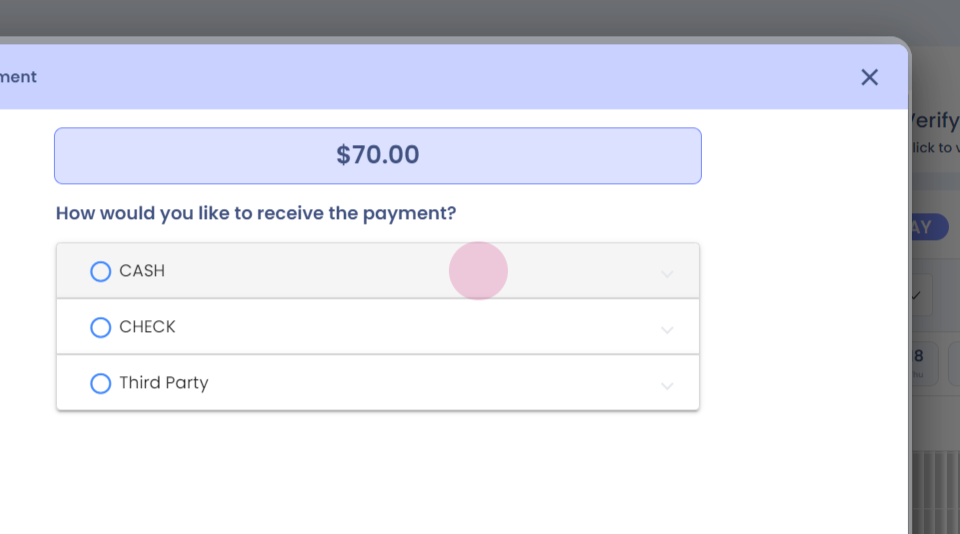
Step 14:
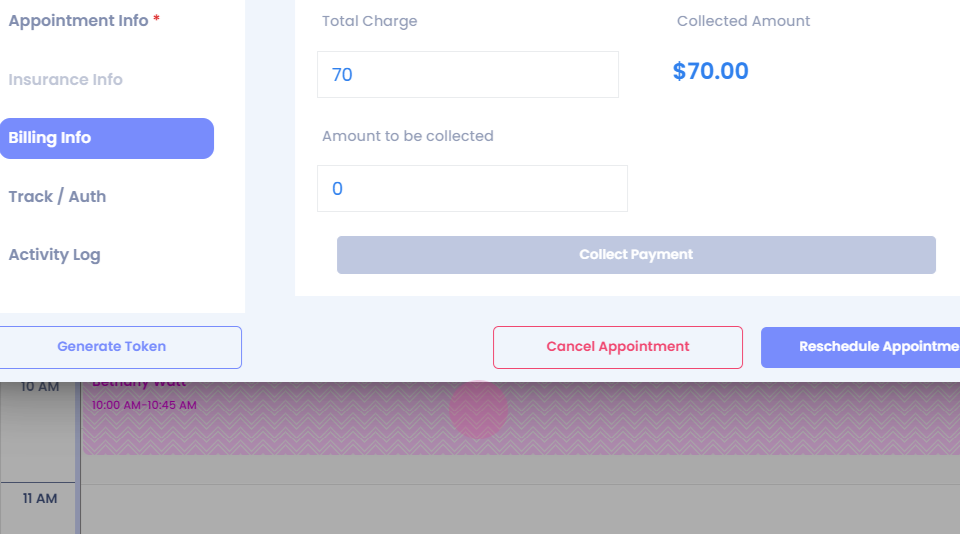
Step 15: You can see that the collected amount has been updated. If you go over the appointment card you can see that the amount has been updated here as well.
Thank you.