
Adding a Referring Physician to Dashboard
Step 1: Add a referring physician to the dashboard. Click on the profile icon here.

Step 2: Go to - Manage Referring Physicians.

Step 3: Click on Add Referring Physician.
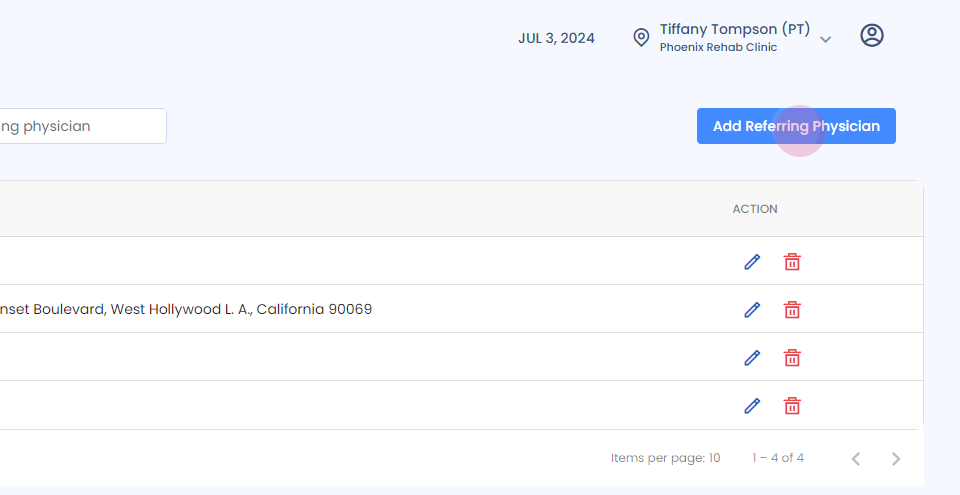
Step 4: Fill in the details.

Step 5:

Step 6: Enter the mandatory information.

Step 7:

Step 8: Enter the address.

Step 9:
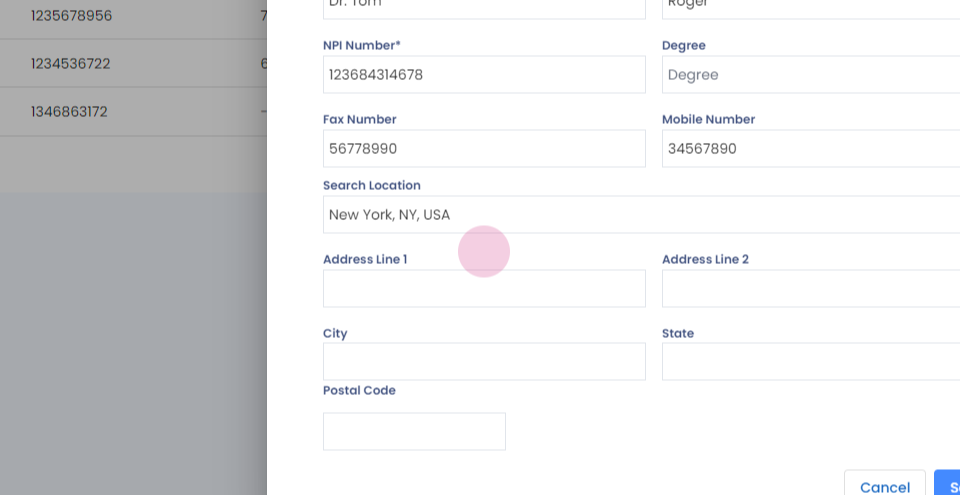
Step 10:

Step 11: Click on save.

Step 12:
Step 13:

And it will be added successfully.