SPRY HEP Feature Updates
In this article, you'll learn how to use the updated features of the Spry HEP effectively.
Step 1: Navigate to the HEP tab.
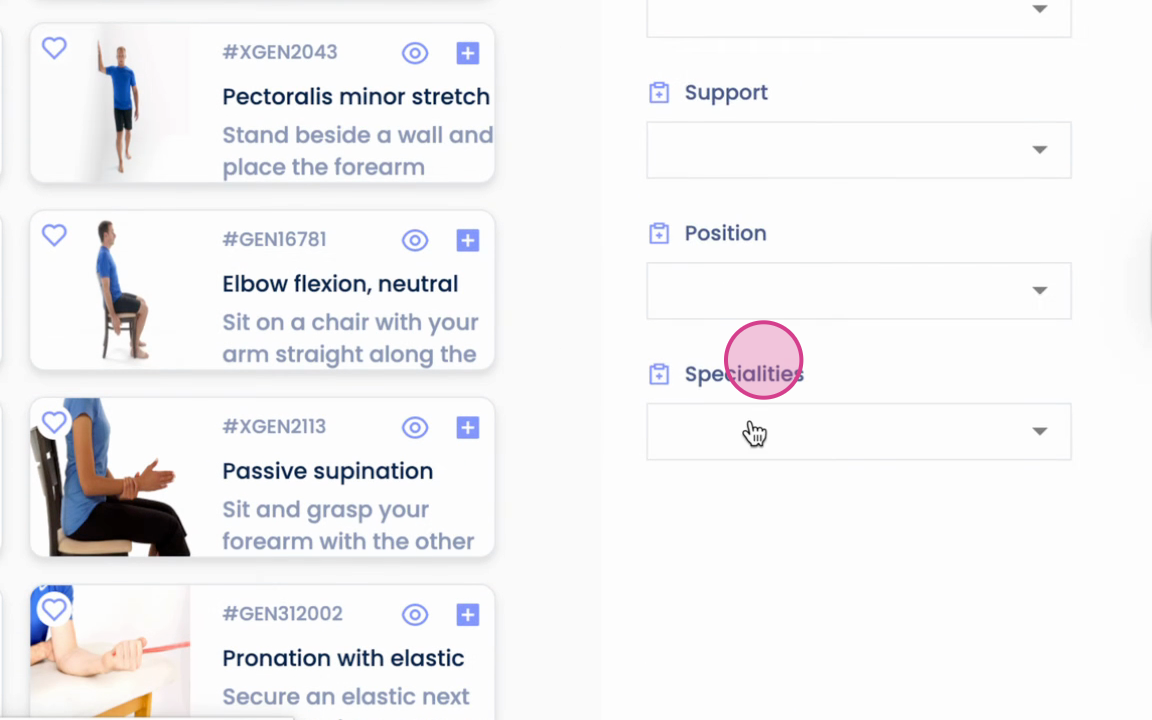
Step 2: Use the search bar to filter by specialties.
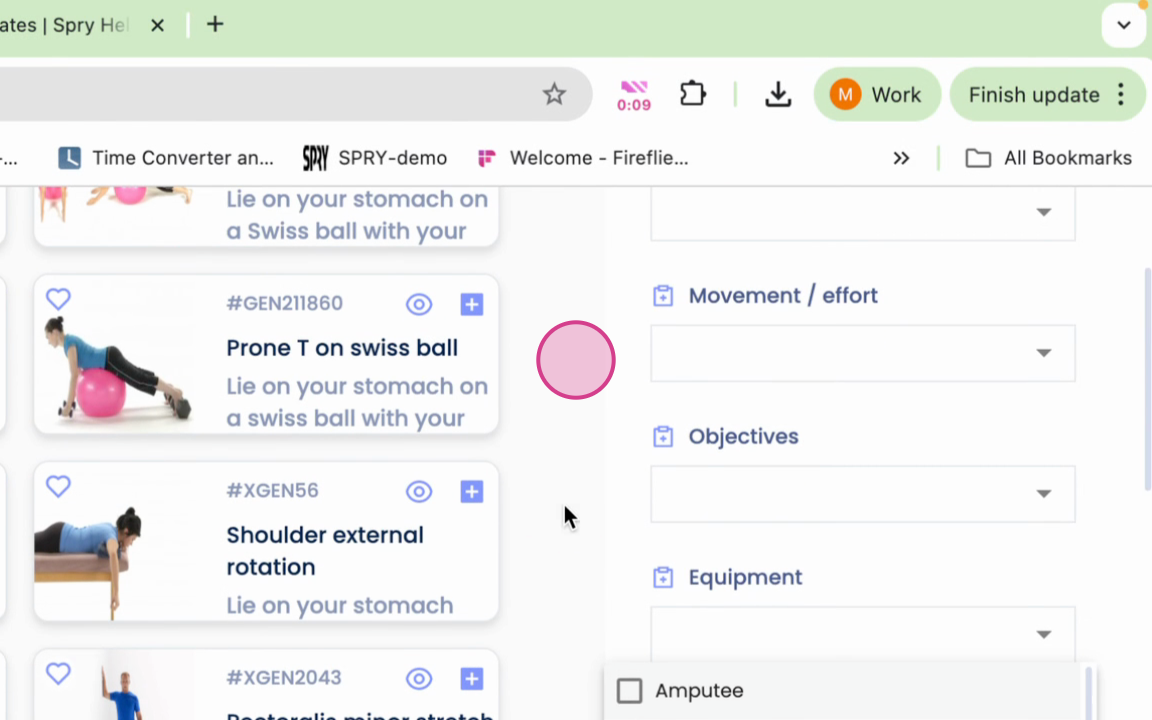
Step 3: Mark your favorite exercises.
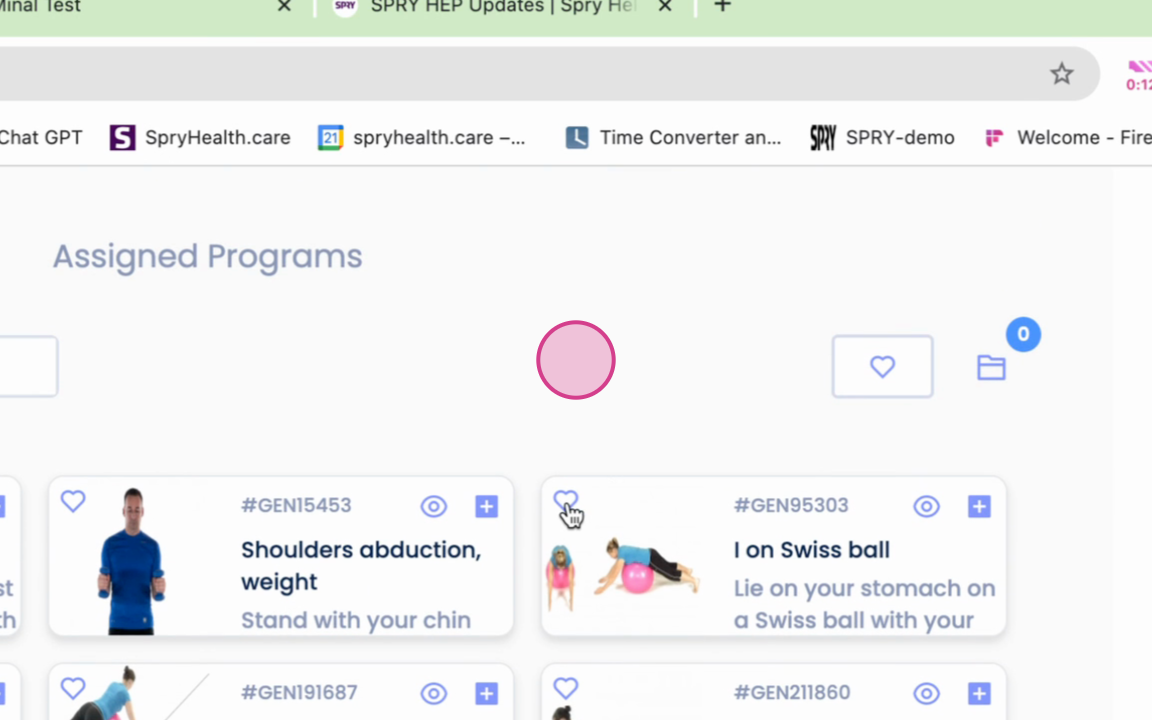
Step 4: Create programs using your favorite exercises.
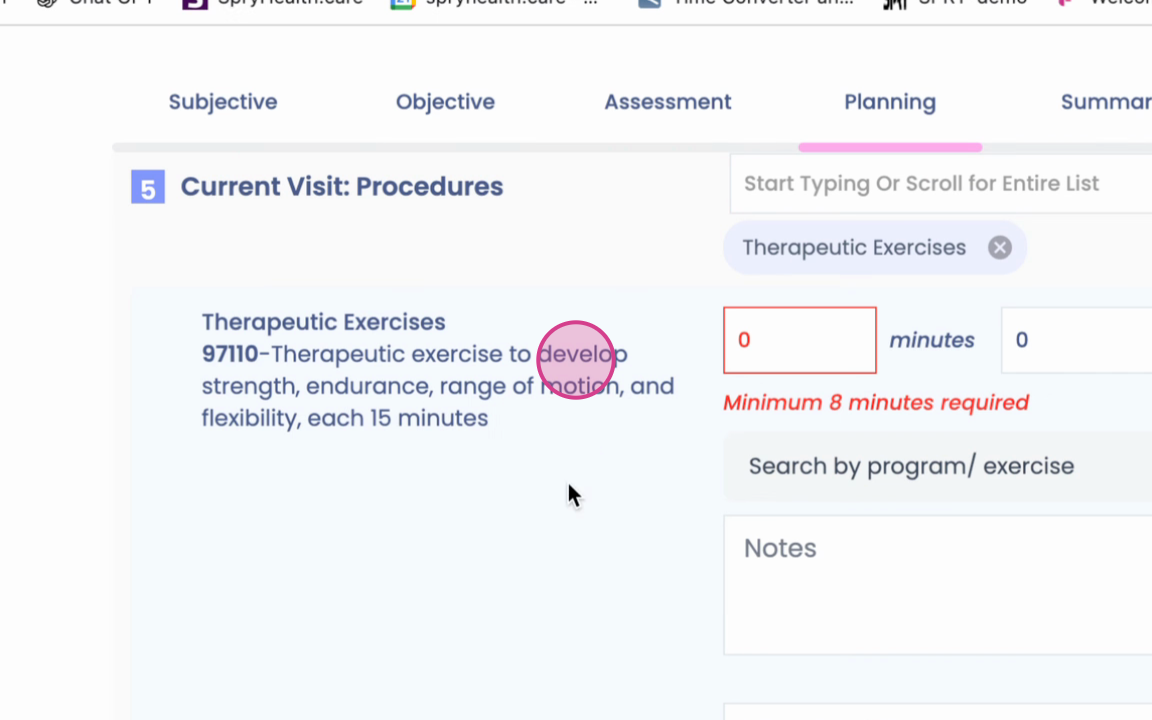
Step 5: Search for specific programs and exercises within your documentation.
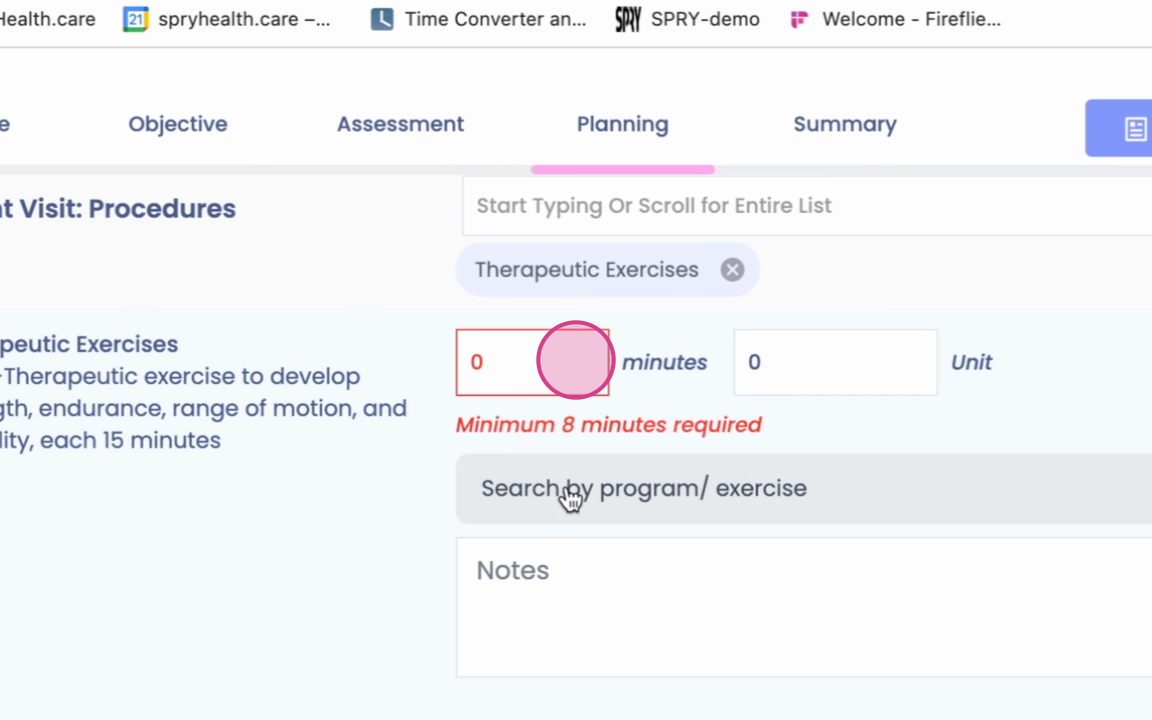
Step 6: Select exercises for your program.
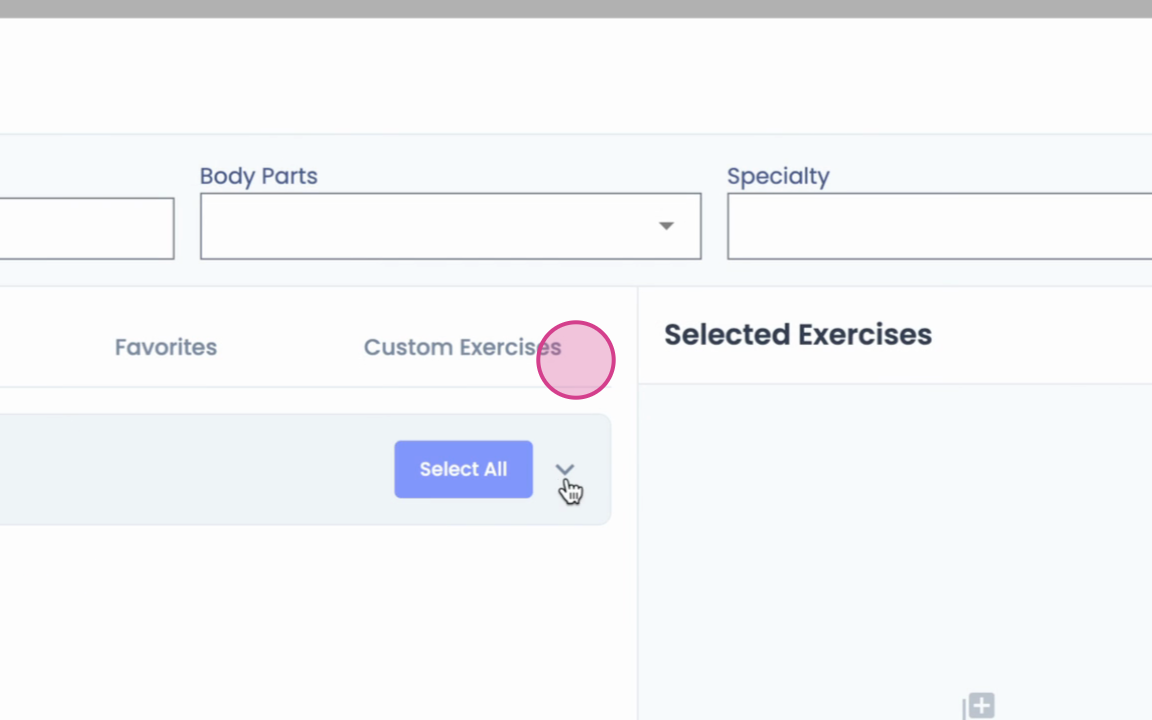
Step 7: Choose either all exercises
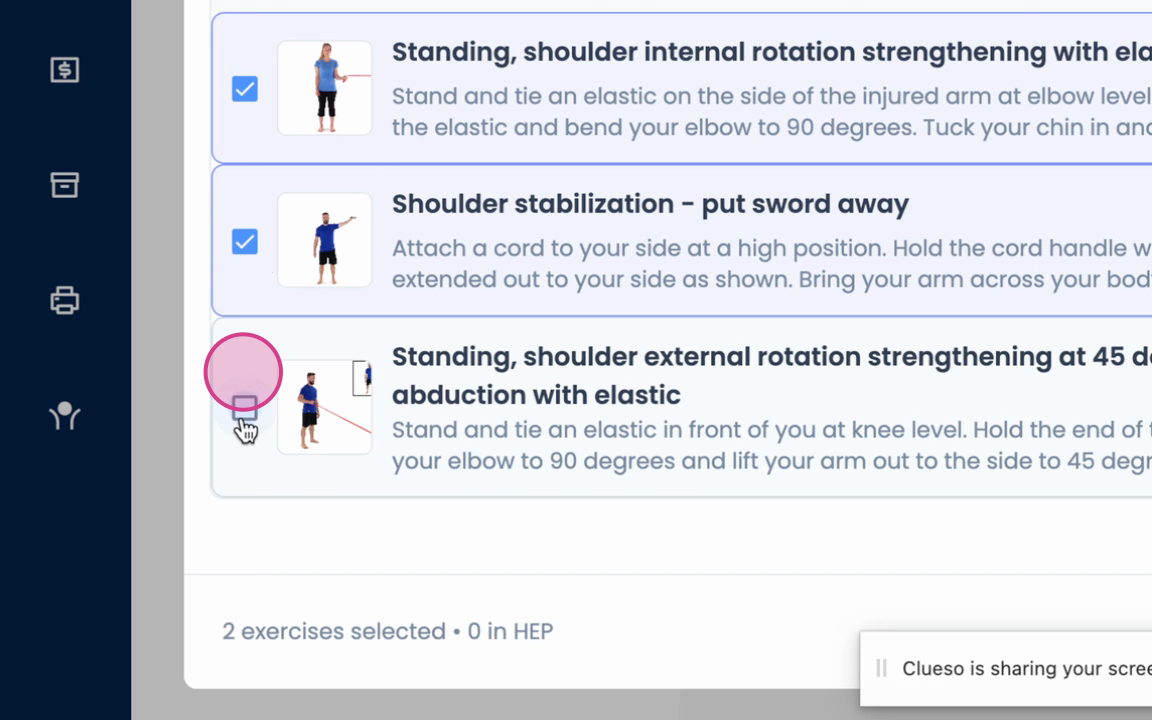
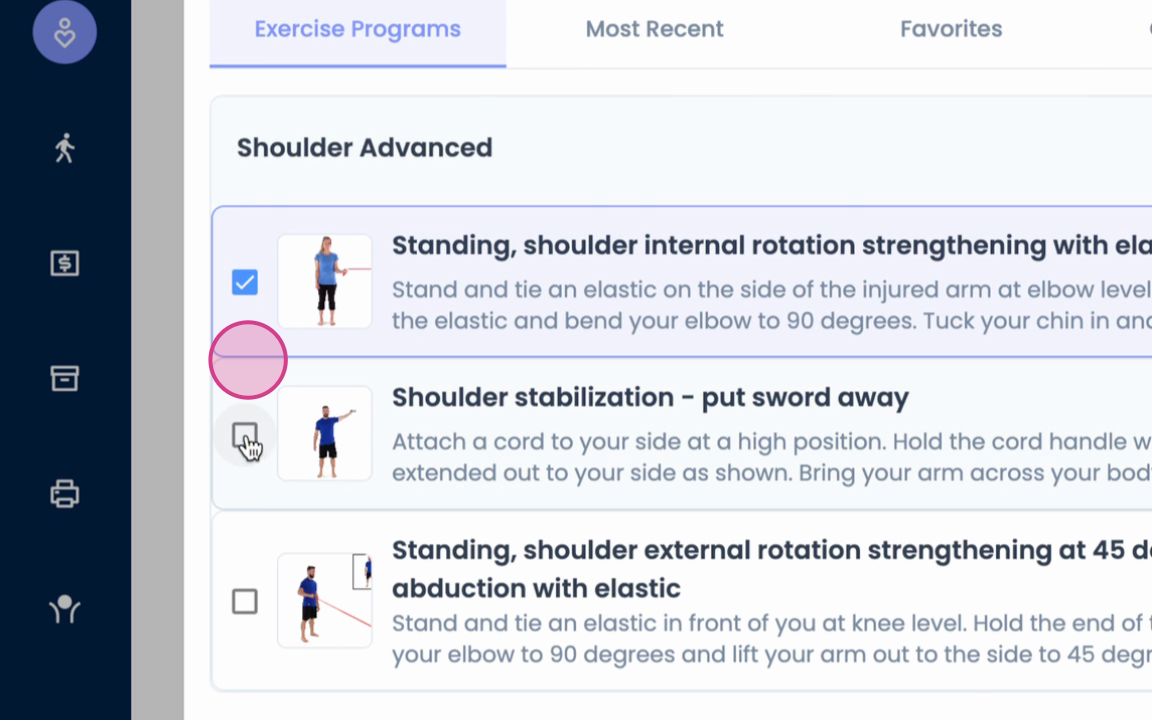
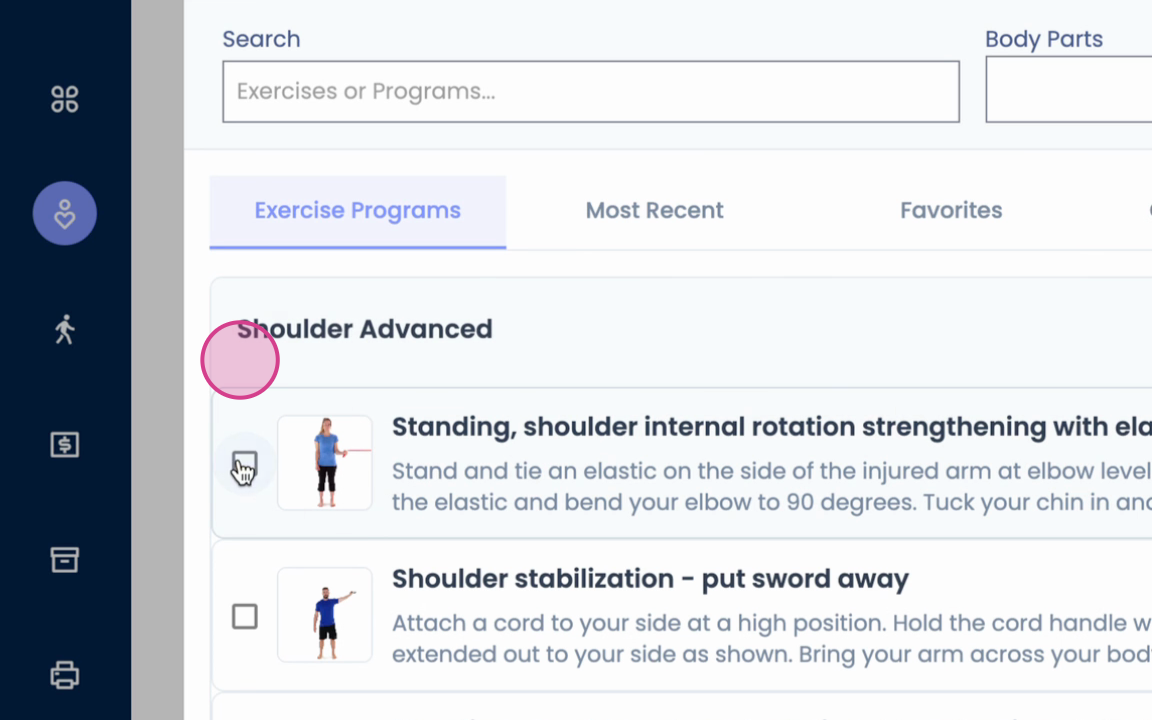
or individual exercises.
Step 8: Search for exercises by most recent use.
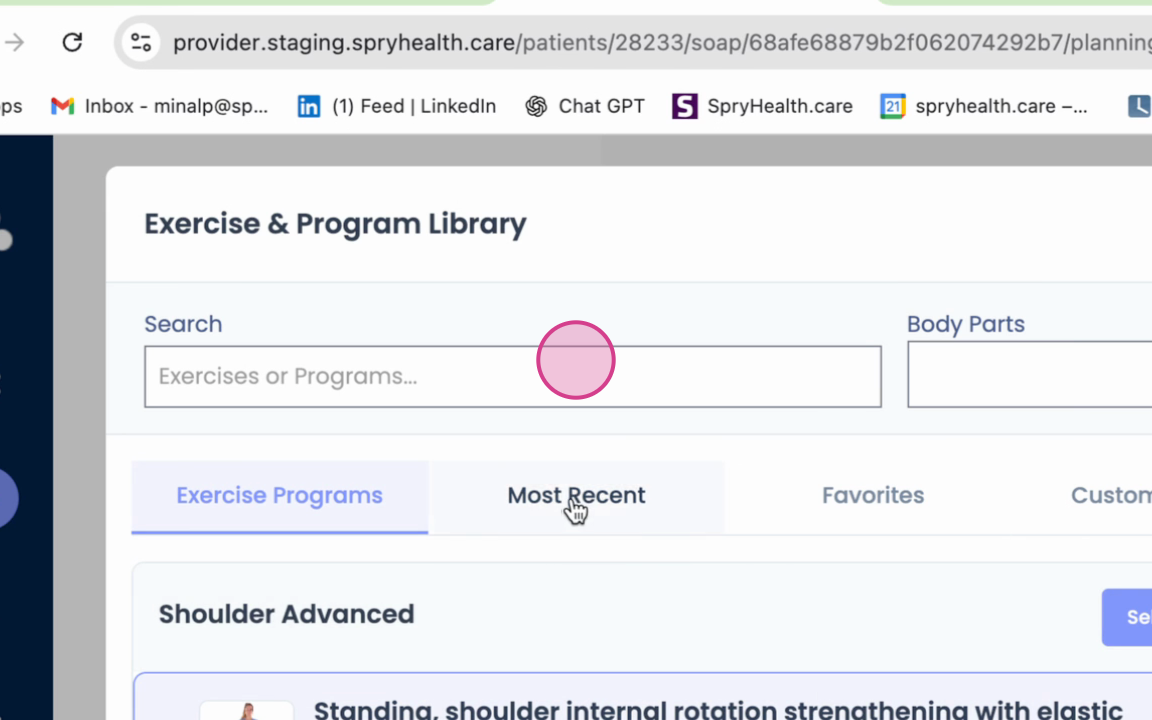
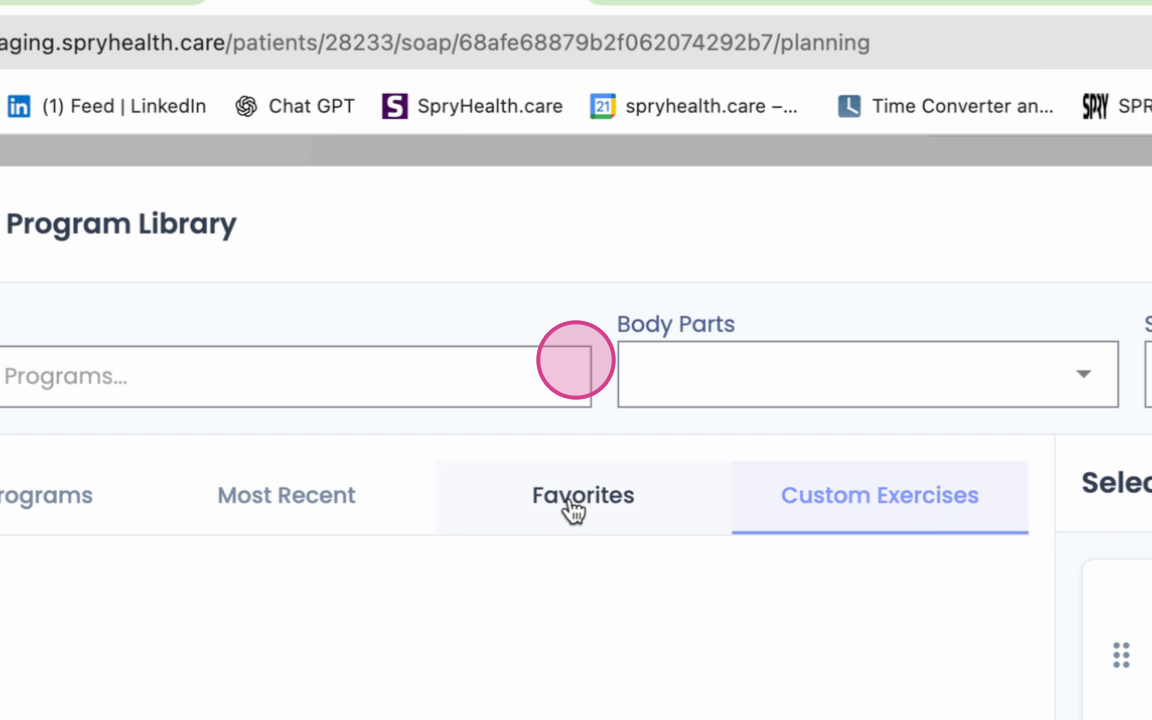
Step 9: Access your favorite exercises.
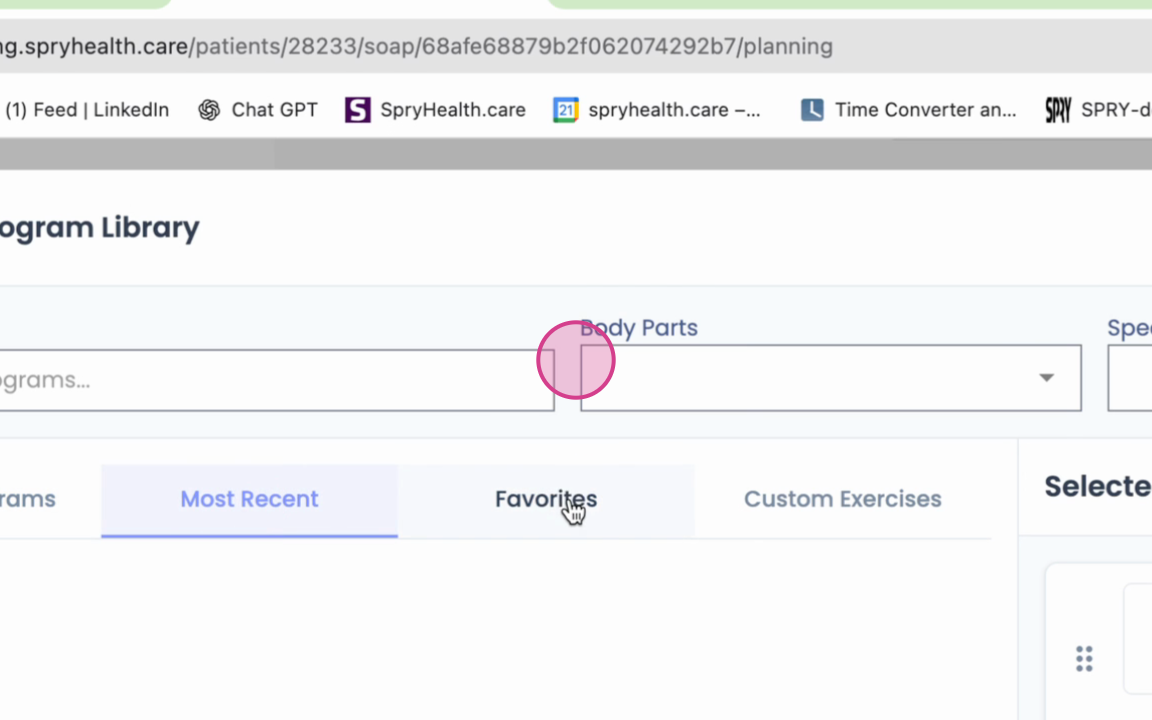
Step 10: Use custom exercises you've added.
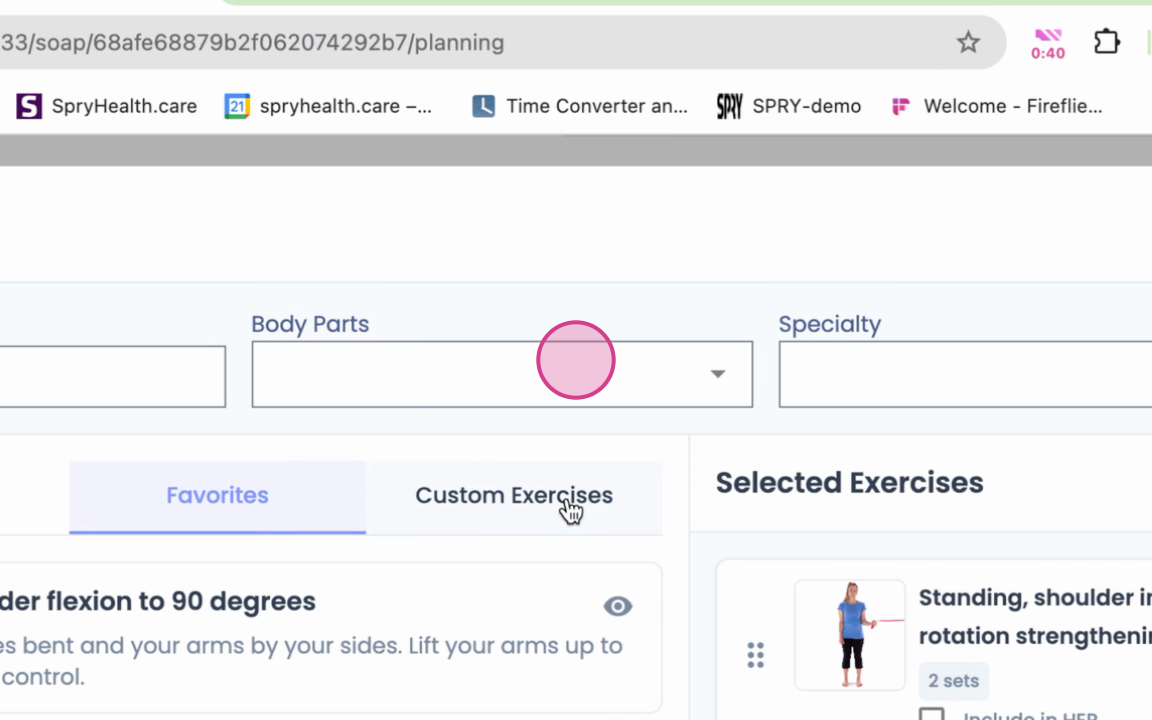
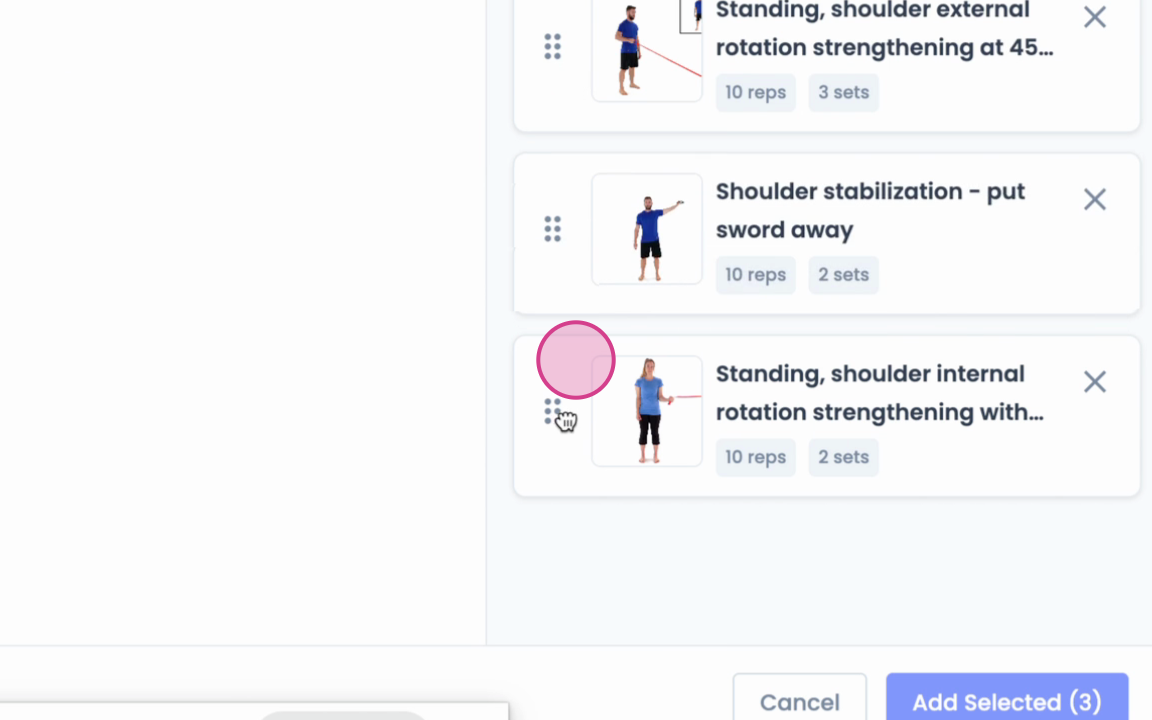
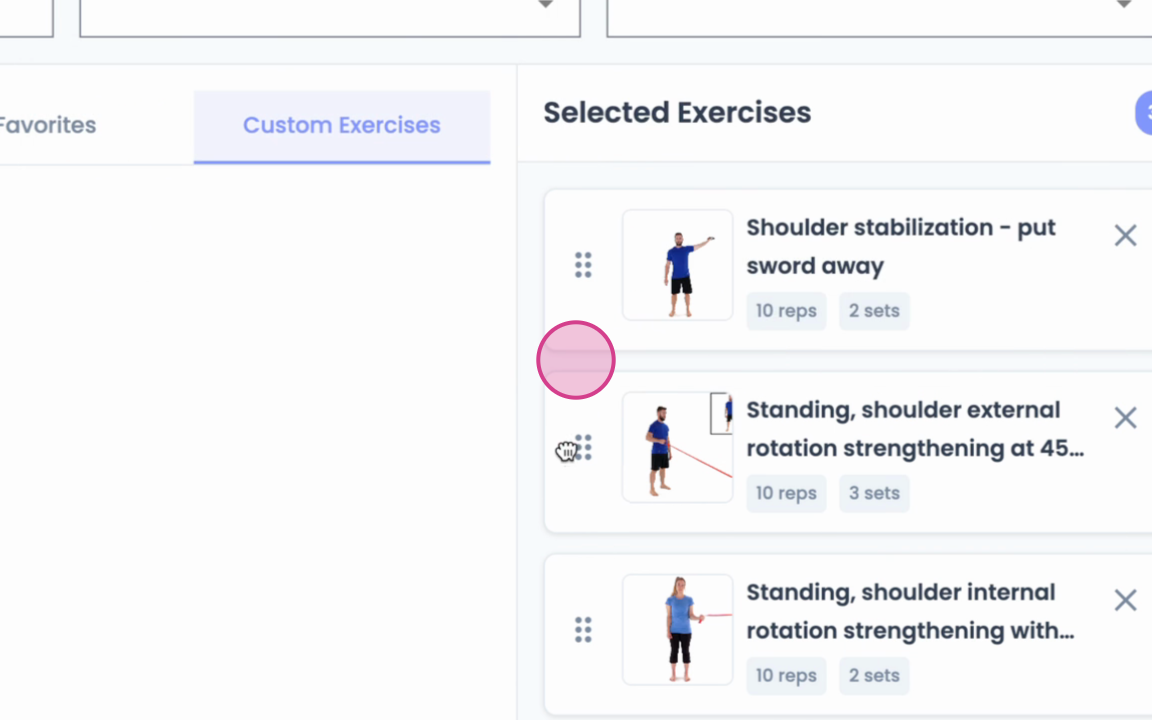
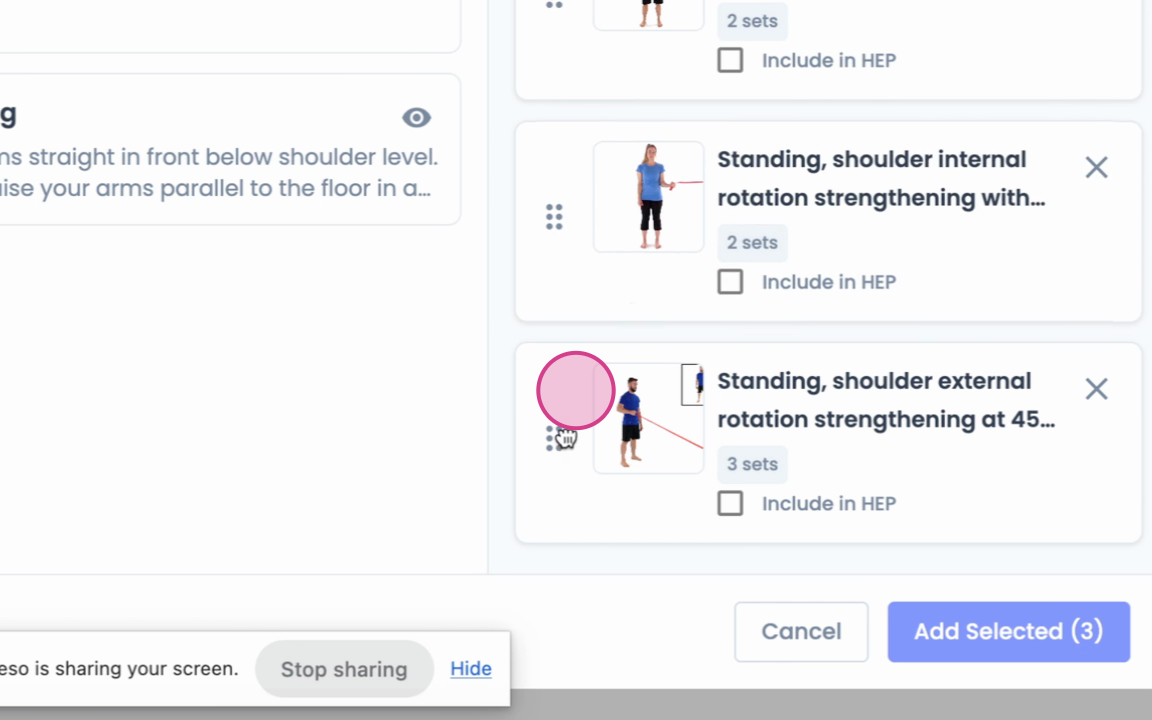
Step 11: Rearrange the order of the selected exercises.
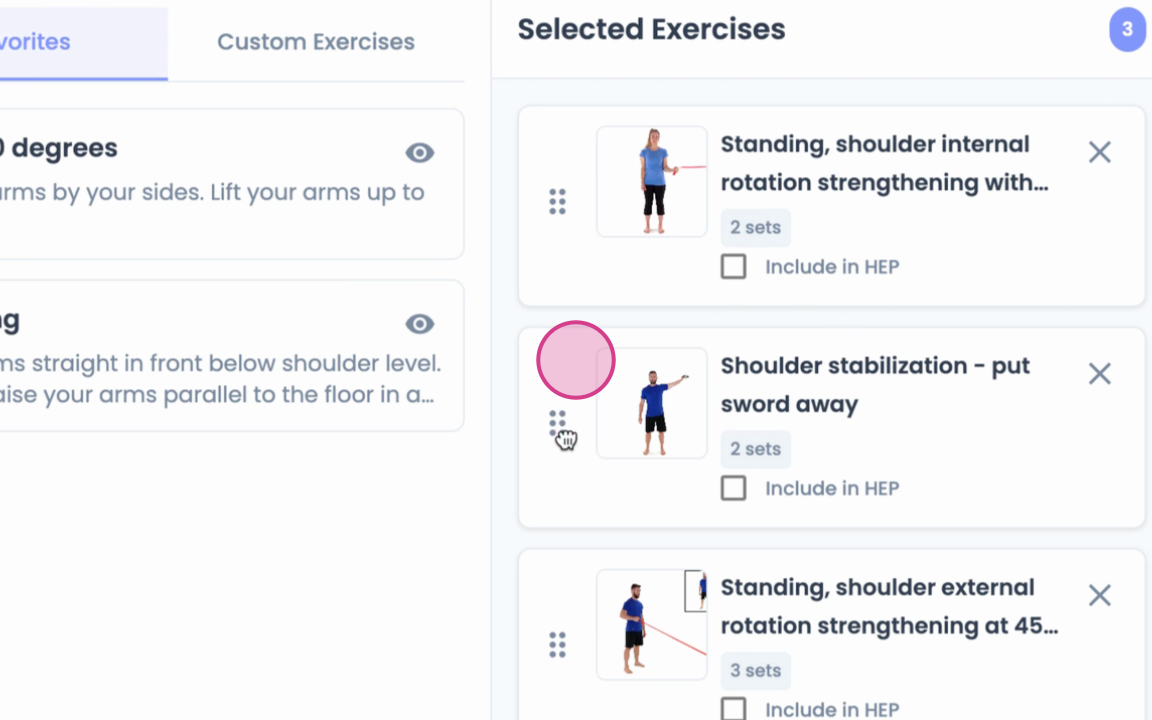
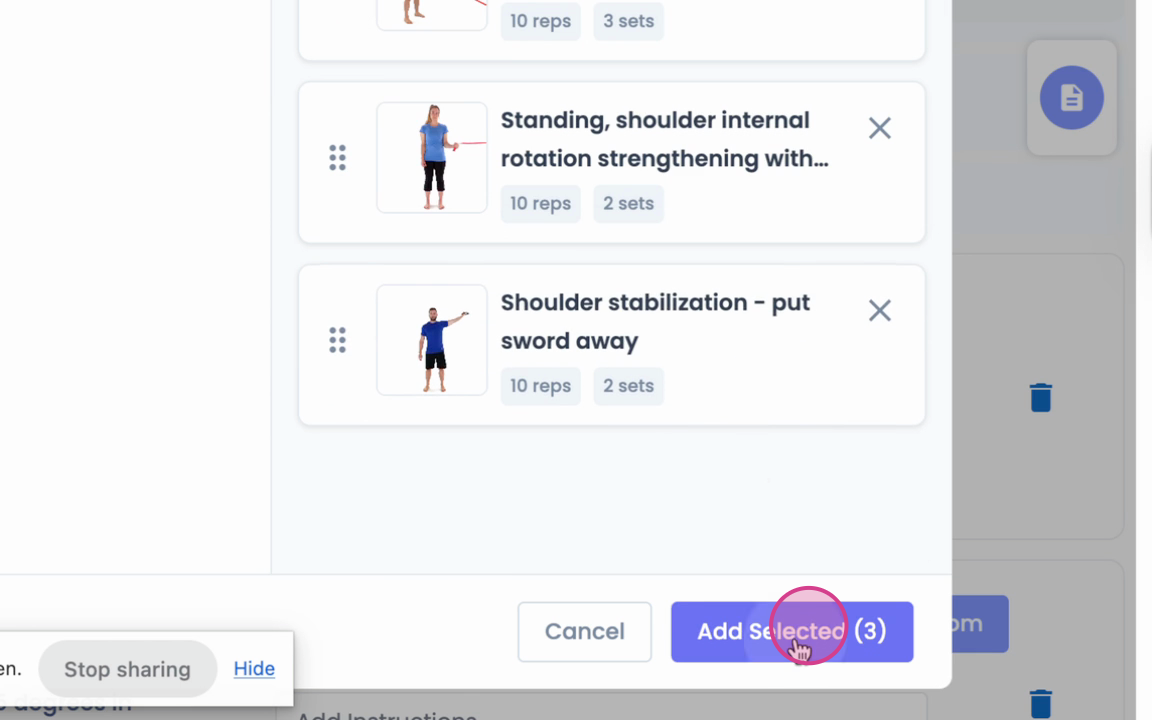
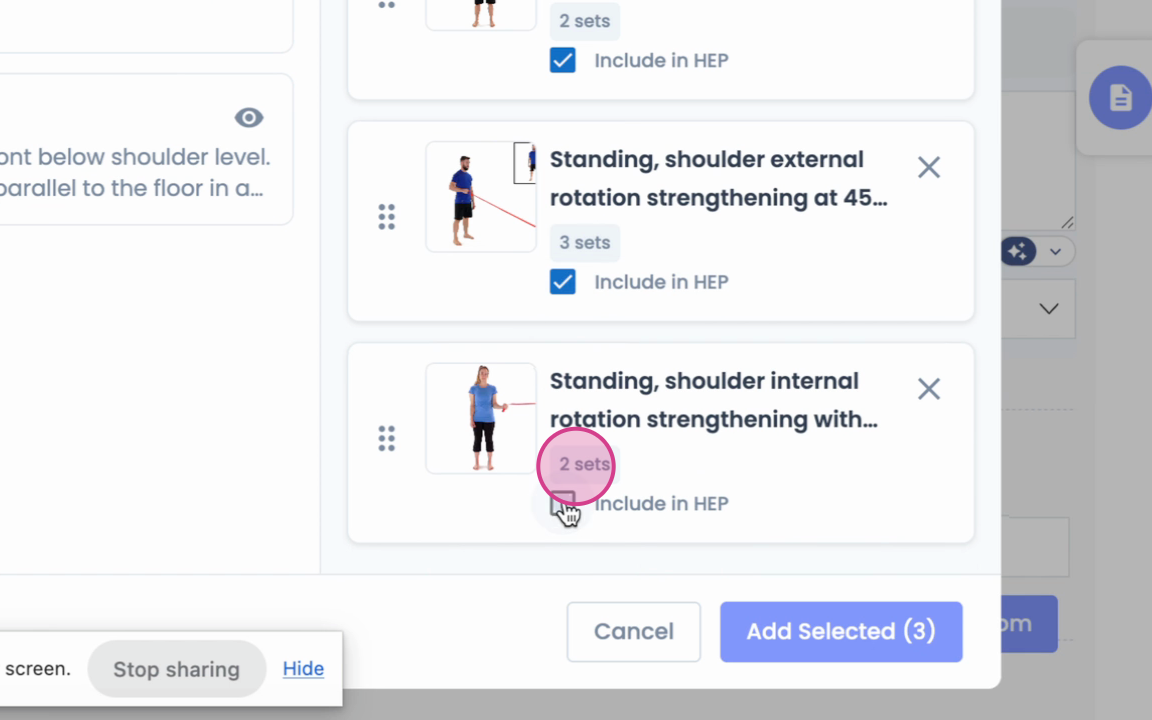
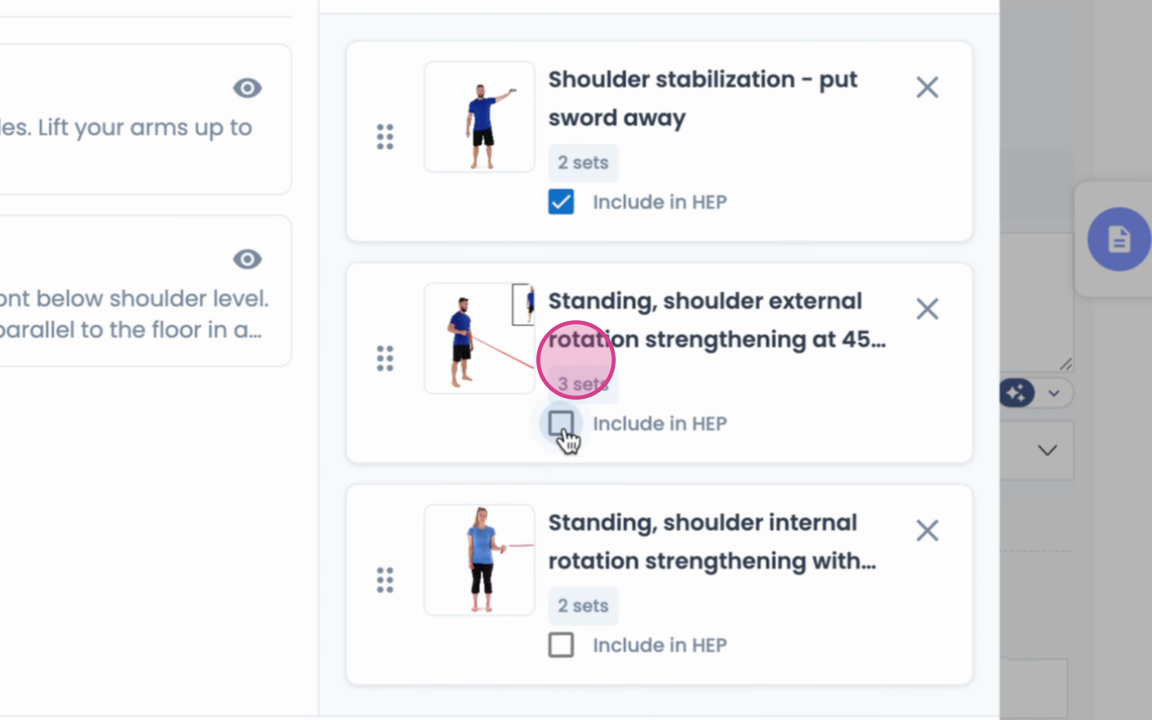
Step 12: Include the rearranged exercises in the HEP.

Step 13: Apply the same steps for Clinic exercises within the HEP.
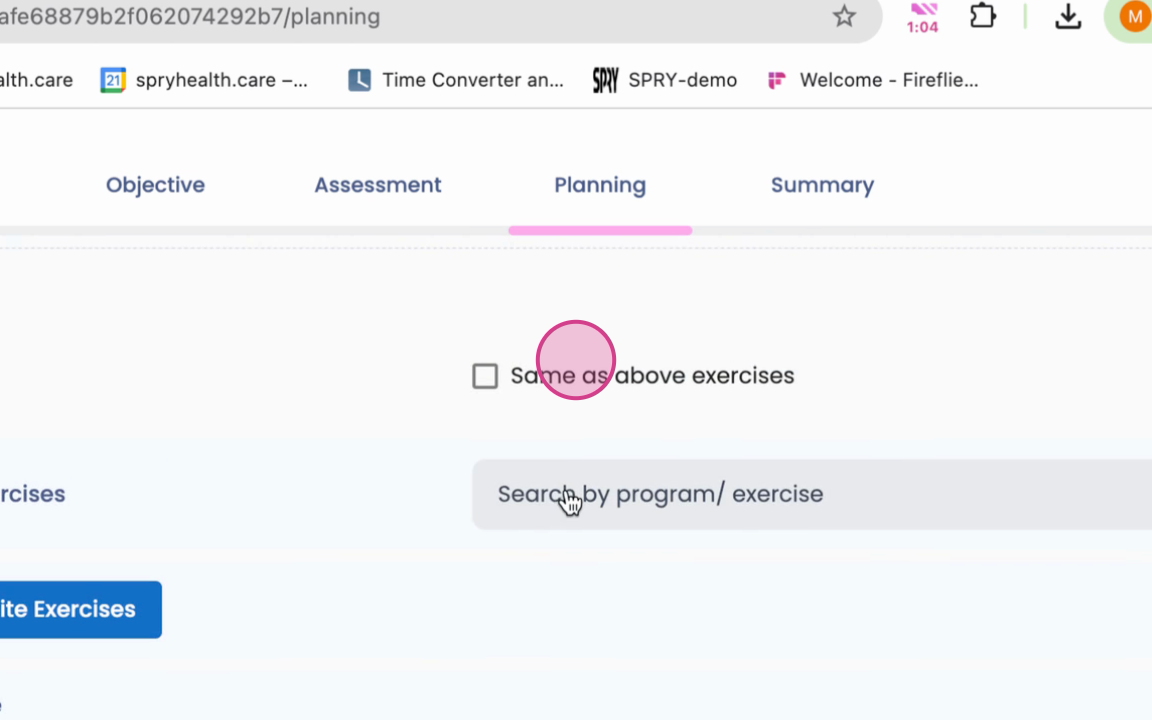
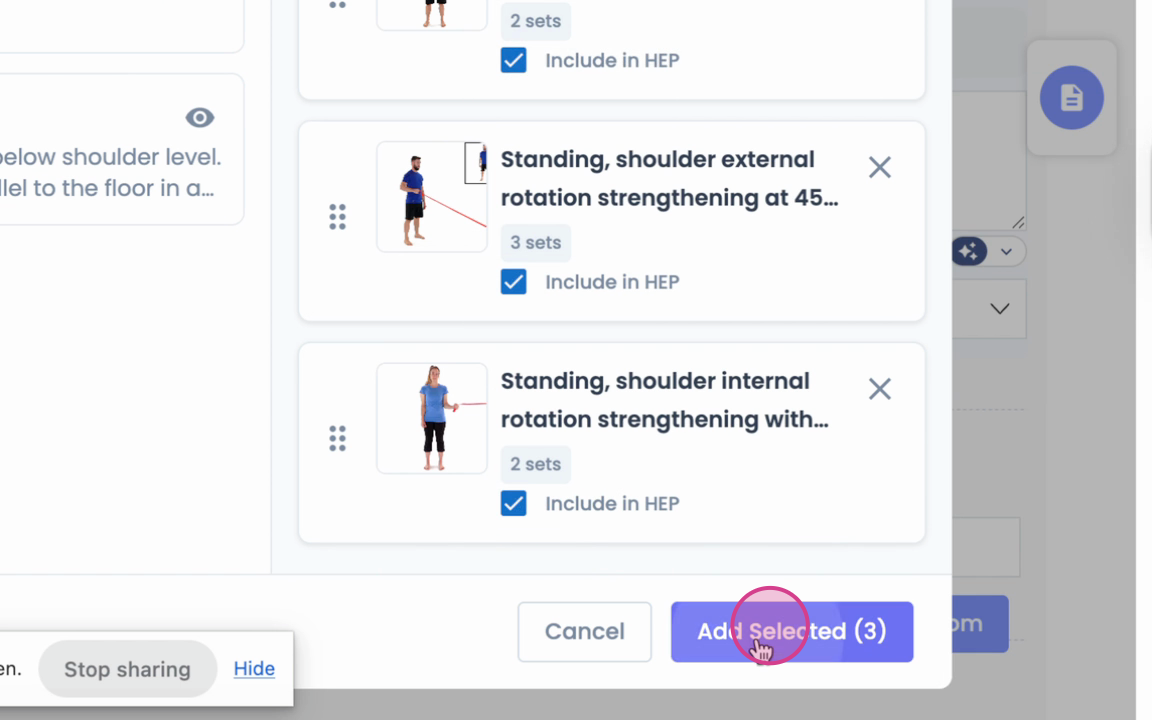
Step 14: Search by programs, most recent favorites, and custom exercises.
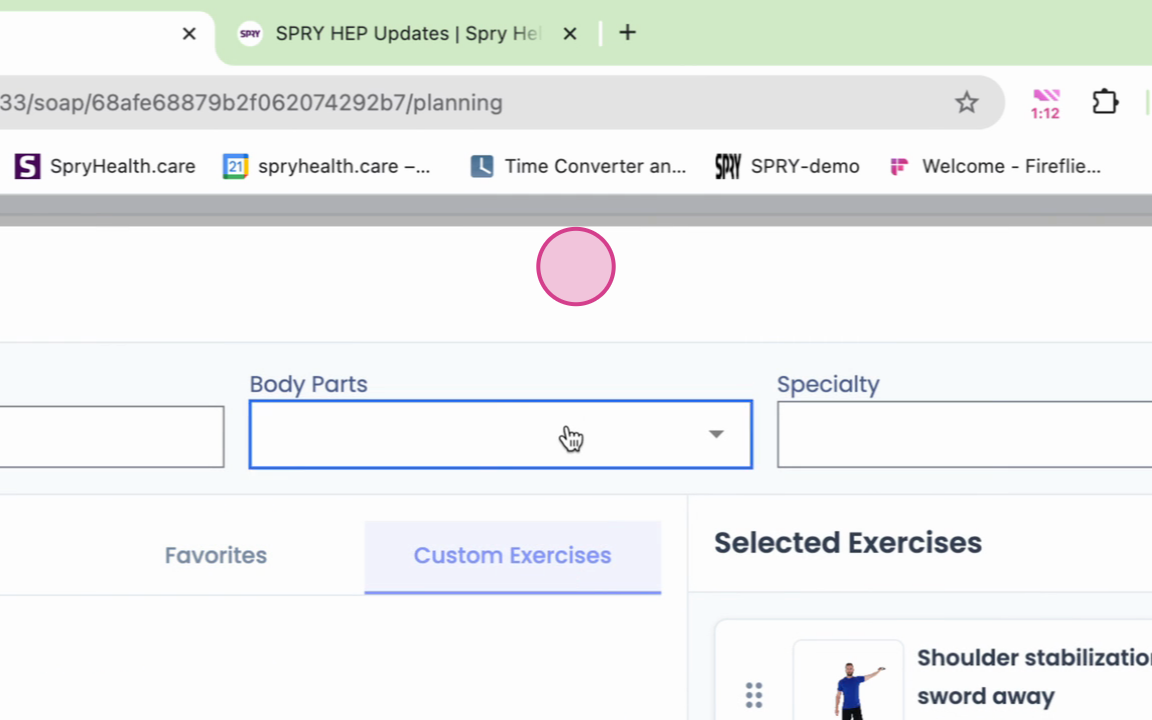
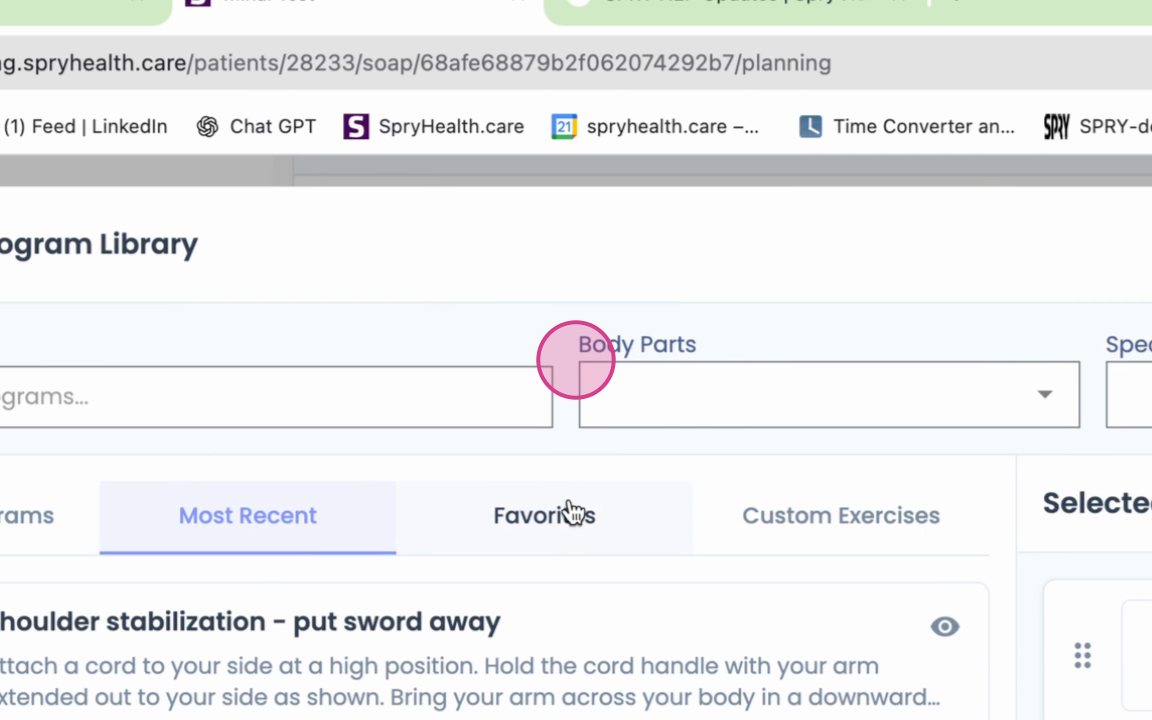
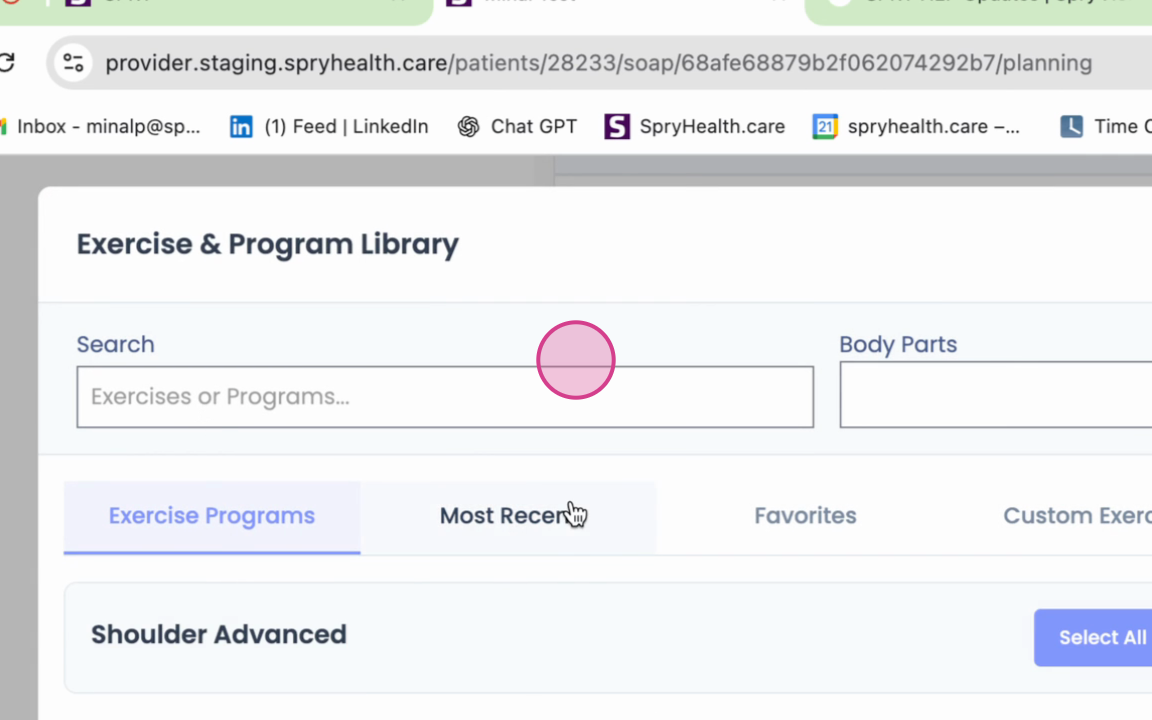
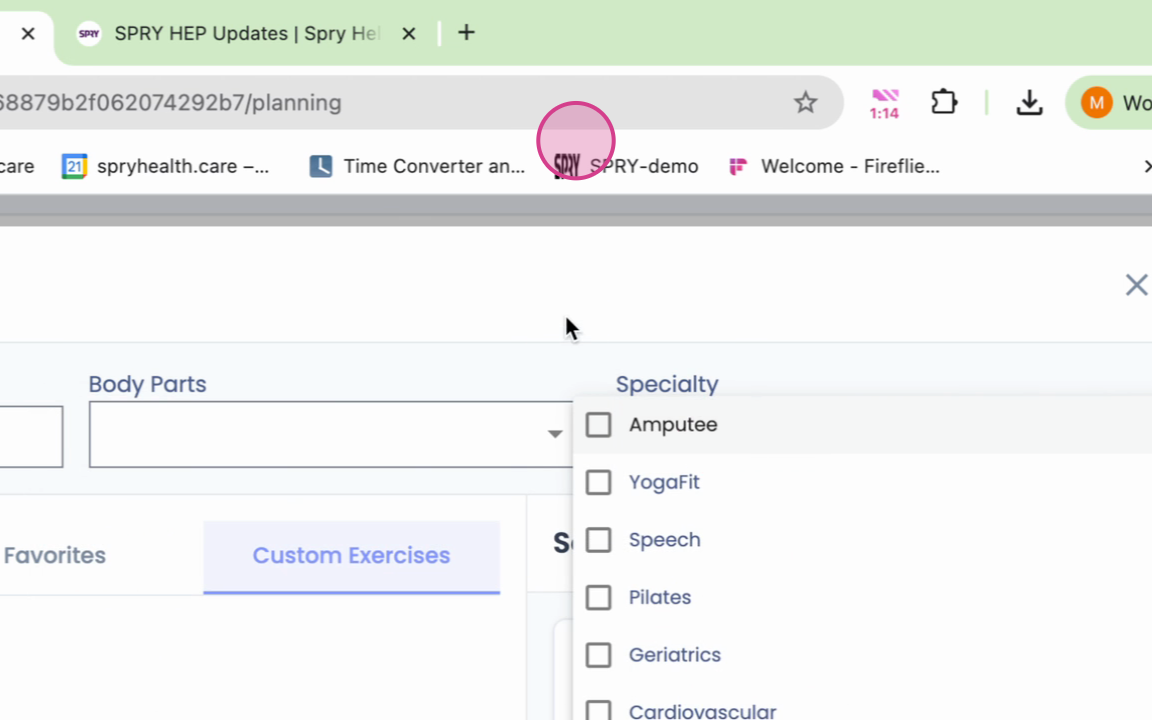
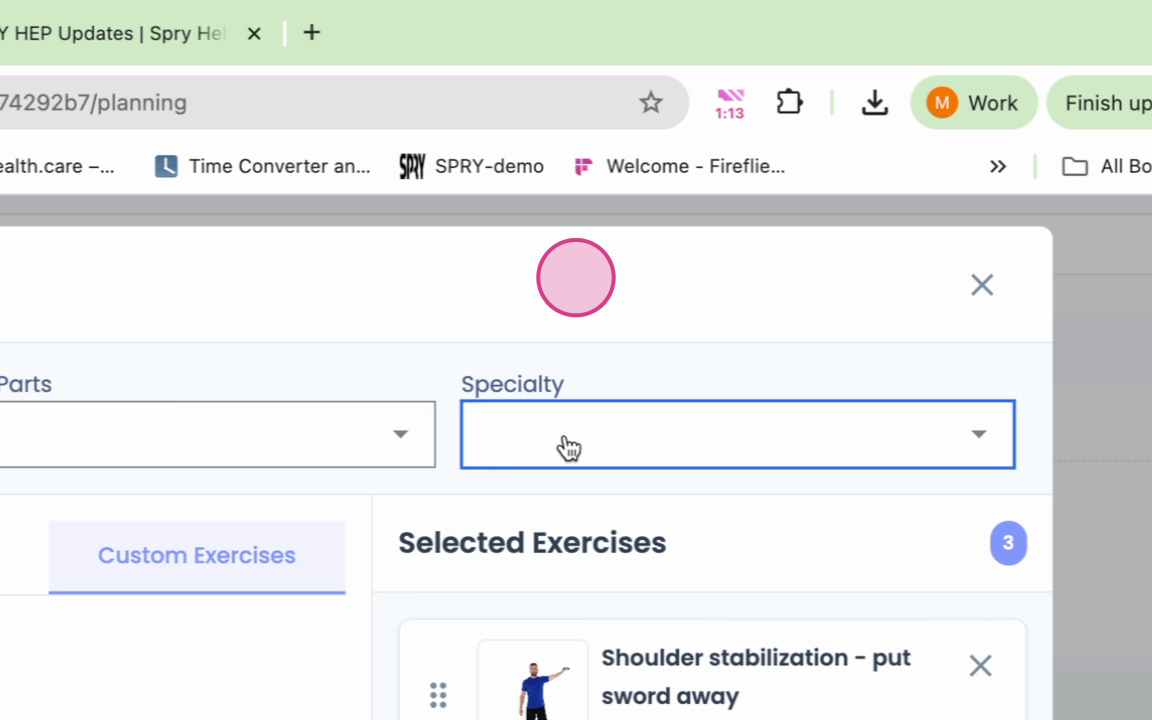
Step 15: Filter exercises by body parts and specialty.
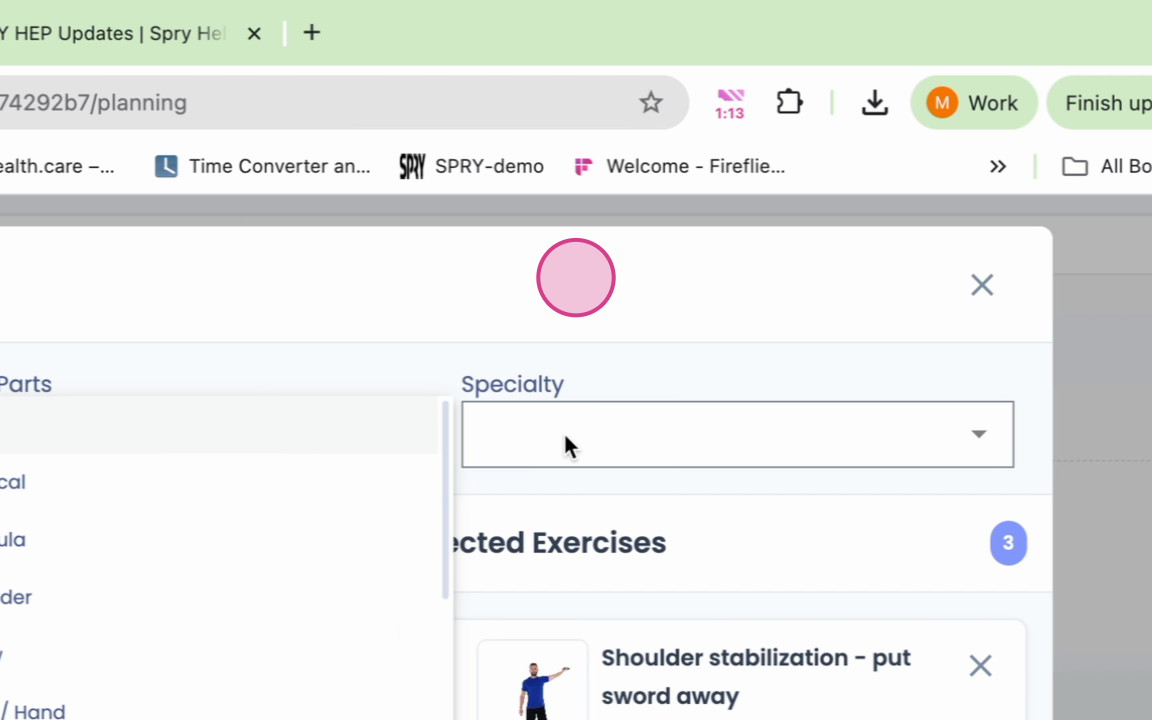
Step 16: Rearrange and reorder the exercises as needed.