
How to Add Multiple Offices and Fax Numbers to Referring Physicians
In this article, you'll learn how to add multiple offices and faxes to reference physicians.
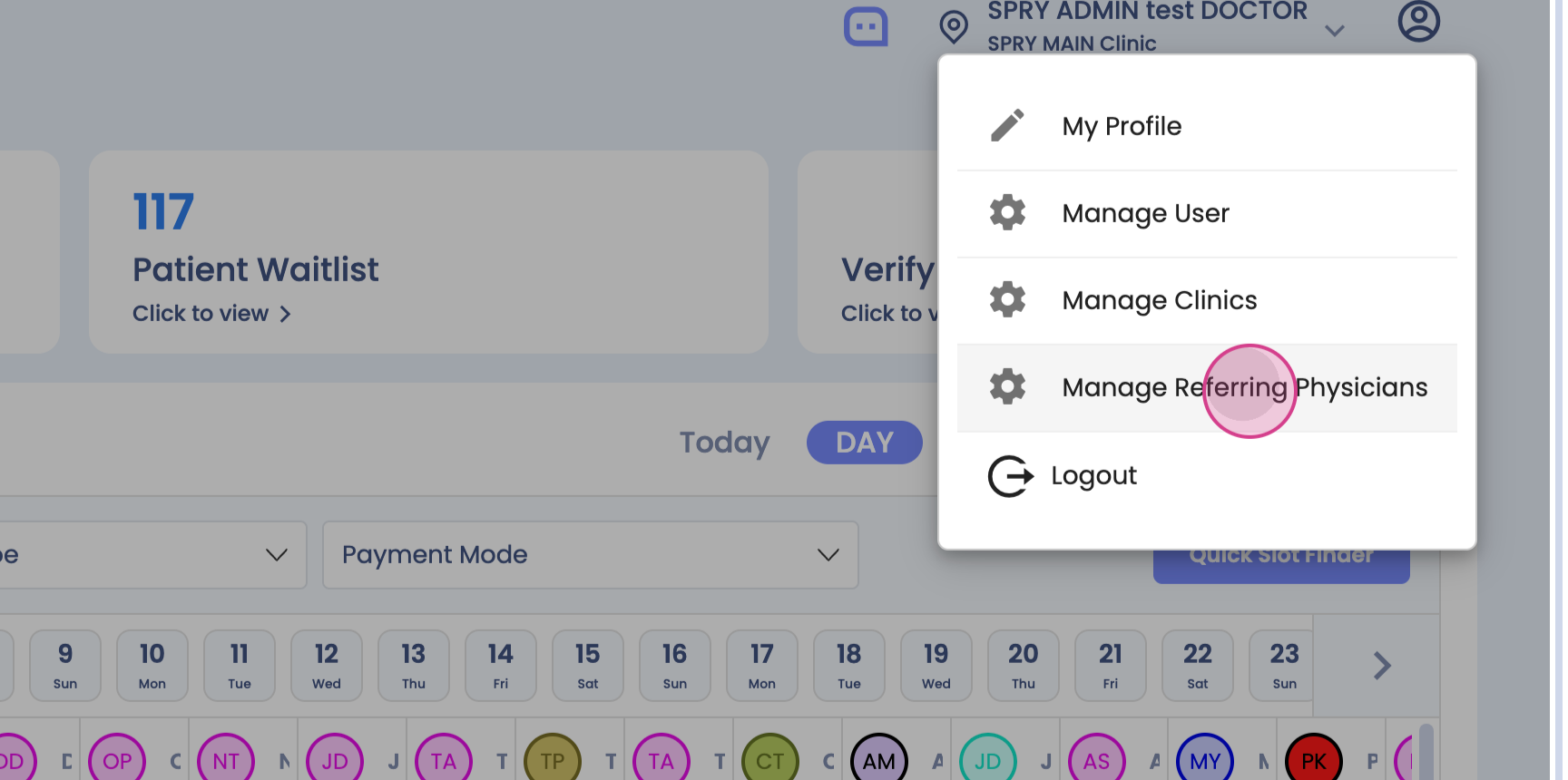
Step 1: Navigate to the profile and select Manage Referring Physician.

Step 2: Search for the reference physicians and select Edit.

Step 3: View the existing address. To add multiple offices and faxes, click on Add Office.


Step 4: Enter the Office Name and Fax Number.

Step 5: Add multiple offices by clicking on Add Office again.


Step 6: After adding all the offices and fax numbers, click on Save.

Now, you're able to see the number of offices and faxes you've added. Thank you.