Quick Slot Finder
This guide explains how to utilize the newly added Quick Slot Finder feature. This tool assists in finding available therapy slots based on specialty or specific dates.
Step 1: Initiate the Quick Slot Finder by clicking on it.
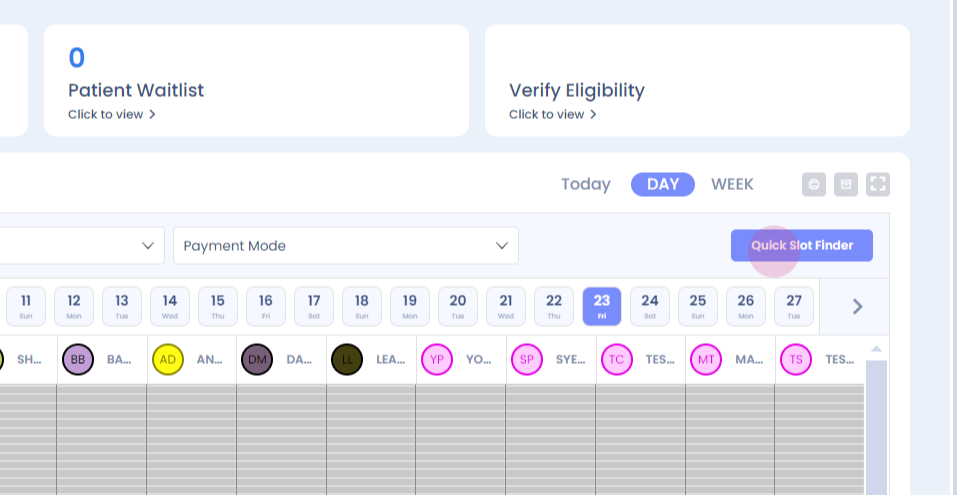
Step 2: Notice the filter for therapists.
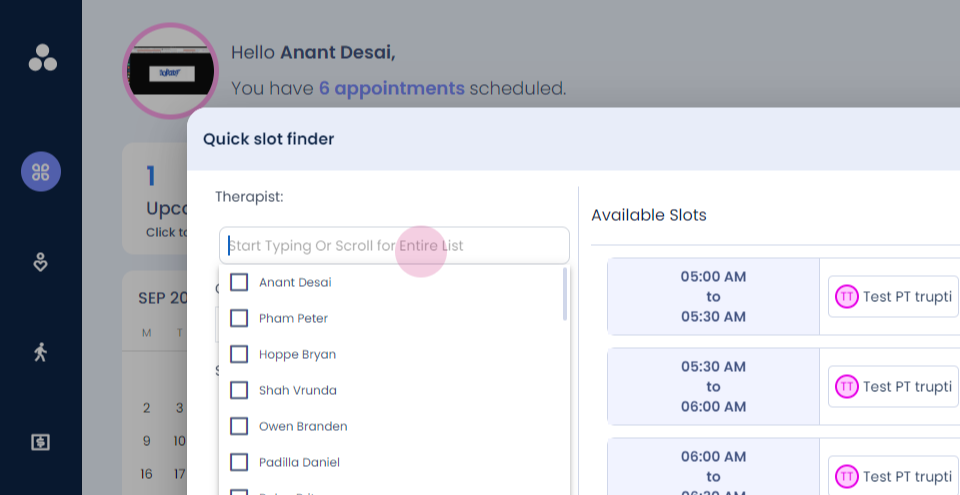
Step 3: Choose the therapist or the specialty to find available slots.
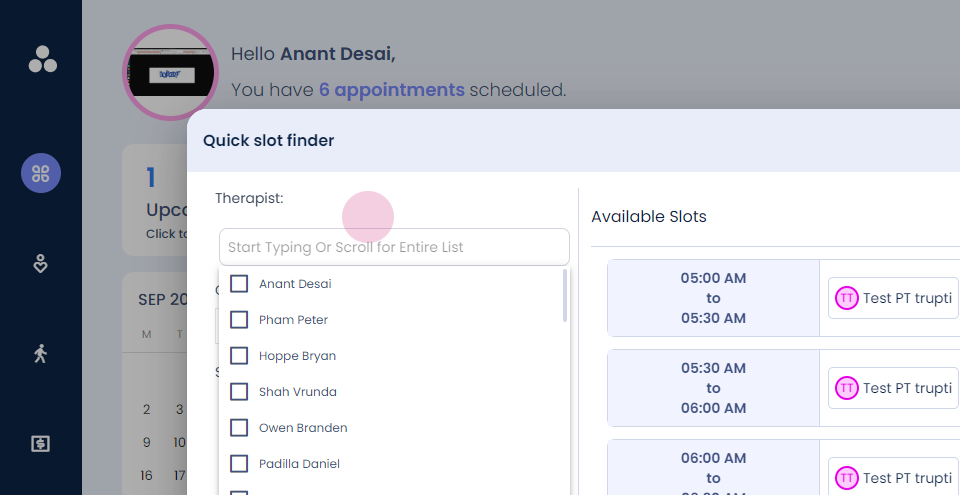
For instance, to find slots for a physical therapist for a thirty-minute appointment:
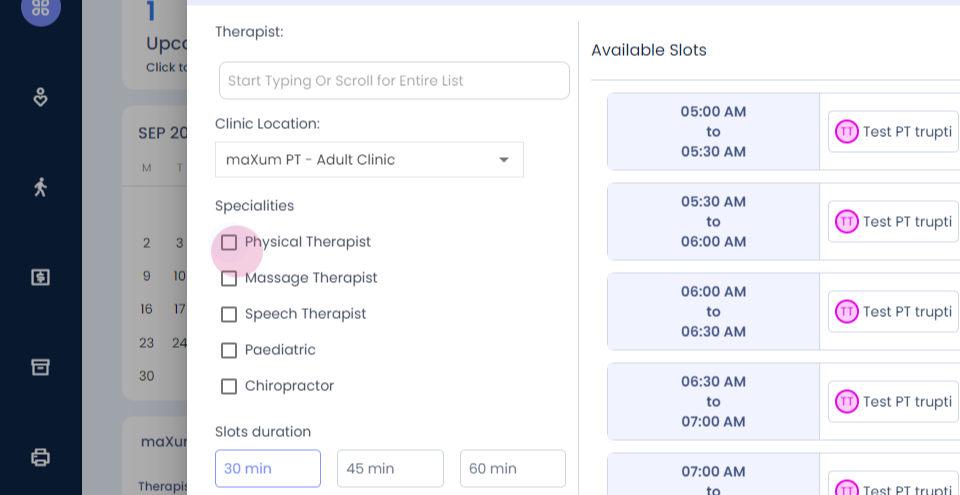
Step 4: View all available therapists and their respective time slots.
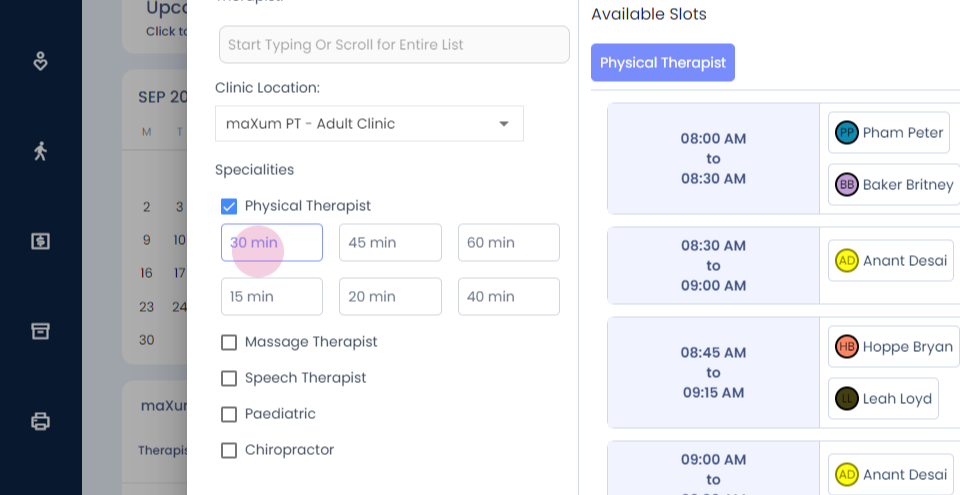
Step 5: Select the desired therapist.
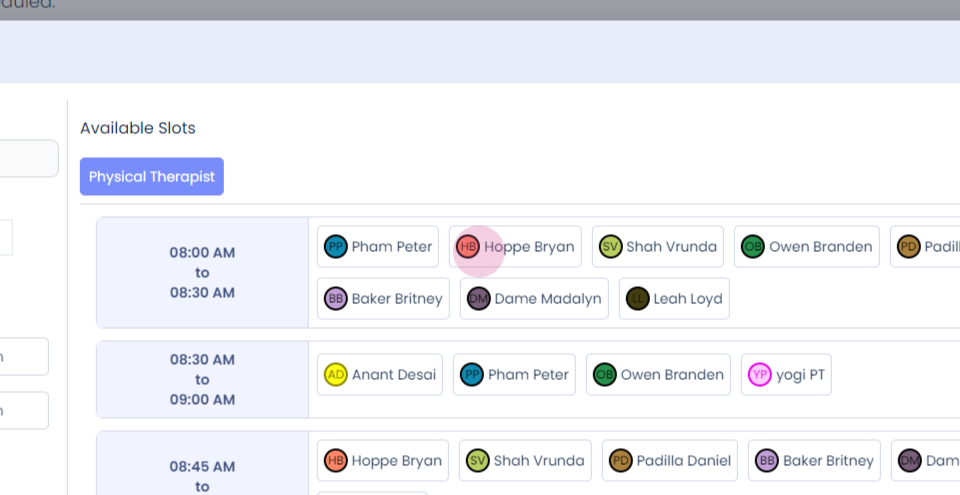
Step 6: Proceed to book the appointment.
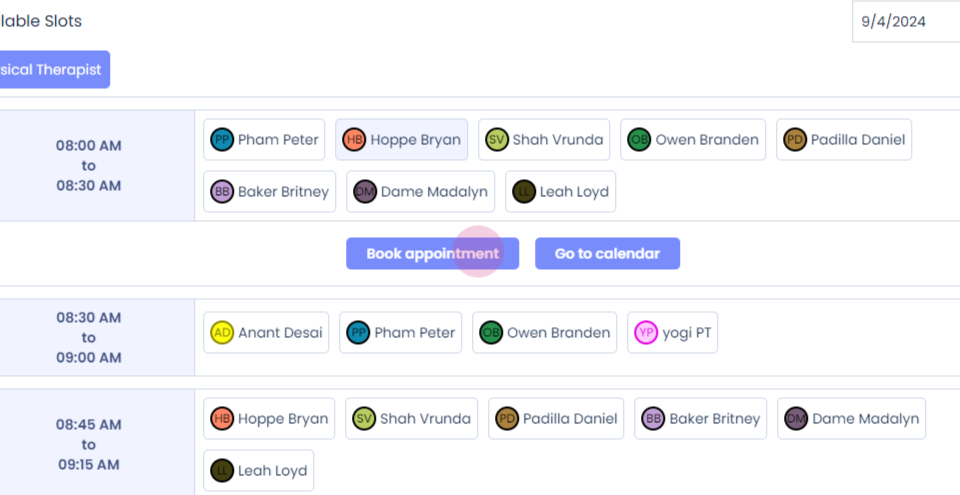
Upon clicking, an appointment card will appear.
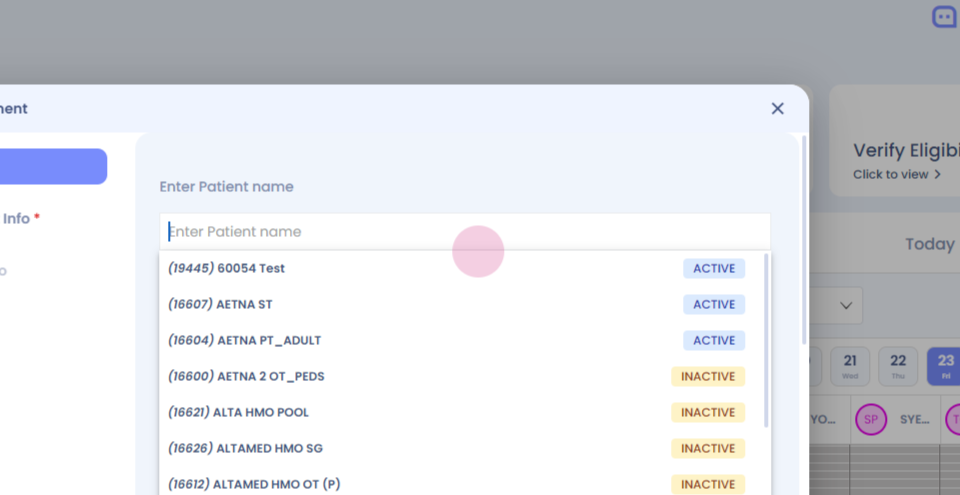
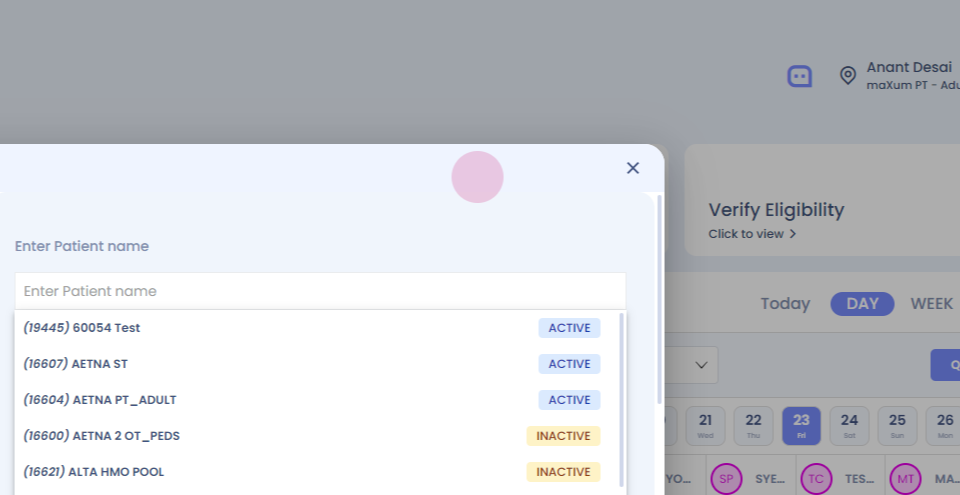
Step 7: Enter the patient's details and schedule the appointment.