Patient Registration Process
In this article, you'll learn how to register a new patient in the system.
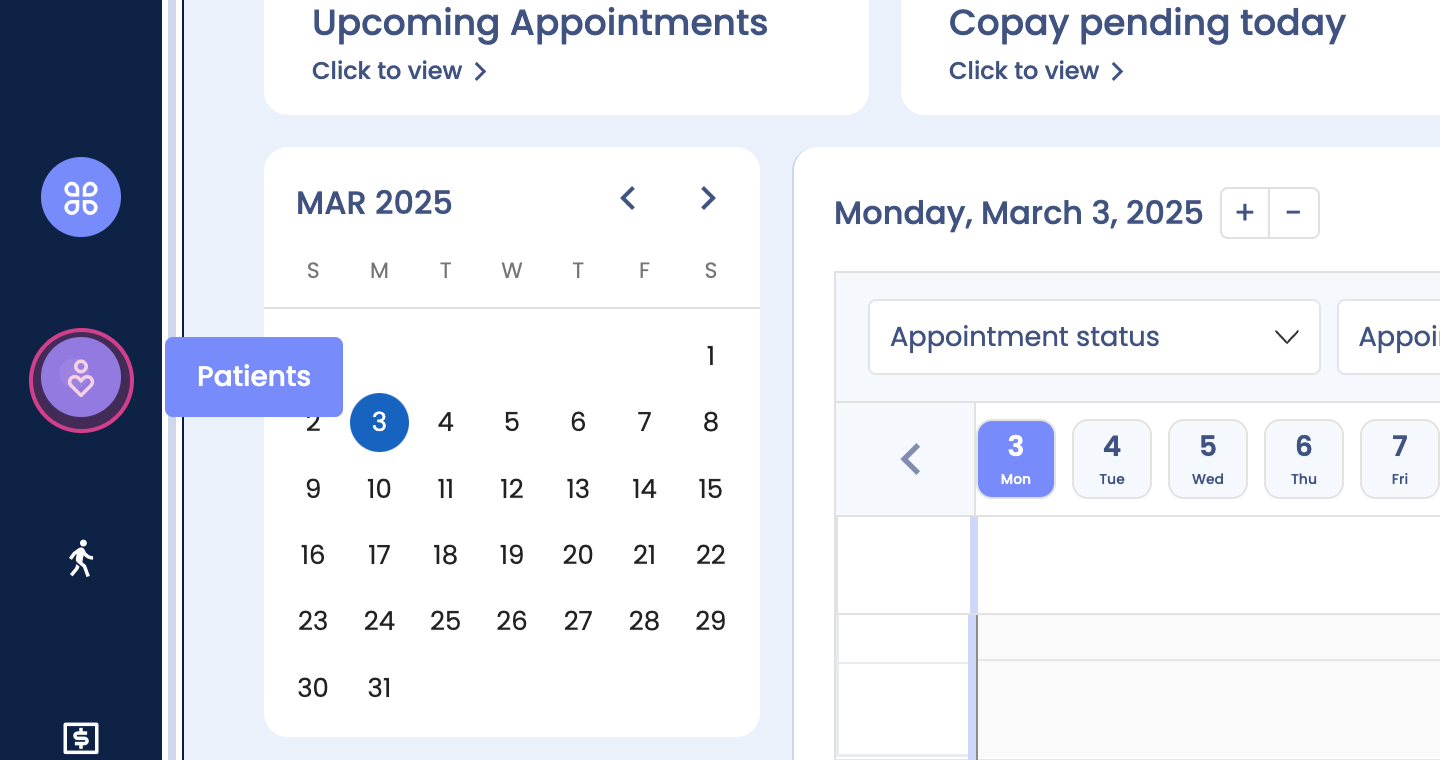
Step 1: Start by clicking on the Patients tab.
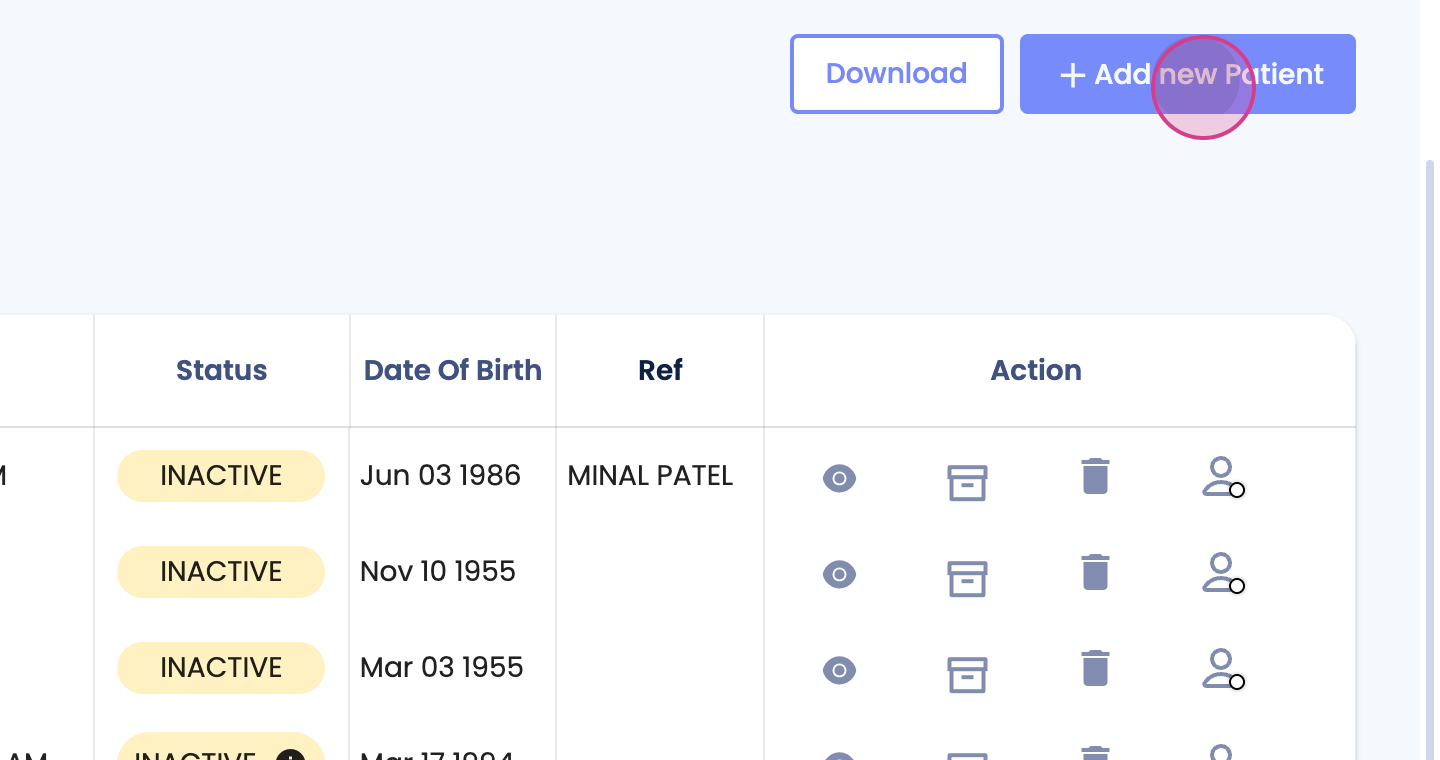
Step 2: Next, click on Add New Patient.
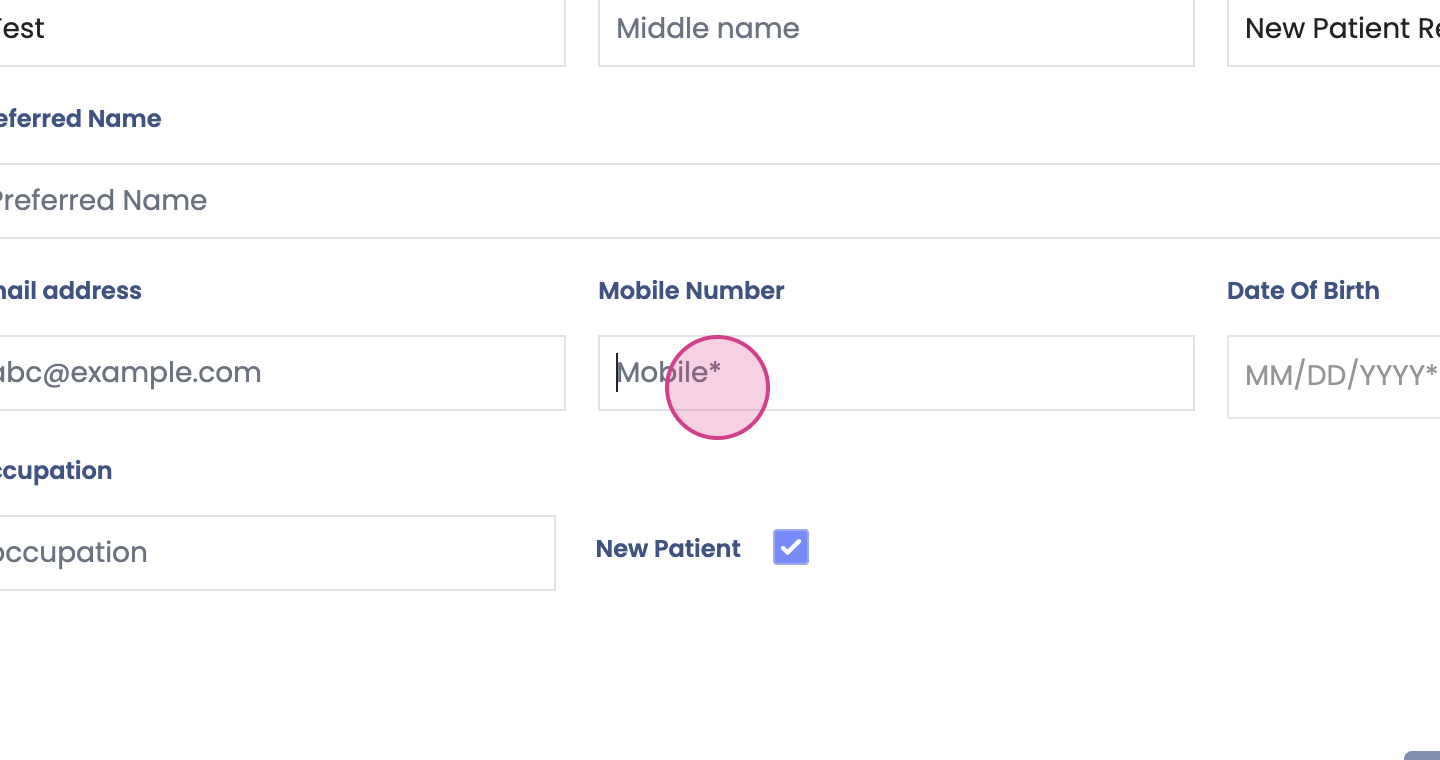
Step 3: Now, it's time to enter the mandatory information.
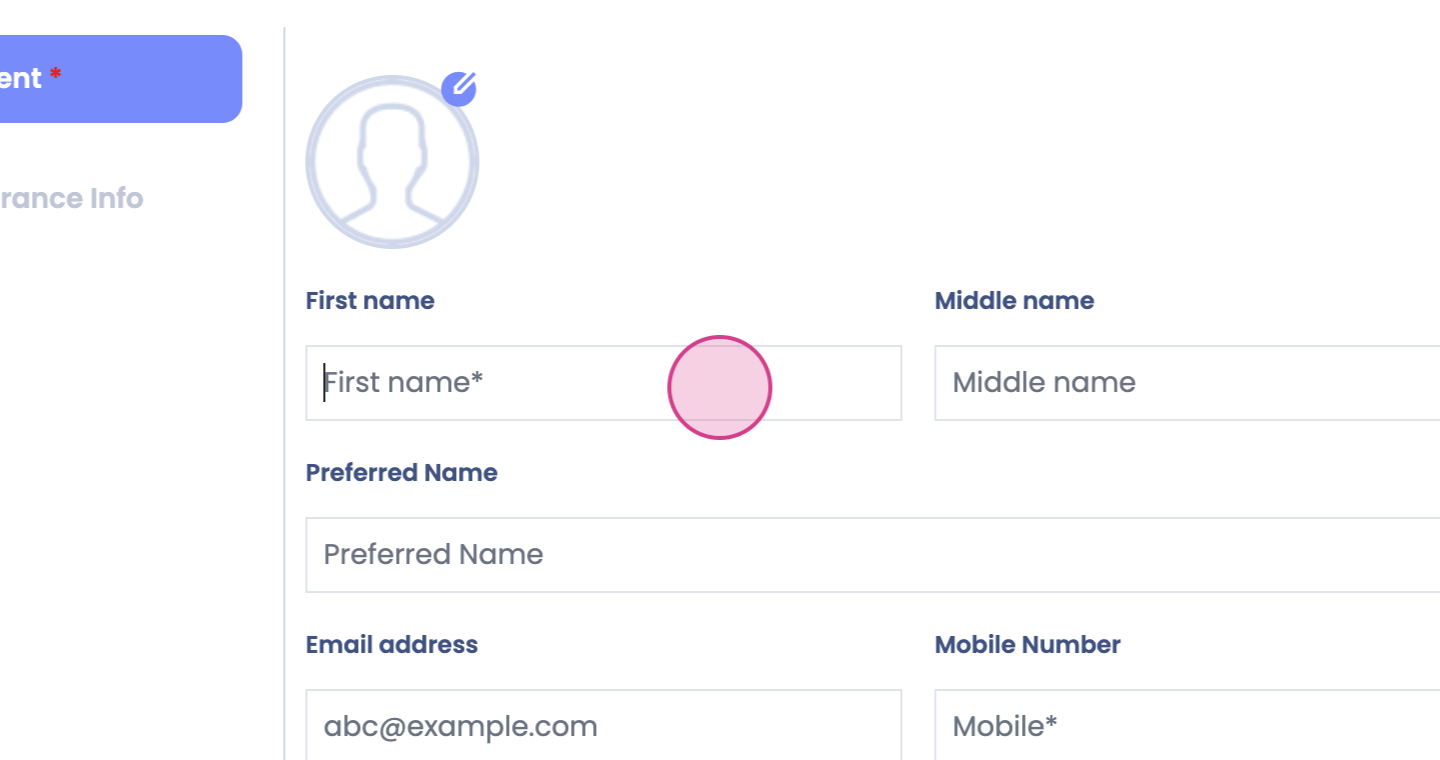
Step 4: After entering the necessary details, click on Add Patient.
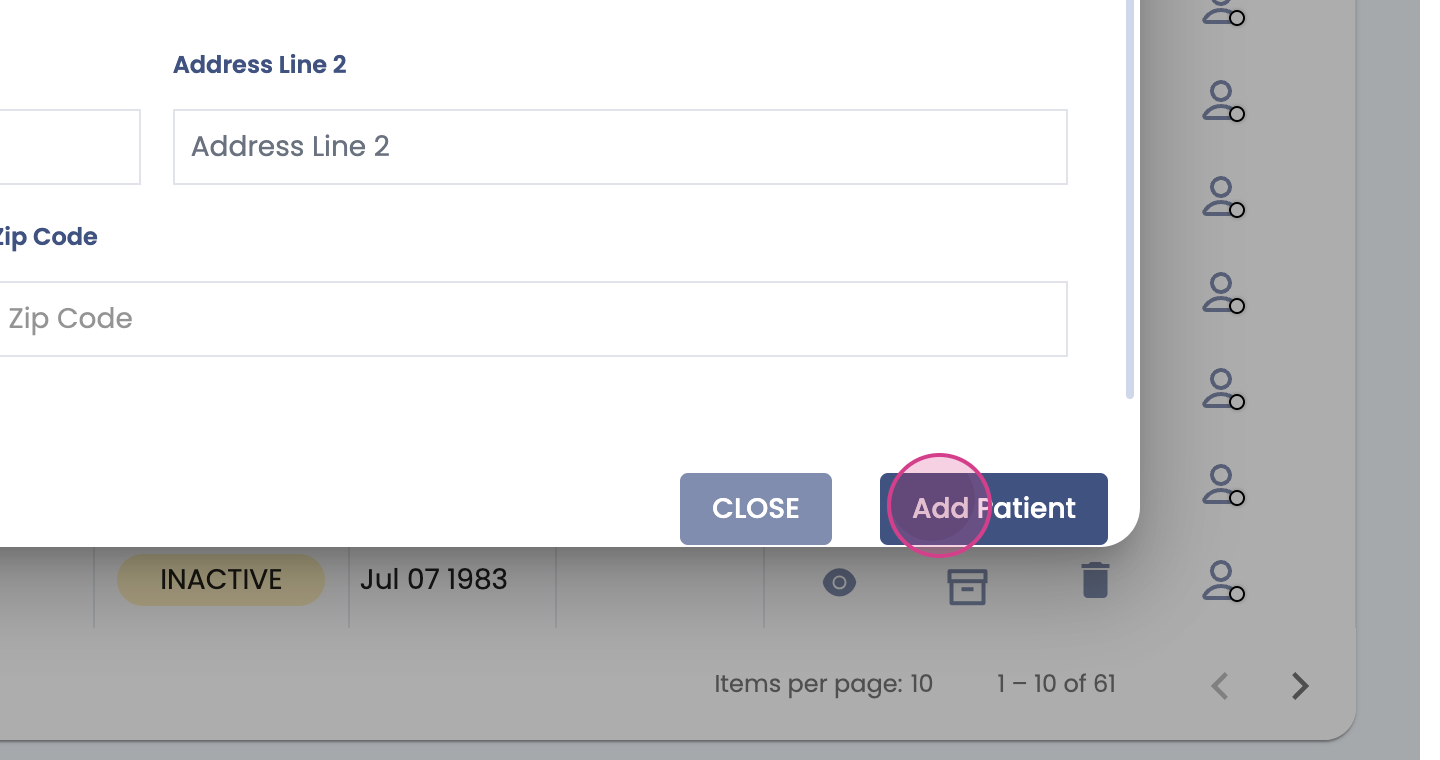
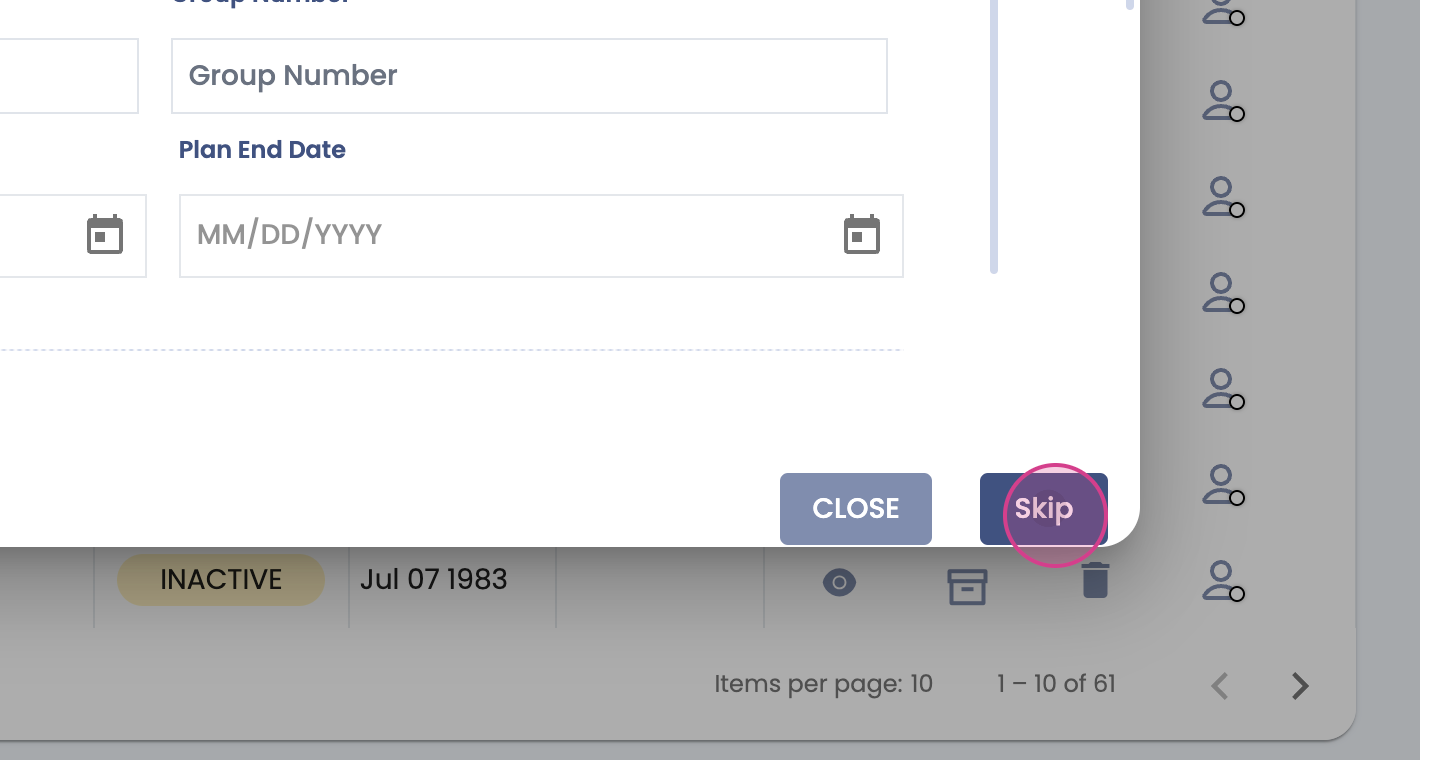
Step 5: A new window will open where you're allowed to enter the patient's insurance card details, if available.

Step 6: If the insurance card details are not applicable, simply select Skip.