Skip to content Structure of the SOAP Note - Evaluation Workflow
← Back to list
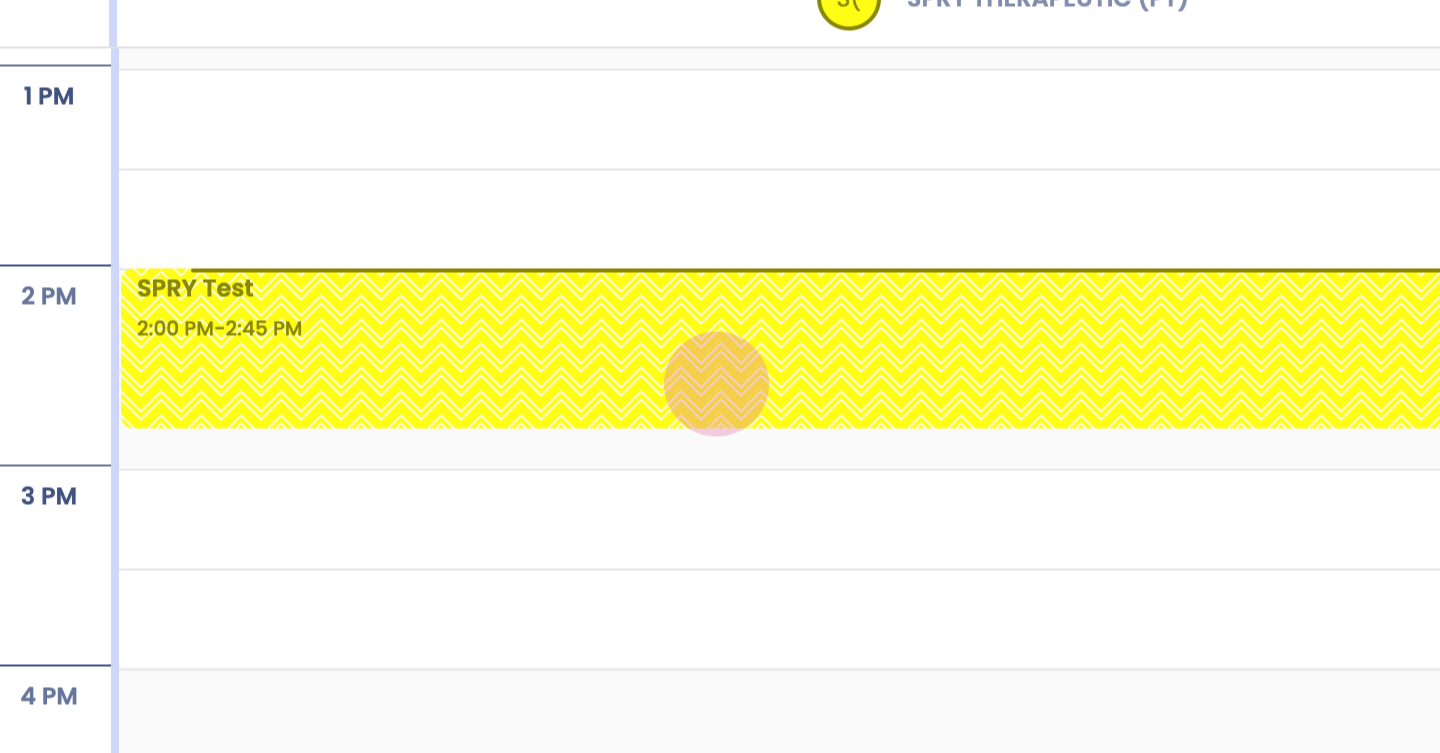
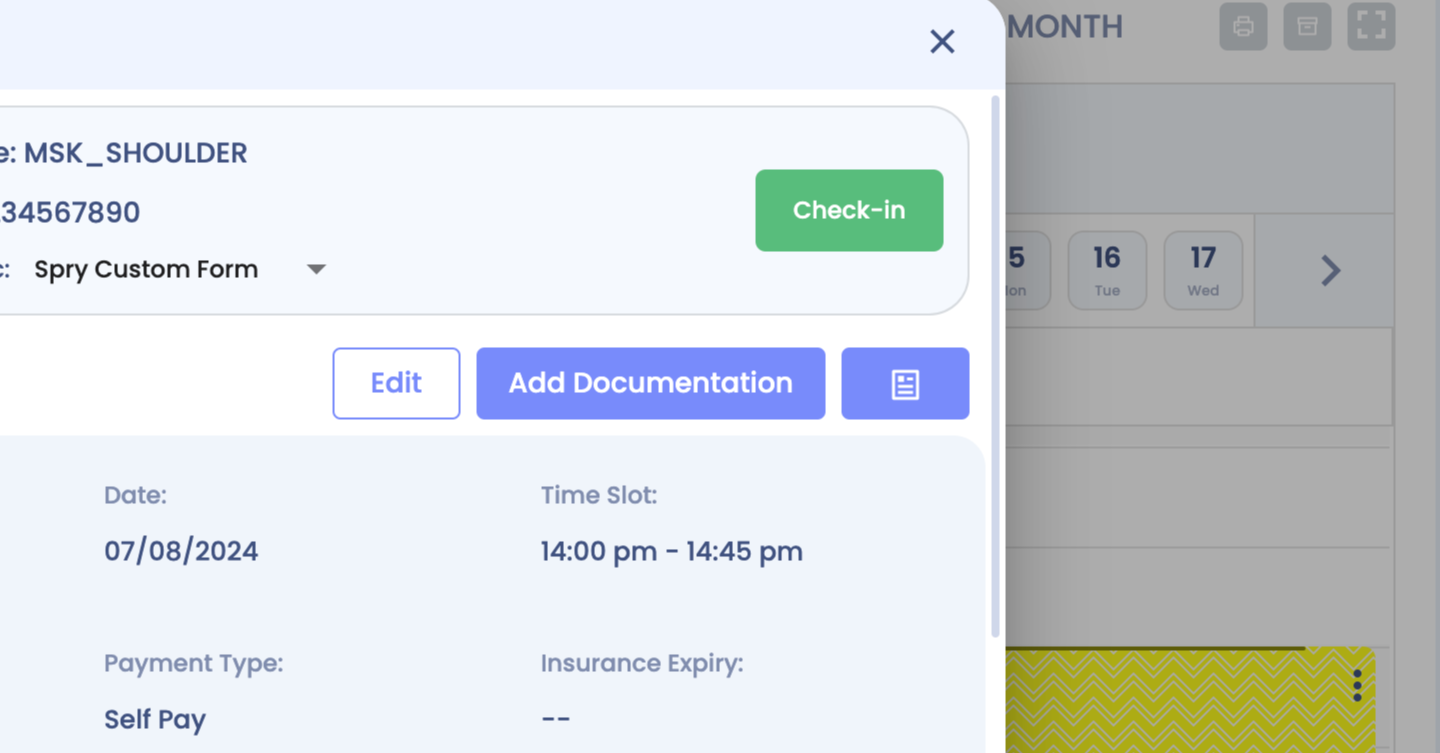
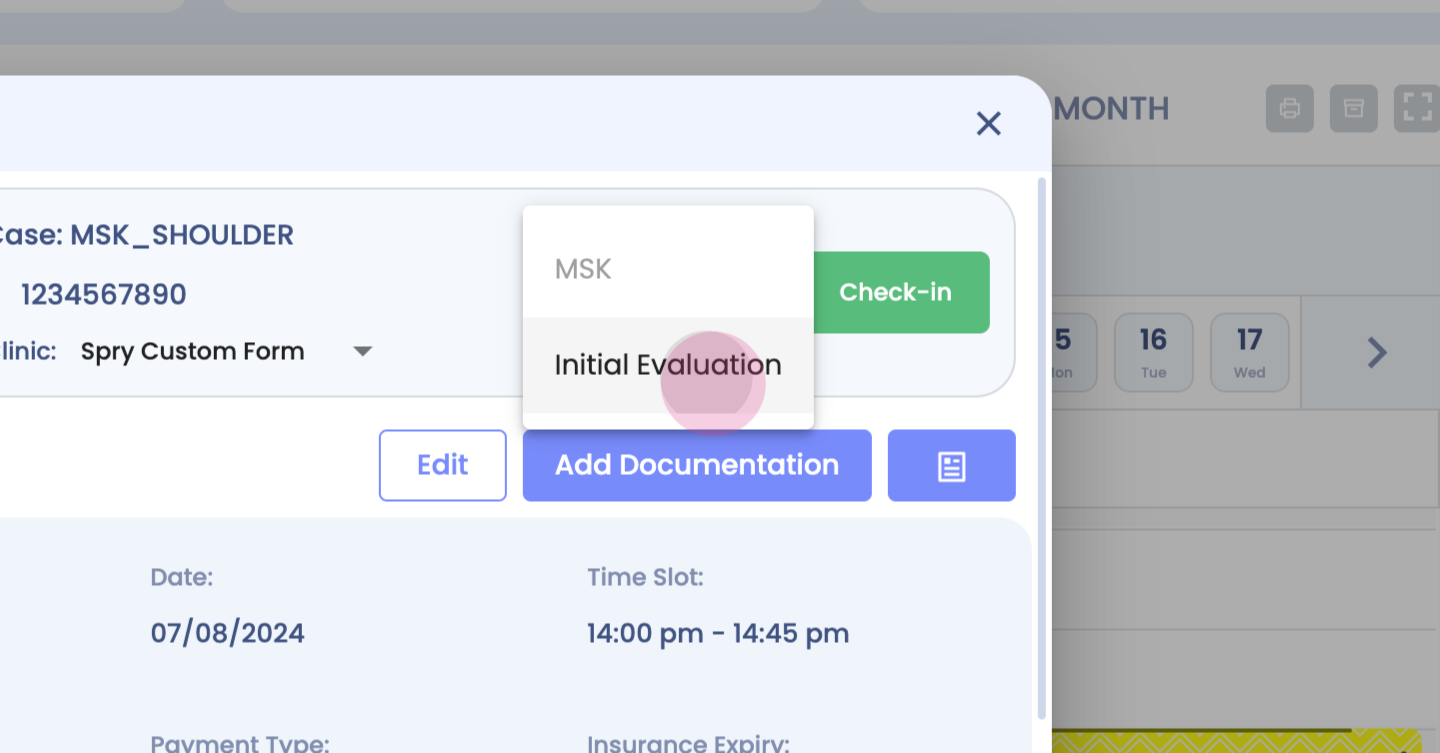
Step 1: Start your physical therapy initial evaluation.
Step 2:
Step 3:
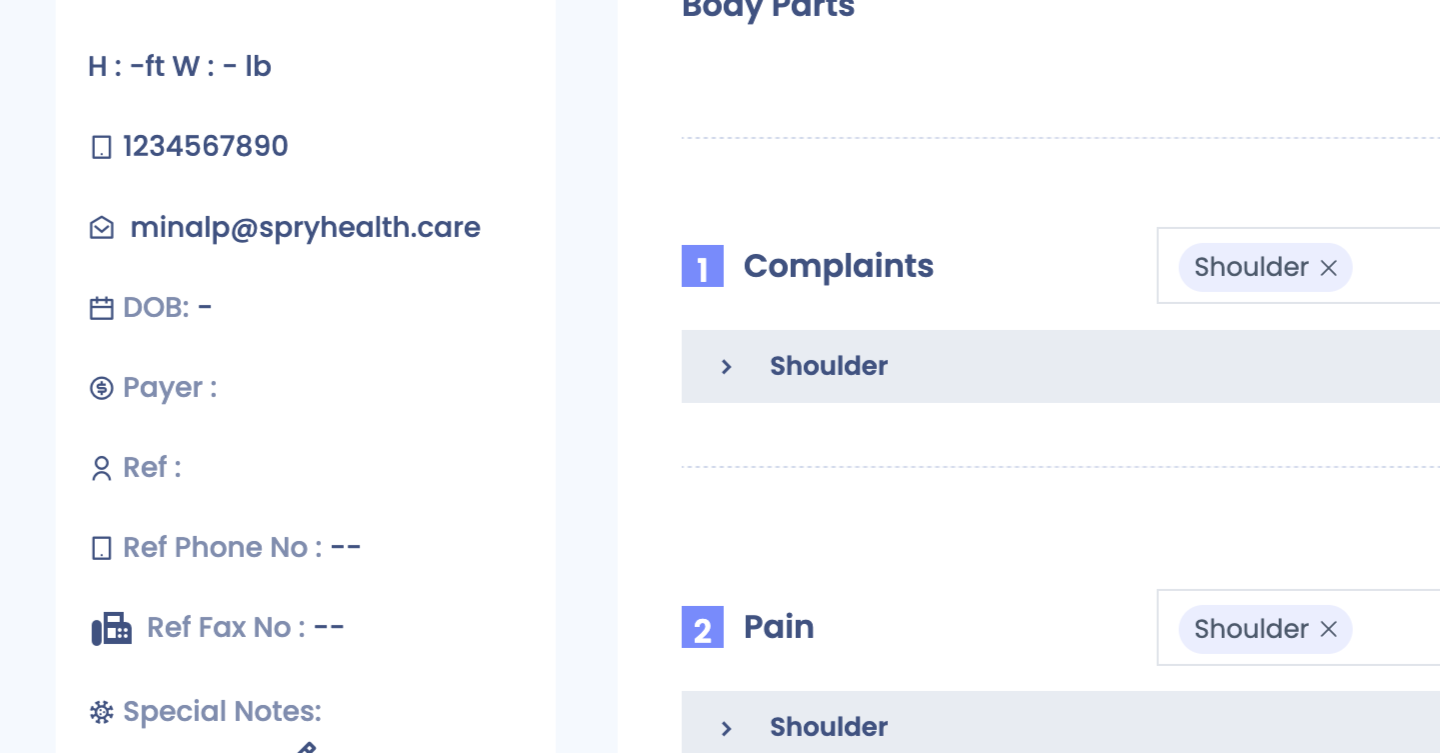
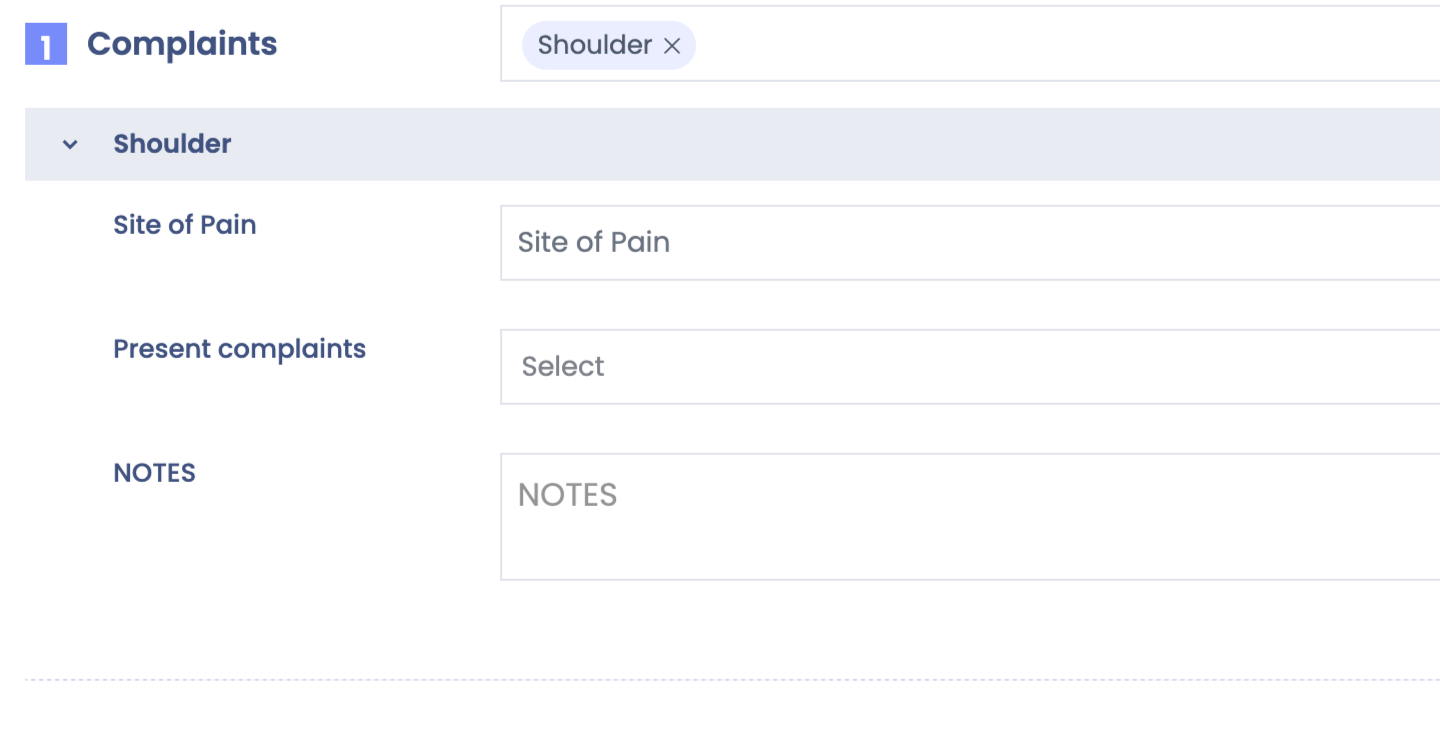
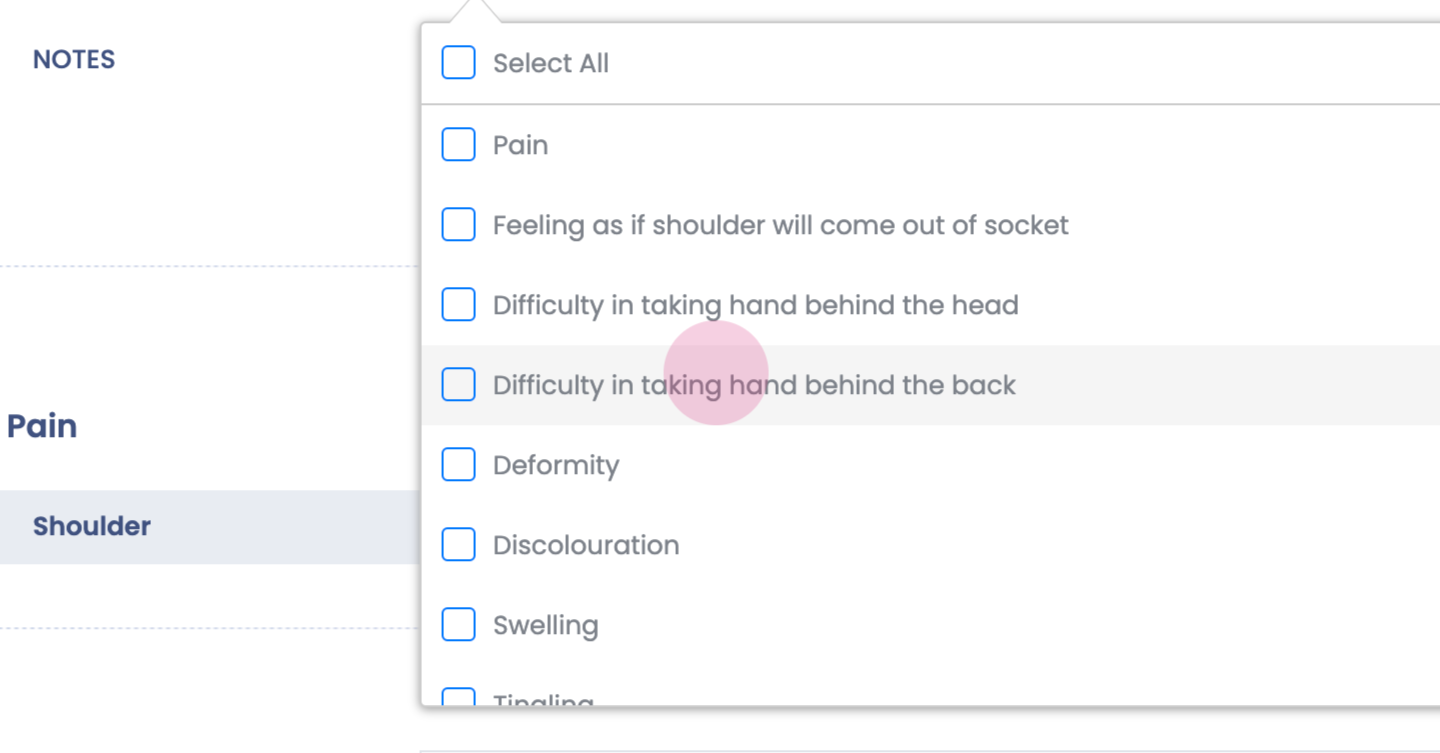
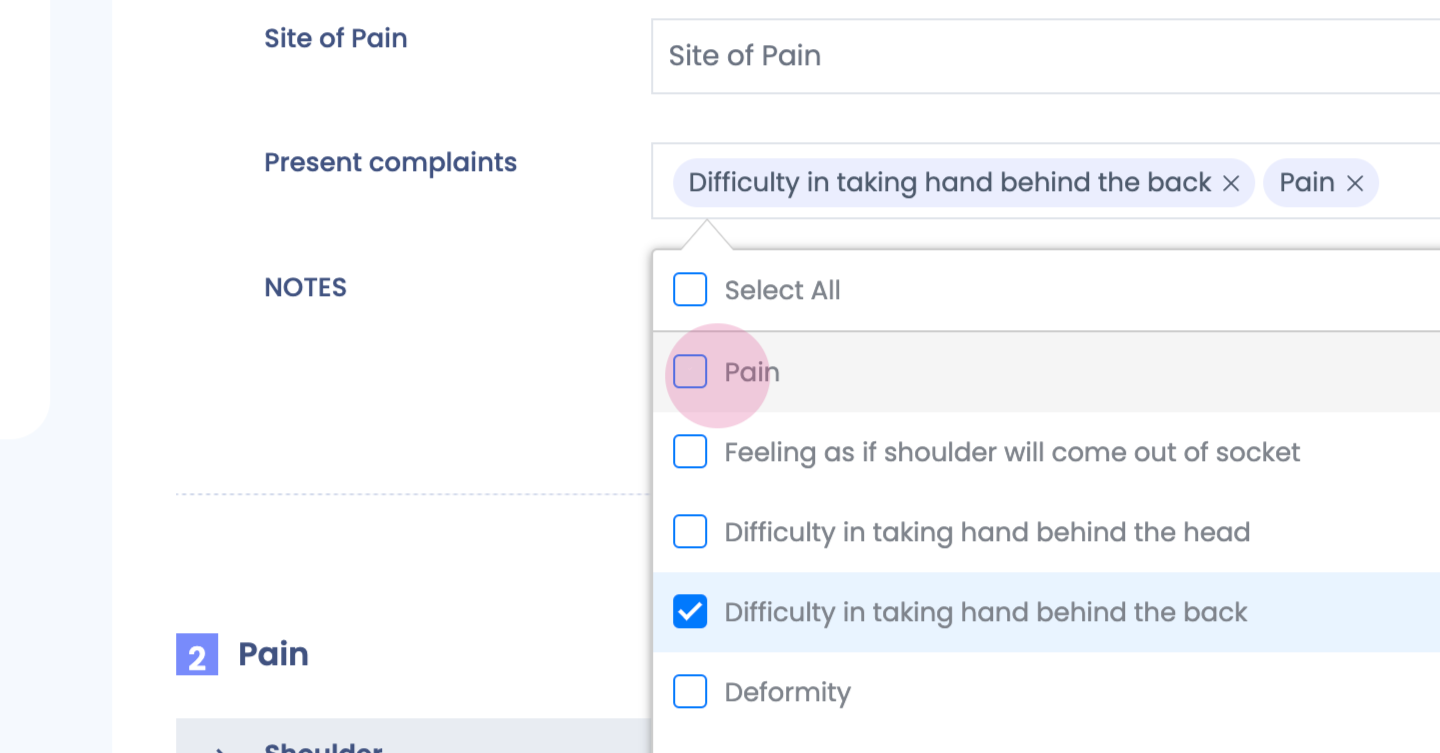
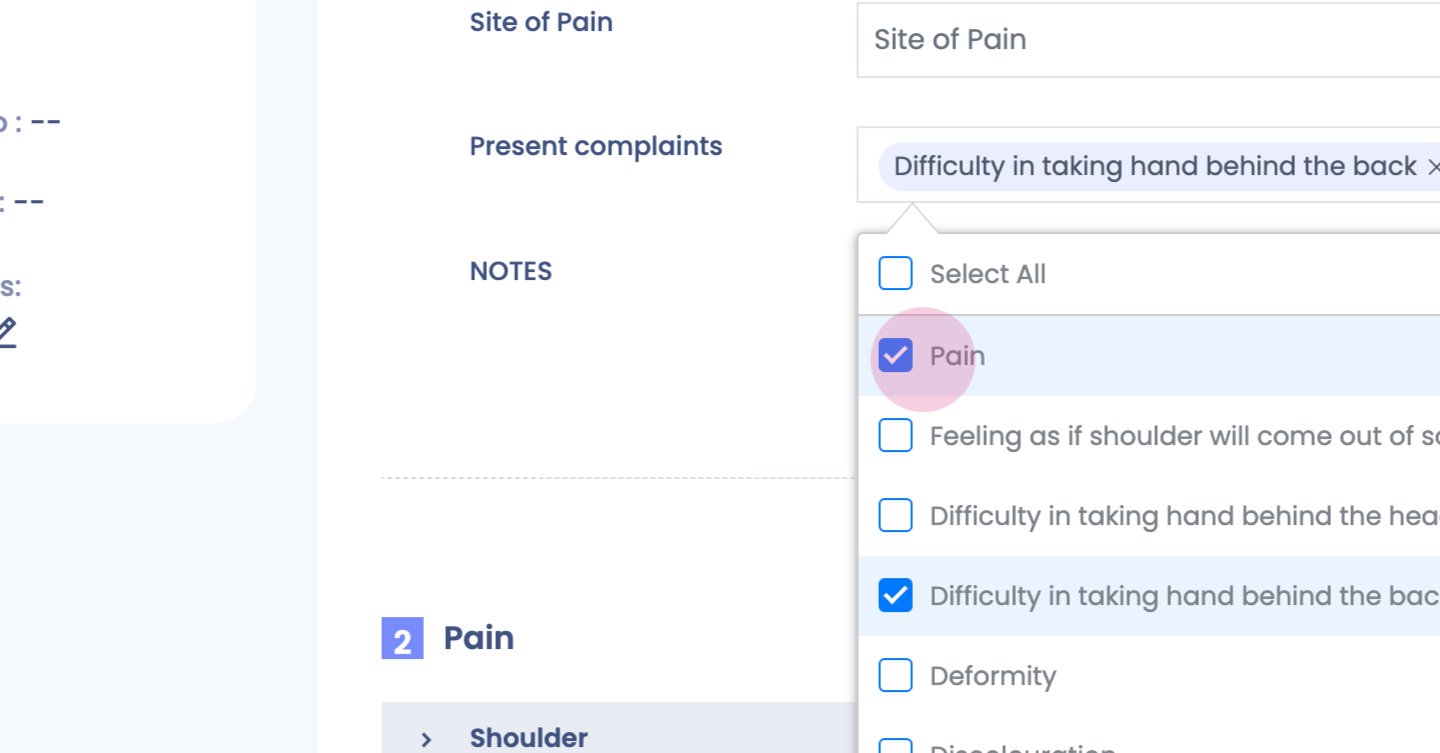
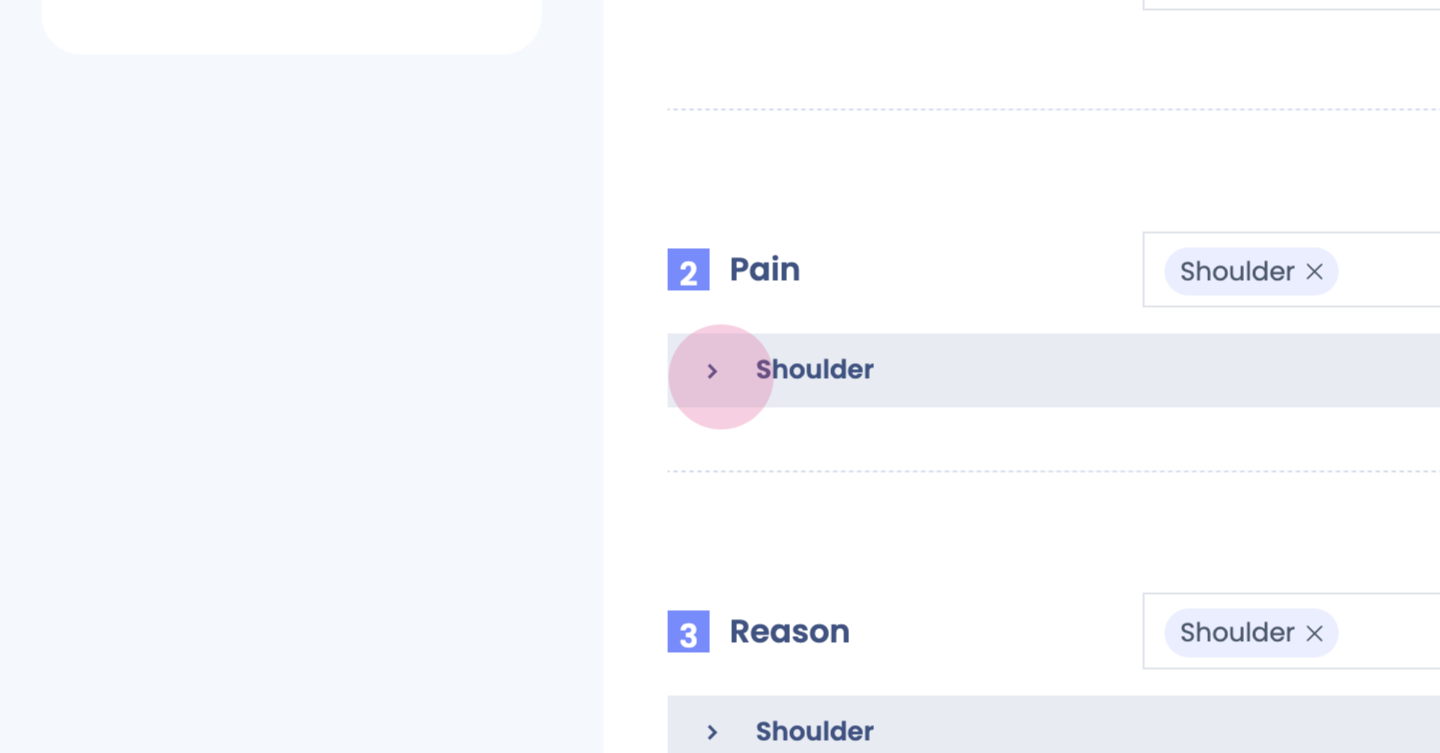
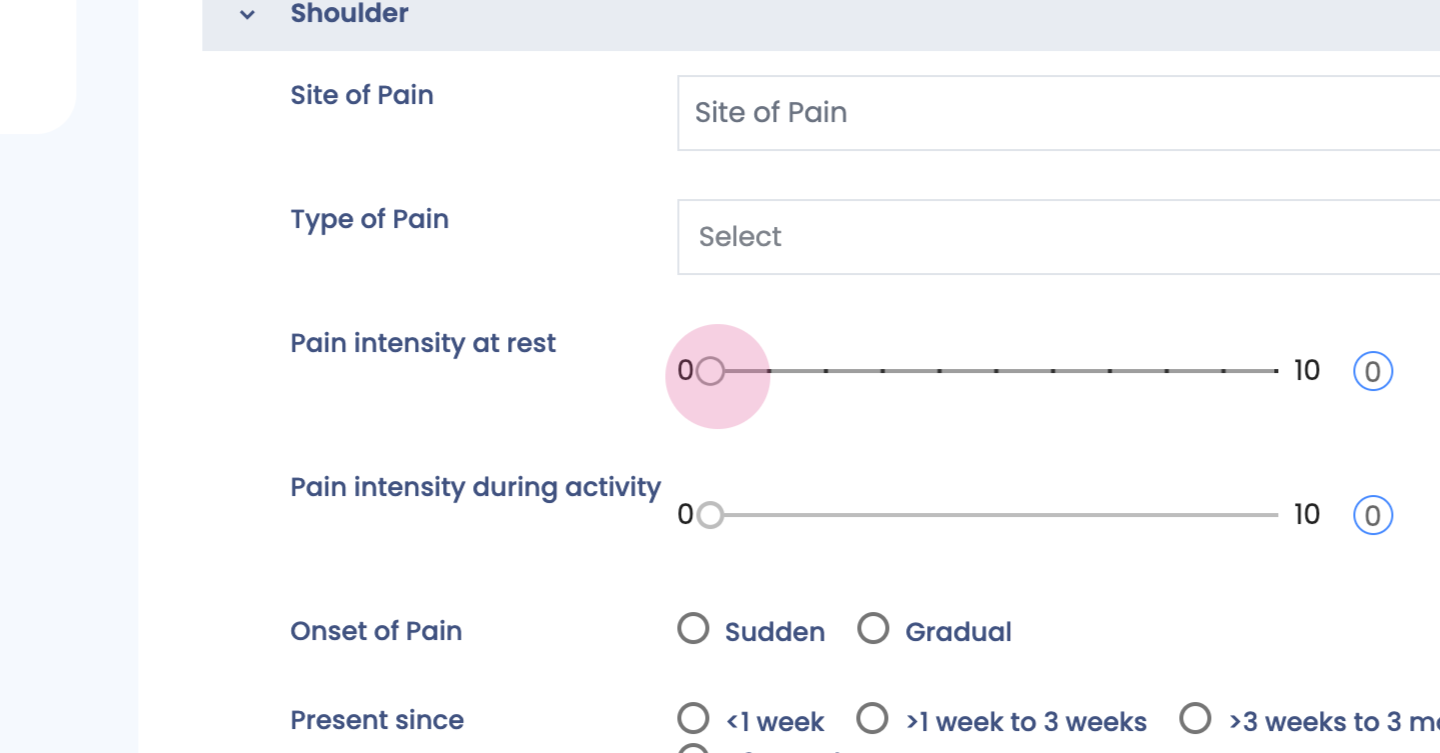
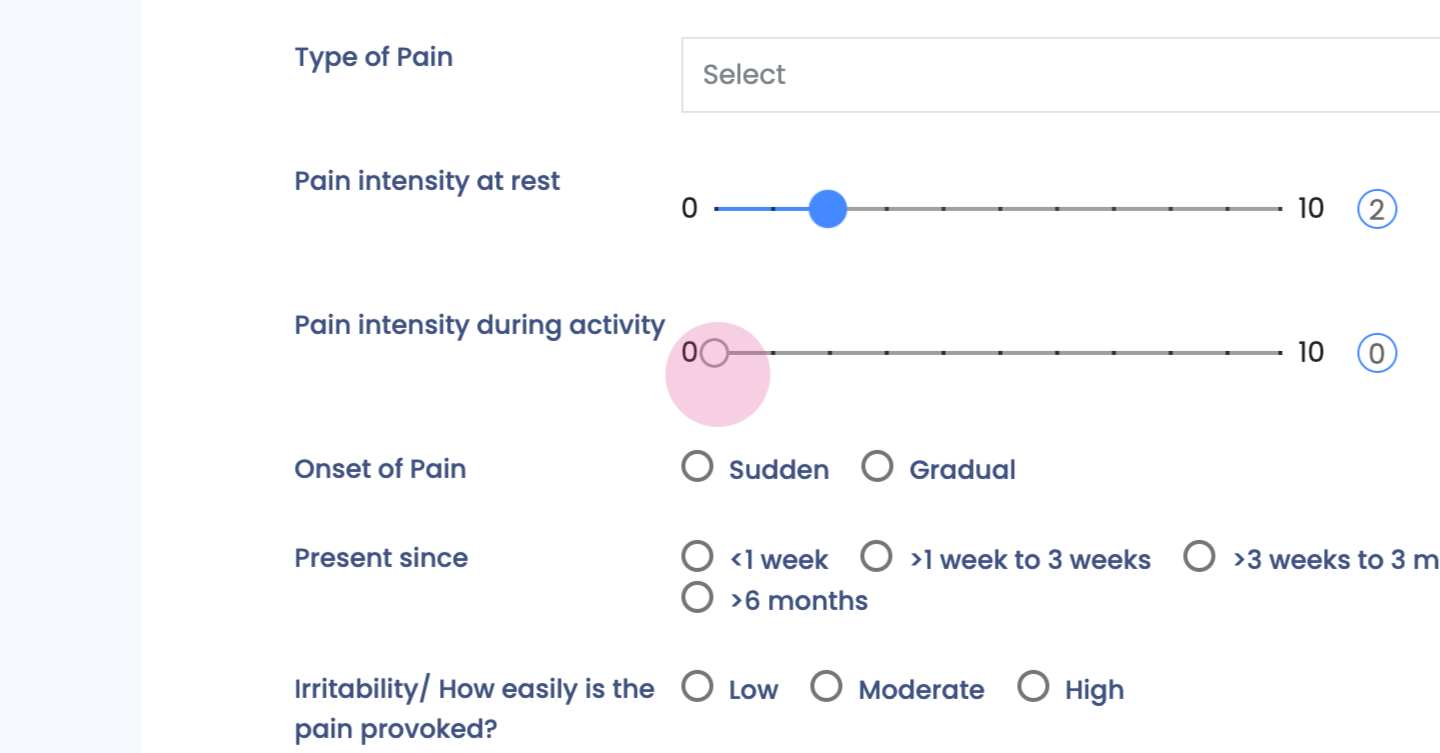
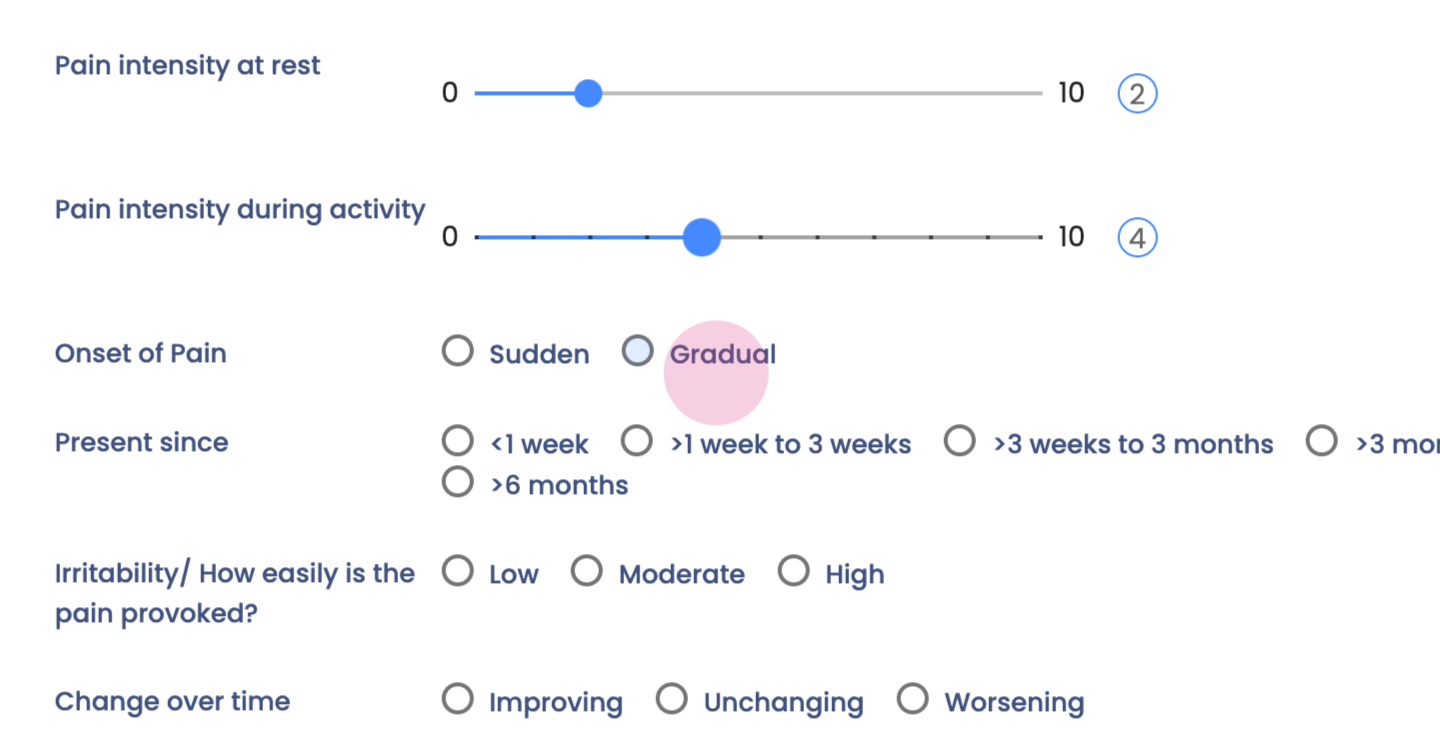
Step 4: Fill in your details for subjective section.
Step 5:
Step 6:
Step 7:
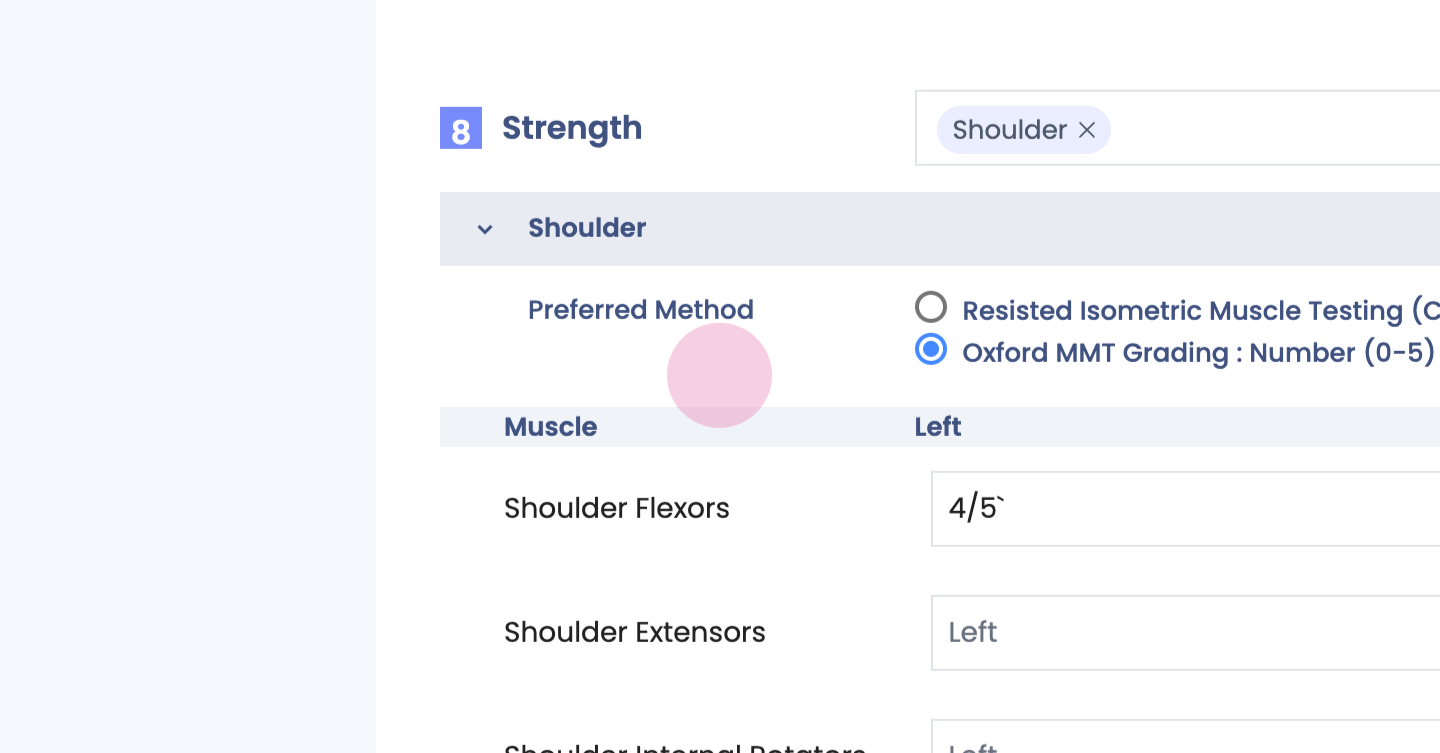
Step 8:
Step 9:
Step 10:
Step 11:
Step 12:
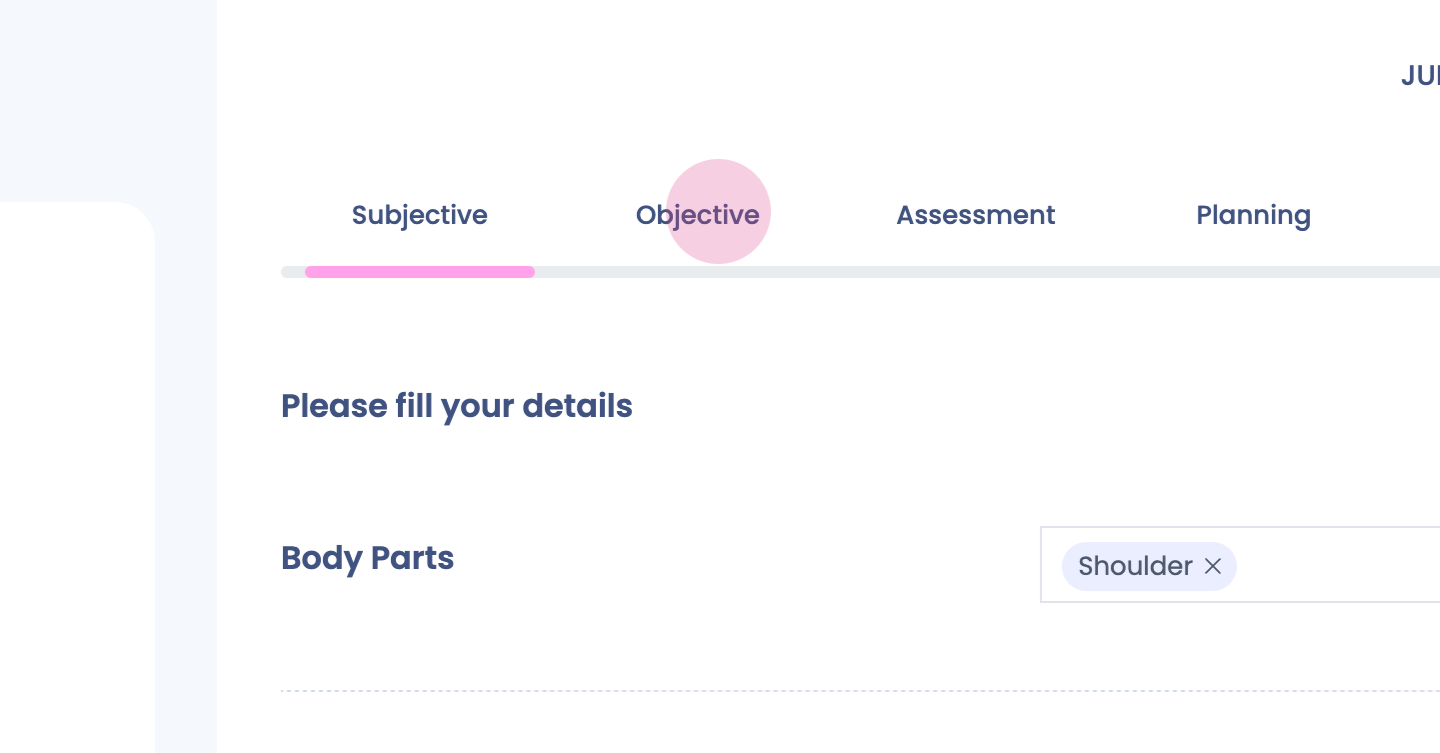
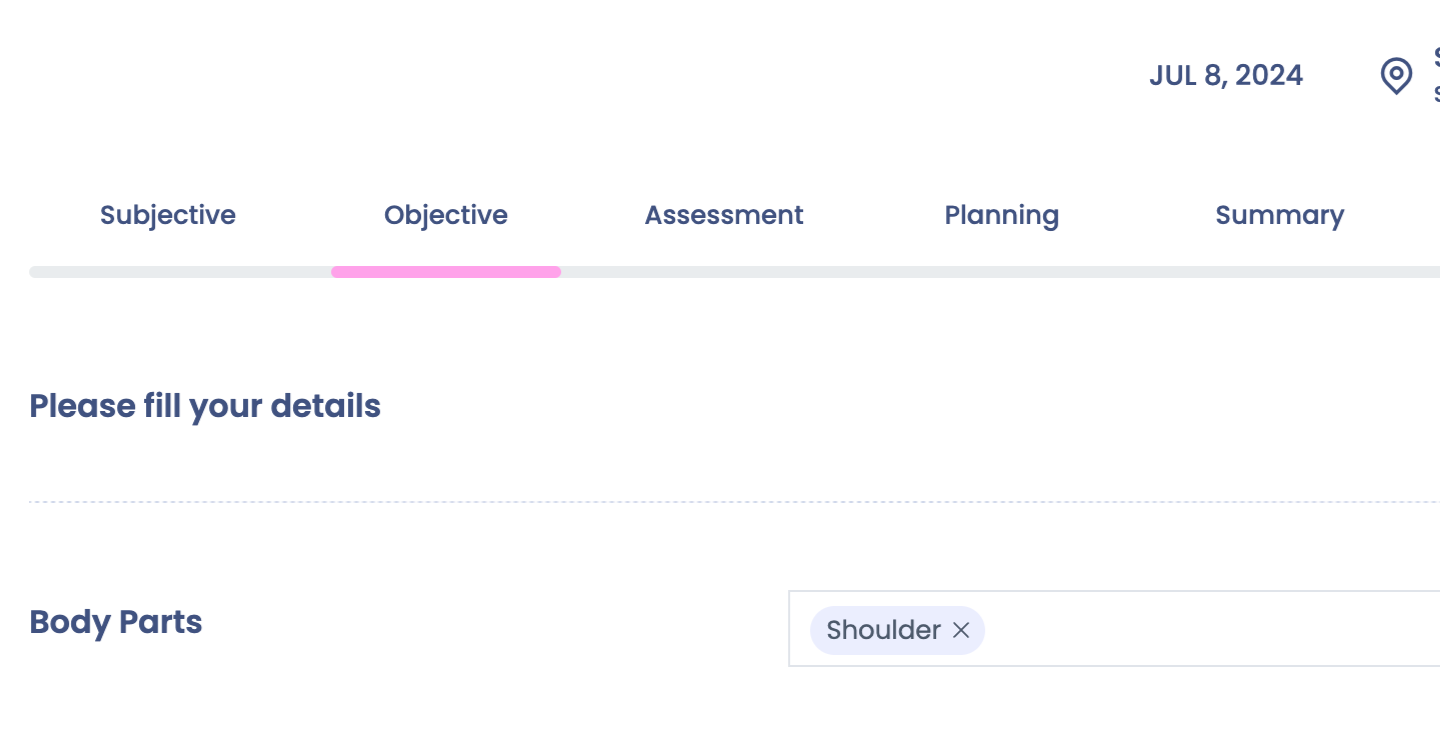
Step 13: Objective section next.
Step 14:
Step 15:
Step 16:
Step 17:
Step 18:
Step 19:
Step 20:
Step 21:
Step 22:
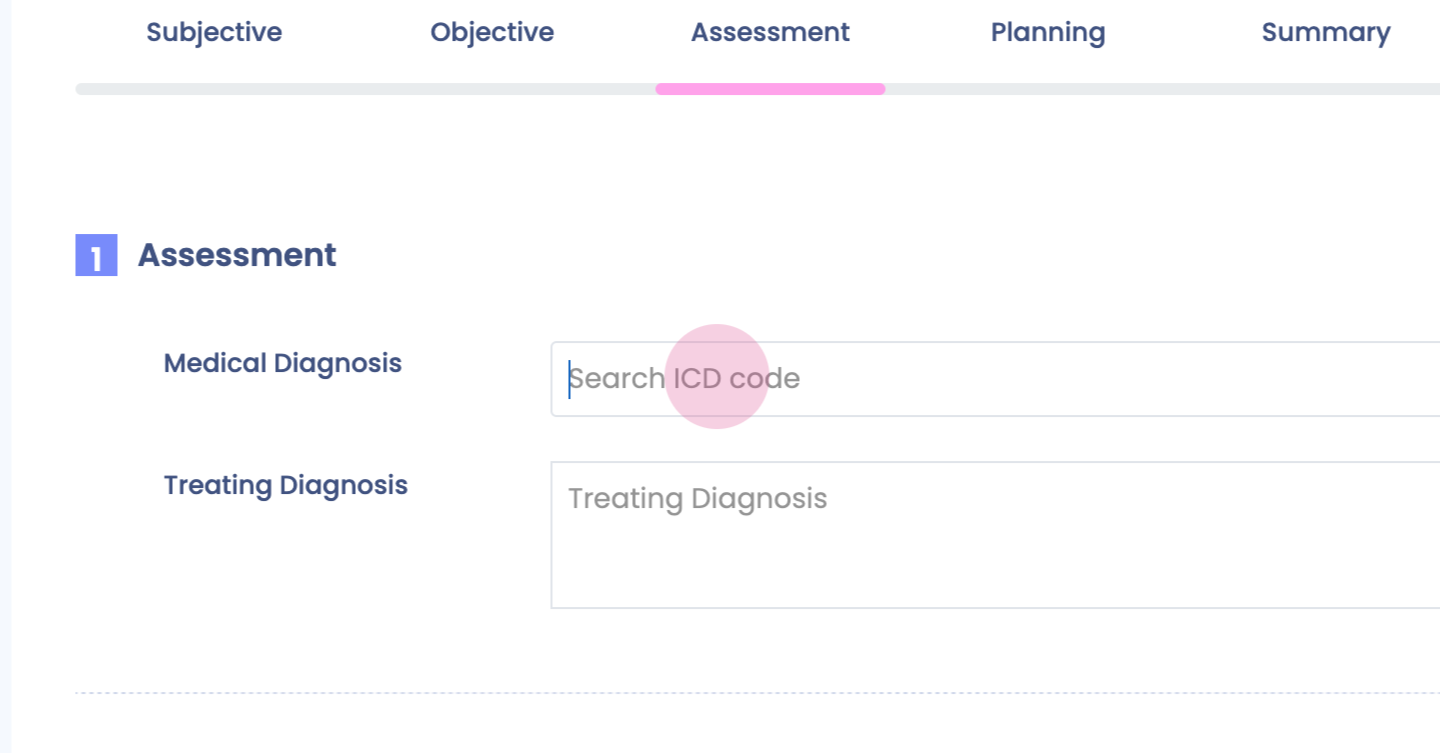
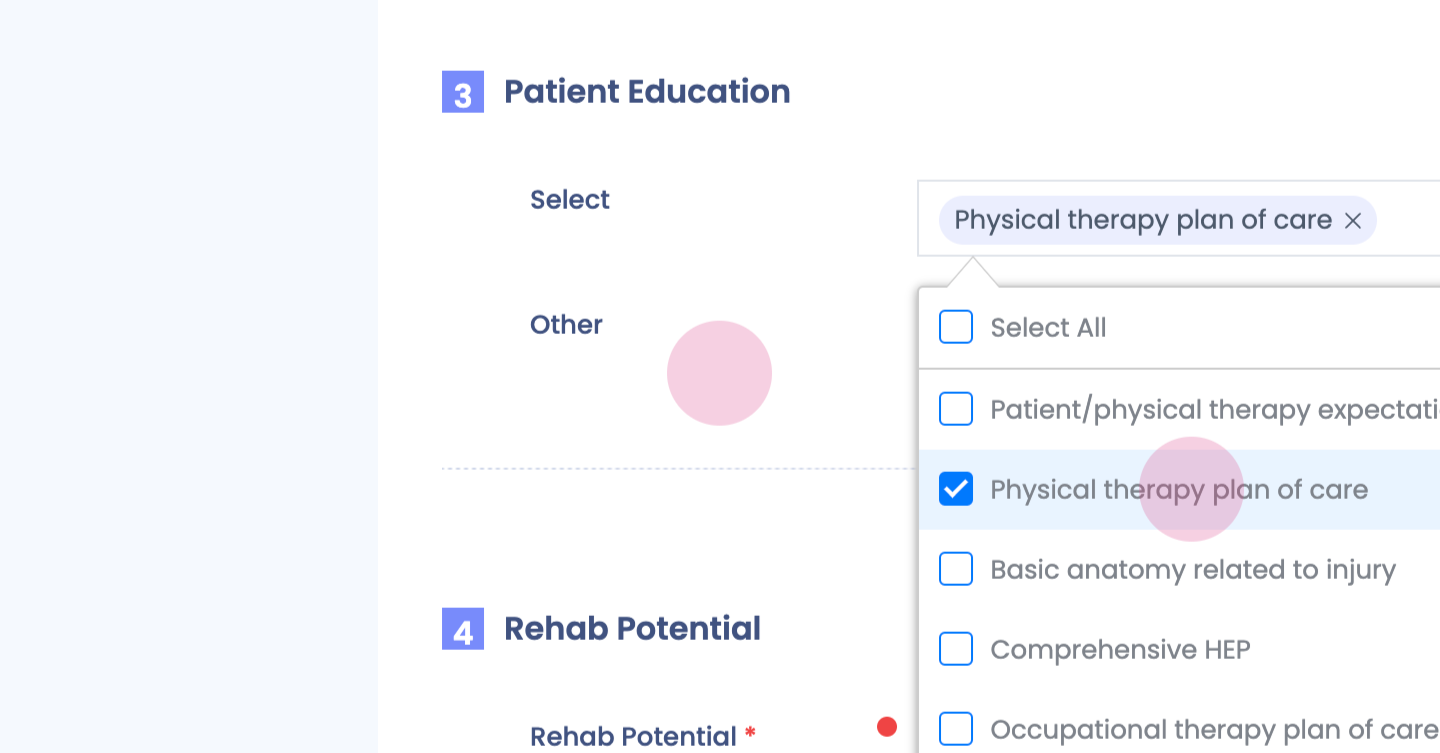
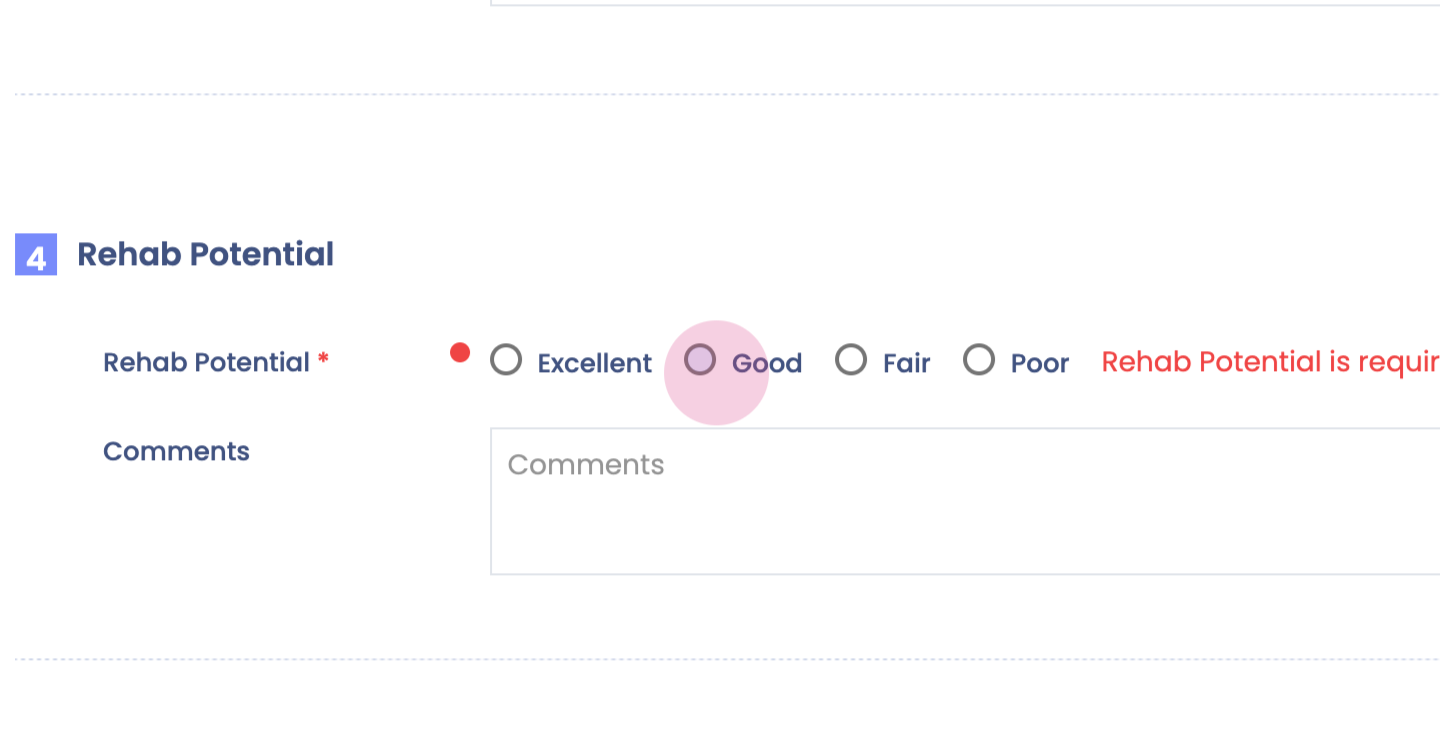
Step 23: Assessment tab next.
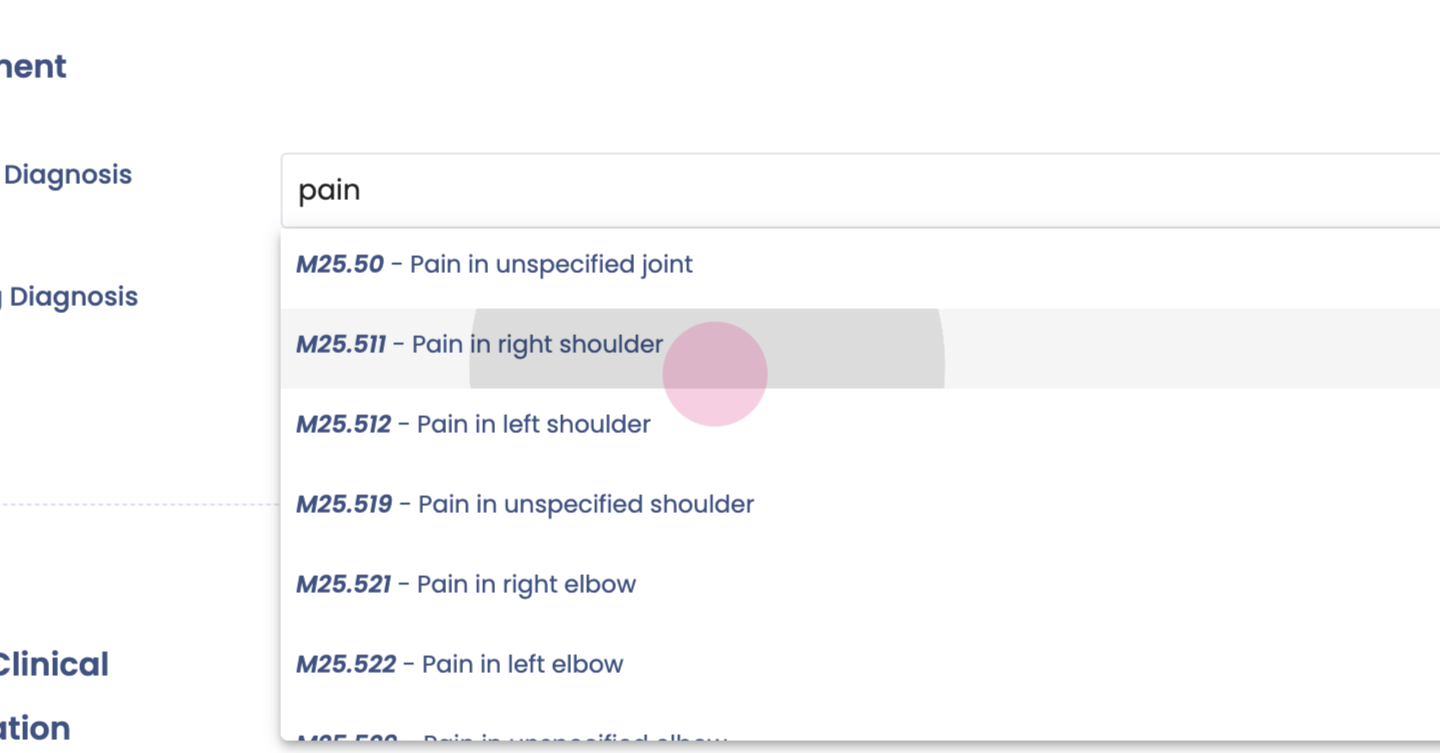
Step 24:
Step 25:
Step 26:
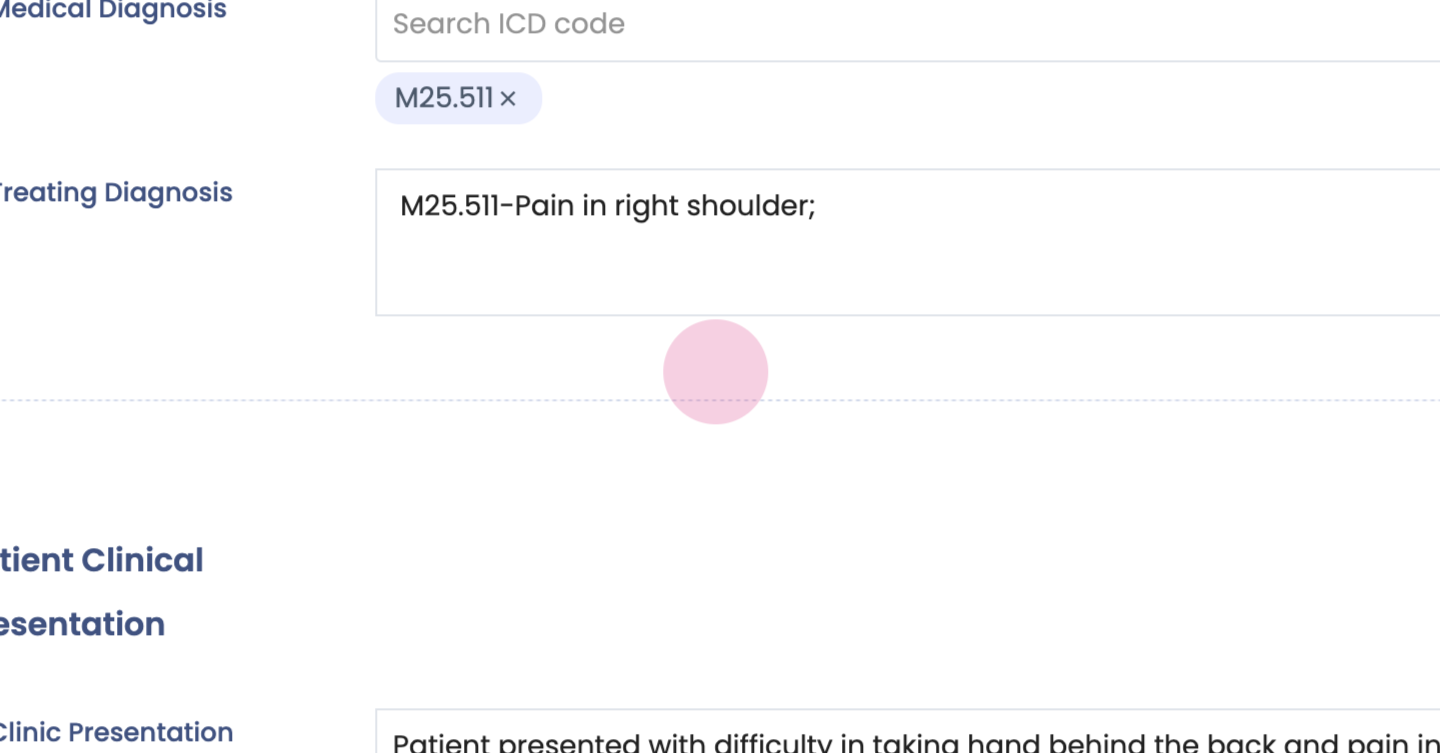
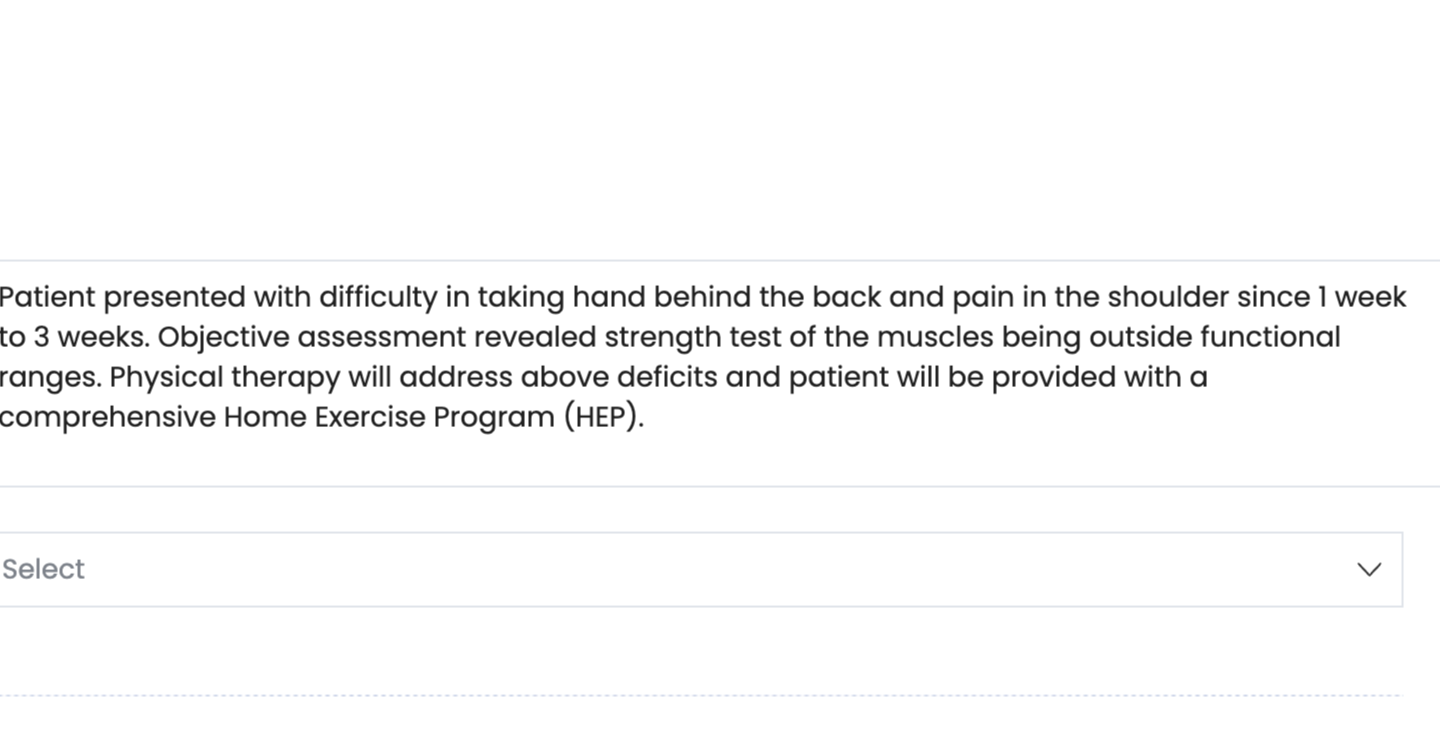
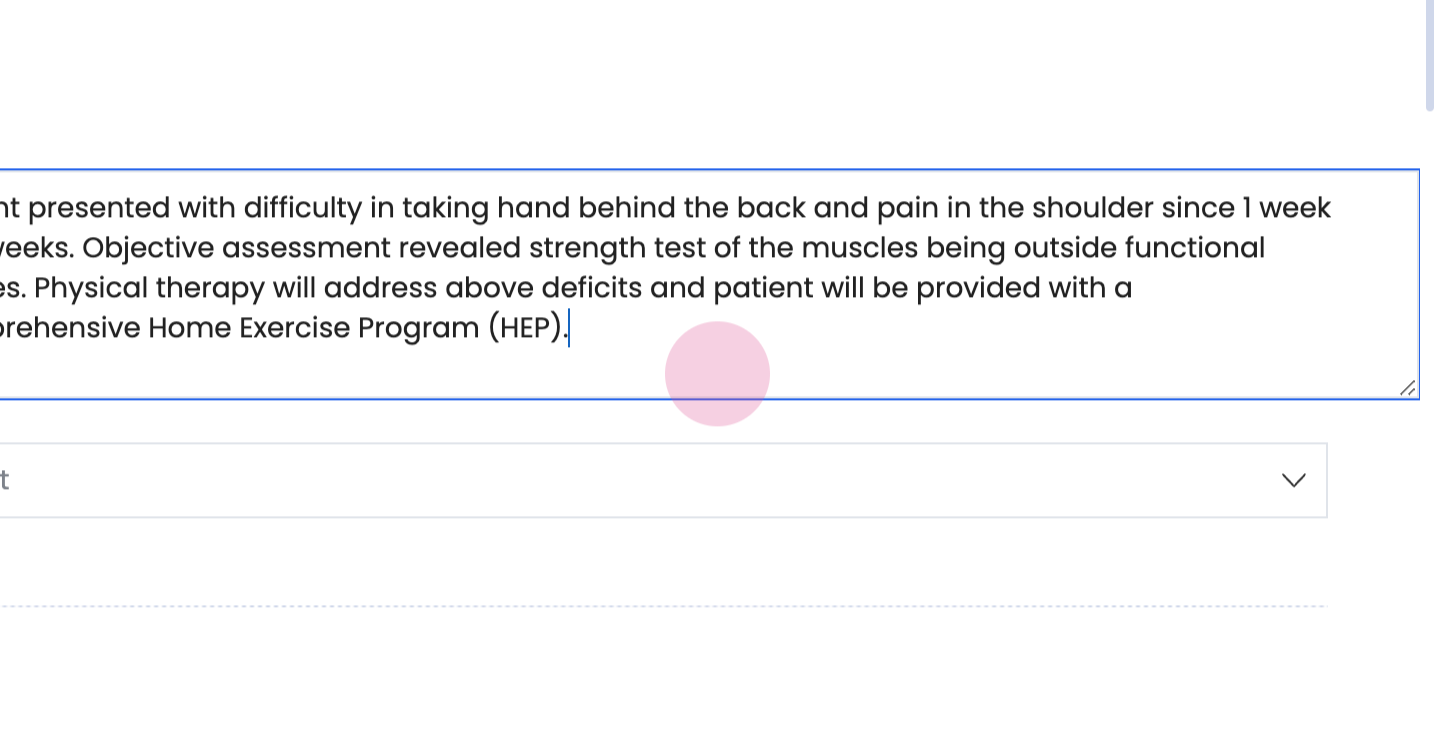
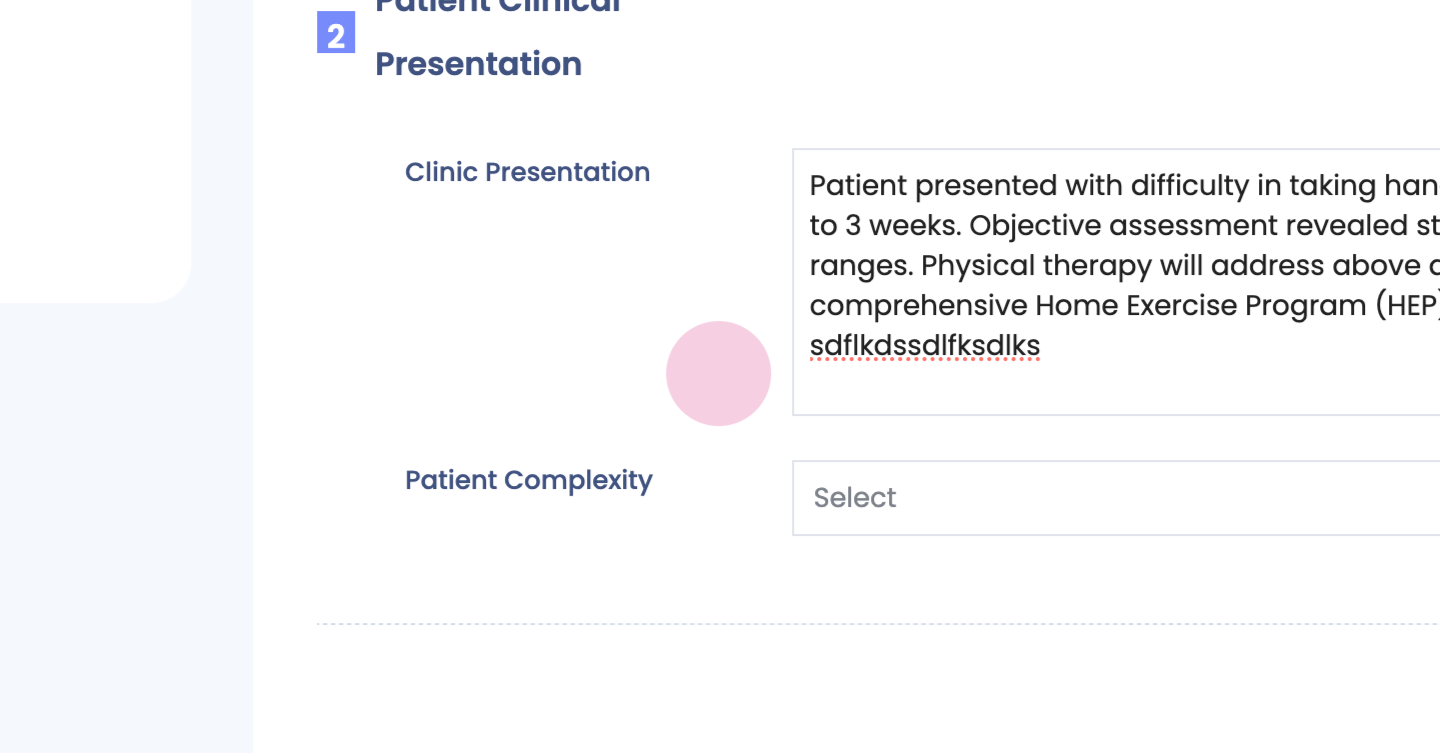
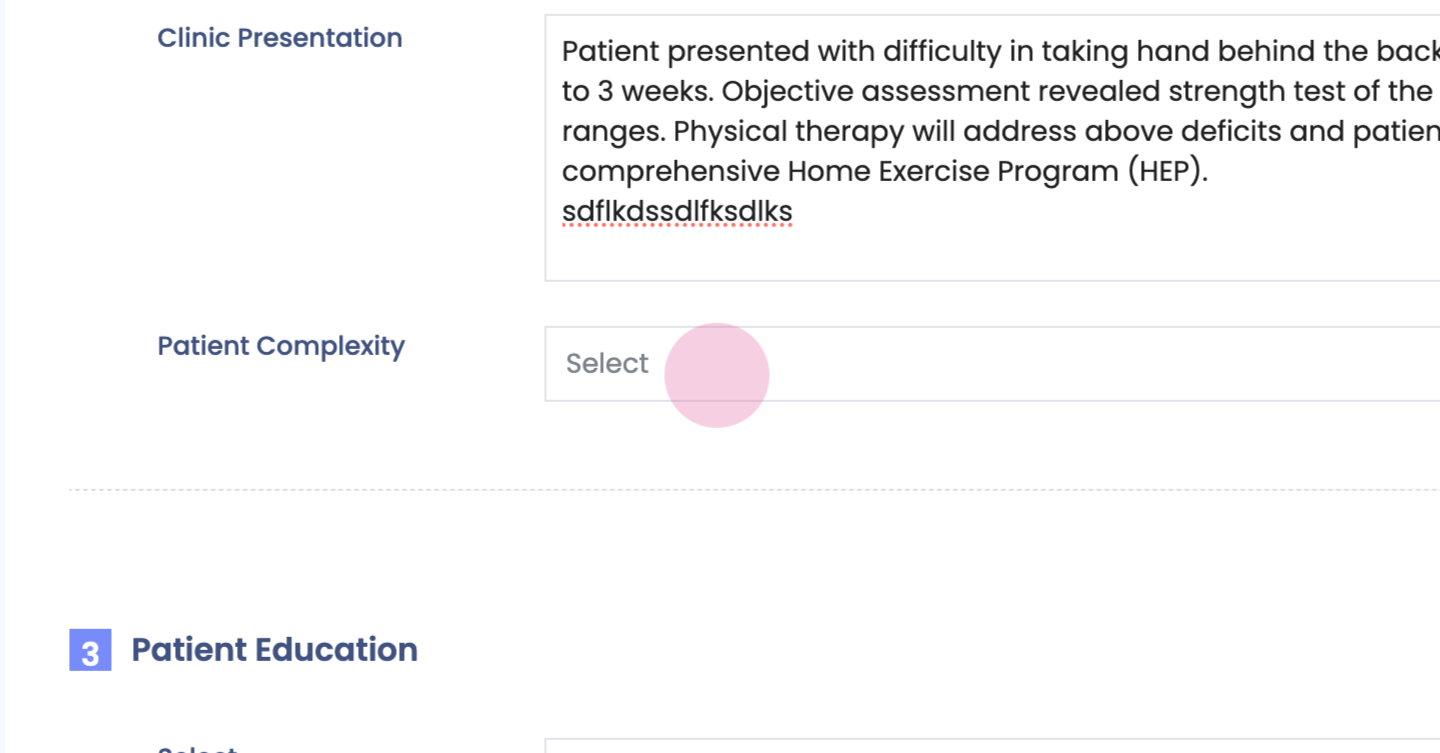
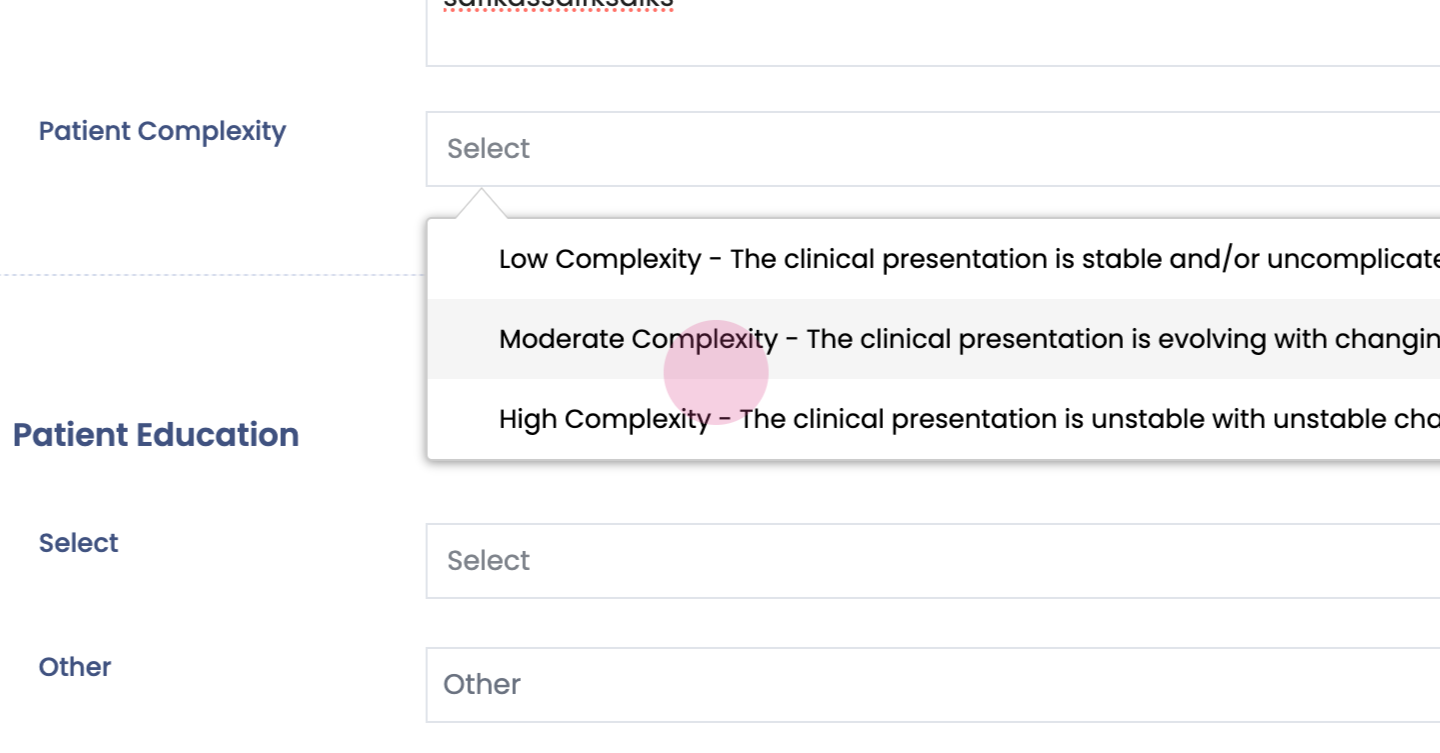
Step 27: Clinical presentation Enter any specific details as necessary.
Step 28:
Step 29:
Step 30:
Step 31:
Step 32:
Step 33:
Step 34:
Step 35:
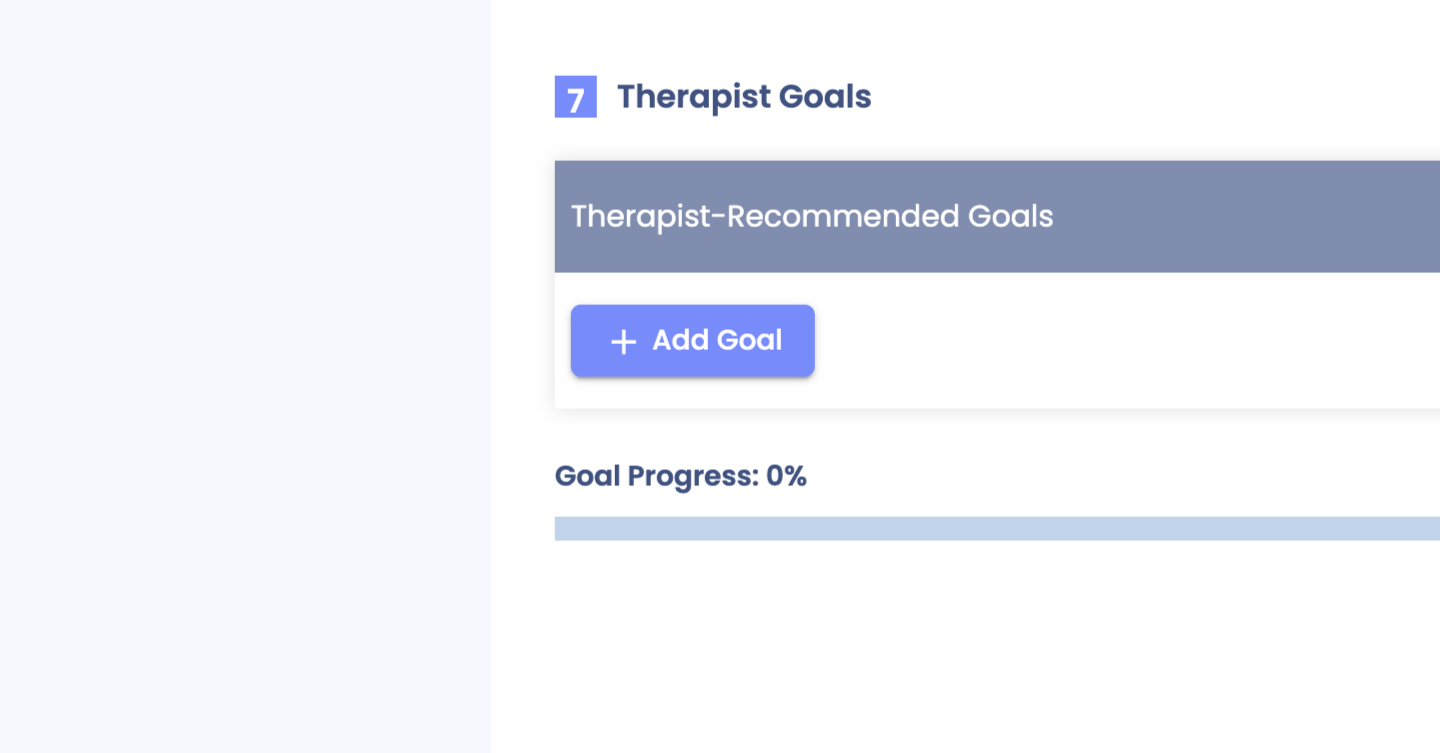
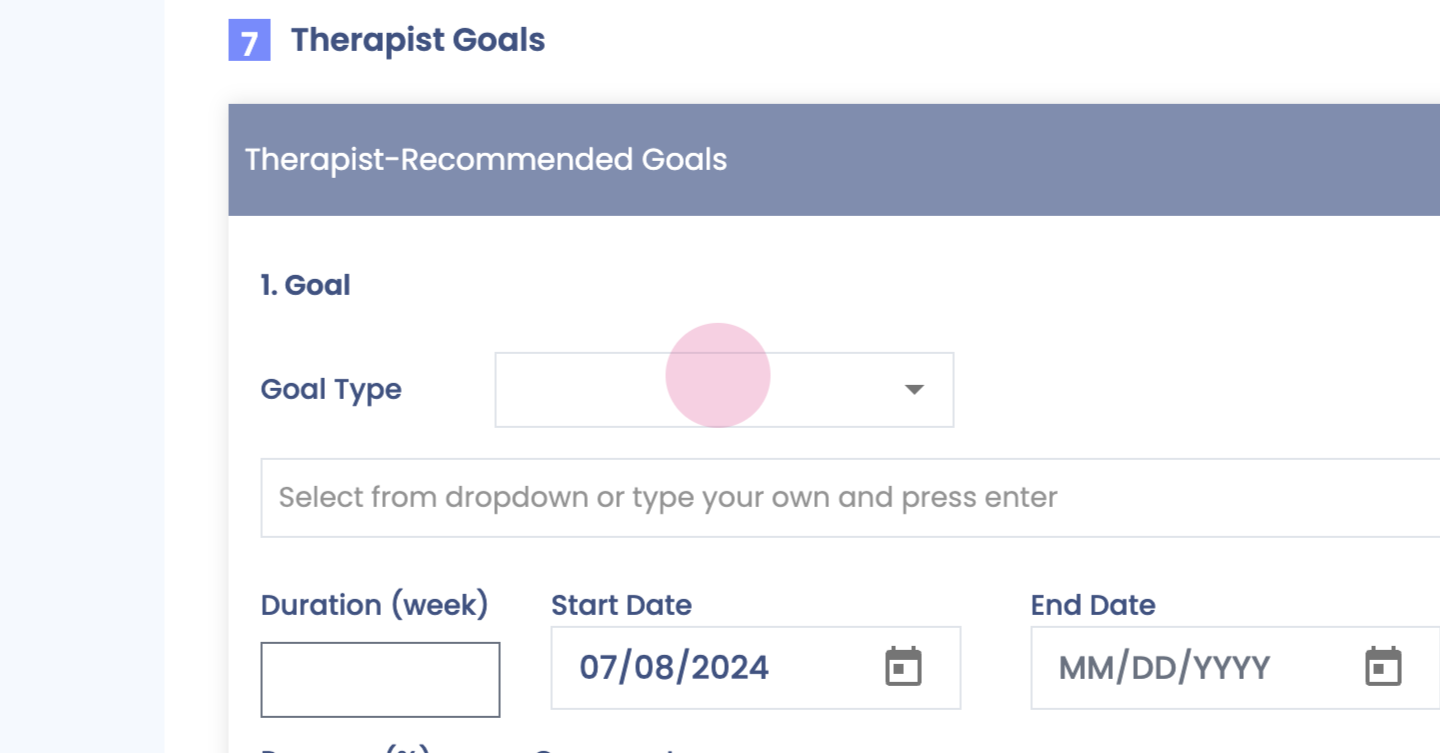
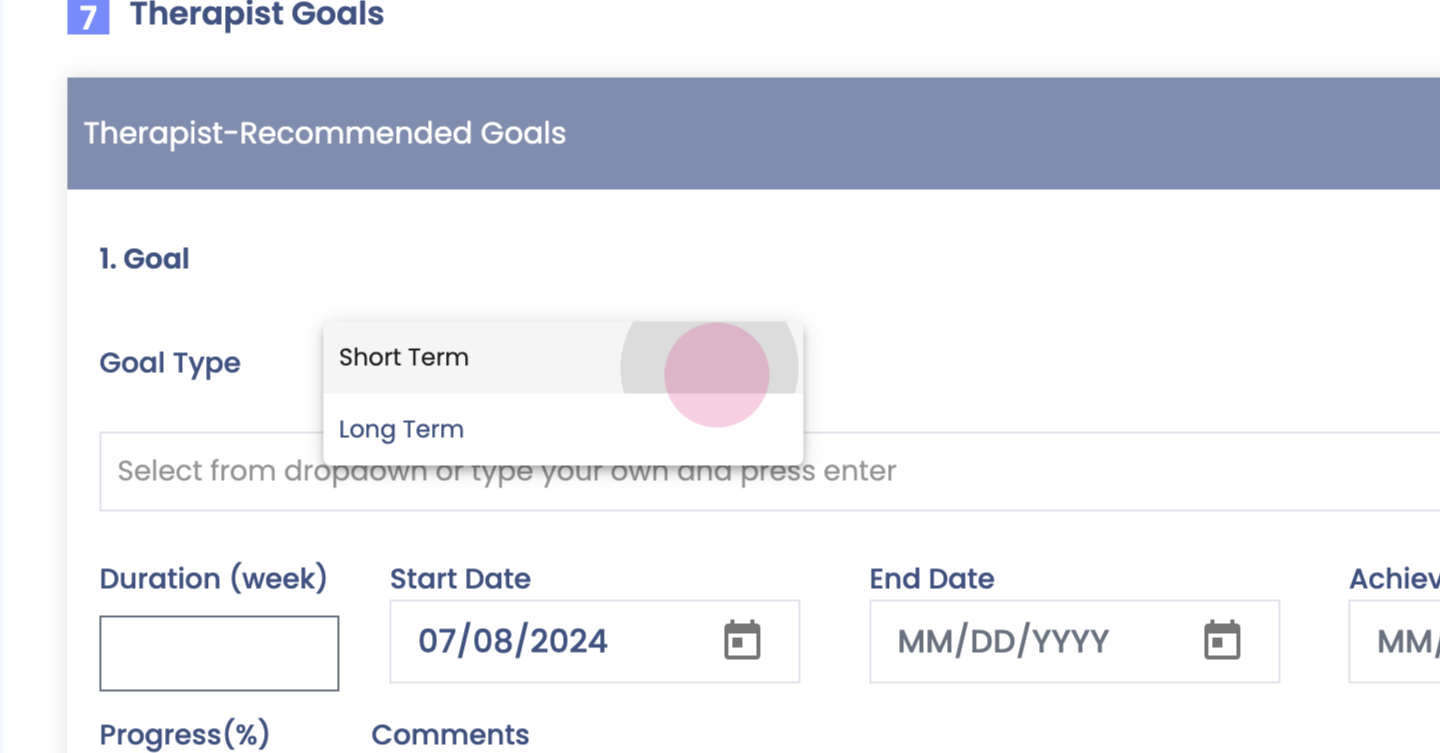
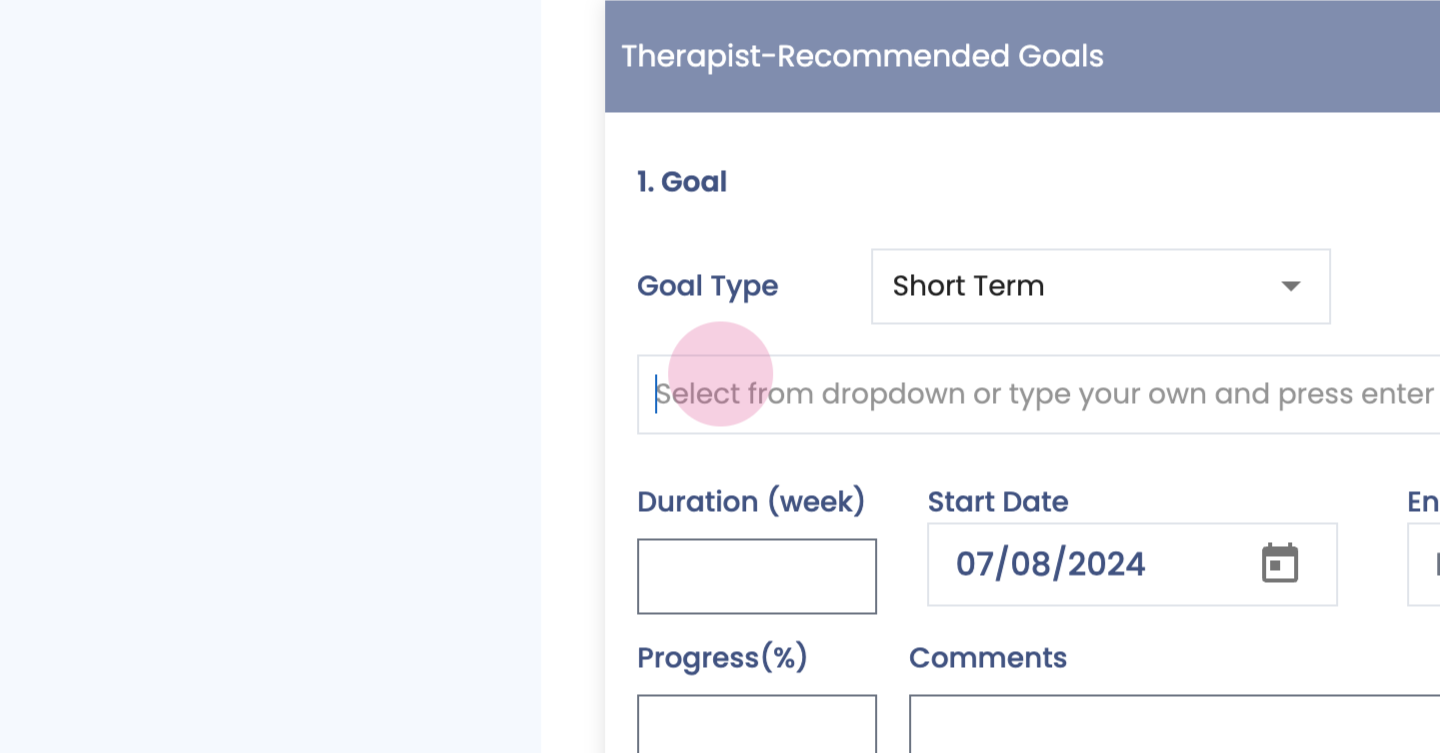
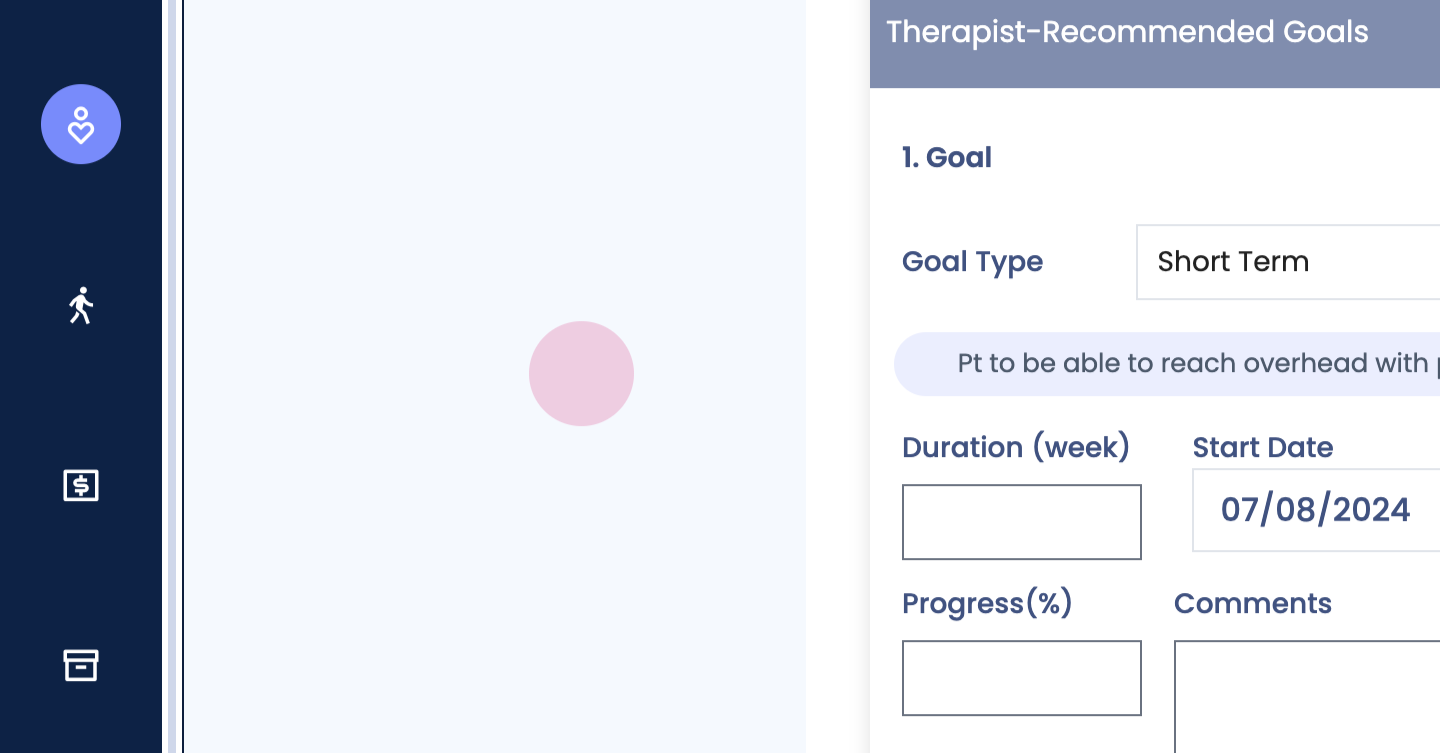
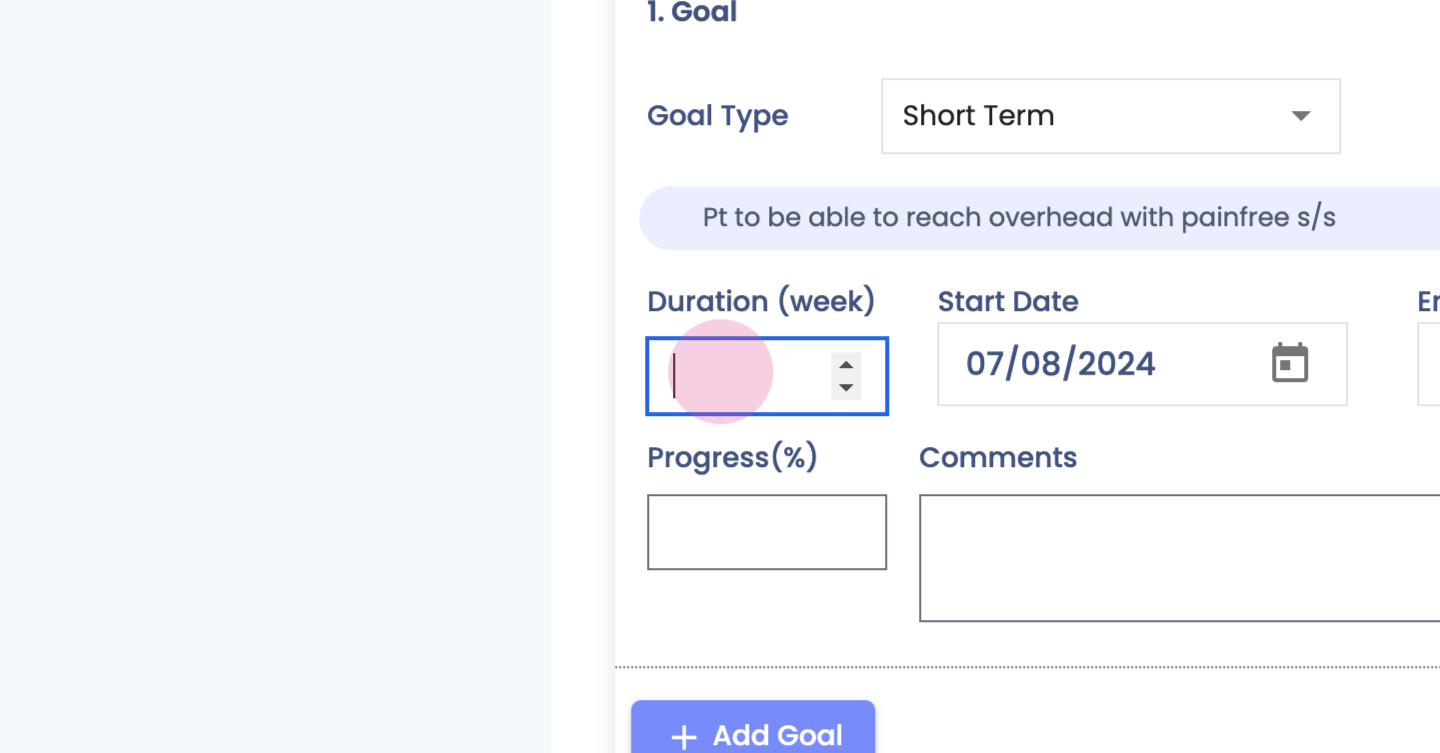
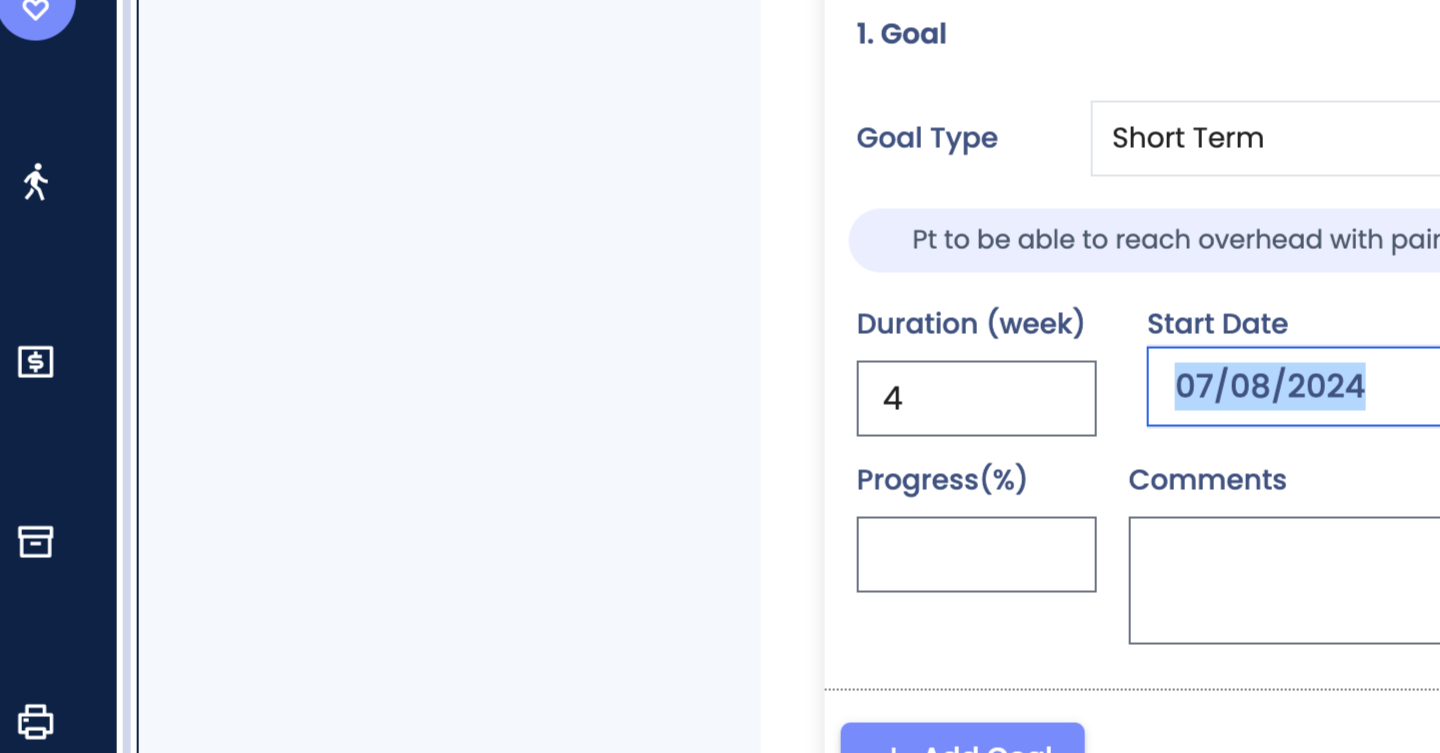
Step 36: Goals.
Step 37:
Step 38:
Step 39:
Step 40:
Step 41:
Step 42:
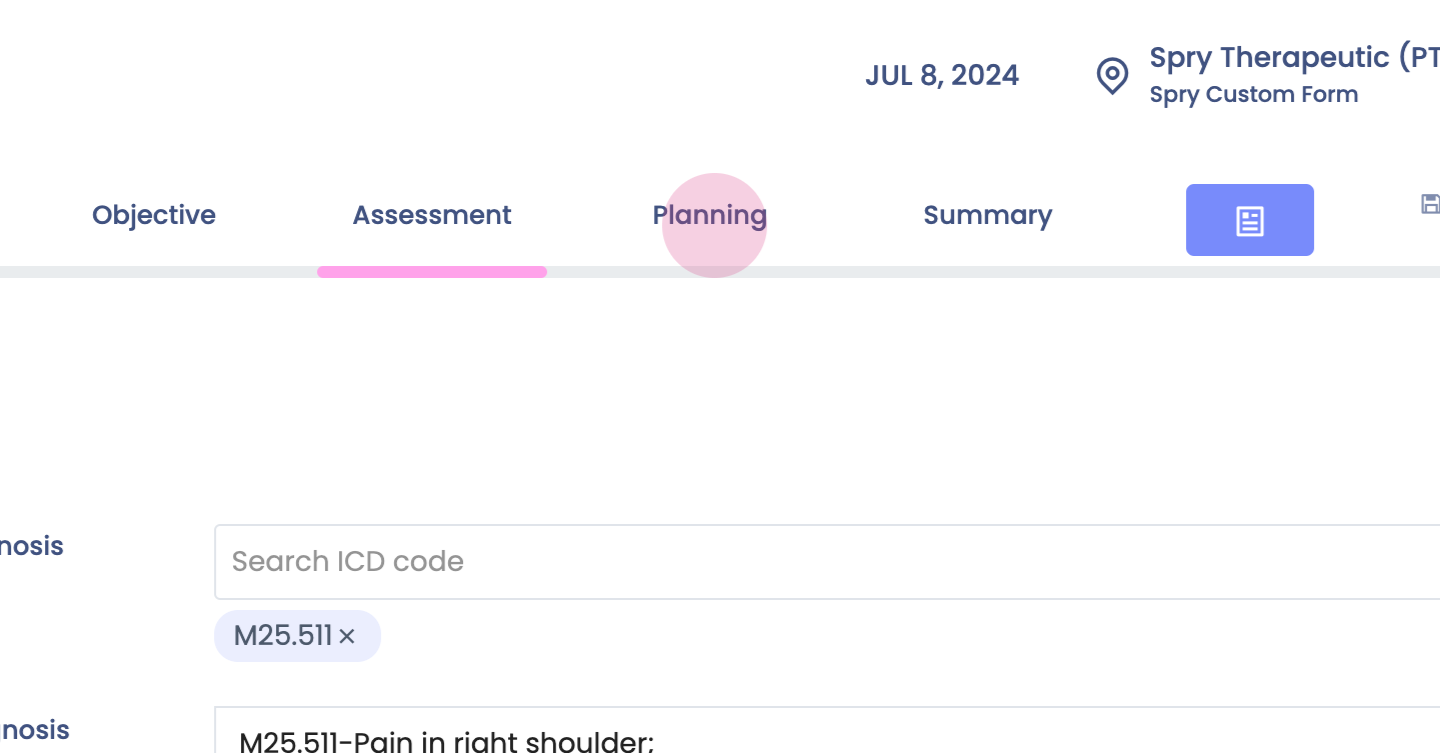
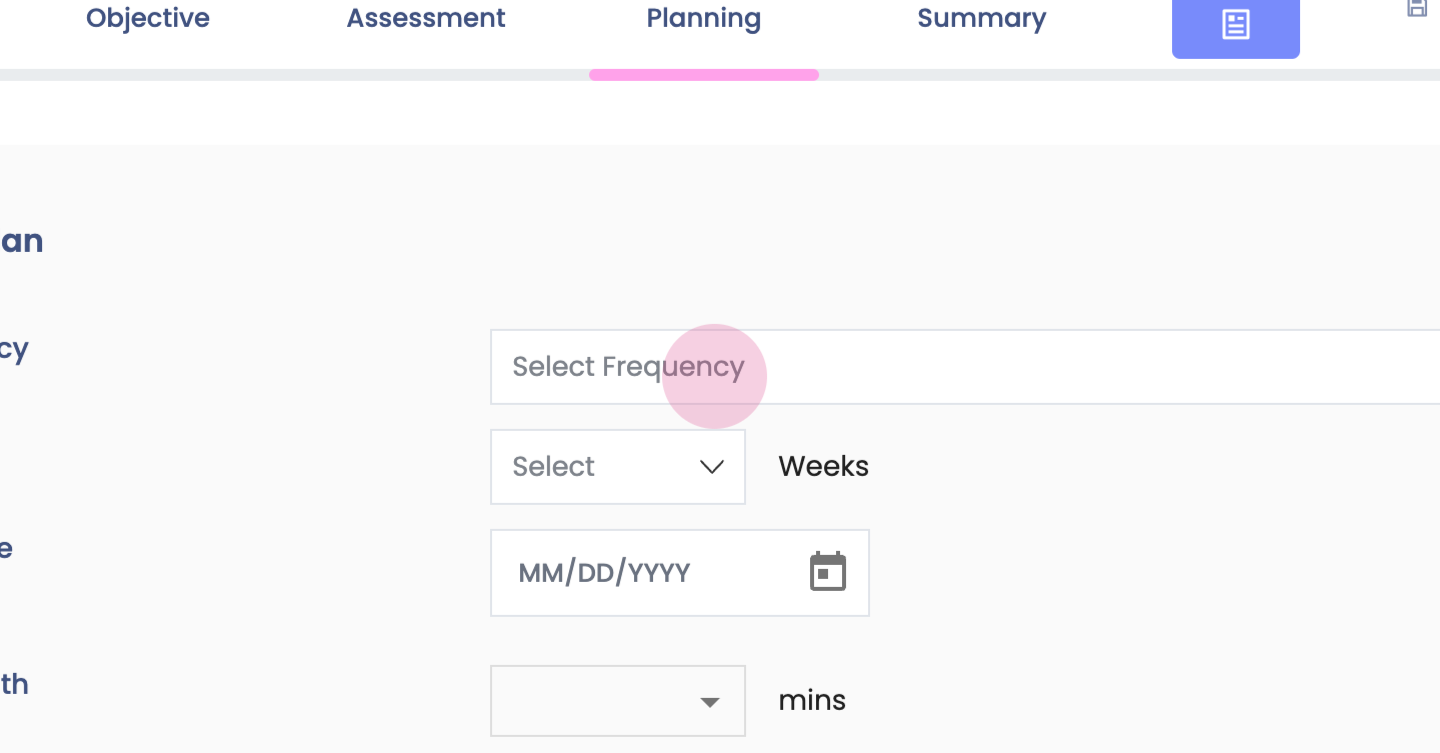
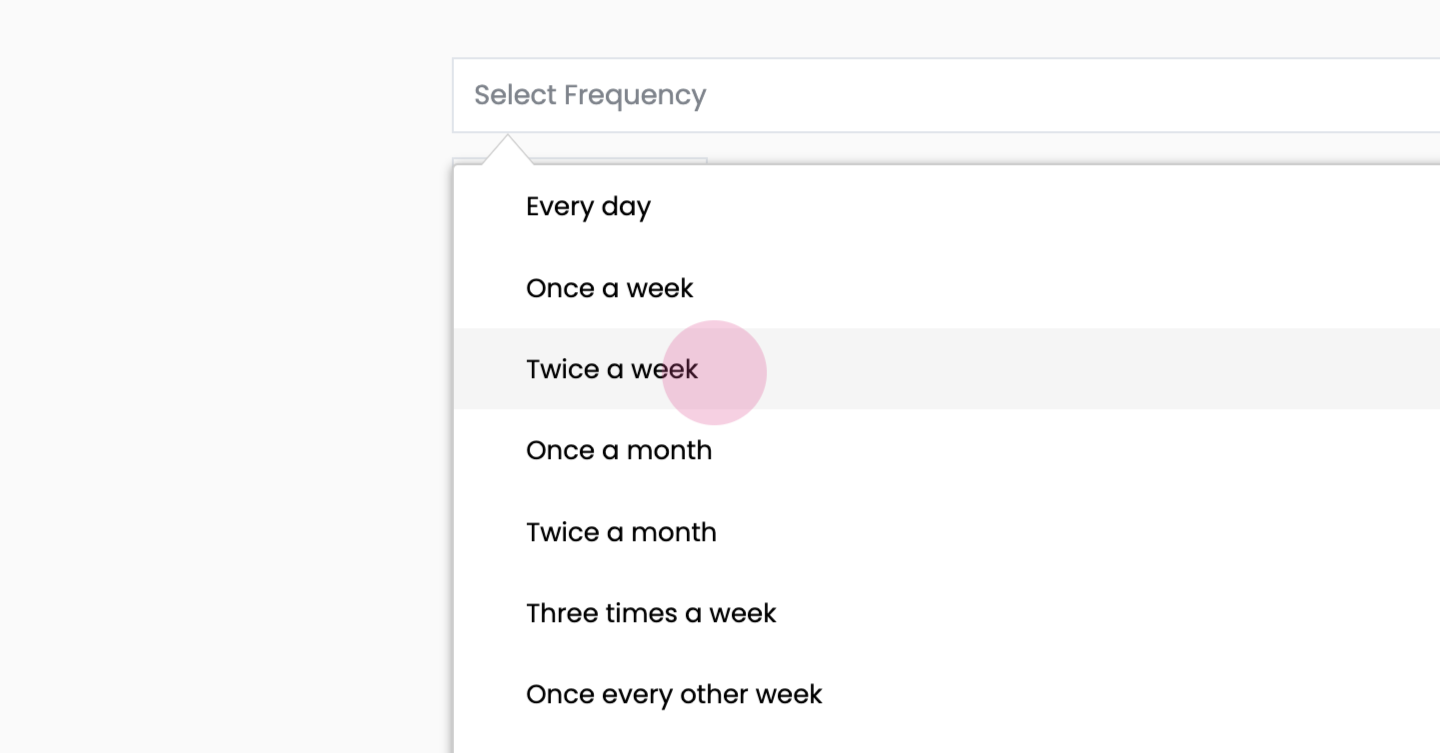
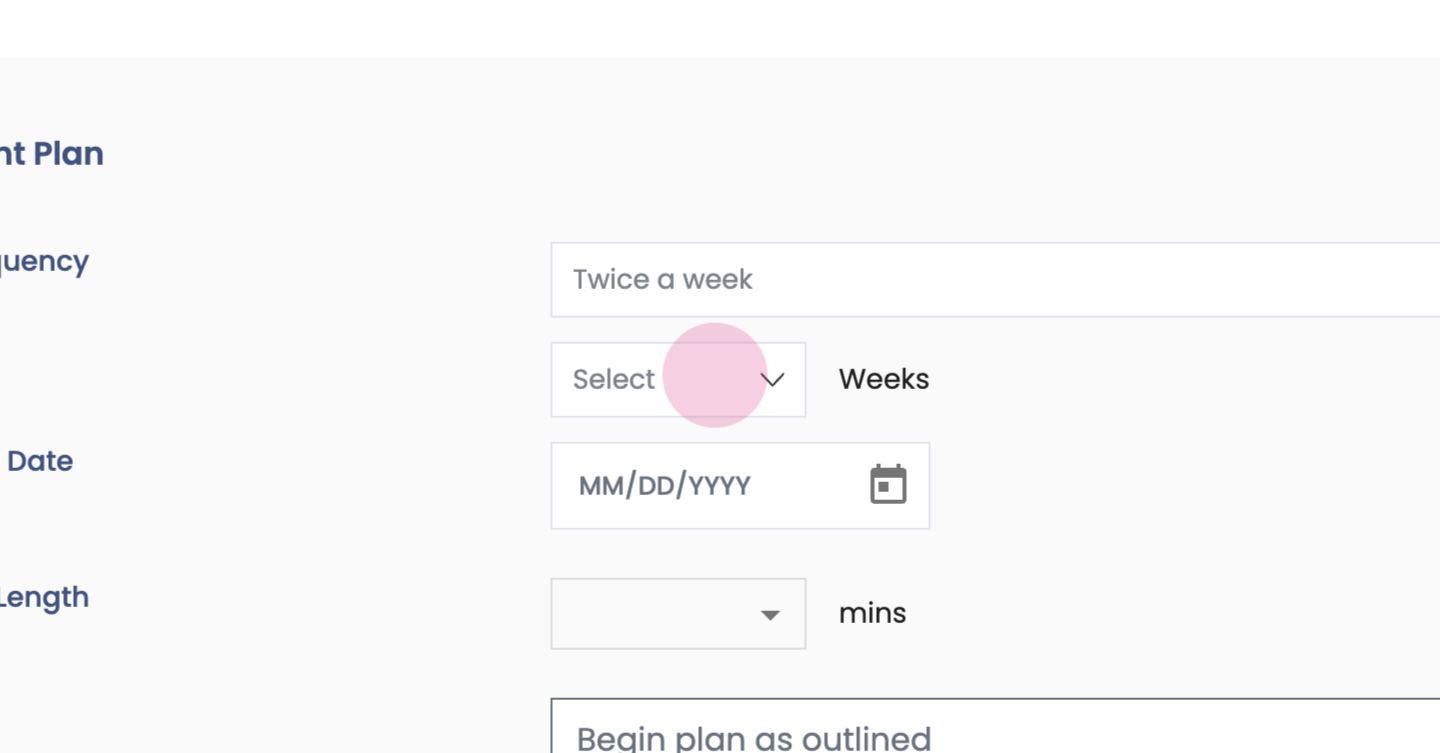
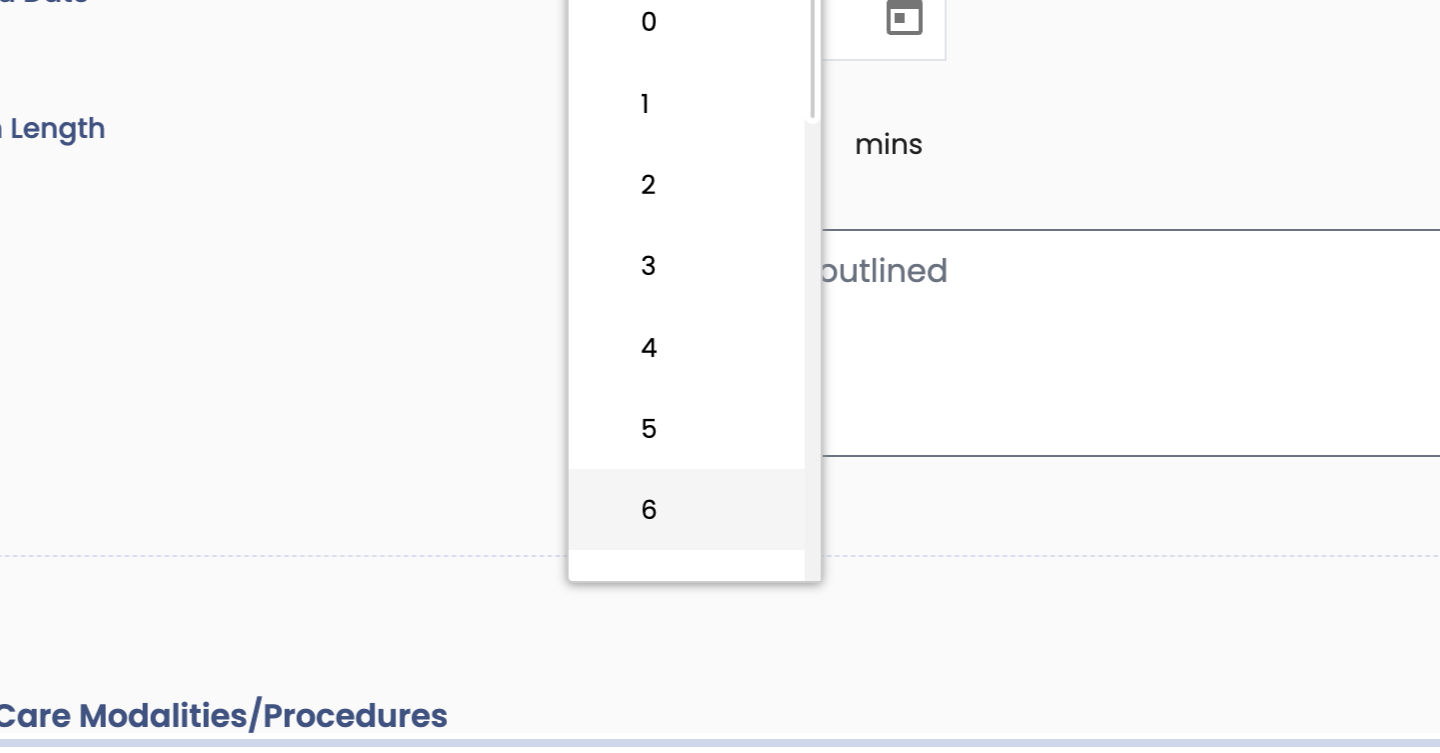
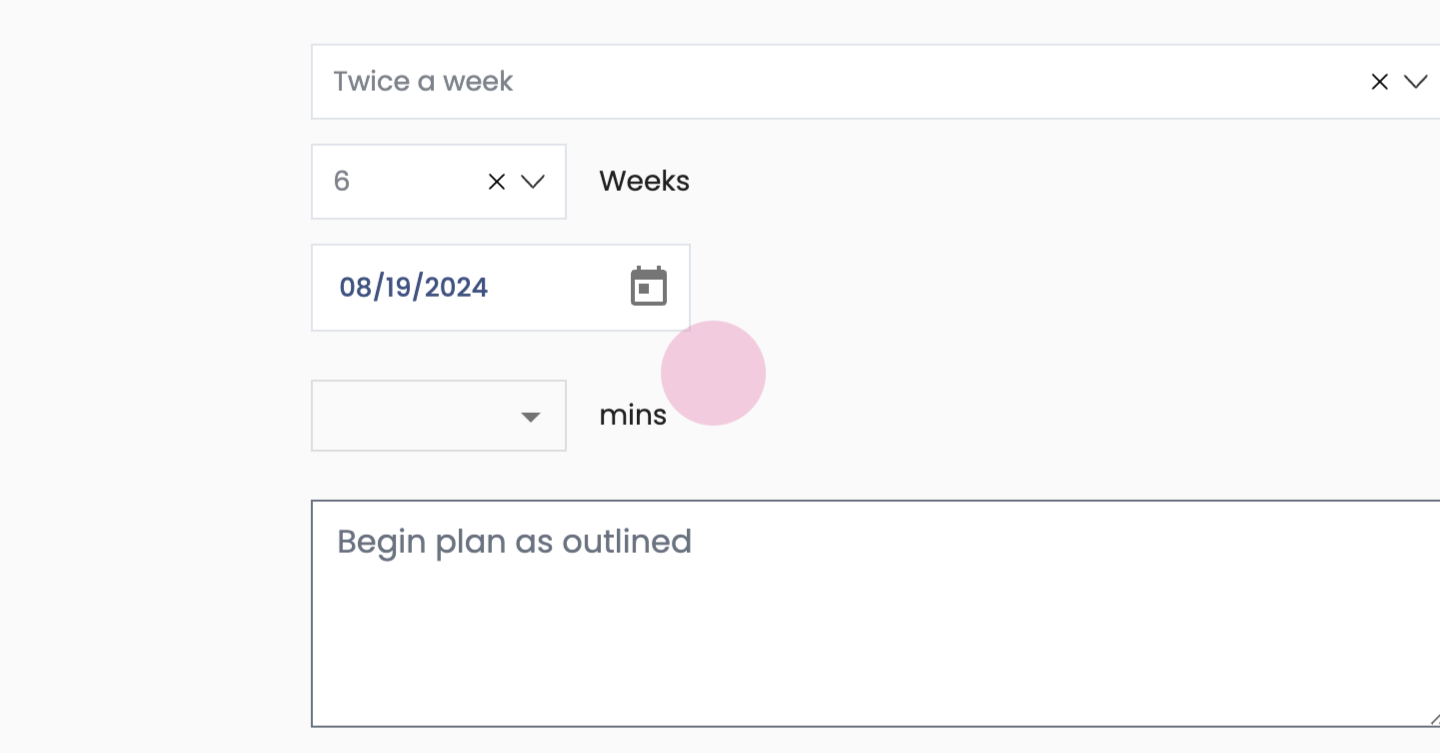
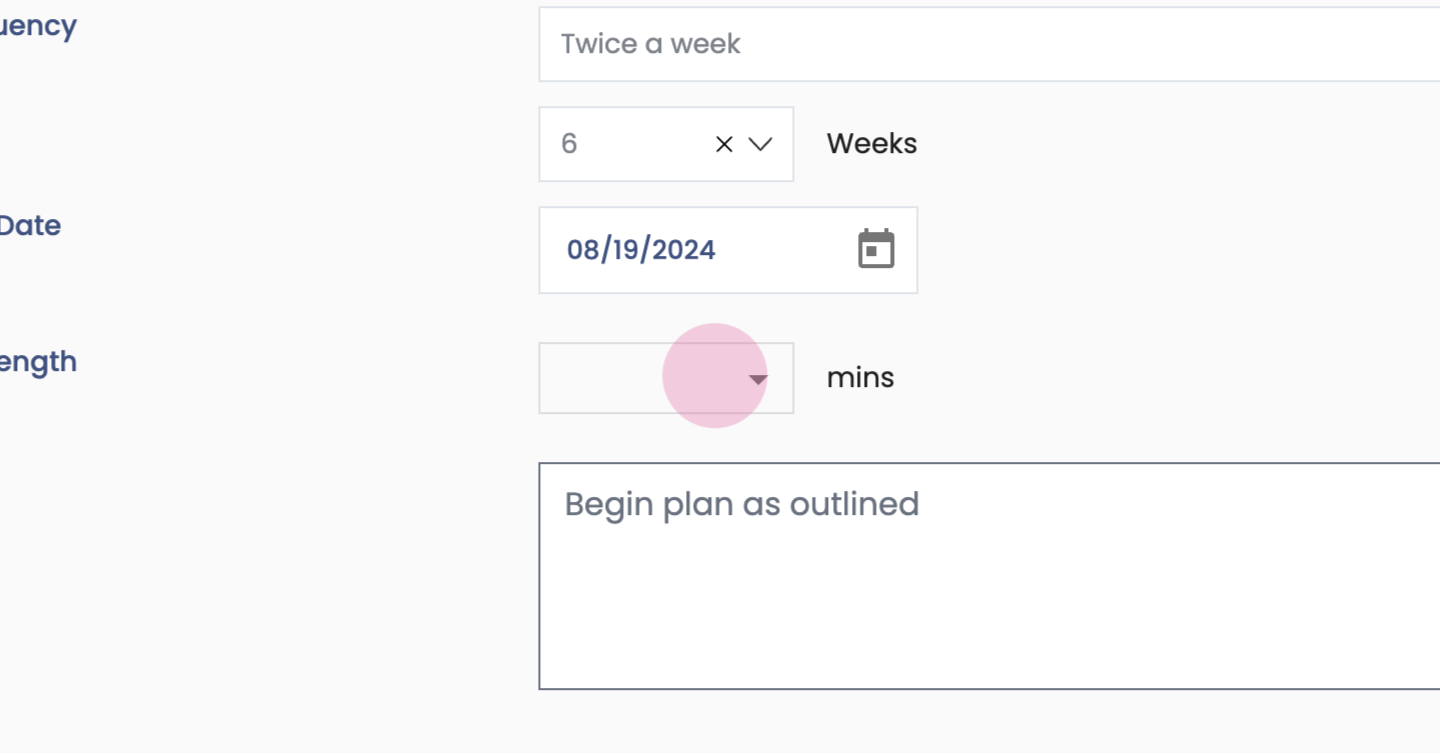
Step 43: Plan section next.
Step 44:
Step 45:
Step 46:
Step 47:
Step 48:
Step 49:
Step 50:
Step 51:
Step 52:
Step 53:
Step 54:
Step 55:
Step 56:
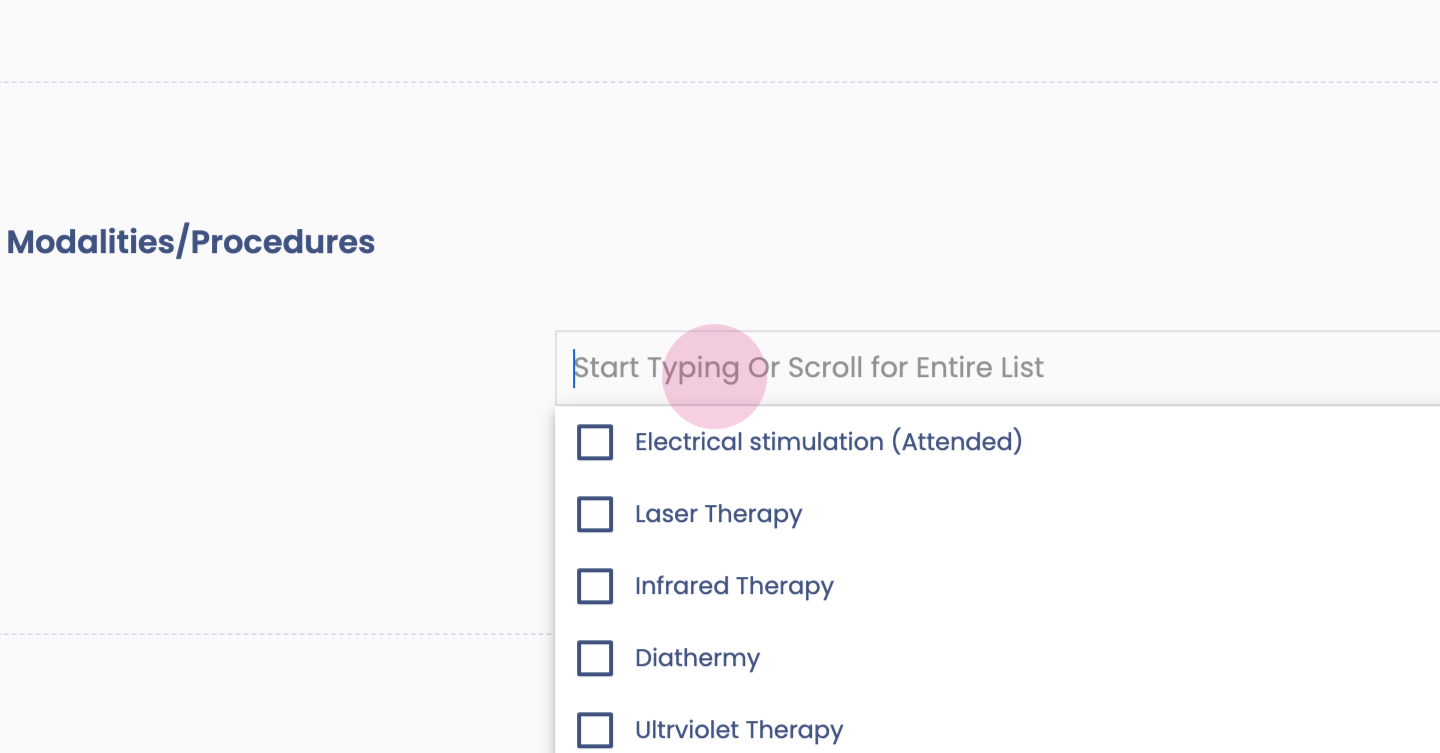
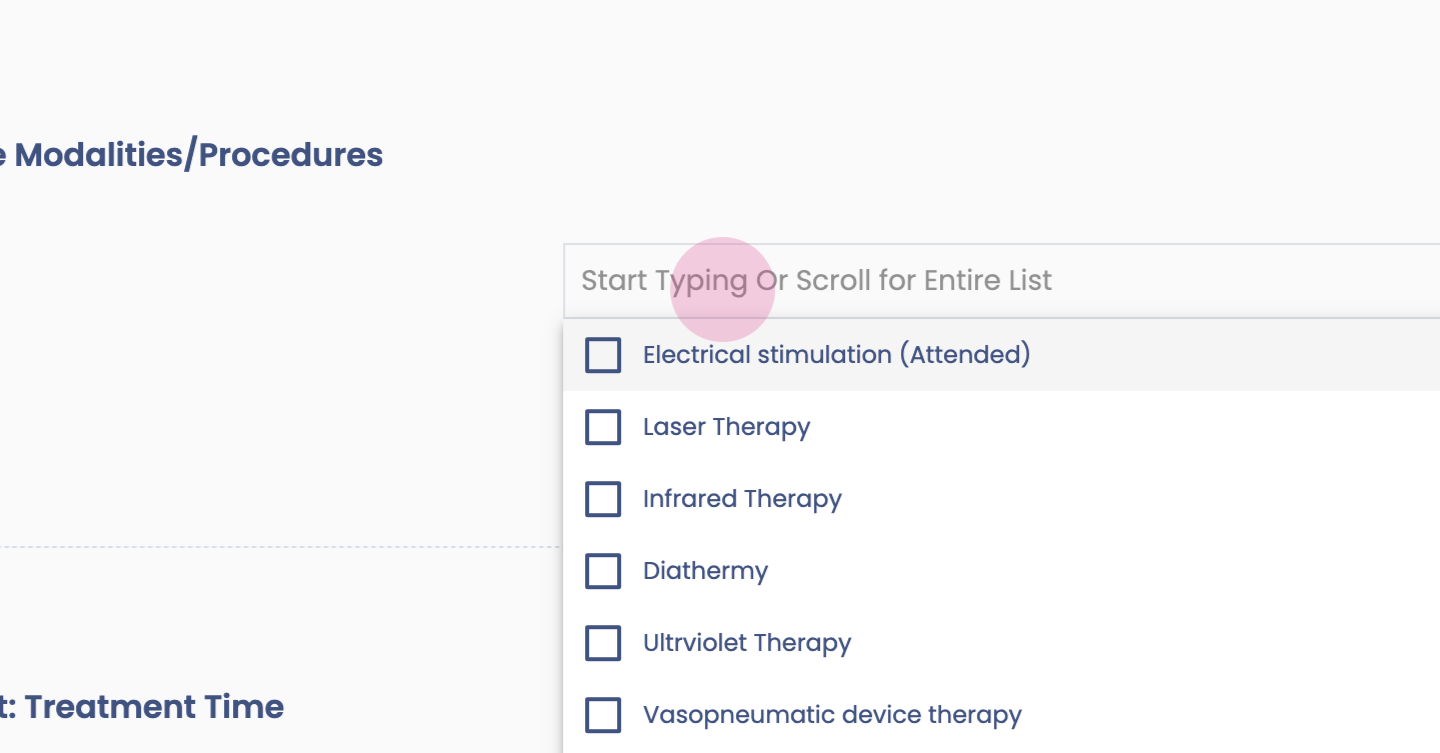
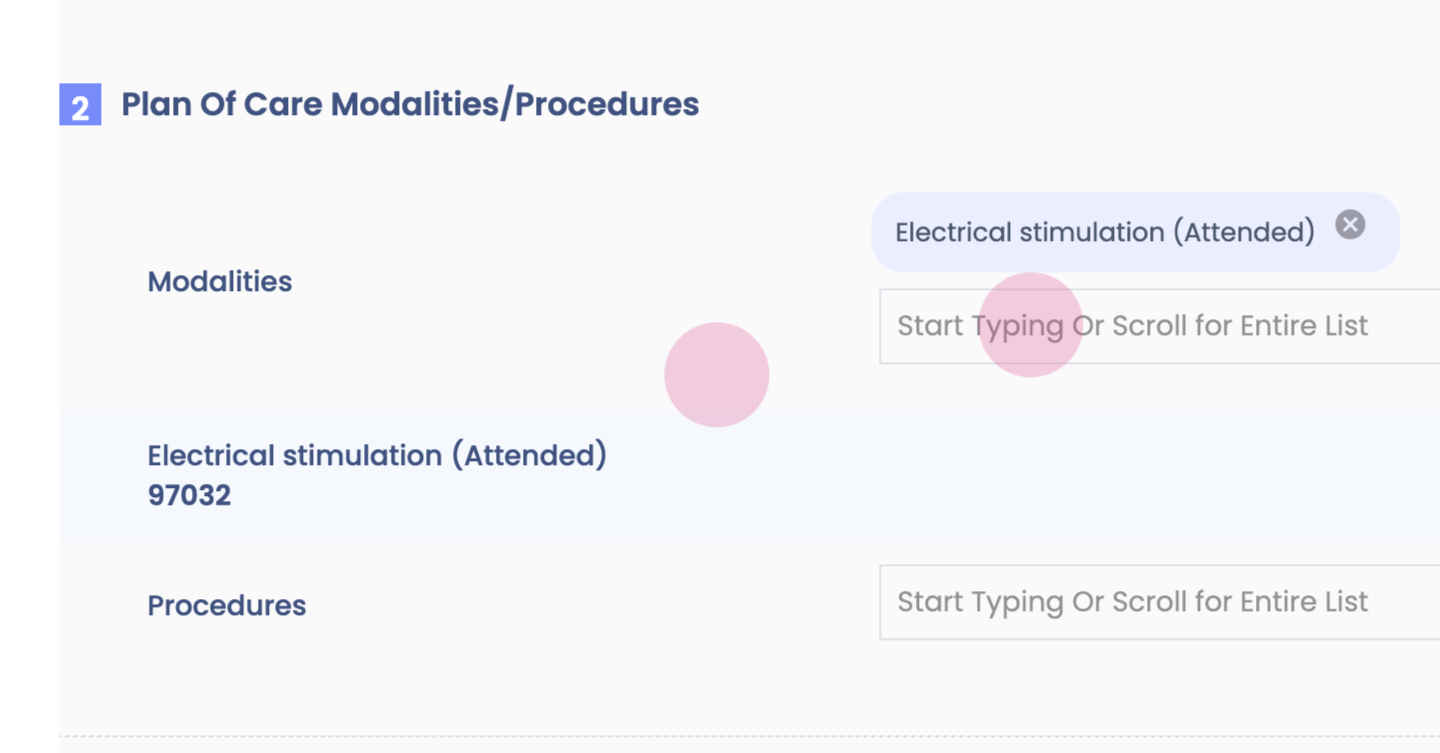
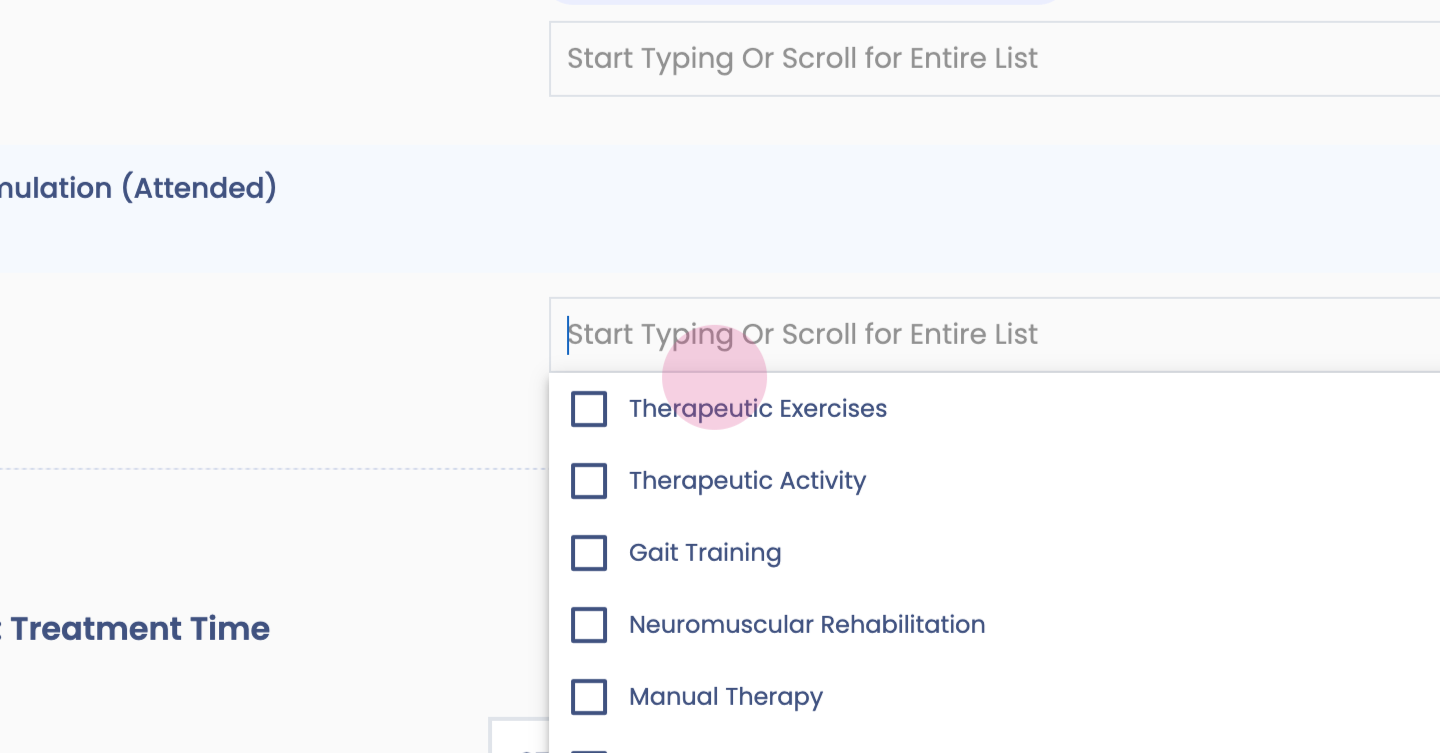
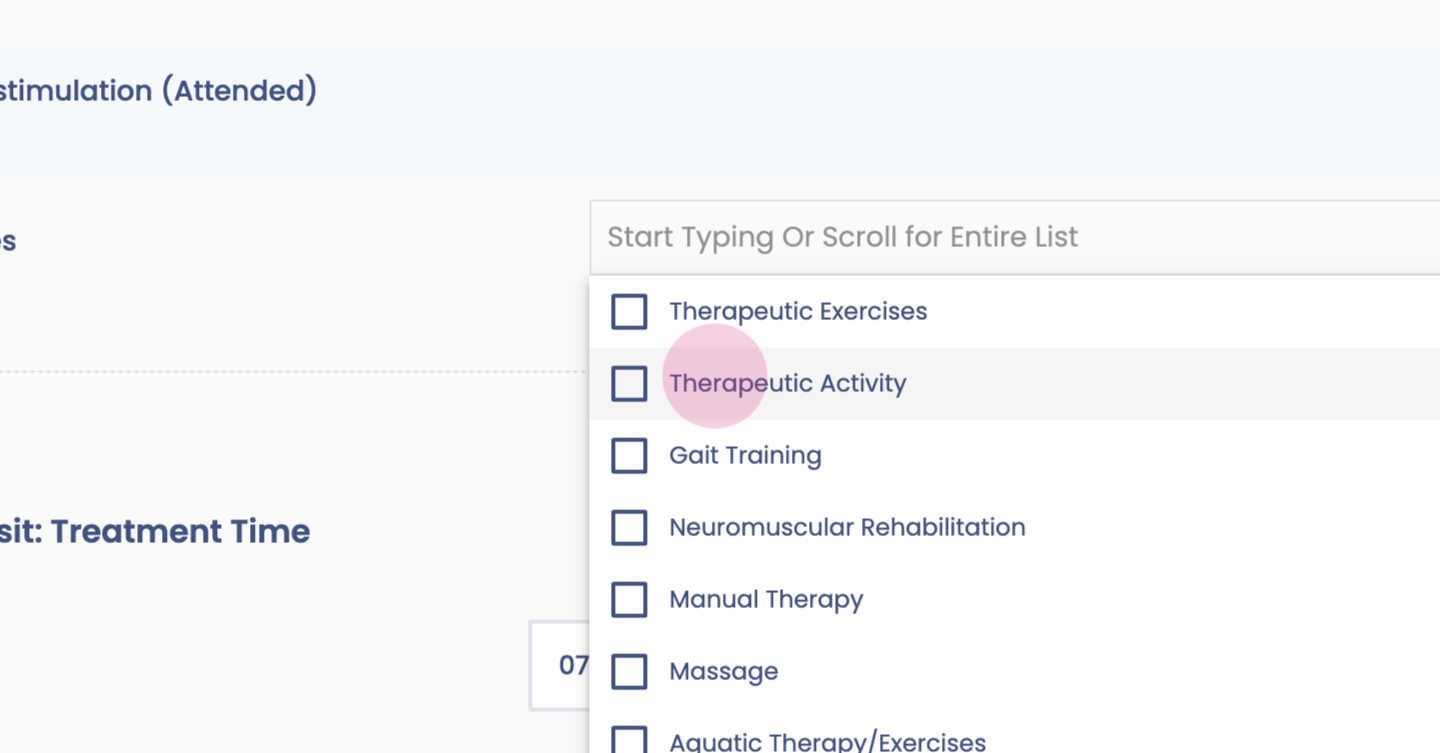
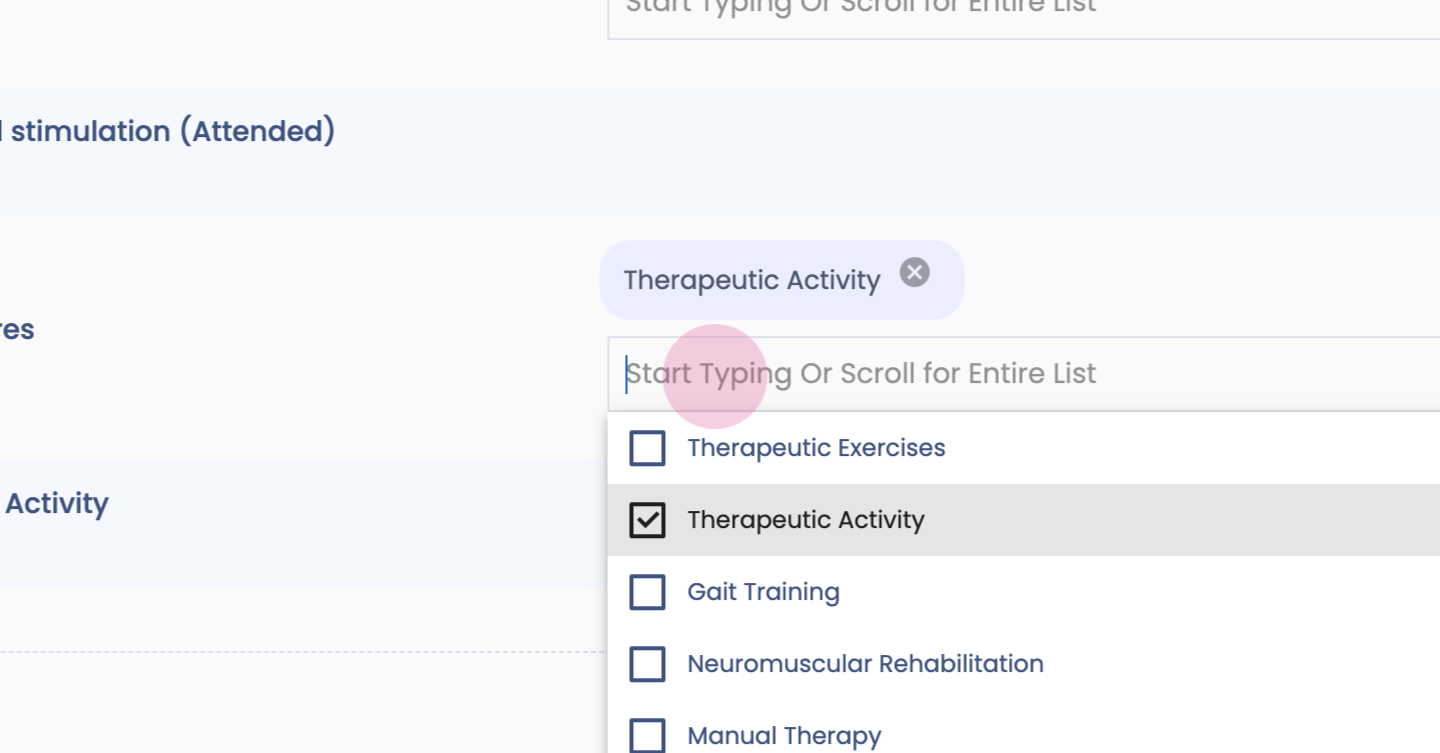
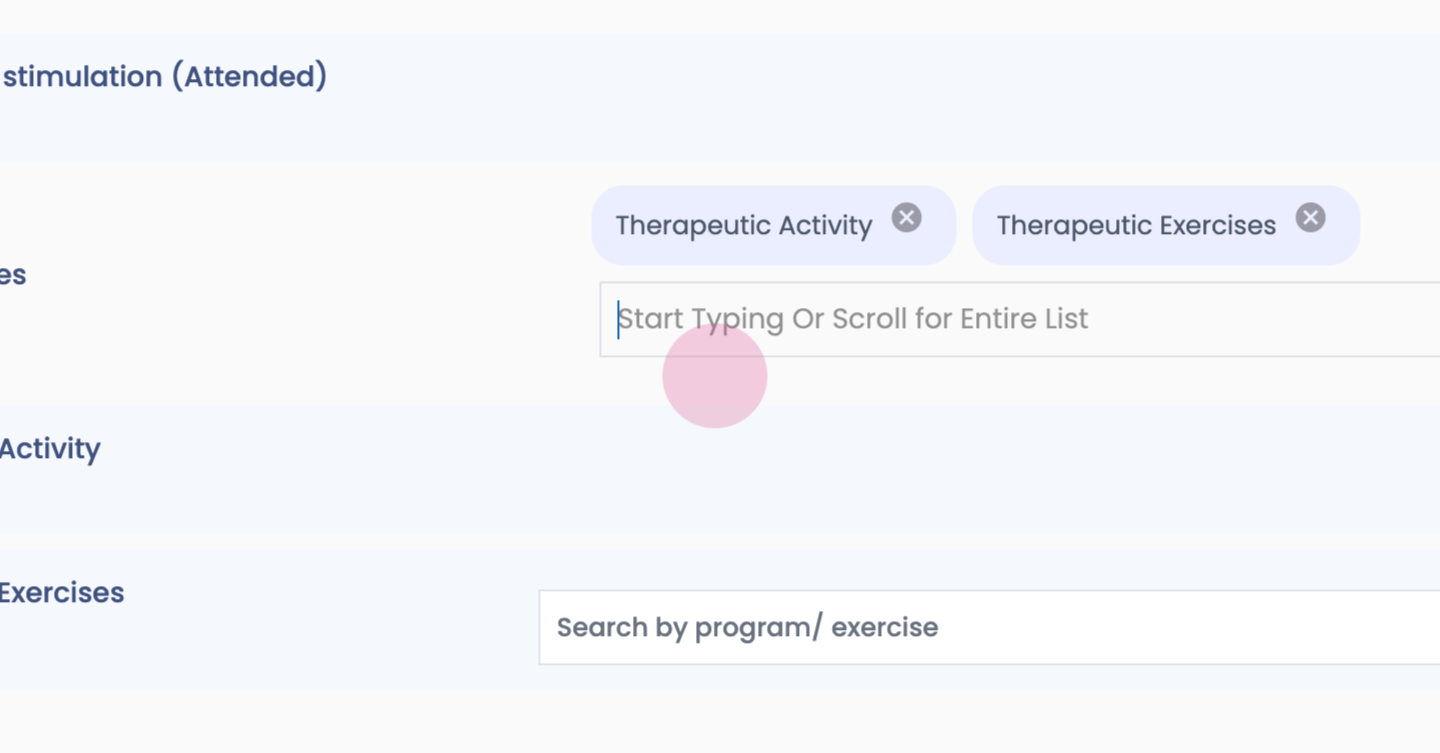
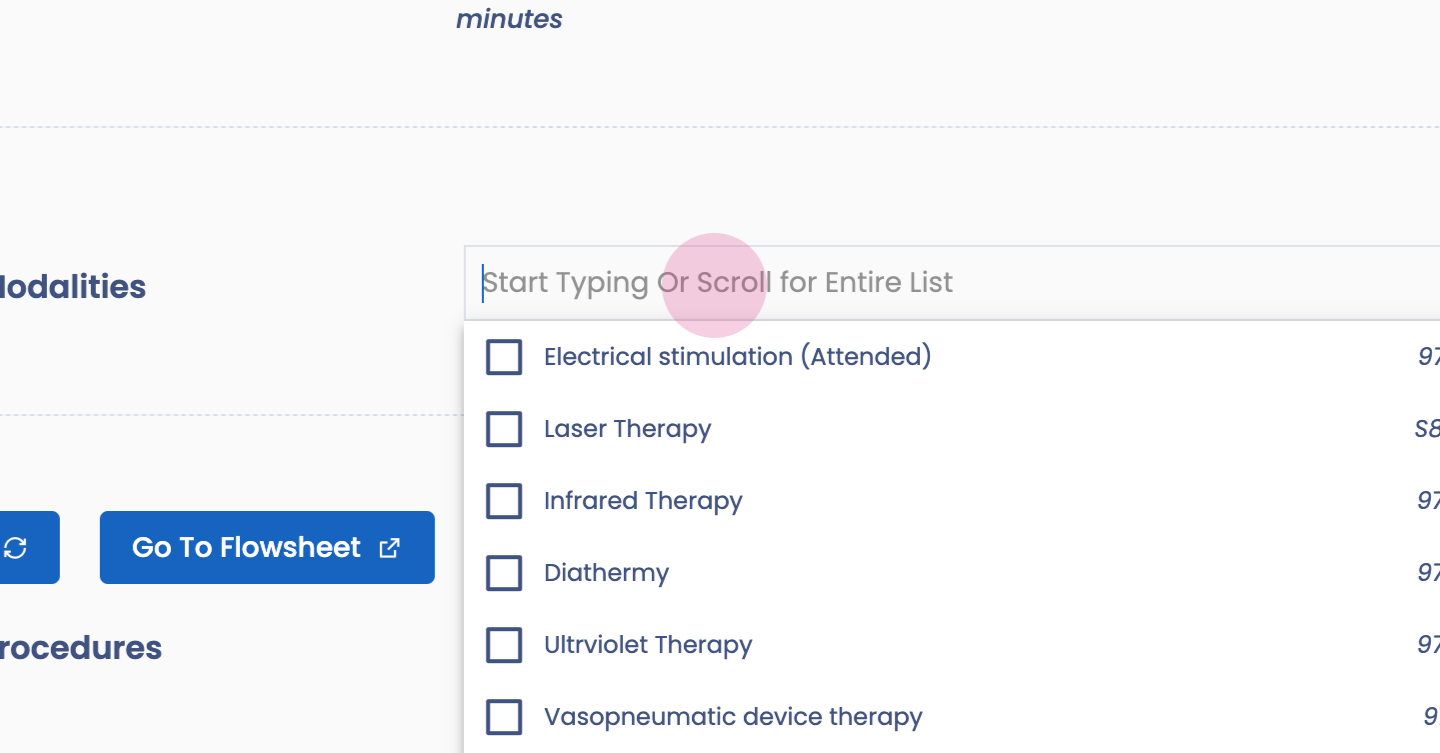
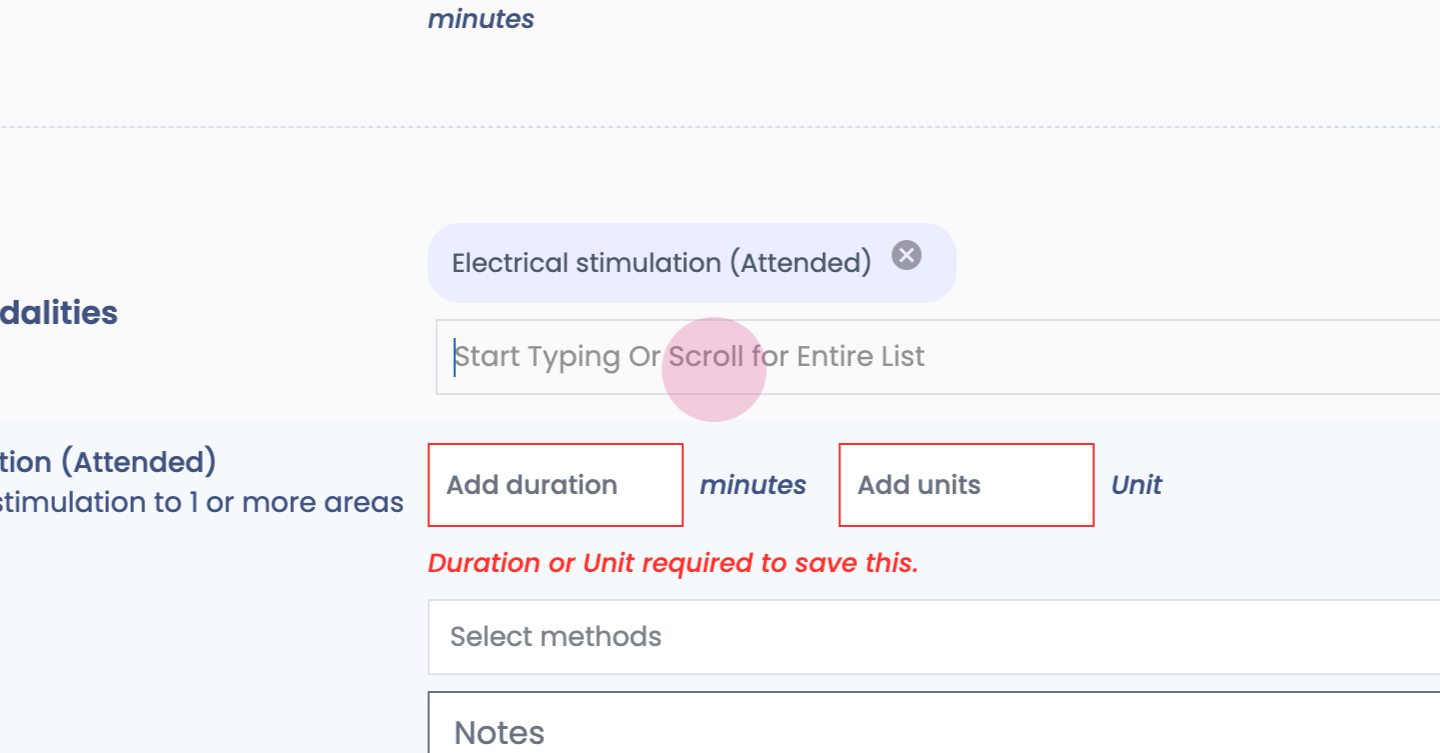
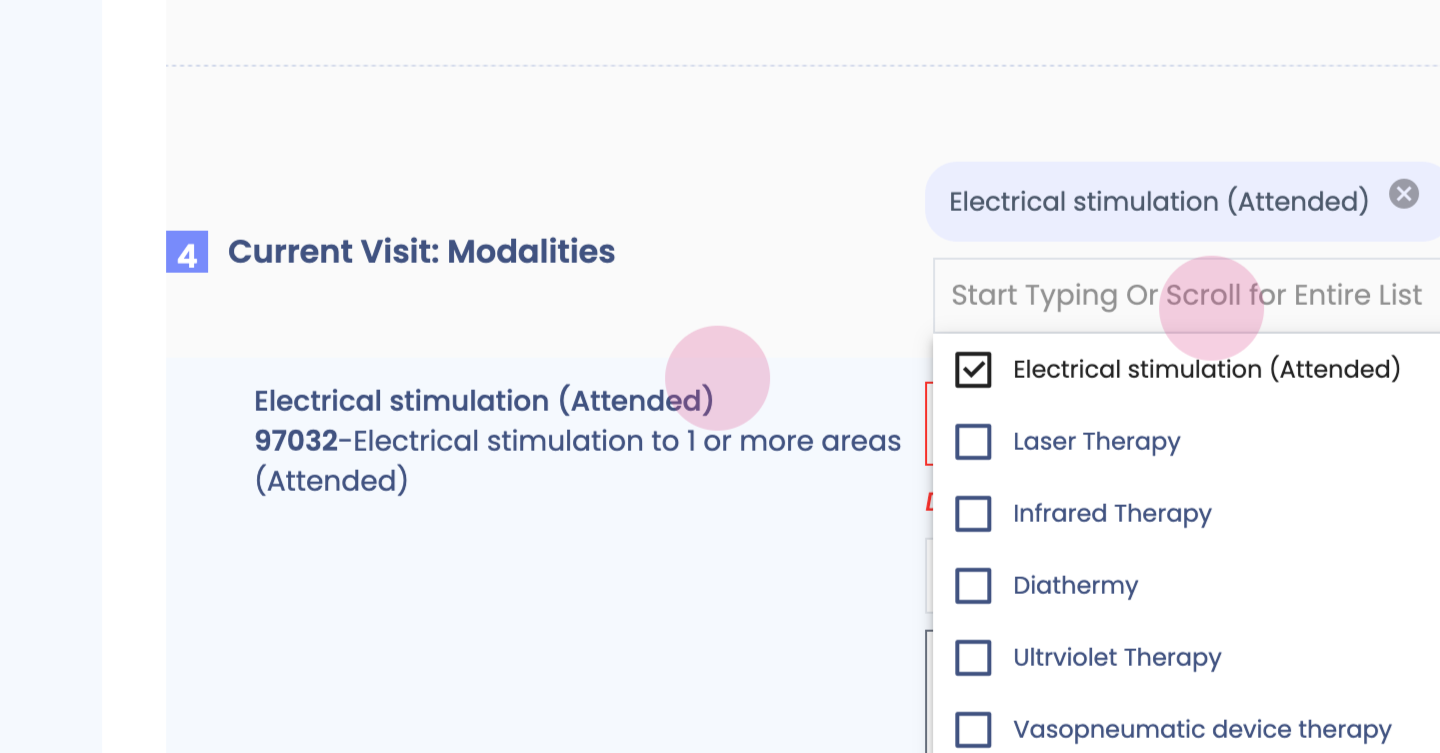
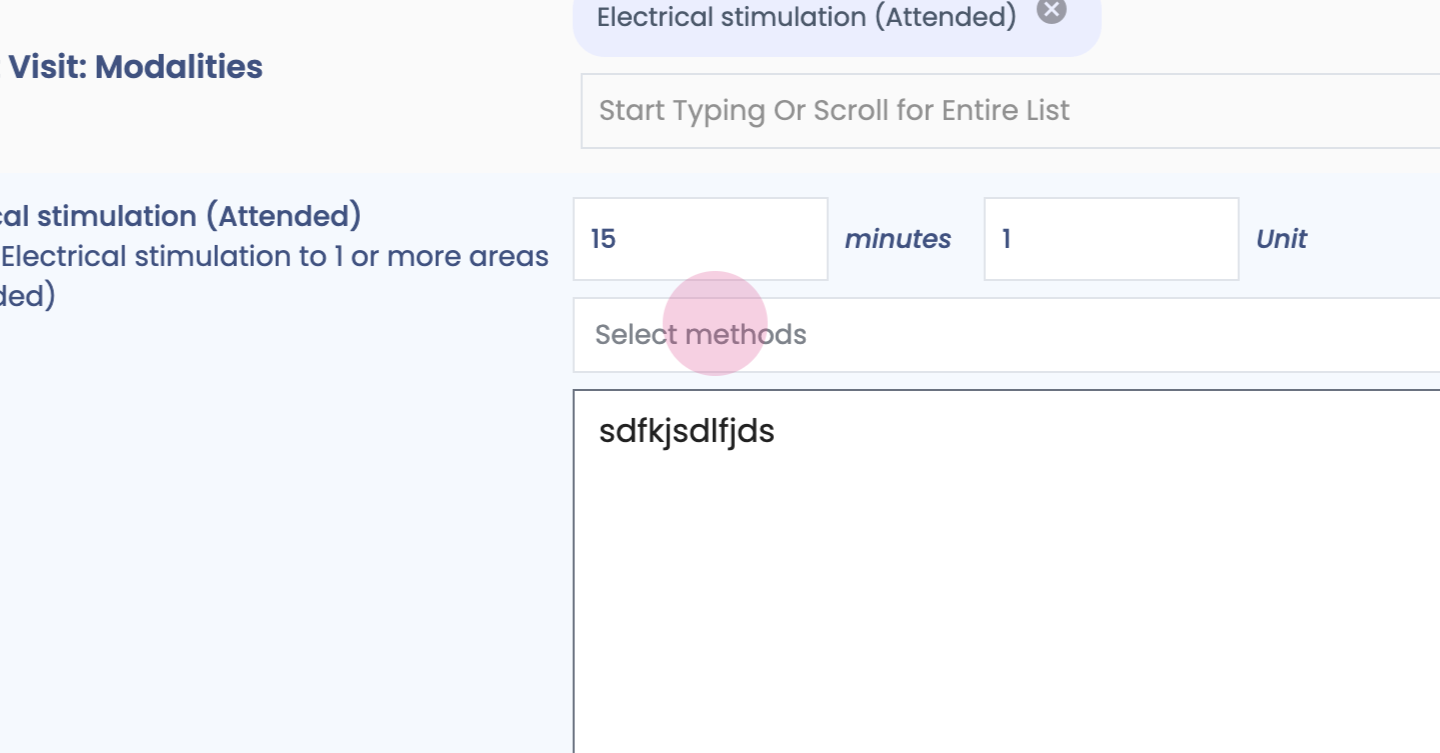
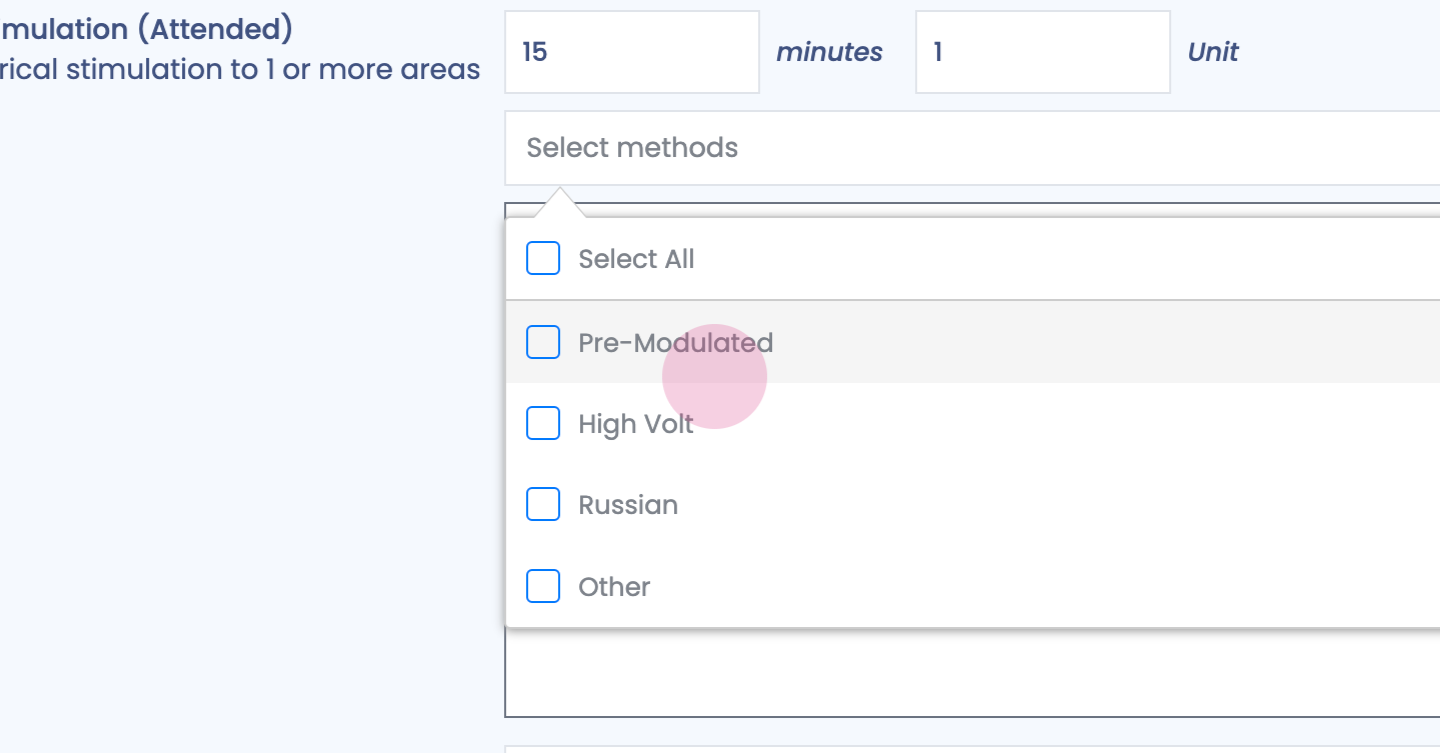
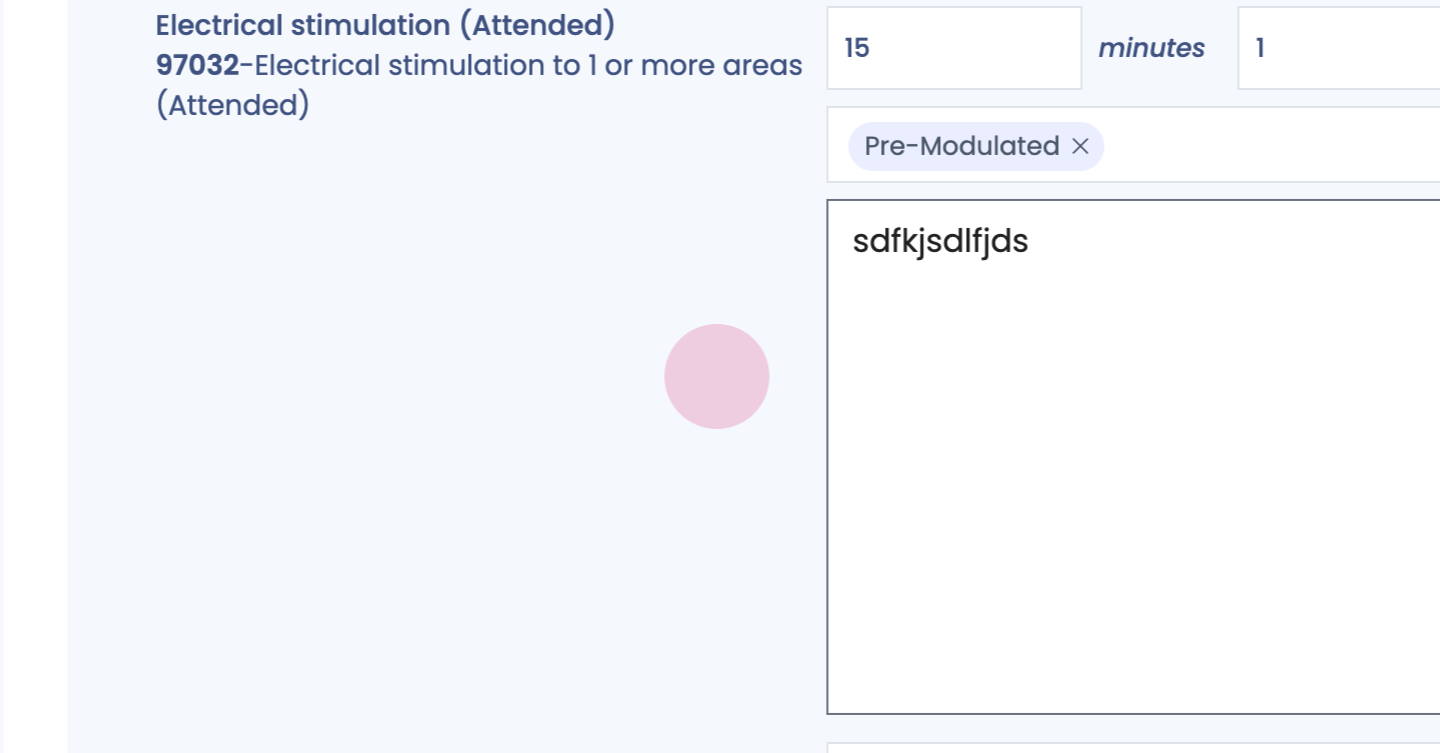
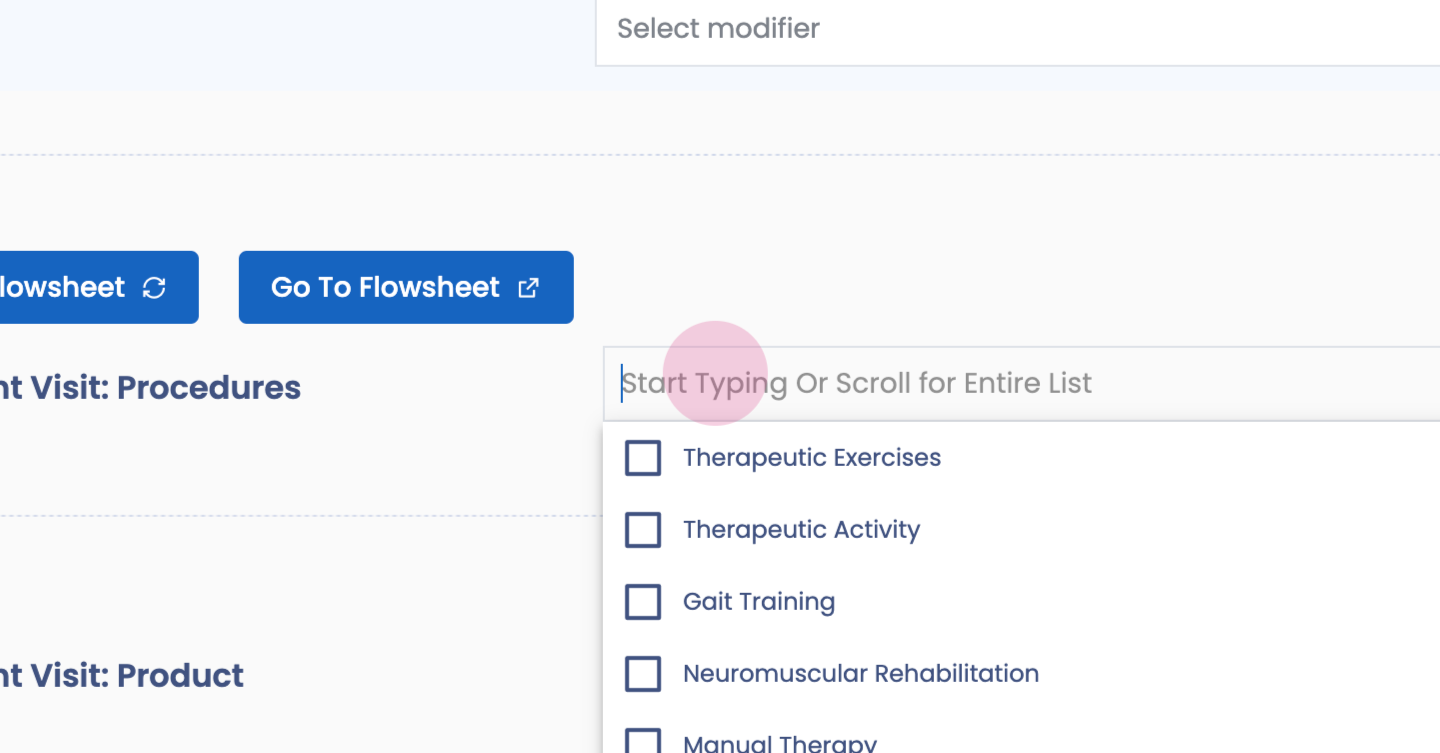
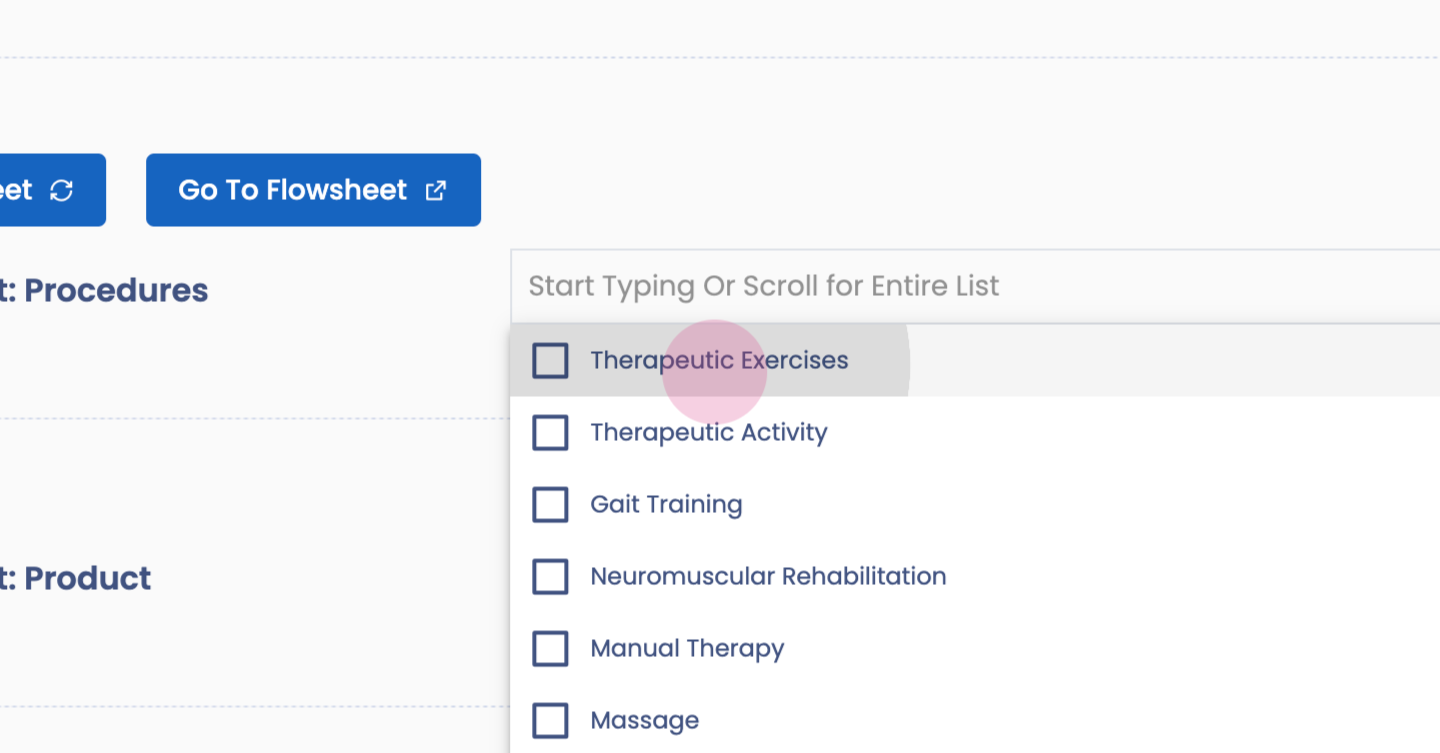
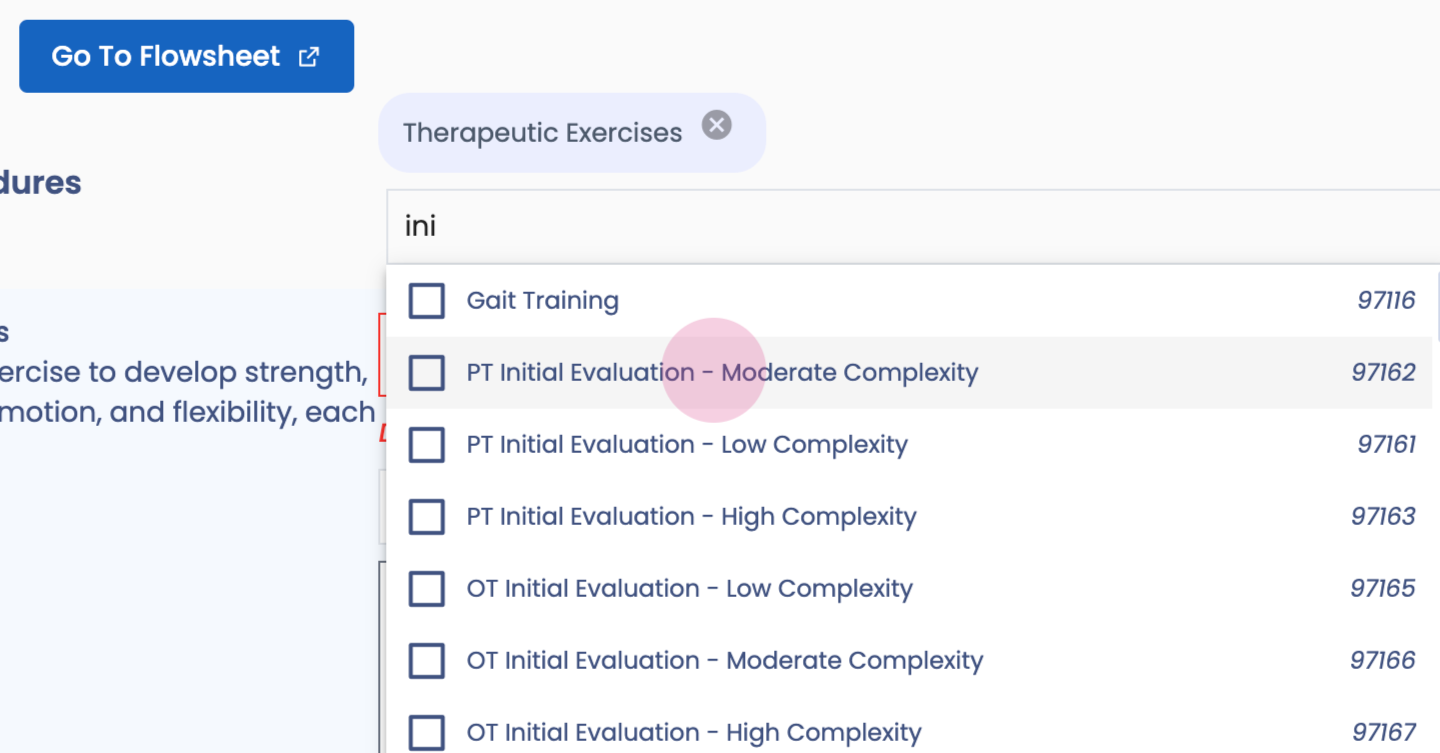
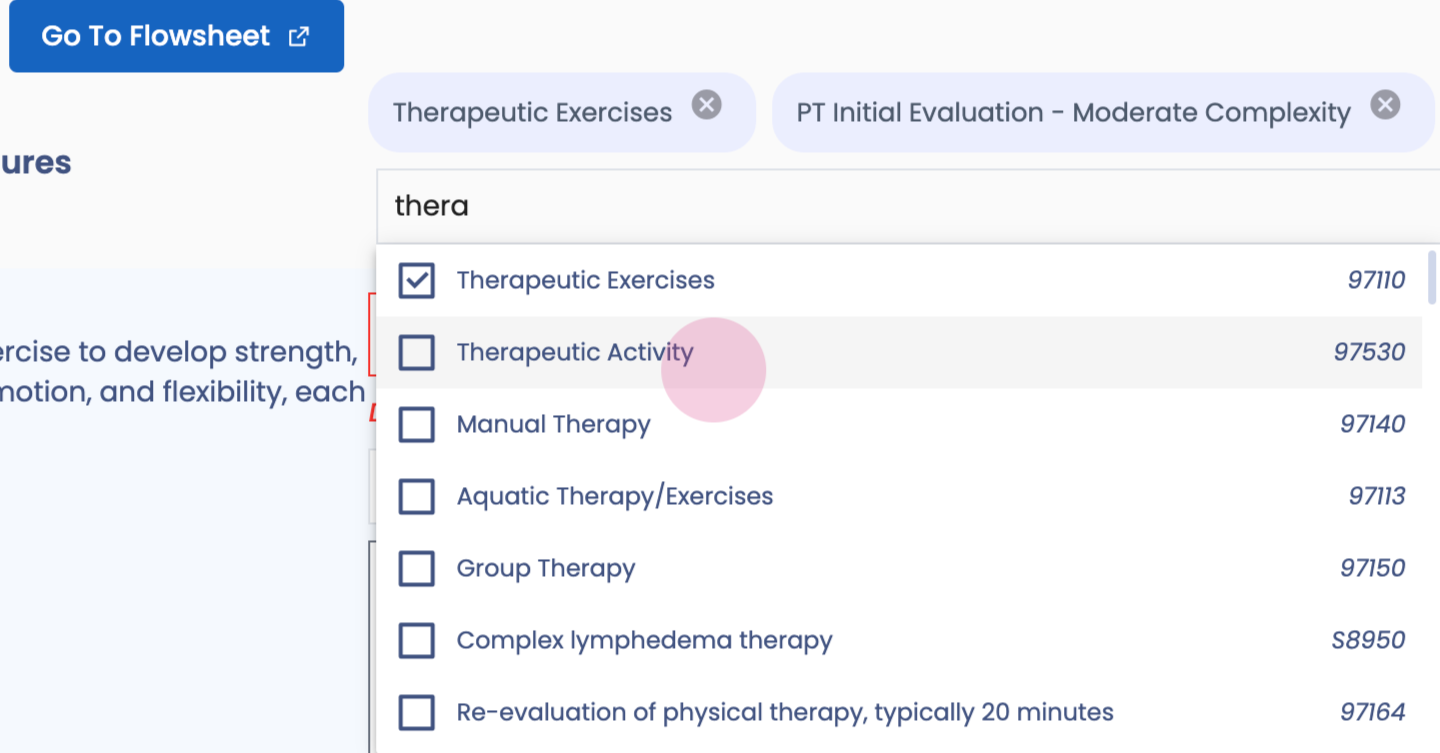
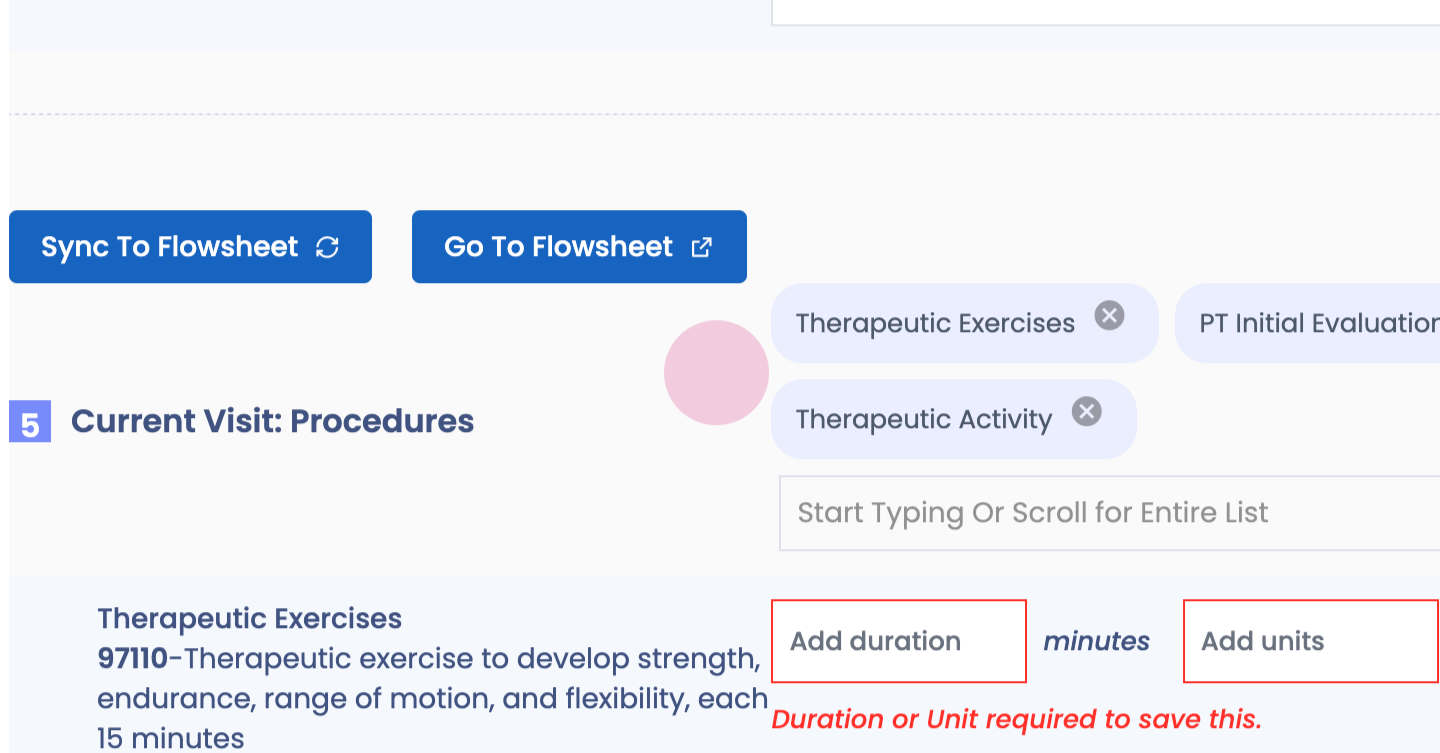
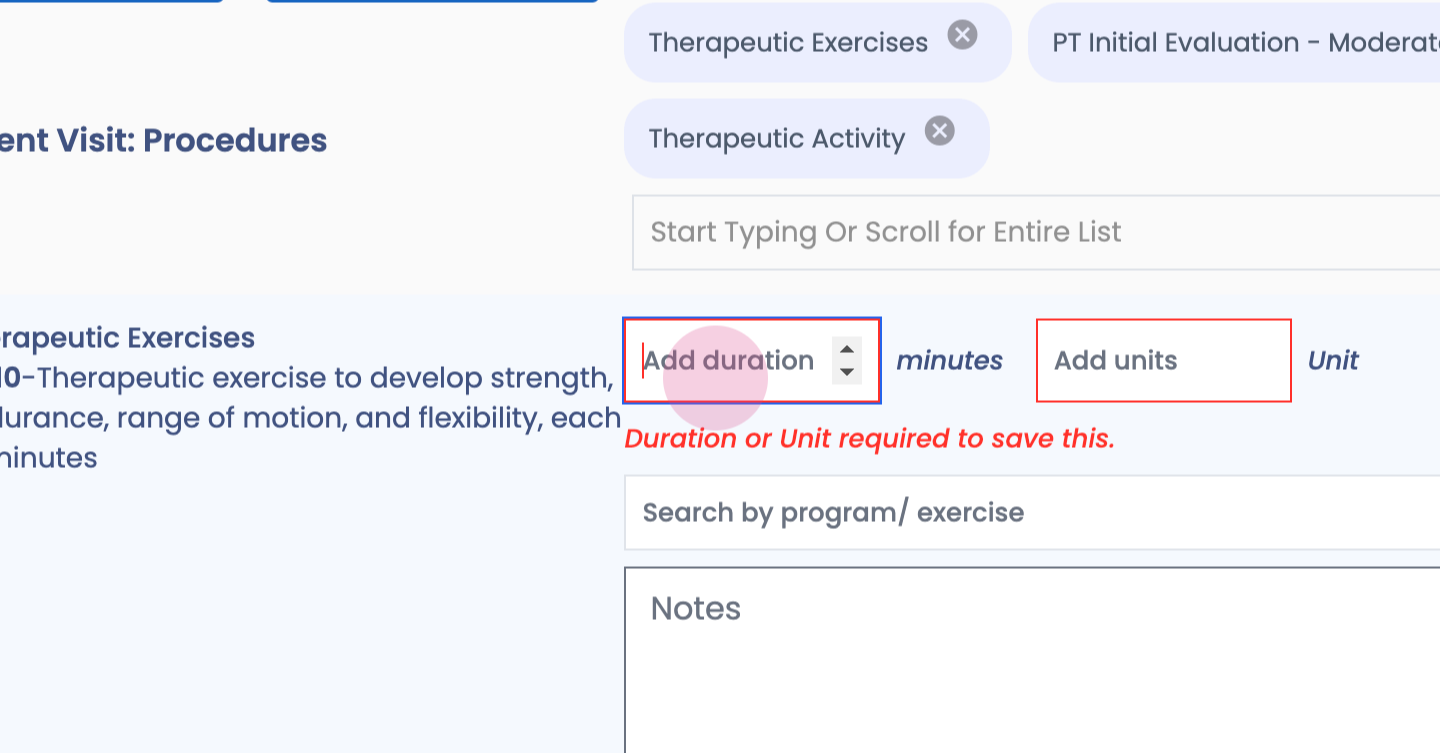
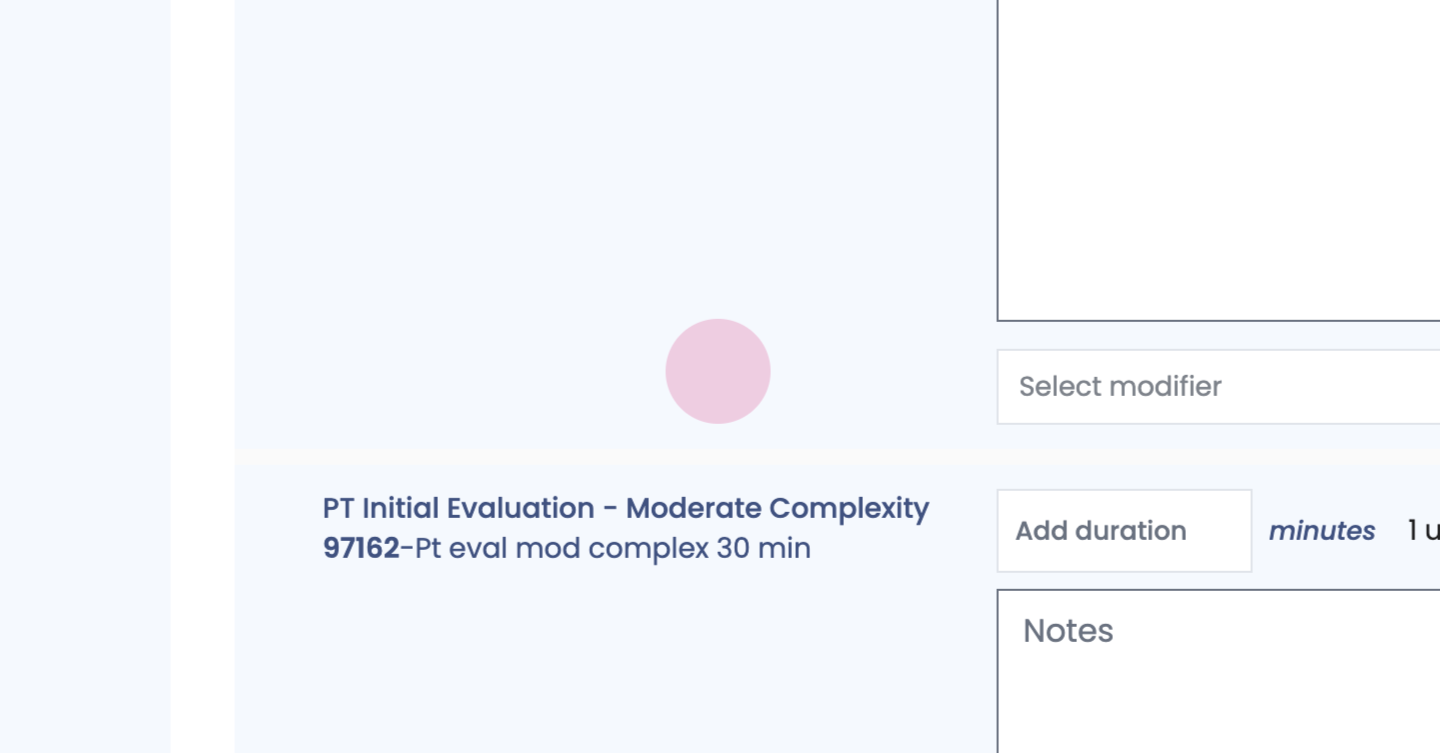
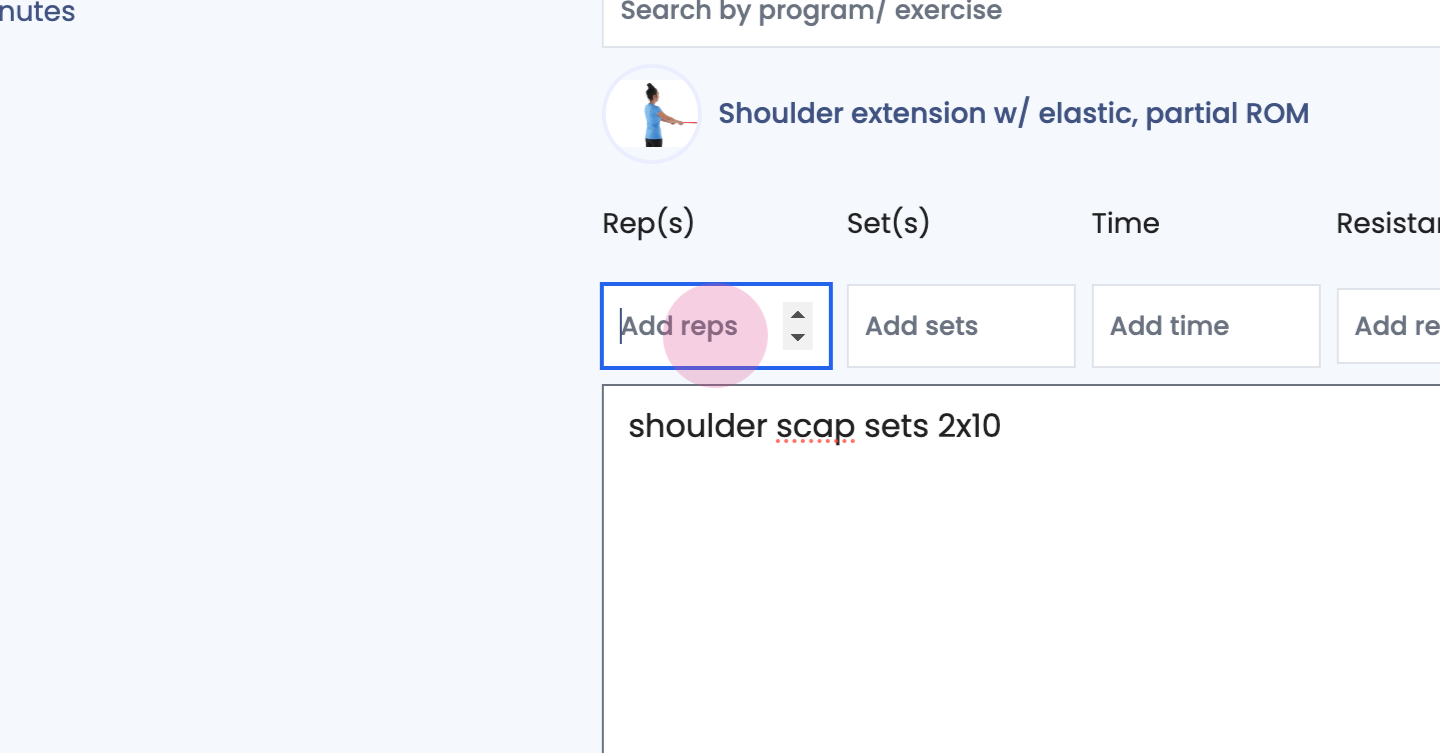
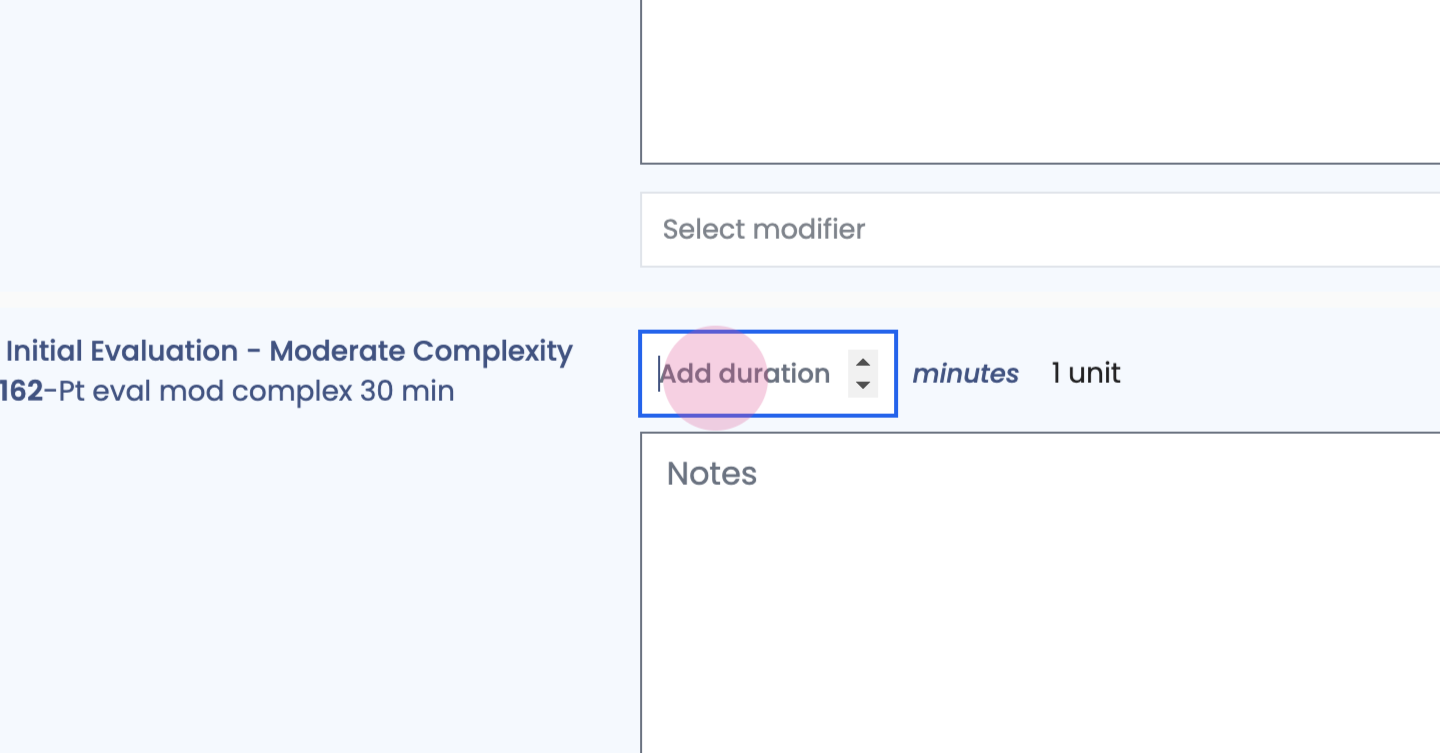
Step 57: Enter CPT codes to bill for that visit.
Step 58:
Step 59:
Step 60:
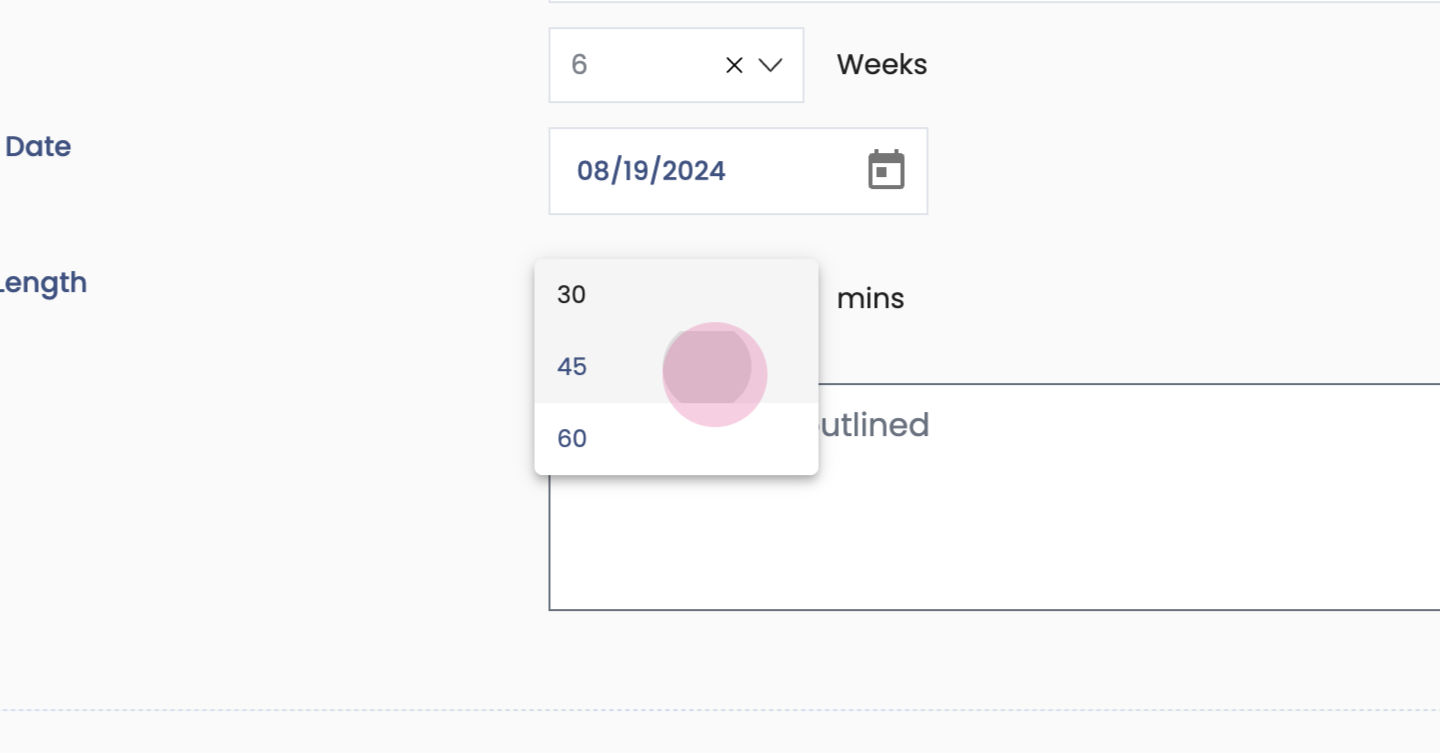
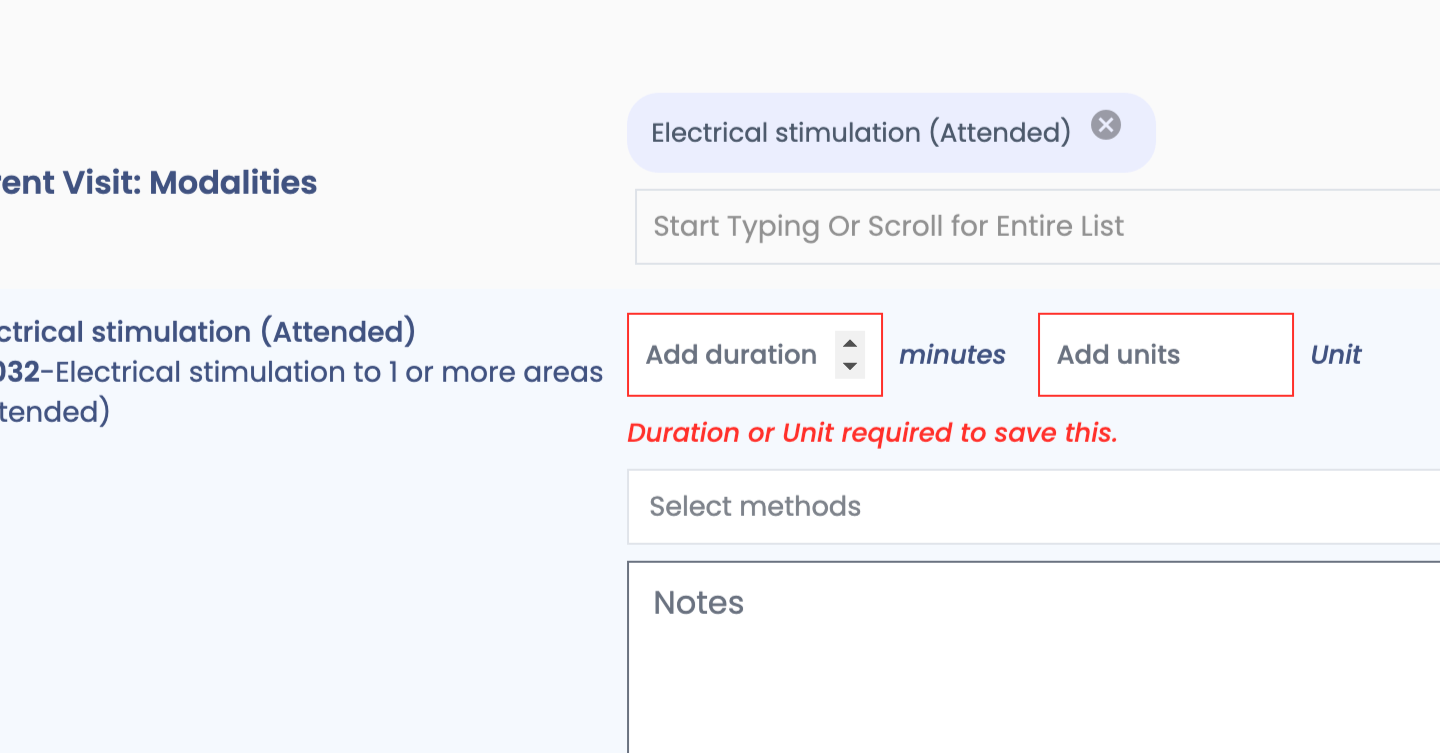
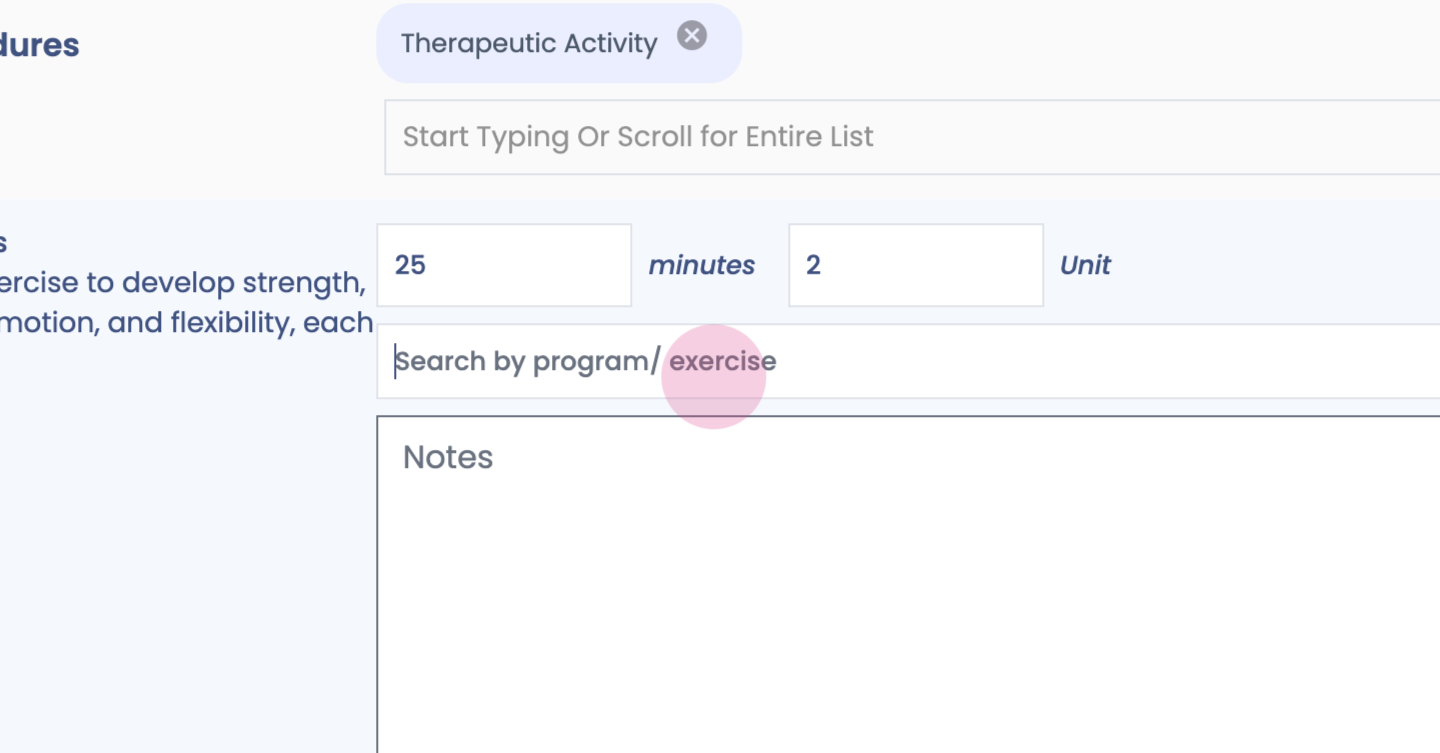
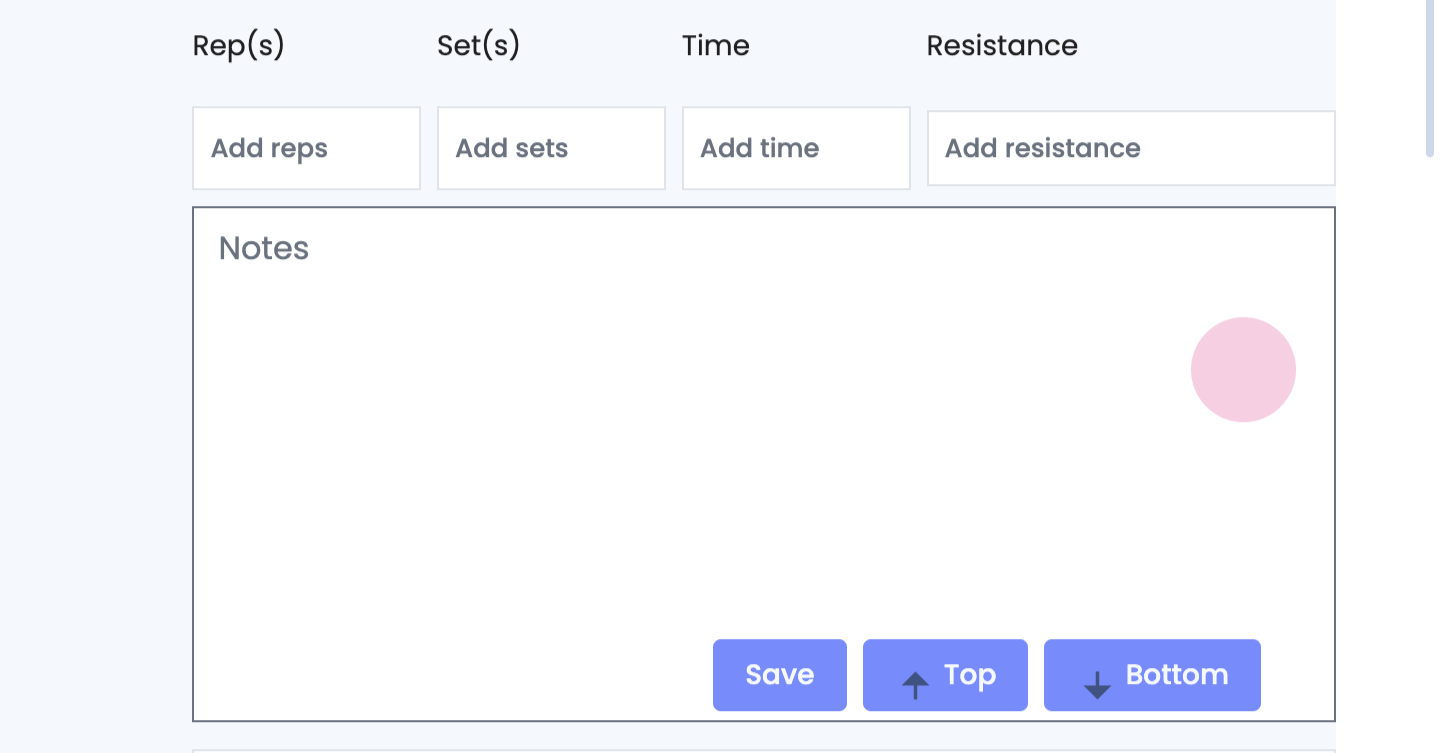
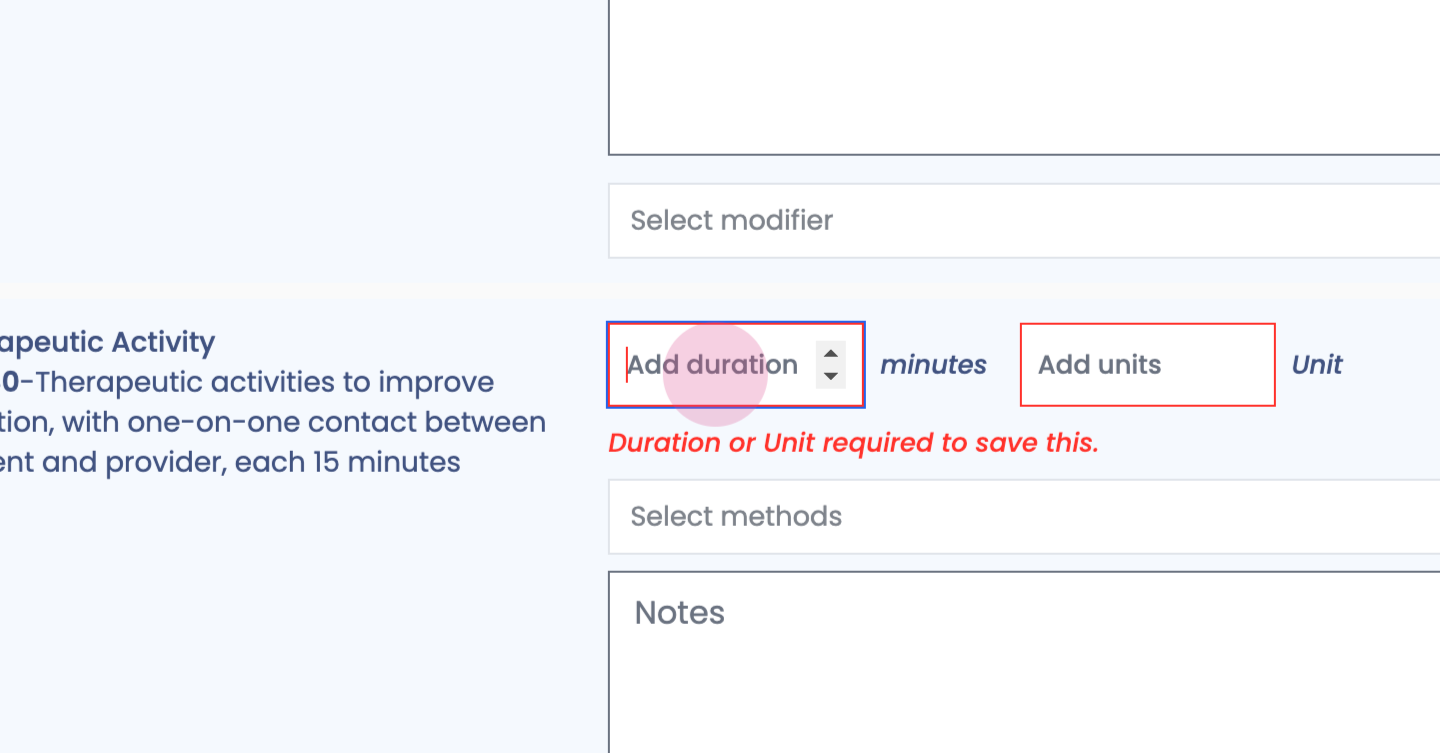
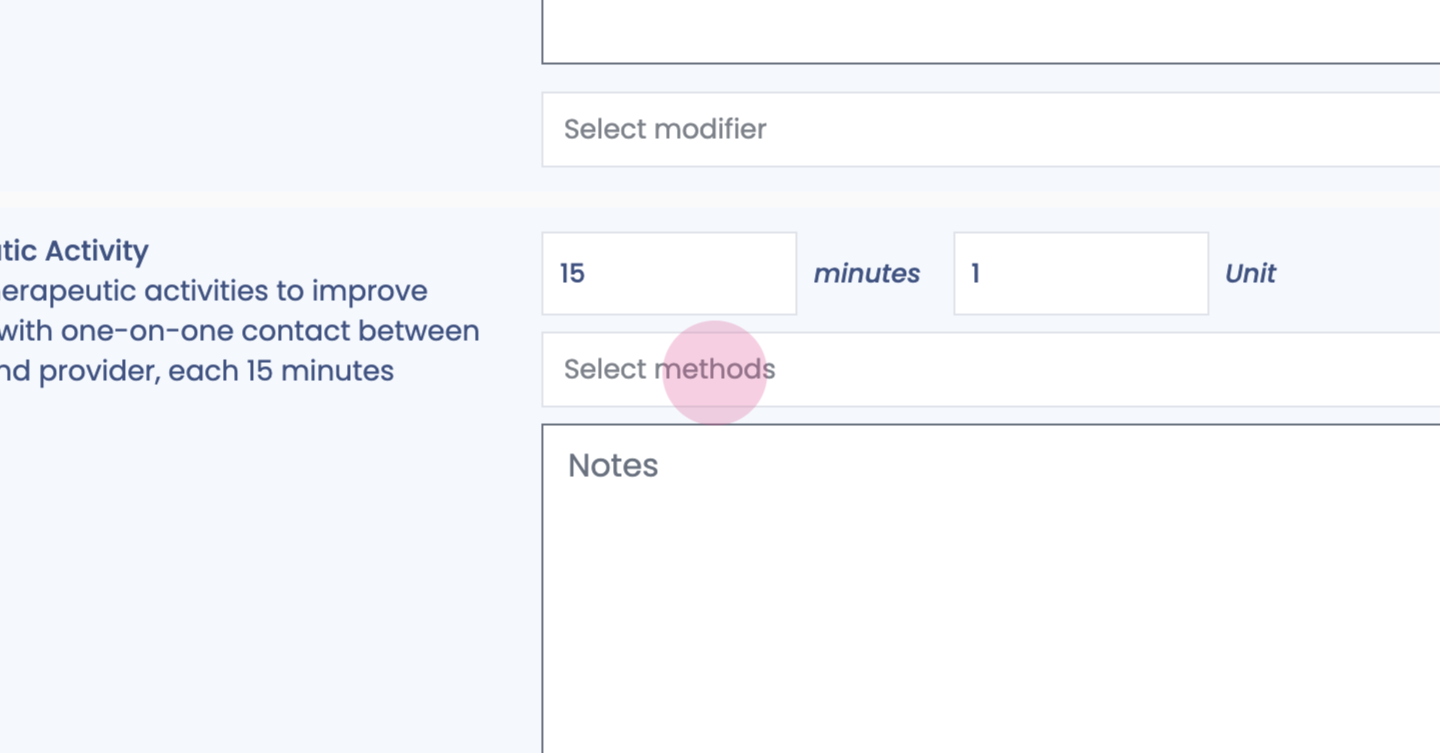
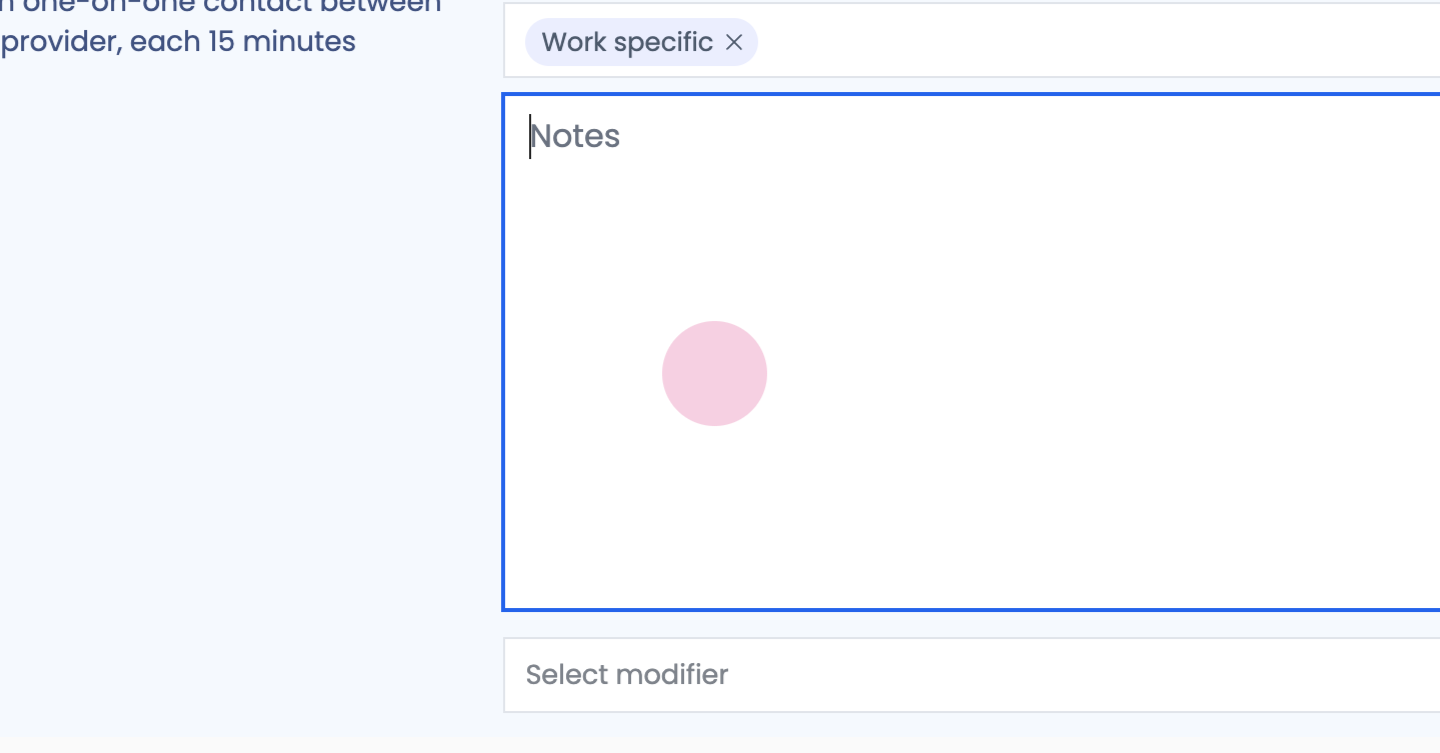
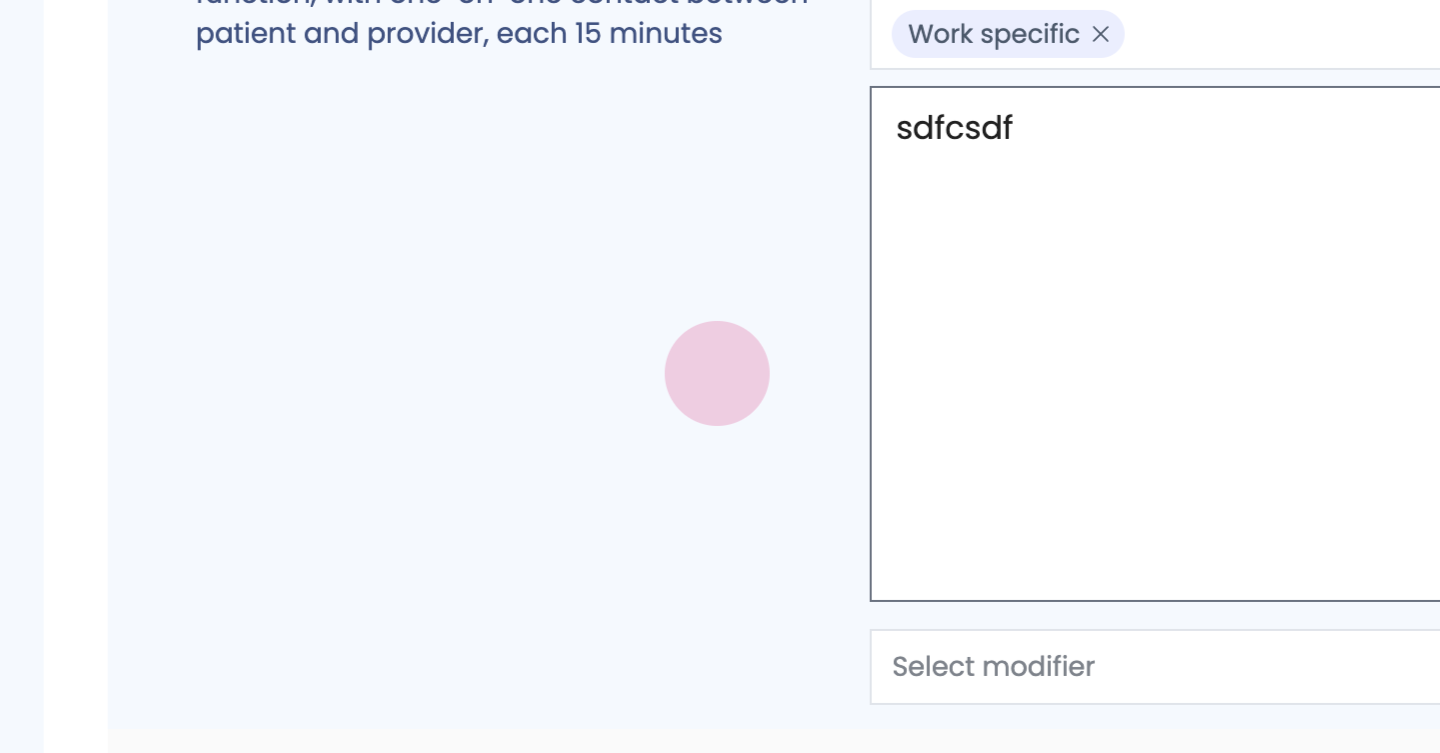
Step 61: Enter time, tab for units.
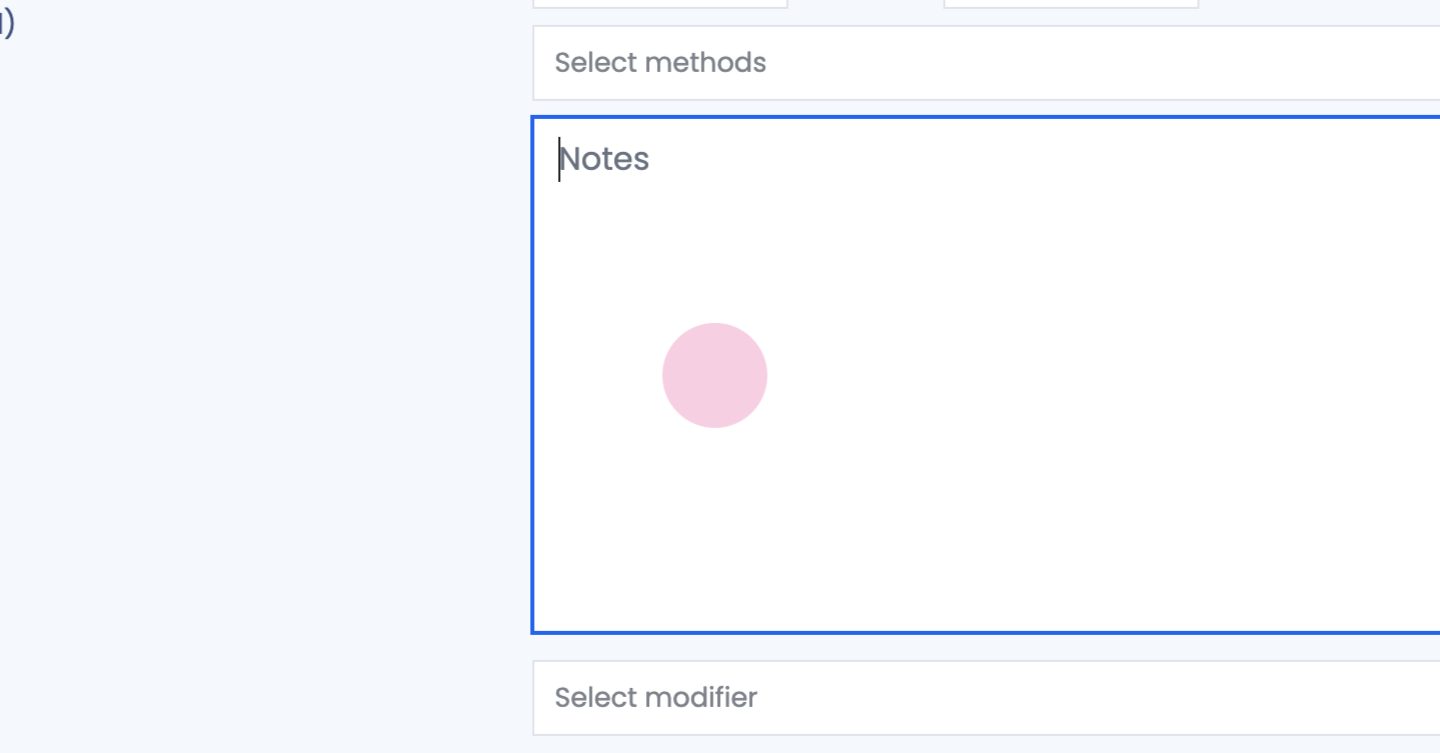
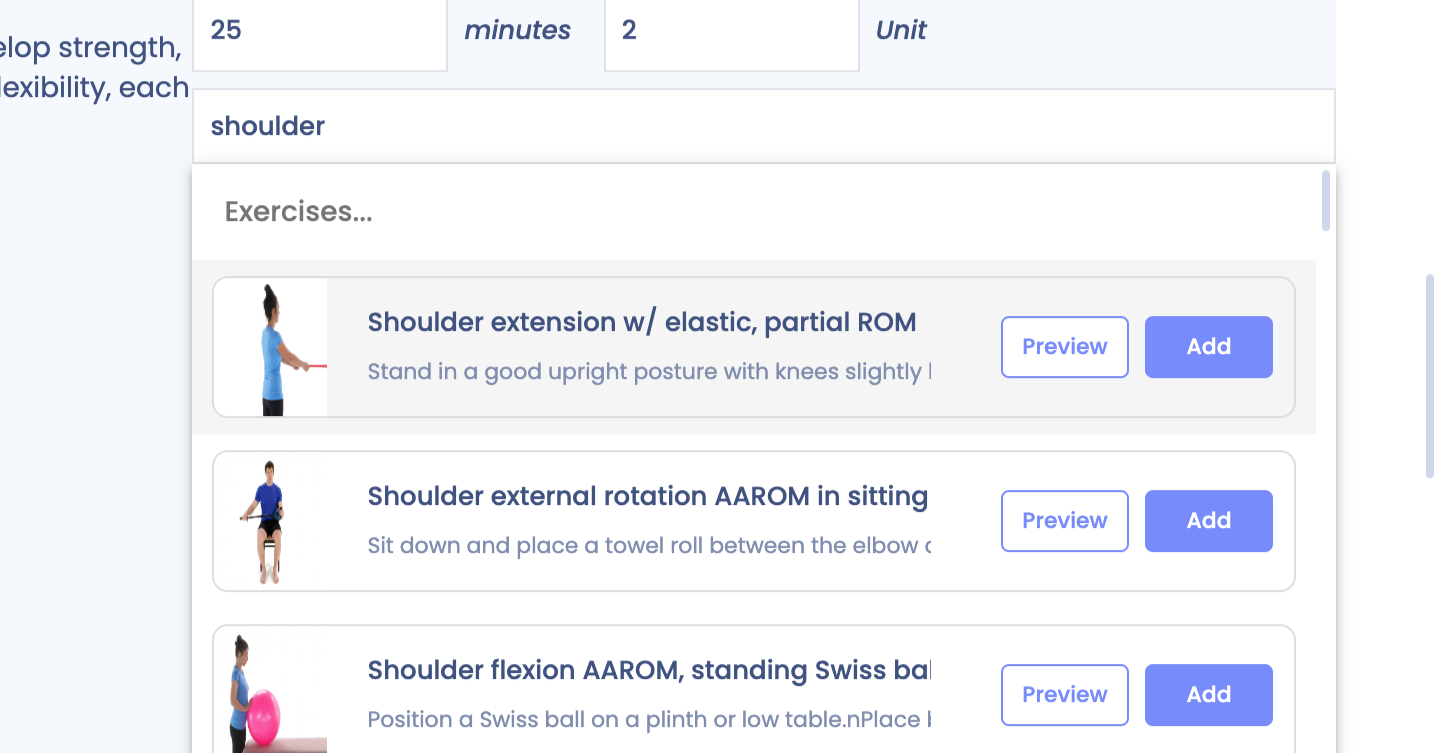
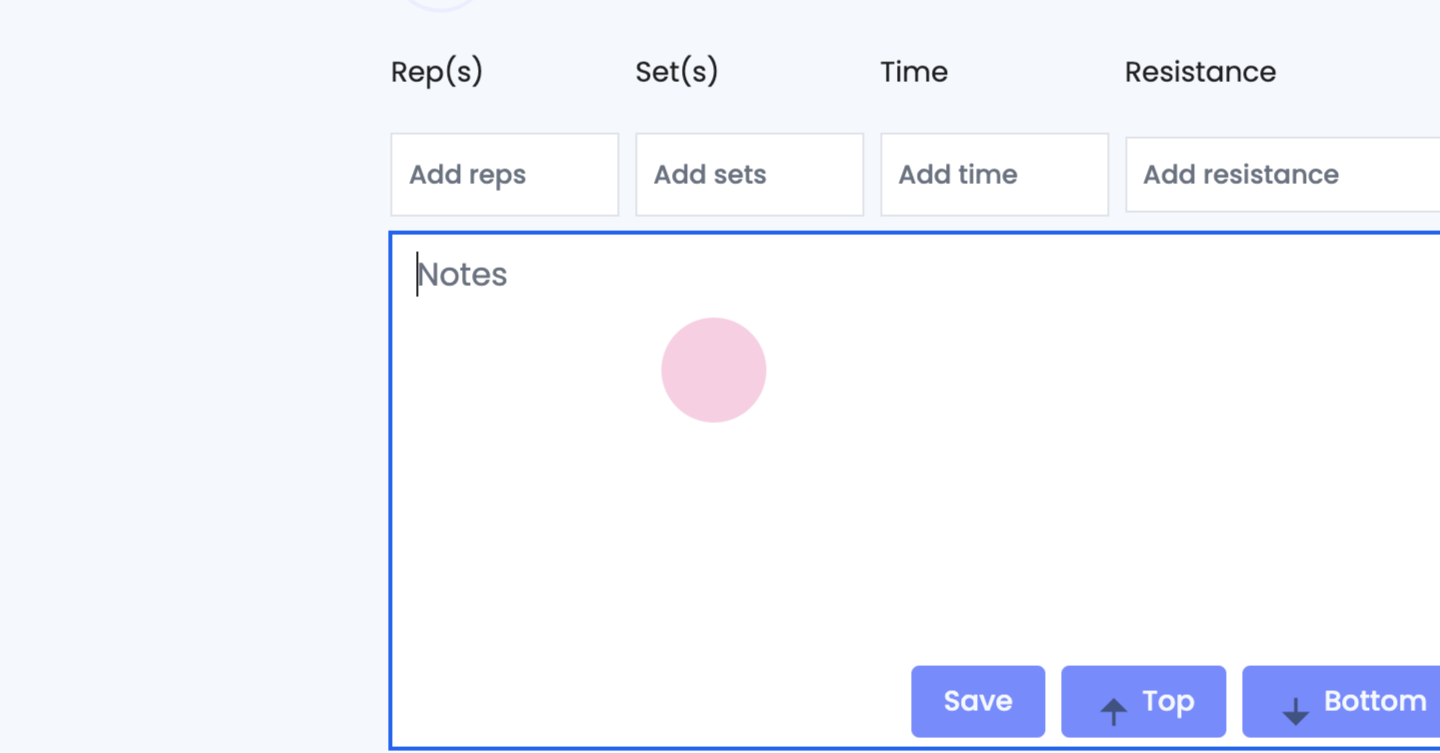
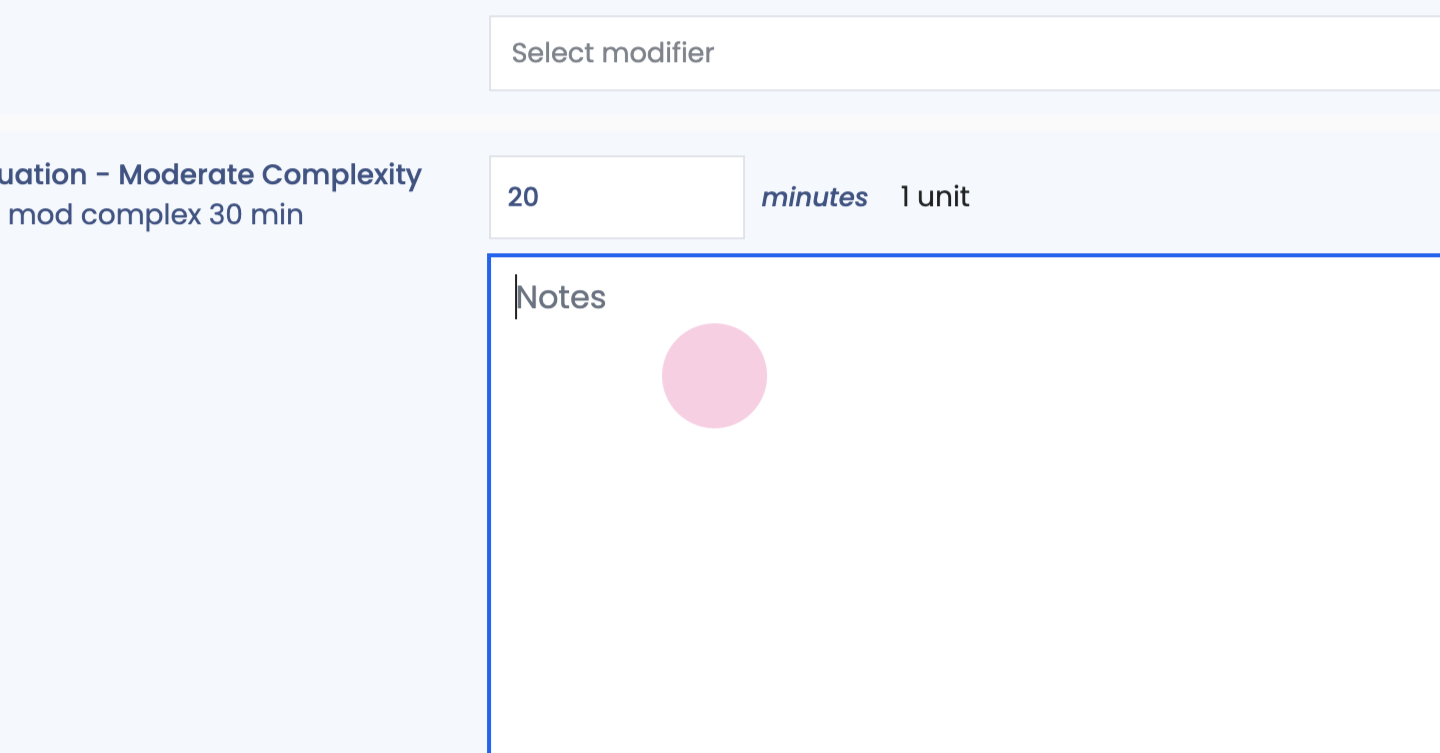
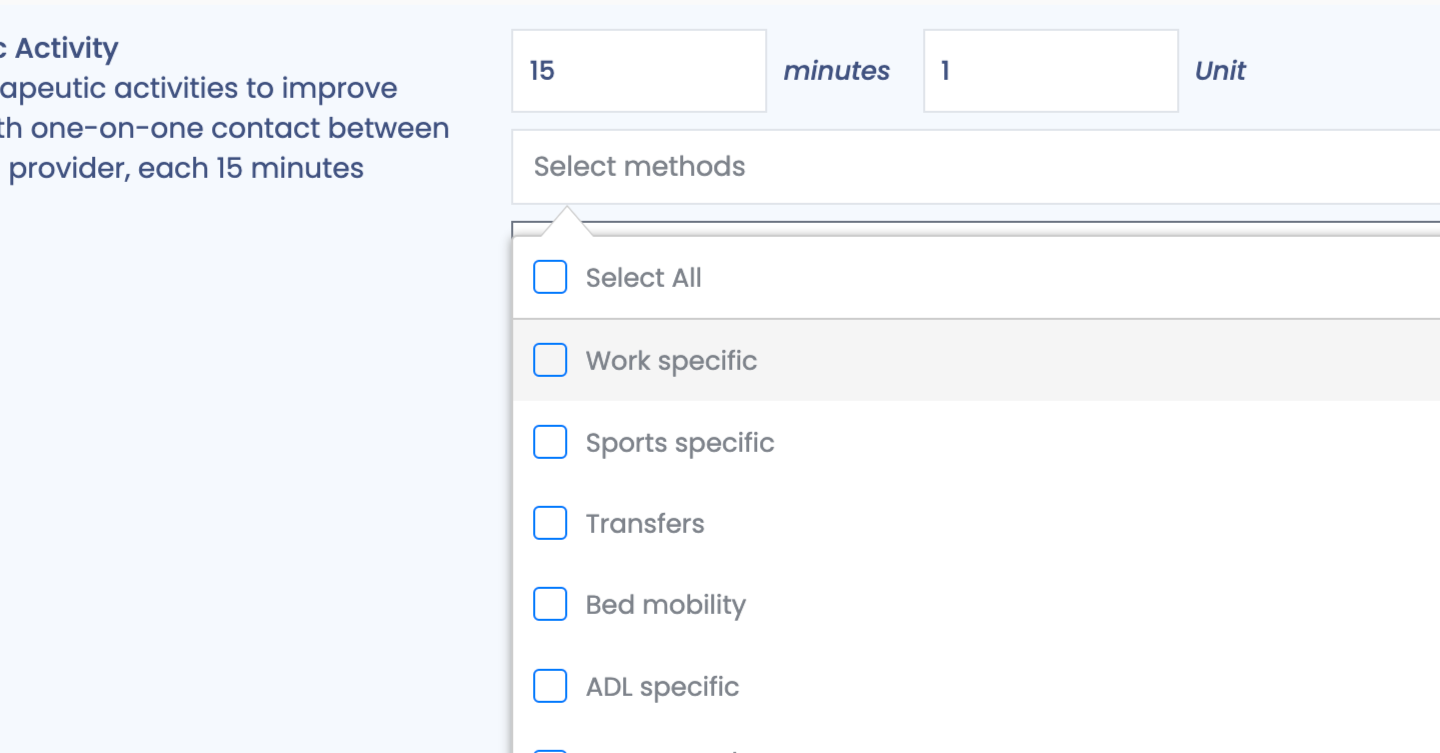
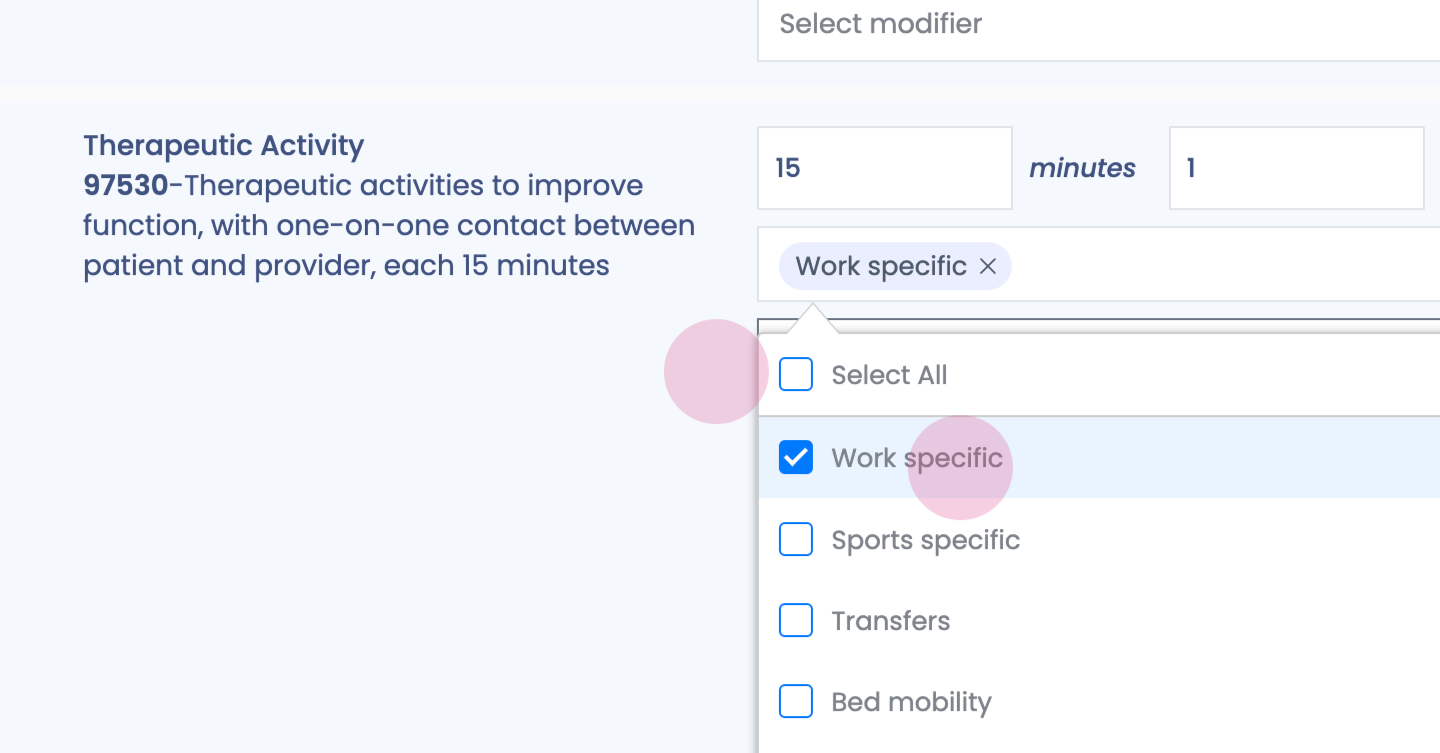
Step 62: Enter details as necessary.
Step 63:
Step 64:
Step 65:
Step 66:
Step 67:
Step 68:
Step 69:
Step 70:
Step 71:
Step 72:
Step 73:
Step 74:
Step 75:
Step 76:
Step 77:
Step 78:
Step 79:
Step 80:
Step 81:
Step 82:
Step 83:
Step 84:
Step 85:
Step 86:
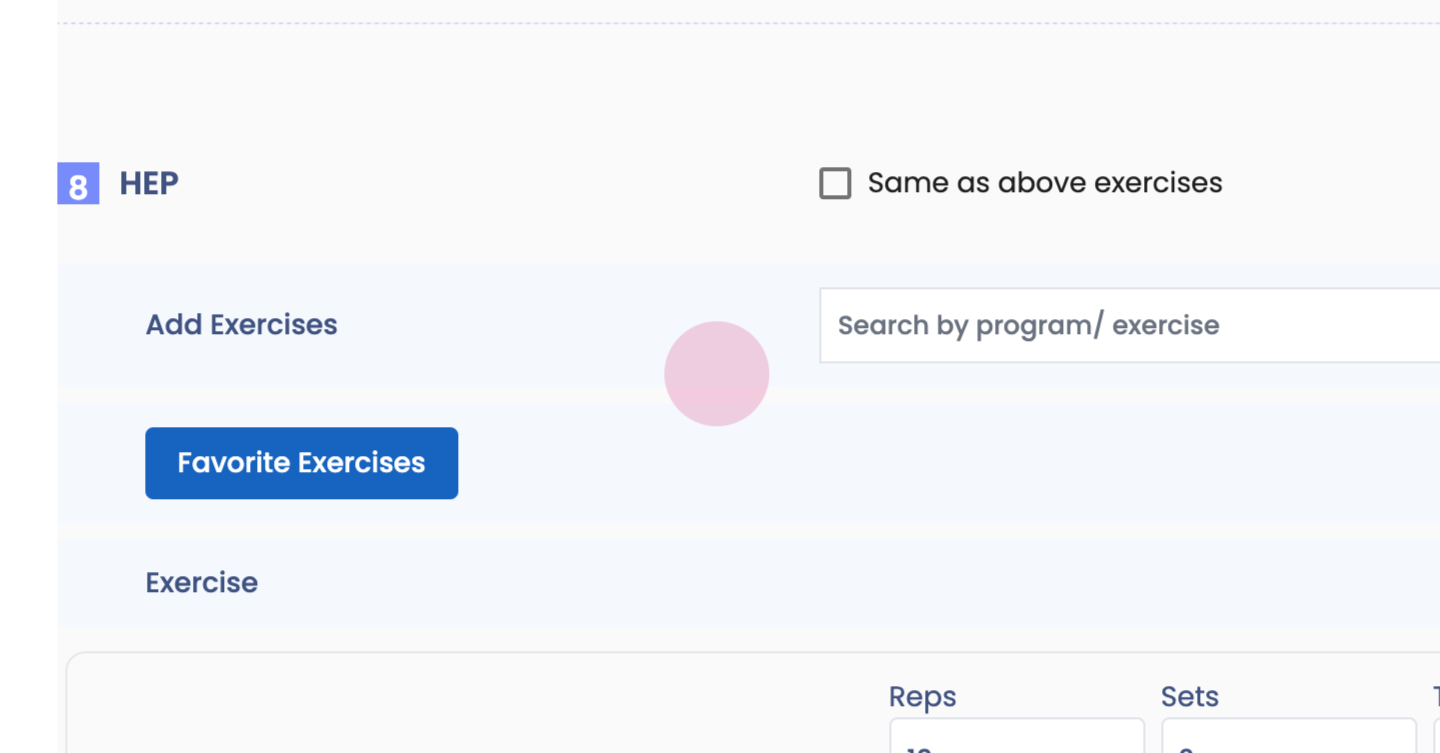
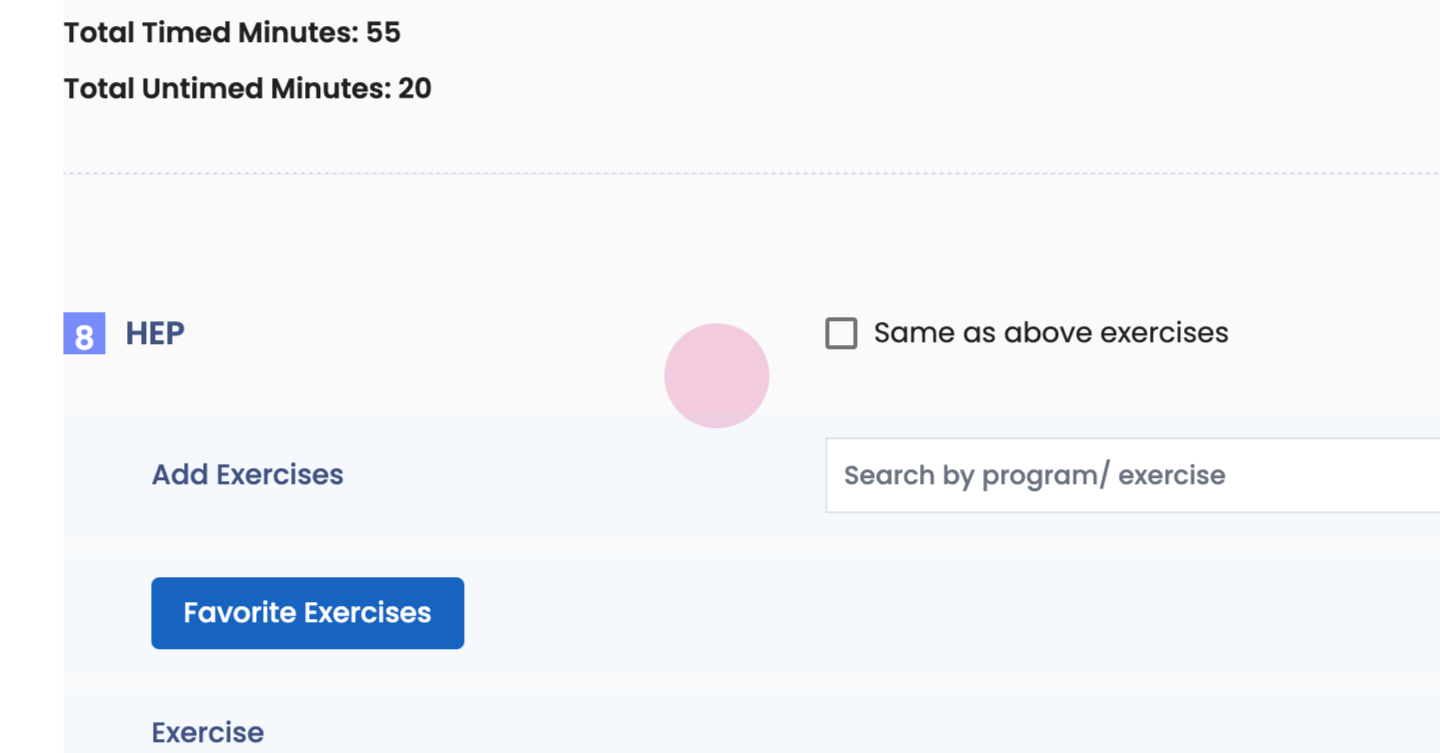
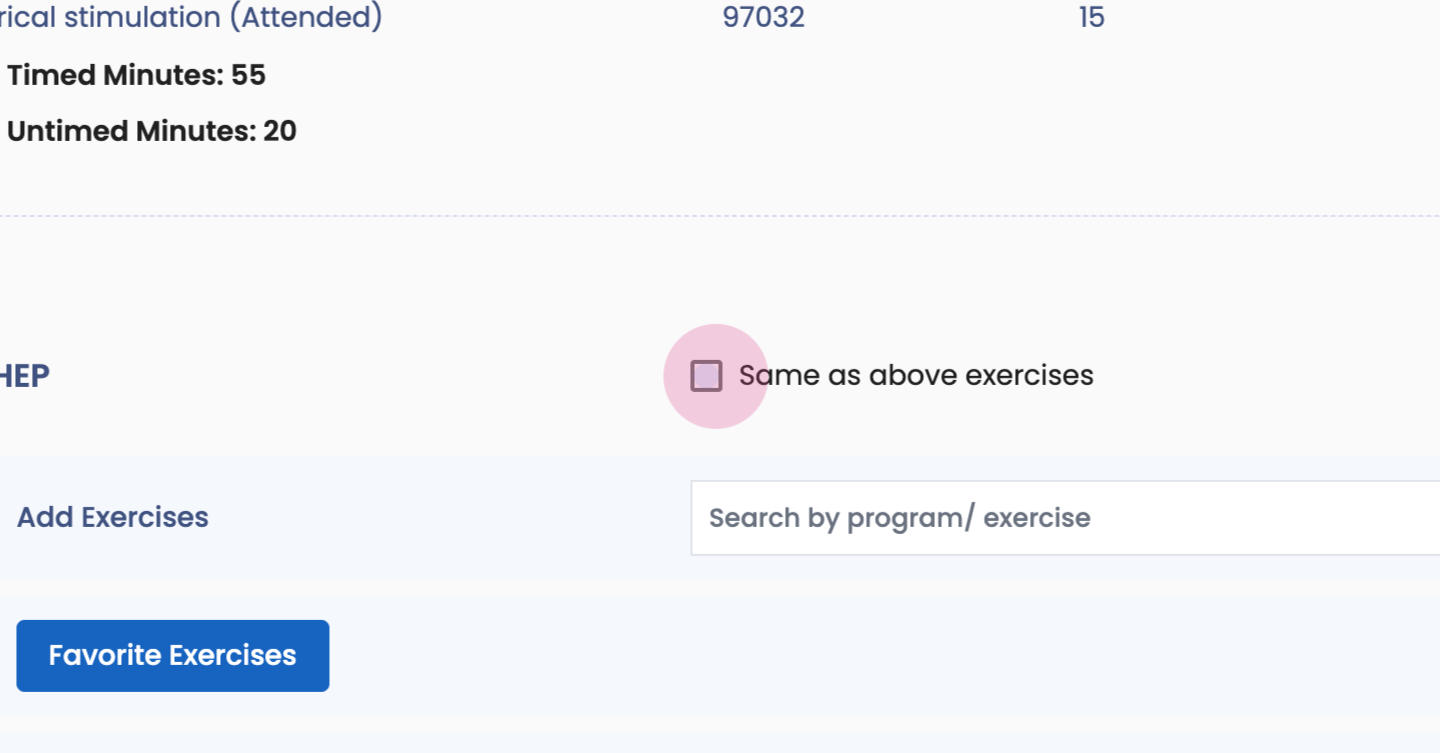
Step 87: Toggle on or off your billing rules based on AMA or CMS. Assign H E P.
Step 88:
Step 89:
Step 90:
Step 91:
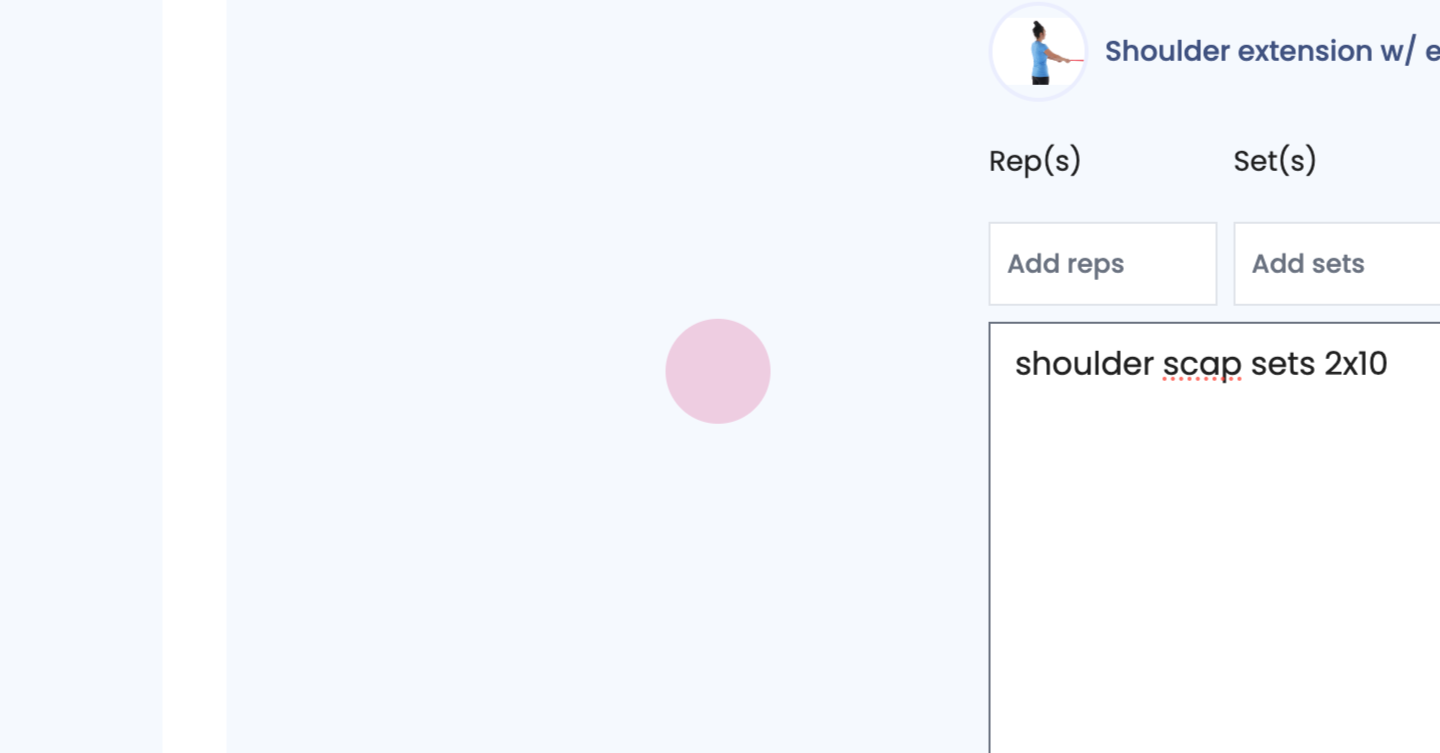
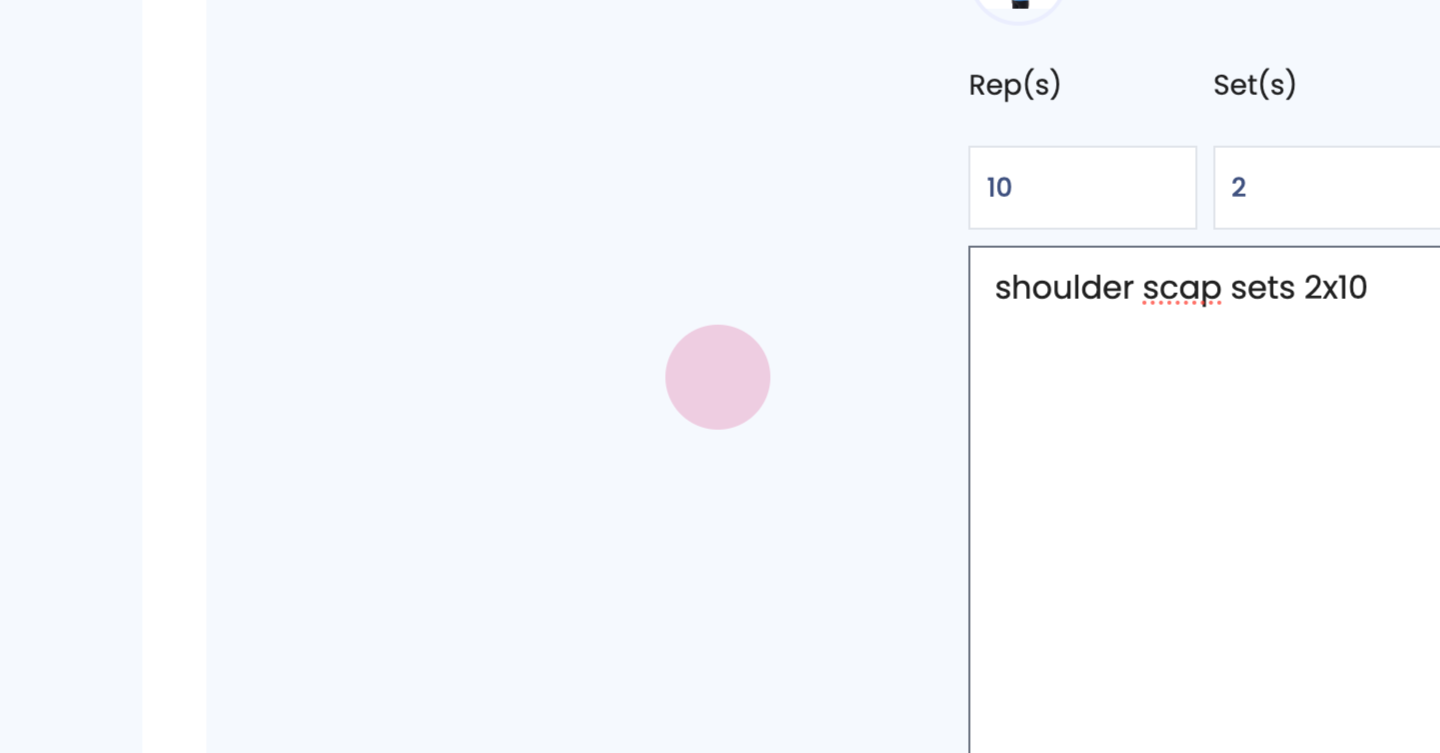
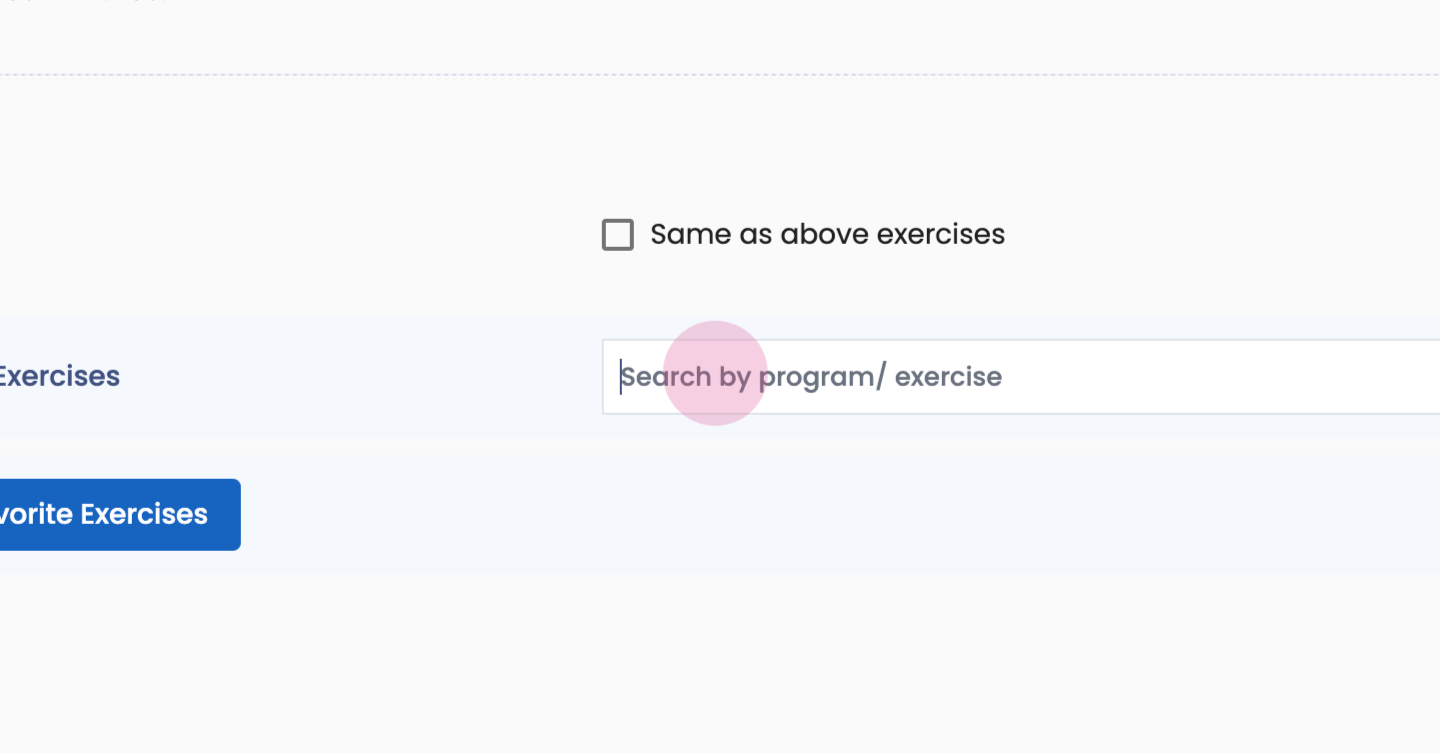
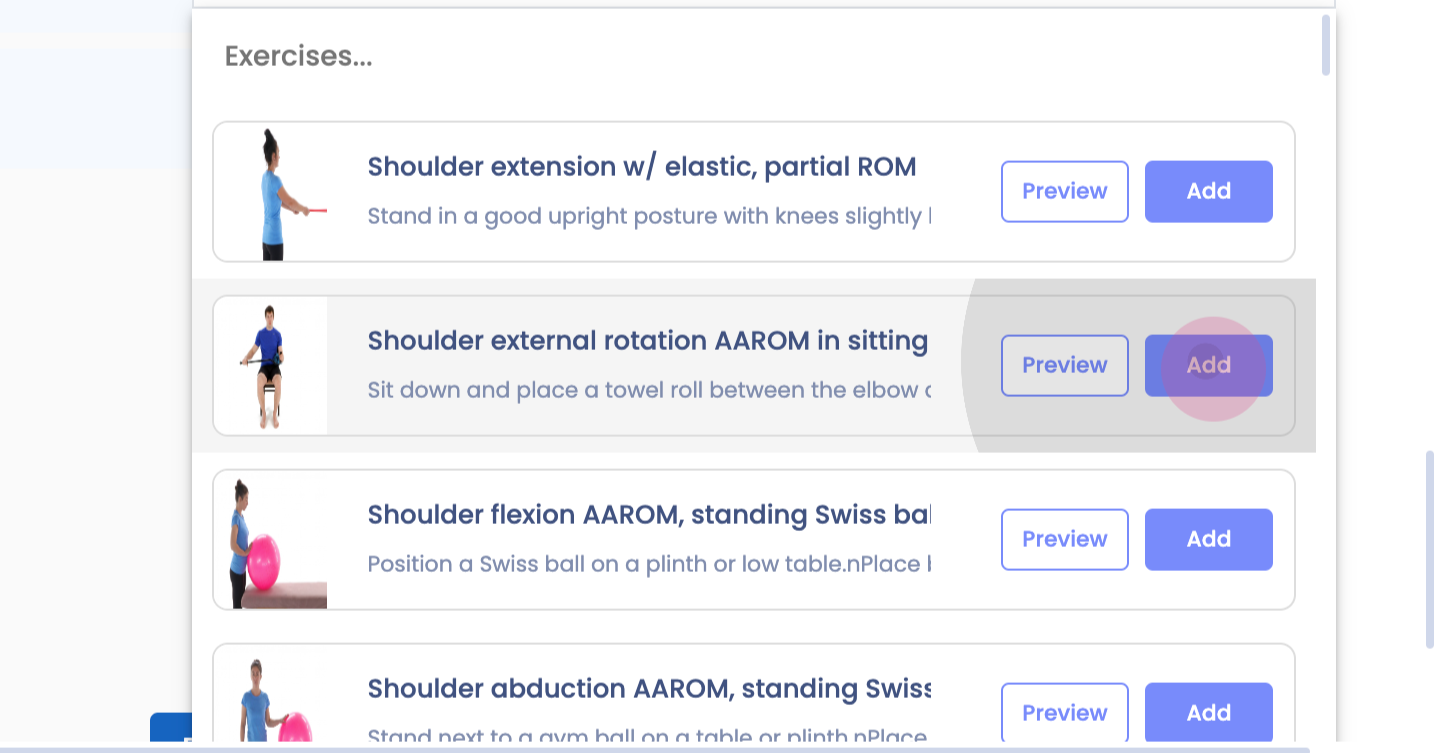
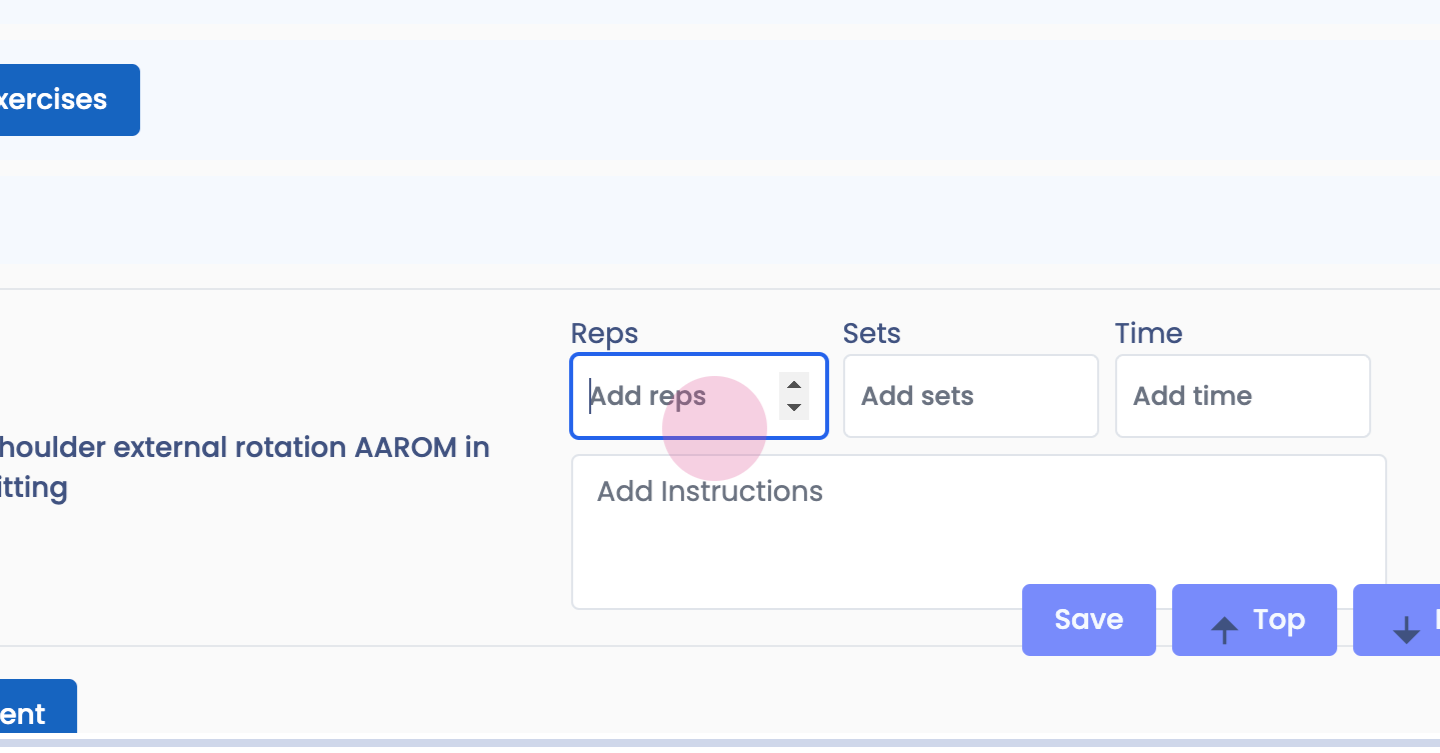
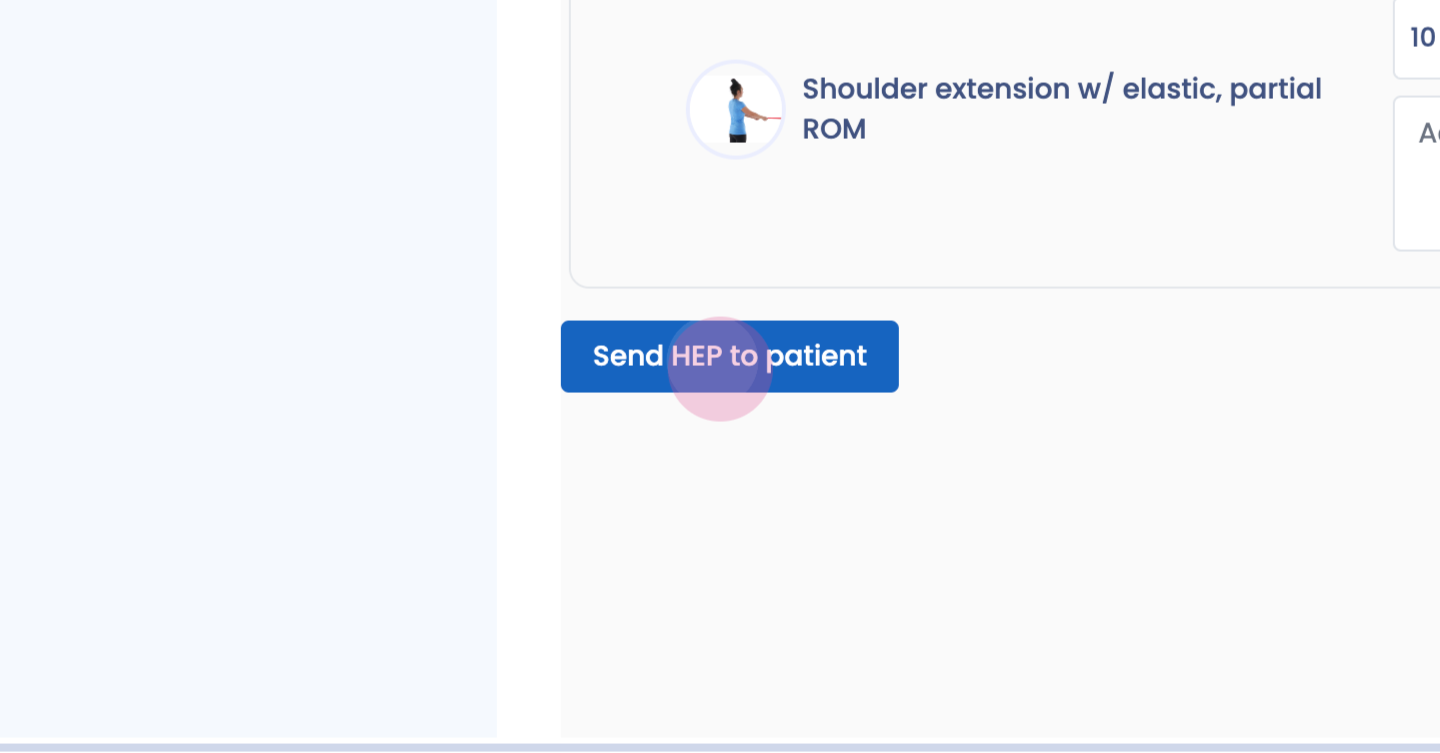
Step 92: Pull down the exercises if completed within the clinic to HEP, email to patient.
Step 93:
Step 94:
Step 95:
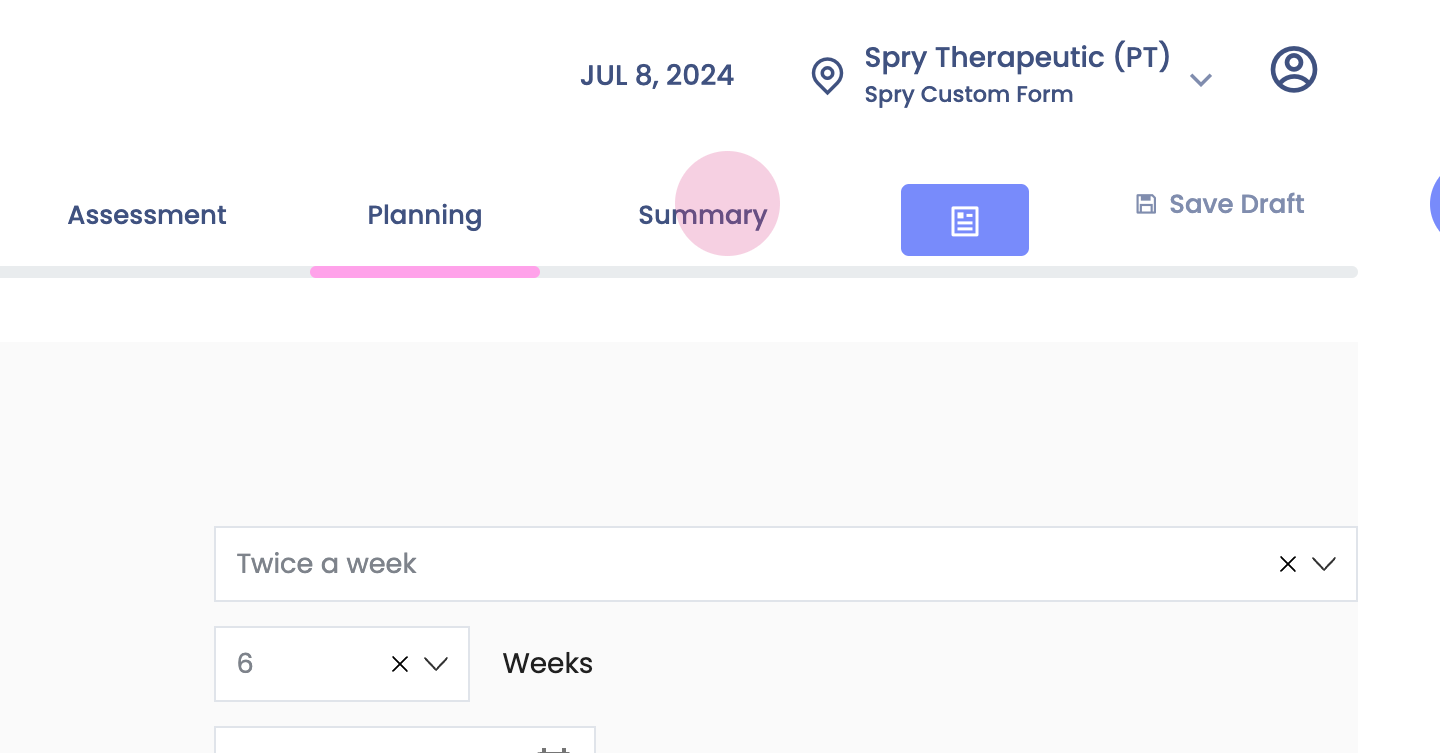
Step 96: Summary. Details entered into subjective section, objective, Assessment, and Plan will be visible here. Edit as necessary. Complete SOAP
Step 97: