
Introducing AI Scribe: Automate Your SOAP Note Creation
Spry serves as a personal assistant, streamlining and automating the process of note creation. This allows for more focus on patient care. Spry is fast, accurate, and eliminates the need for manual documentation. Here's how to use it:Accessing Spry
Step 1: Select the scheduled appointment.
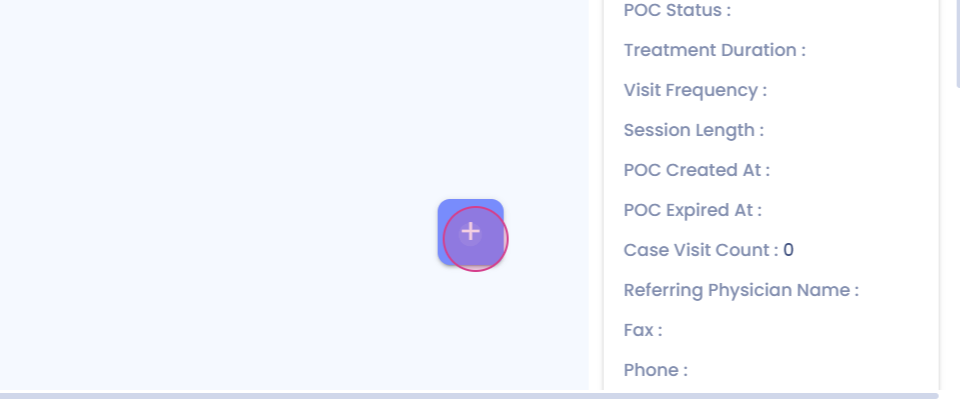
Step 2: This will lead to the documentation screen.
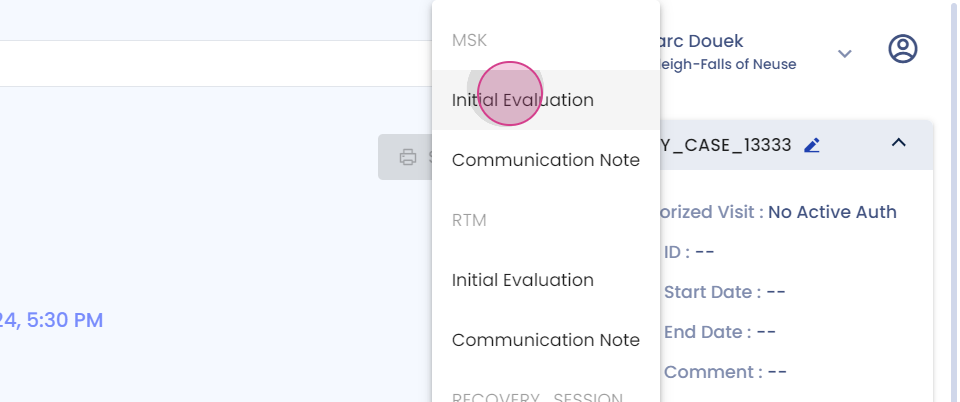
Using AI Scribe
Step 3: Locate the AI scribe icon in the top right corner and click on it to open the scribe and begin documentation.
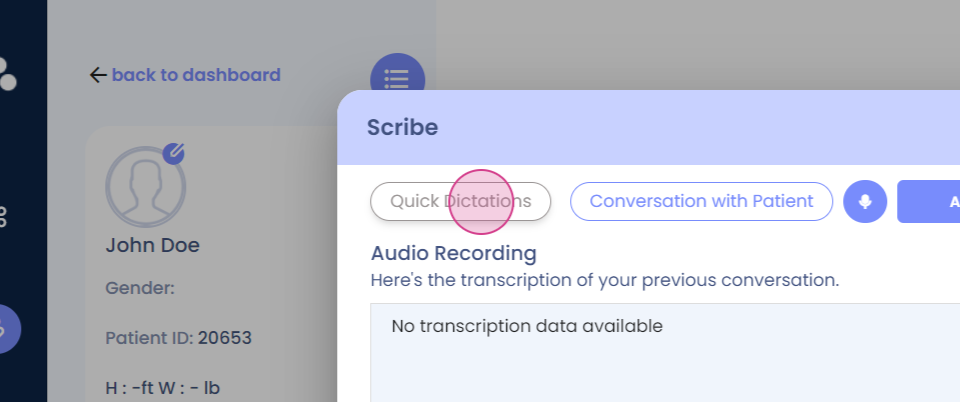
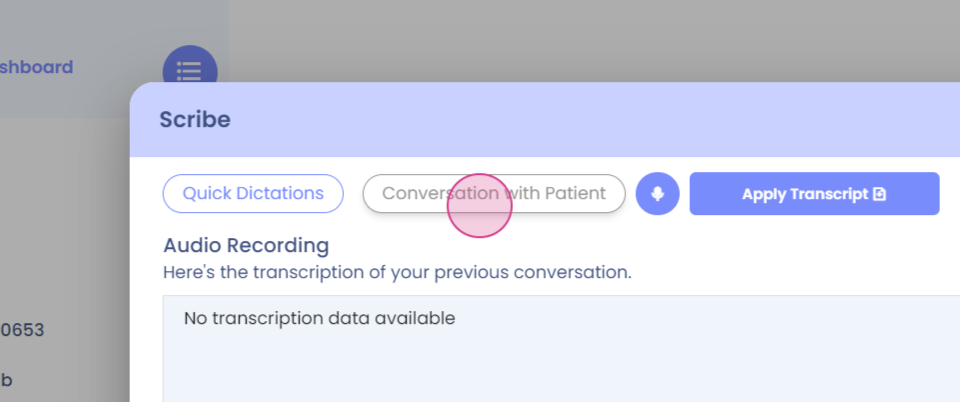
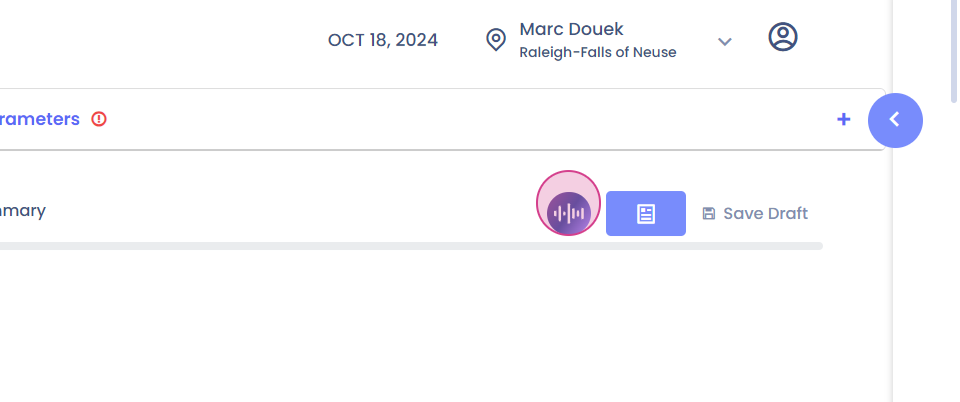
AI Scribe provides two methods for creating spoken notes: recording the entire conversation with the patient, or quickly dictating notes into the system.Quick Dictation
Step 4: Try the quick dictation option. Speak the observations directly into the system.
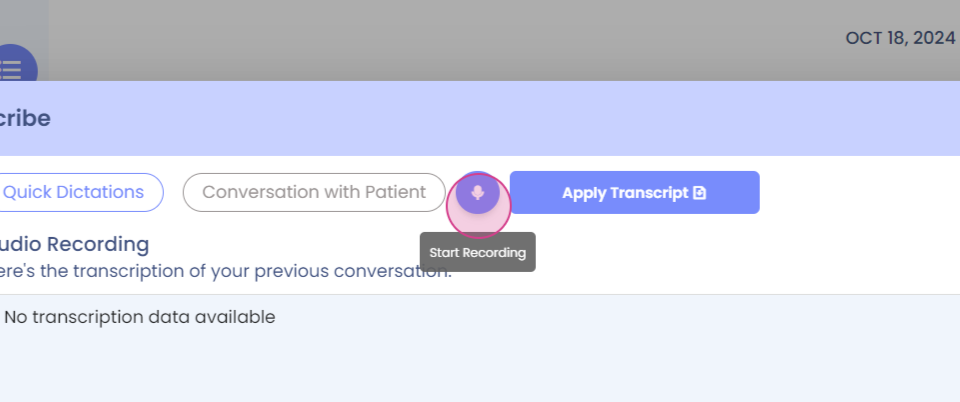
For instance, "Pain level at six out of ten, difficulty fully straightening and bending knee, quadriceps muscle strength graded three out of five. Gait affected with noticeable discomfort and weakness. Difficulty standing on one leg due to instability. Plan for pain management, gentle exercises, strengthening quadriceps, improving gait and balance."
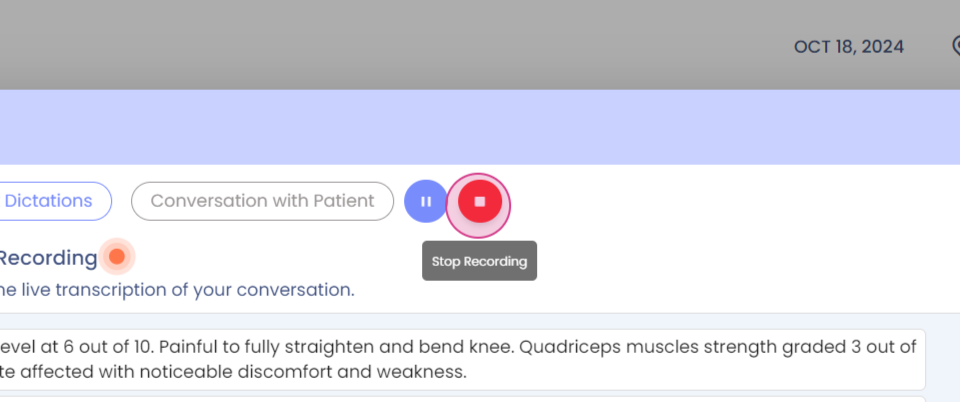
Step 5: Click on 'stop recording'
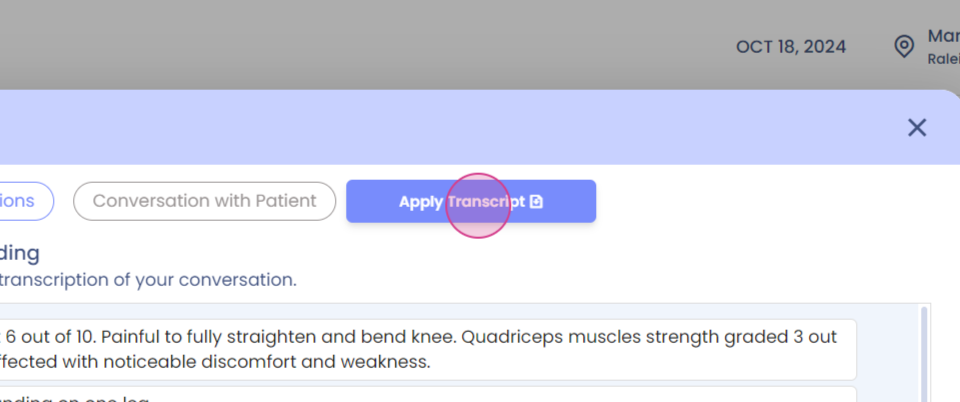
and then 'apply transcript'.The notes will automatically fill in the SOAP format. The transcript can be reapplied at any time if necessary.Finalizing Notes