
SOAP Control Panel Overview
Soap control panel overview. Start by opening the
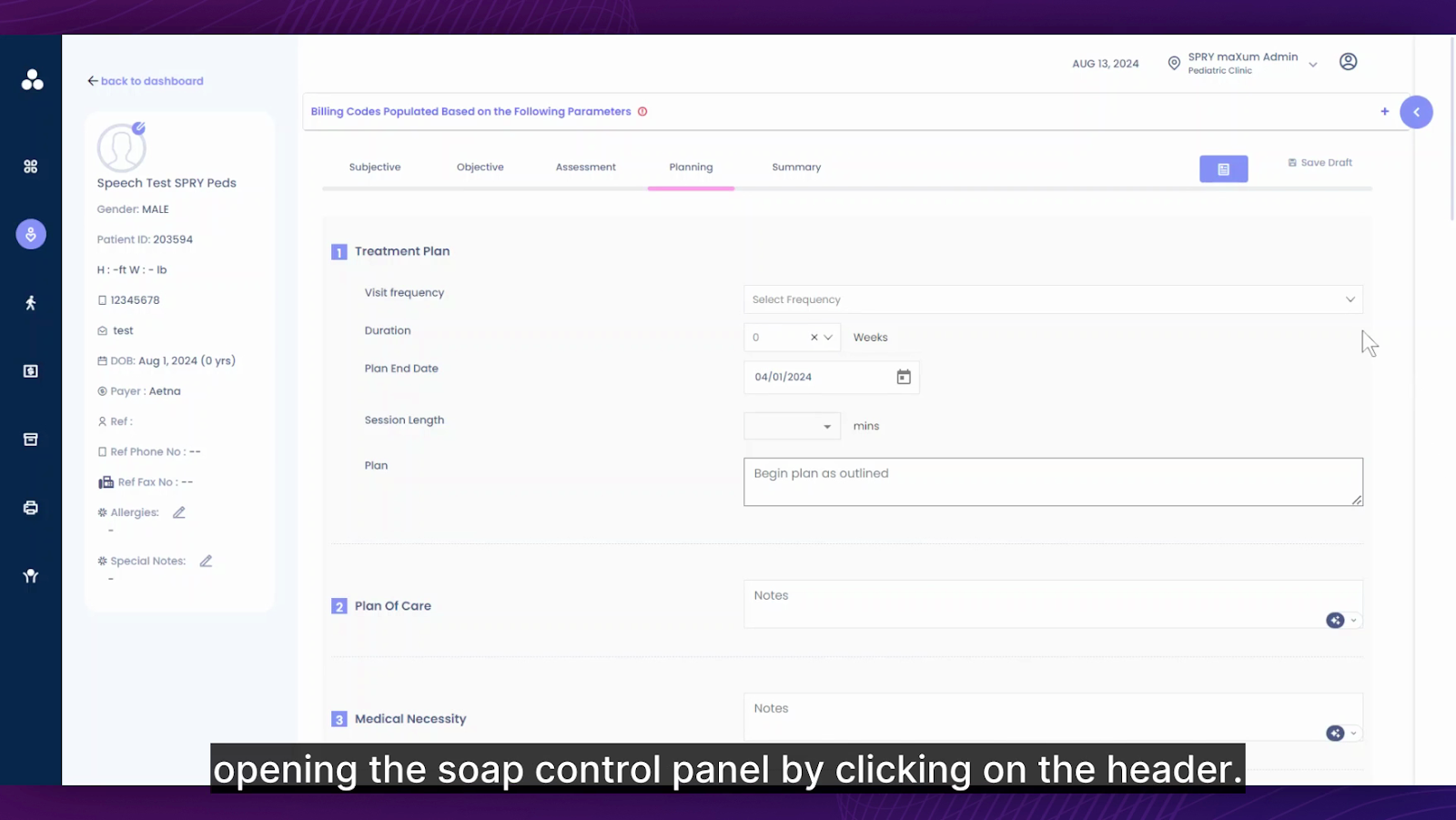
soap control panel by clicking on the
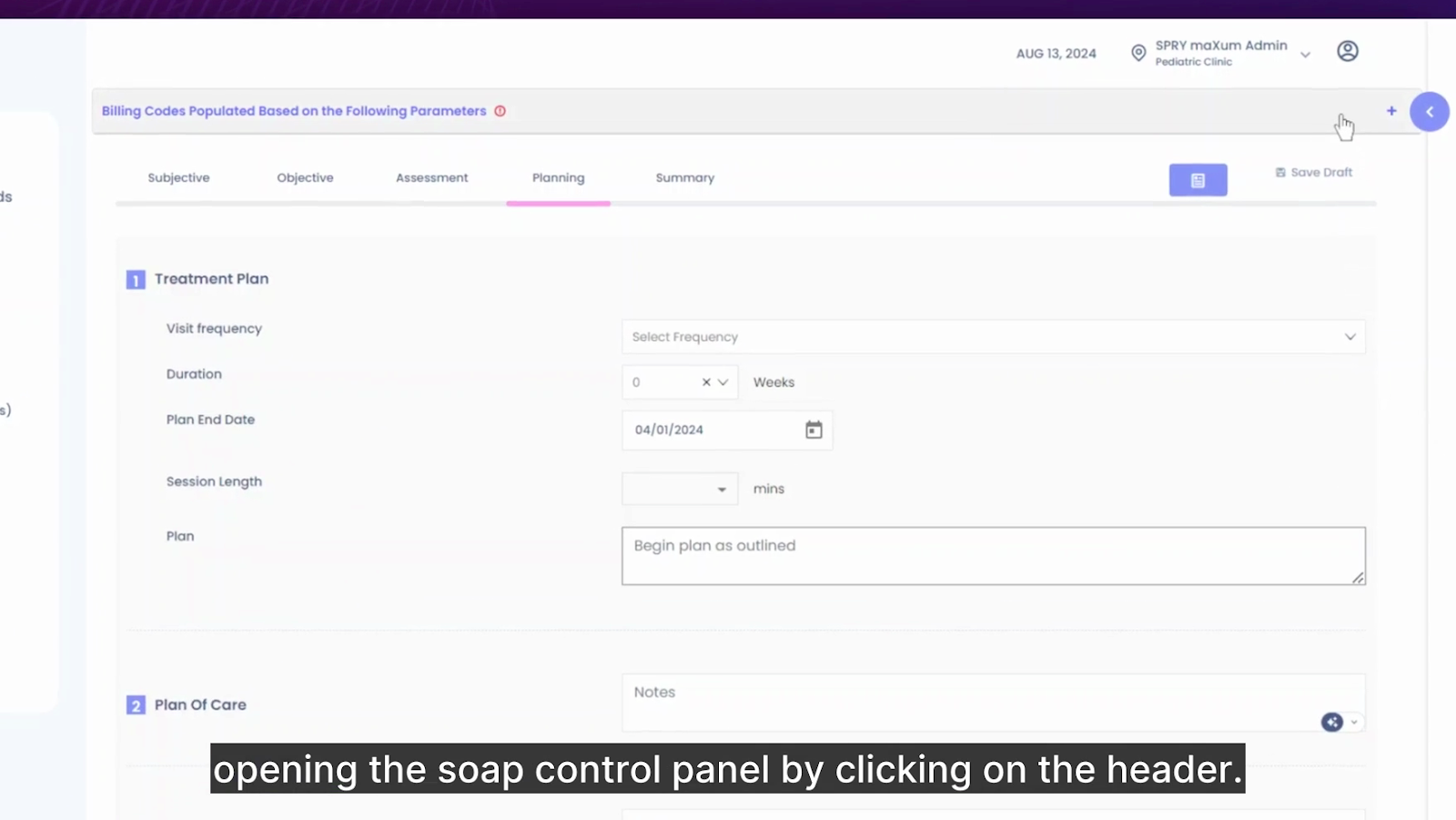
header. This will reveal all the parameters that determine how this particular soap node and template are fetched. You can then view the
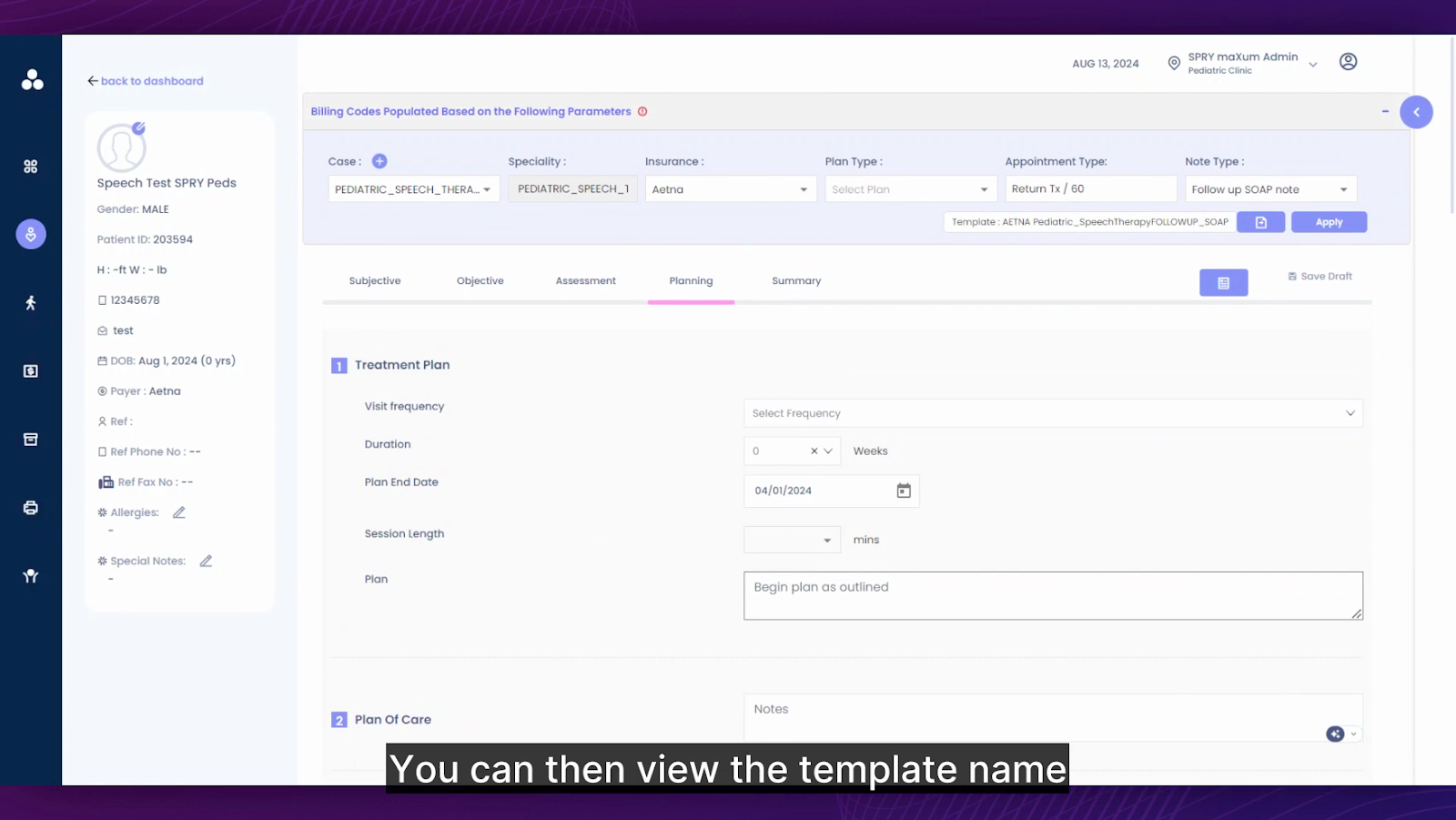
template name which is determined by the selected parameters. In this instance, the parameters are case, specialty, insurance, plan type, appointment type, and note type. To modify any specific parameter for insurance, you can adjust the
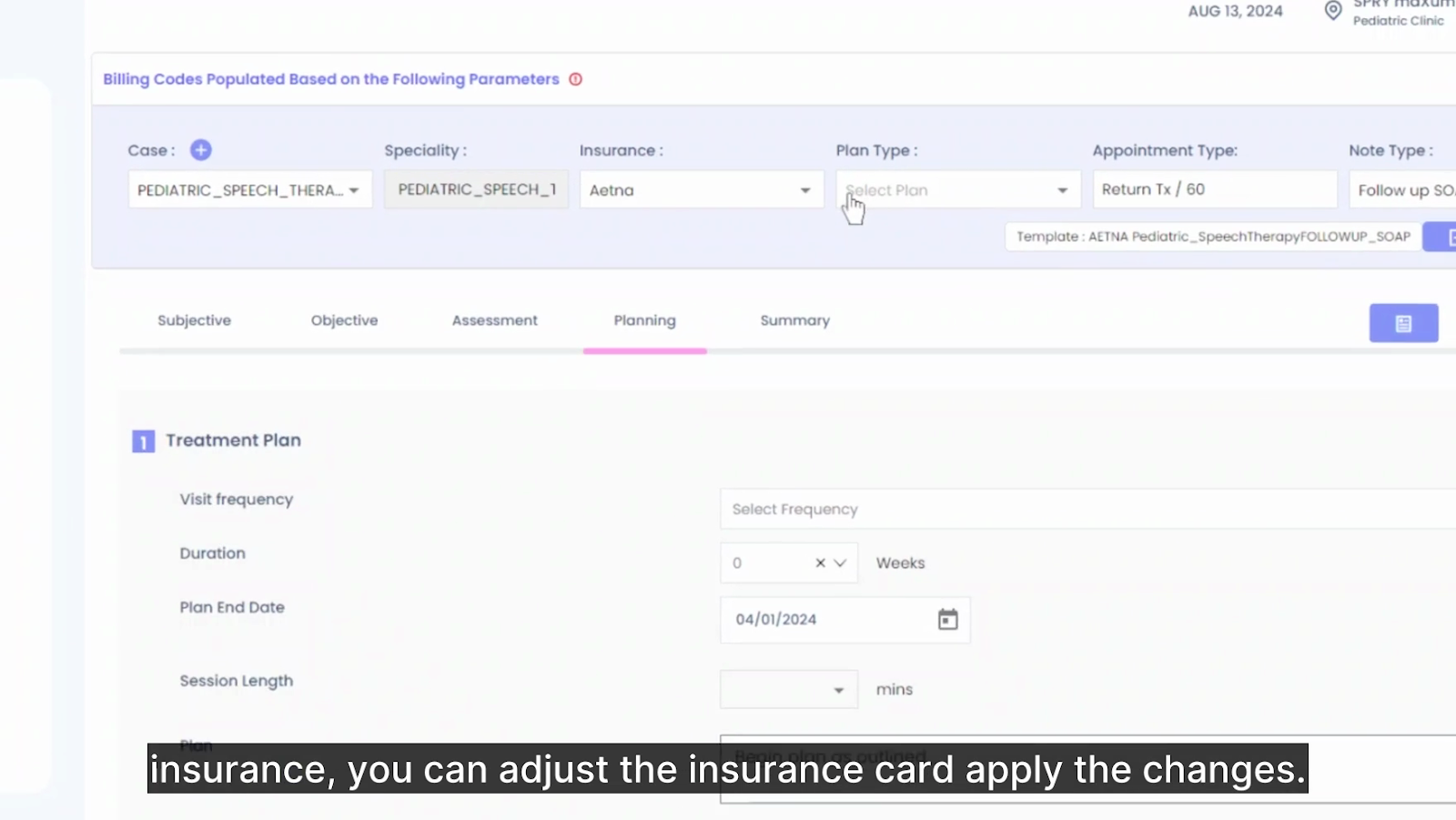
insurance card, apply the changes. Consequently, a new template will be fetched. You can see that a new template has been fetched based on the change in insurance. Similarly, you can modify the parameters of this specific SOAP note of the note type. You can change it to the
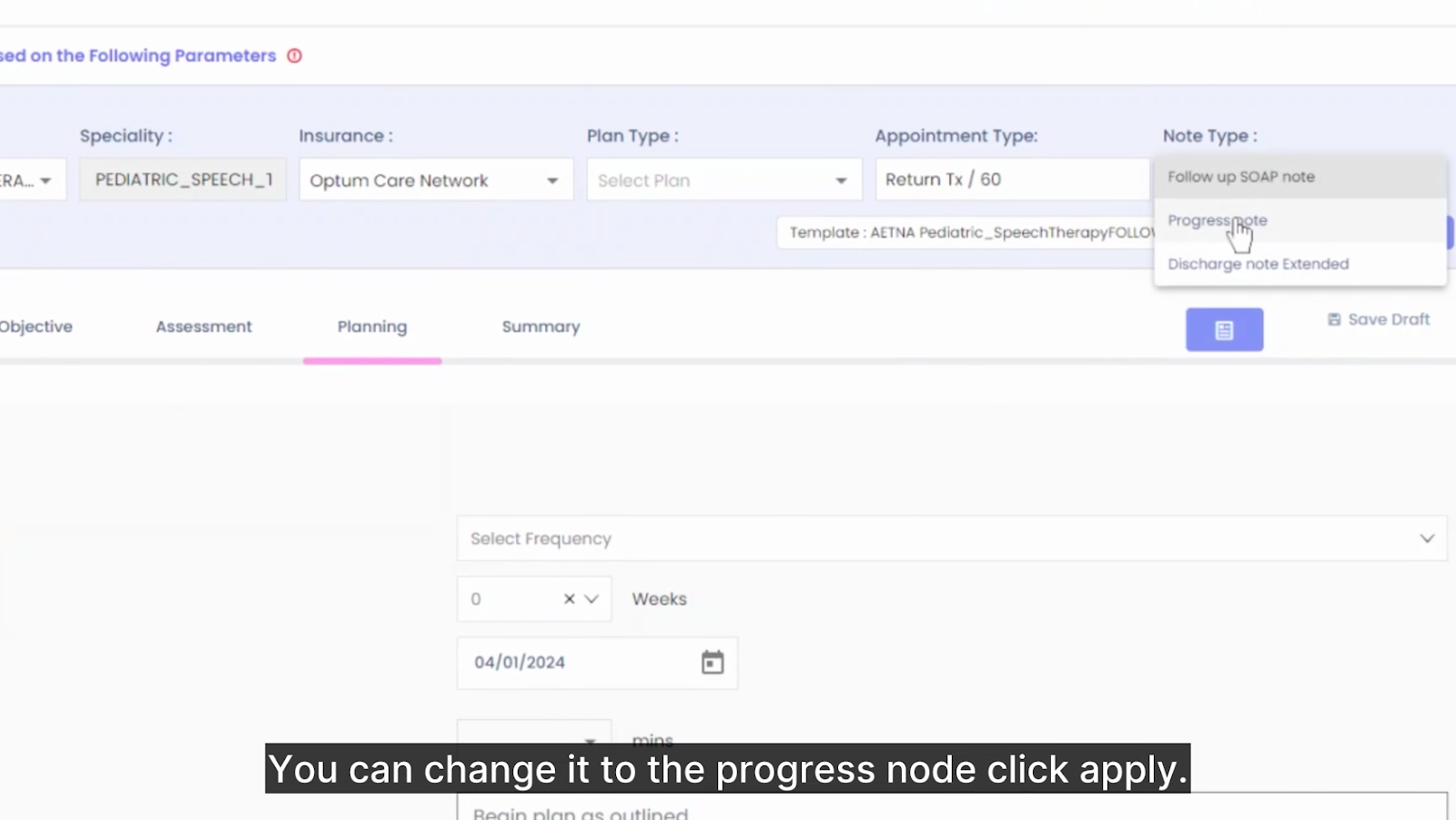
progress note. Click
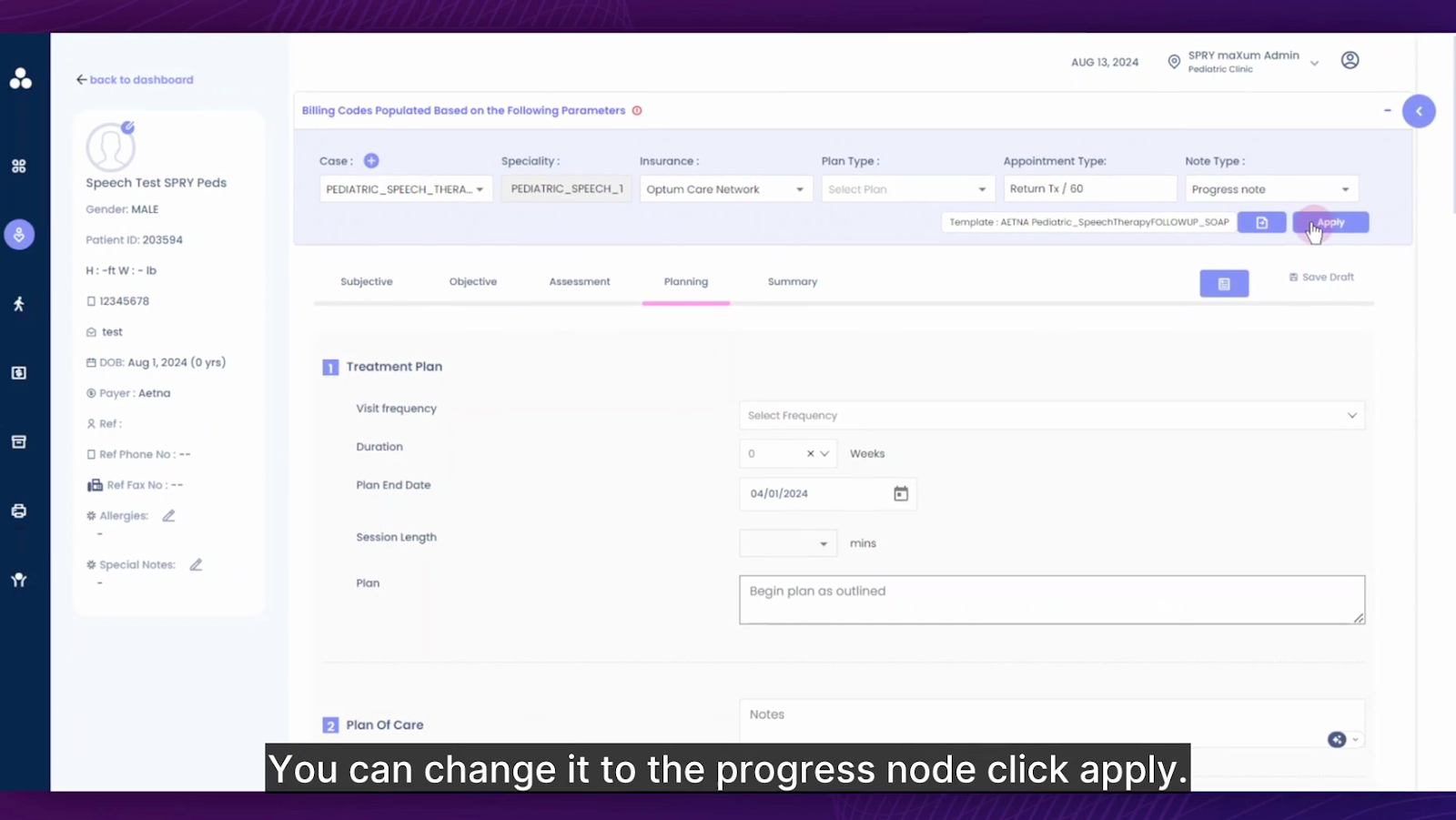
apply. The note has now been changed to the progress note.